

Workflow automation software isn’t just about saving time—it’s the behind-the-scenes engine that keeps teams from drowning in repetitive tasks.
When approvals, data handoffs, and routine reports rely on manual steps, errors pile up, deadlines slip, and teams waste hours on work that adds little value.
Smart workflow automation tools connect apps, route work, and trigger actions automatically (often without writing code), so processes run reliably and people can focus on higher-value work.
This guide compares top workflow automation software options across ease-of-use, integration reach, scalability, and security so you can pick the right fit for small teams or enterprise needs.
You’ll learn which platforms are best for no-code builders, complex orchestration, IT and security automation, and which trade-offs to expect as automation scales.
What is workflow automation software?
Workflow automation software digitizes repetitive tasks and frees your team from manual handoffs.
It turns paper or spreadsheet steps into digital rules and triggers. The software executes tasks, moves data, and enforces business logic without constant human input.
Typical uses include approval routing, document workflow automation, data syncs with CRM and ERP systems, and ticket triage for IT workflow automation. A robust platform gives you a no-code automation platform and intuitive workflow builder tools so non-technical users can build processes fast.
You can cut manual processing time by 30–50% on routine workflows. Start by mapping a simple approval flow with three to five steps, then test an automated version to measure time saved and error reduction.
I’d say small wins compound. Automate one process, learn from it, then scale to enterprise workflow automation or workflow orchestration across teams.
Key features to look for in workflow automation tools
No-code and low-code automation platforms
Choose no-code automation and low-code platforms to let non-technical teams build automations fast.
Modern workflow automation software uses a visual workflow builder. You drag steps, set triggers, and map data without code. Platforms add code hooks for custom logic and API calls. A low-code automation platform hits the sweet spot for most teams—it speeds delivery and keeps control.
You can prototype a flow in under 15 minutes and cut manual steps by about 50% on approval workflows. Measure time per task and error rate before scaling.
Start with a template: pick one, map your fields, add an approval step. Choose a tool that integrates with your CRM and ERP for smooth data flow.
Integration capabilities with CRM and ERP systems
Pick workflow automation software with native CRM connectors and ERP adapters to keep data aligned.
Choose platforms that integrate with Salesforce and SAP out of the box. That keeps customer records consistent across sales and finance. A proper connector syncs leads, accounts, orders, and invoices with real-time data flow.
You can reduce manual updates by up to 70% and cut duplicate entries by similar margins. Run a 30-day pilot. Sync a sample account set, monitor error rates and latency, then fix mappings before a full roll-out.
Pick tools with prebuilt adapters, audit logs, and retry logic. Favor bi-directional sync and field-level mapping. That shortens troubleshooting and speeds adoption for enterprise workflow automation and small business workflow automation alike.
Workflow orchestration and process management
Choose enterprise workflow orchestration to coordinate complex, multi-step processes across systems and teams.
Advanced platforms map dependencies, enforce sequencing, and apply conditional routing. They handle retries, timeouts, and error recovery. You get unified visibility across apps and teams.
Use these systems to reduce manual handoffs and speed approvals. Benchmarks show up to a 50% drop in handoffs and a 30% faster approval cycle with proper orchestration. Platforms integrate with CRM, ERP, and ticketing tools so data stays synchronized.
Tools with visual workflow builders and routing logic deliver the fastest wins. They cut training time and lower execution errors. You can start small with one end-to-end process and scale once performance improves.
Test orchestration on a single approval or document flow. Measure cycle time, error rate, and team hours saved. Iterate before wider rollout to maximize ROI.
AI-powered workflow optimization
AI-driven optimization brings smarter assignments and fewer handoffs to your workflow automation software.
AI analyzes workflow data and finds recurring bottlenecks. It suggests improvements and can auto-adjust assignments. Benchmarks show 20–40% fewer manual steps and approval times cut by about 30%. You save hours per week on routine approvals.
Look for anomaly detection, predictive routing, and performance-based load balancing. These expand basic workflow builder features into real process automation.
Actually, predictive routing helps teams ship faster. Choose platforms that integrate with CRM and ERP systems for end-to-end visibility. Test no-code automation and low-code automation platform options during trials.
Top 10 workflow automation software to consider
|
Tool |
Best For |
Pricing Starts At |
Key Strength |
|---|---|---|---|
|
monday.com |
Visual project & workflow management |
Free tier; paid from ~$8/user/month |
Intuitive visual boards |
|
ClickUp |
All-in-one task & process hub |
Free tier; paid from ~$7/user/month |
Doc, task, & automation consolidation |
|
Zapier |
Non-technical teams, fast automations |
Free tier; paid from ~$19.99/month |
7,000+ app integrations |
|
Make |
Complex multi-branch flows |
Free tier; paid from ~$9/month |
Better pricing at scale |
|
n8n |
Self-hosted, full control |
Free (self-host); cloud plans available |
Open-source flexibility |
|
Microsoft Power Automate |
Enterprise Microsoft 365 shops |
~$15/user/month |
Deep Microsoft integration |
|
Workato |
Enterprise secure workflows |
Custom enterprise pricing |
Governance & compliance |
|
Tray.ai |
Complex API orchestration |
Custom enterprise pricing |
Large payload handling |
|
Pipedream |
Backend automation with code |
Free tier; usage-based paid |
Event-driven triggers |
|
Tines |
Security & incident response |
Custom enterprise pricing |
Security-focused playbooks |
monday.com
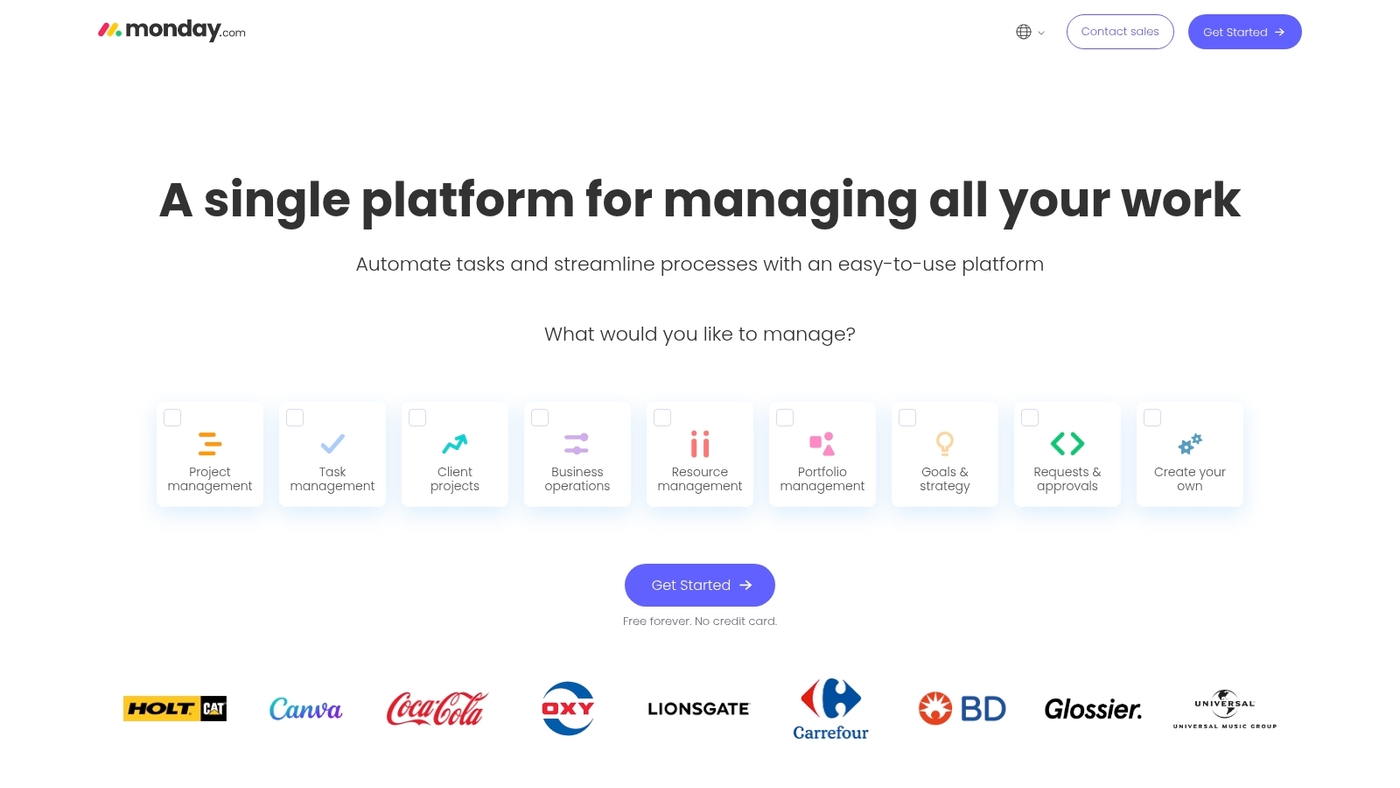
monday.com combines visual project management with powerful workflow automation in one platform.
The drag-and-drop interface lets you build boards, automate task assignments, and route approvals without code. You can connect to CRM, ERP, and communication tools with prebuilt integrations. Teams use it for project tracking, resource planning, and approval workflow software.
The visual builder makes it easy for non-technical users to create workflow automation tools fast. You can set triggers like status changes or date arrivals to kick off notifications, updates, or data syncs. (Plus, the color-coded boards keep everyone aligned at a glance.)
Need to automate a repeating approval or update cycle? monday.com delivers quick setup and clear visibility.
Pros
-
Intuitive visual boards for project and workflow management
-
No-code automation builder with templates
-
Wide integration library
Cons
-
Cost can rise with advanced features and larger teams
-
Less suited for heavy backend API orchestration
For who?
Marketing, operations, and project teams that want visual tracking and simple automations in one tool.
Pricing
Free tier available. Paid plans start around $8 per user/month and scale by features and team size.
ClickUp
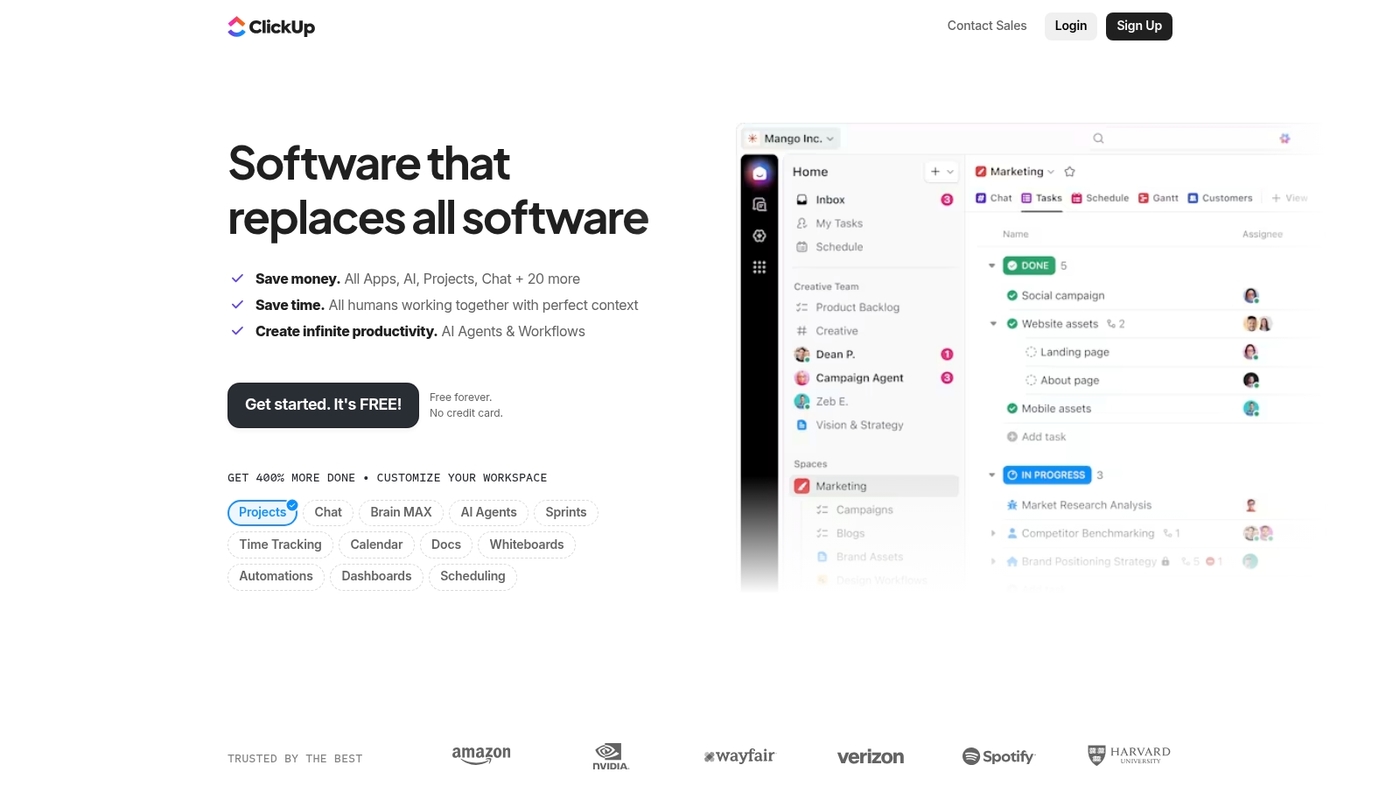
ClickUp consolidates tasks, docs, and automations into a single workspace.
You get customizable views, built-in time tracking, and a visual workflow builder for routing tasks and approvals. The platform connects to popular apps and lets you build automations without code. Teams use it to replace multiple tools and streamline process automation software.
ClickUp’s flexibility means you can tailor dashboards, fields, and workflows to match your processes. Automation recipes handle recurring tasks, status updates, and notifications. I’d say it’s a strong fit when you want to consolidate planning, execution, and automation under one roof.
For pairing with other collaboration tools, check our best free online collaboration software guide.
Pros
-
All-in-one platform for tasks, docs, and automations
-
Highly customizable views and fields
-
Generous free tier
Cons
-
Steep learning curve due to extensive features
-
Can feel overwhelming for small, simple workflows
For who?
Teams wanting to consolidate project management, task tracking, and workflow automation in one tool.
Pricing
Free tier available. Paid plans start around $7 per user/month and scale by features and integrations.
Zapier
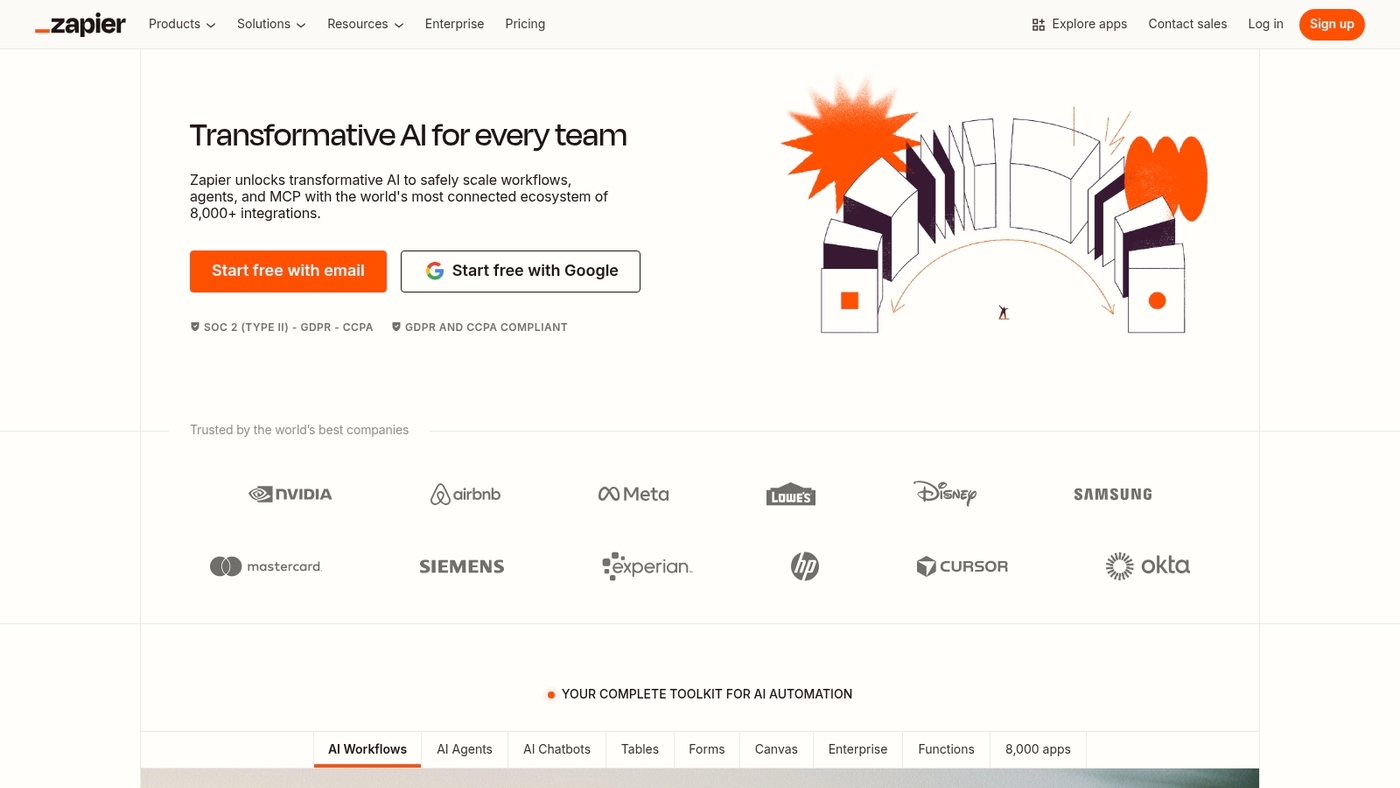
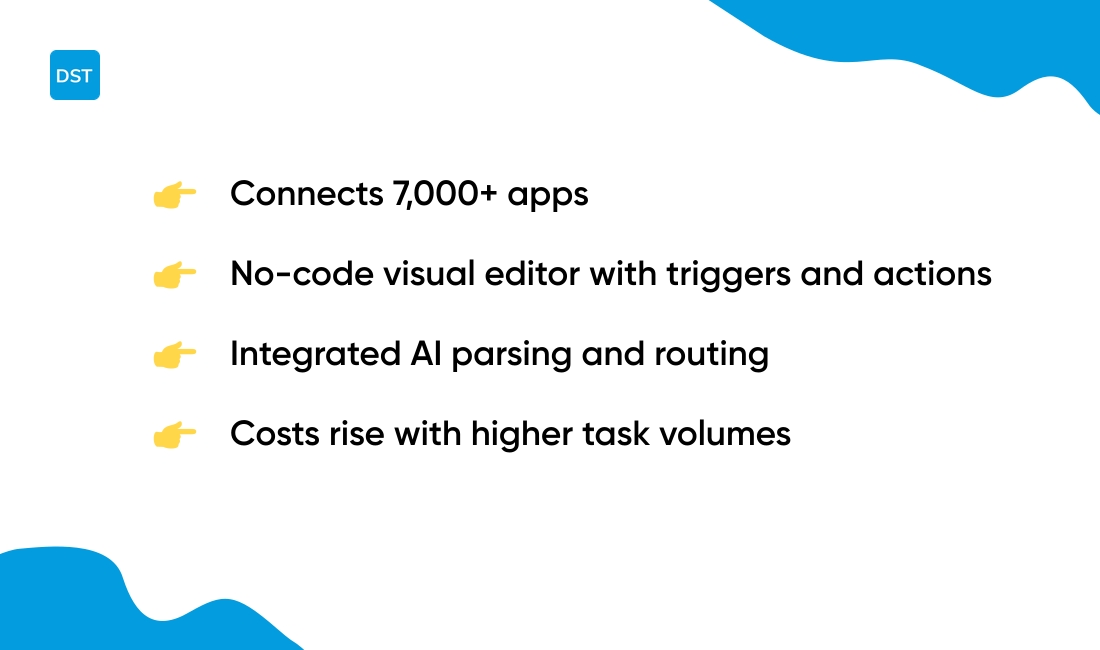
Zapier connects over 7,000 apps with prebuilt integrations for workflow automation software.
Its visual editor uses triggers and actions for quick setup. The platform now adds integrated AI tools for parsing and routing data. You can build leads-to-CRM flows and approval routes in minutes using workflow automation tools.
The low learning curve speeds rollouts and reduces manual work. Pricing rises as task volume grows. Complex branching often raises costs for heavy use of process automation software.
For broader workflow tool comparisons, visit The Digital Project Manager.
Pros
-
Huge app library (7,000+)
-
No-code editor and templates
-
Integrated AI tools for data parsing
Cons
-
Costs scale with task volume
-
Not ideal for complex multi-branch workflows
For who?
Teams with little technical support and fast automation needs.
Pricing
Free tier available. Paid plans start around $19.99 per month and scale by task volume.
Make (formerly Integromat)
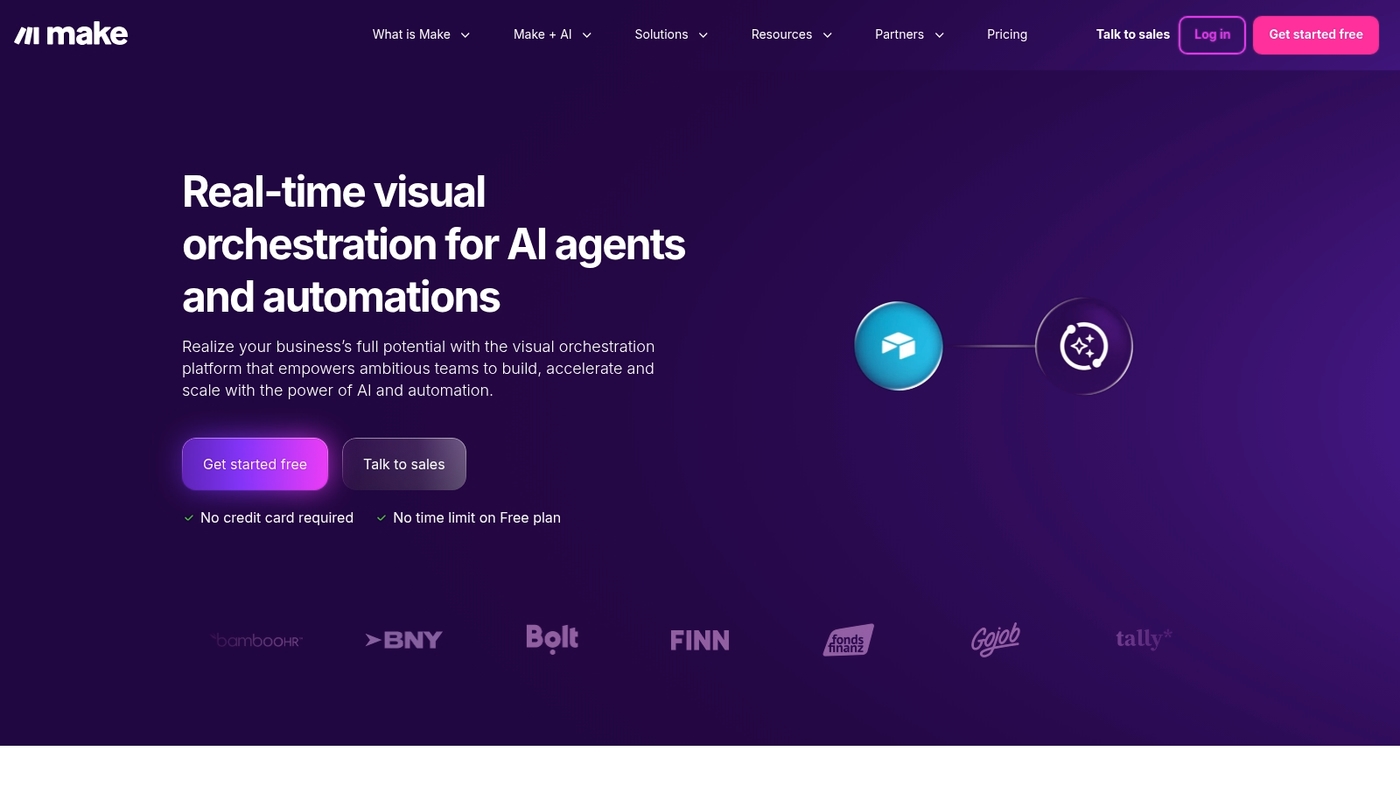
Choose Make if you need complex multi-branch automations at lower cost.
The platform offers a visual editor that maps split paths and parallel tasks. You can build rules that route data deterministically at high volume. The interface shows live execution logs and clear error traces. That speeds debugging and shortens build cycles.
Connectors cover common apps and custom HTTP calls handle niche systems. The system scales by operations and often costs less than competitors when usage grows.
Use the visual workflow builder to layout branches. Use the logs to monitor performance and reduce failed runs across teams. Actually, Make gives more control per dollar for dense flows and split logic.
Pros
-
Excellent for multi-branch flows and complex routing
-
Generous free tier and better pricing model at scale
-
Live execution logs for troubleshooting
Cons
-
Steeper learning curve for non-technical users
-
Fewer one-click templates than some rivals
For who?
Ideal for technical teams, operations, and agencies automating high-volume processes. Small teams with simple triggers may prefer simpler tools.
Pricing
Free tier available. Paid plans start near $9/month for higher operation quotas and team features.
n8n
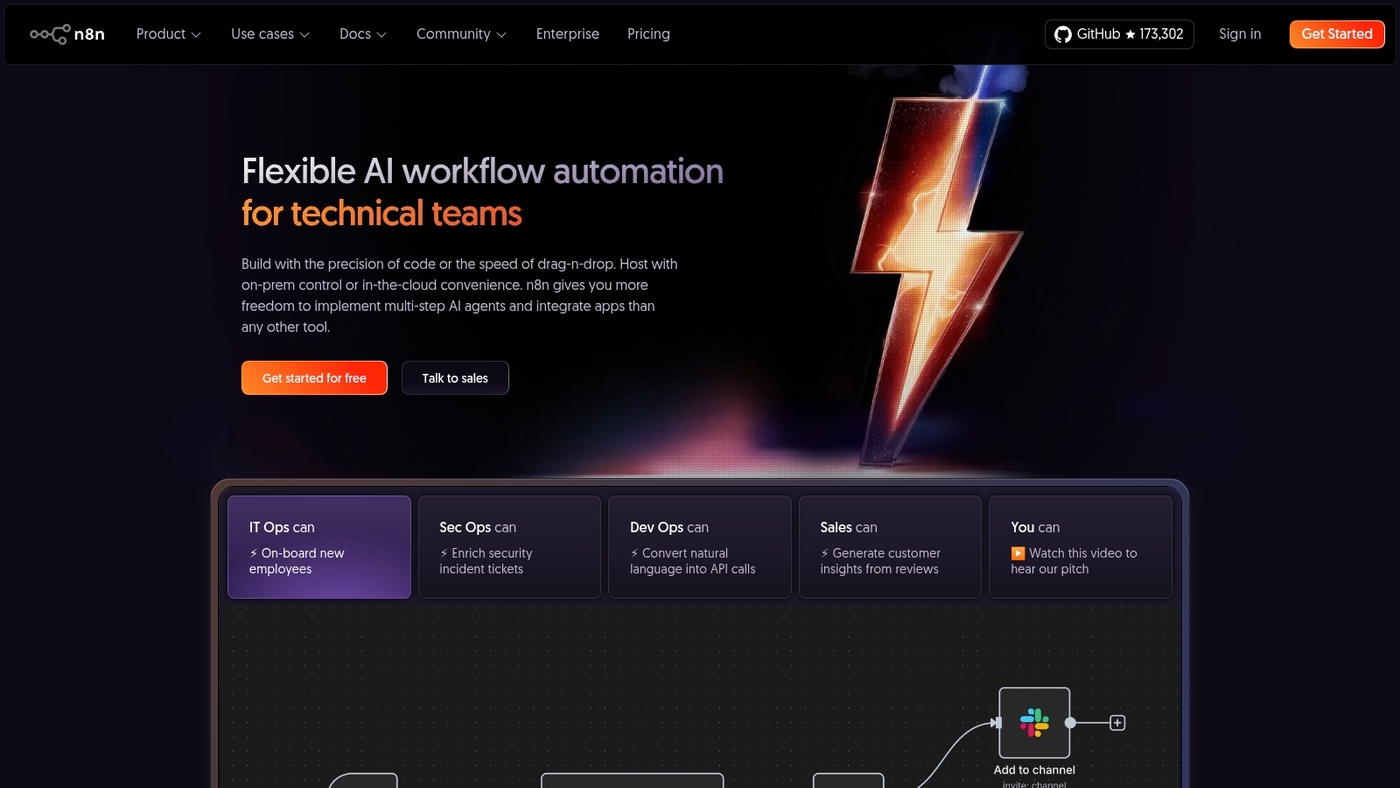
n8n gives teams full control over automation with an open-source platform you can self-host.
You can run workflows behind your firewall. The visual editor supports no-code builders and code nodes for custom logic. You gain developer control and the flexibility to modify connectors.
The community shares many prebuilt nodes and templates. You keep data sovereignty and avoid vendor lock-in. n8n shines when you need deep customization and clear auditability.
You can integrate with APIs, databases, and common apps. The ecosystem grows fast and contributors add new nodes monthly.
Pros
-
Free self-hosted option for full data control
-
Flexible node-based workflows with code hooks
-
Active open-source community and templates
Cons
-
Self-hosting requires DevOps resources
-
Fewer turnkey app connectors than some SaaS rivals
For who?
Technical teams, backend engineers, and businesses that prioritize customization and data sovereignty.
Pricing
Free to self-host. Managed cloud plans available with tiered, usage-based pricing for teams that prefer hosted infrastructure.
Microsoft Power Automate
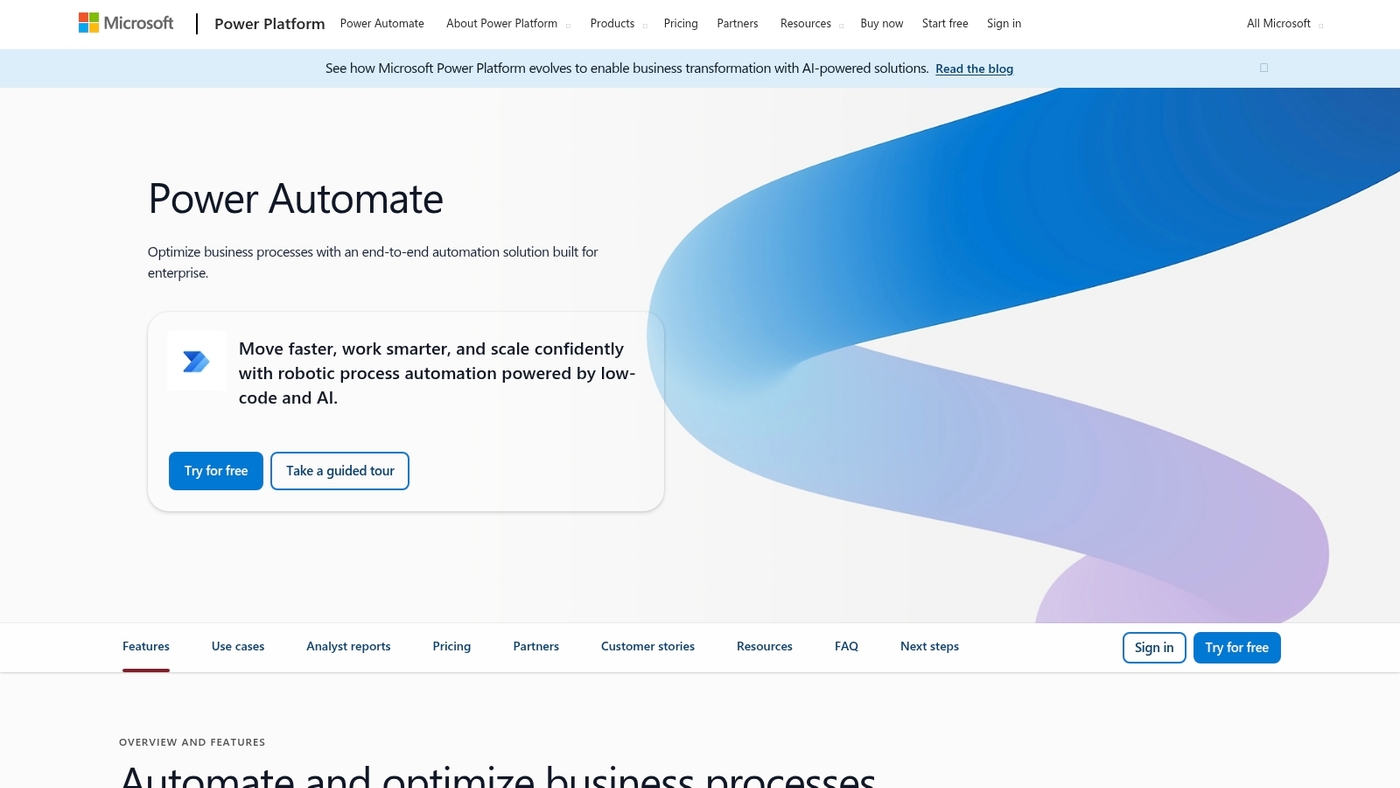
Choose Microsoft Power Automate if you need enterprise-grade workflow automation software that scales across departments.
It connects natively with Microsoft 365 and Azure, and offers hundreds of prebuilt connectors. You can build flows with a visual designer, add low-code logic, or deploy RPA bots for repetitive tasks.
Its governance, monitoring, and security controls fit regulated environments. The platform handles approval workflow software, document workflow automation, and complex workflow orchestration for cross-team processes.
Templates speed rollout and custom connectors handle legacy systems. You’ll cut manual handoffs and reduce errors by automating data syncs and notifications.
Pros
-
Deep integration with Microsoft 365 and Azure
-
Scales for enterprise with governance and analytics
-
RPA bots for desktop automation
Cons
-
Cost can rise at large scale or heavy RPA use
-
Advanced features have a steeper learning curve
For who?
IT teams, enterprise architects, and operations groups that need cross-system orchestration and strong compliance controls.
Pricing
Plans start around $15 per user/month for per-user plans. Per-flow and RPA pricing begins at higher tiers, with enterprise contracts available for large deployments.
Workato
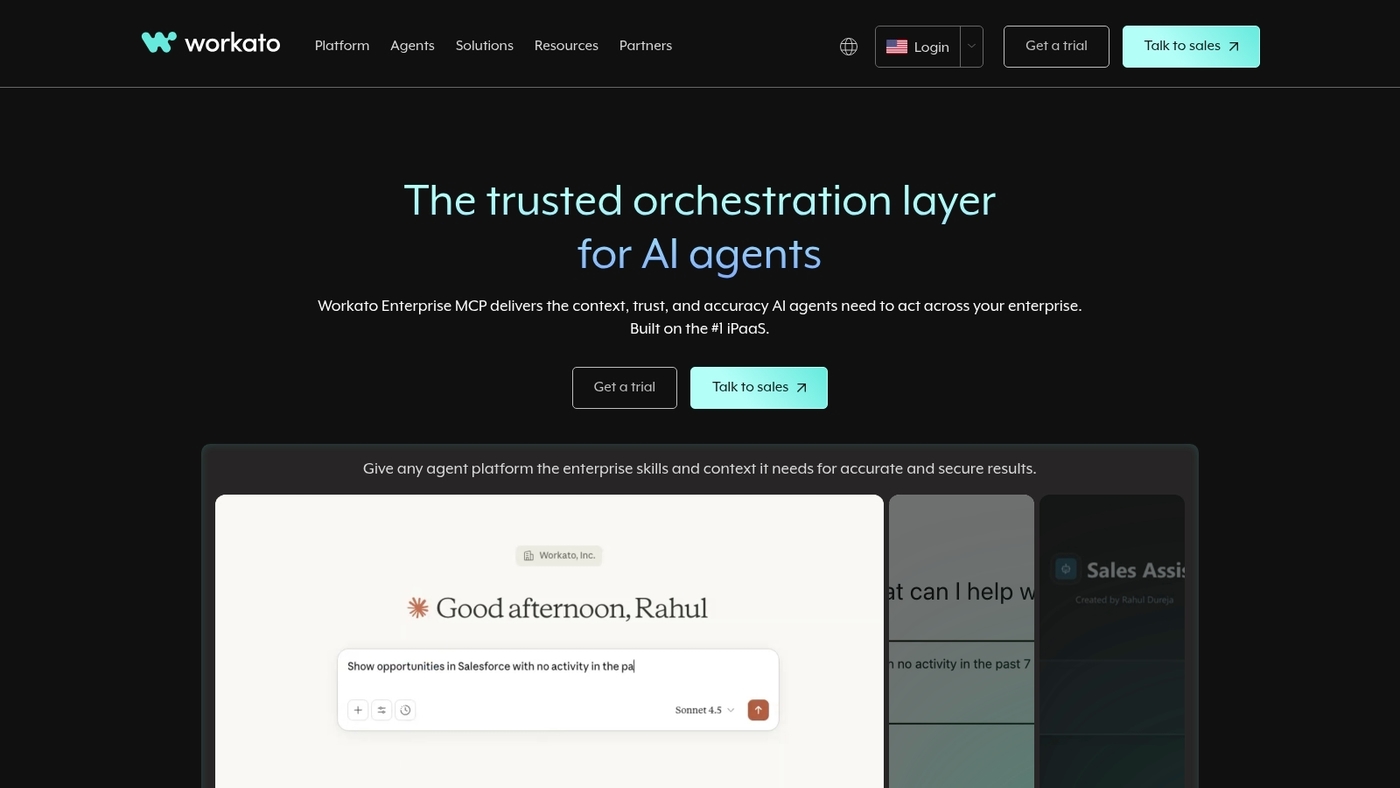
Workato is an enterprise-focused workflow automation software built to run secure, core operational workflows across multiple systems.
It provides a visual workflow builder, prebuilt connectors for CRM and ERP, and powerful data transformation tools. Governance features let admins enforce policies, track audits, and control roles. Compliance coverage includes SOC2 and GDPR.
The platform handles workflow orchestration for complex, multi-step processes at scale. Use it for cross-system approvals and dense integrations that demand strict SLAs. Expect enterprise pricing and dedicated support.
Pros
-
Enterprise security, governance, and audit trails
-
Large connector library and visual workflow builder
-
SOC2 and GDPR compliance
Cons
-
High cost for small teams
-
Steep learning curve for non-technical users
For who?
Enterprises with complex integrations, strict compliance needs, and teams that require centralized workflow orchestration.
Pricing
Custom enterprise pricing. Contact sales for quotes and implementation plans.
Tray.ai
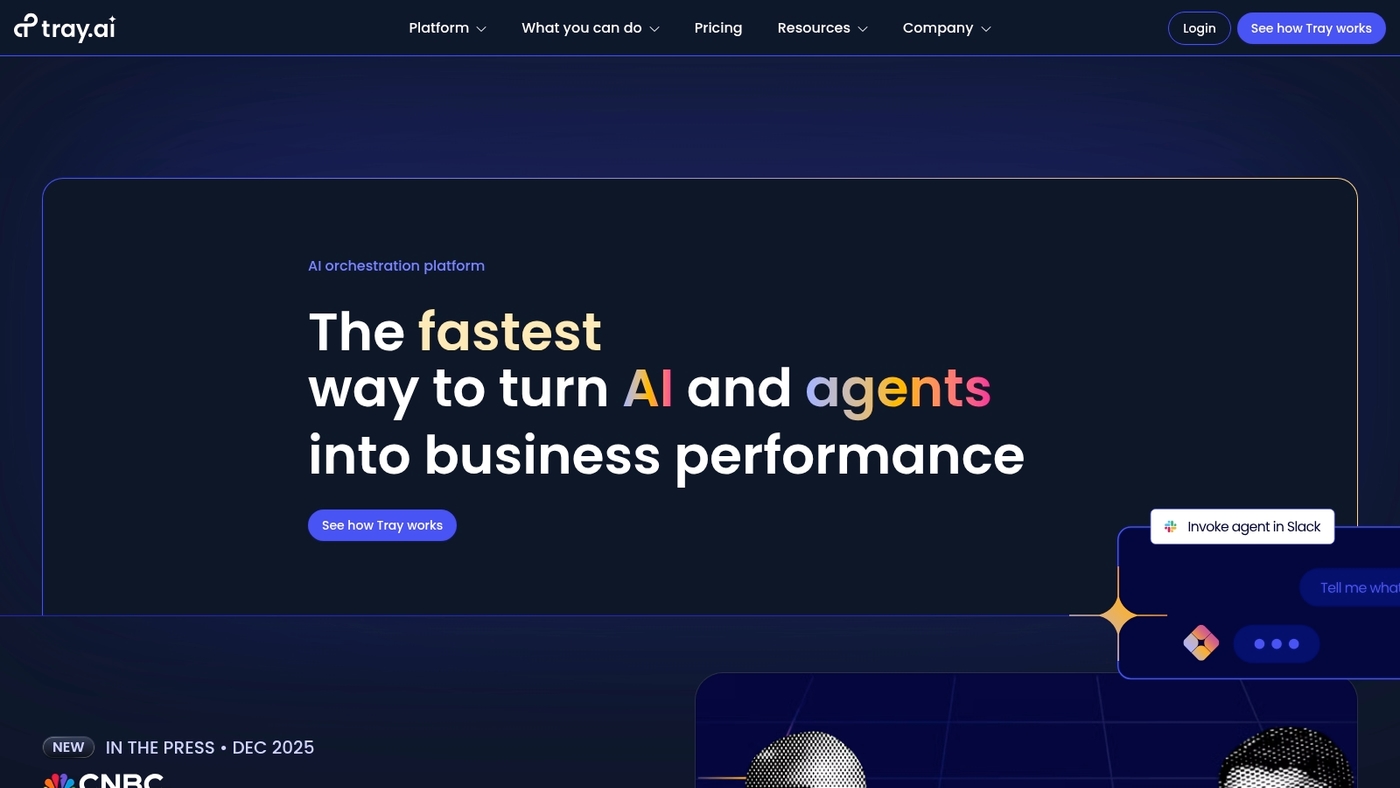
Tray.ai shines at API orchestration, custom connectors, and large payload handling.
Its visual editor lets you map and transform data without losing developer control. Enterprise workflow automation fits here when you must move data between dozens of systems with conditional logic and error handling.
The transformation engine cuts mapping time by weeks in large projects. Well, nested branching and heavy API throttling work reliably here.
Pair Tray.ai with timeline planning and tracking tools like best free Gantt software to keep stakeholders aligned.
Pros
-
Handles complex API workflows and large data volumes effectively
-
Visual builder plus code hooks for technical teams
-
Robust transformation engine
Cons
-
Higher cost aimed at enterprise budgets
-
Steeper learning curve for non-technical users
For who?
Ideal when you run enterprise workflow automation, need deep API connectivity, and have a technical operations team to manage flows.
Pricing
Custom enterprise pricing. Contact sales for quotes and volume discounts; no simple freemium tier for large integrations.
Pipedream
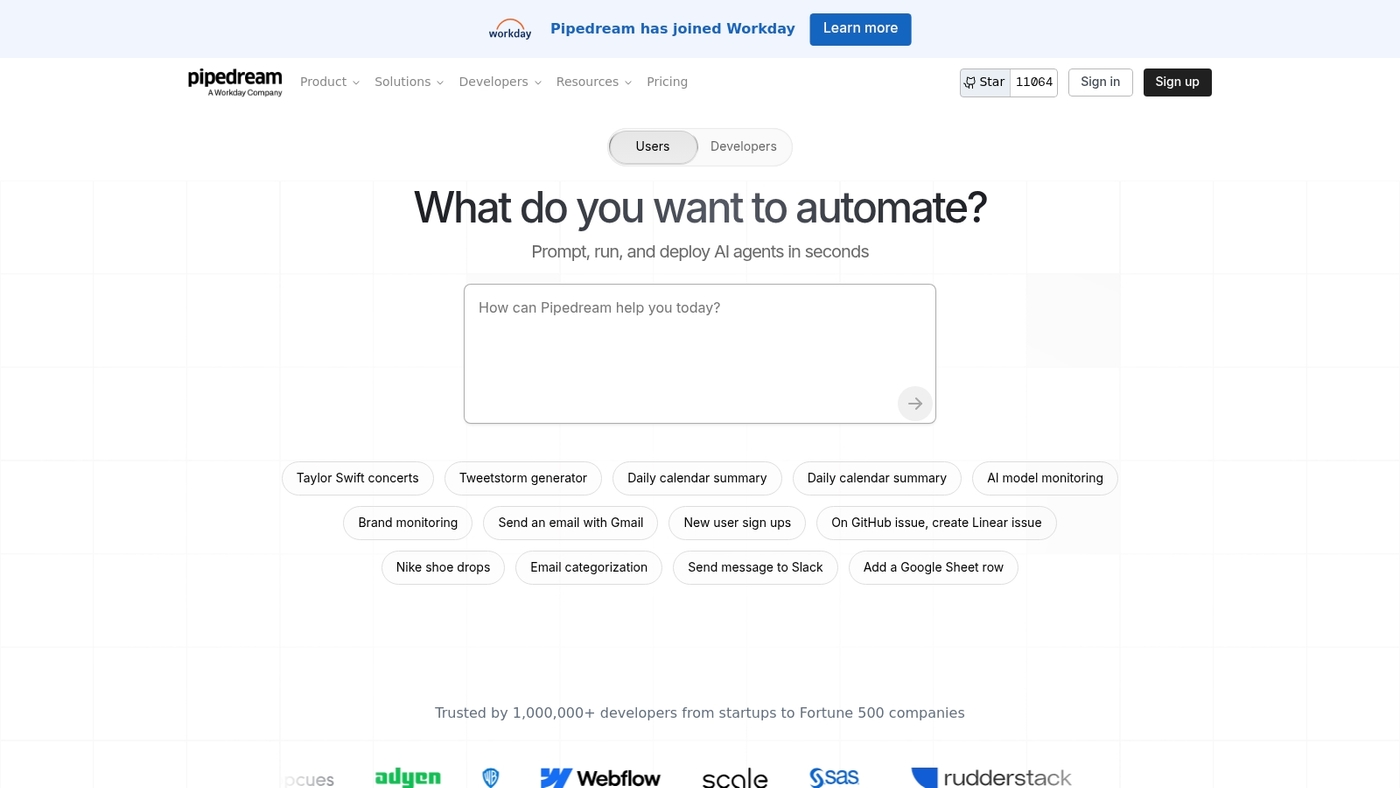
Pipedream is a developer-first platform that runs event-driven triggers and scales with real API integrations.
Developers deploy JavaScript or Python functions inside workflows. You handle webhooks, cron jobs, queues, and streaming events with retries and logs. The platform includes secret management, a lean UI, CLI tools, and SDKs.
It connects to CRMs, databases, cloud services, and resource planning tools. Pipedream cuts the time spent building custom glue code. The code-first model gives precise control over performance and error handling.
Pros
-
Precise code control for complex backend logic
-
Wide API connectivity and robust retry/logging features
-
CLI and SDK support for developers
Cons
-
Steeper learning curve for non-developers
-
Limited visual, no-code workflow builder
For who?
Backend developers, platform engineers, and technical teams building API glue and event pipelines.
Pricing
Free tier available. Paid plans use usage-based and team tiers. Contact sales for enterprise pricing.
Tines
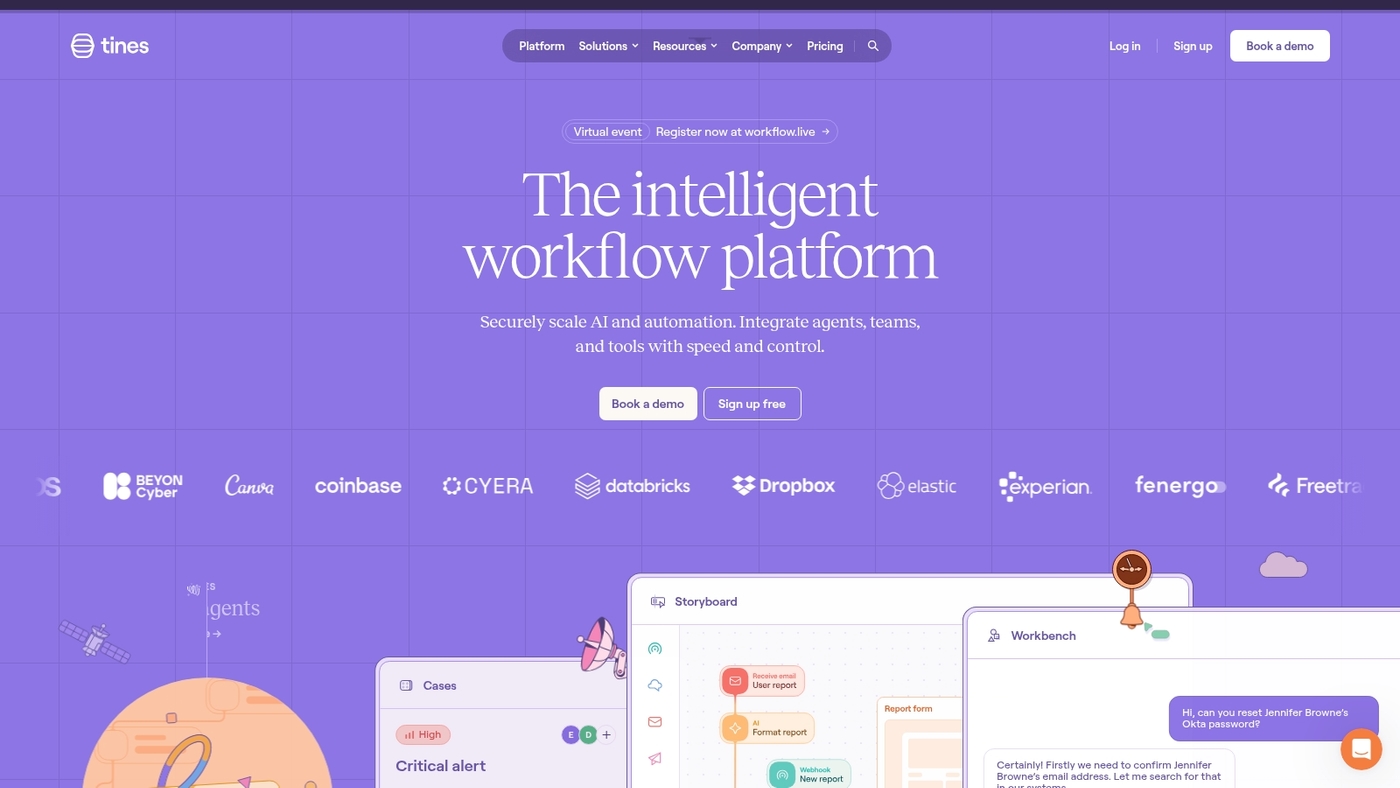
Tines automates incident response, IT workflow automation, and security operations with visual playbooks.
The platform connects to APIs, SIEMs, ticketing systems, and custom tools to route alerts, enrich data, and close the loop on investigations. You can build repeatable workflows without code, run them at scale, and keep audit trails for compliance.
Its design fits analysts who need fast, reliable automation without developer bottlenecks. Pair Tines with project planning or project scheduling tools like our guide on project scheduling tools to track remediation tasks and handoffs.
Pros
-
Designed for security teams with incident response playbooks
-
No-code visual builder that speeds automations
-
Audit trails for compliance
Cons
-
Pricing targets mid-market and enterprises
-
Less suited for non-security general business automations
For who?
Security operations teams, SOC analysts, and IT responders who need focused workflow automation and incident orchestration.
Pricing
Custom enterprise pricing. Request a demo or trial on the vendor site for exact plans and quotes.
Apache Airflow
Apache Airflow is an open-source platform for designing and running complex data workflows.
It treats workflows as code using Python and DAGs. You can schedule jobs, set dependencies, and retry failing tasks. The UI shows runs, logs, and task status.
Its executor model scales from a single node to distributed clusters. Plugins and operators connect to cloud services and databases. For planning and scheduling practices, see planning software.
It scales well for heavy ETL and ML workloads. Use it if you need clear visibility and programmatic control. Workflow orchestration supports repeatable jobs. Programmatic scheduling gives precise timing. Data pipelines stay auditable.
Pros
-
Flexible Python-based DAGs for custom logic
-
Rich UI for monitoring and troubleshooting
-
Wide operator ecosystem and cloud connectors
Cons
-
Steeper learning curve for non-developers
-
Operational overhead for self-hosted deployments
For who?
Data engineers, MLOps teams, and platform engineers who prefer code-first orchestration.
Pricing
Free and open-source under the Apache license. Managed options like Composer, Astronomer, and AWS MWAA charge per usage and host resources.
Read also: Top 8 Best Free Inventory Management Software
Camunda/Flowable
Camunda and Flowable pair workflow automation software with RPA integration and decision automation.
Both provide visual process modeling, audit trails, and high-throughput engines. You can model complex approval flows and enforce business rules across systems.
Their APIs connect to CRM and ERP platforms, and you can map processes to product plans using our best roadmap tools guide. Pilot a single high-volume process first. These platforms suit regulated teams that need traceability and scale.
Pros
-
Enterprise-grade workflow orchestration and auditing
-
Strong RPA and API integration for legacy systems
-
BPMN 2.0 modeling standards
Cons
-
Steep learning curve for non-technical users
-
Higher implementation cost than no-code tools
For who?
Large IT teams, process architects, and regulated industries needing robust BPM software.
Pricing
Commercial licensing with enterprise plans and cloud or self-hosted options. Free community editions available for testing.
You’ll also like: Top 9 Best Customer Service Software
What is the difference between workflow automation and BPM?
Use workflow automation for task-level wins and BPM for company-wide change.
Workflow automation software automates repeatable tasks. It runs triggers, moves data, and sends notifications. Teams use workflow automation for approvals, document routing, and simple integrations. You cut manual steps and speed handoffs.
Business Process Management looks at the full process. It maps steps, defines roles, and sets governance rules. BPM software adds modeling, analytics, and decision rules. It tracks performance and guides continuous process improvement.
Workflow automation targets individual tasks and sequences. BPM targets end-to-end flows, policy, and compliance.
You can reduce processing time by about 40% with targeted task automation. BPM often delivers larger gains over months through redesign and monitoring. (Think of workflow automation as fixing leaks; BPM as redesigning the plumbing.)
Most teams start with no-code automation for quick wins. Move to BPM when processes span teams, need auditing, or require formal optimization.
Choose workflow automation tools for fast setup and tactical gains. Choose BPM software for lasting control and measurable process improvement.
You might also like: 9 Best Free Business Management Software
How to choose the right workflow automation software
Choose a platform that matches your team’s size and skills: pick a no-code automation platform for quick wins or a developer-first tool for complex logic.
Assess five factors before you buy:
-
Workflow automation software needs: Inventory repetitive tasks and measure current cycle times. Estimate time saved after automation.
-
Team size and skills: You want simple builders for small teams and code options for technical teams.
-
Integrations: Confirm native connectors to CRM, ERP, and file systems for seamless data flow.
-
Scalability and orchestration: Check concurrent runs, API limits, retry logic, and workflow orchestration features for growth.
-
Pricing model: Compare per-user, per-automation, and consumption pricing. Project costs at three and twelve months.
Validate routing, e-signatures, and version control for approval workflow software and document workflow automation. Verify role-based access, audit logs, and relevant certifications for security and compliance.
Look for dashboards, SLA alerts, and actionable logs to reduce downtime. How will you know if a workflow is slowing down or failing? Monitoring matters.
Running a focused pilot reveals bottlenecks fast. Run a two-week pilot on one process and measure time saved and error reduction.
Choose monday.com for visual workflow builders. Choose ClickUp if you want task, doc, and process consolidation. Start a free trial and track ROI.
You’ll also like: 10 Best Free Note-taking software



