

That sinking feeling when a project deadline slips because milestones weren’t tracked? Yeah, it happens more often than you’d think.
Milestone tracking software can stop those slips, but teams still face scattered tools, unclear dependencies, and missed handoffs.
A proper milestone tracker centralizes timelines, Gantt views, dashboards, and automated alerts so responsibilities and deadlines stay visible.
In this roundup of 11 leading milestone tracking tools, you’ll learn which platforms excel at visual planning, milestone reporting, and integrations.
You’ll also see which options work best for small teams, agencies, or enterprise projects and how pricing and support compare.
Use these quick comparisons and hands-on tips to set up a milestone dashboard that keeps stakeholders informed and delivers clearer project outcomes.
What is milestone tracking software?
Milestone tracking software marks major project events and measures progress toward them.
It maps deadlines, deliverables, and key phases on visual timelines. Teams use Gantt views, milestone roadmaps, and dashboards to see dates and dependencies at a glance.
Good tools link milestones to tasks and owners. That setup prevents handoffs from getting lost and clarifies accountability.
You see who owns each deliverable and when it must ship.
I’ve used these tools with product teams and they cut missed deadlines. In one project, we reduced overdue milestones by roughly 30% in eight weeks by using a single milestone dashboard.
Use automated alerts to flag at-risk milestones. Use reporting widgets to show percentage complete and delivery trends.
Track finish dates, blocked status, and dependency chains in one view.
If you need to compare options, look for a platform that offers timeline views, exportable reports, and integrations with your task system. A solid project milestone tracking setup syncs schedules, resources, and communications.
Start by defining five to seven high-level milestones. Add owners and target dates. Then open a dashboard and review progress weekly.
Starting small helps you ship more predictably. Try a simple milestone tracking tool for one project this week.
Key features to look for in milestone tracking software
Visual milestone planning and Gantt charts
Visual timelines map project phases and spot risks early.
A Gantt chart shows task durations and dependencies in a single view. Timeline and roadmap visualization help teams plan milestone sequences and allocate resources.
Seeing dependencies reduces missed handoffs and shortens review cycles. Milestone tracking software ties visuals to deliverables and status updates.
It keeps your project milestone tracking clear and actionable.
Use a milestone tracker with timeline views and drag-and-drop scheduling to adjust dates fast. Explore the best free Gantt software to test live dependencies and export timelines for stakeholders.
We tried a Gantt-first setup and cut alignment meetings by half while keeping deliverables visible.
Milestone dashboard and reporting capabilities
Milestone dashboards turn status into clear stakeholder updates. They cut meeting time and speed decisions.
We favor dashboards with real-time widgets and export templates for executives. Clear visuals build trust with sponsors. Good dashboards use simple KPIs and visible trends.
Include percent complete, milestone slippage rate, and on-time rate as core KPIs. Widgets refresh every five minutes.
Look for tools that let you export milestone dashboard widgets into PDFs, PPTX, and CSV. Use automated filters for program-level views.
Pick milestone tracking software that supports templates for weekly briefs and one-click charts. Teams see progress with fewer questions.
Set alerts for overdue milestones and automate snapshot exports for audit trails. You’ll save hours per month.
Alerts, reminders, and notifications
Milestone tracking software sends automated alerts for upcoming deadlines and overdue milestones. Milestone alerts flag risks early and keep owners accountable.
We configure alerts by priority and role. We route emails, push notifications, and Slack messages to the right people.
A two-step alert cadence prevents last-minute chaos. Send a reminder 48 hours before a milestone. Escalate after 24 hours overdue to a manager.
Use the milestone dashboard to view alert history and response time metrics. Track missed notifications and tweak thresholds based on false positives.
Enable quiet hours to avoid alert fatigue and preserve focus. Overdue milestones should trigger owner prompts and status changes.
High-priority phases deserve immediate, multi-channel alerts and short check-ins.
Integration with existing project management tools
Milestone tracking software should link tasks, resources, and reports so your team trusts dates and deliverables. Integrations remove duplicate work and create a single source for progress.
We recommend syncing milestone trackers to your task system and calendar. Connect via task management tools to map milestones to actionable tasks.
Use monday.com to map timelines visually; add ClickUp for custom task rules and automations. This combo speeds handoffs and cuts status-checks.
Look for two-way sync, workload data, and exportable reports that feed your milestone dashboard and resource planning. Try a quick sync and verify one live timeline across tools.
Top 11 milestone tracking software to consider
monday.com
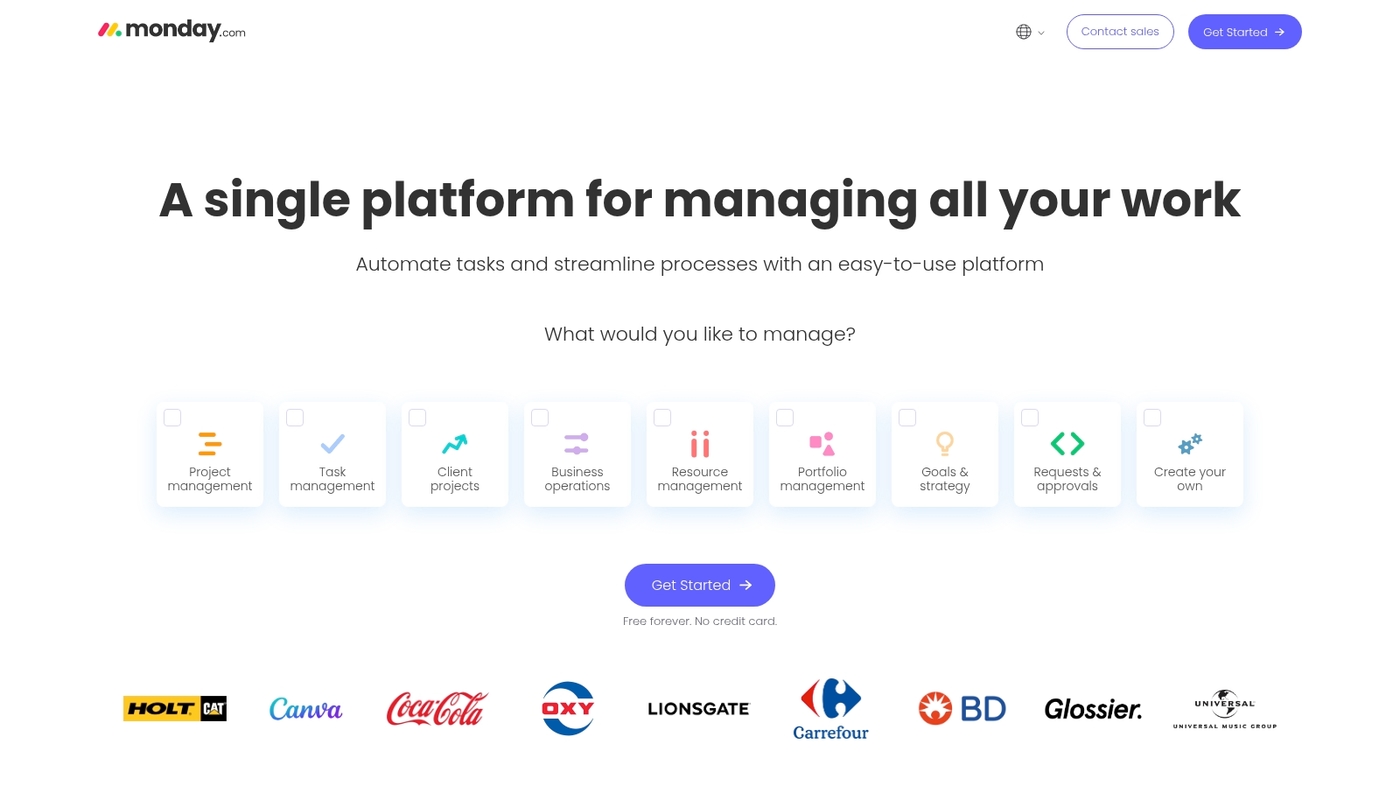
monday.com tops Capterra’s milestone tracking list. It offers flexible templates, Gantt charts, timeline views, workload management, and a free tier.
The Brain AI add-on automates routine milestone updates and status reports. Teams use its milestone dashboard to track project timeline and milestones across portfolios.
It integrates with calendars, Slack, and dev tools for project milestone tracking. Its visual planning and milestone reporting match most teams’ needs. Scalable automation supports enterprise milestone tracking.
I sometimes use its templates to map complex releases and speed up milestone scheduling.
We start with monday.com to map milestones visually and test automations quickly.
Pros
- Versatile templates and Gantt chart milestone software
- Timeline views plus workload and portfolio tracking
- Brain AI add-on for automated status updates
Cons
- Advanced features sit behind paid plans
- Learning curve grows with complex automations
For who?
Teams that need visual milestone planning, portfolio milestone tracking, and automation for deliverable tracking.
Pricing
Free tier available; paid plans start around $8 per user per month. Brain add-on costs extra.
ClickUp
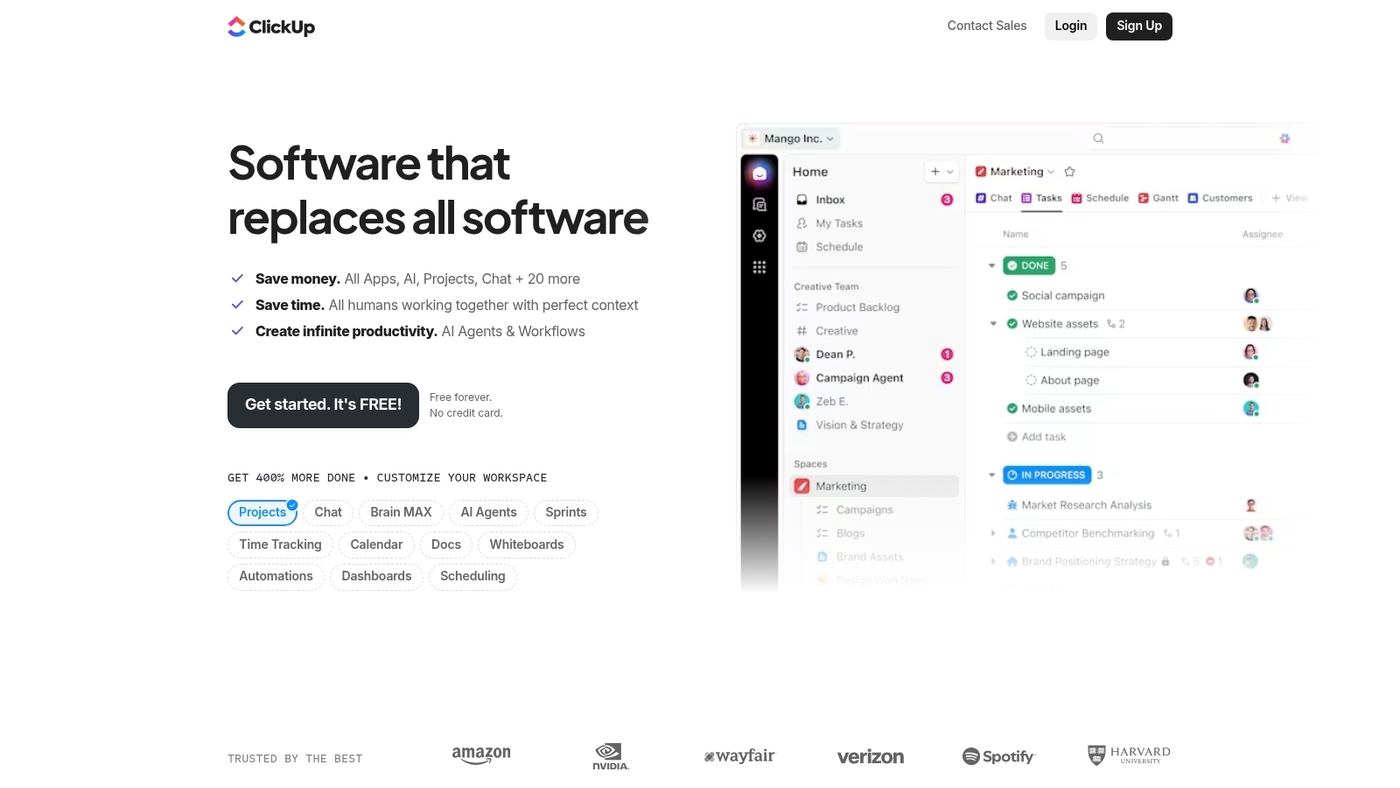
ClickUp is highly customizable milestone tracking software built for teams that need flexible planning and deep task control.
It offers goals, timelines, Gantt charts, automation, and multiple views to map milestones and deliverables.
The free tier includes unlimited tasks and members, so small teams can test project milestone tracking without cost. Dashboards visualize progress and exports create clear milestone reports.
I use ClickUp for short sprint milestone tracking. Its customization helps you align milestones with goals and automate status updates to reduce manual check-ins.
Pros
- Powerful customization for milestone planning and workflows
- Generous free tier with unlimited tasks and members
- Deep task-level control with automation
Cons
- Interface can feel dense for new users
- Advanced features require time to configure
For who?
Teams that need flexible milestone roadmap software and deep task-level control. Good for startups and product teams tracking deliverables and timelines.
Pricing
Free plan available. Paid plans start around $5 per user per month billed annually for standard features.
Wrike
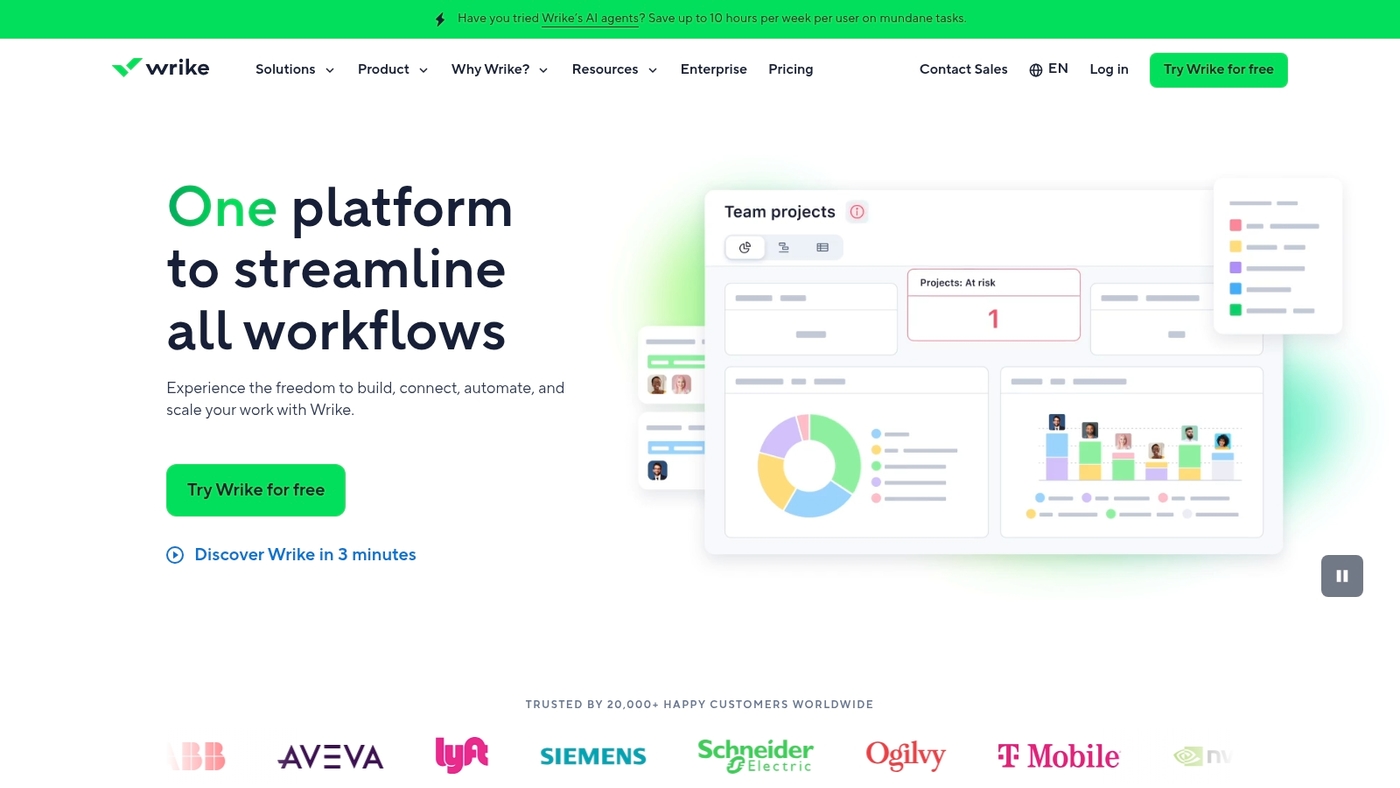
Wrike offers robust milestone tracking software built for medium and large teams. It provides customizable milestone dashboards that show progress at a glance.
Timeline views and Gantt-style visuals map project timeline and milestones clearly. Advanced reporting delivers exportable reports and real-time KPI widgets for stakeholders.
Teams can link milestones to tasks, resources, and dependencies to improve milestone scheduling and deliverable tracking. Enterprise milestone tracking features include permission controls, audit logs, and scalable integrations with CI/CD and ERP systems.
Wrike ranks #1 in 2026 guides for its combination of reporting depth and flexible milestone dashboard options. Its mix of timeline views and milestone reporting software suits complex portfolios and cross-functional programs.
We often recommend Wrike for enterprise milestone tracking. Its reporting speeds decision making.
Pros
- Powerful reporting and exportable dashboards
- Strong timeline views and dependency handling
- Enterprise-grade security and controls
Cons
- Steeper learning curve for new users
- Pricing can be high for small teams
For who?
Mid-size to large teams that need enterprise milestone management and portfolio-level tracking.
Pricing
Tiered plans with free trial. Enterprise pricing by quote; paid plans add advanced reporting and security.
Celoxis
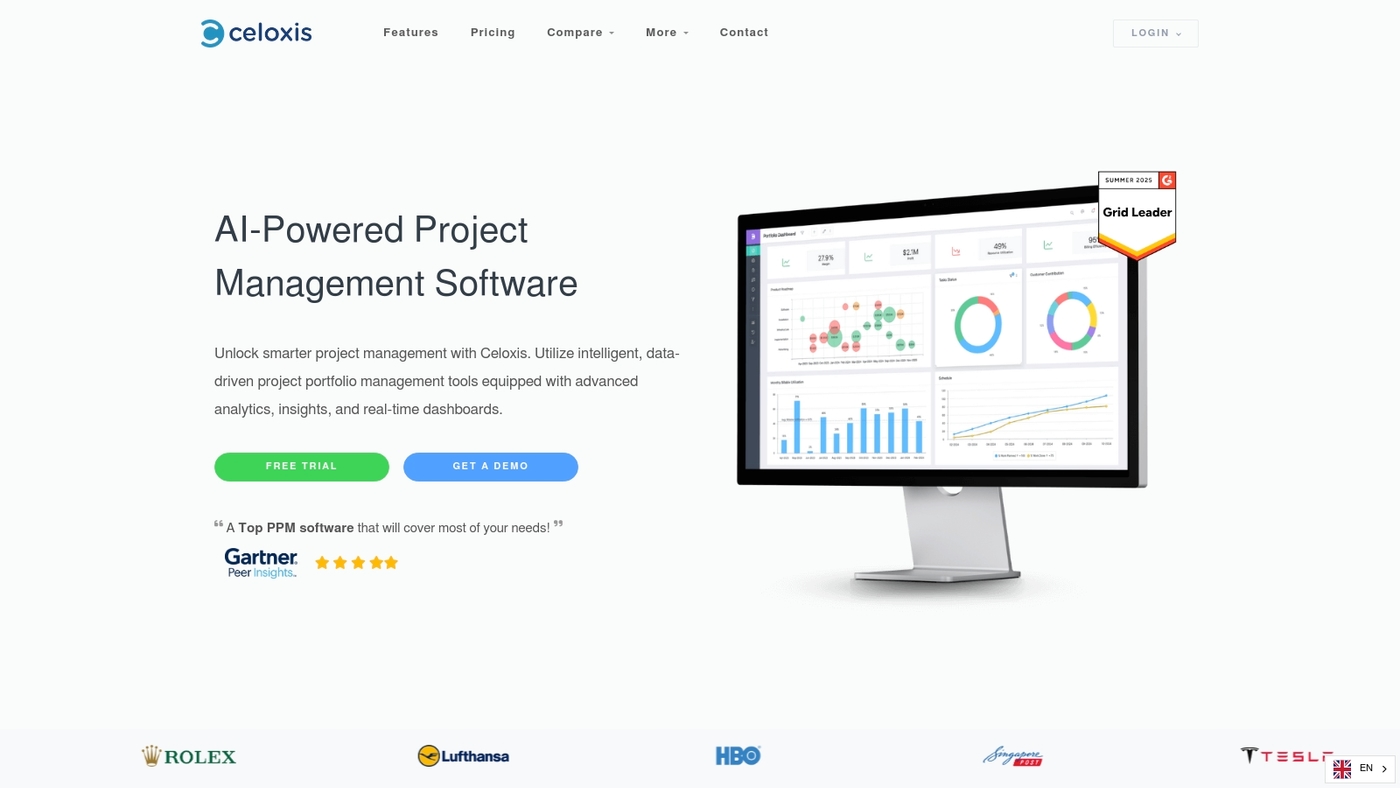
Celoxis focuses on clear milestone planning and tight schedule control for mid-sized teams. The tool links tasks to milestones and highlights milestone dependencies on interactive charts.
You get a strong Gantt chart view plus portfolio dashboards that surface overdue items and capacity gaps. The platform bundles resource planning with scheduling so you can level work and reduce conflicts.
Celoxis handles complex timelines well. I’ve used it on a 25-person program and liked the resource leveling.
Visit our project scheduling tools guide for setup notes.
Pros
- Robust scheduling with dependency controls
- Portfolio views for cross-project milestone tracking
- Integrated resource planning and leveling
Cons
- Steeper learning curve than simple trackers
- Interface can feel dense for very small teams
For who?
Mid-sized teams and PMOs that need strong milestone scheduling and resource planning.
Pricing
Cloud plans start near $25 per user per month. On-premise options and enterprise quotes available from sales.
We recommend Celoxis when you need strict milestone control and integrated resource planning.
Asana
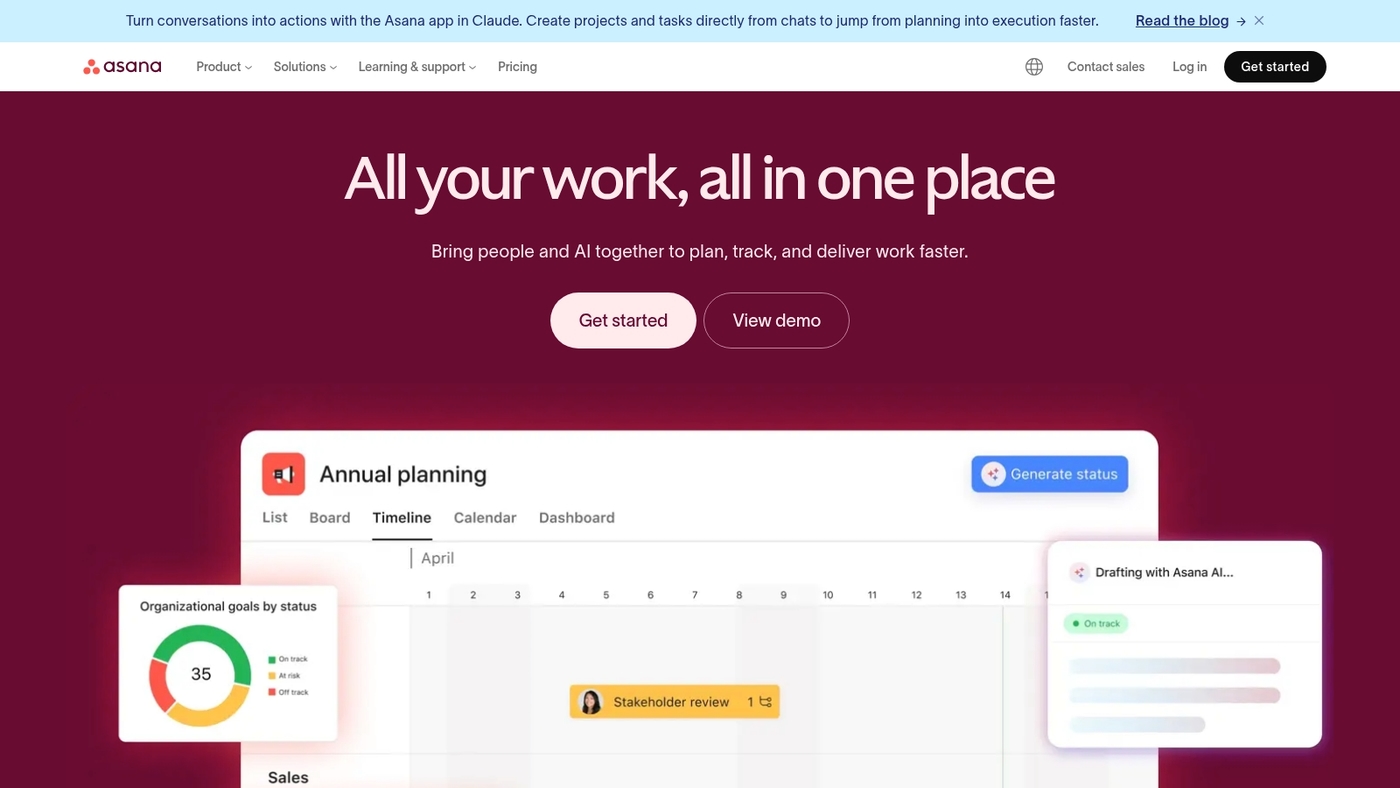
We recommend Asana for clear, user-friendly milestone tracking. Asana pairs timeline, board, and list views in one interface.
It offers built-in milestone tracking software features that link milestones to tasks and owners. Teams set dates, assign accountability, and track deliverables on a visual roadmap.
The timeline behaves like Gantt chart milestone software for dependency planning. Asana speeds approvals with simple comments and status updates.
You can import projects from spreadsheets and see milestone progress in a few clicks. The tool fits small teams and scales toward enterprise milestone tracking with portfolio views and reporting.
Pros
- Intuitive timeline and board views
- Built-in milestones with clear ownership
- Strong collaboration for cross-functional teams
Cons
- Limited advanced resource planning
- Reporting lags behind specialized enterprise tools
For who?
Teams that want a simple milestone tracker with visual planning. Product teams, marketing squads, and cross-functional groups will move faster. Technical teams may need extra integrations for complex schedules.
Pricing
Free tier available. Paid plans start around $10.99 per user/month billed annually for Premium. Business and Enterprise add portfolios, goals, and advanced controls.
Jira
We favor Jira for software development milestone tracking. It ties milestones to sprints and issues.
Teams monitor progress with burndown charts and sprint reports.
Jira links milestones to backlog items and release versions. You set milestone dates, track dependencies, and export clear reports for stakeholders.
Its reporting clarifies sprint health and slippage. We used Jira on a 20-person engineering team and cut milestone gaps by 30% over three months.
Integrate Jira with CI tools and third-party apps to automate updates. See recommended sprint planning software for templates and sprint setups.
It scales from small teams to enterprises with admin controls and audit logs.
Pros
- Deep Agile features for software teams
- Custom dashboards, workflows, and strong integrations
- Burndown charts and sprint-linked milestones
Cons
- Steep learning curve for non-technical users
- Overkill for simple milestone-only tracking
For who?
Technical product and engineering teams that run sprints and need milestone-linked backlogs and reporting.
Pricing
Free tier for small teams. Standard plan starts at about $7.75 per user/month. Premium plans for advanced reporting and controls cost more.
Smartsheet
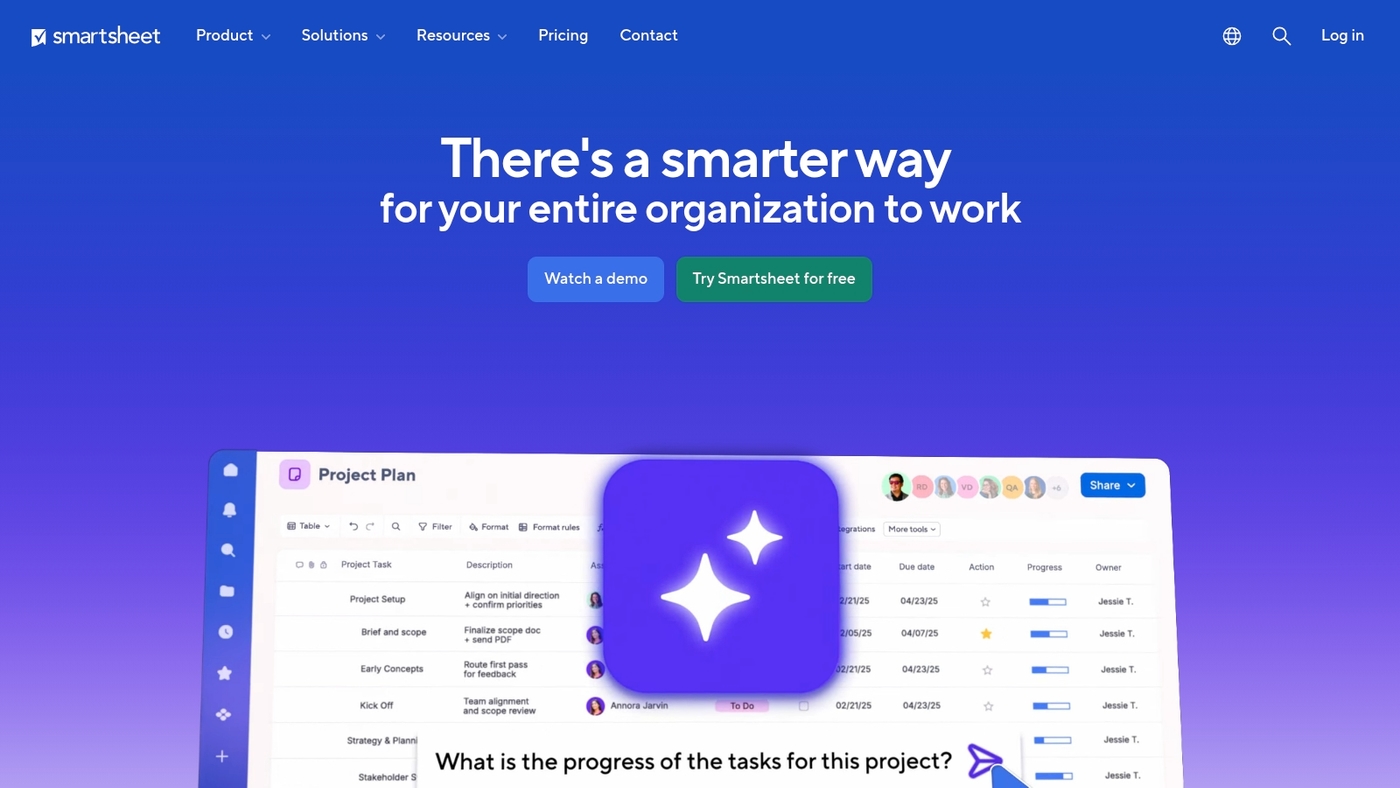
We recommend Smartsheet for spreadsheet-style milestone tracking software that scales to complex projects. It blends familiar sheets with timelines and Gantt chart milestone software.
You can create formulas to auto-calc dates and percent complete. You can set dependencies and critical paths for accurate milestone scheduling.
The platform provides milestone dashboard widgets for roll-ups and executive milestone reporting. It connects with calendars, Slack, and common apps via APIs.
It supports enterprise milestone tracking with role-based access and audit logs. The sheet model speeds setup for structured teams.
I use Smartsheet when projects demand detailed scheduling, resource visibility, and compliance-ready controls.
Pros
- Familiar spreadsheet interface for fast adoption
- Advanced formulas, dependencies, and timeline controls
- Robust milestone dashboard and reporting tools
- Enterprise-grade security and admin features
Cons
- Steeper learning curve for casual users
- Costs increase for large teams and enterprise tiers
For who?
Project managers, PMOs, and enterprises that need detailed project milestone tracking and audit trails.
Pricing
Plans start around $7 per user per month for basic tiers. Business and enterprise plans add more controls and licensing.
Zoho Projects
Zoho Projects is comprehensive milestone tracking software built around Gantt chart milestone software and milestone dashboard features.
It shows dependencies, percent-complete, and baseline comparisons. Teams track issues and link them to milestones.
Built-in time tracking feeds milestone reporting and client invoices. The app exports milestone reports and CSVs for stakeholder review.
It integrates with Zoho CRM, Zendesk, and common tools via API. The issue tracker supports custom statuses and SLA flags.
Use it as project milestone software, milestone scheduling software, or deliverable tracking software for service-based teams. Its reporting and time logs fit agencies that bill by milestone.
I’ve used Zoho Projects for client scheduling and found setup fast.
We recommend testing the Gantt features with a demo project.
Pros
- Gantt charts with dependency lines and baseline tracking
- Integrated time tracking and milestone reporting
- Issue tracking tied directly to milestones
Cons
- Interface feels dense for new users
- Advanced reports require higher-tier plans
For who?
Service teams, agencies, and consultancies that need milestone reporting and time-based billing.
Pricing
Free tier available. Paid plans start around $5 per user per month, with per-feature tiers for reporting and automation.
Nifty
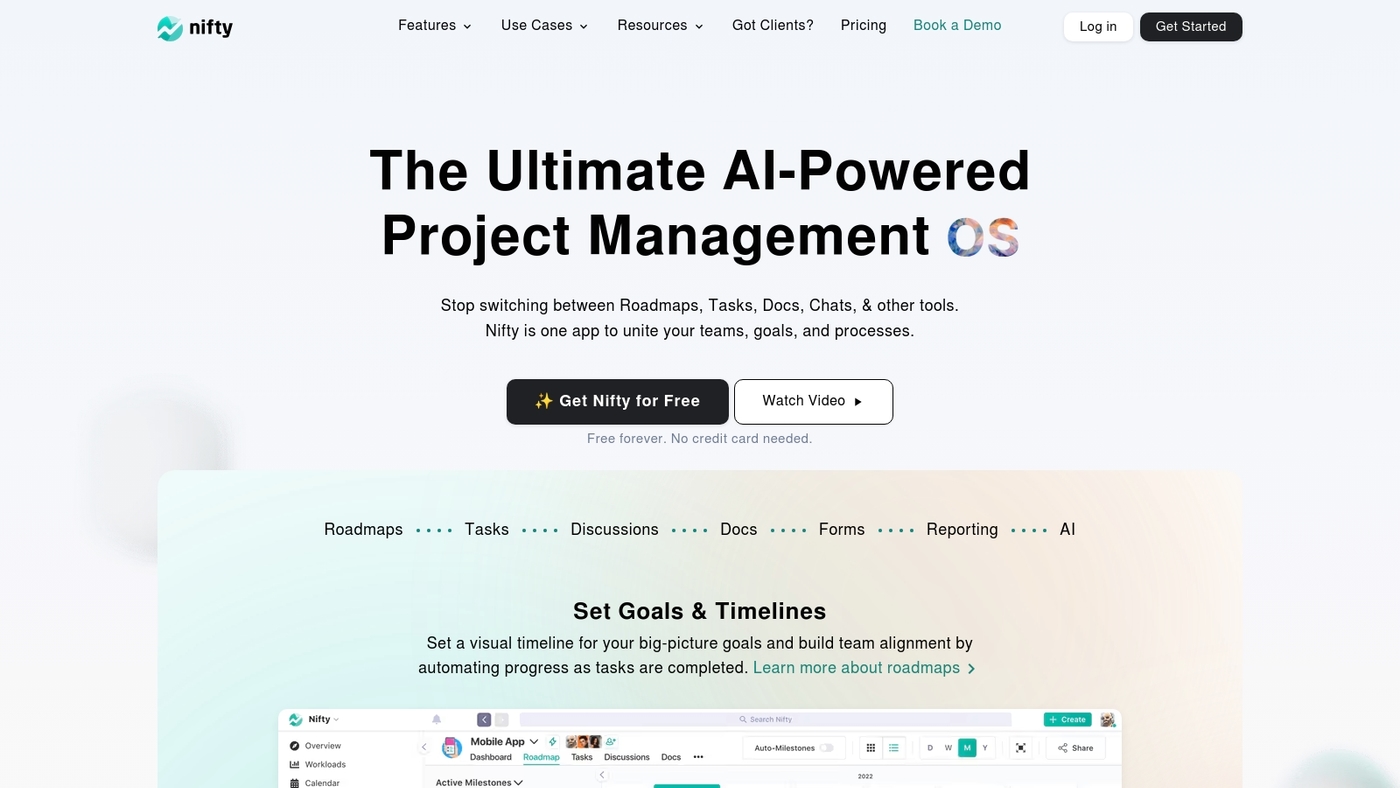
Nifty offers milestone-based roadmaps that tie milestones directly to tasks and documentation. It surfaces milestones on timelines and Gantt charts so teams see deliverables and deadlines.
You can attach files and notes to milestone entries and track dependencies with simple visuals. The milestone tracker updates task status automatically when milestones change.
Reporting shows milestone completion rates and overdue items for stakeholder updates. Integrations with Slack, Google Drive, and Git keep status synced.
Check the best roadmap tools guide if you want alternatives. Nifty speeds milestone planning for phased projects and product launches.
We recommend Nifty for teams that need clear milestone deliverable tracking.
Pros
- Milestone roadmaps linked to tasks and docs
- Clear Gantt and timeline views with dependencies
- Built-in milestone reporting for stakeholders
Cons
- Advanced resource leveling is limited
- Some reporting features require paid plans
- Mobile roadmap views are lighter than desktop
For who?
Product teams, agencies, and project managers running phased projects or launches.
Pricing
Free plan available. Paid tiers offered for teams and enterprises.
Teamwork.com
Teamwork.com combines milestone management with time tracking and billing. It helps agencies map project timeline and milestones and link payments to deliverables.
The interface shows milestone deadlines, task owners, and progress in a clear timeline. Built-in time logs tie hours to milestones and invoices.
The system supports project milestone tracking, milestone dashboard views, and milestone reporting software exports. You can set milestone-based payments and track budgets per milestone.
This tool covers milestone tracking and deliverable tracking for client work. Its billing fits firms that bill by phase.
We use milestone dashboards to audit client billing against milestones. We recommend using this tool when you need tight links between hours, invoices, and deliverables.
Try exporting a milestone report to check invoice accuracy.
Pros
- Integrated time tracking and billing per milestone
- Clear milestone dashboard and reporting exports
- Strong client work and invoicing features
Cons
- Steeper learning curve than basic milestone apps
- Advanced reporting may require higher plan
For who?
Agencies, consultancies, and professional services that bill by milestone.
Pricing
Pricing starts with a free tier. Paid plans add time and billing features.
Trello
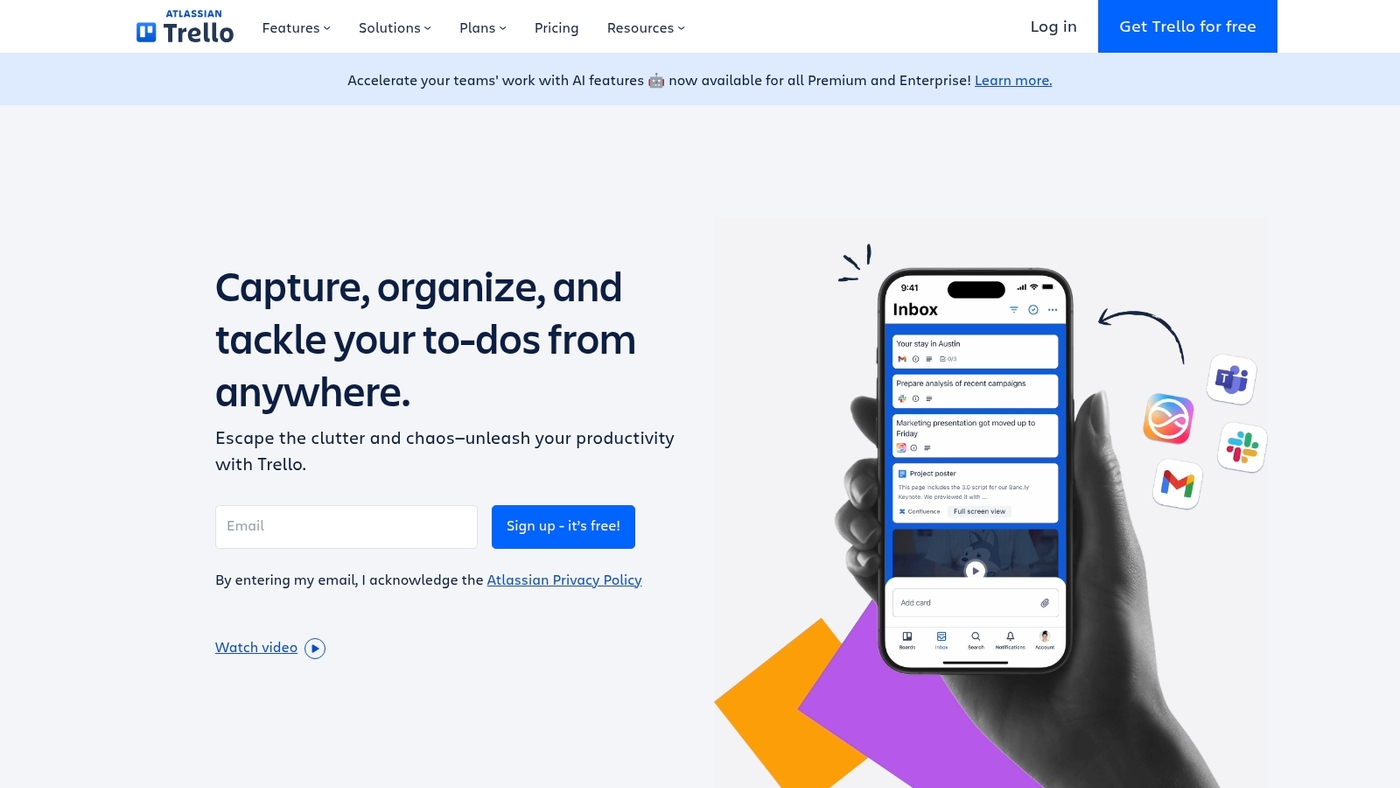
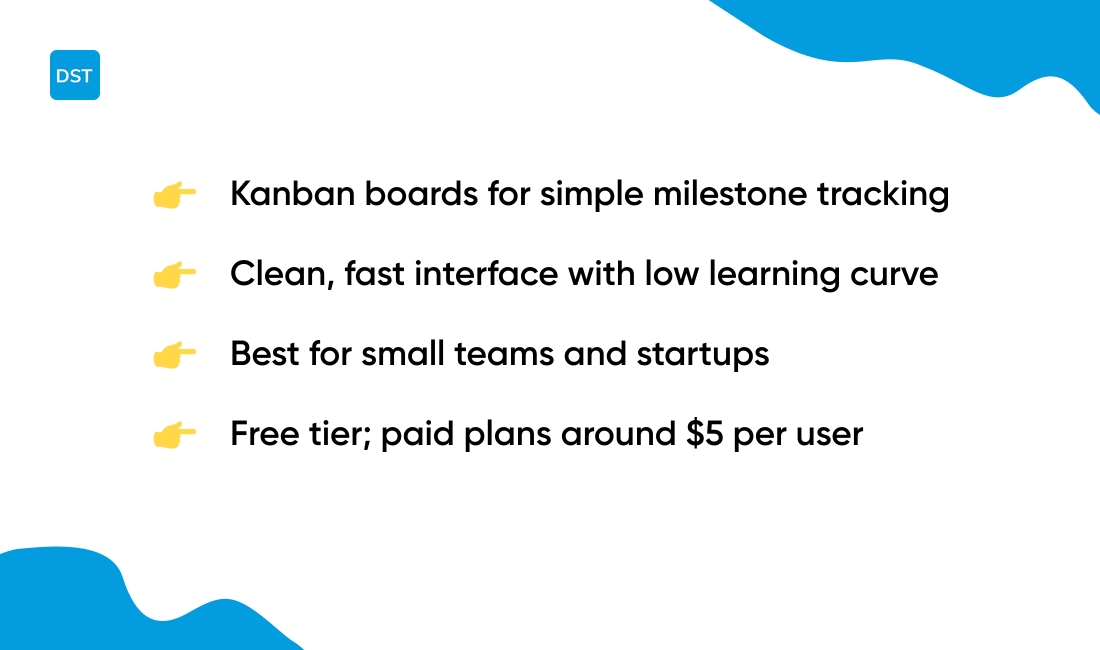
We recommend the Trello board for simple milestone tracking. Trello uses Kanban boards and cards for milestone planning.
You move milestone cards across lists to show progress. You can add due dates, checklists, labels, attachments, and automations.
The interface stays clean and fast to learn. Trello links with many apps to sync tasks and timelines.
Trello fits small teams and startups that need a straightforward milestone tracker. I’ve used Trello to map product sprints and deliverables.
Try the free tier and compare it with other Kanban options at best free Kanban software. This tool works well as a lightweight milestone planning software before you scale to Gantt chart milestone software.
Pros
- Simple visual boards that map milestones quickly
- Fast setup and a useful free tier for small teams
- Clean interface with easy learning curve
Cons
- Limited native Gantt and timeline views
- Weak dependency and enterprise milestone tracking features
For who?
Small teams, startups, and solo founders who want clear visual milestone planning.
Pricing
Free plan available. Paid plans start around $5 per user per month for added features.
How to choose the right milestone tracking software
Milestone tracking software should match team size. Small teams under 10 often use free tiers. Teams of 10–100 need resource views and reporting.
Enterprises need SSO and audit logs.
What does your team actually need to stay on track?
| Team Size | Key Features | Recommended Tools |
|---|---|---|
| Under 10 | Free tier, visual timelines, simple alerts | Trello, ClickUp, Asana |
| 10–100 | Resource views, reporting, integrations | monday.com, Wrike, Celoxis |
| Enterprise | SSO, audit logs, advanced dashboards | Wrike, Smartsheet, Jira |
Consider these factors when choosing:
- Industry need: construction needs baseline scheduling and dependencies.
- Integrations: pick tools that sync with Slack, Google Workspace, and your dev stack.
- Budget: count per-user fees and paid add-ons for Gantt and dashboards.
- Reporting: verify export formats and stakeholder dashboard templates.
Visual timelines cut miscommunication. Visual planning reduces missed deadlines and clarifies ownership.
Test a candidate with a pilot project. Set three milestones, import tasks, enable notifications, measure on-time rate after one month.
Project milestone tracking works best with a single source of truth. Choose software that links milestones to tasks and deliverables.
Read our best project management software guide to compare pricing and templates before you decide.
Milestone reporting software that offers automated alerts saves hours of manual updates. Try a free plan within 10 minutes.
You’ll also like: Top 12 Best Collaboration Platforms For Teams
What’s the difference between milestone tracking and full project management software?
Choose a milestone tracking software for clear deadline views. Pick a full project management suite for task, resource, and budget control.
Milestone trackers focus on dates and major deliverables. You get timelines, simple dashboards, and quick status updates.
They cut noise for short projects and stakeholder updates.
Full project management software adds task lists, time tracking, resource planning, and billing. Use it for multi-team projects, complex dependencies, or long timelines.
Expect steeper setup and training needs.
Small teams benefit most from a dedicated milestone tracker. It speeds planning and keeps everyone aligned.
Larger teams gain value from integrated tools that unify work and reporting.
Look for these signals when you choose:
- If you need fast stakeholder updates, pick a milestone-only tool.
- If you must track time, budget, and resources, pick a full suite.
- If you run Agile sprints, integrate milestone tracking with your dev workflow.
Read our project management software guide for checklist items and pricing benchmarks.
Try one option in 10 minutes and measure how much time you save on status reports.
You’ll also like: Top 10 Best Workflow Automation Software
How to track project milestones effectively
Use a clear milestone plan and a live dashboard to keep projects on track.
Define each milestone with an owner, a due date, and acceptance criteria. Break milestones into measurable deliverables. Link tasks and files to each deliverable.
Set up a milestone dashboard setup that shows percent complete, open dependencies, and next due dates.
- Display milestones within seven days to avoid surprises.
- Flag overdue items with a single click for fast action.
- Show dependency chains so owners see blockers clearly.
Track deliverables alongside milestones with checklists, versions, and timestamps. Assigning one owner per milestone cuts review loops and delays.
Use KPIs to measure health. Monitor milestone completion rate, average delay days, and on-time delivery rate.
Target a milestone completion rate above 85% and average delay under three days.
Combine milestone views with resource data for realistic schedules. Try relevant resource planning tools to balance workloads and avoid missed dates.
We map milestones visually before assigning work. Start by mapping your next project in ten minutes.
Link milestones to tasks, publish the dashboard, and review KPIs weekly. Deliverable tracking software and milestone planning software choices matter; pick tools that sync tasks, timelines, and reports automatically.
You might also like: Top 9 Best Free Planning Software



