

Missed deadlines, scattered files, and murky priorities can make any project feel out of control.
Free project management software can stop that chaos without adding to your budget.
Yet choosing the right free plan is tricky — most have user caps, storage limits, or missing features that slow teams down.
This guide reviews the top 11 free project management software options, comparing Kanban boards, Gantt charts, agile tools, and open-source alternatives.
You’ll learn which free project management tools fit small teams, startups, and remote workers, plus the trade-offs that should prompt an upgrade.
By the end you’ll be able to pick a no-cost project management app that keeps work visible, collaborative, and on schedule.
What is free project management software
Free project management software helps your team plan, track, and collaborate without paying for licenses.
It handles task lists, timelines, boards, file sharing, and basic reporting.
-
Task management: create, assign, and track work with lists or Kanban.
-
Collaboration: comments, file sync, mentions, and notifications keep teams aligned.
-
Tracking: simple progress views, basic Gantt or calendar features, and activity logs.
Free plans come in two main forms. Freemium model offers a free tier with limits on users, storage, or advanced features. Open-source options let you self-host and modify code for full control, but they require setup and maintenance.
Expect caps on users, file storage, integrations, and automation on no-cost plans. These limits shape whether a tool suits small teams, startups, or personal projects.
Freemium fits teams that want fast setup and basic automations. I’ve tested a freemium tier to validate workflows before upgrading, and it saved us from committing to the wrong platform.
Try practical checks: set up five tasks, invite your team, attach files, and run a short sprint. Test a free plan on a live project for two weeks.
Measure saved time on planning and status updates and choose the tool that scales with your needs.
Key features to look for in free project management tools
Task and workflow management capabilities
Choose tools that combine flexible boards with dependency and assignment controls to keep projects on track.
Look for simple task creation, fast assignment, and visible task dependencies. Use the best free task management software list to compare boards, lists, and Gantt charts.
Visual boards speed daily triage and handoffs. Lists serve checklists and short backlogs. Gantt charts map dates and linked tasks.
Assign owners, set due dates, and add priorities. Add subtasks and recurring schedules for repeat work.
Expect limits on automations, users, or storage. Some free plans cap users to 10 and storage to 2GB. (That’s tighter than it sounds when you’re sharing design files!)
Test one tool on a real project to reveal workflow gaps fast. Run a two-week trial and measure cycle time and on-time delivery.
Team collaboration and communication features
Pick free project management software that bundles comments, file sharing, mentions, and notifications.
-
Keep conversations tied to tasks with real-time comments.
-
Share documents inside tasks via file sharing and stop chasing email threads.
-
Use mentions and notifications to send questions to the right person.
Turn on desktop push and email alerts for mentions and urgent updates.
Set file versioning and size caps to avoid hitting free storage limits. I’ve seen mentions reduce meeting time by about 30%. We tried this on a six-person marketing team and saved roughly 3 hours weekly.
Test collaboration features on a live project for one week and compare workflow gains using free online collaboration software.
User limits and storage restrictions
Free plans often stall growth with tight user caps and tiny storage caps.
Most free project management software limits users to 1–10 accounts. Storage often ranges from 500MB to 2GB. Project counts can stop at 2–5 active projects. Many lock Gantt charts, automations, or integrations behind paywalls.
A hard cap reveals itself fast as teams add members or files.
Quick checks you can run now: confirm the exact user limit, scan storage and attachment rules, test export and backup options, and try integrated apps under load. Track time saved or lost during the trial and note any blocked workflows.
If you expect growth, pick free project management tools that offer at least 10 users or generous storage, or plan an upgrade path. Start a 14-day pilot and measure real constraints before you migrate.
Integrations and automation options
Pick tools that offer core integrations and simple automations on the free plan.
Slack, Google Calendar, and email integration options should sync without paid upgrades.
Look for third party integrations with storage, calendar apps, chat, and webhook support.
Automation features to prioritize: recurring tasks, status-change triggers, and notifications that cut manual updates.
Task automation rules can save teams 2–5 hours per week on routine work. Check limits for automations per month, number of connected apps, and API access. Free plans may cap automation runs to about 100 per month.
Set a pilot automation and measure time saved over two weeks. If it saves time, scale it to other projects. If it adds noise, turn it off. You’ll know fast.
Top 11 free project management software to consider
monday.com
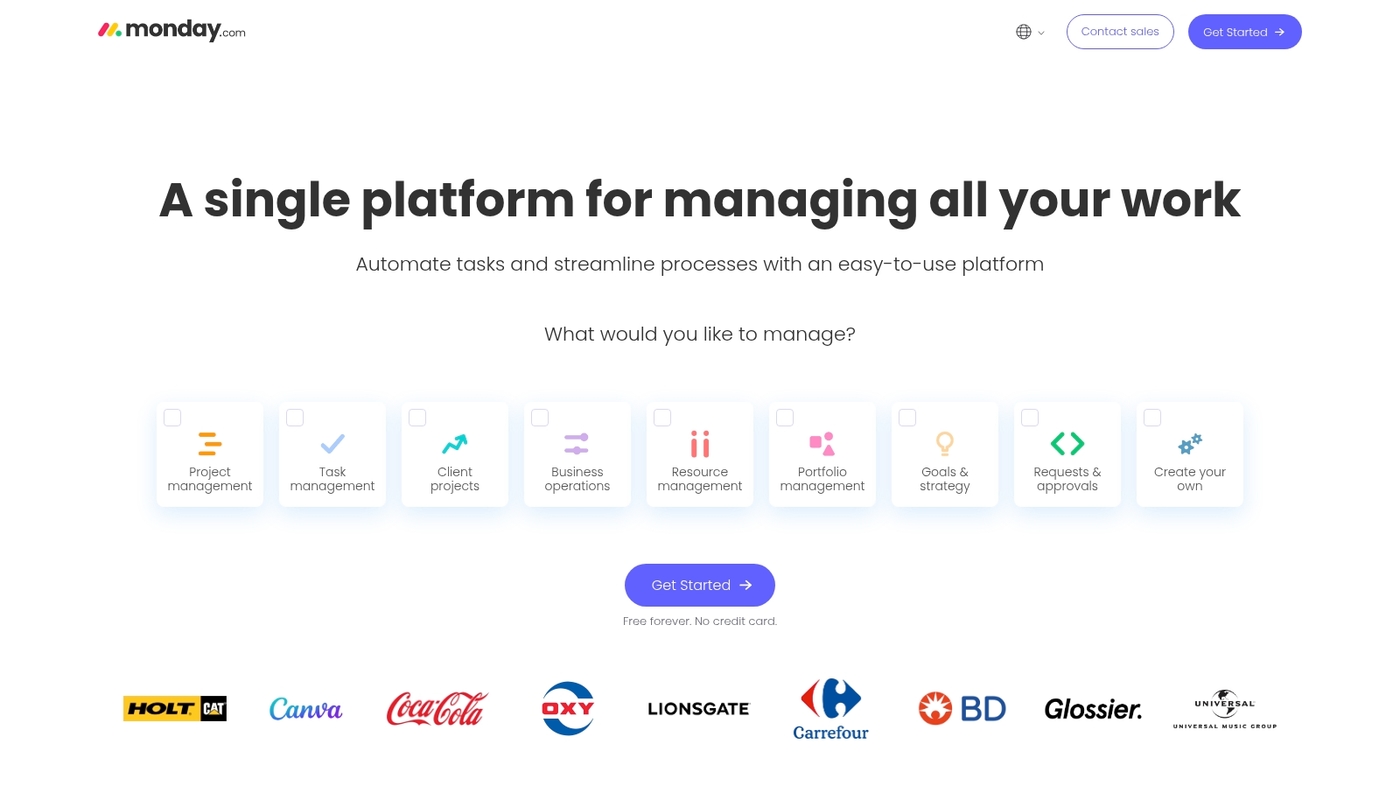
We always recommend monday.com for small teams that need clear visual project tracking. It offers 200+ templates and customizable boards.
Real-time collaboration and reporting appear on the free plan for up to two users. The visual interface makes priorities obvious. Setup takes minutes with templates and basic automations.
The template library cuts onboarding time by about 30% for small teams. Integrations cover calendars, Slack, and common apps. Automations are limited on the free plan and scale with paid tiers.
Pros
-
200+ templates for fast setup
-
Visual boards with reporting on free plan
Cons
-
Free plan limited to two users
-
Advanced automations behind paid plans
For who?
Small teams and startups testing a visual workflow. Product managers who want quick onboarding and cross‑team visibility.
Pricing
Free plan supports up to two users. Paid plans unlock more seats, automations, and advanced reporting.
Trello
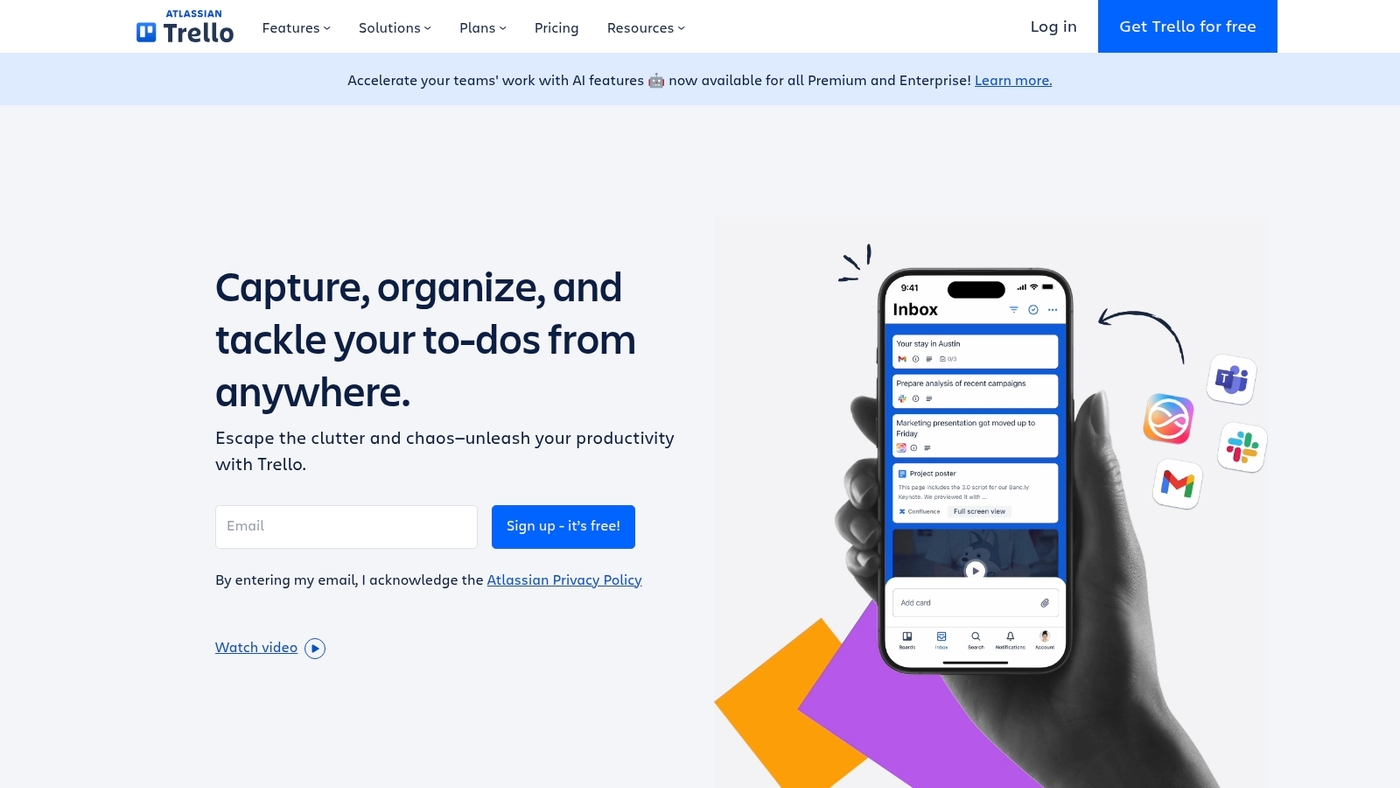
Trello is the go-to option for teams that prefer a card-and-board approach. Use it to map workflows with unlimited boards, lists, and cards.
The interface uses drag-and-drop gestures and supports templates, Power-Ups, checklists, labels, and attachments. Trello syncs across web, desktop, and mobile.
It connects with Slack, Google Drive, and many apps through integrations. The free plan covers unlimited personal boards and up to 10 team boards with 10MB attachments per file.
Trello shines on lightweight projects and visual task tracking. I’ve used Trello for rapid onboarding boards and simple sprint planning. Explore Kanban options via Kanban board software for more comparisons.
Trello keeps things simple while letting you scale with paid features when needed.
Pros
-
Visual project management that’s easy to learn
-
Customizable Kanban boards with templates and Power-Ups
-
Cross-platform apps and solid integrations
Cons
-
Limited advanced reporting on free plan
-
Attachments capped at 10MB per file on free plan
For who?
Small teams, freelancers, product teams that favor visual workflows, and anyone who needs a simple free project management app.
Pricing
Free plan available. Paid plans start at per-user monthly rates for larger automations, unlimited Power-Ups, and larger attachment limits.
Asana
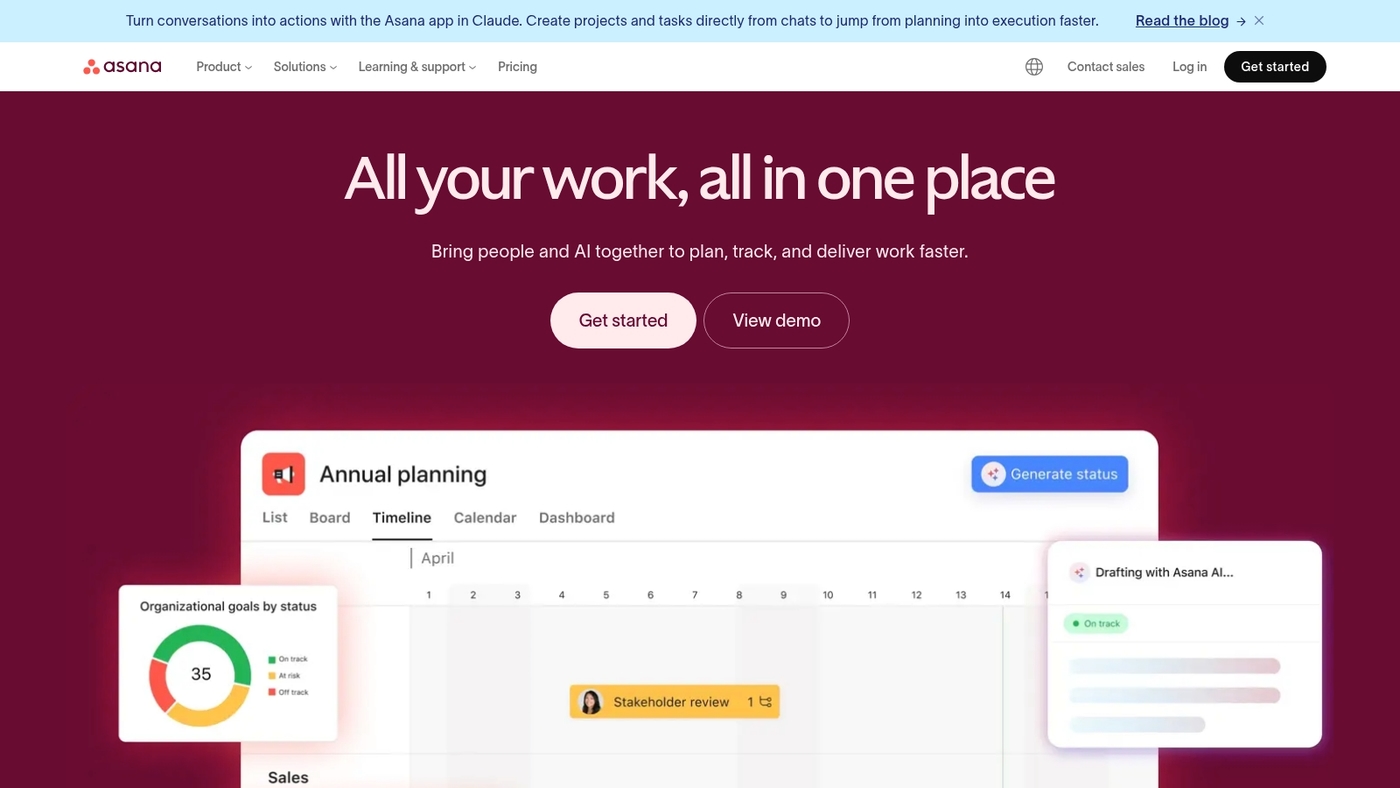
Asana excels for teams that need flexible workflows and a strong free tier. It gives a focused My Tasks view to manage personal work.
You get unlimited projects and tasks on the free plan. You can switch between list, board, and calendar views. The free tier upgrades basic to-do lists with subtasks and attachments.
This tool fits many uses as a reliable free project management option for small teams. Asana balances simplicity and flexibility. I use it for lightweight planning and daily task tracking.
Start with My Tasks and one project board.
Pros
-
Personal focus via My Tasks
-
Unlimited projects and tasks
-
Multiple view options for planning
Cons
-
Limited automation on the free plan
-
Advanced reporting behind a paywall
For who?
Product teams, small startups, and remote teams that need simple task tracking.
Pricing
Free plan for up to 15 users. Premium plans start at $10.99 per user/month billed annually.
ClickUp
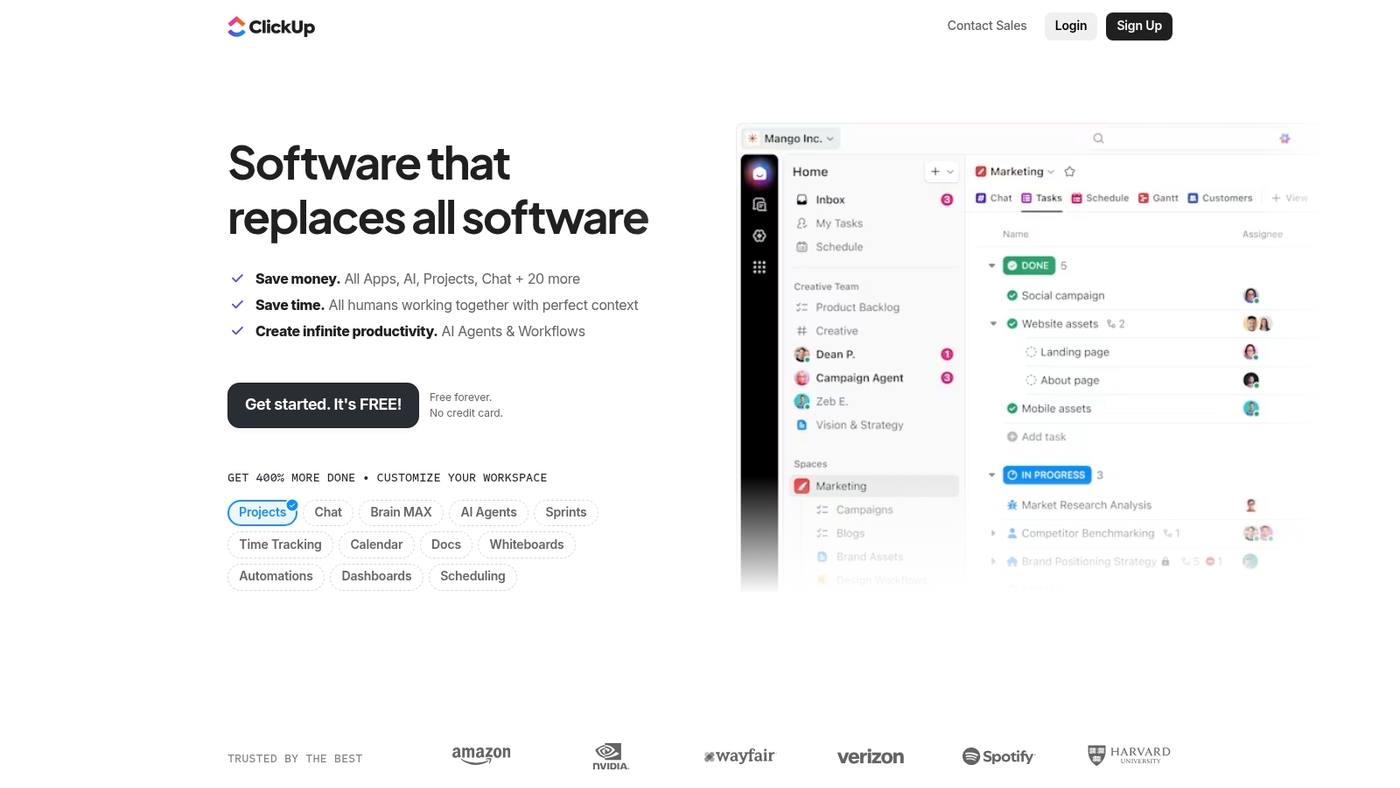
ClickUp offers an all-in-one workspace with unlimited users and tasks on its free plan. The app gives flexible task hierarchy, custom statuses, checklists, docs, time tracking, and multiple views like list, board, and calendar.
Advanced views such as Gantt and timeline sit behind paid tiers. The free plan supports many integrations and basic automations.
ClickUp fits teams that want one app for tasks, docs, and simple reporting. I’ve used the free tier for small projects and found it fast to set up and adapt.
Pros
-
Unlimited users and tasks on free plan
-
Deep task structure and many built-in tools
Cons
-
Gantt and timeline require paid plan
-
Interface can feel dense for new users
For who?
Teams that want a single app for tasks, docs, and basic automations. Good for startups and small product teams.
Pricing
Generous free plan. Paid plans add advanced views, increased storage, and advanced automations.
Wrike
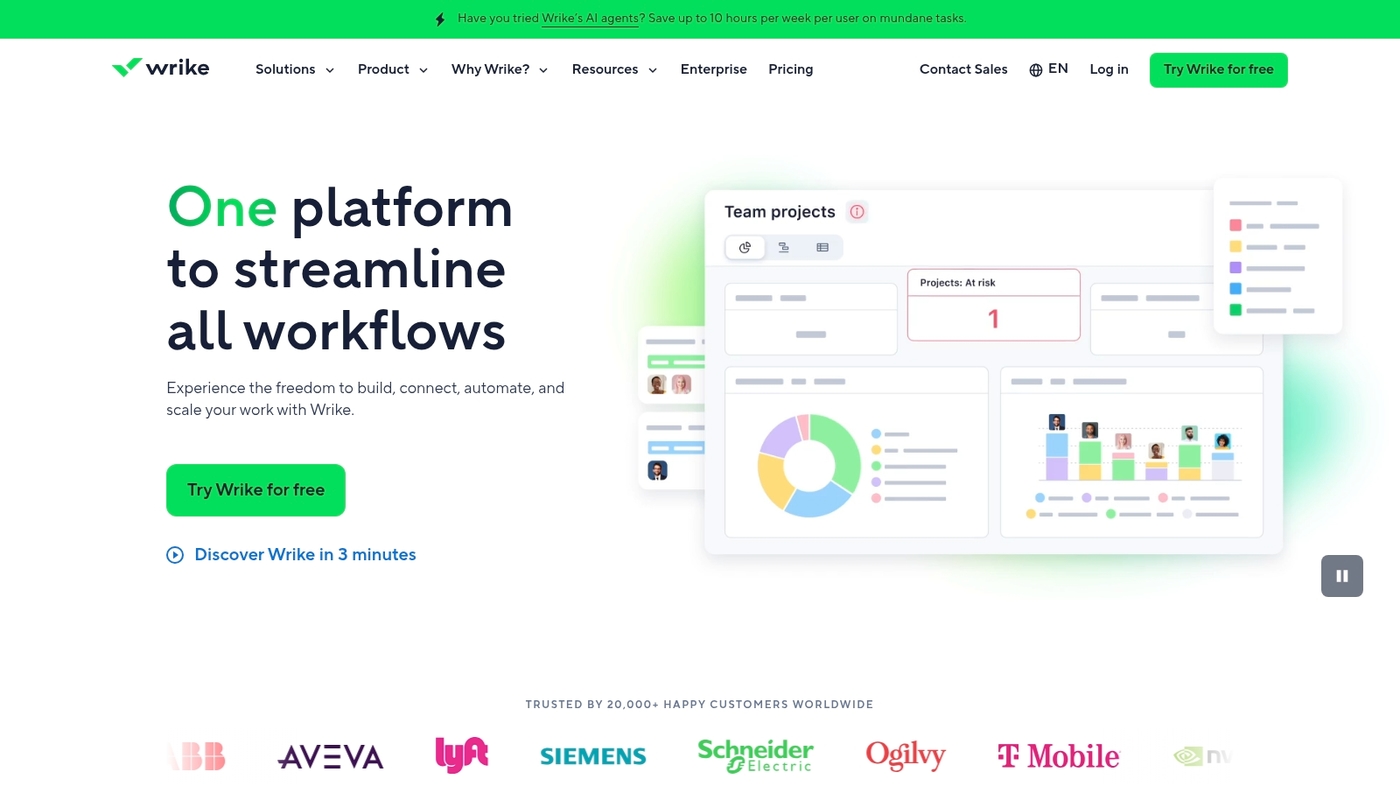
We recommend Wrike for growing teams that need a balance of structure and flexibility. It offers a clean spreadsheet like interface for task grids and solid project tracking tools.
The free project management software plan supports unlimited users and basic task management. Workflows, custom fields, and simple automations let you model processes and reduce manual work.
Reporting and time tracking remain limited on the no-cost tier. Storage caps at 2GB, which works for text-based projects but constrains file-heavy teams.
Teams needing many seats without cost get clear value here. I’ve used Wrike on client projects and found setup fast and permissions easy to manage. Expect to upgrade when you need advanced Gantt controls, deeper integrations, or more storage.
Pros
-
Unlimited users on free plan
-
Flexible task views and workflow customization
Cons
-
Only 2GB storage on free plan
-
Advanced features and integrations require paid tiers
For who?
Small growing teams and agencies that need a scalable, no cost project tracking tool with strong user capacity.
Pricing
Free plan with 2GB storage and basic features. Paid plans add storage, advanced reports, Gantt charts, and integrations.
Jira
Atlassian‘s Jira is the top choice for agile and software development teams. It supports Scrum and Kanban boards, sprint planning, backlog management, and basic roadmaps.
The free tier covers up to 10 users and includes reporting like burndown charts. Storage caps at 2GB. Integrations with Git, Slack, and CI tools automate updates and reduce manual work.
Permissions let you separate developer workflows from stakeholder views. Jira scales well as sprint discipline grows. I use it to run short feedback loops and keep issues tracked.
Explore other free scrum tools if your team needs lighter options.
Pros
-
Free for up to 10 users with Scrum and Kanban boards
-
Strong sprint reports and many developer integrations
Cons
-
Storage limited to 2GB on the free plan
-
Steep admin setup and learning curve for non-technical users
For who?
Small engineering teams, startups running sprints, and product managers who need backlog control and developer tooling.
Pricing
Free for teams up to 10 users with 2GB storage. Paid plans unlock more storage, advanced permissions, and enterprise features.
Teamwork
We recommend Teamwork for client-focused agencies. It offers free task lists, timesheets, reports, and fast view switching to manage multiple client projects.
You can switch between list, board, and timeline views. You can log time per task and export timesheets for client billing. The free tier includes core project tracking and basic reporting.
Its reporting reduces billing errors and keeps scope visible. Setup often takes under an hour for a standard project. The interface stays clean as projects grow.
This product sits solidly among free project management software that serve agencies and consultancies.
Pros
-
Built-in timesheets and export for client billing
-
Quick view switching across list, board, and timeline
-
Agency-oriented reports for workload and billing visibility
Cons
-
Advanced automations and extras require paid plans
-
Some integrations and storage are restricted on the free tier
For who?
Small agencies, consultancies, and freelancers who bill time and manage multiple clients.
Pricing
Free plan available with core features. Paid plans add automations, more storage, and advanced reports.
Zoho Projects
We pick Zoho Projects for teams that need free project management software with solid scheduling and tracking. Zoho Projects offers Gantt chart support, task dependency links, a social collaboration feed, and built-in timers.
You create tasks, set dependencies, and spot schedule conflicts quickly. You track billable time with manual entries or timers. The activity stream keeps comments, files, and @mentions visible to the team.
Integrations cover email and common office suites. The free plan limits active projects and storage but delivers useful project tracking for small businesses and startups.
The mix of scheduling and time tools helps teams adopt the workflow fast. Try it and compare with other best free Gantt software to confirm fit for your team.
Pros
-
Robust Gantt charts and dependency handling
-
Built-in time tracking and reporting
Cons
-
Free plan limits on projects and storage
-
Advanced automations require paid tiers
For who?
Small businesses, startups, and project teams that need free Gantt charts and time tracking without complex setup.
Pricing
Free plan available with basic limits. Paid plans unlock more projects, storage, and automation features.
Airtable
We recommend Airtable for teams that need a flexible database-spreadsheet hybrid to manage projects. It combines customizable tables, linked records, and multiple views so you can switch between grid, kanban, calendar, and gallery.
Automations let you trigger actions without code. The interface makes relational data visual and accessible for non-technical users.
The platform scales from simple task lists to lightweight product trackers and content pipelines. The visual layout reduces setup time and keeps teams focused.
If you run campaigns, product roadmaps, or editorial calendars, Airtable adapts to your process. The free plan supports small teams and testing before you commit to paid features.
Pros
-
Multiple customizable views for different workflows
-
Linked records and simple relational data model
-
Basic automations to reduce manual steps
Cons
-
Record and attachment limits on the free plan
-
Advanced features and extended history require paid tiers
For who?
Small teams, marketing and product managers, content creators, and startups that need a flexible, visual project tool you can shape to your processes.
Pricing
Free plan: unlimited bases, up to 1,200 records per base, 2GB attachments per base, and about 100 automation runs per month. Paid plans start around $10 per user per month billed annually for expanded limits and features.
SmartTask
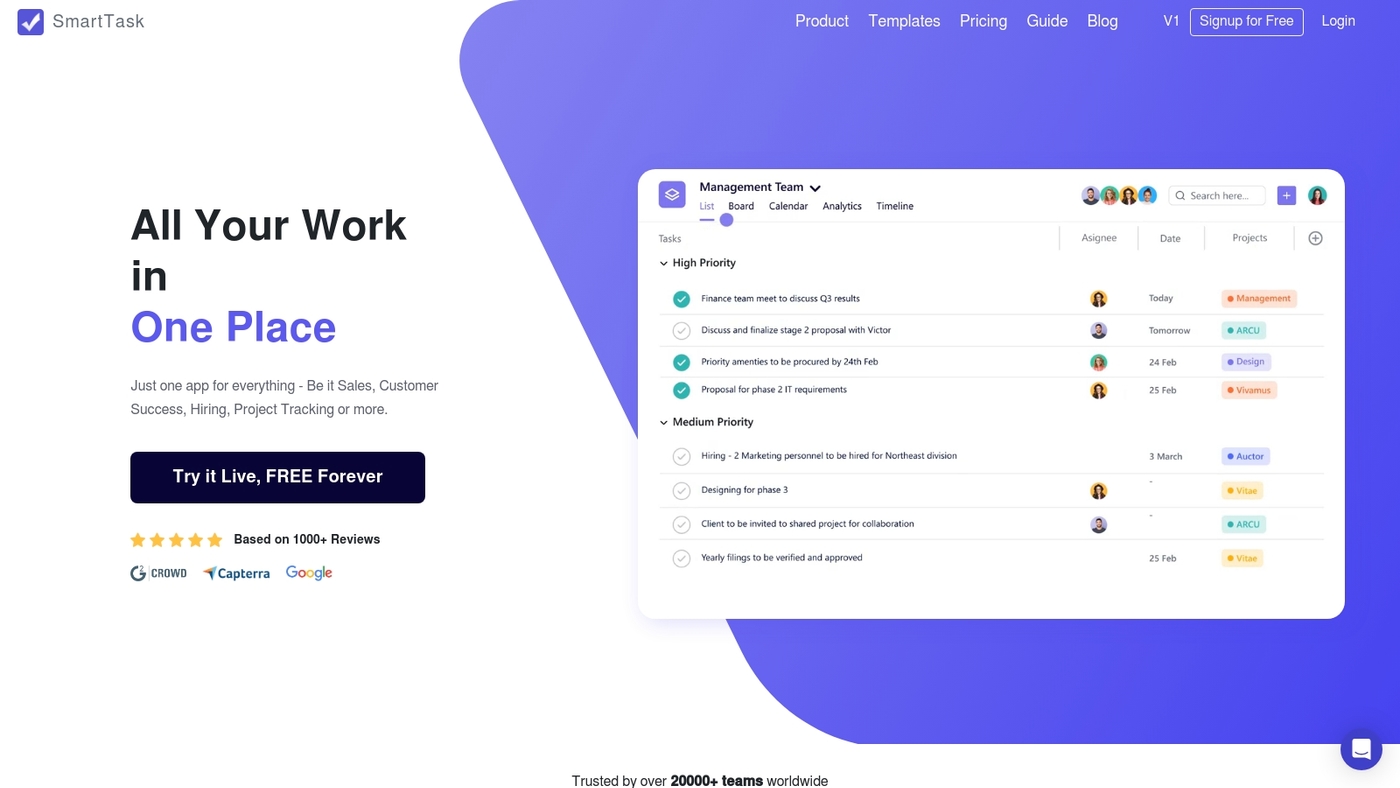
We recommend SmartTask for small teams that need robust free project management software. SmartTask includes recurring tasks, task dependencies, time tracking, and video calls.
The free plan has no user limits, which helps growing teams. You can assign tasks, set dependencies, and track time per task. The interface shows clear task ownership and progress.
SmartTask supports lists, boards, and basic reporting. Its built-in time tracking speeds up billing cycles. I used it during a sprint and got faster daily updates.
Use SmartTask as a no cost project management tool when you need collaboration and simple calls inside the app.
Pros
-
Unlimited users on the free plan
-
Recurring tasks, dependencies, and time tracking
-
Built-in video calls and threaded comments
Cons
-
Advanced automations sit behind paid tiers
-
Fewer native integrations on the free plan
For who?
Small teams and startups that need free task management software with time tracking and basic collaboration.
Pricing
Free plan available. Paid tiers add automations, advanced reporting, and expanded integrations.
Freedcamp
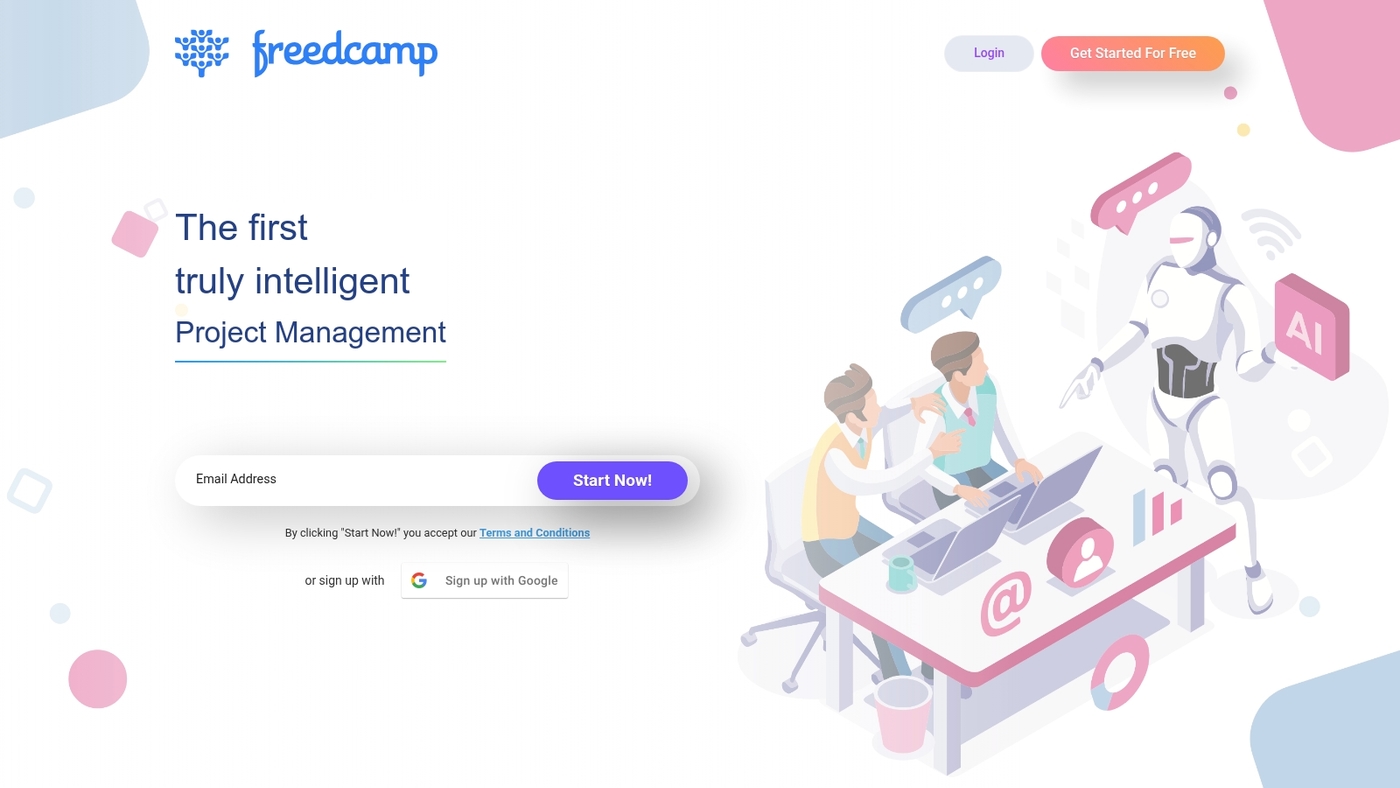
We recommend Freedcamp for freelancers and solopreneurs who need a no-frills free project management software. It delivers clear value through a simple, low-overhead interface.
You get unlimited tasks, unlimited projects, and unlimited storage on entry plans. The tool covers task lists, basic boards, milestones, and file uploads.
Integrations stay limited and advanced reports or enterprise automations are reserved for paid tiers. The tradeoff favors users who want fast setup and low monthly cost instead of deep feature sets.
Use Freedcamp when you want a reliable free project management app that keeps costs down and administration simple. This option fits solo operators or very small teams that prioritize task tracking and simple collaboration over advanced workflows and heavy integrations.
Pros
-
Generous free tier with no project caps
-
Simple UI that reduces setup time
-
Affordable paid add-ons for growth
Cons
-
Limited native integrations
-
Lacks advanced reporting and automations
-
UI feels basic for larger teams
For who?
Freelancers, solopreneurs, and very small teams that need a straightforward free project management tool for task tracking and file storage.
Pricing
Free core plan available. Paid upgrades add features and integrations at low monthly rates for users who outgrow the free tier.
Best free project management software for specific use cases
Best free kanban software for visual workflows
Trello and ClickUp are the best free kanban software for visual workflows. They use drag-and-drop cards, swimlanes, and custom board layouts to make work visible.
We recommend Trello for simple boards and ClickUp for richer task hierarchies.
Trello helps teams start fast. I’ve seen teams set up a working board in under 30 minutes. Trello’s templates and Power-Ups cut initial setup time.
ClickUp fits teams that need deeper structure. Its free plan gives unlimited users and tasks. You get lists, checklists, and basic automations for free.
Use these tools as part of your free project management software stack for visual task tracking and team alignment. Explore online scrum board tools for Kanban tips.
Try a board on a live project this week.
Best free agile project management software for sprints
We recommend Jira and Taiga for sprint work.
Jira is free for up to 10 users and includes Scrum and Kanban boards, backlog management, and 2GB storage. Taiga is open source, supports sprint planning, and lets you self-host for full data control.
Jira suits dev teams that need tight issue tracking and CI/CD links. Taiga fits teams that want lightweight UX and server control.
-
Free agile project options with backlog grooming and sprint scopes
-
Sprint planning tools for assigning stories, estimating points, and setting sprint goals
-
Burndown chart tracking to monitor velocity and shipment risk
Action step: create a sprint board, import your backlog, run one two-week sprint, and measure cycle time. Adjust based on velocity and team feedback.
Best free project management software for small businesses and startups
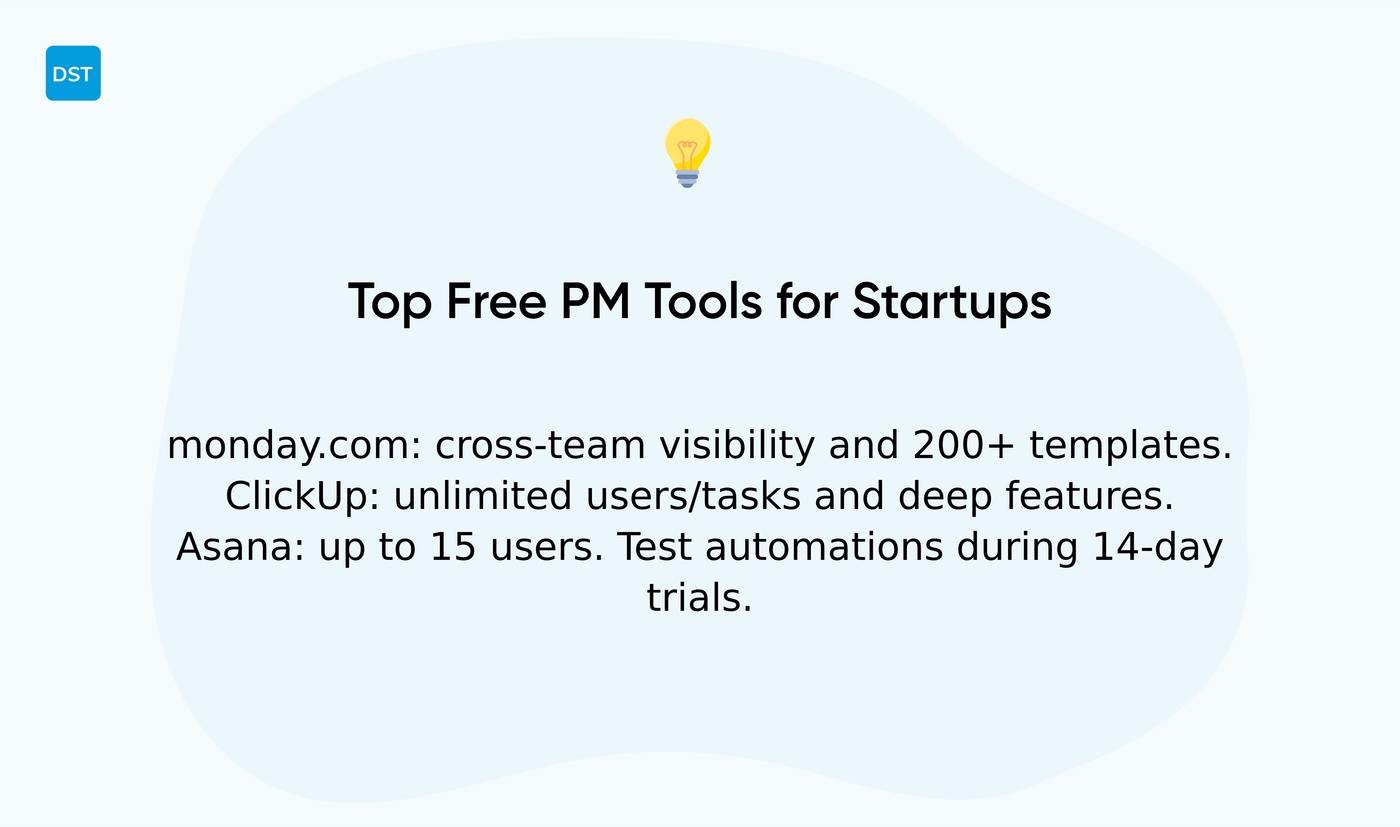
Pick monday.com first for cross-team visibility, ClickUp second for all-in-one task depth. Asana works well when you need flexible task views and simple onboarding.
monday.com offers a visual interface and 200+ templates on the free tier. ClickUp gives unlimited users and tasks, great for growing teams. Asana supports teams up to 15 users and unlimited projects on its free plan.
Look for dashboards, automations, integrations, and mobile access. Use cost effective tools that scale with teams to avoid painful migrations later.
Testing automations first saves hours of manual updates each week. My team saw faster status handoffs after switching boards and automations.
Try monday.com and ClickUp side by side for 14 days and test automations on a live project. Pick the tool that fits your team size and workflow, then commit.
Best no cost project management software for remote teams
Choose free project management software with real-time sync, built-in chat, and mobile apps to keep distributed teams aligned.
Real-time updates stop duplicate work. Comments and mentions keep feedback visible and searchable.
We favor tools that offer offline access and native integrations so you avoid context switching.
-
Real-time activity feed and notifications
-
Mobile app with offline sync and push alerts
-
Comments, file sharing, and mentions for clear async communication
-
Reasonable storage and user limits that match your team size
Check integrations like Slack and Google Drive. Prefer a free collaboration software for project teams with calendar sync.
Running a two-week live test shows whether a free online project management tool fits your workflow. Start with one project, measure time saved, scale up if results match your goals.
Open source project management software options
Open source options deliver maximum control and customization for teams that host their tools. They let you keep data on your infrastructure and avoid vendor lock-in.
Taiga, OpenProject, Redmine, and ProjectLibre cover common needs.
Taiga supports agile with backlogs, sprints, and burndowns. OpenProject adds Gantt charts and portfolio views. Redmine focuses on issues, plugins, and flexible workflows. ProjectLibre mirrors MS Project schedules and desktop Gantt.
Expect setup and maintenance work. Plan four to ten hours for initial install and configuration. Budget a few hours monthly for updates and backups.
Open source project tools give you export control and access rules. You tune roles, storage limits, and retention policies.
We installed OpenProject on a small VPS to test reliability. We saved about $1,800 in subscription fees the first year. The tradeoff required two hours weekly for maintenance.
Self-hosting suits teams with in-house IT or devops. You gain security control and full extensibility.
Quick checklist before you start:
-
Choose hosting: VPS, on-prem, or Docker container
-
Verify integrations with your stack and tools
-
Enable automated backups and SSL
-
Test user imports and data export
Read setup guides for practical steps and compare alternatives at free planning software.
You might also like: 11 Best Project Management Software For Individuals
Free vs paid project management tools
Use free project management software to validate workflows and confirm team buy-in before you pay.
-
Free plans cut cost and speed evaluation for small teams
-
Common limits include user caps, storage limits, limited integrations, and restricted automations
-
Upgrade when those limits force manual work or block reporting you need
Free tiers often cap seats at 2–10 users. Storage usually sits between 2–5GB per workspace. Integrations may allow only one or two apps.
Automations, Gantt views, portfolios, and advanced reports commonly sit behind paid walls.
Paid tiers add SSO, audit logs, custom reporting, higher API quotas, and faster support. Paid plans unlock Gantt charts and time tracking for reliable capacity planning.
We recommend testing automations and integrations on a live project before you upgrade.
You should upgrade when the tool slows delivery or creates repeated workarounds. Track hours lost to manual processes. If your team loses about 5+ hours per week per person, paid automations often pay for themselves.
Many teams start with free task management software or free kanban software to shape process. Open source project management software suits teams that want full control and can host their stack.
Compare limits and costs side-by-side on our project management software guide to pick the best free or paid plan for your team.
You might also like: Top 13 Project Management Software For Freelancers
How to choose the best free project management software
Choose free project management software that matches your team size, project complexity, and methodology.
-
Match user limits to your headcount to avoid sudden upgrade costs
-
Prefer tools that support your workflow: Kanban, Scrum, or simple lists
-
Prioritize integrations with calendars, Slack, and version control for smooth sync
-
Assess storage and automation for future growth to prevent painful migrations
We recommend a short feature matrix: user caps, core features, integrations, and storage. Use the task management tools guide to compare specifics against your needs.
Defining a team size match and a feature priority list before testing saves time and cost. Pick must-haves versus nice-to-haves and score each tool on those items.
|
Step |
Action |
|---|---|
|
1. List must-haves |
Tasks, comments, file sharing, permissions, basic automations |
|
2. Score free plans |
User limits, storage, integrations, advanced views like Gantt |
|
3. Run pilot |
Two-week test with real backlog; measure hours saved and error rates |
Choose a tool that covers your essentials and offers clear upgrade paths. Test automations early. Run pilots with your team and track results.
This approach makes choosing the best free project management software practical and fast.
Read also: Top 11 Best Project Management Software



