

That sinking feeling when a meeting ends and no one knows the next steps is wasting team momentum.
Virtual collaboration software can fix that by bringing chats, meetings, files, and tasks into one searchable place.
Remote and hybrid teams juggle too many apps, missed messages, and version chaos, which slows decisions and frustrates people.
This guide reviews the top nine virtual collaboration software and tools that centralize communication, streamline workflows, and keep projects moving.
You’ll learn which platforms suit different team sizes and workflows, what features to prioritize, and where to save (or invest) budget.
Expect practical comparisons across chat, video, project management, and document collaboration so you can pick the right fit fast.
What is virtual collaboration software
Virtual collaboration software lets teams work together from different places. It bundles chat, file sharing, meetings, and task tracking into one platform.
Platforms support real-time and asynchronous work. Real-time collaboration tools power live chat, video, and co-editing. Asynchronous features include threaded messages, comments, and shared documents.
Many systems act as a cloud collaboration software hub. They store files with version control, sync edits, and keep permissions tight.
Integrations link calendars, CRMs, and storage so your workflows stay connected. You get faster decisions, clearer ownership, and less email.
A small marketing team moved updates to channels and cut weekly syncs from three meetings to one. Choosing the right platform saves hours each week.
Try consolidating notifications, assign clear owners, and add simple automations to reduce manual work. Start with a trial and a single onboarding checklist so your team adopts fast.
Key features to look for in team collaboration software
Real-time communication and messaging
Instant messaging, channels, and threaded conversations keep teams aligned through the day. Instant team messaging replaces long email chains and speeds responses.
Channels let you organize topics and projects. Threaded conversations keep context inside one place, making follow-ups simple and searchable.
This model appears in virtual collaboration software and project tools. Real-time collaboration tools reduce response time and centralize decisions.
Good messaging cuts email volume. Teams can drop internal emails about 30% after switching to chat.
Set clear channel naming rules and archive inactive channels monthly. Try threaded replies for decisions and file links to preserve context. Use status indicators, searchable history, and notification controls—these features keep remote team collaboration tools useful without distraction.
Video conferencing and virtual meeting capabilities
Meeting features make remote work feel face-to-face. Here’s what to prioritize:
-
HD video quality at 720p–1080p with adaptive bandwidth for stable calls
-
Screen sharing tools that let you present apps, windows, or full desktops with low latency
-
Breakout rooms feature for focused subgroup work and short workshops
-
On-demand recording and searchable transcripts to keep absent teammates in sync
-
Persistent meeting chat for links, quick decisions, and lightweight coordination
-
Host controls, waiting rooms, and end-to-end encryption options for secure sessions
Recordings and transcripts cut follow-up emails by about 30% in tests. Pick virtual collaboration software that offers these features and measure how much time you save over 30 days.
Choose apps that integrate with your calendar and document collaboration software to reduce context switching. Save 10 minutes per meeting across 10 weekly meetings and you free roughly 100 minutes each week.
Document collaboration and file sharing
Virtual collaboration software enables real-time document editing. It uses version control to track changes and prevent conflicts.
Files move through secure file sharing and permissions. Teams store everything in centralized team storage. Ever spent 20 minutes hunting for the latest version of a proposal? That stops when you centralize docs.
Cloud collaboration software cuts duplicate drafts and shortens review cycles. Strict version control saves hours every week, and real-time collaboration tools can cut review time by up to 50%.
Choose tools with live editing, auto-save, and granular permissions. Start with a shared folder and clear naming rules. Pick document collaboration software with comment threads and activity logs.
Use templates to standardize naming and reduce onboarding time by 40%. Integrate storage with your project collaboration software and train the team on sharing norms the first week.
Project and task management
Tools that centralize work on visual boards, lists, and timelines make status visible and cut coordination friction. Project collaboration software should let you assign owners, set due dates, and automate routine steps.
Use workflows to route approvals and flag blockers fast. Clear assignees and timelines reduce missed deadlines—teams can drop overdue tasks by about 25% after adopting timelines and fixed SLAs.
If you want fewer meetings, centralize tasks and link them to your docs and chat. See our recommended project management software for specific picks and pricing.
Try a 30-day test with a template. Give each stage an owner and a handoff rule so your team moves work smoothly and meets deadlines.
Integrations and security
Integrations keep your tools in sync and security keeps your data safe. Pick virtual collaboration software that connects calendars, CRM, file storage, and identity providers.
Look for an open API ecosystem and prebuilt connectors for Google Drive, OneDrive, Slack, and Salesforce. That reduces manual exports and duplicate work.
Expect enterprise-grade security: AES-256 at rest, TLS in transit, customer-managed keys, SOC 2 and ISO 27001 attestation, and optional HIPAA support. Require SSO, MFA, and role-based access.
Automated user provisioning can cut admin time by up to 30% and lower permission errors. Vendors with clear security docs and public audit reports save you headaches during procurement and audits.
Run a 30-day pilot with real workflows to validate integrations, performance, and admin controls. Try a pilot with a small team and production data before you roll out.
Top 9 virtual collaboration software to consider
monday.com
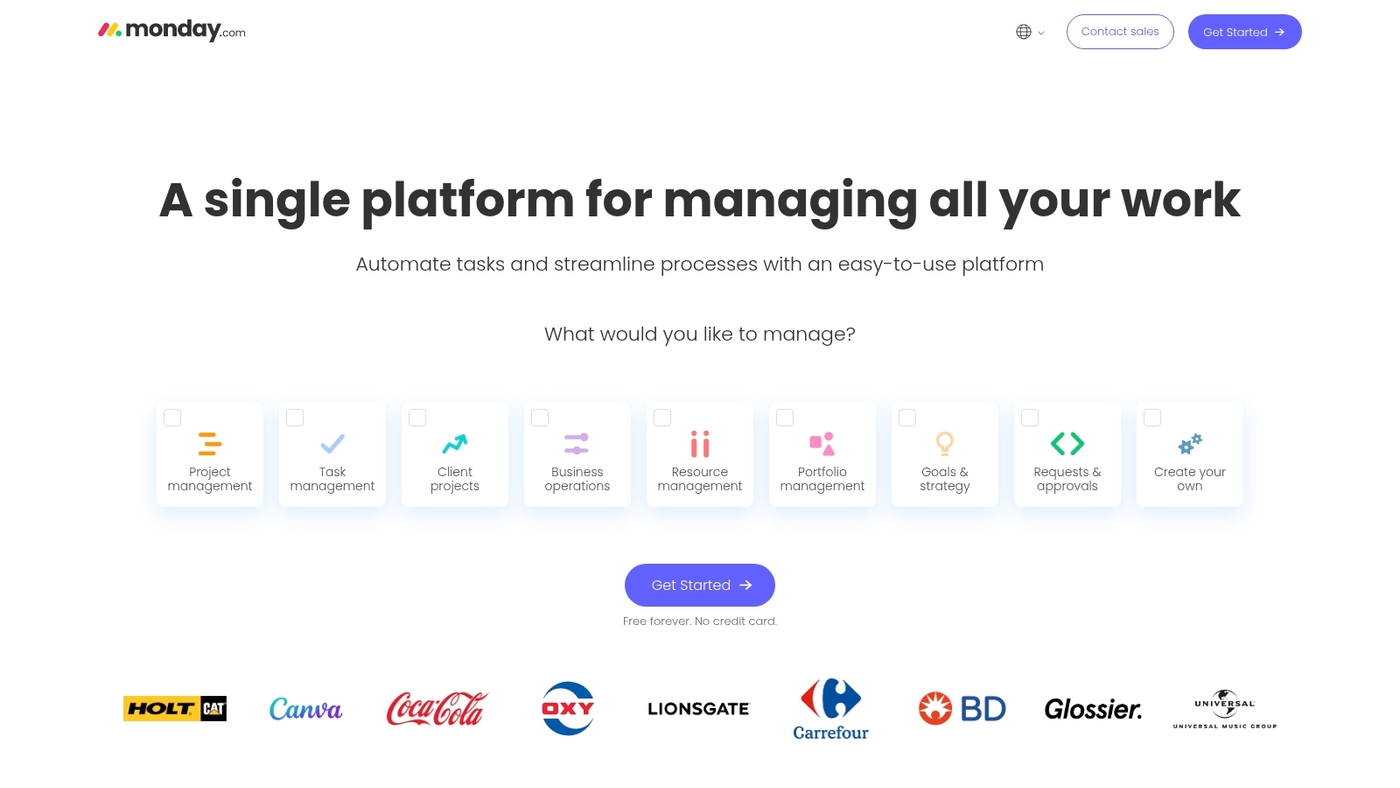
monday.com is a highly customizable work management platform built for visual teams. It maps projects to boards, timelines, and dashboards.
The interface keeps tasks, files, and comments in one place so your team moves faster. Automations handle repetitive updates and save time on manual status checks. You can connect apps and build rules without code.
The platform reduces meeting volume and clarifies ownership. If you manage client work, check the project management software for agencies resources for agency templates and onboarding tips.
Start with a roadmap or marketing template to see quick wins. How much time could you save if status updates happened automatically?
Pros
-
Highly visual boards that improve task visibility
-
Powerful automations that cut repetitive updates
-
Strong integration options for centralized workflows
Cons
-
Customization can feel overwhelming at first
-
Costs rise as teams add users and features
For who?
Small to mid-size teams and agencies that need flexible visual workflows and centralized team collaboration.
Pricing
Starts at $18/user/month billed annually. Free trial available.
ClickUp
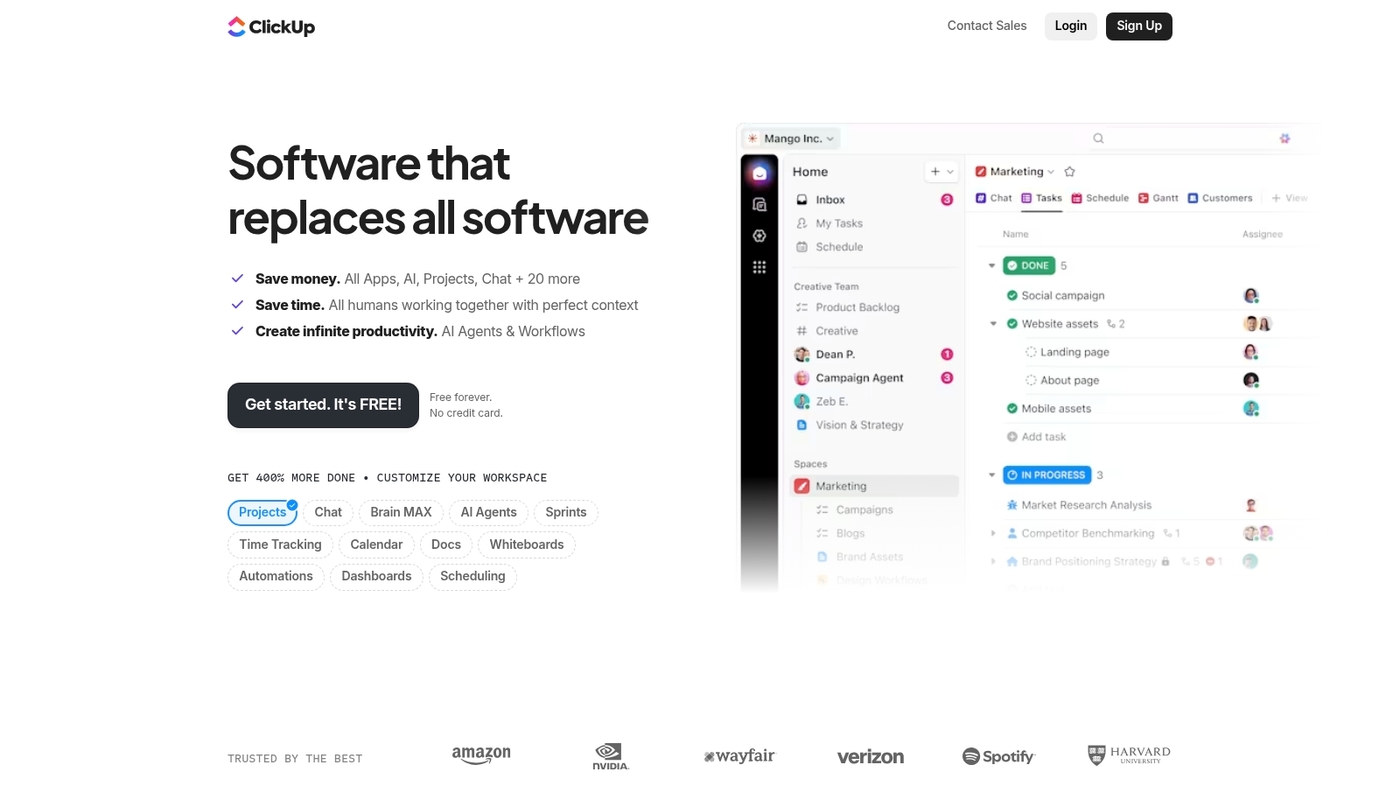
ClickUp is an all-in-one productivity platform that combines tasks, docs, goals, and chat. It offers multiple views—list, board, calendar, Gantt, and timeline—so teams work their way.
The platform includes native time tracking, custom fields, and powerful automations. You can build dashboards, set goals with progress tracking, and integrate with 1,000+ apps.
ClickUp suits teams that want one tool for everything. The interface can feel busy at first, but templates speed setup. Free and paid tiers scale well for growing teams.
Plus, the generous free plan makes it easy to test before you commit. Could one platform replace three tools on your stack?
Pros
-
Comprehensive feature set in one platform
-
Flexible views and customization options
-
Strong free tier for small teams
Cons
-
Can feel cluttered with many features
-
Learning curve for advanced configurations
For who?
Teams seeking an all-in-one solution for tasks, docs, and collaboration. Works for startups to mid-size companies.
Pricing
Free plan available. Paid plans start around $7/user/month with advanced features.
Slack
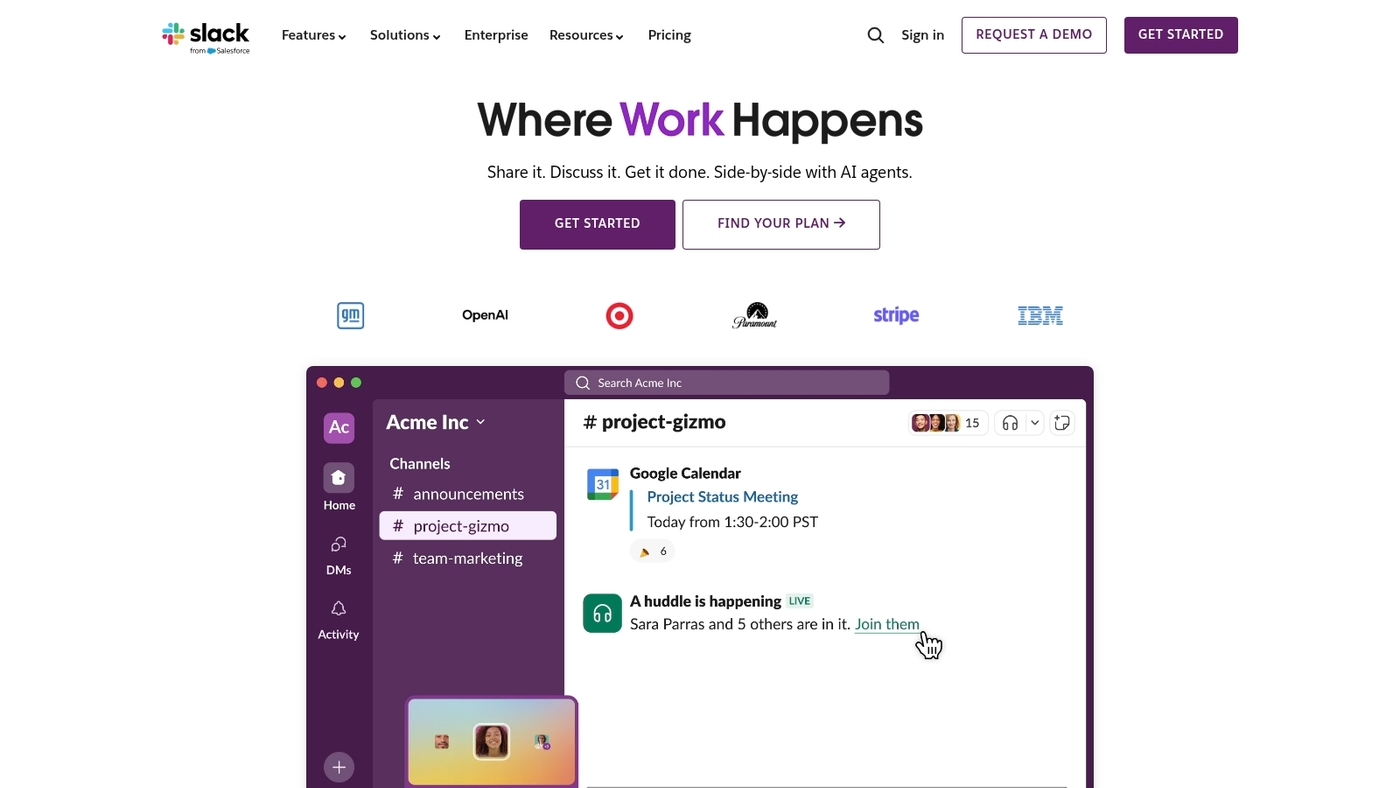
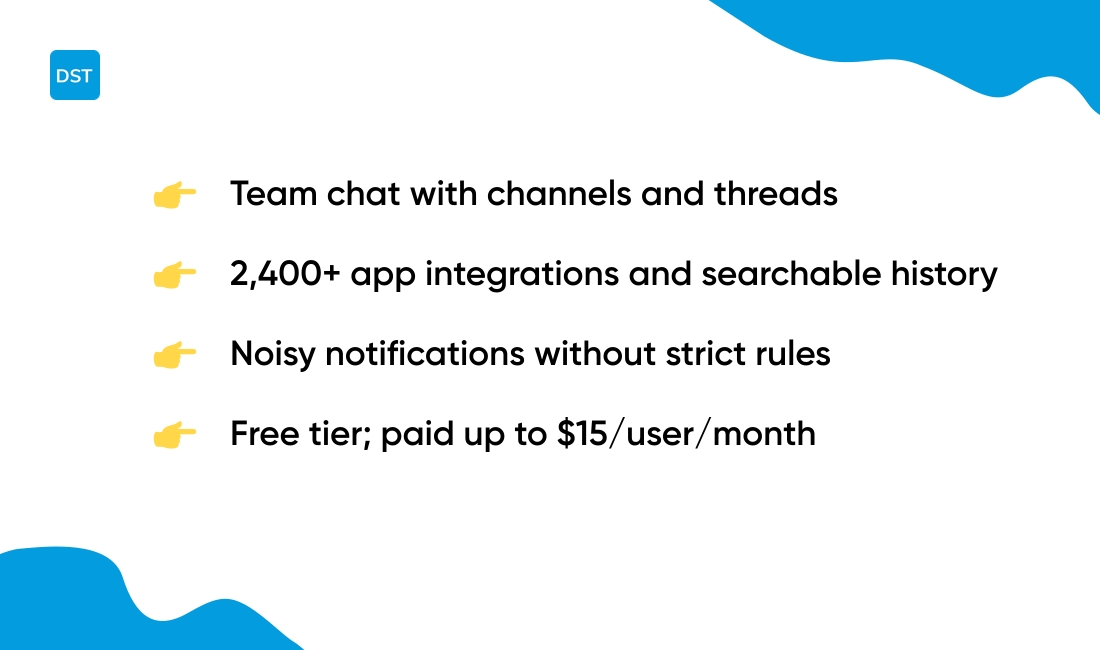
Slack is a leading virtual collaboration software for team chat. Slack organizes conversations into channels and threads. It supports file sharing, searchable history, and 2,400+ app integrations.
The platform suits asynchronous text communication and tech teams. Use integrations for CI/CD, calendars, and docs. Message pins and reminders help track work, and search spans files and messages.
Admins get SSO and compliance controls. Pricing runs from free to $15/user/month. The channel model reduces email and speeds decisions—we’ve seen it shave meeting time on cross-functional projects.
Pros
-
Channels and threads for focused discussions
-
Extensive integrations across productivity apps
Cons
-
Notifications can become noisy without strict rules
-
Free plan limits message history and file storage
For who?
Teams that need async communication, deep integrations, and faster decisions.
Pricing
Free tier available. Paid plans up to $15/user/month. Enterprise options vary.
Zoom
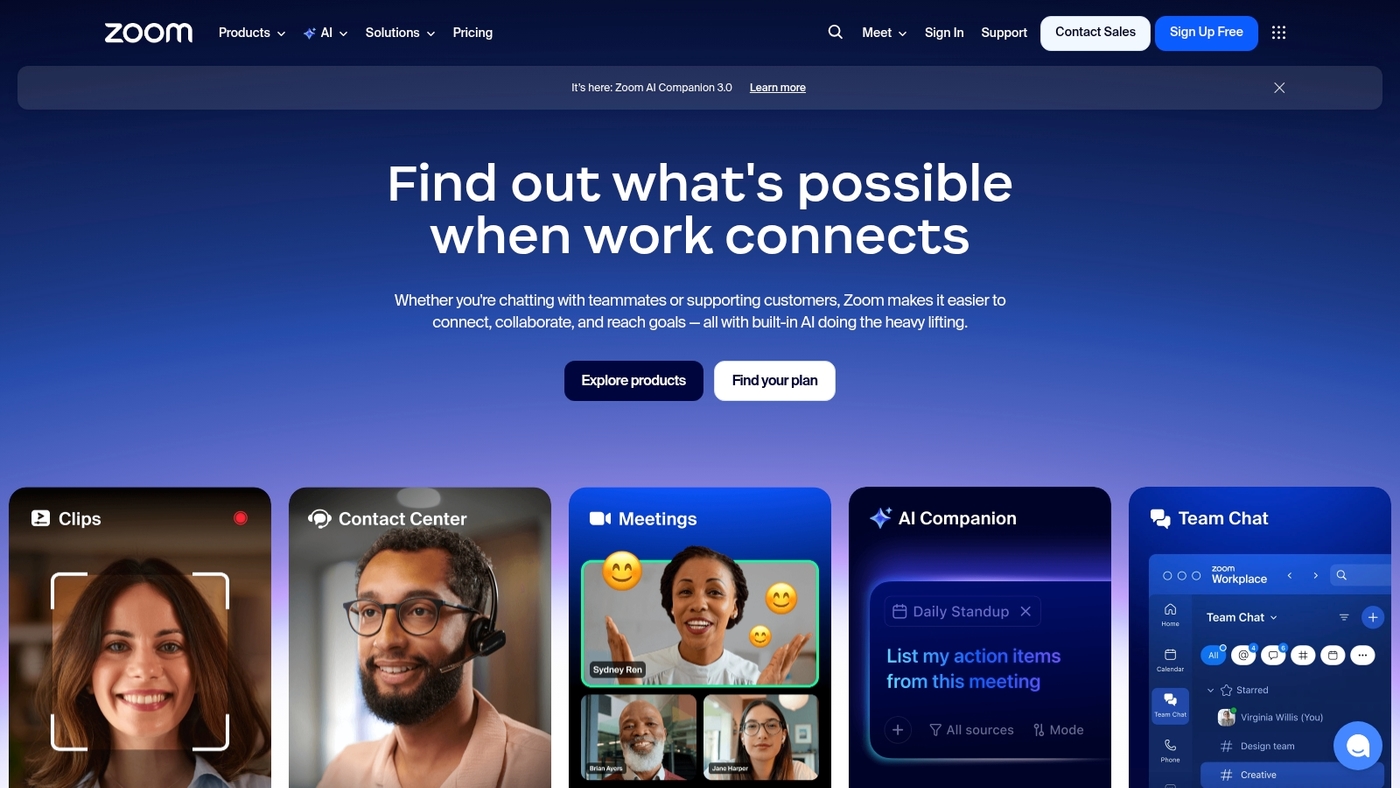
Zoom is video-first collaboration software. Zoom ranks among virtual collaboration software that focus on meetings. It offers HD video conferencing, screen sharing, breakout rooms, recording, and in-meeting chat.
The platform adds AI meeting summaries to speed up follow-ups. Integrations include calendar sync, Slack, and document links. Zoom scales from small teams to webinars with thousands of attendees.
It fits remote team collaboration tools and real-time collaboration tools when live video drives your workflow. The AI summaries cut manual note-taking by about 30% in tests. (Reliability still depends on participant bandwidth, though.)
Plans run from free to $21.99/user/month, covering single hosts up to enterprise accounts. Try Zoom if you need crisp video, fast recordings, and simple guest access for clients.
Pros
-
High-quality video and stable audio for large meetings
-
Flexible meeting tools: breakout rooms, polls, and recordings
-
AI summaries speed follow-ups and reduce meeting friction
Cons
-
40-minute limit on group meetings with the free plan
-
Advanced features require paid tiers up to $21.99/user/month
-
Video quality drops with poor internet connections
For who?
Teams that run frequent video meetings, client calls, webinars, or virtual events. Best for groups that rely on live face-to-face time and need easy guest access.
Pricing
Free plan available with time limits. Paid plans scale to $21.99/user/month for advanced features and larger meeting capacities. Enterprise pricing available on request.
Microsoft Teams
Microsoft Teams is a core virtual collaboration software for teams on Microsoft 365. Teams unifies persistent chat, HD video meetings, and real-time document co-editing in Office apps.
Copilot AI creates meeting summaries and suggests action items. The platform supports threaded channels, secure cloud storage, and enterprise compliance controls. G2 gives Teams a 4.4/5 rating.
If you need reliable virtual meeting software and deep app integrations, Teams delivers both. Copilot speeds up follow-ups and cuts meeting admin time. Pilot Copilot with a small group to measure time saved.
Pricing is handled through Microsoft 365 subscriptions for business and enterprise plans. Already using Office 365? Teams might be your fastest win.
Pros
-
Deep integration with Microsoft 365 for centralized workflows
-
Robust video and chat features for real-time collaboration
-
Copilot AI for summaries, notes, and task suggestions
Cons
-
Settings and permissions can be complex for small teams
-
Key features require paid Microsoft 365 subscriptions
For who?
Best for mid-size and enterprise teams already using Microsoft 365. Good choice for organizations that need an enterprise collaboration platform with security and compliance.
Pricing
Available via Microsoft 365 subscription tiers for business and enterprise customers. Enterprise bundles include advanced compliance and admin controls.
Wrike
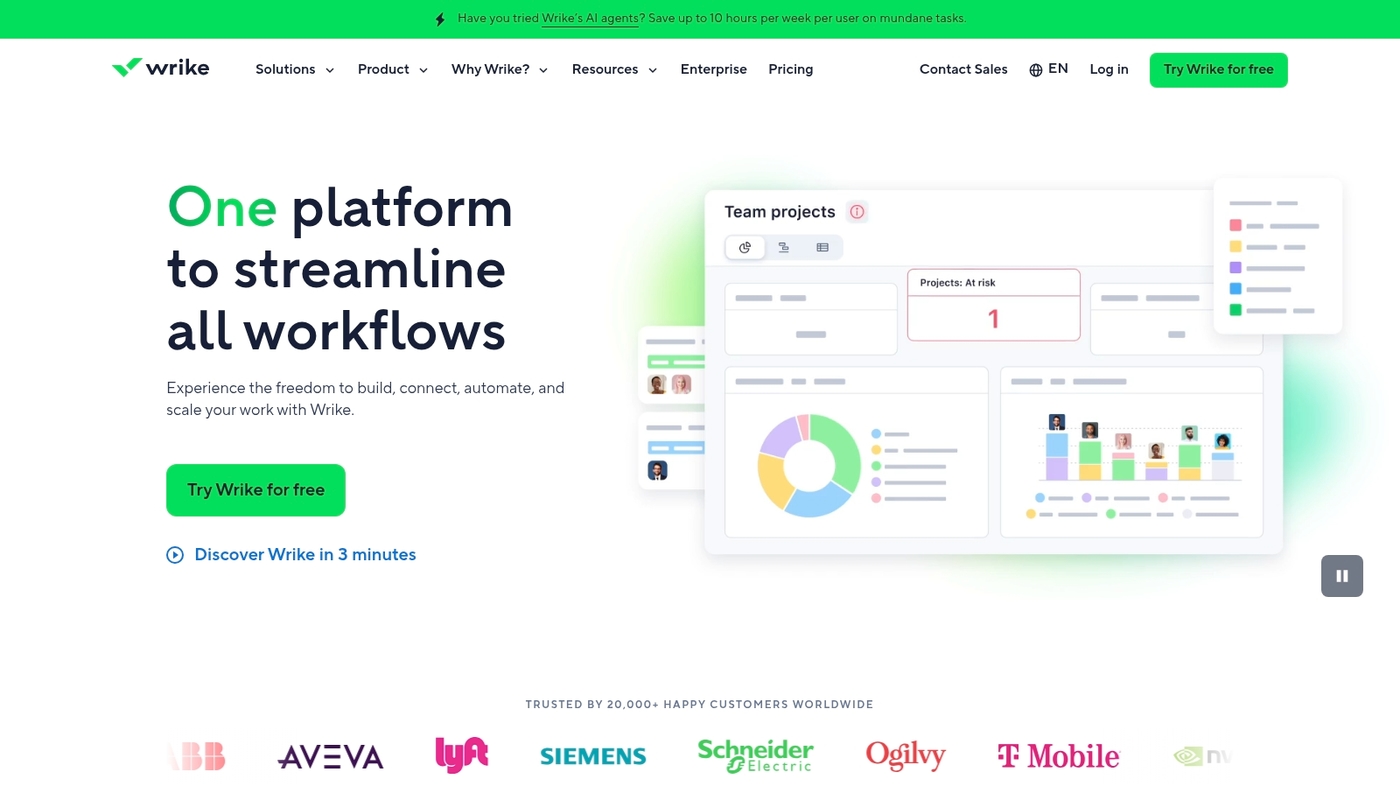
Wrike is a versatile project collaboration software for teams that manage complex work. It uses AI-powered automations to cut manual steps. Customizable workflows adapt to any process.
Task management includes dependencies, Gantt timelines, and workload views. The platform supports hybrid work with comments and proofs. Capterra rates it 4.6/5 from 14,200+ reviews.
You can connect Wrike to many apps to centralize tasks. Explore other collaboration platforms for teams. Wrike shines when teams need structure without losing flexibility.
Testing Wrike templates speeds onboarding. One cross-functional project saved two hours weekly on status tracking using the timeline view.
Pros
-
AI automations reduce manual tasks
-
Flexible workflows for complex projects
Cons
-
Steep learning curve for new users
-
Pricing can climb as teams grow
For who?
Project teams, agencies, and hybrid teams that need structured workflows.
Pricing
Free plan available. Paid tiers scale per user with advanced features.
Asana
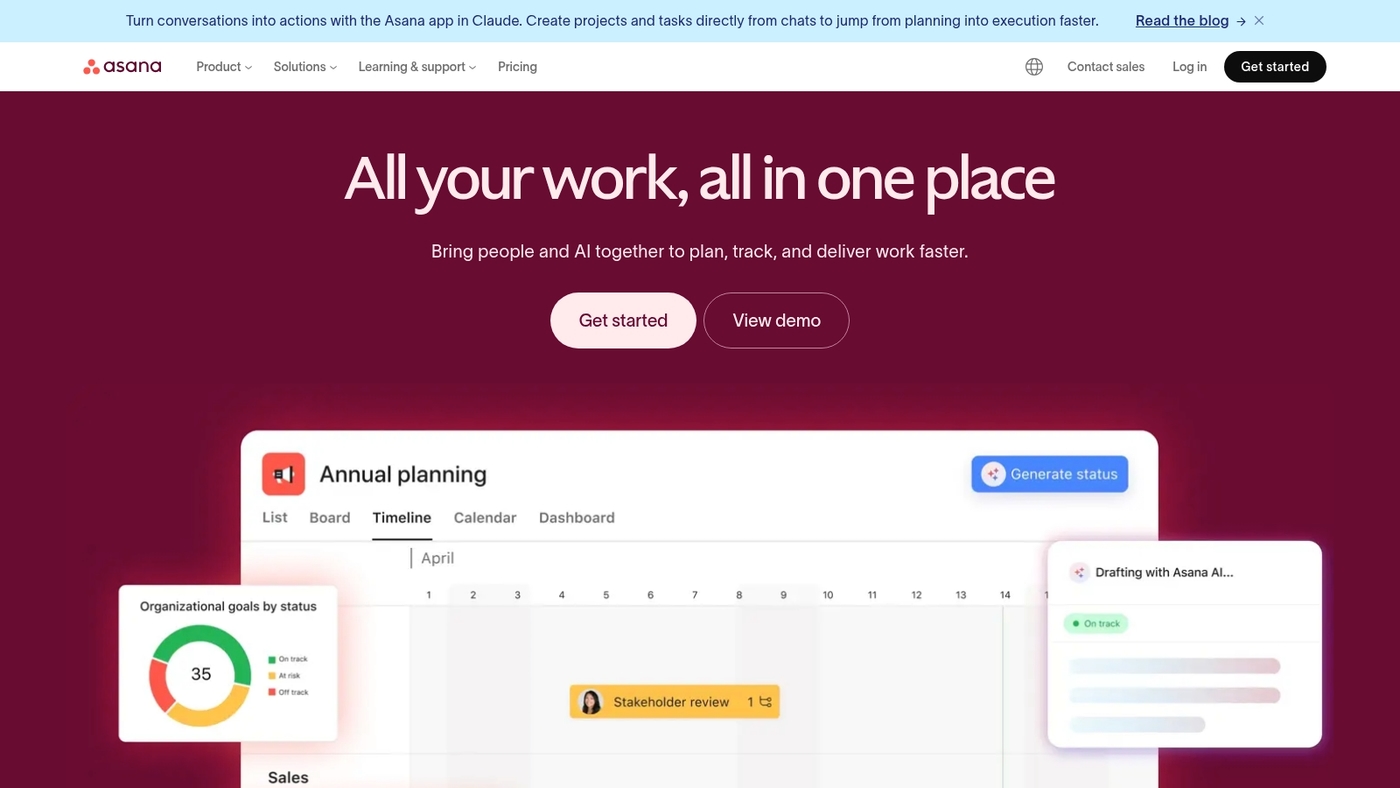
Asana is virtual collaboration software that keeps teams aligned. Asana offers multiple views, workflow automation, and timeline tracking to plan and deliver work.
You switch views between list, board, calendar, and timeline to match how your team works. Automations cut manual updates and free time for focused work.
Templates, custom fields, dependencies, and workload view help you balance capacity. It connects with Slack, Microsoft Teams, Google Drive, and 200+ apps. The timeline view speeds planning and clarifies deadlines for remote teams.
The UI scales from solo users to large organizations. See our roundup of best free task management software for alternatives and free options.
Pros
-
Clear task views for different workflows
-
Strong automations reduce repetitive work
Cons
-
Advanced features add complexity for new users
-
Reporting limits on lower plans
For who?
Teams that need structured project tracking and deadline visibility, from small teams to enterprises.
Pricing
Free tier available. Paid plans start at $7.25 per user per month for Premium.
Trello
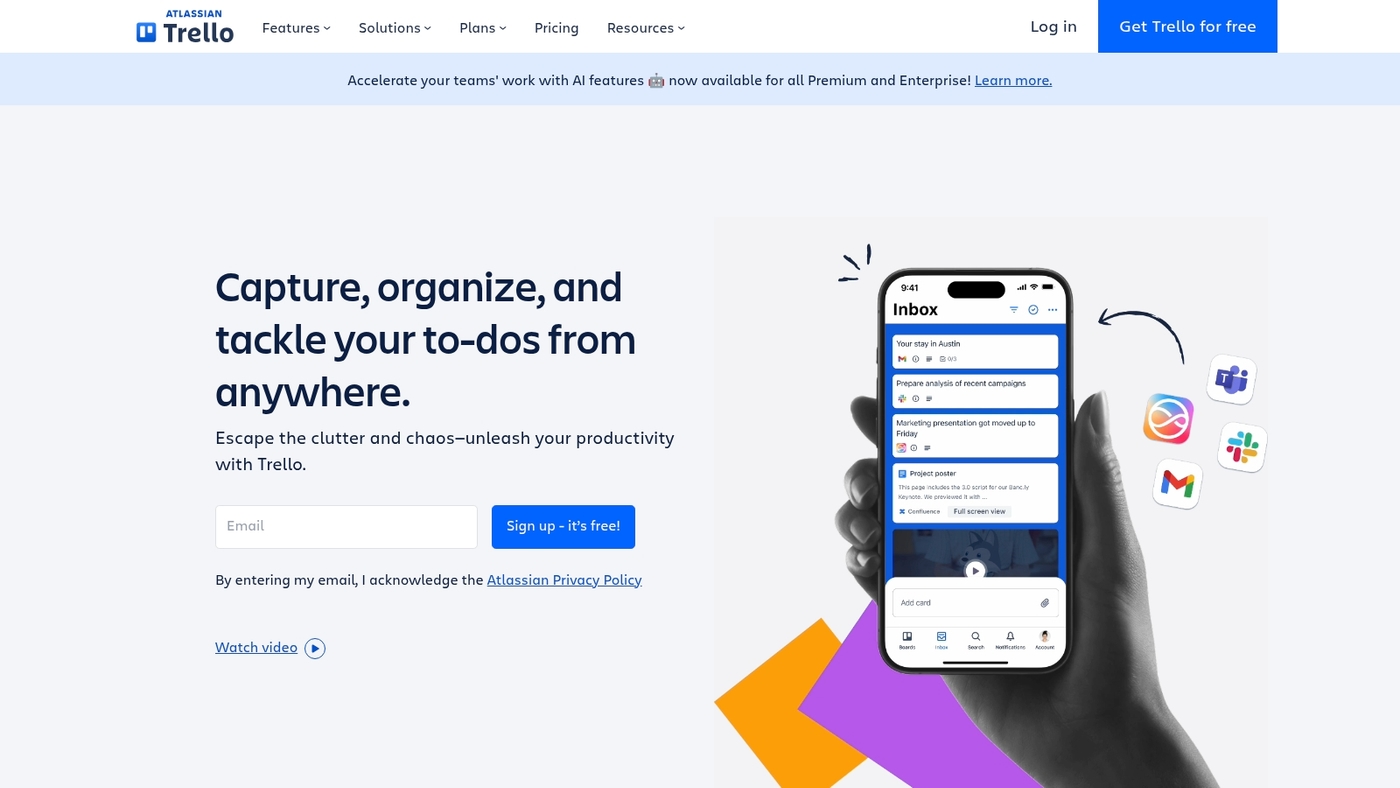
Trello is a visual kanban-based collaboration tool. It uses boards, cards, and lists for task tracking. Teams drag cards across lanes to show progress.
The layout keeps work visible and priorities clear. Trello integrates with Slack, Google Drive, and Zapier. Built-in automations reduce repetitive work, and Power-Ups add calendars, dashboards, and time tracking.
It has a robust free tier and low-cost upgrades. Trello fits small teams and simple workflows. Start with a template to onboard fast.
See our best free kanban software list for free alternatives. Trello works best when you limit lists and keep card titles clear.
Pros
-
Fast setup and quick onboarding for new users
-
Generous free plan with unlimited personal boards
Cons
-
Limited built-in reporting for larger projects
-
Power-Ups and automations can add costs
For who?
Small teams handling straightforward projects. It suits teams that want visual kanban boards and low setup time.
Pricing
Pricing starts with a free plan. Paid plans begin at about $5 per user per month for added features and automations.
Basecamp
Basecamp is a straightforward digital collaboration platform that combines to-dos, schedules, files, and discussions in one workspace.
You get task lists, message boards, a shared schedule, and file storage in the same place. The design keeps focus on clear team communication and simple project tracking. G2 gives it a 4.1/5 score.
Pricing stays flat regardless of team size, which simplifies budgeting and vendor choices. Basecamp works well for small client projects because it cuts email and keeps feedback tied to tasks.
It lacks deep automations and offers fewer advanced reports than some competitors. The platform works best when you want clarity over complexity and a central workspace hub with a flat pricing model.
Pros
-
Simple interface that reduces onboarding time
-
Flat pricing that scales to any team size
-
Combines tasks, files, and discussions in one place
Cons
-
Limited automation and advanced reporting
-
Fewer native integrations than larger platforms
For who?
Small teams, client-facing agencies, and remote teams that value simplicity and clear task ownership.
Pricing
Basecamp Business: flat fee (around $99/month) for unlimited users. Basecamp Personal: a limited free tier for lightweight use.
Notion
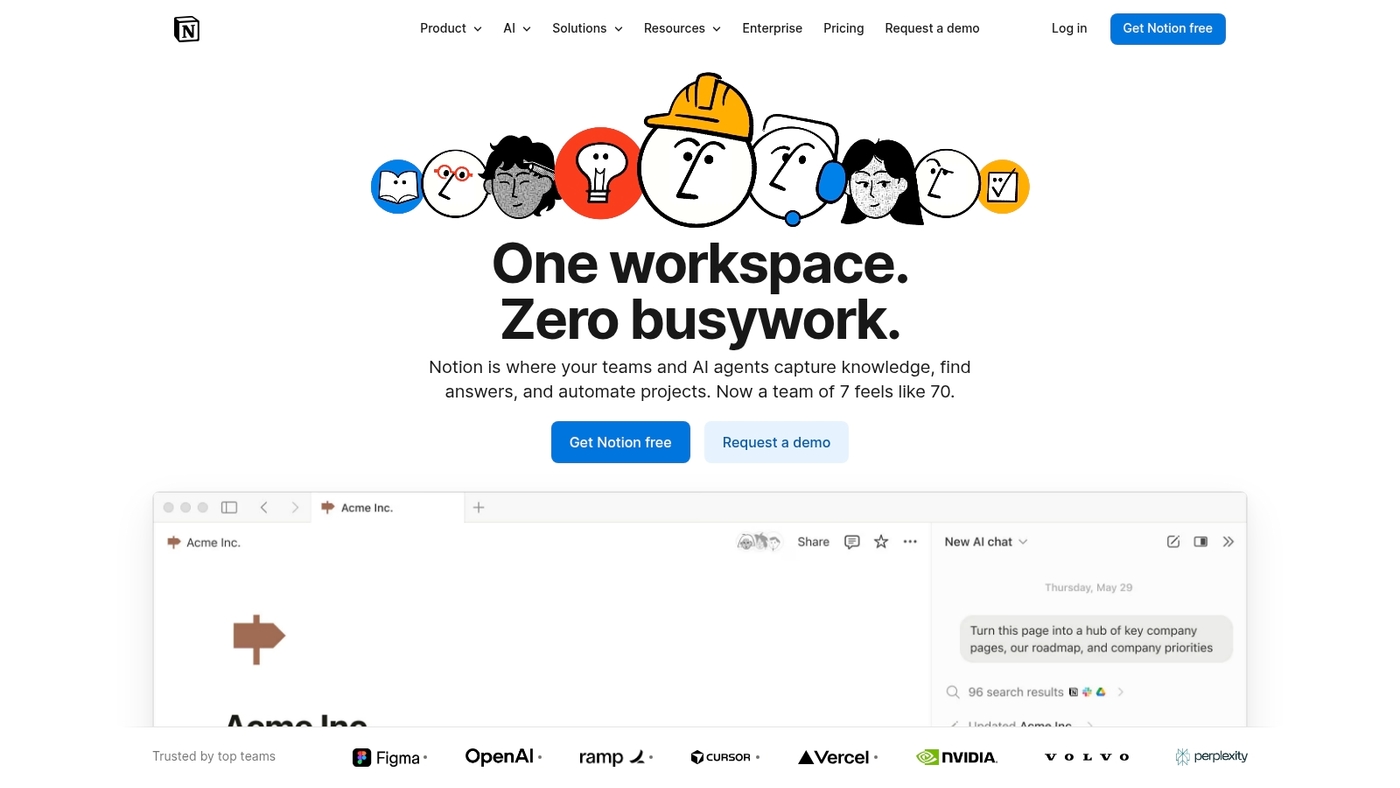
Notion is a flexible all-in-one workspace that blends notes, databases, and lightweight project tracking. It acts as virtual collaboration software for distributed teams.
You get editable pages, relational databases, templates, and a clean modern UI that keeps information in one place. The app supports real-time collaboration and asynchronous work.
You can build client wikis, share onboarding docs, and link tasks to knowledge bases. The platform ships with a free templates library and multiple database views. It plays well with other apps and exports content easily.
If you need document collaboration software with task context, Notion fits that role. Pair it with project boards. Read our guide to project management software for freelancers.
Pros
-
Flexible pages adapt to varied workflows
-
Databases and wikis centralize team knowledge
-
Strong template library speeds setup
Cons
-
Steep learning curve for advanced databases
-
Limited native automations compared to dedicated PM tools
For who?
Designed for knowledge workers, small teams, agencies, and freelancers who need docs plus lightweight task tracking.
Pricing
Free plan available. Team plans start around $8 per user per month billed annually. Enterprise quotes on request.
How does team collaboration software improve productivity
Teams that switch to virtual collaboration software gain clear productivity wins. Tools cut email volume up to 60%. Channels and threads keep messages searchable.
You get reduced email volume and clearer priorities. Teams reach decisions faster with shared dashboards and real-time updates. Response times drop about 30%.
A single workspace improves centralized information access and reduces context switching. Search finds files and versions instantly. Remote and hybrid teams align around tasks and owners.
Status stays visible without extra meetings. This often saves 3 to 5 hours per person each week. Integrations link your calendar, docs, and project collaboration software.
Real-time document editing reduces version conflicts. That saves review cycles and duplicate work. Starting with a single project board delivers the fastest gains.
Here’s a quick action plan:
-
Centralize files in one cloud workspace
-
Create channels per project and assign owners
-
Set quick SLAs for responses and decisions
Use video and async tools for different needs. Virtual meeting software handles face-to-face work. Async collaboration saves deep work time.
Pick project collaboration software that fits your team size. Small teams may prefer lightweight online collaboration tools. Enterprises need secure collaboration tools and compliance.
Quick wins come from task ownership and clear deadlines. A 30-day test shows where you save the most time.
Read also: Top 10 Best Resource Planning Tools
How to choose the right project collaboration software
Matching features to how your team works prevents tool churn and saves hours each week. Here’s what to evaluate:
-
Team size: pick platforms that scale without sudden price jumps
-
Work style: choose tools that favor synchronous meetings or async updates based on your rhythm
-
Required features: list must-haves like task boards, video, file editing, and searchable history
-
Integration needs: confirm native links to calendar, CRM, and document apps to avoid manual steps
-
Budget: compare per-user costs and look for free tiers; see the best free online collaboration software for low-cost options
-
Security: verify encryption, access controls, and compliance for sensitive projects
For hybrid teams aim for a mix of real-time and async tools. Prioritize project collaboration software that centralizes tasks and reduces status meetings.
A short trial with clear metrics works best. Track task completion rate, meeting time, and file version errors for 30 days. If you see fewer handoffs and faster decisions, keep the tool. If not, switch quickly.
Starting simple pays off. Choose one core app, add integrations, and train your team. Small steps cut friction and boost adoption of team collaboration tools.
You’ll also like: Top 9 Best Free Planning Software
How secure are cloud collaboration software platforms
Security should be a primary filter when you evaluate virtual collaboration software. Good platforms combine strong encryption, strict access controls, and clear privacy rules.
|
Security Layer |
What to Look For |
|---|---|
|
Encryption |
AES-256 at rest, TLS 1.2+ in transit |
|
Access Control |
SSO, MFA, role-based permissions |
|
Data Privacy |
Residency options, retention policies, DLP |
|
Compliance |
ISO 27001, SOC 2 Type II, HIPAA |
|
Monitoring |
Audit trails, SIEM integrations, pen tests |
MFA can cut account takeovers by over 90%. Secure defaults matter more than a long feature list. Pick tools that make safe choices easy for you and your team.
Run short pilots to verify encryption, access rules, and export controls before a full rollout. Practical checks you can run now:
-
Request a DPA and pen test summary
-
Turn on SSO and MFA in a test workspace
-
Verify retention and export options for sensitive files
Want a quick comparison of secure collaboration tools? See this curated roundup: peoplemanagingpeople – best collaboration tools. Start with a security checklist and test for your highest-risk flows.
Read also: 7 best free Gantt software



