

Document control software can stop version chaos and keep audits from turning into crises.
Teams waste hours hunting for the right file, dealing with conflicting edits, and scrambling to prove compliance after a change.
Choosing the right document control system (not just basic storage) matters because it centralizes version control, enforces approval workflows, and preserves audit trails.
This guide compares nine top document control software options for teams of all sizes, highlighting use cases, compliance support, and pricing.
You’ll see which tools suit regulated industries, engineering teams, and fast-moving remote groups.
Expect practical notes on implementation timelines, integration capabilities, and security features like access controls and encryption.
By the end, you’ll be able to shortlist two or three affordable, compliant platforms to test with your workflows.
What is document control software
Document control software stores official files, tracks edits, and enforces who can change what. It keeps a single source of truth for policies, procedures, and technical specs.
You get clear records that regulators and auditors can trust.
It differs from basic document management by adding strict rules for edits and approvals. Basic systems focus on storage and search. A document control system adds version control, approval gates, and audit logs that show who changed what and when.
A core feature set includes automatic version numbering, timed check-ins, and full audit trails. You can route drafts to reviewers, require digital sign-offs, and lock files after approval. Teams can cut approval time by up to 50% with proper automation and templates.
Compliance tracking maps file history to standards like ISO 9001 or 21 CFR Part 11. The system enforces retention schedules, records access events, and stores tamper-evident logs for inspections.
That makes meeting regulator requests faster and less stressful.
At our team, we look for systems that centralize control and simplify audits. Small teams benefit most from cloud document control software that balances security with ease of use.
If you need a broader look at storage and workflow options, check our guide to document management systems. Start by mapping your approval steps and required records—that reveals which features will deliver the most value.
Key features to look for in document control systems
Version control and audit trails
Version control gives teams a clear, linked record of every change. It creates a single source of truth and preserves revision history logs.
Document version control software assigns version numbers, timestamps, and user IDs. The system saves diffs and supports check-in and check-out to avoid conflicts.
We favor systems that record edits, approvals, and electronic signatures for full traceability. That approach helps with ISO 9001 and 21 CFR Part 11 compliance.
Audit trails capture who approved changes and why. They provide a tamper-evident record that auditors and managers can trust as secure audit trails.
Visible history cuts review time and errors. One team I worked with cut rework by about 30% after switching to cloud document control software with automated trails.
Enable versioning, require edit comments, and lock approved files. Use a version control system that ties changes to your approval workflows so you stay audit-ready.
Document approval workflow automation
Automated approval routes can cut review time by up to 60%. These routes centralize sign-offs and stop version conflicts.
Look for conditional routing, parallel review, deadline reminders, eSignatures, and linked audit trails. Use automated approval routes to enforce policy and maintain traceable approvals.
Audit logs record who changed what and when to support ISO 9001 and 21 CFR Part 11 checks. Parallel approvals often cut cycle time by 30%.
Deadline nudges cut late sign-offs by 80%. Automating approvals removes bottlenecks and raises compliance across teams.
Start by mapping your approval steps and building a basic route in a tool like workflow automation software. Measure time-to-publish before and after to prove impact.
Small automations save hours per week.
Compliance and security features
We pick document control software with strict access permissions. Secure document control relies on role-based access and audit logs.
Look for AES-256 encryption at rest and TLS 1.2 in transit to protect your files. Document approval workflow enforces electronic signatures and timestamps that meet 21 CFR Part 11.
GxP data integrity controls keep records traceable across the lifecycle. ISO 9001 support and visible audit trails help with quality document control.
Use change control features that link revisions to approvals and training. These controls cut audit time and reduce risk.
We saw fewer audit findings after enabling version locks in document version control software. Choose systems that log IP, MFA, and export controls for your regulated teams.
An electronic document control system with searchable audit trails speeds compliance checks.
Integration capabilities
Good document control software connects to SharePoint, ERP, CRM, and cloud services. APIs and native connectors create seamless workflow automation across tools.
Sync documents, metadata, and permissions so your document control system stays consistent. Make your document version control software the single source.
We favor systems with robust APIs and SharePoint connectors. Integrations can save teams four hours weekly and reduce duplicate files.
Look for webhooks that trigger change control. Trigger document approval workflows from ERP or CRM.
Choose solutions with secure tokens and encryption for cloud document control in regulated environments. Prebuilt connectors often cut integration time by half.
Test sync speed with a 1,000-file batch to measure throughput. Building a metadata mapping table helps avoid sync errors.
9 best document control software for teams
MetaDoc
MetaDoc is an end-to-end automation platform for teams that need tight document control. It delivers AI-driven indexing, encrypted access controls, and workflow tools that enforce version control, approvals, and audit trails.
The platform speeds retrieval so you get the approved file in seconds. It maps to compliance needs like 21 CFR Part 11 and ISO-style audits.
Its AI reduces manual tagging time—indexing time can drop roughly 60% in pilot tests. The interface stays simple while the backend supports complex rules, retention, and electronic signatures.
Use MetaDoc for secure, scalable document control across engineering, quality, and regulated teams. We recommend MetaDoc when compliance matters and fast audits matter.
| Feature | Benefit |
|---|---|
| AI auto indexing | Cuts manual tagging by ~60% |
| Encrypted user access | Meets 21 CFR Part 11 requirements |
| Fast document retrieval | Finds approved files in seconds |
Pros
- Strong audit trail and version control for regulated processes
- Automated indexing that cuts manual work and speeds search
Cons
- Enterprise features add setup time for complex rules
- Pricing often requires a quote for larger teams
For who?
Teams in quality, engineering, and regulated industries that need secure, compliant document control with automated workflows.
Pricing
Vendor offers SaaS plans and enterprise quotes. Contact the vendor for per-user pricing and implementation estimates.
DocuWare
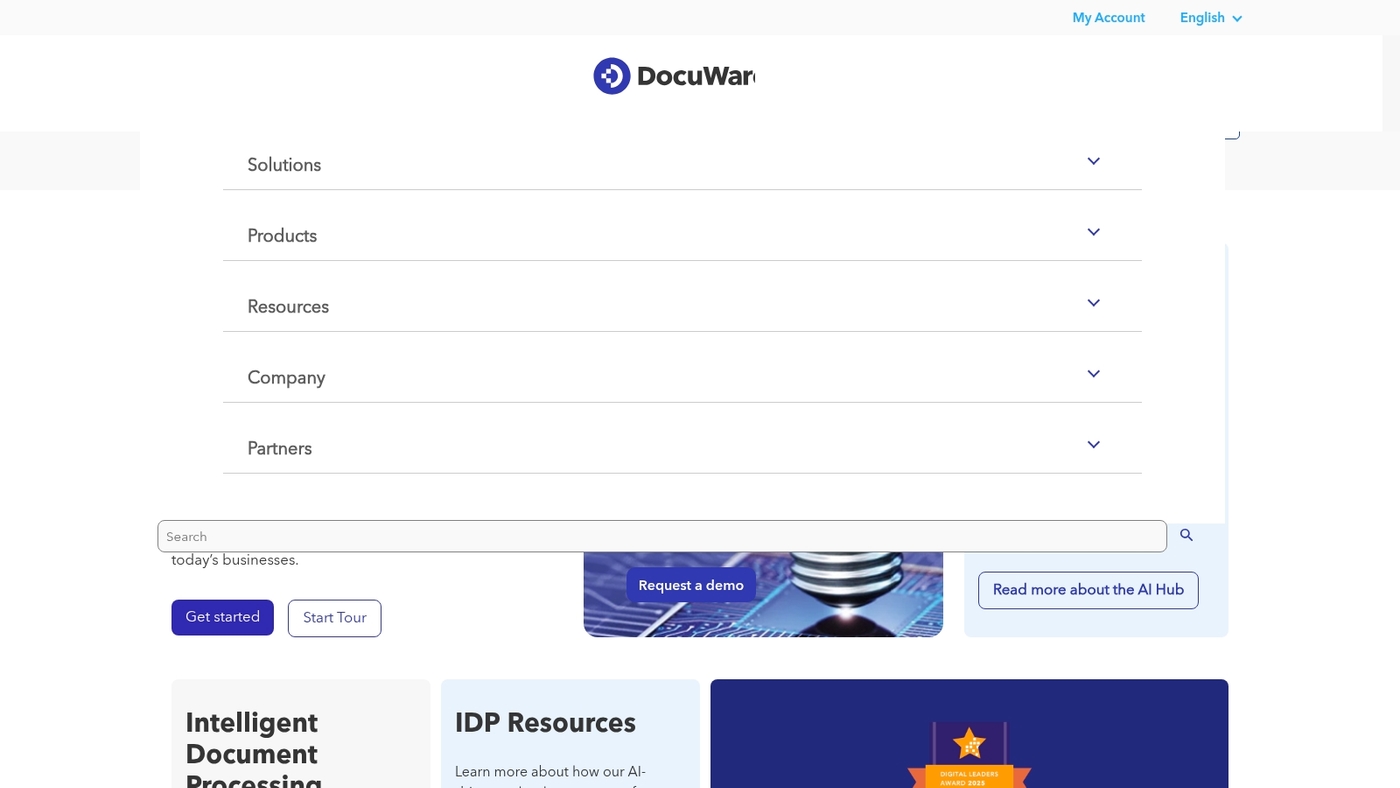
DocuWare is a solid enterprise document control software for teams that need scale and compliance. It links to 500+ apps, from CRM to HR platforms.
It offers robust automation features, eSigning and workflows, and handles version control, audit trails, and electronic document control system needs for regulated teams. Setup takes time and admin training.
Teams see faster approvals after workflows mature. You can reduce review cycles by roughly 30–40% with templates and automated routing.
The interface suits power users and admins who want deep customization. Use DocuWare when you need a central, secure system that ties compliance to everyday processes.
Pros
- Extensive integrations with 500+ apps for cross-team workflows
- Strong automation, eSignatures, and audit trail features
Cons
- Steep learning curve for initial setup and admin configuration
- Advanced customization may require professional services
For who?
Large teams and regulated departments that need a compliant, enterprise document control system.
Pricing
Custom enterprise pricing. Contact DocuWare sales for quotes and deployment options.
M-Files
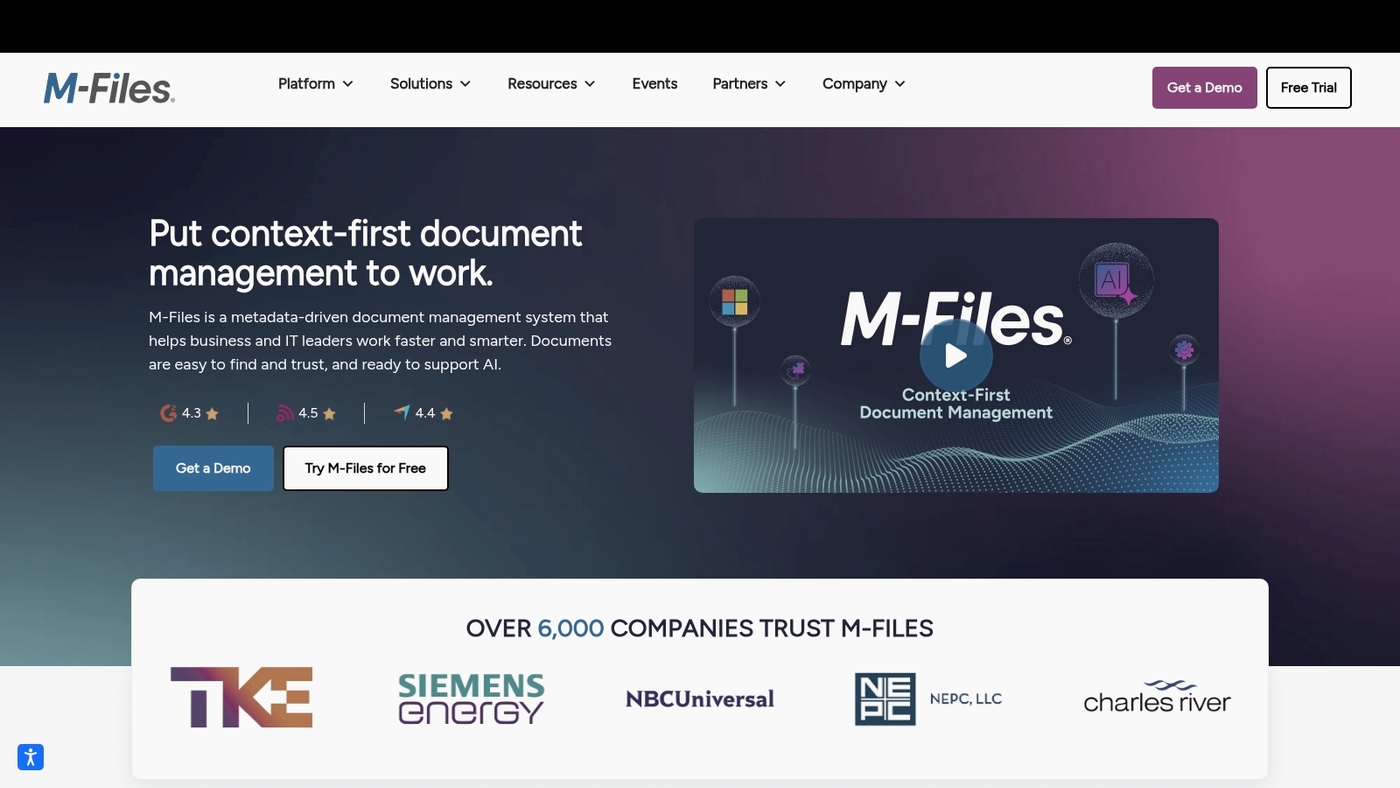
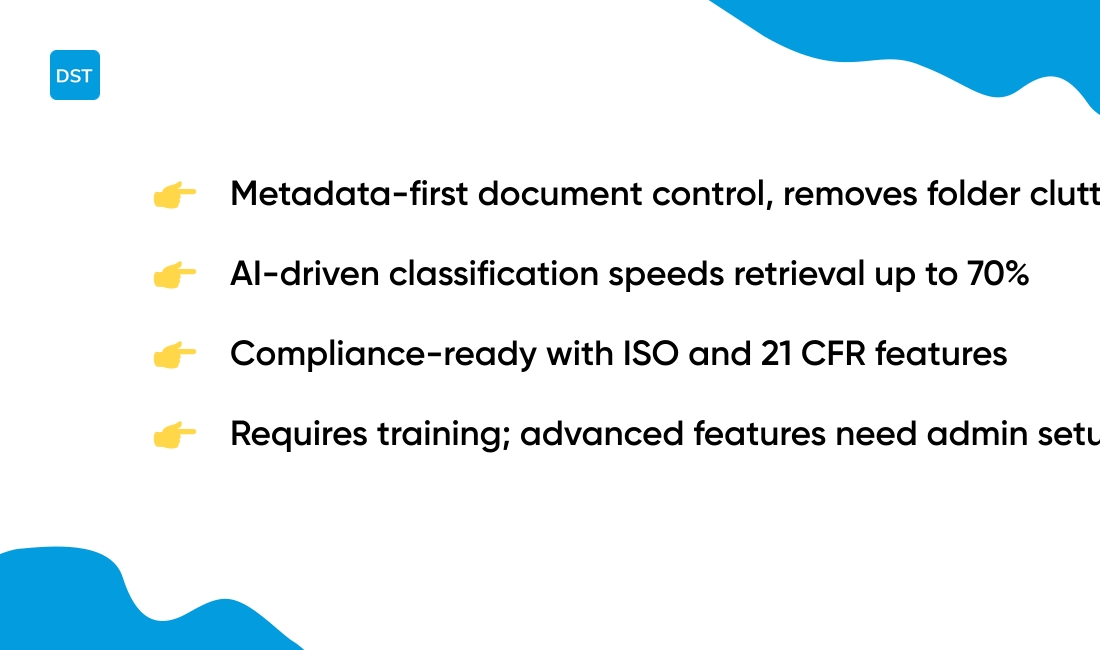
M-Files is perfect for teams that prefer metadata-first document control software. M-Files removes folder clutter and organizes files by tags and properties.
You find documents by context rather than by path. AI suggests classifications and speeds retrieval.
The platform tracks versions and records approvals for audit-ready control. You see who edited what and when.
M-Files supports cloud document control and on-prem deployments. It aligns with ISO document control software needs and offers 21 CFR Part 11 features for regulated firms.
The system links with popular document management software and enterprise systems. Administrators can automate approval workflows and enforce access controls for secure document control.
The metadata model cuts search time by up to 70% for active teams.
Pros
- Metadata-based search that finds files fast
- AI-driven classification reduces manual filing
- Strong document version control software and audit trails
Cons
- Requires change in filing habits for some teams
- Advanced features need admin setup and training
For who?
Teams that need secure document control, compliance support, and fast retrieval. Best for regulated firms, engineering groups, and enterprises seeking an enterprise document control software approach.
Pricing
Pricing is available by quote with cloud and on-prem plans. Free trials and demos are offered through the vendor site; contact sales for detailed quotes.
DocuXplorer
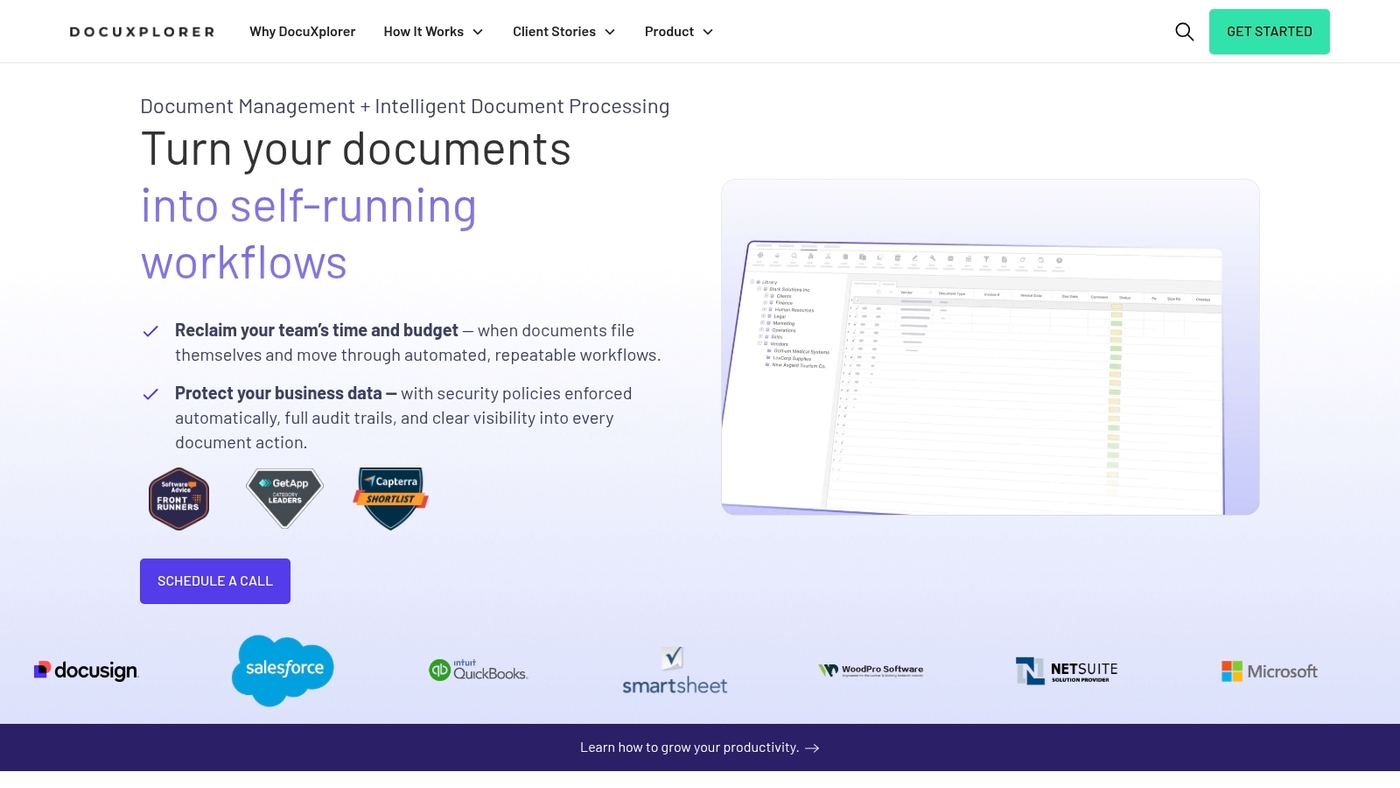
DocuXplorer is a secure AI-driven control platform built for AP, HR, and contract workflows. It centralizes records and enforces document version control.
It creates audit trails and approval routing suited to a document control system. Machine learning helps auto-classify invoices, personnel files, and signed contracts.
The vendor provides hands-on implementation support to avoid common setup pitfalls. The solution automates approval routing and change control.
It links with ERPs and accounting tools for smoother processing. It speeds approvals and cuts manual filing by around 40%.
Teams tested the onboarding guidance and found fewer configuration mistakes. The product targets teams that need a compliant, cloud document control solution with guided deployment.
We recommend hands-on onboarding for complex document control systems.
Pros
- Robust audit trails for compliance tracking
- AI auto-classification speeds document indexing
- Guided implementation reduces setup errors
- Integrates with ERP and accounting tools
Cons
- Pricing requires vendor contact for a quote
- Smaller integration ecosystem than large vendors
- Power users face a short learning curve
For who?
Mid-market finance, HR, and legal teams that need secure document control software with hands-on deployment support.
Pricing
Custom pricing. Contact DocuXplorer for a tailored quote based on modules and user counts.
Laserfiche
Laserfiche fits large teams that need enterprise document control software. It pairs enterprise document management with e-forms and records automation workflows.
The platform centralizes SOPs, policies, controlled files, and audit logs. It scales to thousands of users and supports ISO 9001 and 21 CFR Part 11 features for audit trails, role-based access, and retention rules.
A visual workflow builder automates approvals and change control across departments. It fits teams that require strict compliance, complex routing, and a single source of truth for regulated content.
Pros
- Robust workflow automation for approvals and change control
- Built-in compliance features and enterprise-level security
Cons
- Initial setup and optimization can take time
- Pricing and licensing favor larger organizations
For who?
Large enterprises, regulated teams, quality departments, and any group needing an electronic document control system with strong compliance reporting.
Pricing
Quote-based pricing. Cloud and on-prem options available; costs vary by modules and user counts.
SharePoint is a Microsoft 365 integrated solution. It provides a hybrid collaboration platform, document libraries, and version control features.
It fits teams that already use Microsoft apps and licenses. SharePoint acts as an electronic document control system and document management software.
It serves as document version control software for regulated workflows. You can store files in the cloud and sync them locally.
Admins set granular permissions and audit trails for secure access. Built-in approval handles sign-offs. You can treat it as document approval workflow software when you add flows.
It supports ISO document control and can help meet 21 CFR Part 11 requirements when configured. SharePoint works best when teams require tight Office integration.
We found it cuts duplicate files and speeds retrieval. Great choice for teams needing enterprise document control or cloud document control software.
Pros
- Deep Office app integration with real-time co-authoring
- Robust permission model and audit trails for compliance
Cons
- Complex setup for large deployments without Microsoft expertise
- User interface can feel cluttered for non-Microsoft users
For who?
Teams already on Microsoft 365 that want central file storage, version control, and Office integration.
Pricing
Included with Microsoft 365 plans. Pricing varies by plan; Business Basic starts around $6 per user per month.
Box
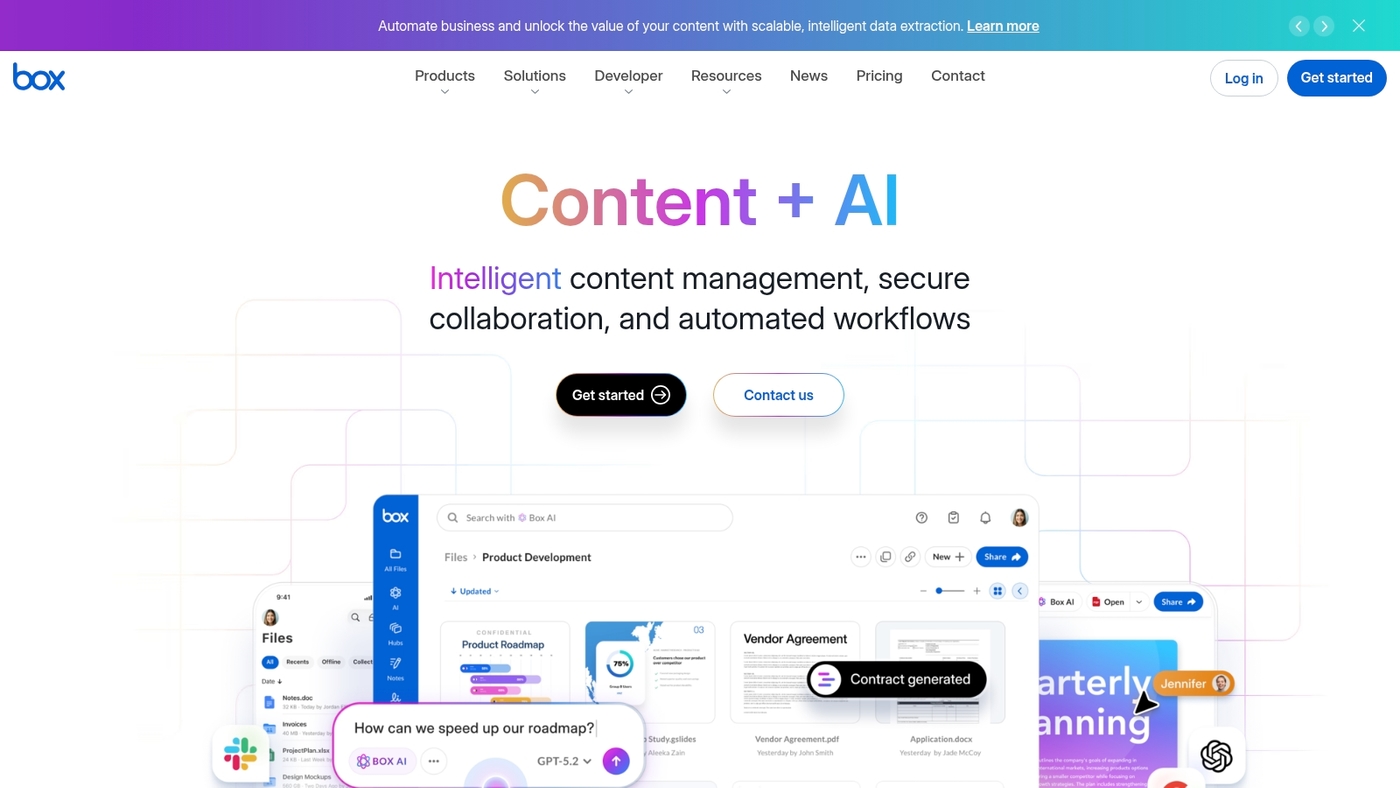
Box is a secure cloud document control hub for teams. It offers e-signatures, real-time collaboration, and robust file policies.
It integrates with SSO, DLP, and common productivity suites. It records version histories and audit trails for compliance.
It supports ISO-style document control and regulated workflows. It scales from small groups to large enterprises with granular permissions.
Box speeds approvals and cuts attachment chains. Box centralizes files, approvals, and access in one place.
Pros
- Strong compliance features and audit logs
- Scalable sharing with fine-grained permissions
- Good e-signature and workflow integrations
Cons
- Advanced features require higher-tier plans
- Admin console can be complex for new users
For who?
Teams that need secure, enterprise document control and simple collaboration. Good fit for regulated industries and remote teams.
Pricing
Offers a free personal tier. Business plans scale by user. Enterprise pricing requires a custom quote from Box.
Zoho WorkDrive
Zoho WorkDrive fits small teams that need affordable document control software. It offers granular access controls and simple role-based permission at file and folder levels.
You get full version history with easy restore options and basic audit logs for traceability. The interface uses team folders to centralize work and reduce scattered copies.
It connects with popular productivity suites and Zoho apps to speed approvals. The price-to-feature mix fits small businesses well.
It works as cloud document control software and as a lightweight document approval workflow software for teams that need structure without complex setup.
Pros
- Low cost per user and scalable team plans
- Clear version control and folder-level permissions
Cons
- Fewer advanced compliance features for regulated industries
- Limited native e-signature tools
For who?
Small businesses and teams that want budget-friendly cloud document control with straightforward versioning and shared team folders.
Pricing
Offers tiered plans with per-user pricing and larger storage tiers. Free trial available and affordable team plans for small businesses.
Revver
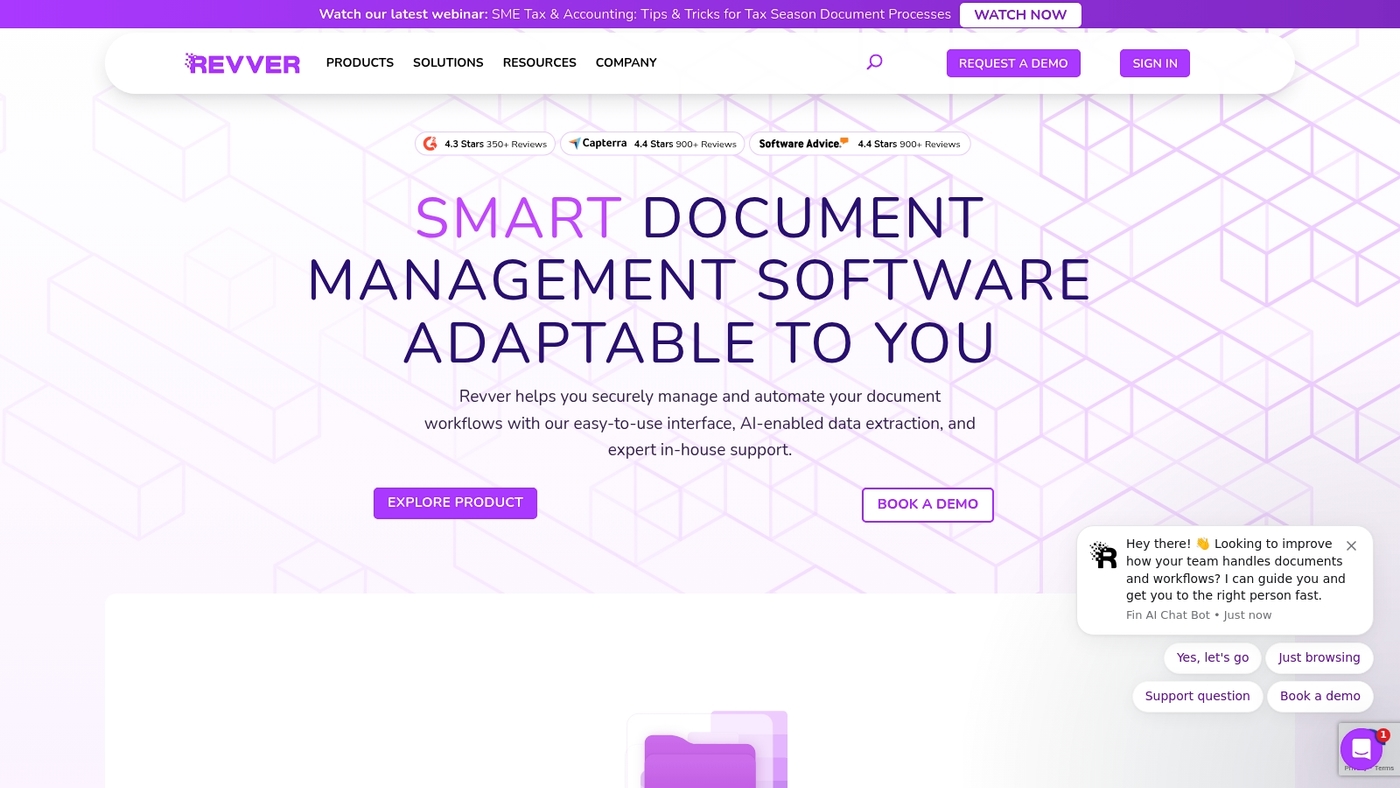
Revver, formerly eFileCabinet, fits midsize firms that need practical document control software with compliance features. The platform offers quick-setup OCR scanning that turns paper into searchable files fast.
No-code workflows route approvals without coding or long IT projects. Built-in audit trails and granular permissions support regulated sectors such as healthcare and finance.
Setup often finishes in days, cutting rollout time and training. The product blends document version control software and an electronic document control system for SOPs and policy management.
Revver finds the balance between strong compliance tools and a simple admin interface. You get secure document management software with basic change control and document approval workflow software features for teams that must track revisions and sign-offs.
Pros
- Fast OCR setup for quick digitization
- No-code workflows for easy approvals
- Audit trails and permissions for compliance
Cons
- Fewer deep customizations than large-enterprise platforms
- Advanced integrations may require vendor help
For who?
Teams in regulated midsize companies that need compliant, easy-to-deploy document control systems. Good for records-heavy departments and SOP managers.
Pricing
Tiered plans are available. Contact Revver sales for quotes and deployment options.
Read also: 10 Best Scrum Board Online Tools for Agile Teams
How to choose the right document control software for your team
We use a simple checklist to match needs to features. Pick the tool that reduces rework and keeps audits clean.
What’s your team size and budget?
- Document control software should match team size. For teams under 10, pick cloud options with low setup and $5–15 per user monthly. For 50+ users, expect custom pricing and phased rollout.
- Match industry rules. If you handle regulated products, seek 21 CFR Part 11 or GxP support and ISO audit trails.
- Prioritize workflows. Choose systems with a clear document approval workflow and automated notifications to cut approval time by 40% or more.
- Check integrations. Ensure native links to your ERP, CRM, or SharePoint so files and tasks stay in sync. Explore collaboration platforms for teams to see how tools connect.
- Verify security. Look for role-based access, encryption at rest and transit, and detailed audit logs for secure document control.
- Run a pilot. Test with a representative process, measure time saved and error reduction, then scale based on results.
A short pilot reveals the most gaps. Start small, measure outcomes, then roll out the winner.
Read also: Top 10 Best Kanban Board Software
Document control software pricing and implementation
We advise starting with a free tier or trial to test workflows and metadata mapping. Pricing spans free plans to custom enterprise quotes.
Small teams pay about $5–15 per user per month. Mid-market plans run $20–40 per user per month. Enterprise licensing can reach $50–150 per user per month or more, depending on compliance features and support.
Expect costs for storage, e-signing, and validation services. Budget extra for migration and API integrations.
Cloud deployments install in hours or days. On-premise or validated systems take weeks or months. Use implementation timeline estimates for planning.
Setup steps include admin configuration, metadata design, document migration, workflow mapping, and validation testing. Plan 1–3 weeks for a pilot.
Allow 4–12 weeks for full rollout in medium teams. Large regulated deployments may need 3–6 months.
Onboarding needs role-based training and quick reference guides. Expect 2–4 hours of live training per role and a pilot group to reach 60–80% active users in 30 days.
Track adoption with simple KPIs like time to approval and version rollback rate. A pilot reduces surprises and speeds adoption.
Focused metadata rules cut search time by roughly 40%. Keep flexible budget lines for validation, integrations, and ongoing audits.
You might also like: Top 10 Best Productivity Tools



