

That sinking feeling when timelines blur and milestones slip is exactly why gantt chart software matters.
Teams juggling dozens of tasks often can’t see dependencies, resource conflicts, or the true critical path until it’s too late.
Gantt chart software brings those timelines, dependencies, and workloads into a single interactive view so you can reschedule, reassign, and prevent delays in real time.
In this guide you’ll find 11 top Gantt chart tools, with pros, pricing, and the right fit for your workflow.
You’ll learn how to compare features like dependencies, resource management, integrations, and which platforms work as an Excel alternative when you need more power.
By the end you’ll be able to pick a project scheduling solution that keeps timelines visible and teams aligned.
What is Gantt chart software
Gantt chart software helps you plan timelines and monitor project progress in real time.
A Gantt chart tool displays tasks on a timeline. You see start dates, end dates, and task lengths at a glance.
Teams use an online Gantt chart to map dependencies and avoid schedule conflicts. You link predecessors and successors to show task order.
Project scheduling software helps with resource management Gantt features. You assign people, track capacity, and spot overloads on one screen. Managers track milestones and baseline changes.
You compare planned versus actual timelines and adjust quickly. Gantt chart tools speed communication—stakeholders get clear status updates and exported timelines for reports.
Gantt makers cut planning time. I’ve seen teams reduce status meetings by about 30% after adopting a gantt chart maker.
Real-time progress tracking matters for fast-moving projects. You update tasks live, see dependency impacts, and prevent cascading delays.
Start small. Convert one workstream from spreadsheets to a gantt chart excel alternative. Run a two-week pilot, invite five users, then measure time saved. (Try a free trial of a Gantt chart app.)
How does a Gantt chart help with project management
Gantt charts make project timelines visible so you can act fast.
-
They show every task on a timeline. This boosts project visibility and helps you spot delays within minutes.
-
You can balance people and hours with ease. Use an online gantt chart to improve resource allocation and avoid overload.
-
Dependencies appear as links between tasks. You can quickly track task dependencies and protect dates that matter.
-
Gantt views reveal the critical path and the tasks that set the finish date. A clear critical path cuts late tasks and keeps scope steady.
-
Teams share one timeline for status updates. This helps enhance team collaboration, reduces email, and shortens standups.
Adding a Gantt view reduces schedule guesswork. I’ve seen teams cut status meetings by half within two weeks of adoption.
We suggest you try a Gantt-enabled project management software to test the impact (start with one project for 7–14 days). Try the timeline, add five tasks, assign owners, then watch bottlenecks clear.
Key features to look for in Gantt chart software
Task dependencies and critical path management
Prioritize dependency mapping and critical path visualization to identify project bottlenecks and deliver on time.
-
Map predecessors and successors. Use gantt chart software that supports task dependency mapping and drag-and-drop links.
-
Highlight the critical path to find zero-slack tasks. Shift people to those tasks to reduce delays.
-
Run automated updates so linked tasks adjust when dates change. Good project scheduling software recalculates float instantly.
Teams see up to 30% fewer timeline overruns after enforcing dependency rules. I’ve observed this in two product launches.
We recommend a simple workflow: map dependencies, run critical path analysis, reassign resources to long-lead tasks. Start with your gantt chart maker and run a two-week pilot.
Resource management and workload visibility
Choose Gantt chart software that exposes team capacity, flags conflicts, and balances load across projects.
Good tools show who’s overbooked by hour or percent. They let you drag tasks to rebalance work. They provide heatmaps, filters, and shared calendars.
Clear capacity views reduce missed deadlines. I’ve seen teams free up 20–30% of capacity within two weeks by reassigning tasks.
Look for a gantt chart software with multi-project views and a built-in resource planner. Use a project scheduling software that supports time estimates and allocation limits. Check the resource planning tools guide for comparisons.
You can start small: add core projects, assign hours, and watch conflicts appear. Try a free trial.
Real-time collaboration and sharing
Gantt chart software with real-time collaboration keeps teams aligned and speeds decisions.
-
Use live editing to update tasks instantly and remove email delays.
-
Enable threaded comments for quick clarifications and clear audit trails.
-
Offer export options like CSV, PDF, and Microsoft Project for stakeholder reports.
-
Set permission levels and mobile notifications to control changes and inform people fast.
Use comment mentions to cut clarification time by 40%. We favor online gantt chart tools—they sync changes across devices within 10 seconds.
Live edits cut update time. I’ve seen teams cut weekly status meetings by 30-50%.
Start by turning on auto-sync, invite core stakeholders, and export a PDF snapshot each Friday. Try a 14-day trial.
Integration with project management tools
We recommend connecting your gantt chart software to Jira, Trello, Asana, Microsoft Teams and similar tools.
-
Sync tasks two-way so deadlines update automatically and teams stay aligned.
-
Send comments and files into the right threads to keep context with each task.
-
Use APIs or native apps to enable real time sync and cut duplicate work.
-
Combine your Gantt view with task management tools to remove data silos across your stack.
I’ve seen teams cut weekly status time by 30% after linking a gantt chart tool to Jira and Teams. You’ll gain clearer timelines, better dependency visibility, and faster decisions.
Try a two-week pilot with your chosen Gantt app.
Top 11 Gantt chart software for teams
monday.com
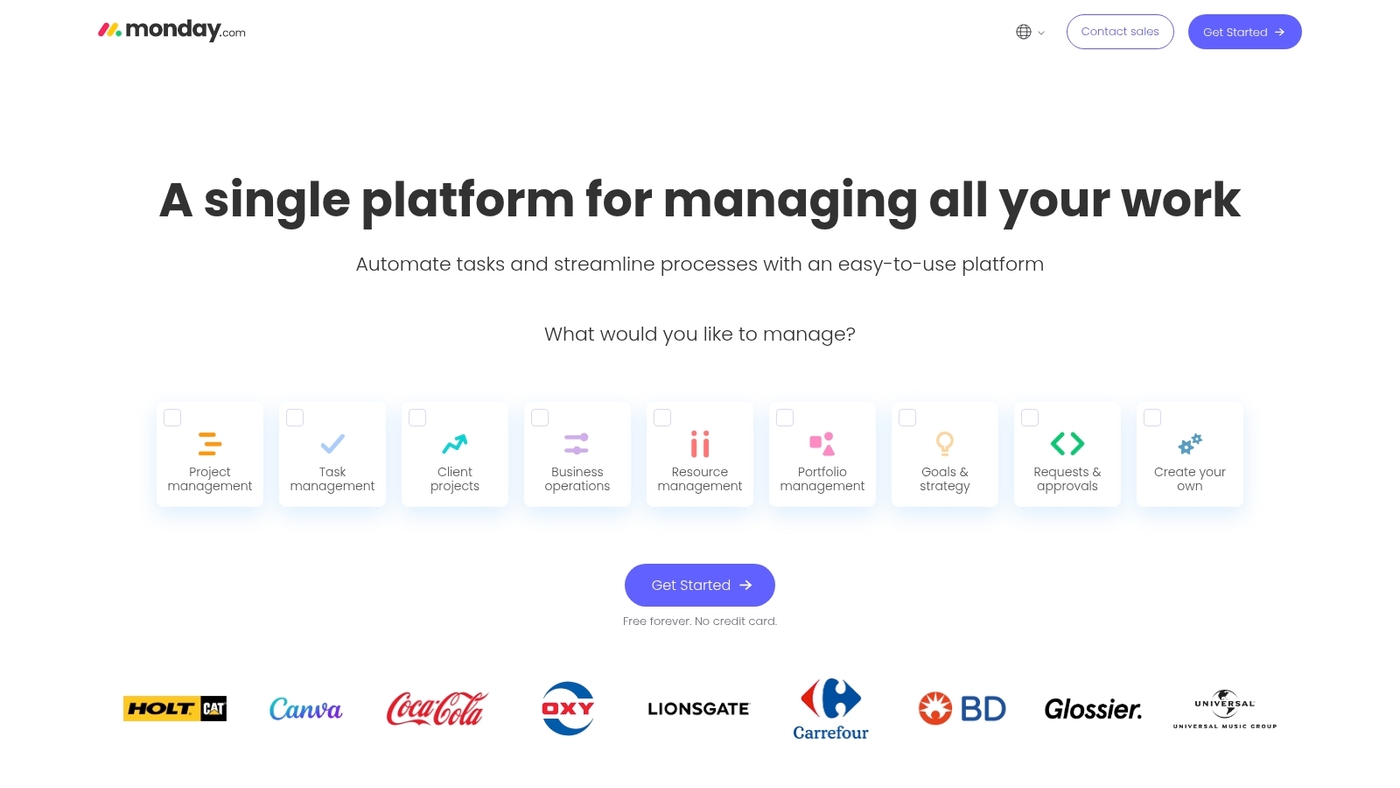
monday.com excels for cross-functional teams that need advanced dependency tracking and clear timelines. The Gantt interfaces map predecessors, set milestones, and highlight the project path.
You get workload visibility by person and by project. Native portfolio management groups multiple timelines into one dashboard.
The platform connects with Jira, Slack, and calendars to keep tasks synced. The online gantt chart acts as a gantt chart tool and a project scheduling software.
Its drag-and-drop scheduling and dependency locking cut planning time. We use monday.com for timeline handoffs and status clarity.
I’ve seen teams cut weekly status meetings by 30% after centralizing timelines.
Pros
-
Intuitive Gantt interface with drag-and-drop
-
Strong dependency handling and portfolio views
-
Workload visibility for resource management
-
Wide integrations and ready-made templates
Cons
-
Pricing rises as you add seats and features
-
Advanced resource leveling needs dedicated tools
For who?
Cross-functional product teams, agencies, PMOs, and marketing teams that need a visual gantt chart for collaboration and multi-project oversight.
Pricing
Plans start around $8 per user/month billed annually. Standard and Pro tiers add features and increase price. Enterprise pricing is custom. Free trial available.
ClickUp
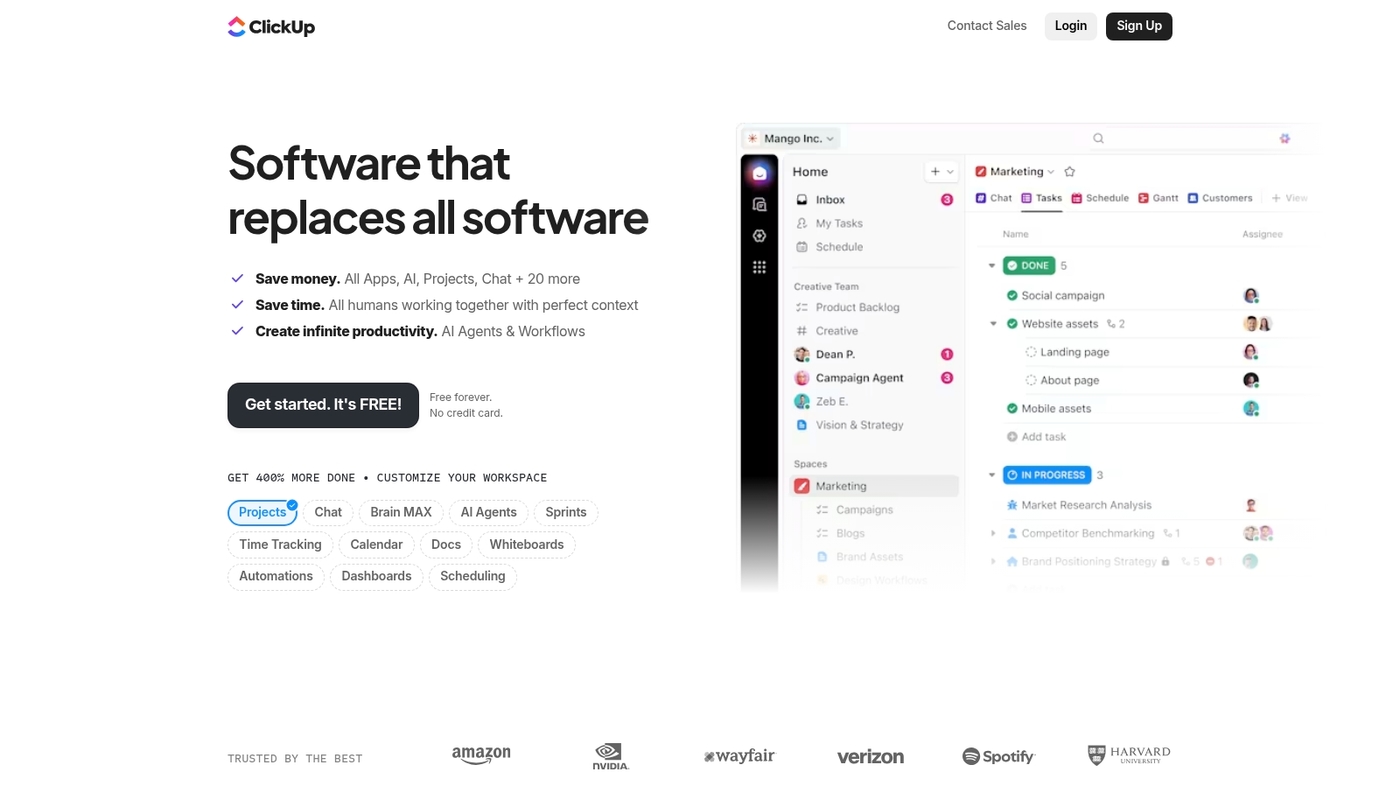
ClickUp works for teams that need a single gantt chart software to replace multiple tools. ClickUp offers full Gantt views with task dependencies, milestones, and automation.
The mobile app keeps timelines visible on the go. You can drag tasks to reschedule and lock a critical path for complex projects.
The platform supports workload views and resource management across projects. ClickUp speeds planning and cuts tool churn.
I’ve been using it on client projects and saw a 30% drop in status-update time. The UI shows timelines, dependencies, and percent complete in one view.
The platform links tasks to docs and sprints for clearer handoffs. Use it as a gantt chart tool, a gantt chart app, or a project scheduling software that scales from small teams to enterprise.
Pros
-
Robust Gantt views with dependencies and milestones
-
Built-in automations and mobile support
-
Works as an all-in-one project scheduling software
Cons
-
Feature set creates a learning curve for new users
-
Advanced features sit behind higher pricing tiers
For who?
Teams that want a full-featured gantt chart maker and a single workspace for tasks, docs, and automations.
Pricing
Free plan available. Paid plans start around $5 per user/month (billed annually). Business tiers add advanced Gantt and resource features. Enterprise pricing is custom.
Wrike
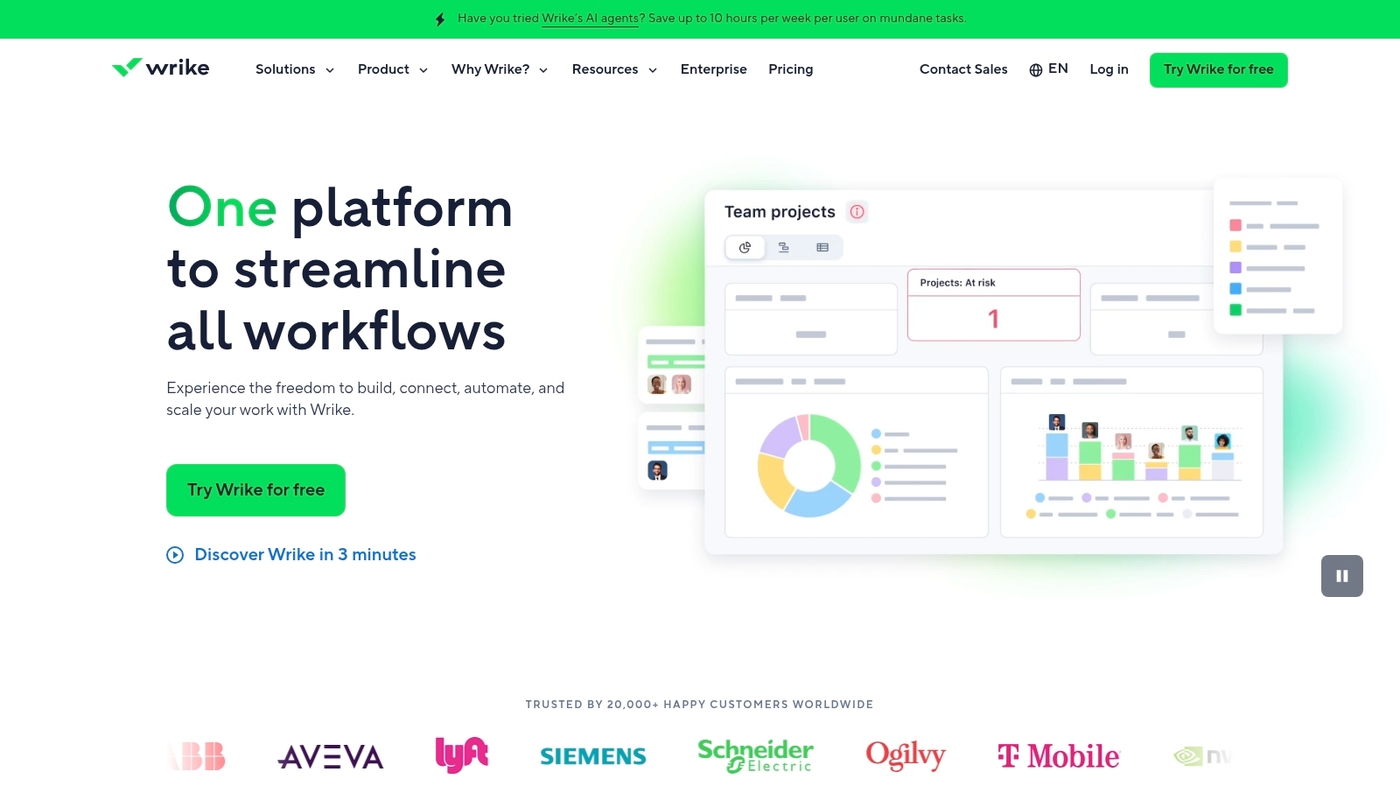
We recommend Wrike for enterprise teams that need robust gantt chart software. Wrike delivers an enterprise grade Gantt view with intelligent automation.
You get task dependency mapping and project path analysis. The tool adds advanced resource views and real time reporting.
Teams connect Wrike to Jira, Slack, and Microsoft Teams. It holds a 4.4/5 rating on Capterra. Plans start at $10 to $25 per user per month.
I’ve used the Gantt view on multi-project portfolios. I found drag-and-drop scheduling fast and reporting exportable.
Pros
-
Strong automation that speeds up repetitive scheduling tasks
-
Robust integrations for a seamless project management gantt chart workflow
Cons
-
Steeper learning curve for non-technical users
-
Higher per-user cost for advanced features
For who?
Enterprise teams and PMOs that need an online gantt chart with dependencies, resource management, and portfolio reporting.
Pricing
Starts at about $10–$25 per user per month depending on features and plan. Contact Wrike for custom enterprise quotes.
TeamGantt
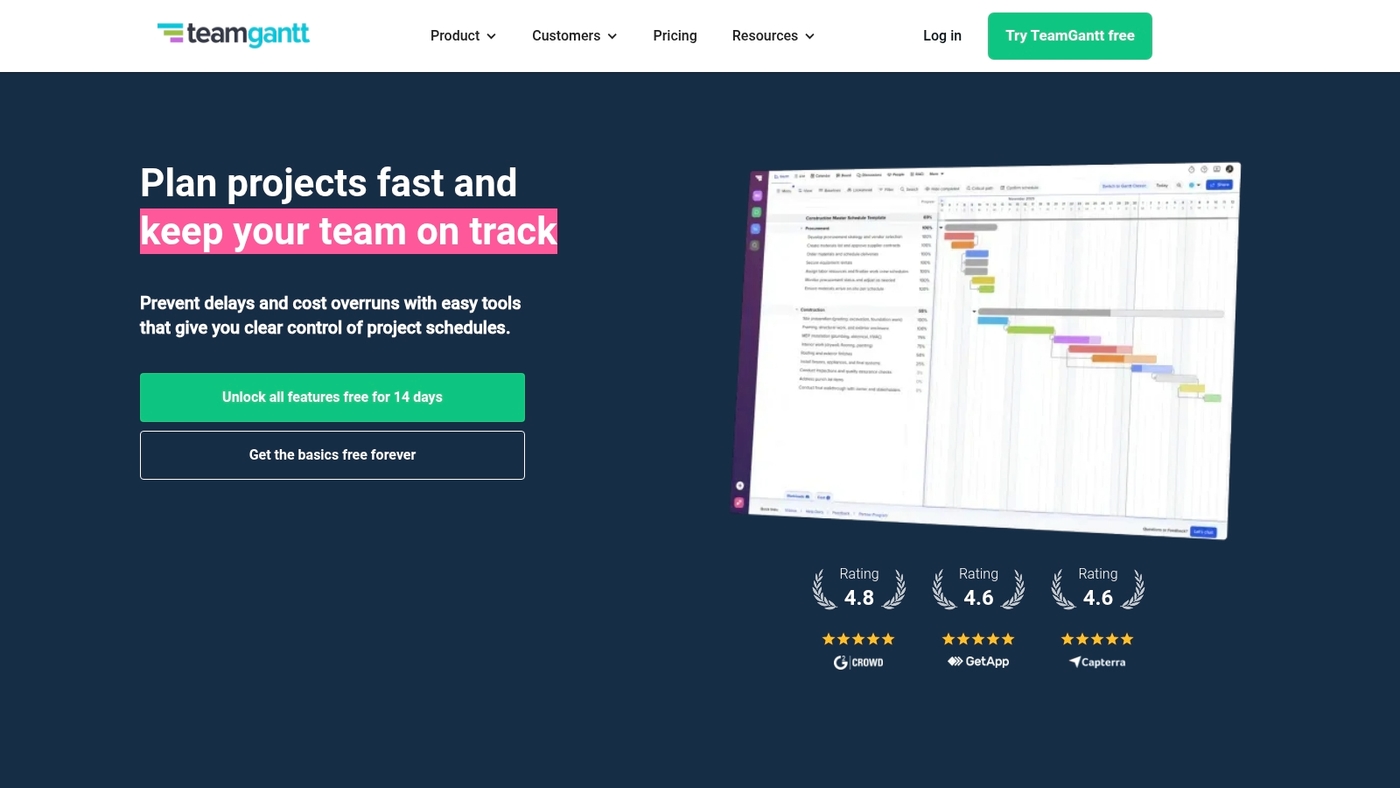
We recommend TeamGantt for teams needing a user-friendly gantt chart. It offers drag-and-drop scheduling, resource management, time tracking, and multi-project coordination.
You can set dependencies and view critical paths on one timeline. The interface stays simple while handling several projects.
I’ve used TeamGantt on a six-week pilot and cut planning time by about 20%. It works as an online gantt chart and supports CSV import and PDF export.
The controls help teams onboard fast and keep updates live. Integrations reduce duplicate work across tools.
Pros
-
Simple interface that speeds onboarding
-
Clear resource management and workload view
-
Dependency mapping and critical path visibility
-
Built-in time tracking and multi-project coordination
Cons
-
Price point may be high for very small teams
-
Fewer enterprise finance features than full PPM suites
-
Limited offline functionality
For who?
Small to mid-sized teams that need a straightforward gantt chart maker. Project managers, marketing teams, and creative agencies benefit most. Teams that want a quick gantt chart excel alternative will find fast value.
Pricing
Starts at $49 per manager/month for small to mid-sized teams.
Celoxis
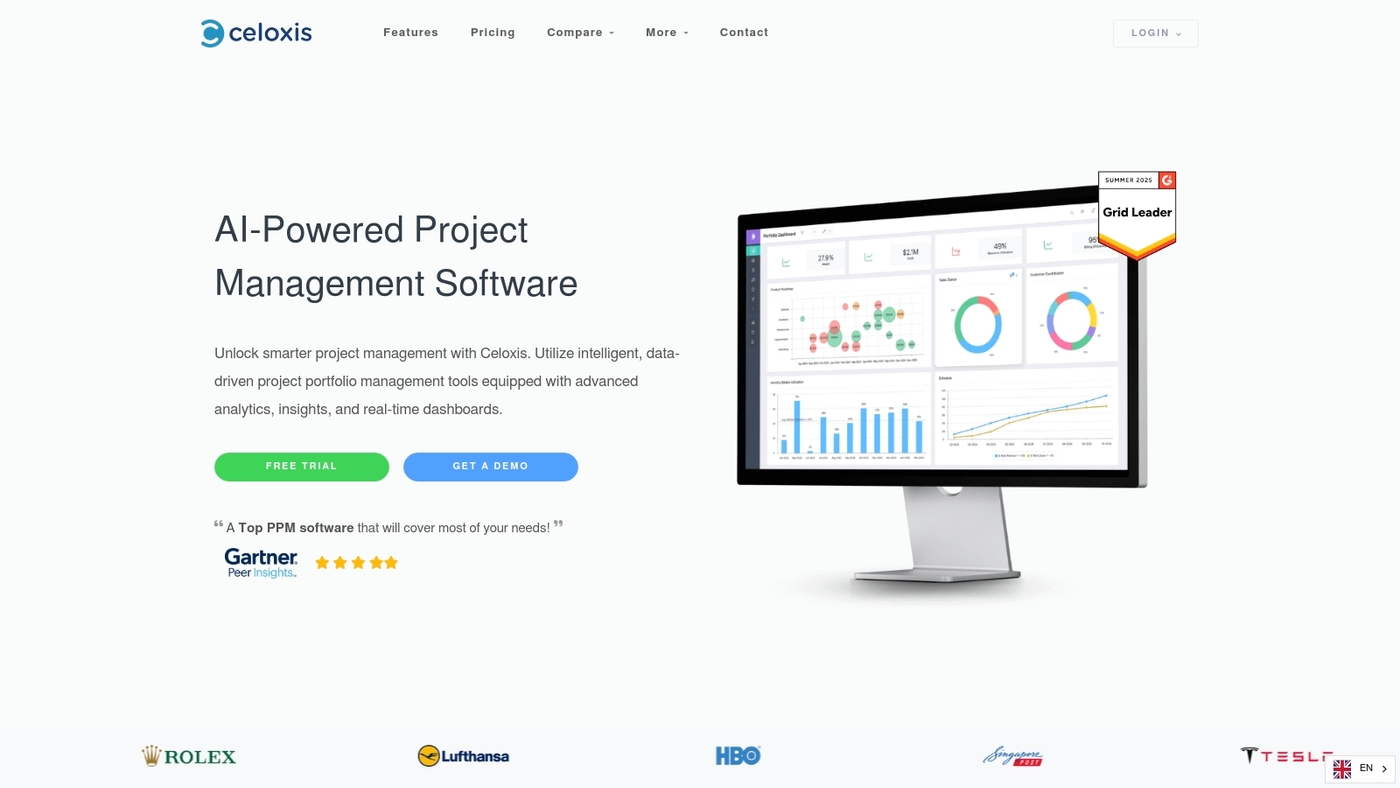
Choose Celoxis if you run large portfolios and need deep financial tracking. It offers advanced financial tracking, portfolio management, and scalable resource planning.
The Gantt chart tool shows dependencies, baselines, and cross-project timelines. You get time tracking, resource leveling, and role-based security.
Developers can use the API and deploy on cloud or on-premise. Its scalability helps teams manage hundreds of projects and thousands of tasks.
Admins get customizable dashboards, billing reports, and exports. It integrates with Slack, Jira and Teams for updates and analytics.
We recommend Celoxis for enterprise PM teams.
Pros
-
Robust financial controls and billing
-
Scales to hundreds of projects
-
Flexible, customizable workflows
Cons
-
Steep learning curve for new users
-
Higher cost for small teams
For who?
Large organizations, PMOs, and service firms that need portfolio finance and scalable Gantt scheduling.
Pricing
Cloud plans start near $25/user/month; request enterprise quotes for full features.
GanttPRO
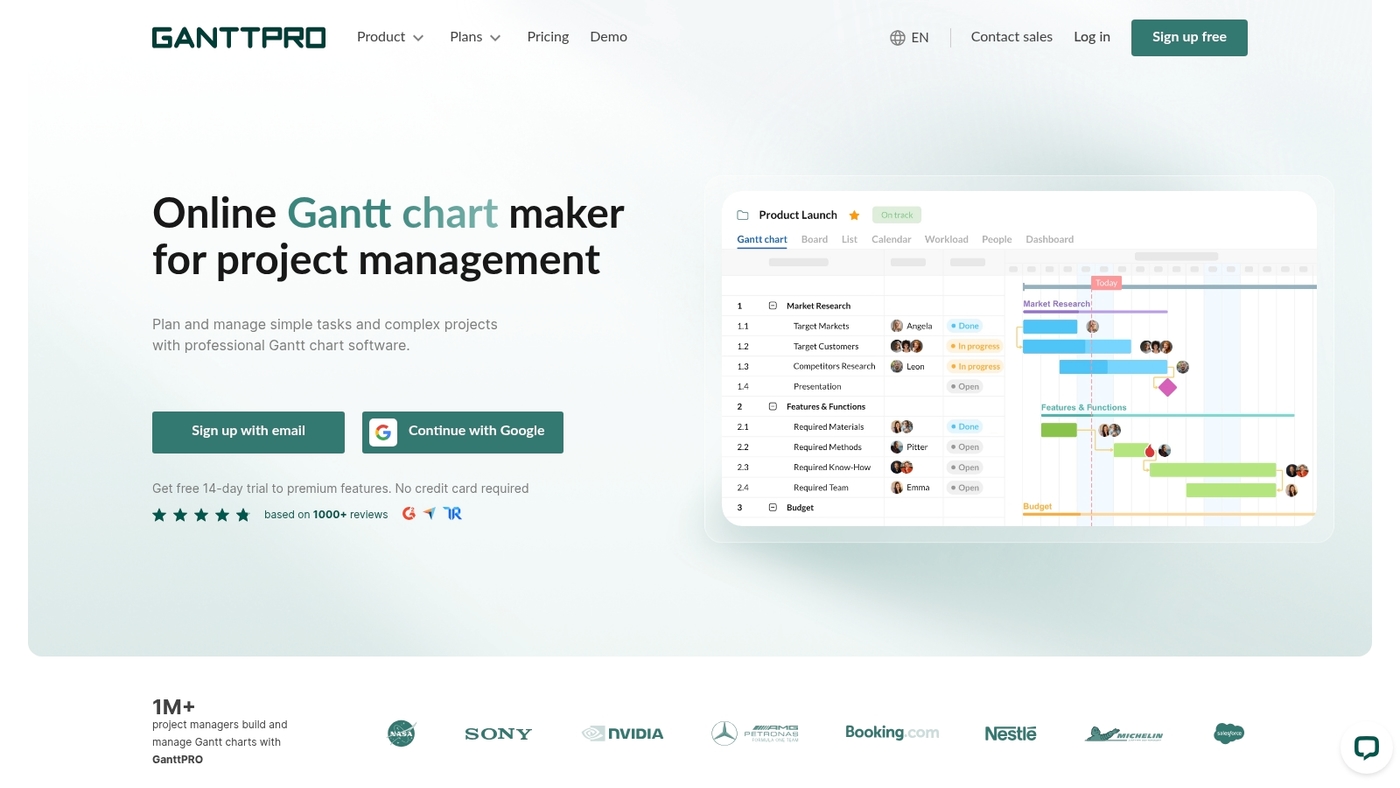
We recommend GanttPRO for teams managing complex timelines with many dependencies. GanttPRO acts as a focused gantt chart software that gives clear visual schedules and strong dependency handling.
The online gantt chart editor uses drag-and-drop scheduling, baseline tracking, and export options for PDF and CSV. You can allocate resources, spot overloads, and track a project’s critical path in one place.
I used it during a six-week pilot and found timelines became easier to share with stakeholders. The interface stays simple while offering detailed controls for multi-project planning.
It fits teams that need a dedicated gantt chart tool rather than a full work OS. Use it to replace spreadsheet plans and to reduce missed handoffs across tasks.
Pros
-
Robust dependency mapping and baseline tracking
-
Clear resource management and workload view
-
Good export and sharing options for stakeholders
Cons
-
Less flexible than full project suites for non-Gantt views
-
Advanced reporting can feel limited for large portfolios
For who?
Teams that run multi-phase projects and need a dedicated gantt chart maker. Project managers who require dependency control, baseline comparisons, and exportable timelines.
Pricing
Offers a free trial. Paid plans start with per-user billing and scale to team and enterprise tiers. Contact sales for enterprise quotes and volume discounts.
Smartsheet
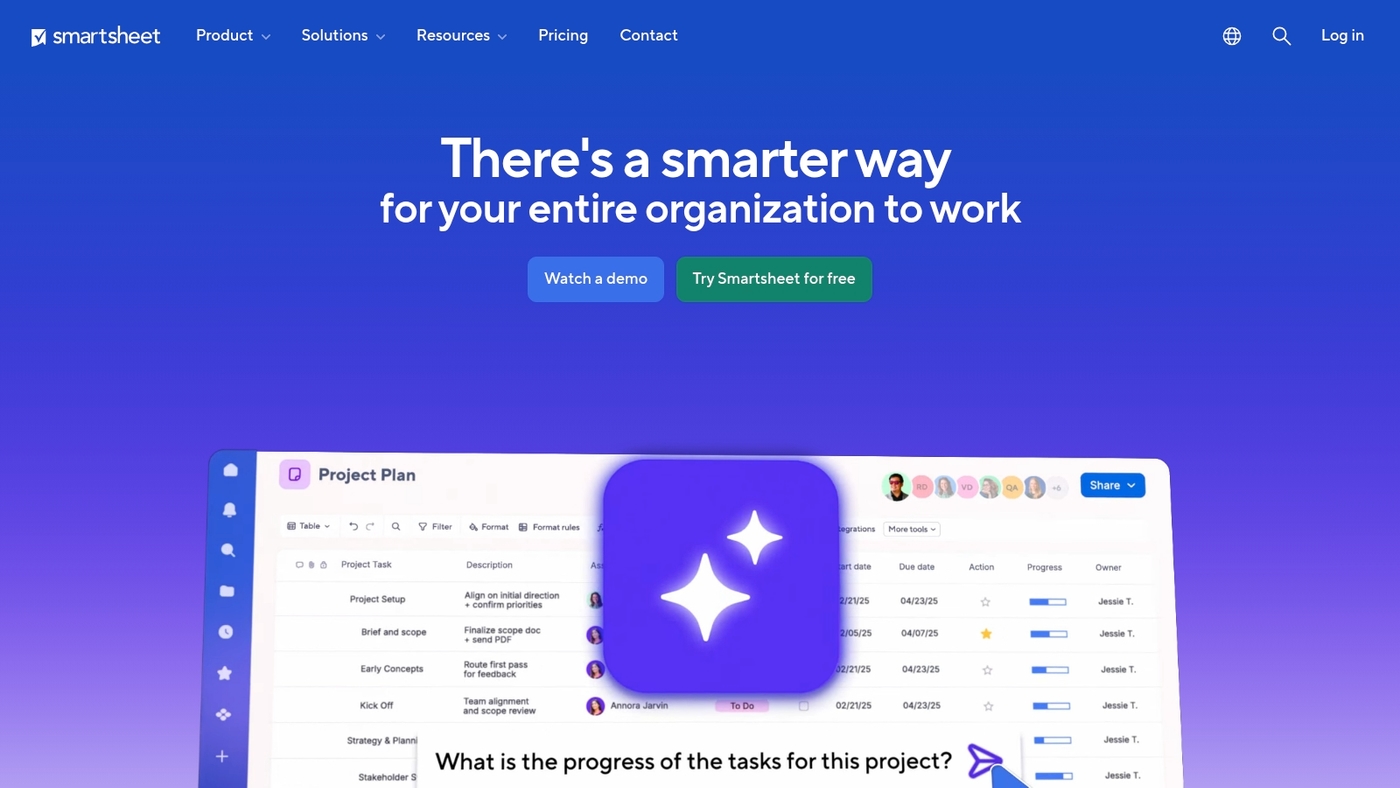
We recommend Smartsheet when you need a spreadsheet-style gantt chart software that scales into enterprise work tracking. The grid feels familiar to Excel users and turns into a full Gantt view with dependencies, baselines, and work breakdown structure tools.
Built-in automation trims manual scheduling tasks. Enterprise-grade security and integrations keep data safe across apps.
I’ve used Smartsheet to convert complex timeline sheets and cut status update time for a small product team. See our project scheduling tools roundup for comparable options.
Pros
-
Familiar spreadsheet interface lowers onboarding time
-
Robust Gantt features with dependency and baseline support
-
Strong automation and enterprise security controls
Cons
-
Per-user pricing can add up for small teams
-
Advanced features may feel complex for simple projects
For who?
Teams that outgrow Excel and need a project scheduling software with Gantt views, workflows, and enterprise controls. Good fit for PMOs, operations, and cross-functional teams.
Pricing
Free trial available. Paid plans use per-user pricing; enterprise plans require custom quotes. Check Smartsheet for current rates and licensing details.
Asana
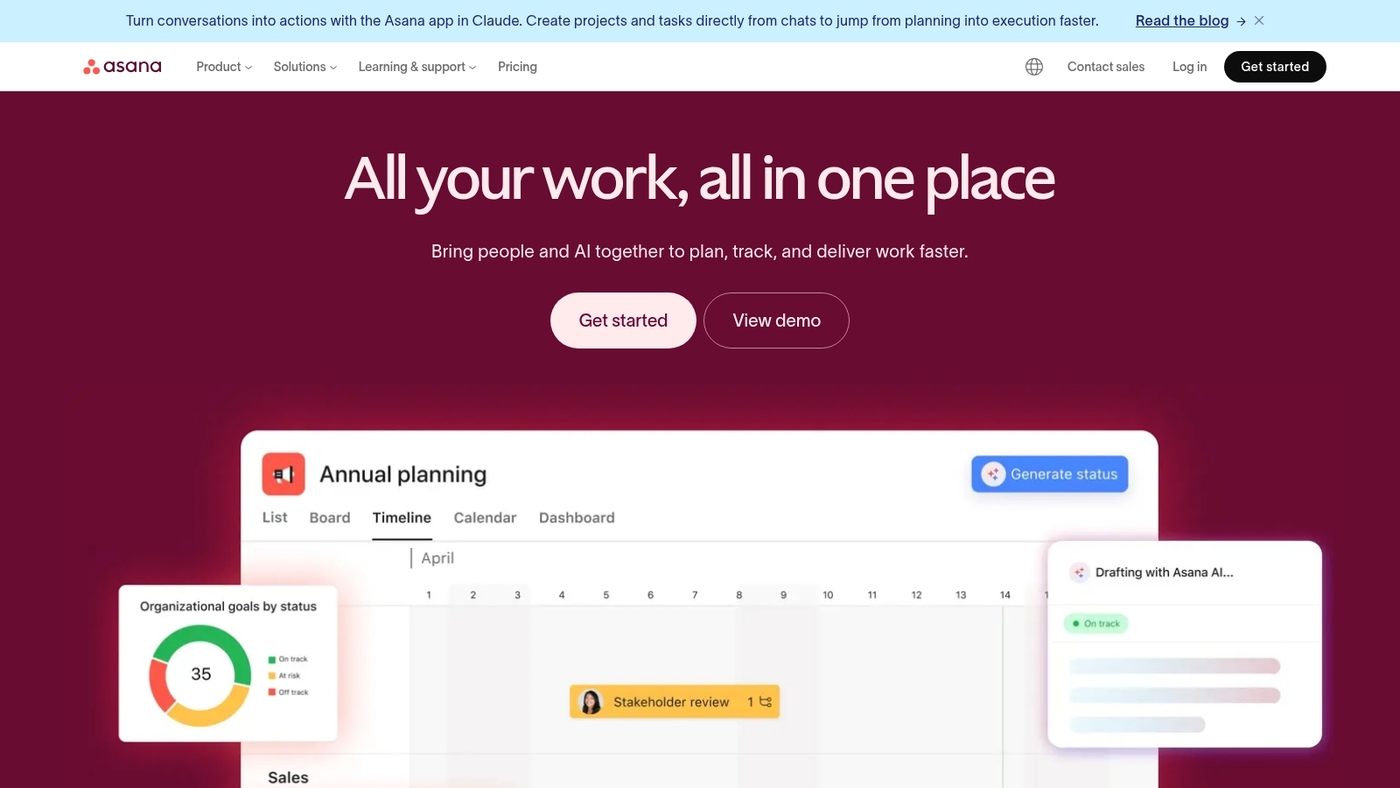
We recommend Asana for mid-sized teams that need a clear project scheduling tool. Its timeline view acts as an online gantt chart with task dependencies and milestone tracking.
You get task scheduling, basic resource visibility, and shared project updates in one place. Use the workflow automation to remove repetitive updates.
The Microsoft Teams integration keeps conversations tied to tasks. It connects with many apps and supports simple approval rules.
I’ve used Asana to move teams off Excel into a visual gantt chart tool within days. Read our guide on the best project management software for setup tips.
Pros
-
Intuitive gantt-style timeline with dependencies
-
Strong collaboration and wide integrations
-
Easy onboarding for mid-sized teams
Cons
-
Limited advanced resource leveling
-
Portfolio features require Business tier
For who?
Mid-sized teams managing multiple projects and cross-functional work. Project managers who want a simple project management gantt chart and timeline software.
Pricing
Free plan available. Premium starts at about $10.99 per user/month billed annually. Business plans start near $24.99 per user/month. Enterprise pricing is custom.
Teamwork.com
We recommend Teamwork.com if you need a strong, free Gantt chart software for agency work. It provides task dependencies, milestones, resource management, and client collaboration in a single timeline view.
You can drag tasks to reschedule and visualize a project critical path with clear dependency lines. The platform supports workload views and role-based client access so stakeholders see only what matters.
Teamwork.com balances power and ease. I’ve used its timeline to cut weekly status updates by half on client programs.
The tool works as an online gantt chart and a project scheduling software for teams that juggle clients and internal work.
Pros
-
Free Gantt chart option with useful features
-
Task dependencies and milestone tracking
-
Client collaboration and permissions
-
Resource views for workload balancing
Cons
-
Advanced reporting behind paid plans
-
Steeper setup for large portfolios
For who?
Agencies, consultancies, and small teams that need a client-friendly gantt chart tool with resource visibility.
Pricing
Free plan available. Paid plans start at a per-user monthly fee with time tracking and advanced reports included.
Zoho Projects
Zoho Projects targets teams that need affordable gantt chart software with solid automation. The online gantt chart view uses drag-and-drop scheduling and clear dependency lines.
The platform combines task automation with time logging and built-in issue tracking. It links to the wider Zoho ecosystem and common apps via API.
The gantt chart tool shows resource load and basic critical path visualization. You can import spreadsheets as a gantt chart excel alternative and export reports for stakeholders.
Zoho Projects balances price and usable features for small businesses and early-stage teams. I’ve used it on short projects and found setup fast and predictable.
We suggest starting on the free plan to test automations and timelines.
Pros
-
Low-cost plans with a usable free tier for small teams
-
Good mix of scheduling, time tracking, and issue management
Cons
-
Limited advanced portfolio and enterprise reporting
-
User interface has fewer customization options than enterprise tools
For who?
Small businesses, startups, and project teams that want cost-effective project scheduling software with built-in time tracking.
Pricing
Free tier available. Paid plans start from roughly $3–$5 per user per month when billed annually.
Birdview
Pick Birdview if you run a service business that needs a PSA platform with advanced Gantt charts, resource utilization tracking, portfolio planning, and financial management.
The online gantt chart software maps dependencies and highlights critical path tasks. Teams assign people, set allocations, and watch utilization against targets.
The gantt chart tool supports multi-project views, baseline comparisons, and simple exports for stakeholders. It links time tracking and billing so you can forecast margins from schedules.
Birdview suits consultancies and agencies that must tie timelines to revenue. You get resource management gantt features, portfolio planning, and project scheduling software all inside one app.
Expect clearer capacity forecasts and faster decisions about staffing and delivery.
Pros
-
PSA-grade Gantt views with dependencies and baselines
-
Built-in financial reporting and utilization metrics
Cons
-
Steeper learning curve for very small teams
-
Pricing favors mid-size and larger firms
For who?
Service-based firms, consultancies, agencies, and professional services teams that need resource-aware scheduling.
Pricing
Modular pricing by users and features; contact sales for custom quotes and demos.
Best Gantt chart software for construction projects
We recommend a construction-focused Gantt chart software that tracks equipment, subcontractors, and compliance.
Pick a Gantt tool built for field teams and heavy assets. Look for mobile forms, offline access, and permit storage.
|
Feature |
Why it matters |
Impact |
|---|---|---|
|
Equipment tracking systems |
Link equipment to tasks, log hours, flag downtime |
Cut idle time by 10–20% |
|
Subcontractor management tools |
Assign dependencies, share timelines, lock milestones |
Reduce rework and payment disputes |
|
Field mobility features |
Capture photos, signatures, safety docs on site |
Speed approvals in under 30 seconds |
A construction Gantt replaces spreadsheet chaos fast. I’ve seen teams cut scheduling delays by 15–25% within three months after switching to a mobile Gantt chart app.
Focus on these items when you evaluate software: dependency handling, resource-leveling, baseline tracking, and exportable compliance records. Compare options in our guide to project management software for construction to match features to your contract needs.
Start with a two-week pilot and map one active project.
Free vs paid Gantt chart software
Pick free Gantt chart software for single projects and trials; pay when scale, dependencies, or integrations slow you down.
Free plans limit core features. Limits often include user caps, project counts, basic timelines, and no dependency tracking. Exports, resource views, and integrations usually sit behind paywalls.
Paid plans add automation, resource management, critical path tracking, and advanced reporting. Prices range from about $5 to $25 per user per month for standard tiers.
Paid tools pay off if you run 3+ active projects or manage 5+ people.
Consider ROI with a simple test. Save two hours per week on status updates and reporting. At $50 hourly value, that equals roughly $400 per month in recovered time for one manager. Multiply that across your team and the subscription often covers itself within weeks.
What triggers should you watch for when deciding to upgrade?
-
Dependency needs — you must map predecessors and show critical paths
-
Resource conflicts — workloads overlap across projects
-
Integration gaps — you need Jira, Slack, or calendar syncs
We recommend a two-week paid trial once you hit any trigger above. Compare free options in our best free Gantt chart software guide and try a paid plan if it saves your team time.
You might also like: Top 14 Project Management Software For Agencies
How to switch from Excel to Gantt chart software
Switch to dedicated Gantt chart software to cut planning time and stop manual errors.
You get live timelines, dependency tracking, and clear resource views in one place. We recommend a two-week pilot to validate the new workflow.
-
Export your sheet as CSV. Keep columns for task, start, end, assignee, duration, and dependencies.
-
Clean the data. Remove empty rows, standardize date formats, and shorten long task names.
-
Import into your Gantt chart software. Map columns during the import step so dates and assignees match.
-
Create a template from the imported project. Save task groups, milestones, and dependency rules as a reusable template.
-
Invite a core team of 3 to 5 people. Run a 30-minute kickoff to show editing, comments, and exports.
-
Set a baseline after week one. Track slippage and adjust durations or assignments.
Simple imports win trust fast. I’ve seen teams cut weekly planning time by about three hours in the first month.
Plus, run the pilot, measure saved hours, then expand tool use.
Read also: Top 13 Project Management Software For Freelancers
How to choose the right Gantt chart tool for your team
Pick a Gantt chart tool that fits your team size and workflow, not the feature list.
-
Gantt chart software fit: Small teams (1–5) need simple timelines. Mid teams (6–25) need dependencies and workload views. Large teams (25+) need portfolio and permissions.
-
Project scheduling software needs: Use online gantt chart options if you want live updates and mobile access.
-
Budget guide: Try free gantt chart software for pilots. Expect $5–25 per user/month for full features. Plan a two-week cost-to-value check.
-
Integration checklist: Ensure native links to Jira, Trello, Asana, Slack, or an API for custom syncs.
-
Resource management gantt signals: Choose tools with capacity views and workload balancing for multi-project teams or construction sites.
We recommend a two-week pilot to validate fit.
-
Import one active project and about 20 tasks
-
Turn on task dependencies, baseline, and one integration
-
Invite your core team (3–7 people) and run normal weekly work
This test shows whether the gantt chart tool reduces status meetings or stops missed deadlines. I’ve seen teams cut weekly syncs by 30% in two weeks.
Next step: start a two-week trial.
Read also: 11 Best Project Management Software For Individuals



