

That sinking feeling when tasks pile up and nothing moves forward is avoidable.
Choosing the right kanban board software can feel overwhelming with so many tools promising visual task management and automation.
A clear, simple kanban tool that matches your team’s workflow will fix bottlenecks and keep work flowing.
In this guide you’ll find the top 10 best kanban board software tools, what each one does best, and which fits different team sizes and budgets.
You’ll learn which features to prioritize—automation, integrations, and analytics—and when a free kanban board is enough versus when to upgrade.
Whether you need a lightweight personal kanban app or enterprise-grade kanban workflow management, this roundup will help you narrow the choices.


What is a kanban board and how does it work
A kanban board is a simple visual tool for managing work. It shows tasks as cards that move through columns.
Many teams use an online kanban board inside kanban software to keep work visible and shared.
Columns represent stages of your workflow. Common columns are To Do, In Progress, Ready for Review, Done. Cards hold task details, assignees, due dates, tags and attachments.
You move cards as work progresses.
WIP limits cap the number of active cards in a column. Set a WIP limit of 2–5 for most teams. I’d say that strict WIP limits reduce context switching and speed delivery.
Teams use a pull system where members take new cards only when they have capacity. That creates a continuous flow of work and reduces bottlenecks.
You focus on finishing before starting new tasks.
Track cycle time, lead time and throughput on a kanban metrics dashboard to find slow spots. Use cumulative flow diagrams to spot rising work-in-progress.
Good kanban tools add filters, automation and analytics to help.
Our team recommends you start with one board, three columns and one WIP rule. Try it for two weeks, measure cycle time, and adjust limits.
Set up a simple board to make your workflow visible and predictable.
Key features to look for in kanban board software
Visual workflow management and customization
Customizable boards help you mirror real work. You view progress at a glance and spot blockers faster.
We pick kanban tools that let you build columns, swimlanes, card colors, and multiple views.
Choose kanban board software that supports sub-columns and WIP limits. Use swimlanes to separate teams or priority levels.
Apply card colors for task type or urgency. Offer board, list, timeline, and calendar views for different needs.
Aim for an online kanban board that syncs in real time.
I’d say color-coded cards speed triage and cut meeting time. Set WIP limits to 3–5 items per person.
Create a template with five stages and two swimlanes to start.
Try configuring a visual workflow today. Start a week-long pilot and measure cycle time—watch cycle time drop and handoffs get cleaner.
Automation and AI-powered insights
Cut busywork and surface blockers with automation and AI. You gain faster handoffs and clearer priorities.
We pick tools that automate status updates, assign owners, and trigger alerts so teams spend less time on manual tracking.
Set rules to automate repetitive tasks. Rules move cards, set due dates, assign owners, add checklists, and post messages to chat.
A single rule can save 10–30 minutes on repeated work.
AI watches cycle time, task age, and blocked counts. It uses pattern signals for bottleneck detection and flags slow lanes.
The system recommends card moves and offers workload balancing insights.
I really think that smart automations cut meeting time and stop small delays from growing. Check the best workflow automation software to compare triggers, templates, and AI features.
Start with two automations and track cycle time across two sprints. You’ll reduce manual updates and spot issues earlier.
Collaboration and integration capabilities
We value kanban board software that makes team work simple and visible.
Your kanban tool must support clear chat, easy file sharing, and real-time updates. Look for inline comments, file previews, and permission controls.
Check connectors for Slack, Google Workspace, and Microsoft Teams.
Explore curated collaboration platforms for teams to compare integrations and security options.
Prioritize two-way sync and deep context links back to cards. Favor apps that surface notifications without noise.
Measure impact by tracking reduced email threads and faster task handoffs. Strong integrations cut meeting time by 20–40% for active teams.
Reporting and kanban metrics dashboard
Track cycle time, lead time, throughput, and work-in-progress on a single panel. Use cumulative flow diagrams to spot blocked stages quickly.
We monitor weekly throughput and average cycle time in days. We set alerts for rising WIP and stalled columns.
In my opinion, a live kanban metrics dashboard speeds decisions and reduces delays by measurable amounts.
- Keep cycle time tracking to a four-week rolling average for stable trends.
- Set throughput targets and measure work completed per week to drive focus.
- Use swimlane filters and cycle time histograms to find process outliers.
Start by adding these widgets to your online kanban board and test results for two sprints. You’ll see gains in cycle time within weeks.
Try monday.com to build dashboards fast.
Top 10 kanban board software to consider
monday.com
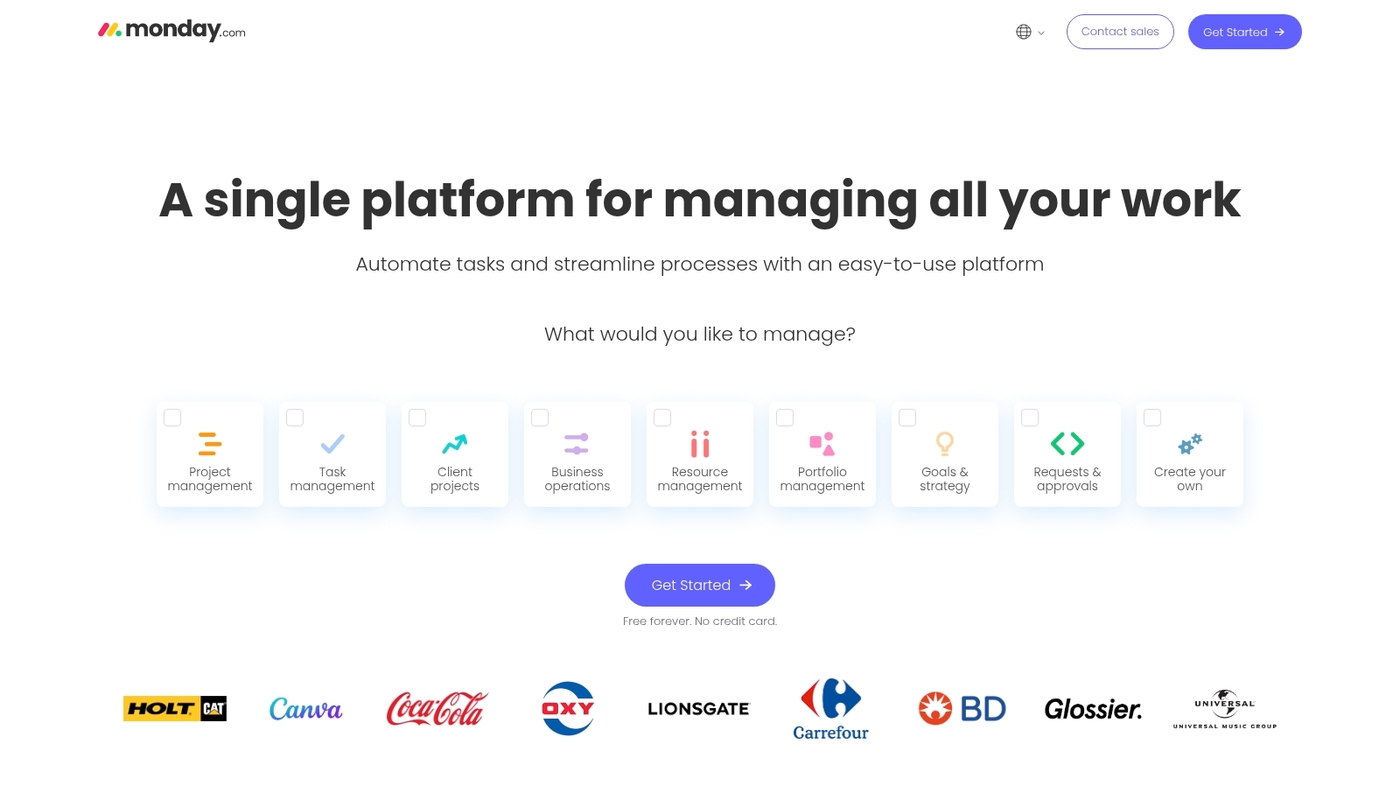
We recommend monday.com as a leading kanban board software for teams that need clear visual workflows. The platform uses boards, columns, and cards to map work.
You get swimlanes, custom fields, and card grouping.
Built-in automations cut status updates and repetitive work. Kanban boards exist in every plan, including the free tier.
Filters and custom views let you focus on the right tasks.
Integrations connect Slack, Google Workspace, and developer tools for smooth handoffs. Dashboards track cycle time, throughput, and other kanban metrics.
I’d say monday.com reduces meeting time by keeping updates on the board and automating simple steps.
Pros
- Kanban in every plan, including free tier
- Robust automations for status updates and reminders
- Flexible views, filters, and dashboards for visual task management
- Reliable online kanban board and extensive integrations
Cons
- Advanced features increase costs for larger teams
- Customization adds complexity for new users
For who?
Teams that need visual workflow management, cross-functional collaboration, or kanban project management at scale.
Pricing
Free plan covers basic kanban needs. Paid plans start at about $8 per user per month billed annually.
ClickUp
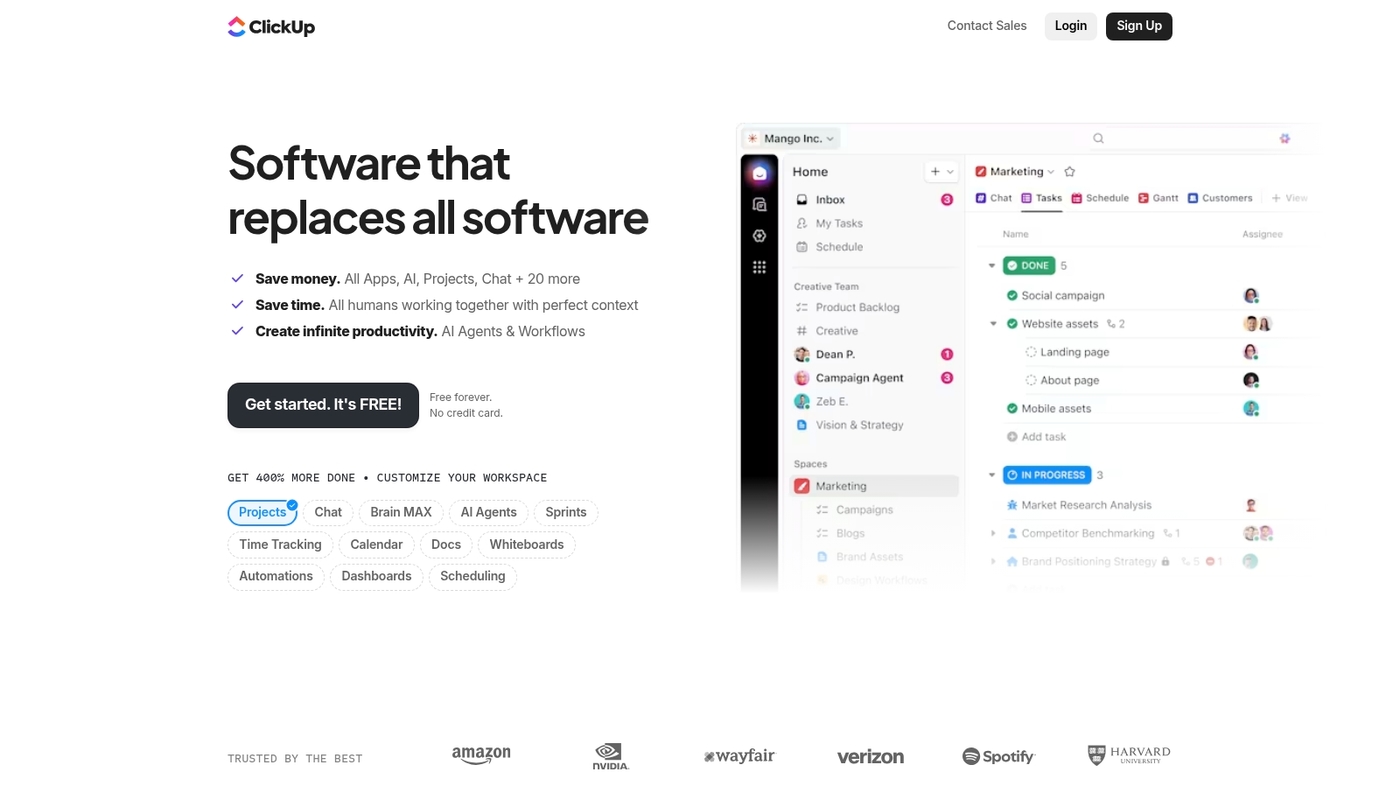
We recommend ClickUp as a top kanban board software option for teams and individuals. It offers customizable kanban views, lists, docs, goals, and an online kanban board in one workspace.
The kanban tool supports drag-and-drop cards, swimlanes, custom fields, and WIP controls. You can add automations and connect to Slack, Google Workspace, GitHub, and calendars.
Dashboards display cycle time, throughput, and kanban metrics for clear workflow management.
The free plan covers basic boards and unlimited tasks. Paid tiers start at $12/user/month and include advanced automations, time tracking, and goal tracking.
I really think ClickUp fits teams that want a single-pane kanban solution with docs and project planning built in.
Pros
- All-in-one workspace combining boards, docs, and goals
- Powerful automations and wide integrations
- Robust dashboards for kanban metrics and reporting
Cons
- Interface can feel dense for new users
- Advanced features require paid tiers
For who?
Teams that need integrated task boards and documentation, product managers, remote teams, and freelancers who scale from simple boards to complex workflows.
Pricing
Free plan available. Paid plans start at $12/user/month for advanced features and automations.
Trello
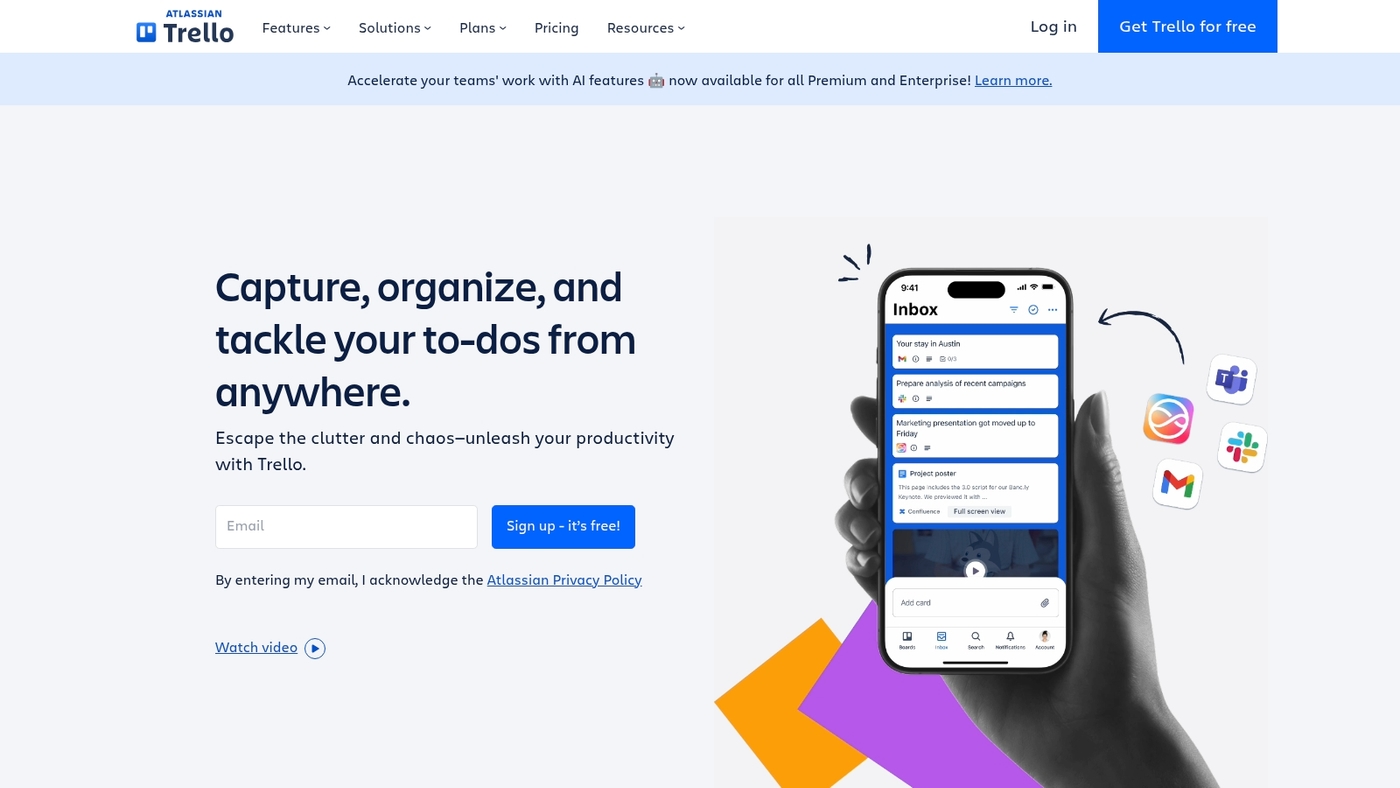
We recommend Trello for teams and freelancers who want simple kanban board software. Trello uses cards and lists with a clean interface.
You drag and drop tasks across stages.
You add checklists, labels, due dates, attachments, and comments. Power-Ups extend functionality with automations and integrations.
The mobile apps sync in real time.
The free plan supports up to 10 boards and basic automations. Paid tiers start at about $5 per user per month for advanced features.
I really think Trello shines for personal use and small teams. Trello stays focused and easy to learn.
Pros
- Simple visual task management that teams adopt fast
- Strong app ecosystem and many integrations
Cons
- Boards can get cluttered at scale
- Advanced reporting needs paid plans or add-ons
For who?
Freelancers, small teams, and anyone needing a fast, low-friction kanban tool.
Pricing
Free plan with up to 10 boards. Paid plans from about $5/user/month.
Wrike
Wrike is kanban board software aimed at growing teams and enterprises. It pairs customizable online kanban boards with automation that handles routine updates and status changes.
You get swimlanes, WIP limits, card fields, and dashboards that surface cycle time and bottlenecks. Integrations connect work to Slack, Google Workspace, and developer tools.
Portfolio views give leaders visibility across projects and teams.
Reporting shows throughput and cumulative flow diagrams for continuous improvement. The platform fits agile board software needs and scales from single teams to enterprise portfolios.
I’d say Wrike’s bottleneck insights help teams deliver work with less firefighting.
We recommend piloting a small board to test automations and reporting.
Pros
- Strong visual task management and portfolio visibility
- Advanced kanban automation tools for recurring work
Cons
- Learning curve for complex configurations
- Enterprise features require higher-tier plans
For who?
Teams that need scalable kanban workflow management, portfolio oversight, and automation.
Pricing
Free tier available. Paid plans scale to business and enterprise levels with custom pricing.
Jira
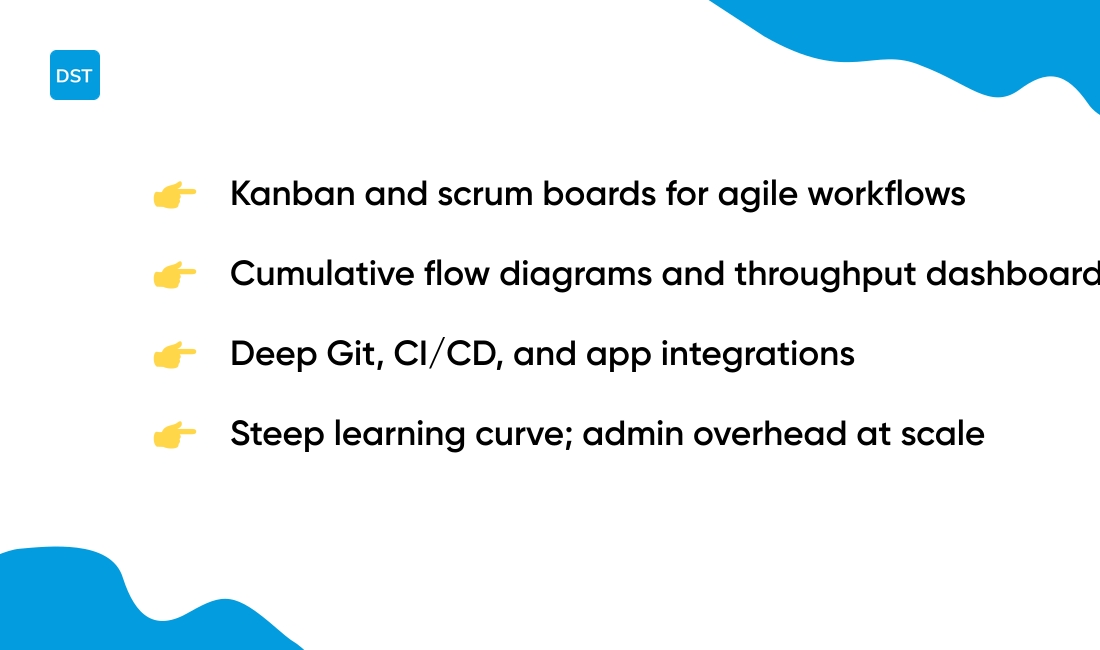
We recommend Jira for development teams that need robust kanban board software. You get kanban and scrum boards built for agile workflows.
You can set WIP limits, map custom workflows, and track cycle time.
The platform includes automation rules, backlog grooming, and release management. It links with Git, CI/CD, and many apps for end-to-end traceability.
Jira provides a clear kanban metrics dashboard with cumulative flow diagrams and throughput charts.
Admin controls scale permissions and security for large organizations. Migration and configuration take time and require admin effort.
Teams often see 10–30% faster cycle time after automating handoffs and removing bottlenecks.
I honestly feel Jira delivers the most complete feature set for kanban workflow management focused on software development.
Pros
- Advanced agile reporting and a strong kanban metrics dashboard
- Deep integrations with development tools and CI/CD
Cons
- Steep learning curve for non-technical teams
- Configuration and admin overhead at scale
For who?
Engineering teams, product teams, and enterprises that need scalable agile board software and detailed kanban workflow management.
Pricing
Free for up to 10 users. Paid plans start at about $7.75 per user/month for Standard. Premium and Enterprise tiers add advanced analytics and governance.
Asana
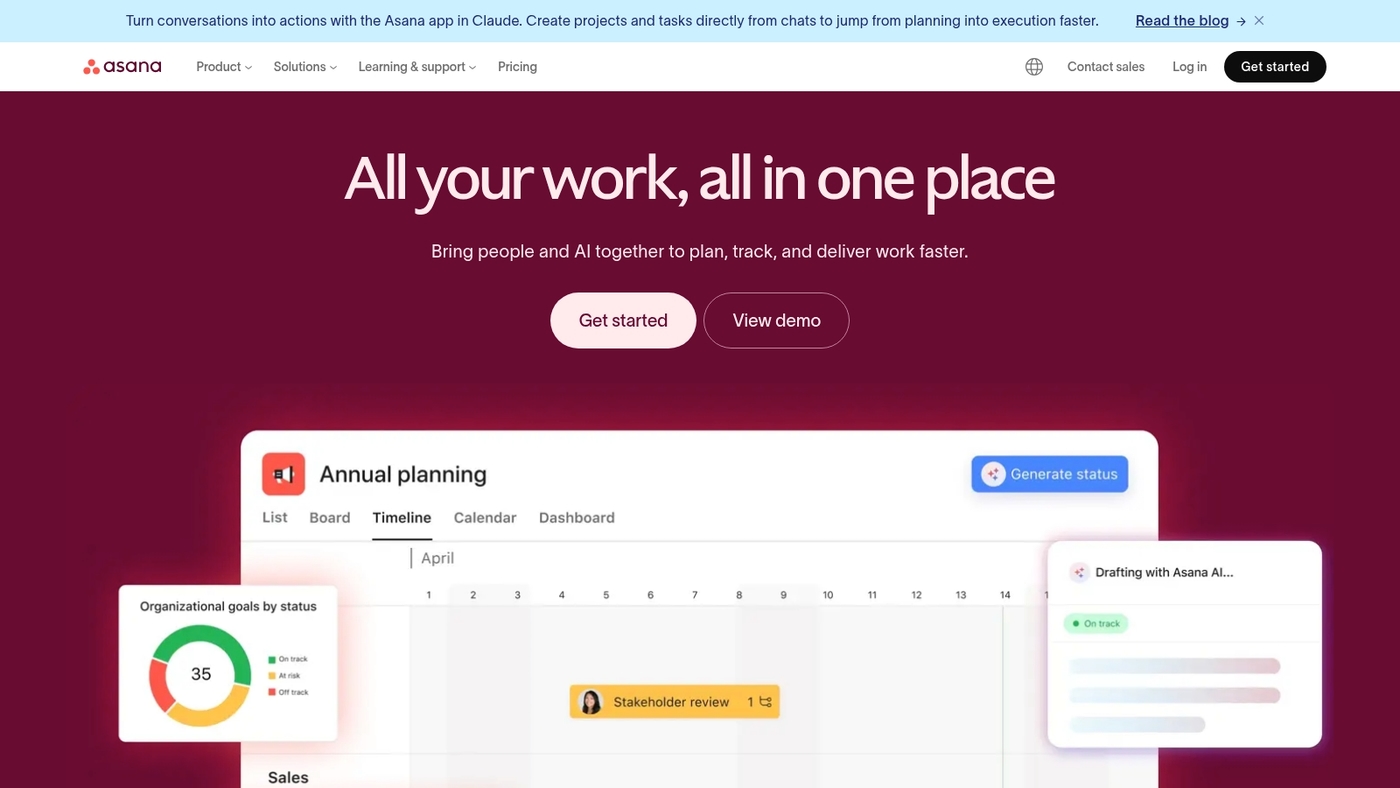
We recommend Asana as a solid kanban board software for teams that need clear task flow and structured planning. Asana offers task-centric kanban boards with customizable columns, cards, and fields.
You get timeline views for scheduling and portfolio management for cross-project visibility. Automation rules cut manual updates and speed delivery.
Integrations link your kanban tool to Slack, Google Workspace, and developer tools.
The interface supports visual task management and basic kanban workflow management metrics. I’d say Asana hits the sweet spot between simple boards and scalable project oversight for cross-functional teams.
Pros
- Clean kanban boards with timeline view
- Portfolio reporting and cross-project visibility
- Automations and broad integrations
Cons
- Less advanced agile features than Jira
- Some views require paid tiers
For who?
Teams that need task-focused kanban project management and cross-team reporting.
Pricing
Free plan available. Paid plans start around $10.99 per user per month for Premium. Business and Enterprise tiers add portfolio and advanced controls.
Businessmap
We recommend Businessmap as an end-to-end kanban board software for teams and portfolios. It delivers AI insights, linked boards, and advanced analytics built for Agile practitioners.
You can create sub-columns to mirror detailed workflow stages and set WIP limits per lane. The platform links cards across boards so you track dependencies without manual updates.
AI detects bottlenecks and highlights workload imbalance so you act faster.
Real-time sync keeps distributed teams aligned. Templates speed onboarding and custom fields capture the data you need for reports.
I’d say Businessmap helps teams shrink cycle time and make clearer prioritization decisions.
Pros
- Robust analytics and AI-driven bottleneck detection
- Linked boards and sub-columns for portfolio visibility
Cons
- Steeper learning curve for non-Agile teams
- Advanced reports require paid tiers
For who?
Agile teams, program managers, and PMOs that need portfolio traceability and predictive insights.
Pricing
Offers tiered plans. Free trial available. Paid plans include advanced analytics and enterprise features.
Smartsheet
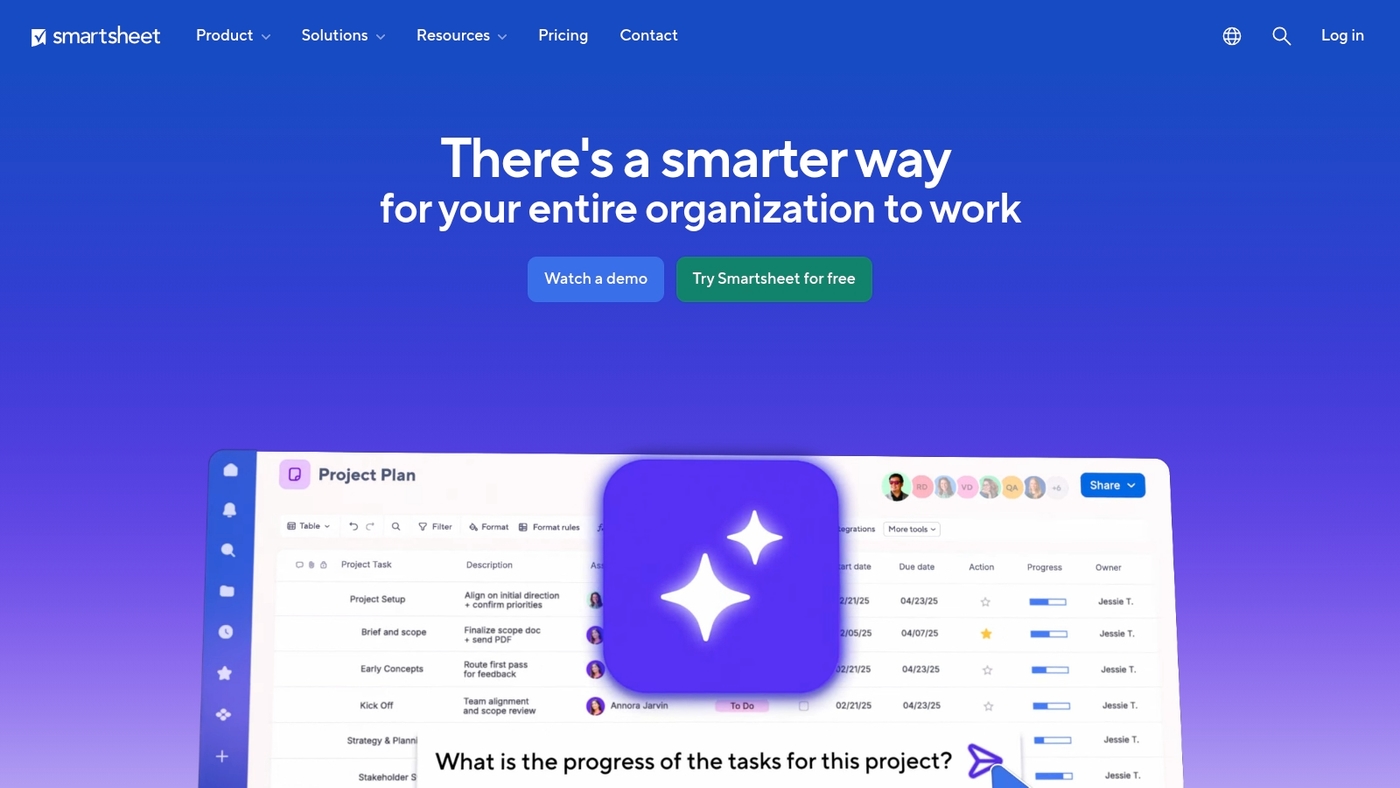
Smartsheet blends a familiar grid with a board view to deliver modern kanban board software. The interface looks like a spreadsheet while it runs like a visual task manager.
You get customizable cards, columns, swimlanes and templates that map to complex workflows. The platform adds automation rules, alerts, and approval flows to cut manual updates.
You see workload and resource views for portfolio-level planning.
Security and admin controls meet enterprise needs. Reporting surfaces cycle time and throughput so you can improve flow.
I really like Smartsheet’s hybrid grid-to-board view for complex projects because it reduces setup time and keeps reporting accurate.
We recommend testing a template and a short pilot before full adoption.
Pros
- Spreadsheet familiarity speeds adoption for Excel users
- Strong automation and reporting for team metrics
Cons
- Interface can feel heavy for simple personal boards
- Licensing costs rise at scale for many users
For who?
Teams that need hybrid grid and board views, portfolio reporting, and enterprise controls.
Pricing
Plans start around $7/user/month for individual seats and about $25/user/month for business tiers; enterprise quotes available.
MeisterTask
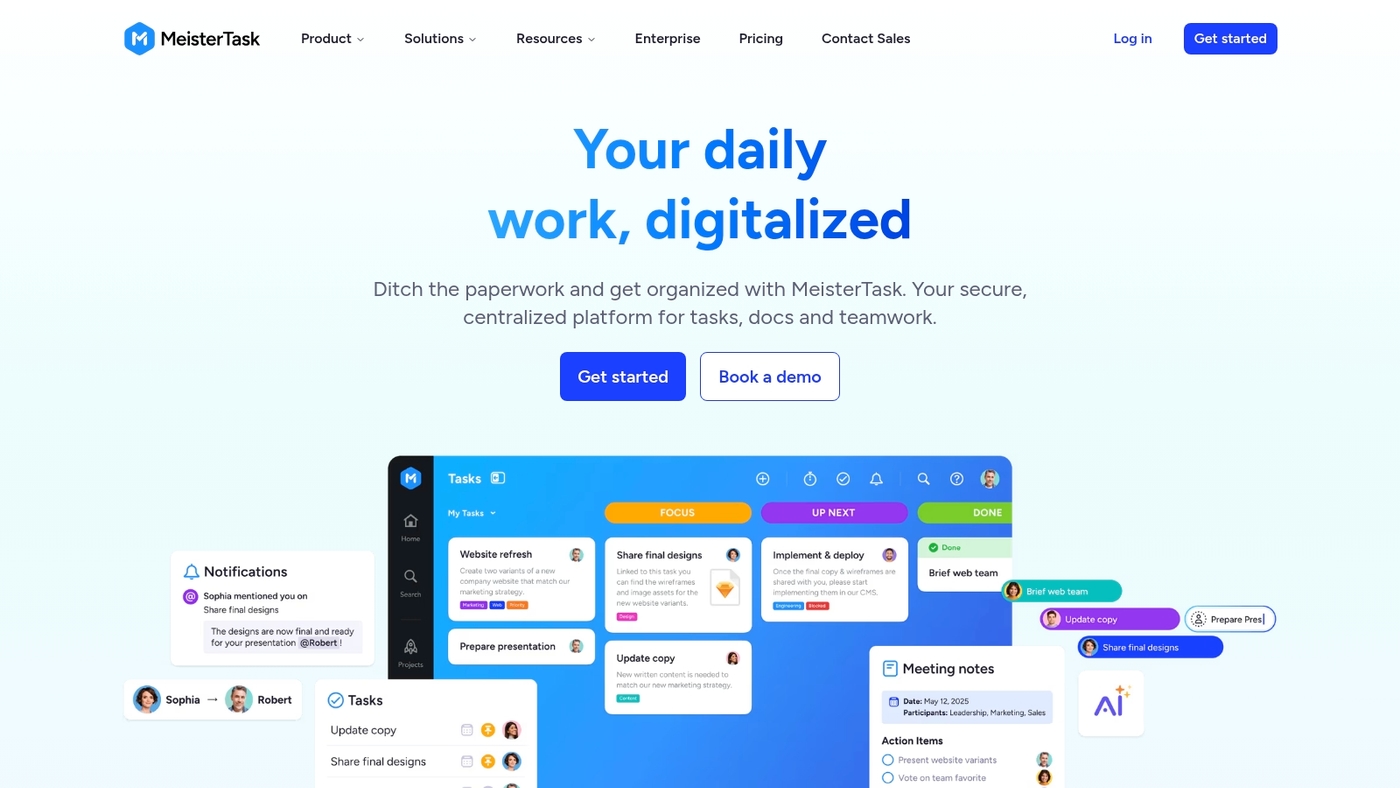
We use MeisterTask as pure kanban board software. It focuses on boards, cards, and simple workflows.
The UI offers a clean simple interface.
You set custom automation rules to move cards, assign owners, and add due dates. You can track time per task with a built-in timer.
The seamless MindMeister integration turns ideas into action.
Templates let you spin up workflows in minutes. Mobile apps sync changes instantly across devices.
The tool fits teams that want visual task management without extra clutter.
I’d say its automation reduces status meetings and keeps delivery steady. You can export basic reports for kanban metrics dashboard and track cycle time.
The online kanban board scales from freelancers to mid-size teams.
Pros
- Easy visual kanban boards
- Built-in time tracking and automations
Cons
- Limited advanced reporting
- Fewer enterprise integrations
For who?
Teams and freelancers who need fast kanban boards and clear visual workflows.
Pricing
Free plan available. Paid plans unlock automations, time tracking, and advanced team features.
Zoho Projects
Zoho Projects delivers value-driven kanban project management inside a full-suite platform. The tool offers clean online kanban boards, customizable columns, swimlanes, and card templates for visual workflows.
You get automations, time tracking, Gantt charts, and a reporting suite that feeds a visual task management dashboard. Integrations link tasks to CRM, Docs, and helpdesk tools via Zoho ecosystem integrations.
The interface scales from single teams to multi-project portfolios.
I honestly feel that its mix of features and low starting costs makes it a strong kanban tool for budget-conscious teams. See a wider list of project options on our project management software guide for comparisons and setup tips.
Pros
- Affordable plans and a free tier for small teams
- Strong integrations across Zoho apps and third parties
Cons
- Interface can feel dense for casual users
- Advanced reporting has a learning curve
For who?
Teams that need kanban for projects, budget-friendly pricing, and deep app integrations.
Pricing
Free tier available. Paid plans start at around $5 per user per month for basic teams. Advanced plans price higher for enterprise features.
How to choose the right kanban tool for your workflow
Choose kanban board software that reduces task chaos and speeds delivery. Your goal is clearer priorities, fewer status meetings, and faster cycle time.
| Decision Factor | What to Look For | Why It Matters |
|---|---|---|
| Team Size | Free board for 1–5 users; enterprise controls for 50+ | Small teams need simple setup; large teams need permissions and linked boards |
| Workflow Fit | Customizable columns, swimlanes, WIP limits | Tool must mirror your actual process stages |
| Integrations | Slack, Google Workspace, Git, calendar sync | Seamless handoffs reduce manual updates |
| Automation & Metrics | Rules for card moves, cycle time tracking, throughput | Automate busywork and surface bottlenecks fast |
| Budget | Free to $12/user/month | Free plans fit pilots; paid tiers unlock advanced features |
We recommend starting with monday.com for visual boards and automations. Then evaluate ClickUp if you need deep docs-to-task links.
I’d say a two-week trial reveals whether a tool fits your kanban workflow management and team habits.
Start a free trial on monday.com to test templates, automations, and board-driven updates. Use live boards to measure improvements in task flow and meeting time.
Free vs paid kanban board software
Start with a free kanban board to map tasks and prove a workflow. Free plans give basic boards, cards, and simple collaboration.
Common caps include board limits, restricted automations, file upload ceilings, and fewer integrations. Typical ranges: boards per workspace 3–10, automation actions 100–250 per month, file size 100–250MB.
These limits slow teams that add more projects, users, or cross-tool links. You notice bottlenecks in a week if you use automations heavily or attach large files.
I’d say upgrading makes sense when integrations or reporting block your decisions. Upgrade triggers include SSO, audit logs, custom analytics, unlimited automations, and priority support.
Paid tiers add time tracking, advanced permissions, and better backup options. Expect faster cycle time tracking and clearer kanban metrics dashboard outputs for planning.
Choose free for solo use or pilots. Choose paid for teams that need integrations, security, or advanced metrics.
Start a trial to confirm ROI in 30 days.
Best kanban software for specific use cases
Kanban for small teams and freelancers
We recommend lightweight kanban tools for solopreneurs and teams under 10. You want affordable kanban board software that sets up fast and stays simple.
Choose a tool with a clean board, drag-and-drop cards, mobile sync, and easy automations. Prioritize visual task management, ready templates, and minimal onboarding time.
Trello remains a solid free kanban option for single users.
I’d say starting with monday.com or ClickUp saves setup time and avoids feature bloat.
Start a free trial, create a simple online kanban board in ten minutes, and test basic kanban automation workflows to cut meeting time and improve focus.
Kanban for remote teams and distributed workflows
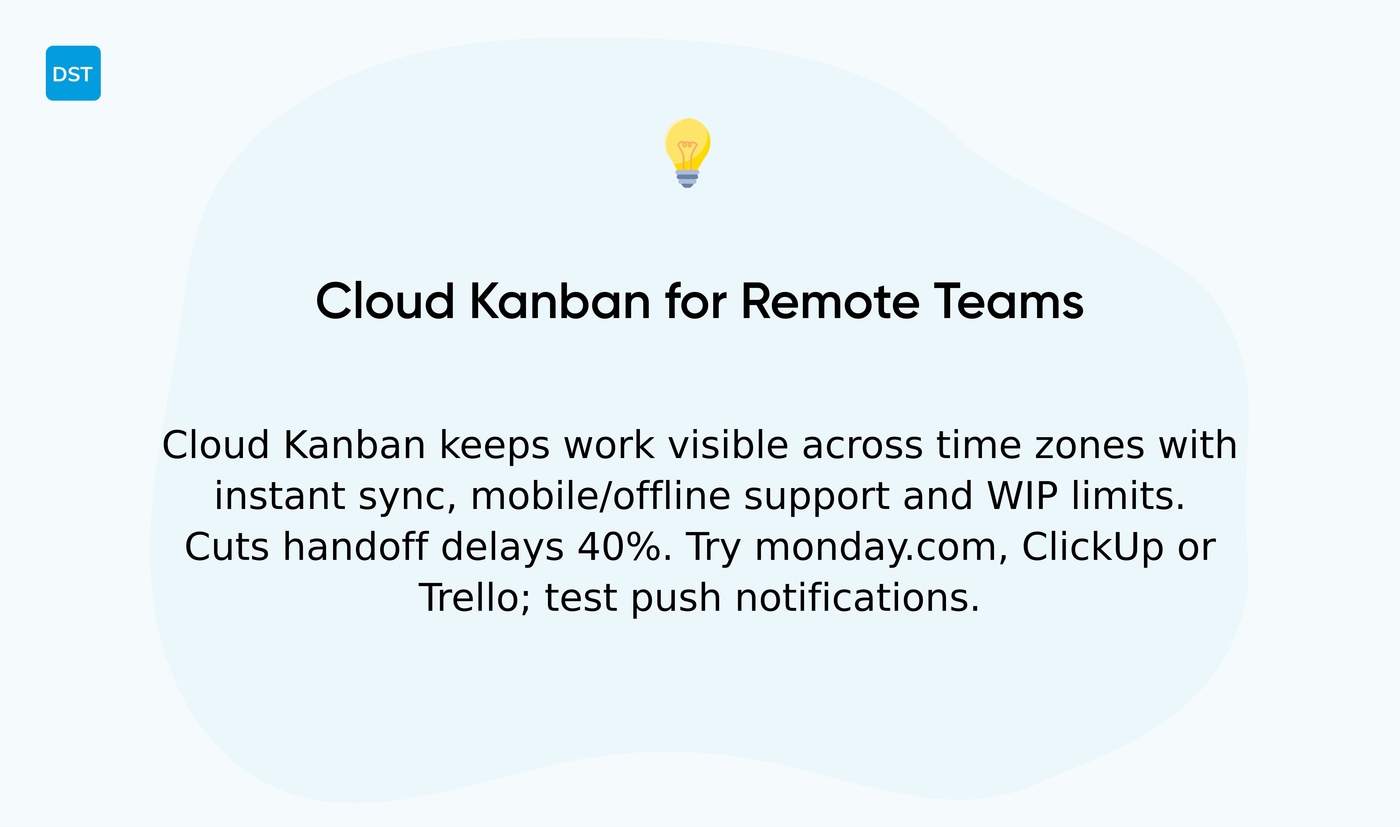
Kanban board software that runs in the cloud keeps work visible across time zones. It syncs updates instantly and supports mobile apps for on-the-go edits.
Use boards to cut email and async meeting load. Set WIP limits to protect focus.
We favor tools that combine visual task management with reliable offline access.
I’d say cloud kanban beats static spreadsheets for remote teams. (I tested boards across three time zones and saw handoff delays fall by 40% in two weeks.)
Trello offers lightweight kanban for simpler needs.
You must prioritize sync speed and offline support. Test mobile push notifications before you commit.
Compare free collaboration options on the best free online collaboration software page and start a trial to validate real-time sync for your team.
Kanban for software development and agile teams
We recommend kanban setups that map code flow to delivery. They reduce cycle time and make blockers visible.
Look for kanban board software that supports sprint planning and backlog management. Use boards that mirror your dev pipeline and enforce WIP limits.
Choose tools with code repository integrations so PR links, commits, and CI statuses appear on cards. That saves hours of status checks each week.
Monitor progress with an agile metrics dashboard showing cycle time, lead time, and throughput. Use those metrics to remove bottlenecks and balance workload.
I’d say Jira remains the top choice for teams needing deep agile reporting and enterprise controls.
You might also like: Top 10 best roadmap tools for product managers
Personal kanban apps for individual productivity
We recommend simple kanban apps for solo productivity. A personal kanban app maps your tasks visually on a kanban board.
Use columns for Backlog, Doing, and Done. Add habit cards for routines and recurring tasks.
Limit work-in-progress to three items to reduce switches.
I’d say simple kanban apps beat complex suites for solo work. Track your progress with quick weekly reviews of ten minutes.
Use tags and priorities to filter focus fast. Automate only repetitive updates to avoid clutter.
A short trial gave me about 30 minutes saved daily.
Templates speed setup for effective visual task management. See our list of the best free task management software for lightweight kanban options.
Start a board today and measure focus for two weeks.
You might also like: 7 Best Free SCRUM Tools for Agile Project Management
What is the difference between a scrum board and a kanban board
We break down the core differences so you choose the right workflow for your team.
Scrum uses timeboxed sprints and a sprint backlog. Teams plan work, commit to a sprint, and run ceremonies like daily standups, reviews, and retrospectives.
Sprint length typically runs 1–4 weeks. A two-week sprint is common and improves predictability for release planning.
Kanban uses continuous flow and pull signals. You set WIP limits and move cards as capacity allows.
Kanban excels at visual task management.
Typical WIP limits sit at 3–5 items per column. Setting limits reduces multitasking and can cut lead time 20–40% in practice.
A Scrum board maps sprint stages and resets each sprint. A Kanban board stays persistent and highlights flow, blockers, and throughput.
Choose Scrum for fixed-scope deliveries, predictable releases, and teams that need structured cadences. Choose Kanban for support, maintenance, and operations with changing priorities.
I’d say many teams benefit from a hybrid: use Scrum for planned work and Kanban for ad hoc work.
Try a simple kanban board software to test flow and measure cycle time. Use agile board software when you need sprint planning and advanced reporting.
You’ll also like: Top 10 Best Sprint Planning Software Tools
How to set up and implement kanban for teams
We recommend a practical kanban setup that gets teams working in one session.
- Create an online kanban board. Use a template or blank board and name columns for stages.
- Define workflow stages. Keep 4–6 columns like Backlog, Ready, Doing, Review, Done.
- Set WIP limits. Aim for 3–5 active items per column to reduce multitasking and handoffs.
- Add task cards. Include owner, due date, priority, and checklist. Use templates for recurring work.
- Train team members. Run a 30-minute session on board rules, transfer etiquette, and pull policies.
- Monitor metrics. Track cycle time, lead time, and throughput weekly to locate bottlenecks.
Link your kanban to existing tools for faster adoption. See recommended task management tools for integrations and templates.
I’d say setting clear WIP limits prevents overload and speeds delivery.
Measure improvements for four weeks. Expect clearer priorities within two weeks and faster handoffs by week four.
Set up your board today and iterate weekly on the workflow.
You might also like: Top 10 Best Resource Planning Tools



