That sinking feeling when your CRM costs keep rising and the features you actually need are buried in menus is more common than it should be.
Looking for a HubSpot alternative is a top priority for many teams that want marketing and CRM power without the complexity or sticker shock.
Fortunately, there are solid options that replicate HubSpot’s all-in-one value or specialize in sales pipelines or email automation.
This guide compares nine top HubSpot competitors so you can match needs, budget, and team skills (no inflated demos required).
You’ll learn which platforms offer free or cheaper plans, which suit small businesses, and which can scale for larger teams.
You’ll also get practical criteria to assess integrations, automation, and total cost.
What is HubSpot and why consider alternatives
Pick a HubSpot alternative when pricing or complexity blocks growth.
HubSpot combines CRM, email, landing pages, forms, and analytics in one suite. It stores contacts, tracks deals, logs activity, and automates marketing workflows.
Here’s why teams switch:
- Pricing concerns — Costs grow with contacts and add-ons, often reaching hundreds per month for scaling teams.
- Complexity — Built-in features add setup time and training for small teams.
- Free alternatives — Some businesses need open-source tools or free tiers with usable limits.
Many firms switch to Zoho, Pipedrive, ActiveCampaign, or Freshsales to cut costs and simplify ops. These alternatives can reduce monthly spend by 30–70% for small teams while keeping core CRM and automation.
Small teams often pay for features they never use. That wastes budget and time.
At Daily Social Tips, we test tools against three rules: clear pricing, fast onboarding, and reliable integrations. Map your must-have features, import a sample contact set, and run automations for two weeks.
Try a free trial of a HubSpot alternative today and compare costs, onboarding time, and feature fit.
Key features to look for in a HubSpot alternative
CRM and contact management capabilities
Pick a HubSpot alternative that matches HubSpot for contact database, pipeline visualization, and deal tracking.
At Daily Social Tips, we prioritize platforms that import contacts cleanly and keep customer records organized. Clear stage definitions cut pipeline review time by nearly half for small sales teams.
Here’s what matters most:
- Contact database management — bulk import/export, custom fields, smart dedupe, and tag-based segmentation.
- Pipeline visualization tools — drag-and-drop boards, velocity metrics, and custom stage probabilities.
- Deal tracking system — full activity history, timestamps, win likelihood, and simple forecasting.
You should expect API access, native email sync, and mobile apps to match or exceed HubSpot features.
Start today: import a sample CSV, map five key fields, and set three stages. Compare free plans on our free CRM software guide.
Marketing automation and email tools
We recommend platforms with strong automation, flexible email builders, and segmentation options.
Here’s what you need:
- Email automation — Visual workflows that trigger emails, delays, and lead scoring.
- Lead nurturing — Drip sequences that move contacts through defined stages by behavior.
- Segmentation — Dynamic lists by purchase intent, engagement, or custom fields for targeted sends.
- Campaign management — A/B tests, send windows, and conversion analytics to track ROI.
- Integrations — Native sync with CRM, forms, and landing pages for cleaner data flow.
If you search for a HubSpot alternative, pick a tool with deep automation and reliable deliverability. I tried ActiveCampaign and cut campaign setup time by 50% in two weeks.
Start small: build a 3-step nurture, run one A/B test, measure open and click rates.
Pricing structure and scalability
We recommend providers with predictable tiers and a usable free plan. Transparent fees prevent billing shocks as you scale.
Compare per-user costs when you evaluate a HubSpot alternative. Expect per-user pricing to range widely—some tools start at $9 per user monthly while enterprise suites reach $165 per user monthly.
Key pricing factors:
- Transparent pricing models — check published tier limits and included features.
- Cost per user — watch add-ons like automation credits and reporting seats.
- Scale without surprises — verify API rate limits, contact caps, and onboarding fees.
Freshsales gives a free plan for up to 3 users, so test workflows before paying. Map your user and contact growth and set a monthly budget cap.
Adding five users can increase monthly costs by 30–60% on some tiers. Start with the free plan and test your workflows today.
Integration and customization options
Pick a HubSpot alternative that offers flexible integrations and open APIs.
Look for these capabilities:
- External API access — connect your CRM to other systems with stable REST endpoints.
- Custom field creation — capture unique customer data and keep records structured.
- Workflow customization — design automations that match your sales and marketing steps and reduce manual work. Try the best workflow automation software for testing.
- Prebuilt integrations — look for native apps for Gmail, Slack, ecommerce, and Zapier links.
We advise running a two-week integration pilot with 10 key contacts and one pipeline. Flexible APIs save weeks during integration and cut data errors dramatically.
Top 9 HubSpot alternatives to consider
Zoho CRM
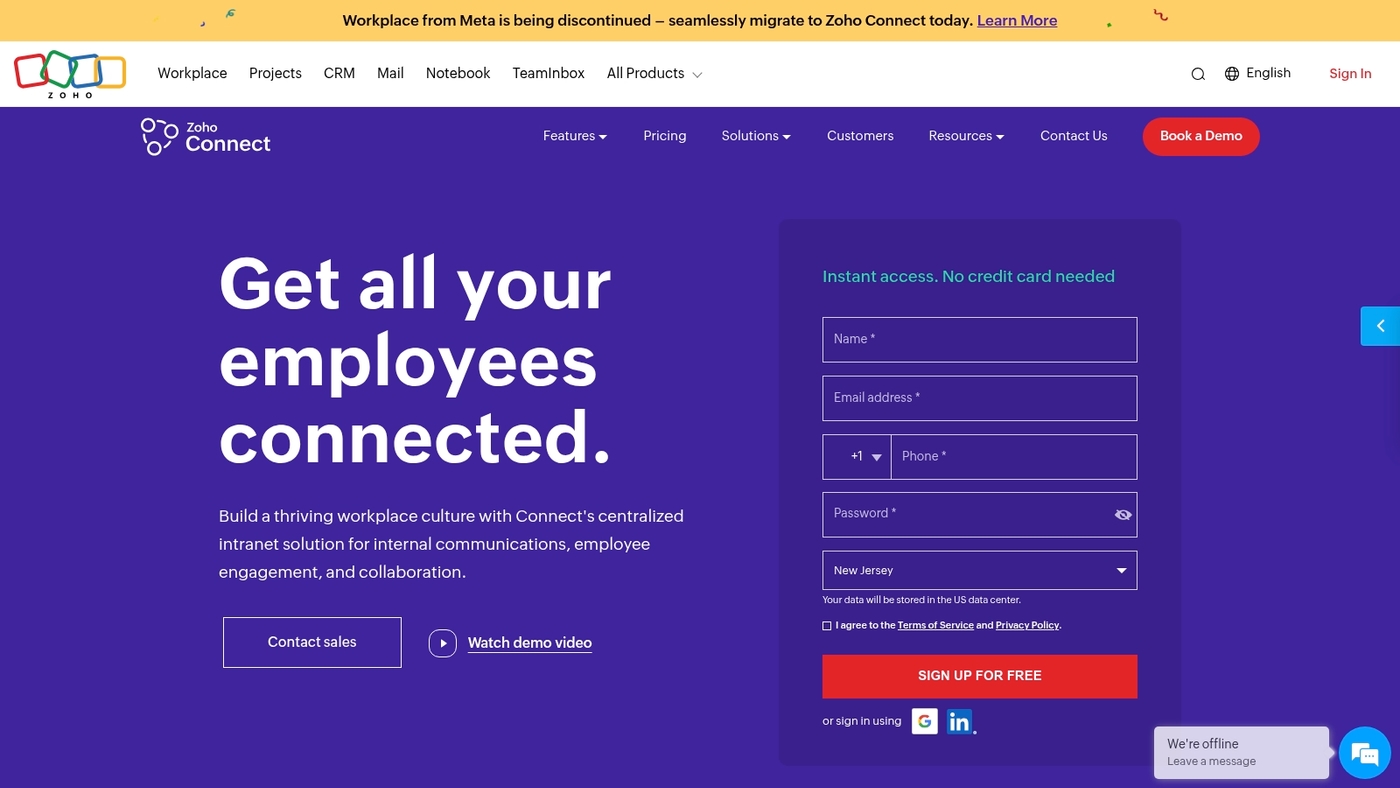
We recommend Zoho CRM as a HubSpot alternative for budget-focused small businesses. It combines contact management, pipeline views, and sales automation in one product.
You can use deep customization for fields, layouts, and modules. It supports multi-channel communication, including WhatsApp integrations and email. Workflows and AI lead signals speed follow-ups.
I’ve used Zoho on client campaigns and found setup flexible and cost-effective. The interface can feel dense at first, but blueprints cut setup time. Integrations and APIs make custom work simple.
If you need a full CRM that trims monthly spend versus HubSpot, Zoho delivers robust features at affordable pricing.
| Aspect | Details |
|---|---|
| Best For | Small to mid-size teams needing powerful CRM features on a budget |
| Key Strengths | Flexible customization, multi-channel support (WhatsApp, chat, email) |
| Limitations | Steeper learning curve, cluttered mobile interface |
| Pricing | Free tier for up to 3 users; paid starts at $14/user/month |
Pipedrive
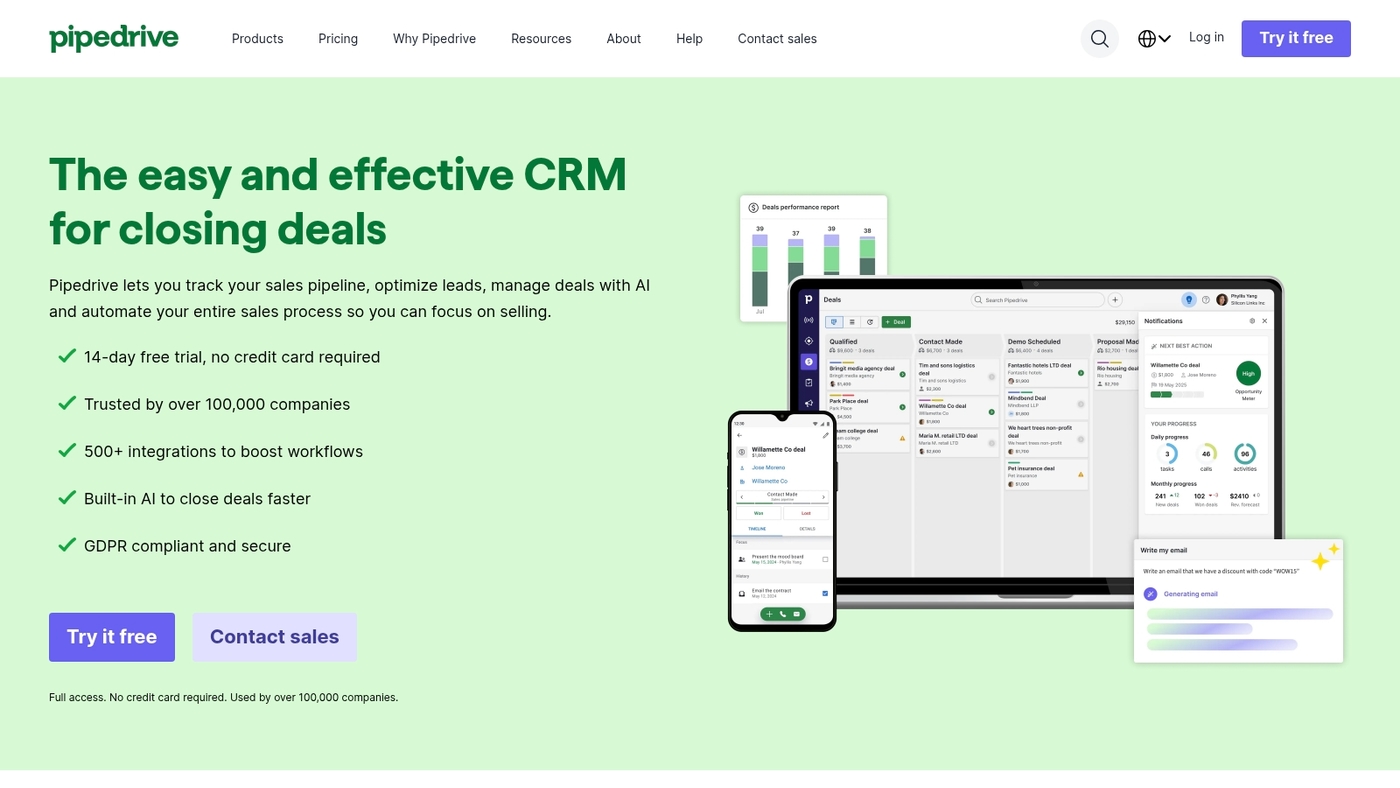
We recommend Pipedrive for sales teams that want a focused CRM without HubSpot’s complexity or high cost.
Pipedrive uses a visual pipeline to keep deals moving and priorities clear. The UI stays simple. Automation handles repetitive updates and follow-up reminders.
Reporting highlights conversion rates and deal velocity. Integrations cover email, calendar, and common sales tools.
Small teams reclaim hours each week by avoiding bloated menus and deep setup. Read their perspective on HubSpot comparisons on Pipedrive’s blog. Try the trial before you migrate to confirm it fits your process.
Pros
- Easy pipeline focus — fast onboarding and clear deal stages.
- Good value — lower per-user cost for core sales features.
Cons
- Limited native marketing automation compared to HubSpot.
- Fewer enterprise analytics for complex reporting needs.
For who?
Sales-led small and mid teams that need visual deal tracking and quick setup. Ideal for reps and SDR teams focused on closing.
Pricing
Plans typically start around $12–$25 per user per month for basic to mid tiers. Higher tiers add automation and advanced reporting.
Try the free trial to test pipelines and see if it reduces friction for your sales process.
ActiveCampaign
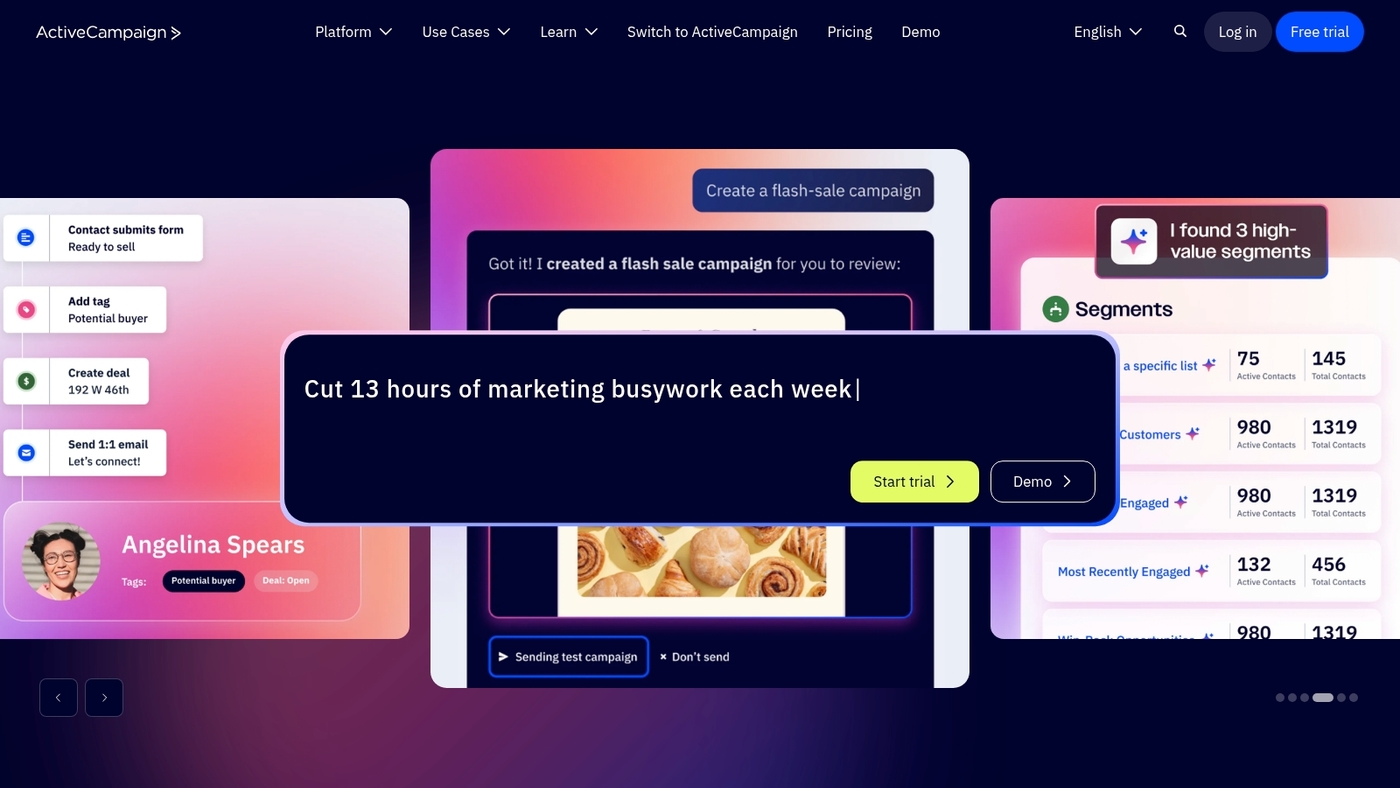
ActiveCampaign is the pick for marketing teams that need powerful automation paired with a light CRM.
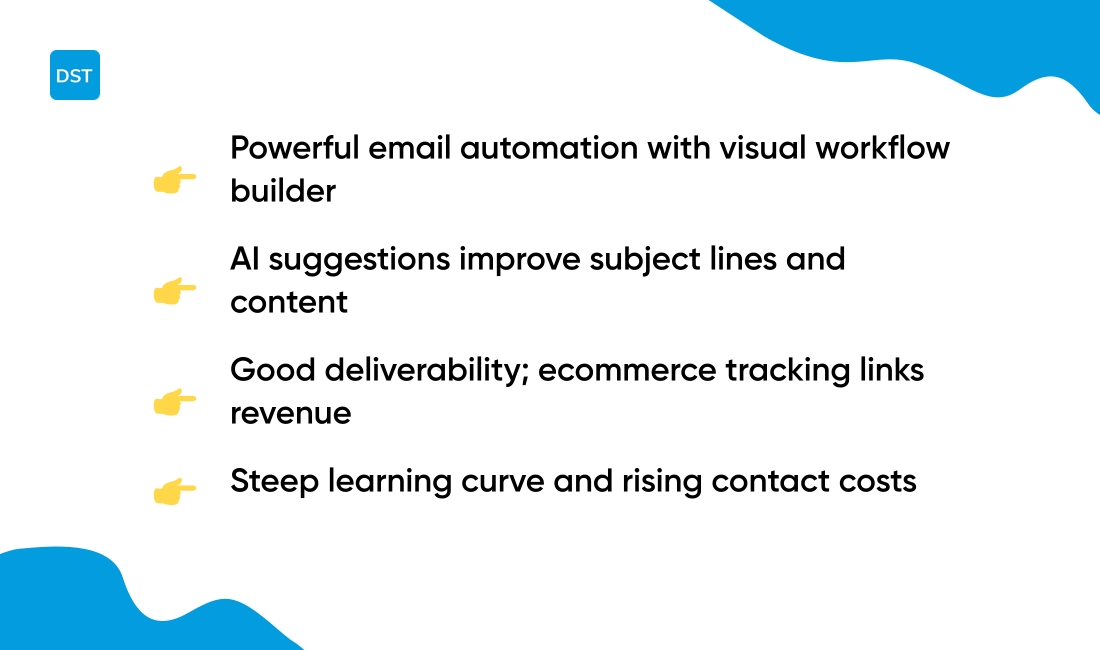
It offers a visual workflow builder, advanced segmentation, and email automation that scales from simple drip campaigns to multi-step journeys. The platform adds lead scoring and ecommerce tracking to tie marketing actions to revenue.
Active Intelligence brings AI suggestions for subject lines and predictive content. The app integrates with popular ecommerce and CMS platforms and supports API access for custom flows.
I personally use it for targeted funnels and reduced manual work. This tool stands out as a strong HubSpot alternative for teams focused on email performance and automation depth.
Pros
- Powerful automation — visual builder with conditional logic and goal tracking.
- Good deliverability — reliable email sending and robust segmentation options.
- AI features — Active Intelligence suggests content and optimizes campaigns.
Cons
- Learning curve — complex automations take time to master.
- Costs rise — pricing increases with contact lists and advanced features.
For who?
We recommend ActiveCampaign for ecommerce stores and marketing-led small to mid-size teams that want automation without a heavy CRM.
Pricing
Plans start near entry-level monthly pricing and scale by contact count and features. Expect higher tiers for AI and advanced automation.
Freshsales
Freshsales is a smart, budget-friendly HubSpot alternative with built-in AI and a practical free plan.
Pick Freshsales if you need an affordable CRM that boosts sales focus. The product offers AI lead scoring, deal recommendations, and email intelligence to surface high-value prospects. The AI uses behavior and engagement signals to rank leads.
It syncs email and calendars and connects with common tools for quick setup. The visual pipeline reduces admin work and keeps your team aligned.
I really like its clean interface and fast lead prioritization in daily use. The free plan covers up to three users and paid tiers expand automation and reporting for growing teams.
Pros
- Low entry cost — free plan for small teams and $9 starting paid tier.
- AI-driven insights — prioritizes leads and suggests deals to pursue.
Cons
- Marketing automation is less mature than marketing-focused platforms.
- Advanced reporting lags larger enterprise CRMs.
For who?
We recommend Freshsales for small sales teams and startups wanting AI help without heavy cost.
Pricing
Free plan for up to three users. Paid plans start at $9 per user monthly.
Capsule CRM
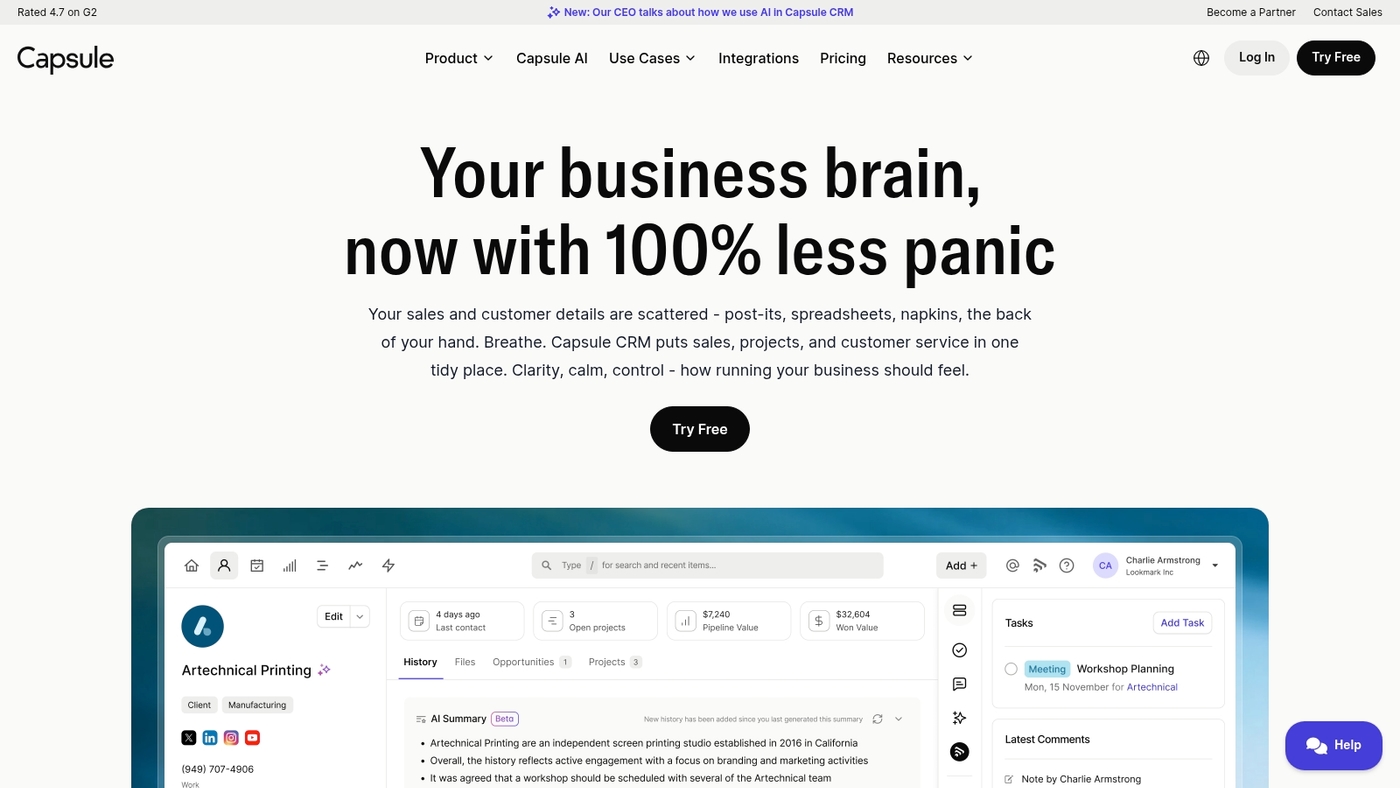
We recommend Capsule CRM as a solid HubSpot alternative for small teams that need tidy pipeline tracking without heavy features.
Capsule keeps contact records, tasks, and deals in a single view. The interface stays uncluttered so your team focuses on closing, not configuration. It syncs with common apps and offers basic automation for repetitive tasks.
I personally used Capsule on a three-person sales team and appreciated how fast onboarding felt. If you want a CRM like HubSpot but cheaper and simpler, Capsule fits that slot.
The tradeoff is fewer advanced marketing tools compared to larger platforms. Try the free tier to confirm fit before moving to a paid plan.
Pros
- Simple pipeline focus — easy setup and low learning curve
- Affordable entry — free plan for very small teams
Cons
- Limited marketing automation compared to HubSpot
- Fewer native advanced reports and customizations
For who?
Small sales teams and service firms that want fast pipeline visibility and minimal admin.
Pricing
Free plan available for up to 2 users. Paid plans start at about $18 per user per month.
Copper
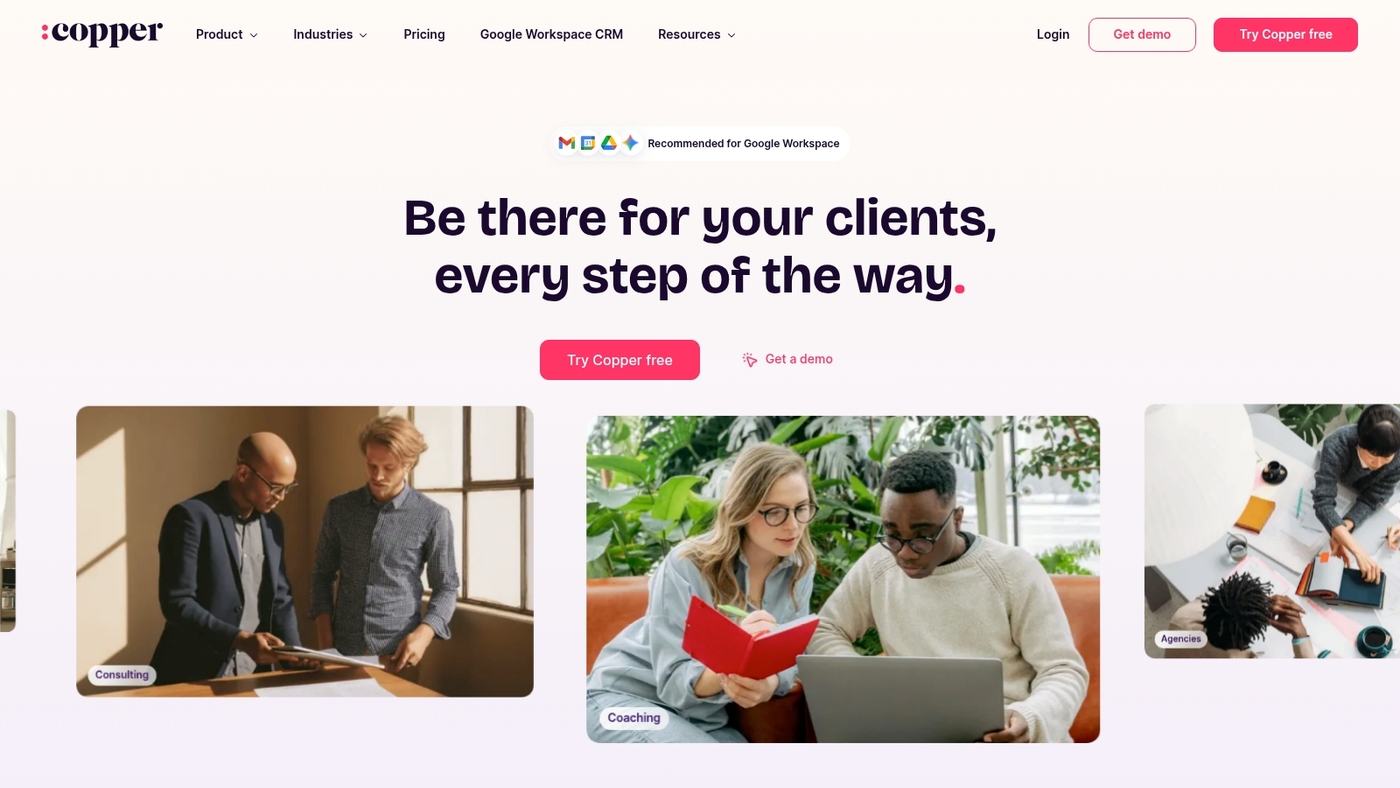
We recommend Copper as a practical HubSpot alternative for teams that live in Google Workspace.
Copper offers Google Workspace-native CRM that maps contacts from Gmail and keeps deals up to date. The app syncs email, surfaces contact history, and pushes events into Google Calendar. Its Gmail sync reduces manual data entry and speeds follow-ups.
You can set basic tracking in under 30 minutes and start seeing cleaner pipelines. I’ve used Copper to log client emails and it cut manual updates by several minutes per contact.
The tradeoff is fewer advanced marketing automation features than full marketing suites. Try Copper via the homepage to test Gmail and calendar workflows.
Pros
- Seamless Google integration — native sync keeps Gmail and Calendar aligned.
- Simple setup — get basic pipelines running quickly.
Cons
- Limited advanced marketing automation compared to HubSpot.
- Pricing can rise as users and features scale.
For who?
Small to mid-size teams using Google Workspace and needing a CRM that minimizes manual work.
Pricing
Plans start around $25 per user per month, billed annually. Check the homepage for current tiers and trial options.
Salesforce
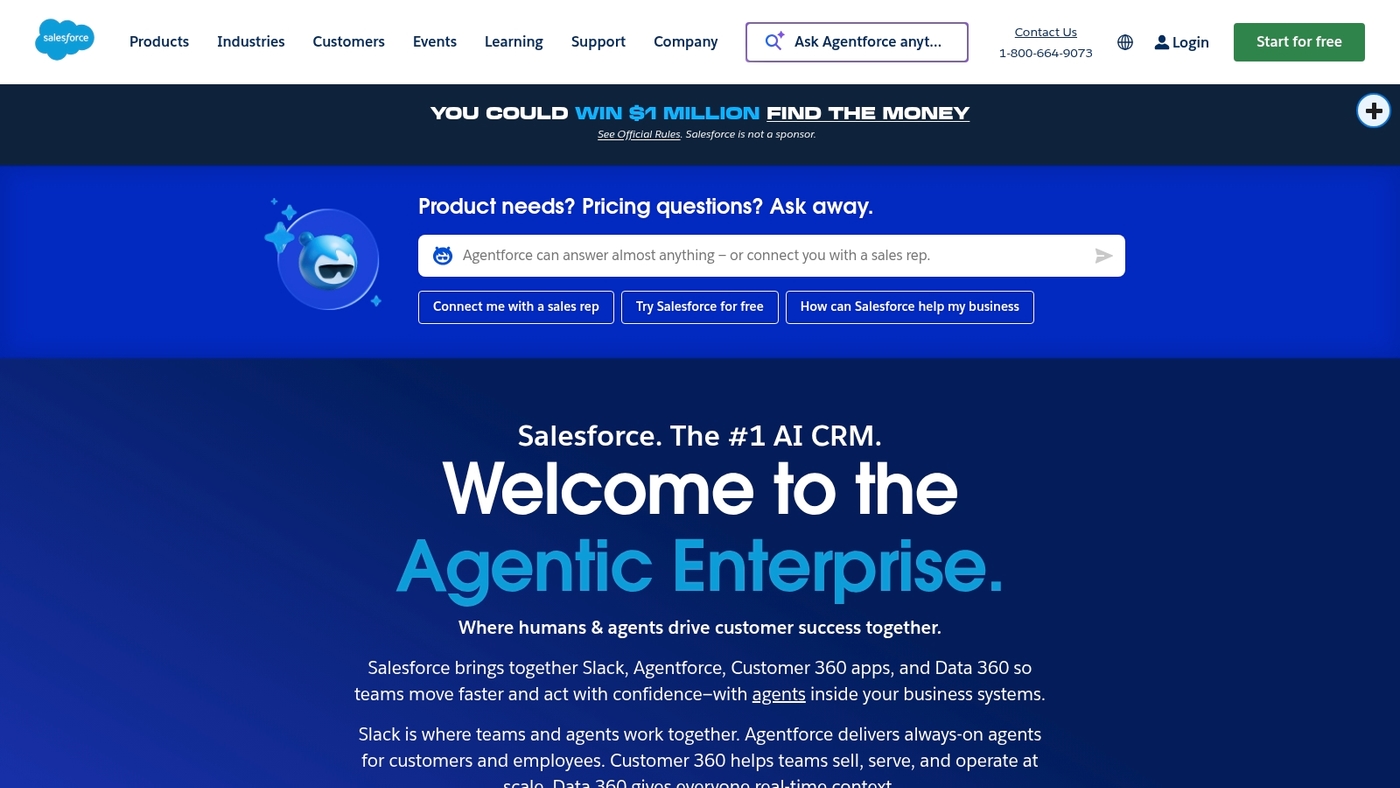
We recommend Salesforce as a top-tier HubSpot alternative for large teams that need deep CRM customization and built-in AI.
The platform combines Sales Cloud, Service Cloud and Marketing Cloud with Einstein AI to deliver predictive lead scoring, automated case routing and cross-channel campaign orchestration.
You can create custom objects, complex workflows and enterprise-grade security to match unique processes. I’ve overseen multi-team implementations and I honestly feel the investment pays off when your workflows span sales, support and marketing.
Expect a steep setup effort and vendor-led implementation for complex builds. The platform scales to thousands of users and integrates with major apps, making it a strong choice if your business plans rapid growth.
Pros
- Enterprise customization — supports custom objects, complex automation and permissions.
- AI-driven insights — Einstein provides predictive scoring and workflow suggestions.
Cons
- High total cost — license fees and implementation add up quickly.
- Steep learning curve — admins and users need training for advanced features.
For who?
Large enterprises and teams that need deep customization, strict security, and AI insights.
Pricing
Enterprise bundles with Einstein start around $165 per user per month. Prices rise with add-ons and implementation services.
Microsoft Dynamics 365
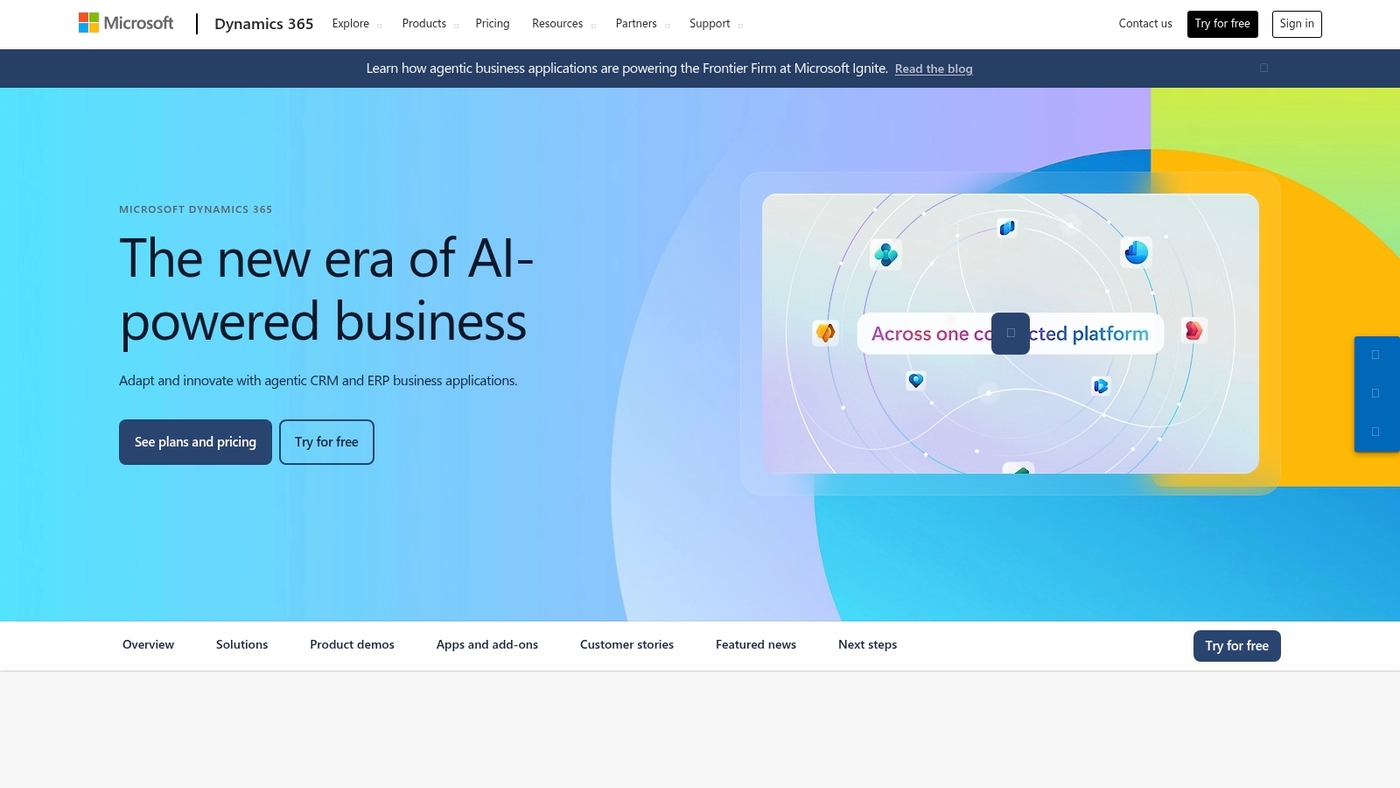
Pick Microsoft Dynamics 365 if you run a Microsoft-first business.
It bundles Sales, Customer Service, and AI-powered insights into one platform. It integrates seamlessly with Office apps and Azure Active Directory to keep data consistent across tools.
The Sales module gives pipeline visibility and predictive scoring. The Customer Service module centralizes cases and automates responses.
This option works well as a HubSpot alternative for teams that need deep ERP and BI connections. I’d say it shines on data-rich sales processes and complex customer journeys.
The main tradeoff is higher cost and admin overhead compared to lightweight CRMs. You can scale to thousands of users and add custom entities and workflows to match unique processes.
Pros
- Deep Microsoft integration — native Office and Azure sync.
- Robust analytics and AI — built-in insights for forecasting.
Cons
- Steep setup — needs IT support for complex deployments.
- Higher price point — not ideal for tiny teams on a budget.
For who?
We recommend this for mid-market and enterprise teams already using Microsoft 365 who need a scalable, integrated CRM.
Pricing
$105 per user monthly for core Sales licenses, with add-ons and tiers for service and AI features.
GetResponse
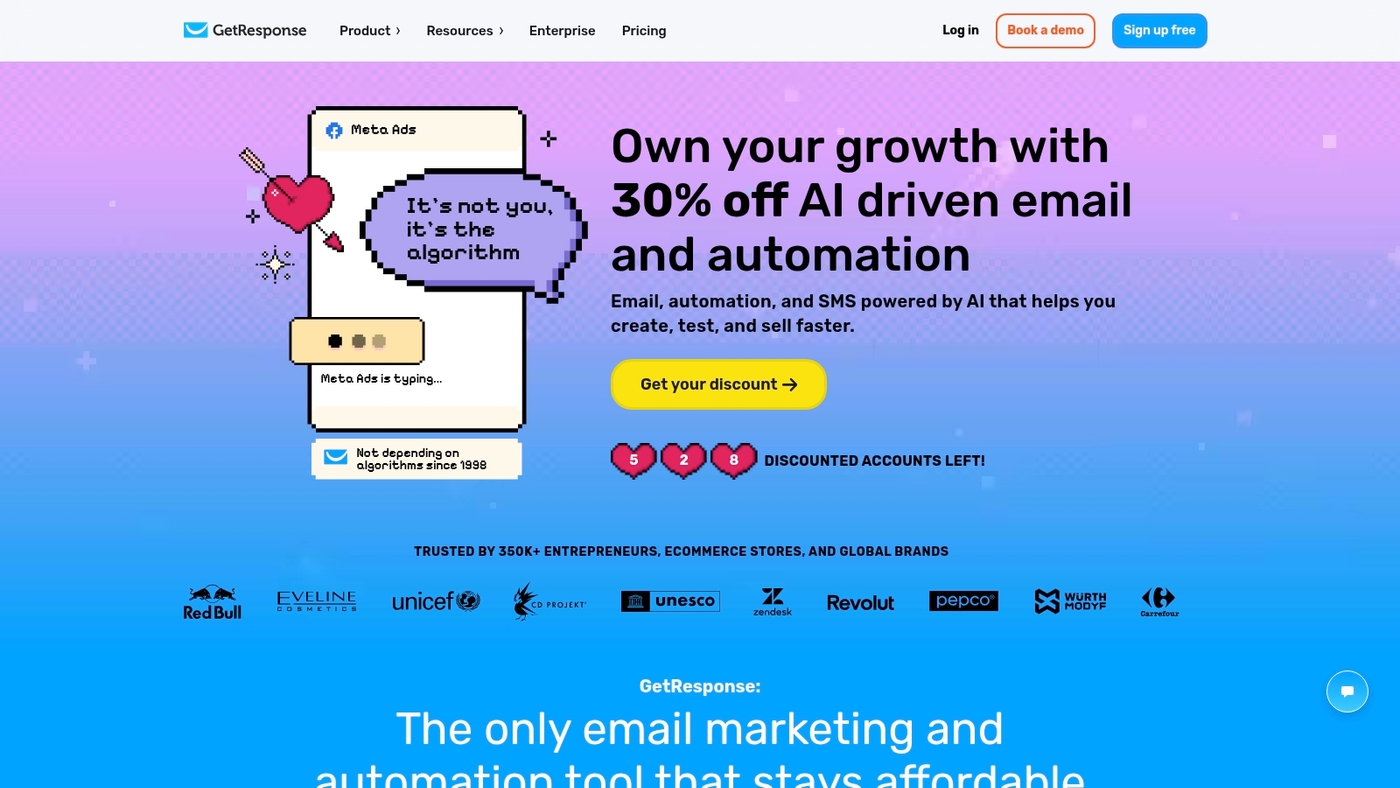
Choose GetResponse as a marketing-led HubSpot alternative for straightforward funnel and email workflows.
It combines autofunnel builders, landing pages, and AI content generation to speed campaign creation. The platform gives automation suggestions that guide your workflows and reduce setup time.
Plans start at $19 per month and a free plan is available for basic use. You get email marketing, CRM-lite contact lists, and simple ecommerce tools in one place.
I used its Autofunnel on a promo and cut launch time by days while keeping conversion tracking intact. If you want a cheaper than HubSpot option that still handles marketing automation, GetResponse is a solid pick.
Try the free plan to test funnels and email sequences before upgrading.
Pros
- Affordable entry: plans start at $19 monthly and a free plan exists
- All-in-one marketing: funnels, landing pages, email, and basic CRM
Cons
- CRM depth is limited compared to enterprise CRMs like Salesforce
- Advanced sales automation can feel less flexible for complex teams
For who?
We recommend GetResponse for marketing teams and small businesses focused on lead capture and email funnels. You should pick it if you want fast campaign setup, landing pages, and budget-friendly automation.
Pricing
Free plan available. Paid plans start at $19 per month for core marketing features. Higher tiers add webinars, ecommerce, and advanced automation.
You’ll also like: Top 10 Best CRM for Real Estate
Free HubSpot alternatives for small businesses
Pick Zoho CRM or Pipedrive as the best free-first HubSpot alternative for small teams that need core CRM and marketing tools without high cost.
At Daily Social Tips, we recommend tools that start free and scale with simple pricing. Free plans often cover 70–80% of needs for solo founders and two- to three-person teams.
Here are the top free options:
- Zoho CRM — Best for deep customization; free plan with multi-channel basics and low upgrade costs.
- Pipedrive — Best for sales pipelines; visual deal stages and clean mobile apps on a free trial.
- HubSpot CRM free — Best for contact management; basic marketing tools and no-cost starter option.
- Capsule CRM — Best for simplicity; lightweight CRM with clear pricing that keeps costs low.
- GetResponse free — Best for email and funnels; landing pages and autoresponders included at no cost.
Choose by what you need most: contact management, email automation, or pipeline clarity. Expect tradeoffs in limits for contacts, emails, or automation steps.
Try one free plan for two weeks and measure time saved and lead flow. If you want a next step, pick one platform, import a small contact list, and send a test campaign to three segments.
You might also like: Top 10 Best Document Management Systems
How to choose the right HubSpot alternative for your business
Choose a HubSpot alternative that matches your team size, workflows, and budget.
At Daily Social Tips, we focus on integrations, predictable pricing, and fast onboarding. Pick that match because it lowers setup time and keeps monthly costs stable.
Tradeoff: migration and training take effort. But the payoff is worth it.
What matters most for your team—automation depth, pipeline visibility, or email performance?
- Team size — Match vendor plans to your headcount; avoid per-user spikes that double your bill.
- Budget constraints — Compare total cost for 6–12 months, including add-ons and automation credits.
- Required features — List must-haves: contact management, email automation, and reporting; test each during trial.
- Existing tools — Verify native integrations or reliable APIs for your stack; aim for two-way sync with email and calendar.
- Workflows and goals — Map three core processes and confirm the platform automates them without heavy custom code.
Prioritizing integrations saves weeks during onboarding and reduces churn. Compare workflows and integrations using our guide to best marketing project management software to spot hidden gaps.
Start today: pick two contenders, run 14-day trials, import sample data, and test one real workflow to measure time saved.
Read also: Top 11 Best AI Work Platforms For Your Team