

That sinking feeling when tasks pile up and nothing’s under control?
Yeah, we’ve all been there.
Free planning software can bridge that gap without forcing teams to sign up for costly subscriptions.
Many teams waste time toggling between calendars, spreadsheets, and chat apps, losing track of deadlines and accountability.
This roundup reviews nine top free tools that offer Kanban boards, Gantt timelines, calendar planners, and resource views so teams and individuals can pick the right fit.
You’ll learn which free planner app works best for solo use, which free project management software scales with teams, and what common limits to expect before upgrading.
Each review highlights core features, storage or user caps, and practical use cases to help you make a quick decision.
What is free planning software
Use free planning software to organize tasks, projects, and resources without subscription fees.
These tools combine task lists, calendars, Kanban boards, and basic Gantt views in one place. Teams assign work, track deadlines, and share files. Individuals use a free planner app to manage personal schedules and small projects.
-
Streamline daily work with shared task lists and comments.
-
Visualize timelines with calendar or simple Gantt charts.
-
Automate status updates and reminders on limited rules.
-
Expect caps on storage, user seats, and advanced automations.
Free options include lightweight task management and basic integrations with email and calendars. Many act as free project management software for teams under five users.
Some plans support up to 1,000 records or 2GB storage. Others limit automations and reporting.
We recommend testing a free plan before committing to paid tiers. Free plans reveal workflow gaps fast and keep overhead low for small teams.
Try a free planner app to map one project in 30 minutes and measure time saved.
Key features to look for in free planning tools
Task and project management capabilities
We recommend monday.com for teams that need visual task workflows.
It supports fast task creation, clear assignments, and deadline tracking on free plans. Free Kanban, list, and calendar views keep timelines visible and easy to scan.
Built-in comments and attachments keep context with each task.
Clear ownership reduces status confusion. I used this on a three-person campaign and cut update noise.
-
Assignments and deadlines stay obvious with assignees, due dates, and priority tags.
-
Subtasks, recurring tasks, and checklists let you break work into repeatable steps.
-
Project organization clarity comes from folders, boards, and simple filters that scale with projects.
-
Tradeoff: heavy automations, advanced reporting, and large storage often require paid upgrades.
Explore practical guides and comparisons: task management tools.
Visual planning views and timelines
Choose free planning software that offers Kanban boards, Gantt charts, calendar views, and roadmaps in the free plan.
Those views give clear timelines and task flow. They help you spot delays and balance workloads.
We prefer tools that let you switch views without duplicating data. Have you ever wasted time copying tasks between tools?
-
Visual project tracking — Kanban shows flow and owner at a glance.
-
Timeline management tools — Gantt reveals date ranges and task dependencies.
-
Calendar sync keeps dates aligned with Google or Outlook for reliable scheduling.
-
Roadmaps connect milestones across teams and reduce status meetings by up to 30%.
Compare options for a free Gantt chart software to find the right fit.
Collaboration and team features
We recommend monday.com for teams that need robust collaboration in free planning software.
It packs chat, file sharing, and real-time editing into its free plan. The free tier supports two users and unlimited boards.
We favor tools that match collaboration features to team size. Here’s the thing — user limits can make or break your choice.
-
User limits vary by tool: monday.com caps free plans at two users, which limits growing teams.
-
ClickUp supports more members on its free tier and adds native docs plus chat for async work.
-
Trello and Asana keep collaboration simple with boards, comments, and basic file attachments.
Trello gives unlimited cards and lists and simple comments. Asana supports up to 15 users and timeline views.
I personally moved our team to ClickUp for groups beyond two people.
Integration and automation options
Choose free planning software that syncs with Google Calendar and supports simple automations.
We favor tools that remove repetitive updates. They streamline scheduling and reduce missed items. (Because nobody has time to manually update the same task three times, right?)
-
Google Calendar sync and two-way event updates keep deadlines aligned across a free planner app and your calendar.
-
Email and Slack hooks send alerts and comments so your team stays informed without extra meetings.
-
Basic automations handle recurring tasks, status changes, and due-date nudges. Expect limits around 50–100 runs per month on many free plans.
-
Zapier or IFTTT bridges connect to CRMs, spreadsheets, and free task management software for lightweight workflow extensions.
Adding even three simple automations cuts manual work by about 30% for small teams.
Top 9 free planning software tools to consider
Monday.com
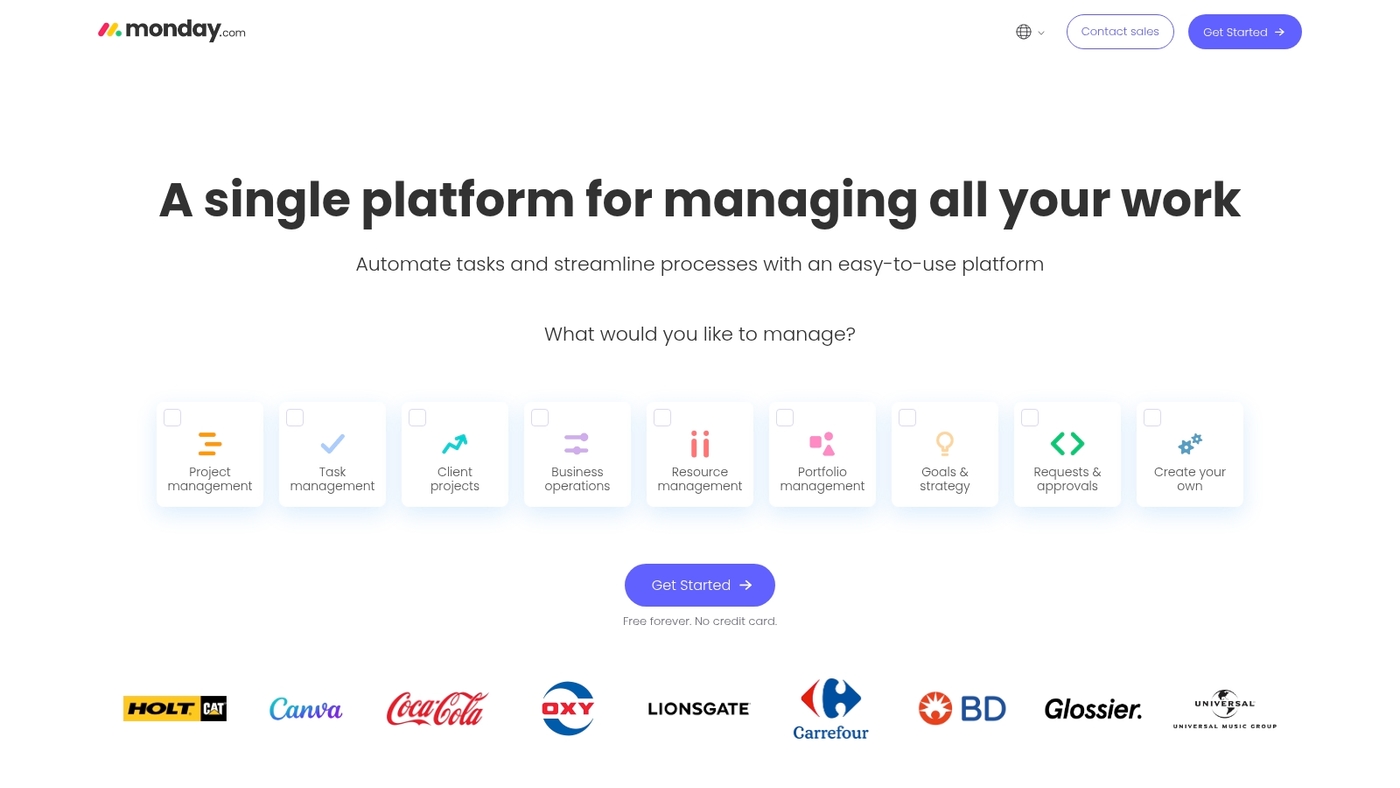
We recommend Monday.com for small teams that need a clear visual hub.
The free plan covers two users and offers unlimited boards.
You get customizable columns, templates, basic automations, shared docs, and real-time updates. The interface favors boards and timelines and makes task ownership obvious.
It connects with calendars, Slack, and common apps to reduce manual updates.
I personally use its templates to set weekly sprints and cut status meetings. The workflow scales as needs grow and paid tiers unlock advanced automations, reporting, and more seats.
The interface stays snappy even with many boards.
Key strengths include visual work management, unlimited boards, and customizable workflows.
Pros
-
Free for two users with unlimited boards and templates
-
Clean visual views and basic automations for planning
-
Wide integrations with calendars and collaboration apps
Cons
-
Free tier limits seats to two users
-
Advanced automations and reports require paid plans
For who?
Small teams of one to two collaborators, freelancers who need shared boards, and startups that plan visually before scaling.
Pricing
Free plan available for two users. Paid plans unlock seats, automations, and reporting. Pricing for paid tiers starts around $8 per user per month billed annually.
ClickUp
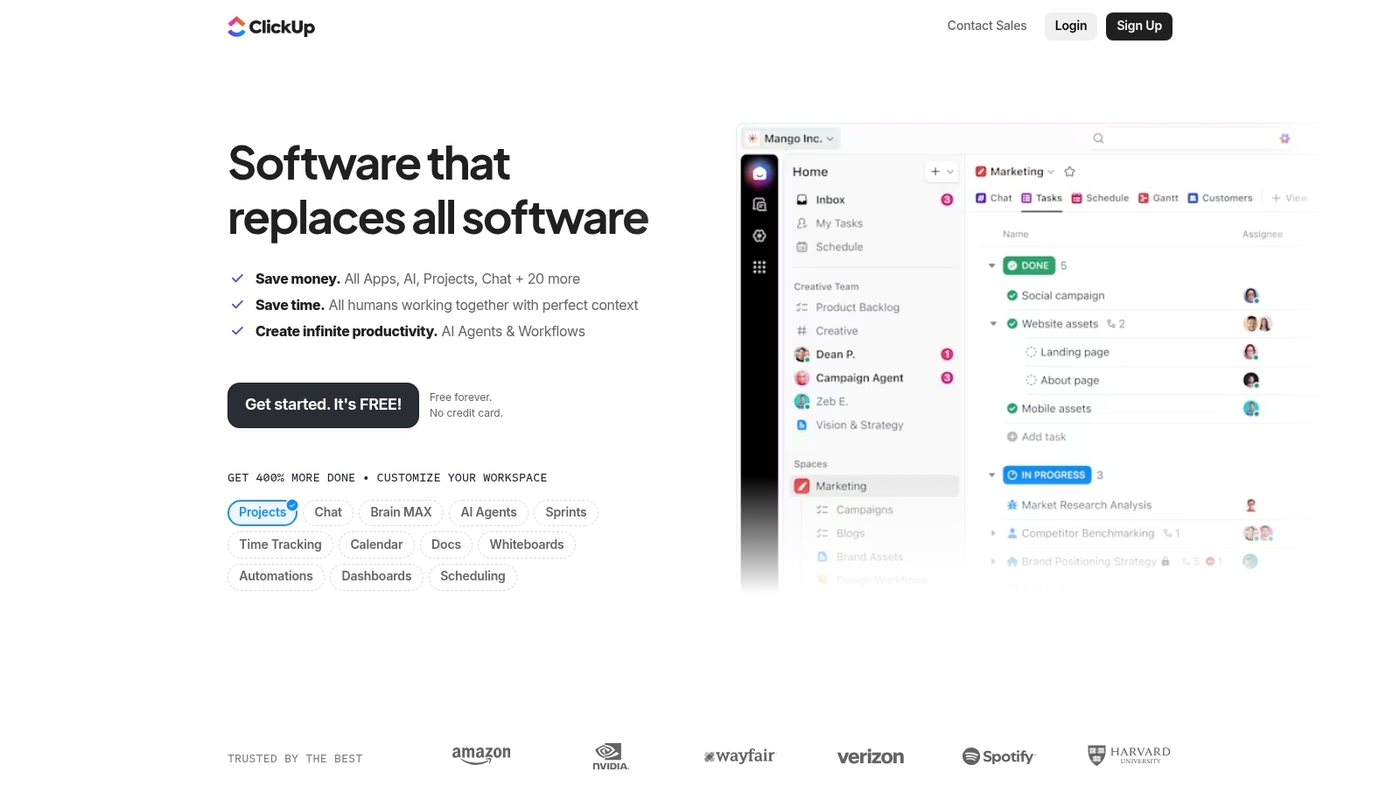
We recommend ClickUp as a strong choice for free planning software.
ClickUp combines lists, boards, calendars, and Gantt timelines in one app.
The free plan supports multiple workspaces and unlimited tasks for personal users. You get customized task views, native integrations, and basic automations that reduce manual updates.
I’d say ClickUp gives more advanced planning controls than many free planner app rivals.
The mobile apps sync fast. The interface stays responsive with large projects. Read a focused guide on project choices here: project management software for individuals.
Power users can scale into paid tiers as needs grow. The setup takes 10–30 minutes for a usable board and saves hours per week once automations run.
Pros
-
Generous free plan with core features
-
Multiple views: list, board, calendar, Gantt
-
Strong integrations and mobile sync
Cons
-
Advanced automations behind paid plans
-
Complex settings can confuse new users
For who?
Freelancers, students, and small teams that need a multiple workspaces planner with rich views and growth paths.
Pricing
Free forever plan available. Paid plans start at about $5 per user per month billed annually for added automations and storage.
Trello
We recommend Trello for simple visual planning. Trello offers a visual Kanban board that uses boards, lists, and cards.
It acts as a free planner app with unlimited cards and lists.
You can add checklists, due dates, labels, and comments to keep tasks clear. Power-Ups extend functionality, but free boards allow one Power-Up per board.
You can link Trello to other tools for basic automation and calendar sync.
Trello serves as free planning software and a lightweight free task management software for individuals and small teams. I use Trello for quick sprints and daily task check-ins.
See our roundup of kanban board options for comparisons at kanban board software.
Pros
-
Intuitive drag-and-drop Kanban interface
-
Unlimited cards and lists on the free plan
Cons
-
Limited advanced reporting and workflow automation
-
One Power-Up per board on the free plan
For who?
Individuals, freelancers, and small teams that need a simple visual planner without paid features.
Pricing
Free plan available. Paid tiers add more Power-Ups, automation, and admin controls.
Wrike
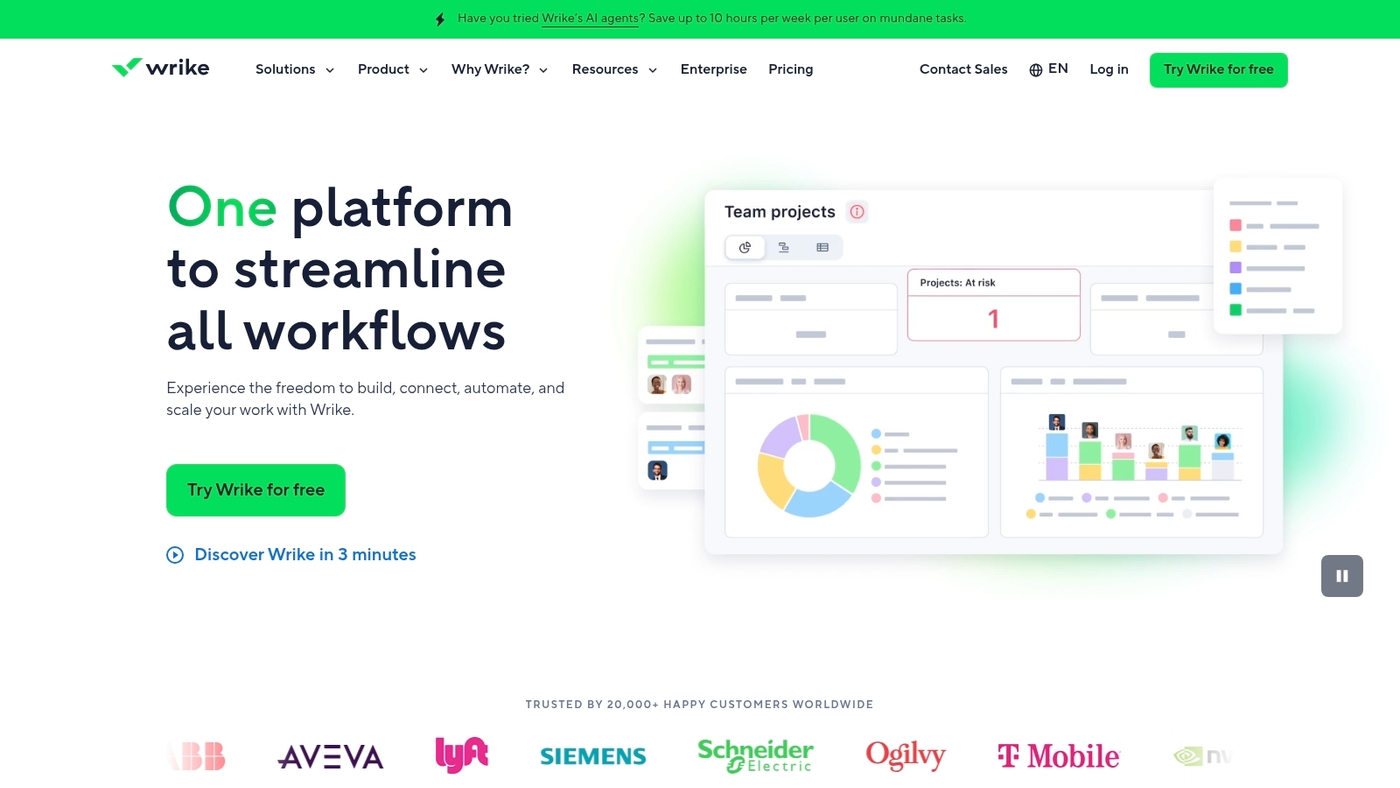
We recommend Wrike as a practical free planning software option for teams that need room to grow.
The free plan supports unlimited users and unlimited projects.
It limits active tasks to 200 and storage to 2GB. Basic AI tools help suggest task priorities and templates.
You get list, board, and timeline views for visual planning.
Integrations sync calendars and email to keep work aligned. Wrike fits teams that outgrow simple to-do lists but aren’t ready for paid plans.
We tried it during a pilot and cut status-update time by roughly 30%.
Use it as free project management software or a free planner app for small teams and pilot projects. Check the homepage for current limits and upgrades.
Pros
-
Unlimited users and projects for team scaling
-
Up to 200 active tasks with basic AI suggestions
-
Multiple visual views: list, board, timeline
Cons
-
Only 2GB storage on the free plan
-
Advanced automations and analytics require paid tiers
For who?
Small teams and project pilots that need free team planning software and simple resource planning without upfront costs.
Pricing
Free plan available. Paid tiers unlock more storage, tasks, and advanced features. See the Wrike homepage for current pricing.
Airtable
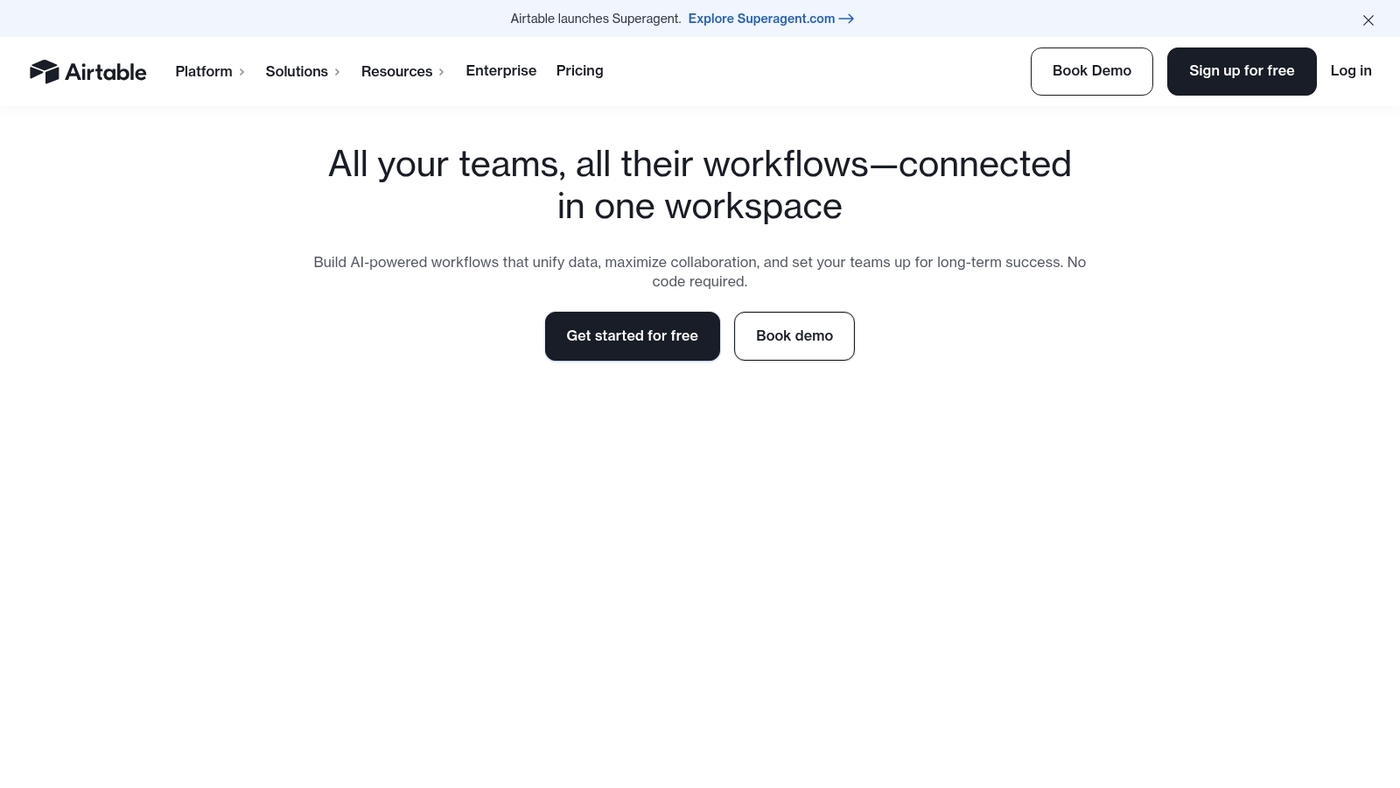
We recommend Airtable for teams that want flexible planning without heavy setup.
Airtable blends spreadsheets and databases with grid, calendar, and Kanban views.
The free plan offers unlimited bases for five users and 1,000 records per base. You can link tables, run simple automations, and sync with external calendars.
Airtable fits free planning software needs for teams and individuals.
It supports forms, attachments, and basic reporting. I often use the calendar view to align deadlines across channels.
The visual boards pair with structured records to reduce duplicate tracking.
Setup takes minutes for common workflows. Integrations extend functionality through Zapier and native apps. The platform scales to paid tiers if you need more records, automations, or storage.
Pros
-
Flexible views (grid, calendar, Kanban) for visual planning
-
Relational data model plus unlimited bases for five users on free plan
Cons
-
1,000-record limit per base can constrain larger projects
-
Advanced automations and increased storage require paid tiers
For who?
Small teams, content creators, and event planners who want a visual planner with structured data and light automation.
Pricing
Free plan available with limits described above. Paid tiers unlock higher record caps, more automations, and increased attachments.
Asana
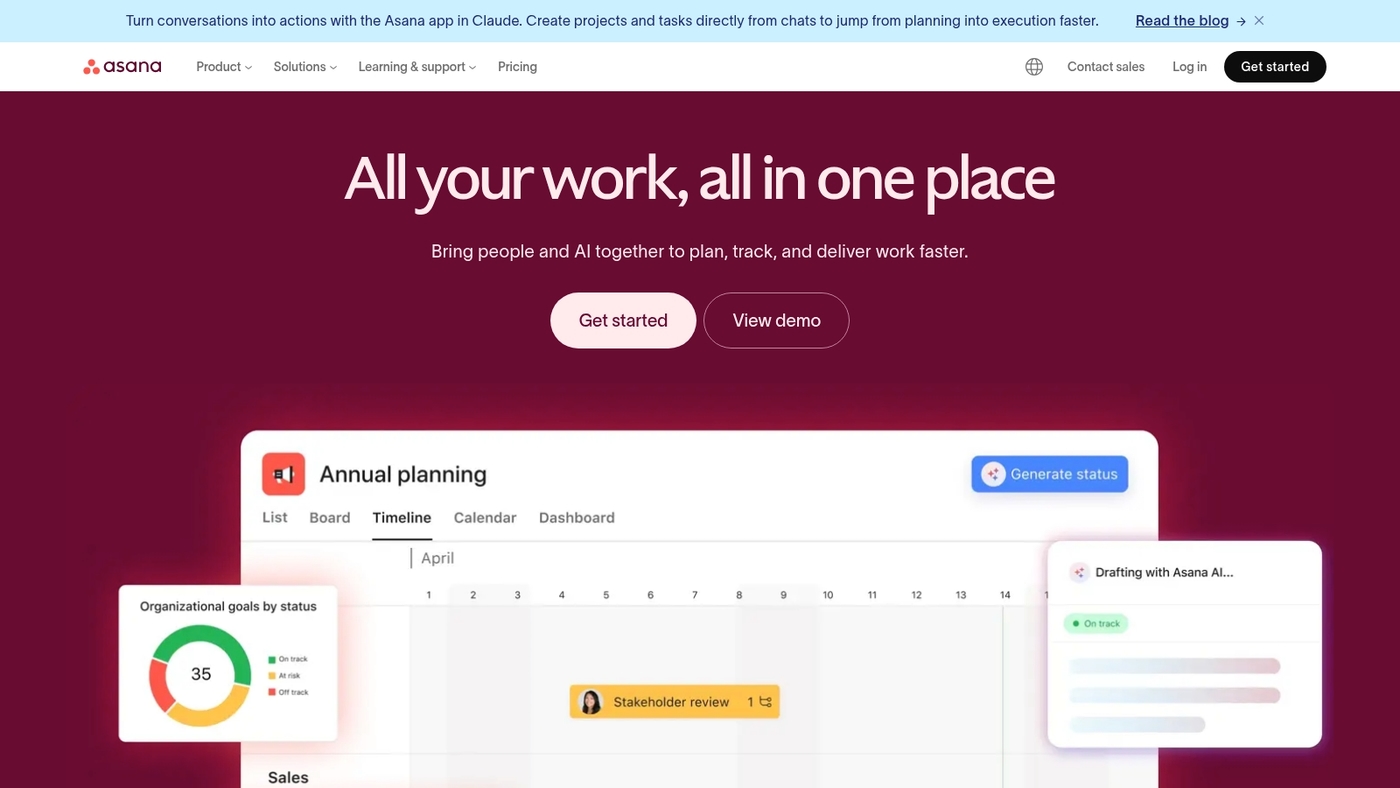
We use Asana to manage team work and simple projects.
Asana offers a free task management software plan that fits teams and individuals.
The free tier provides task assignments, goal tracking, and timeline views. You can create lists, boards, calendars, and basic timelines.
You get up to 15 users at no cost and unlimited tasks and projects.
It syncs with Google Calendar, Slack, and many apps to keep schedules aligned. The free plan restricts advanced automations, custom reporting, and some admin controls.
I use Asana for editorial planning. It cuts update noise and shows ownership clearly.
As a free planning software choice, Asana balances usability and team features for small teams and solo users.
Pros
-
Intuitive task and board views for fast planning
-
Generous user limit: up to 15 members on free plan
Cons
-
Limited automations and advanced reporting
-
Storage and admin controls sit behind paid tiers
For who?
Small teams, marketing squads, and freelancers who need a reliable free task management software.
Pricing
Free for teams up to 15 users. Premium plans start at $10.99 per user per month billed annually.
Zoho Projects
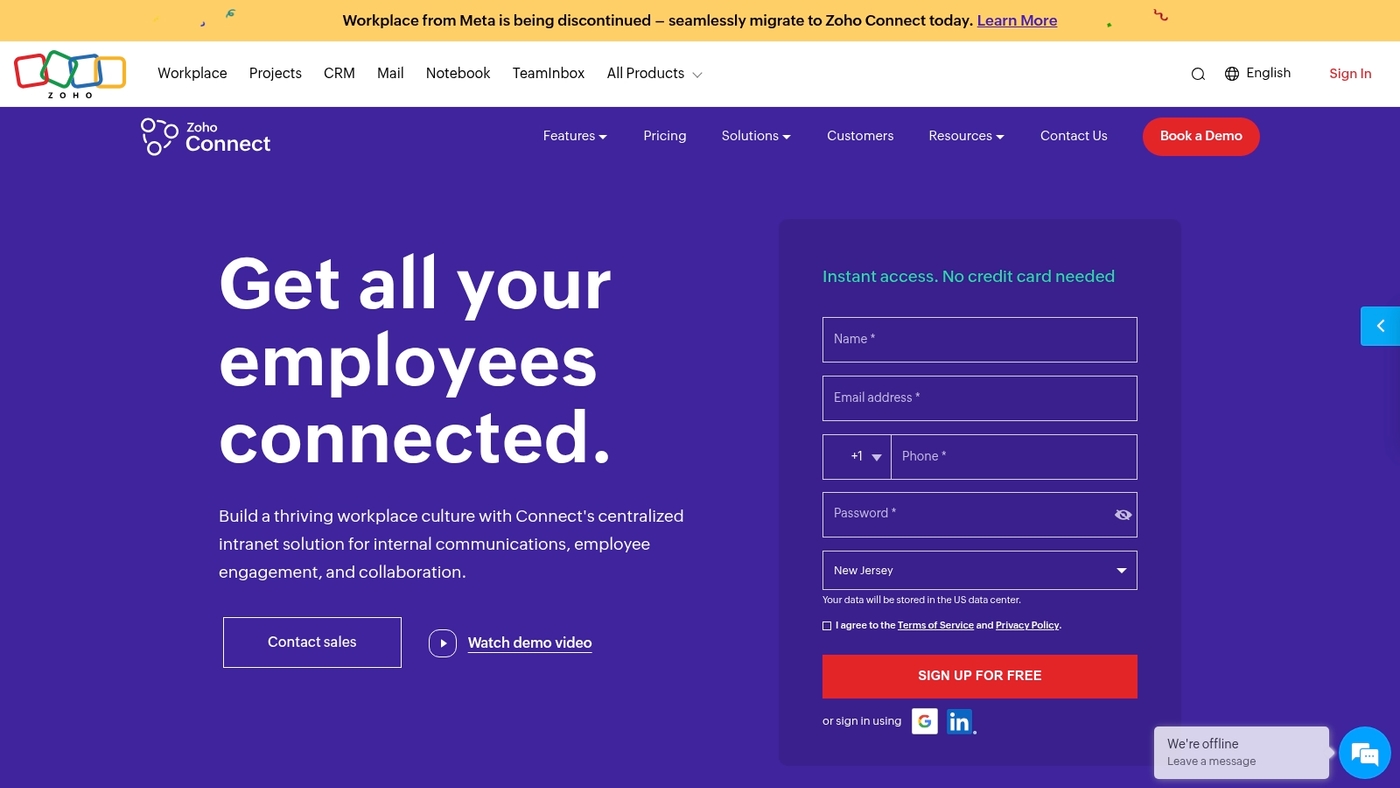
Zoho Projects provides a solid free planning software option for teams that need timeline views and task tracking.
The app includes a free Gantt chart with task dependencies and milestone tracking.
It adds timesheets, team forums, and basic resource views. You can monitor progress with dashboards and export simple reports.
The interface links with other Zoho apps and common calendars.
The free plan supports small teams with core project features and no upfront fees. I use it for client timelines and simple resource tracking.
It suits users who prefer structured timelines over kanban boards.
Setup takes minutes. See related project scheduling tools.
We choose Zoho Projects when timelines matter most.
Pros
-
Gantt charts with dependencies for clear timelines
-
Built-in timesheets and team forums for coordination
Cons
-
Free plan limits advanced automations and storage
-
Less flexible for purely kanban workflows
For who?
Small teams and freelancers who need free project scheduling software with timeline focus.
Pricing
Free plan available with core features. Paid tiers unlock more users, storage, automations, and reports.
Notion
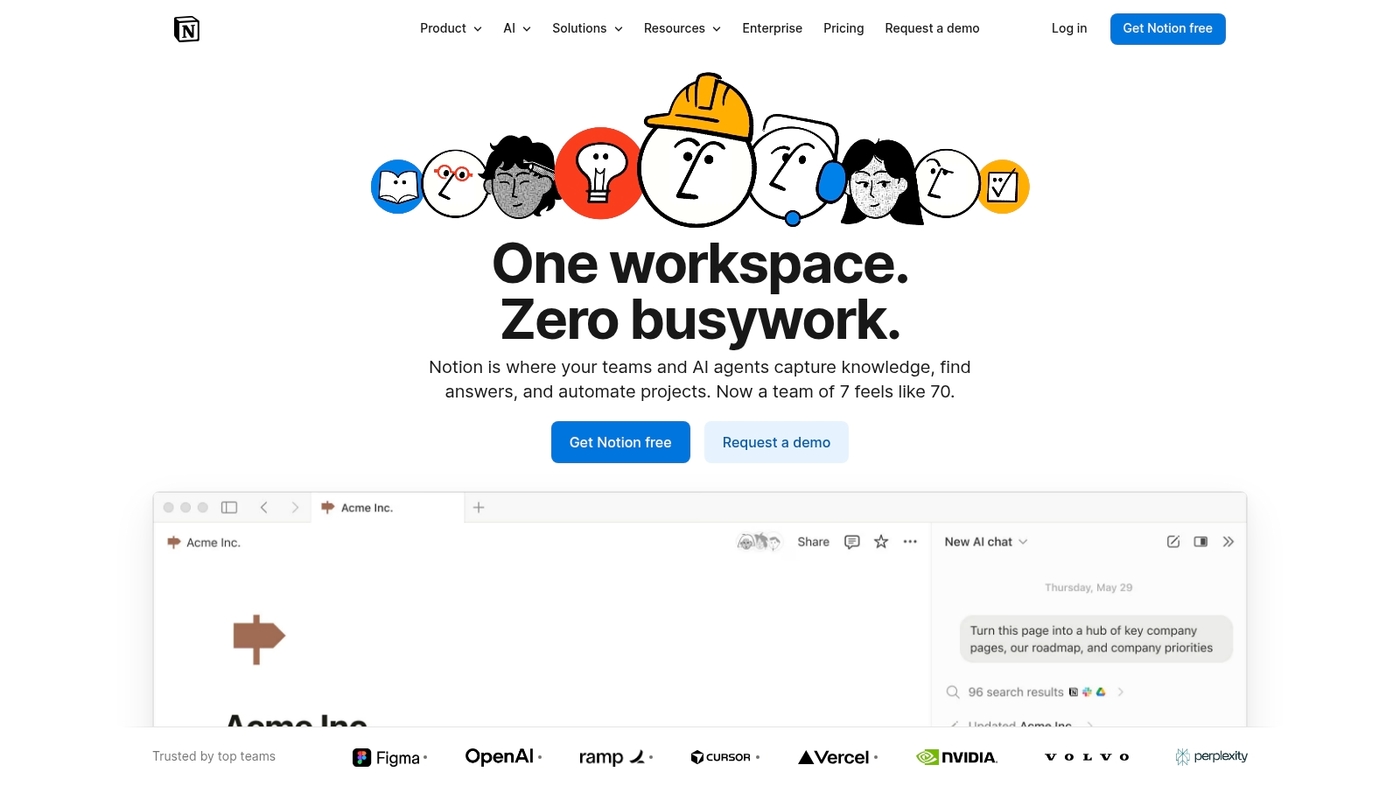
We rely on Notion for personal planning and light project tracking.
Notion bundles notes, tasks, wikis, and databases in one interface.
Its flexible blocks let you build task lists, calendars, Kanban boards, or simple databases fast. You can link pages, embed files, and sync deadlines with a calendar.
The free personal plan gives unlimited pages and blocks and basic templates.
I find its modular approach ideal for students and solo pros. They get a free personal planning app that adapts as needs grow.
You can switch database views to boards, lists, or tables.
The web clipper saves articles into your workspace. Mobile apps keep data accessible offline.
The API and third-party integrations enable basic automations for power users.
A learning curve exists, but payoff often equals clearer organization.
Pros
-
All-in-one workspace for notes, tasks, and databases
-
Generous free personal plan with unlimited pages and blocks
-
Multiple views (board, calendar, table) and strong templates
Cons
-
Steep learning curve for new users
-
Advanced collaboration features require paid plans
For who?
Students, freelancers, solo founders, and knowledge workers who want a flexible free planner app and wiki.
Pricing
Free personal plan available. Paid team and enterprise tiers unlock advanced permissions and admin tools.
Freedcamp
Freedcamp is a versatile free planning software that delivers task lists, project boards, calendars, and collaborative notes with no time limits and no credit card required.
The platform supports kanban-style boards, milestones, and basic issue tracking. You can run unlimited projects and invite team members at no cost.
Compare feature sets with other project management software on Daily Social Tips.
We evaluate tools by setup speed and functional depth. Freedcamp fits teams that need dependable free project management software without immediate upgrades.
It scales via paid add-ons for Gantt charts, time tracking, and extra storage. You get core planning tools that keep work aligned with minimal friction.
Pros
-
No time limits and no credit card to start
-
Unlimited projects and users on the free plan
-
Built-in boards, calendars, and task lists for clear workflows
Cons
-
Advanced features require paid add-ons
-
Free storage is limited
-
User interface can feel dated for some teams
For who?
Small teams and freelancers who need a reliable team collaboration hub at no cost and the option to add paid features as needs grow.
Pricing
Free plan available with core features. Paid add-ons and premium plans unlock Gantt, time tracking, and extra storage. Sign up to explore layers you need.
What is the best free kanban software for task planning
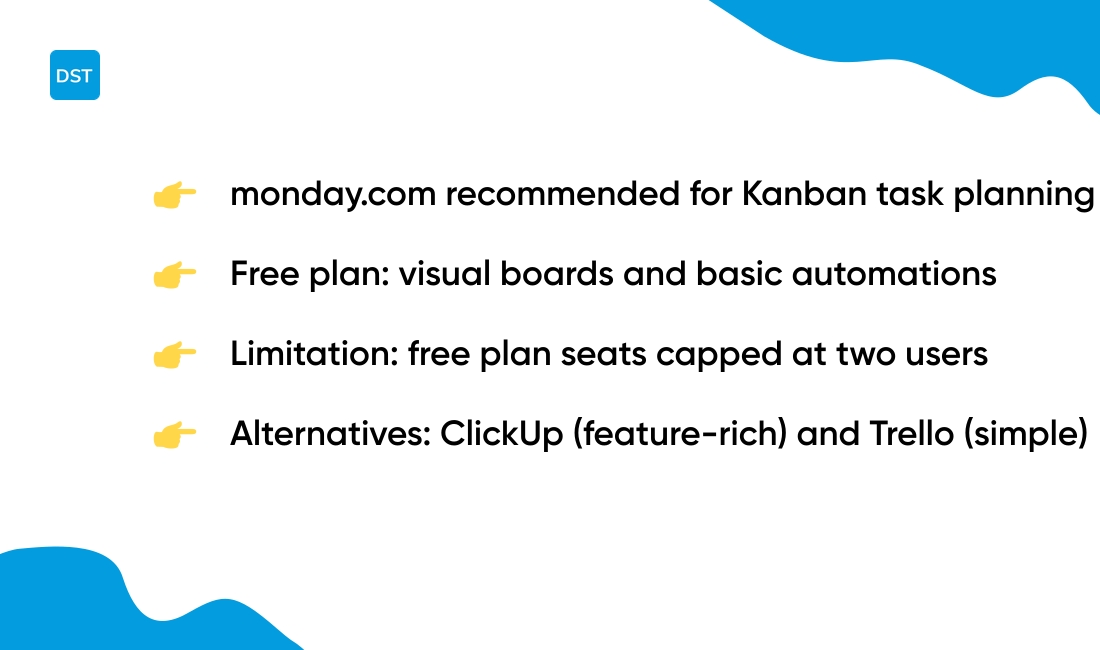
We prefer monday.com for Kanban task planning.
It gives visual boards, ready templates, and basic automations on a free plan for two users. The interface supports quick drag-and-drop and flexible column setup.
In my opinion, monday.com strikes the best balance between usability and scale for small teams.
|
Tool |
Card Limits |
Board Customization |
|---|---|---|
|
monday.com |
Unlimited boards, 2 users |
Custom columns, templates, basic automations |
|
ClickUp |
Unlimited tasks (personal) |
Multiple views, integrations, docs |
|
Trello |
Unlimited cards/lists |
Simple Kanban, 1 Power-Up per board |
Free Kanban software comparison:
-
monday.com — Visual boards, custom columns, item templates, limited automations on the free tier. Benefit: clear ownership and workflow clarity. Tradeoff: seat cap at two users.
-
ClickUp — Many free features, multiple views, and unlimited tasks for personal use. Benefit: strong task management and integrations. Tradeoff: steeper setup and interface density.
-
Trello — Simple Kanban, unlimited cards and lists on free accounts. Benefit: fast onboarding and visual clarity. Tradeoff: fewer built-in views and limited native automations.
Compare extended reviews and plan details at Zapier.
Are there free resource planning tools for teams
We recommend monday.com for teams that need clear visual resource planning.
We test free plans with real team workloads and note practical limits. You know what’s frustrating? Running into caps right when your team hits its stride.
-
Free resource planning — monday.com free tier gives boards, a workload view, and basic capacity columns.
-
ClickUp — free tier includes workload charts and time tracking for small teams.
-
Capacity planning tools — Wrike offers unlimited users, 200 active tasks, 2GB storage, and simple workload reports on the free plan.
-
Team workload management — Zoho Projects provides Gantt charts, timesheets, and milestone tracking without a subscription for small projects.
Tradeoffs you should expect:
-
Free plans limit storage and advanced automations.
-
Workload views may not allow per-hour capacity tuning.
-
Some tools cap users or active tasks under the free tier.
Compare specific limits and feature differences on our resource planning tools page.
Read also: 12 Project Management Software For Developers
What limitations do free planning software plans usually have
Expect limits in free planning software and plan an upgrade path early.
We test free planners for storage, user caps, and locked features. Free plans fit personal work and light projects.
Actually, teams reach paid walls faster than they expect.
-
Storage caps — common ranges sit between 500MB and 2GB or 1,000 records per base.
-
User limits — many free tiers cap seats at 1–5 users or restrict guest roles.
-
Locked features — automations, advanced reporting, SSO, and API access often require paid tiers.
-
Automation quotas — runs may limit to a few dozen or a few hundred actions monthly.
-
Integrations — only basic connectors like Google Calendar or limited Zapier actions appear on free plans.
-
Project caps — active tasks, boards, or bases can be limited and stop growth.
-
Attachment limits — single file sizes and total storage can force external hosting.
-
Support and security — priority support and admin controls usually sit behind paid plans.
Watch upgrade paths closely. Per-user pricing, metered storage, and per-automation fees change total cost quickly.
Clear limits listed on a pricing page save time and budget during selection. Explore more insights at CPO Club.
You’ll also like: Top 14 Project Management Software For Agencies
How to choose the best free planning tools for a small business
We recommend monday.com for small businesses choosing free planning software.
It offers visual planning views, unlimited boards, and basic automations on the free tier for two users. This setup covers task tracking, simple timelines, and shared calendars without upfront costs.
-
Free planning software fit — Good for teams that need visual boards and templates today.
-
Visual planning views benefit — Kanban, calendar, and timeline views keep deadlines clear.
-
Data security considerations tradeoff — Free plans limit audit logs and advanced permissions.
-
Scalability note — Paid plans unlock automations, more users, and extra storage as you grow.
Focus your choice on these checkpoints: team size, project complexity, required integrations, and storage caps. Check user limits and automation quotas before you commit.
Verify export options and basic encryption if you handle client data.
Starting with a no-cost plan and testing real workflows beats guessing features from marketing pages. We use this hands-on test to decide when to upgrade.
Read also: Top 13 Project Management Software For Freelancers



