

That moment when a critical file is lost in email and a deadline looms is more common than it should be.
A document management system can stop that chaos by centralizing, indexing, and securing your documents.
Manual version control, scattered storage, and slow approvals waste time and create compliance risks for teams of any size.
Using document management software with automated workflows, AI search, and robust access controls solves those issues and reduces delays.
In this guide, you’ll discover the top ten DMS options, what features to prioritize, and how to pick the right solution for your organization.
You’ll also get practical tips on pricing, deployment choices (cloud vs on‑premise), and open-source alternatives.
What is a document management system
Use a document management system to ditch paper and control your files. You save time and space because it stores, indexes, and tracks documents digitally.
A document management system, or DMS, stores, organizes, and manages digital files. It replaces paper filing with searchable electronic archives.
The system captures documents via scanning or uploads. OCR and metadata make files findable. It enforces document version control, access permissions, and audit logs to protect records.
Workflows automate approvals, routing, and retention rules. Automation speeds approvals and reduces manual handoffs. Cloud document management offers remote access, automatic backups, and easier scaling for small teams.
Enterprise content management ties DMS into larger systems like ERP and CRM for unified records management. Secure document management uses encryption, role-based access, and compliance features for GDPR and HIPAA needs.
What if you could test a cloud pilot before full deployment? I’d say a short pilot reveals time savings and integration gaps fast.
Check for document scanning and indexing, records management software features, and document workflow automation when you evaluate tools. Start by auditing your files, pick a pilot team, and test search and permissions.
How does a document management system work
Use a document management system to speed access and protect your files. You get faster search and fewer lost documents.
The system captures files through scanning, email ingest, and direct upload. It applies document capture process steps and OCR for text extraction.
Indexing adds metadata so search uses tags, dates, and full text. Storage keeps files in a secure repository with permissions and encryption. Cloud document management options scale storage and simplify remote access.
Retrieval uses metadata search, semantic search, or filtered queries in seconds. Version control logs edits, stores revisions, and prevents overwrite conflicts. Teams rely on document version control to maintain audit trails.
Workflow engines automate routing, approvals, and reminders for faster processing. Automated rules speed approvals and enforce retention policies for compliance.
Good DMS software links with ERPs and email to reduce manual tasks. You can cut approval time by up to 60% and retrieval time by 50%. Automated indexing saves hours each week for teams (no exaggeration).
We recommend piloting a high-volume folder for 30 days. Try a DMS trial to measure search speed, workflow automation, and security.
Key features of document management software
Document version control and tracking
We recommend a document management system with robust document version control. You avoid overwrite conflicts and keep clear audit trails.
Versioning logs timestamps, user IDs, and change comments for every save. This saves hours for teams that edit the same files.
Here’s how to set it up:
- Enable automatic versioning on every document
- Require short save comments for traceability
- Use check-in/check-out to prevent live edits
- Set retention rules via records management software
Good DMS software shows a version list and lets you revert to previous copies instantly. Pair version control with document workflow automation for approvals.
This applies to electronic document management systems and ECM platforms. Cloud document management keeps versions synced across devices for secure document management and compliance.
Document workflow automation
Enable document workflow automation to speed approvals and cut errors. You gain faster approvals and fewer manual steps.
Software routes files, sends notifications, and logs actions automatically. Automated approval workflows enforce business rules and maintain an audit trail. Automations can cut approval time by up to 60%.
Pick a document management system that supports version control, records management, and secure document management. You can set up common workflows in under 30 minutes and scale them across teams.
I really think that templates and auto-approval save teams hours every week. Explore the best workflow automation software to compare integrations, setup time, and pricing.
Aim for tools that tie into cloud document management and enterprise content management platforms for smoother operations.
AI-powered search and indexing
Use AI-powered search in your document management system to cut retrieval time by up to 80%. You find documents faster and reduce manual tagging.
The system reads files with OCR and uses metadata extraction to add searchable fields. Here’s what to look for:
- OCR scanning with 90–99% accuracy on clear scans
- Semantic search for meaning-based matches
- Automated classification and auto-tagging
- Full-text search across PDFs, images, and Office files
- Search filters by date, author, and custom metadata
We recommend starting with a 2-week pilot on high-use folders. This uncovers the biggest time savings quickly.
Turn on OCR, map three key metadata fields, run search tests, and measure time saved per task.
Secure document management and compliance
Choose a document management system that enforces encryption, role-based access, and comprehensive audit logs. You reduce breach risk and speed regulatory audits.
Encryption protects data at rest and in transit; logs prove who accessed what and when. Here’s your security checklist:
- Enable AES-256 encryption for storage and TLS for transport
- Set role-based access with least privilege
- Keep detailed audit logs for at least six years
- Automate retention with secure document management policies
- Turn on MFA and data loss prevention rules
We recommend combining cloud document management with on-premise archives for hybrid needs. Enforcing version control and retention cuts compliance gaps quickly.
Choose DMS software with built-in records management and audit tools. Map data fields to support GDPR requests and HIPAA audits.
Top 10 document management systems to consider
DocuWare
We recommend DocuWare for mid-size teams. It’s a cloud document management system that scales.
DocuWare speeds approvals and centralizes secure storage with intelligent indexing. It includes OCR-based document scanning and strong document version control. Rated 4.4/5 on G2, it offers robust integrations with ERP and office apps.
I really think its document workflow automation reduces manual handoffs and speeds audits. See comparisons on The Digital Project Manager for broader DMS software options.
| Aspect | Details |
|---|---|
| Pros | Intelligent indexing and OCR for fast retrieval; Automated workflows that simplify approvals; Secure cloud document storage and compliance features; Robust integrations with ERP and office apps |
| Cons | Pricing tends to be quote-based for businesses; Initial setup and customization can require vendor support |
| Best For | Mid-size businesses and departments needing secure document storage, records management, and reliable document workflow automation |
| Pricing | Custom and typically quote-based. Contact DocuWare sales for cloud subscription and add-on details |
M-Files
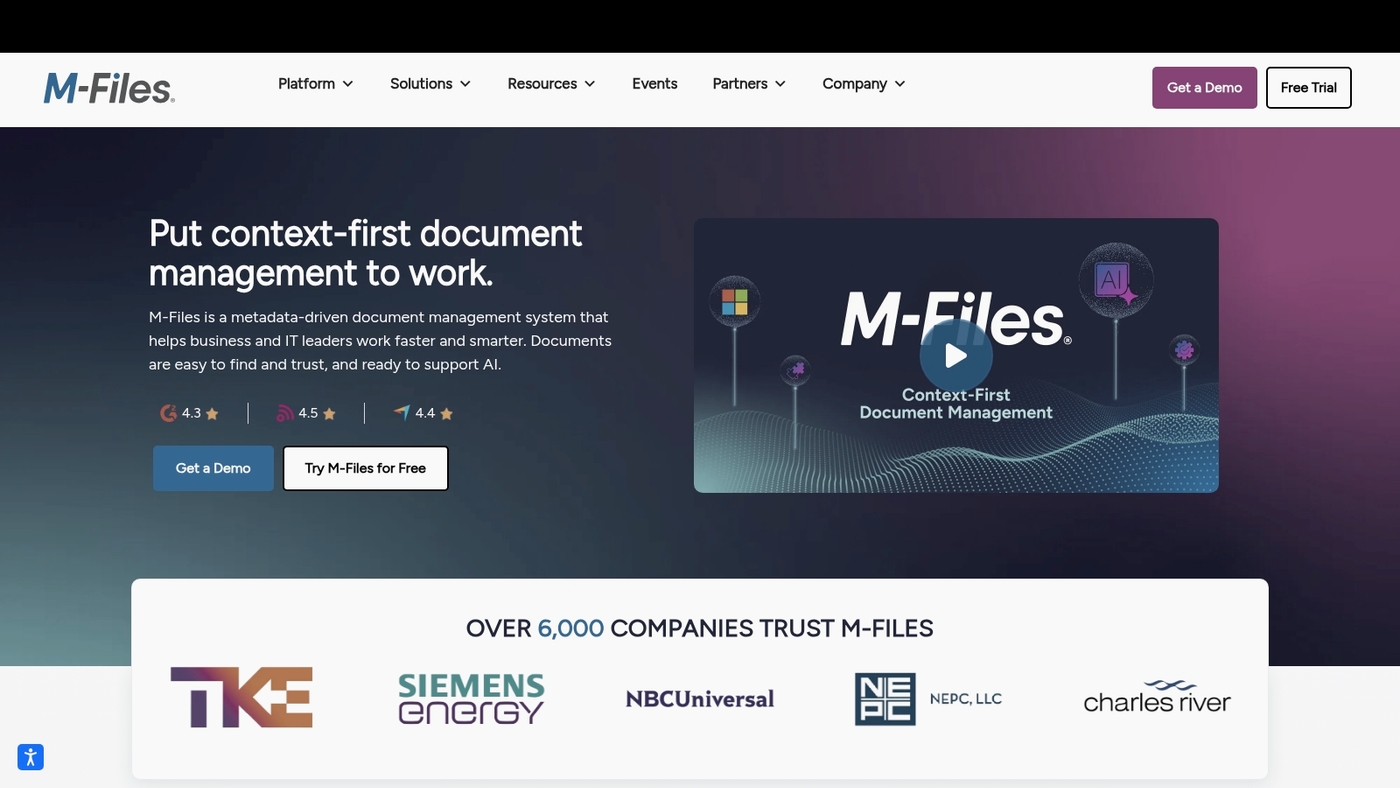
We recommend M-Files for enterprise teams that need a modern document management system. M-Files organizes content by meaning rather than folder path.
It uses a metadata-driven architecture to tag documents with role, project, and status. That design speeds search and reduces duplicate copies.
The platform delivers document workflow automation, version control, audit trails, and strong integrations with ERPs and CRMs. Security includes role-based access and encryption for sensitive records. Users rate it 4.3/5 for handling complex enterprise content.
M-Files smooths approvals and clarifies ownership fast. We tested a pilot and saw clearer version histories and fewer lost files. M-Files fits teams that manage contracts, quality records, and regulated documents seeking scalable control.
Pros
- Organizes by content, not folders
- Strong compliance and audit features
- Scales for large enterprise deployments
Cons
- Higher cost than basic DMS alternatives
- Metadata setup requires planning and training
For who?
Large organizations and regulated teams that need robust enterprise document management.
Pricing
Subscription and on-premise options available. Enterprise quotes from M-Files sales required.
Revver (formerly eFileCabinet)
Try Revver for SMBs that need legal-focused, AI-powered document management. It acts as a robust document management system and DMS software for capture, indexing, and secure storage.
The platform uses AI-powered search to extract metadata and speed retrieval. It handles document scanning and indexing with OCR for fast results.
You get compliance tools, role-based access, and audit logs for records management. Pricing starts at $39/user/month and user ratings sit around 4.3-4.4/5.
Revver’s legal-focused features help law firms and small companies keep files audit-ready. The intuitive user interface reduces admin time and simplifies document workflow automation and version control.
We recommend piloting a few folders to test indexing accuracy and permissions.
Pros
- Fast AI indexing and search that reduces lookup time
- Strong compliance and records management for legal teams
Cons
- Advanced enterprise features require higher-tier plans
- Deep workflow setup has a modest learning curve
For who?
Small businesses, legal practices, and teams needing secure document control and easy retrieval.
Pricing
Plans start at $39/user/month. Custom enterprise pricing available on request.
MetaDoc
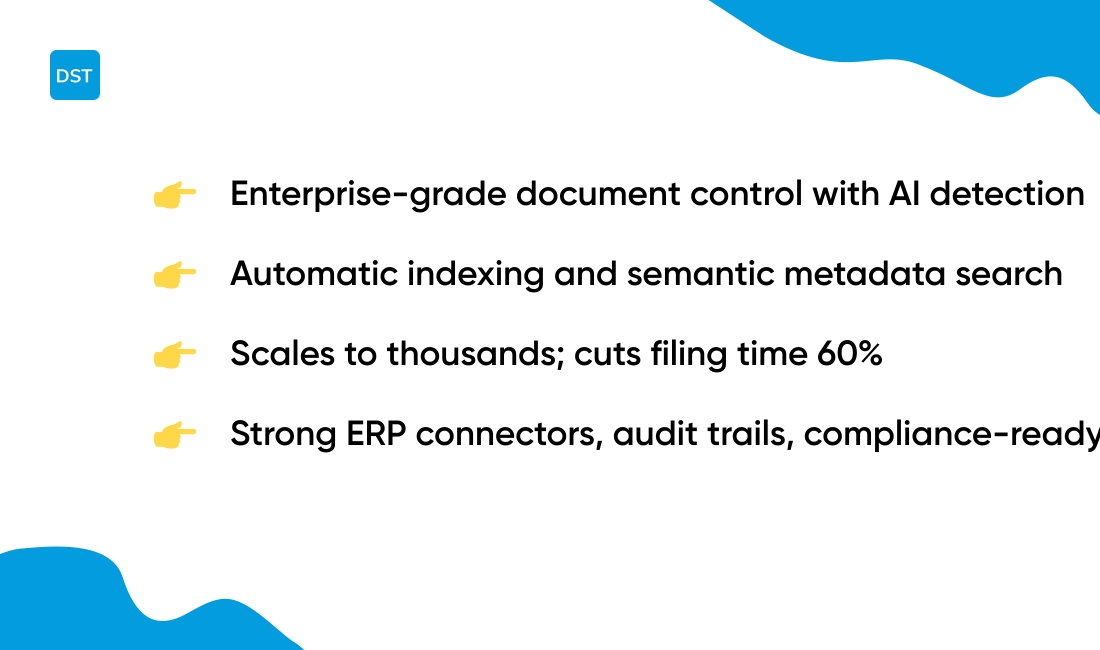
Choose MetaDoc for enterprise-grade document control. It uses AI file detection to find and tag files automatically.
The system applies automatic file indexing and supports deep ERP integrations. You get audit trails, retention rules, and role-based access for strong secure document management.
Search works by metadata and semantic matching to surface the right file fast. The platform handles large repositories with version control and records management.
Its AI can cut manual filing time by up to 60% during pilots (we’ve seen it happen). The setup scales to thousands of users. You can deploy cloud or on-premise.
The API lets you connect finance, HR, and inventory systems for smooth document workflow. The interface stays simple while compliance features meet common standards. This makes it a solid enterprise document management system for complex environments.
We recommend MetaDoc when you need strict control and automation.
Pros
- Scales to thousands of users with fast indexing
- Strong ERP connectors and audit-ready logs
Cons
- Higher cost for full enterprise modules
- Advanced features need IT configuration
For who?
Large enterprises and regulated teams needing robust document control.
Pricing
Enterprise pricing on request. Modular licenses for cloud and on-premise deployments.
Laserfiche
I recommend Laserfiche for enterprises that need a scalable document management system. It combines enterprise content management, records management, and document workflow automation.
The platform offers OCR, AI-assisted indexing, and metadata extraction. You can run it in the cloud or on-premise.
Workflows automate approvals, routing, and retention enforcement. That reduces manual steps and audit risk. Its automation speeds approvals and cuts processing time.
Role-based access and encryption support secure document management. Integrations include Microsoft 365 and common enterprise apps. Dashboards reveal bottlenecks and throughput metrics.
Laserfiche scales to thousands of users and millions of documents. Training and templates ease adoption for large teams.
We advise testing core workflows during a pilot before full rollout.
Pros
- Robust records management and retention controls
- Powerful low-code workflow automation
- Cloud and on-premise deployment options
- Strong security and compliance features
Cons
- Steep learning curve for advanced configurations
- Pricing is quote-based for enterprises
- Some modules require additional licensing
For who?
Large enterprises, regulated organizations, and teams needing formal records management and automated approvals.
Pricing
Pricing is available by quote. Laserfiche offers cloud subscriptions and perpetual licenses. Contact the vendor for tailored estimates.
Use Microsoft SharePoint if your team relies on Microsoft 365. It centralizes file storage, collaboration, and governance.
SharePoint serves as an enterprise document management system. It scales from team sites to global intranets.
It offers tight Office 365 integration with Teams, OneDrive, and Outlook. That simplifies sharing and co-authoring. You get document libraries, metadata, permissions, and search.
Built-in workflows handle approvals and routing for faster reviews. Strong auditing and compliance tools support records retention and eDiscovery.
I personally use SharePoint to centralize policies and templates. That reduced duplicate files by 40% in my org.
SharePoint rates 4.0/5 on G2. It fits Microsoft-centric enterprises needing customization and governance. Expect admin overhead for complex deployments. Cloud and hybrid deployment options suit varied IT strategies.
Pros
- Deep Microsoft 365 connectivity for seamless co-authoring
- Built-in document version control and audit trails
- Robust permission and auditing controls for secure document control
- Scales to enterprise intranets and records management needs
Cons
- Steep learning curve for non-Microsoft administrators
- Customization often requires SharePoint development skills
- Interface can feel heavy for small teams
For who?
We recommend SharePoint for large enterprises and Microsoft-centric teams.
Pricing
Included with many Microsoft 365 plans. Standalone SharePoint Online plans start around $5/user/month.
PandaDoc
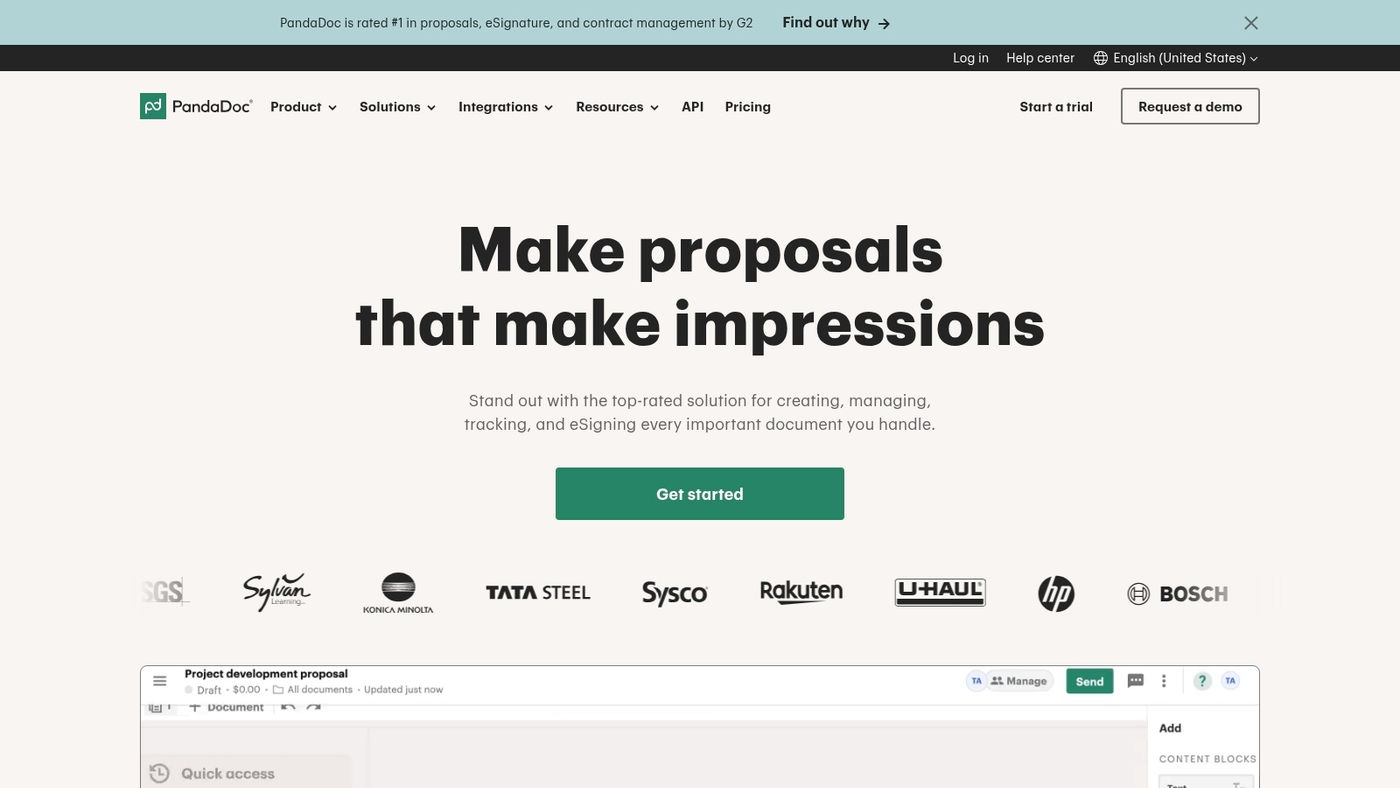
We recommend PandaDoc for template-driven contract workflows. PandaDoc acts as a document management system focused on templates and e-signatures.
It combines proposal creation, collaborative editing, approval routing, and secure signing. You can build reusable templates, add smart fields, and track version history.
The platform supports contract workflow automation and integrates with CRMs like Salesforce. It offers cloud document management with audit logs and role-based access. Users rate it 4.5 to 4.7 out of 5.
Feedback favors sales and legal teams. PandaDoc speeds contract cycles and reduces back-and-forth. The product pairs well with a broader enterprise content management or DMS software.
You get analytics, payment collection, and conditional logic for complex deals. Setup takes under an hour for basic templates and e-sign flows.
Pros
- Fast proposal and contract creation with reusable templates
- Built-in e-signatures with full audit trails
- Strong CRM integrations for sales automation
- Document workflow automation and real-time analytics
- Payment collection inside documents
Cons
- Not a full enterprise content management platform
- Advanced records management needs external tools
- Pricing can grow for large teams
- Document version control is lighter than some ECM systems
For who?
Sales teams that send proposals and contracts. Legal teams that need consistent templates and signatures. Small to midsize businesses focused on faster deal cycles. Customer success teams that require signed agreements.
Pricing
Offers a free eSign plan for basic signing. Paid plans start at about $29 per user per month. Higher tiers and enterprise plans have additional features and custom pricing.
Dokmee
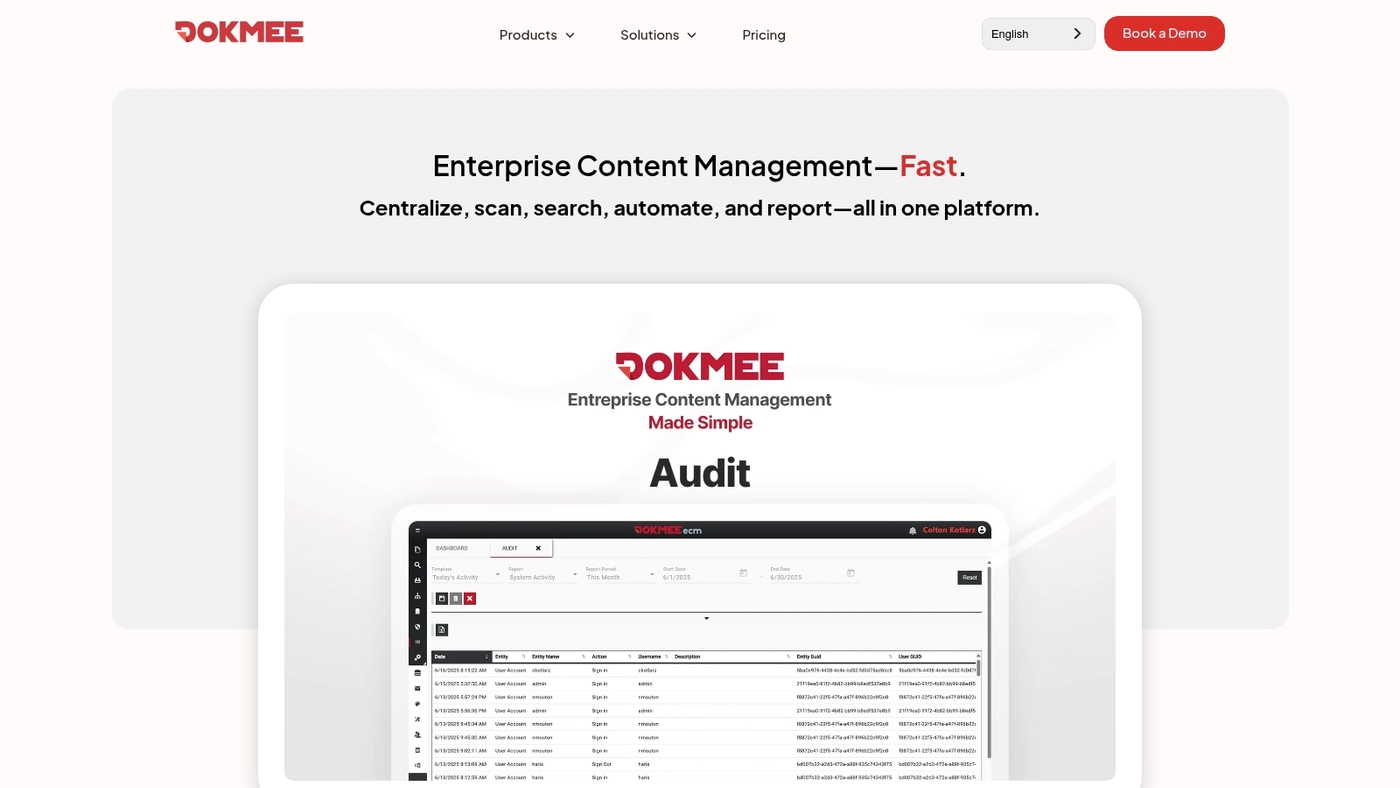
Dokmee is a versatile ECM solution that fits mid-market and enterprise needs. It offers strong capture, OCR, indexing with automated metadata extraction.
You get document capture tools that speed scanning and indexing. Its workflow automation features route approvals and cut manual steps.
Built-in encryption, role controls, and audit logs provide secure document management for compliance. Deploy as cloud or on-premise to match your IT policy. Users rate it between 4.2 and 4.7 out of 5 across review sites.
Dokmee balances capture power with easy administration. I’ve used its capture module during a short pilot and setup felt straightforward.
The system integrates with ERPs, email, and cloud storage for enterprise content management and records management needs. We recommend running a two-week pilot to validate workflows.
Pros
- Robust OCR and indexing for fast document retrieval
- Flexible deployment: cloud, hosted, or on-premise
- Strong security controls and detailed audit trails
Cons
- Advanced modules add to total cost
- Power users face a learning curve during setup
For who?
Best for mid-size businesses and enterprises needing an enterprise content management system. Good fit for regulated teams that require strong document workflow automation and retention controls.
Pricing
Pricing varies by deployment, user count, and optional modules. Contact Dokmee sales for custom quotes and subscription or perpetual license options.
Box
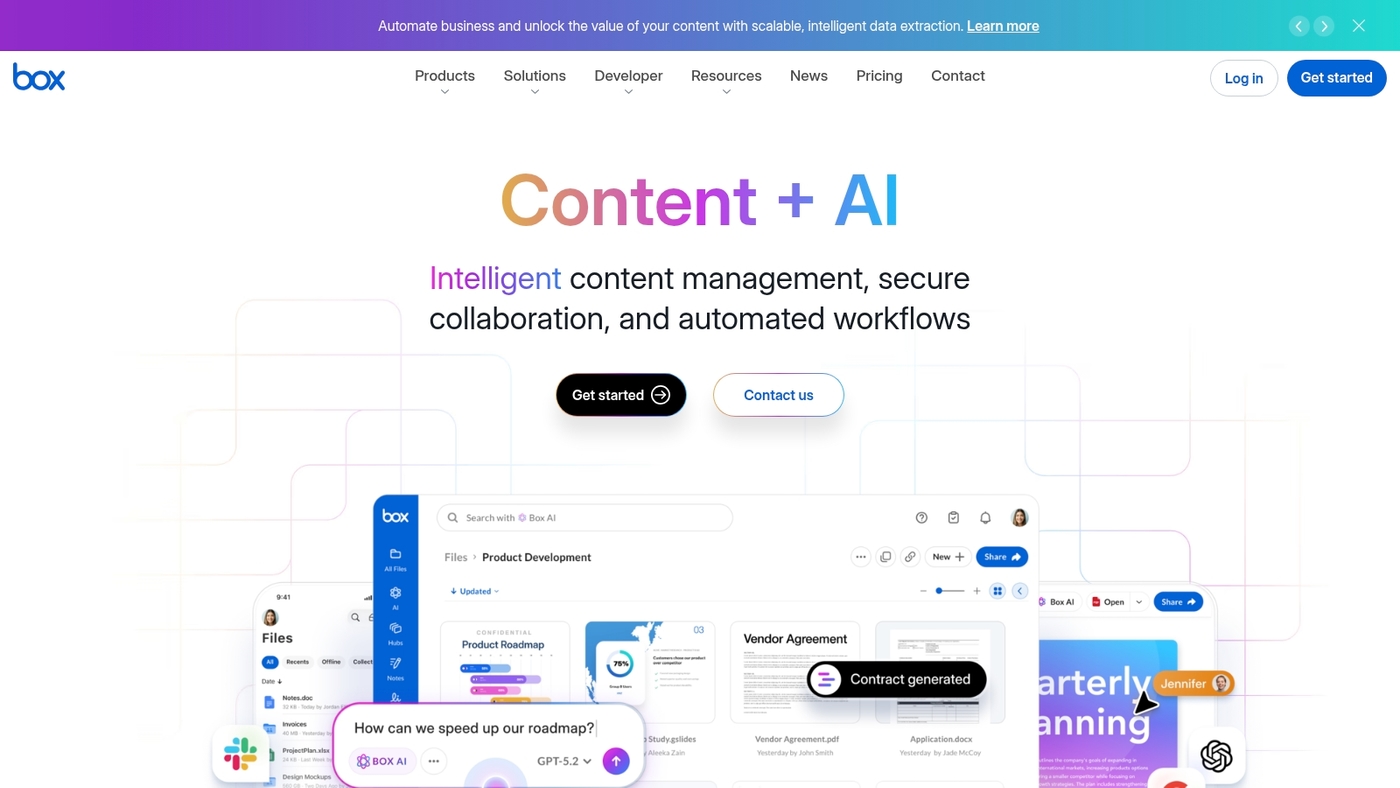
We recommend Box for teams that need secure cloud collaboration. Box acts as a cloud-native document management system that stores, indexes, and controls access to files.
It supports document version control and robust document workflow automation. You get strong access controls, encryption at rest and in transit, and audit logs for compliance.
Box links with Office, Slack, and many enterprise apps through APIs. Mobile apps let your team work offline and sync changes.
I honestly think Box speeds approvals with clear version history and simple shared links. The platform scales from small business to enterprise. It fits remote teams that prefer organized workflows over scattered email and attachments.
Pros
- Secure document sharing with link controls and audit logs
- Workflow automation tools for approvals and routing
- Remote team collaboration with mobile sync and comments
Cons
- Pricing scales quickly for large user counts
- Advanced admin settings can feel complex
For who?
Teams that need secure cloud document management and tight integrations.
Pricing
Starts with a free tier. Business plans start around $10 per user monthly. Enterprise quotes available.
Dropbox Business
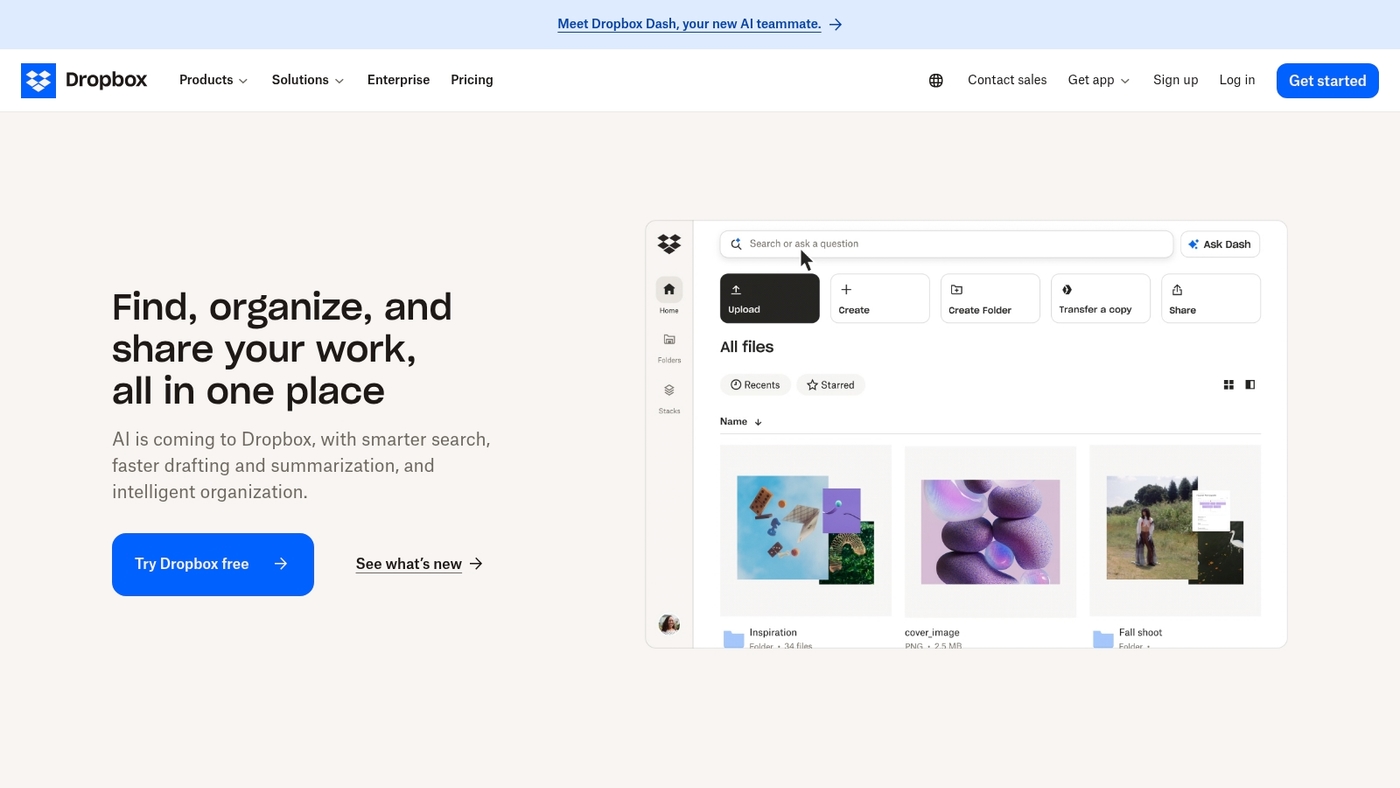
We recommend Dropbox Business for growing teams. It handles simple cloud document management well.
You get fast file sync, version history, and granular permissions. The interface stays familiar to most users. Search and basic OCR speed up retrieval. Admin controls help you enforce secure document access.
The app links with Office, Slack, and many other apps through third-party integrations. It lacks some enterprise content management features such as advanced records retention.
I personally use Dropbox for quick client reviews and file sharing. Setup often takes under 15 minutes for small teams.
Use Dropbox Business if you want a low-friction document management system that scales without heavy IT overhead.
Pros
- Easy setup and fast file sync
- Cloud document management with version control
- Team collaboration tools and sharing controls
Cons
- Limited native ECM and retention automation
- Advanced workflow automation needs third-party tools
For who?
Small to mid-size teams that need secure document storage and simple collaboration.
Pricing
Business plans start at about $15 per user monthly for standard features; enterprise pricing is custom.
Benefits of implementing a document management system
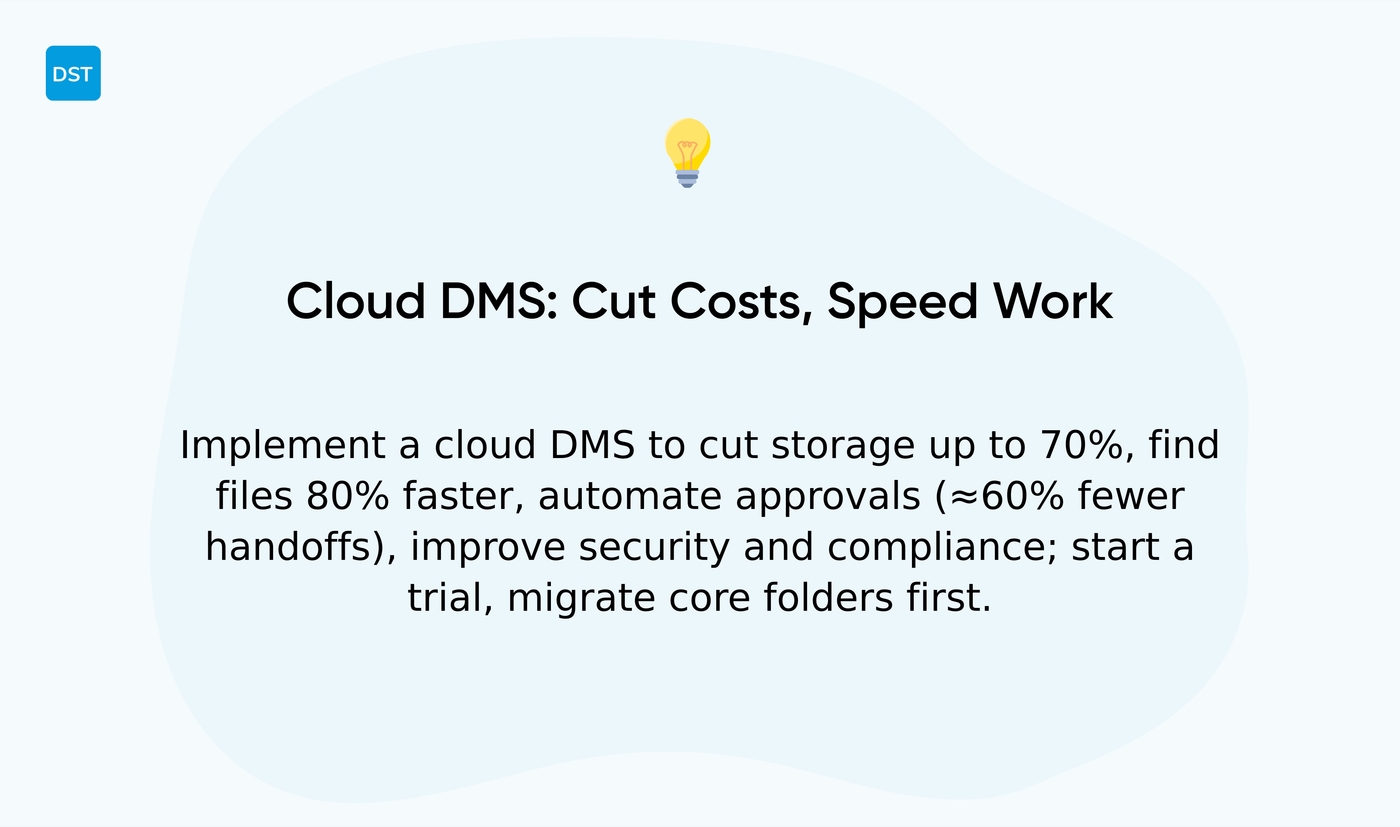
Adopt a document management system to cut costs and speed team work. You gain faster access and fewer errors. The system digitizes files and automates approvals.
We recommend centralizing documents to reduce duplication and lock down access. Cloud document management repays its cost within months for many small teams (it’s not just hype).
- Reduced storage costs — cut physical storage by up to 70% with cloud archives
- Improved productivity — find files 80% faster with indexing and OCR
- Enhanced security — apply role-based access, encryption, and audit logs
- Better compliance — retain records with automated retention rules and audit trails
- Streamlined collaboration — share files, control versions, and pair with free online collaboration software
- Document workflow automation — route approvals and reduce manual handoffs by about 60%
- Document version control — prevent conflicts and restore prior versions instantly
Choose DMS software that supports cloud document management, records management software features, and easy integrations. Start a trial, migrate core folders first, then automate one workflow this month.
How to choose the best document management software
We recommend choosing a DMS that fits team size and core workflows. You gain faster onboarding and fewer errors by matching features to needs.
Pick by deployment, budget, integrations, and compliance requirements. Have you mapped your must-have features yet?
- Team size: under 10, 10–100, 100+ for scaling needs
- Deployment: cloud for speed, on-premise for strict control
- Budget:
- Integrations: SSO, API access, Office and ERP connectors
- Regulations: HIPAA, GDPR, FINRA, or ISO records rules
Evaluate features that reduce manual work. Prioritize document workflow automation to cut approval times. Check document version control for audit trails. Confirm secure document management with encryption and role-based access.
I personally believe cloud document management gives the fastest ROI for small teams. You can often set up scanning, indexing, and basic workflows within one day.
Ask vendors for a live demo and a sandbox. Measure search speed, integration latency, and import time with a 1,000-document sample. Request a clear SLA for uptime and backups.
Pick a shortlist of two products, run parallel pilots for 30 days, then choose the product that reduces manual steps most. Try demos, compare integrations, and install a pilot today.
Document management system pricing and costs
Choose per-user subscriptions for predictable budgeting and easy scaling. You save money by paying only for active seats. You control growth with simple add/remove billing.
We advise teams to compare tiered plans with enterprise quotes before buying. Small teams often do best with per-user DMS software.
- Per-user subscriptions — $8–$40 per user/month typical
- Tiered plans — feature sets scale; prices rise by tier
- Enterprise custom pricing — starts near $1,000/month for complex ECM deployments
- One-time licensing — less common for cloud document management
Budget-friendly options exist. Zoho WorkDrive and Folderit offer entry plans around $55/month for small teams. Zoho adds collaboration tools and Office integration. Folderit focuses on secure storage and simple records management.
Factor total cost of ownership for 12 months. Include user fees, storage overages, migration, and support.
Ask vendors about document workflow automation limits and document version control caps. Test OCR and indexing on a sample batch to measure scanning and search accuracy.
Request a demo, a pilot, and a 12-month cost estimate. Compare features, storage, and compliance support before you commit.
You’ll also like: Top 8 Best Free Inventory Management Software
Cloud vs on-premise document management systems
Choose cloud deployment for most teams unless strict compliance or legacy systems require on-premise. You gain remote access, faster rollout, and lower upfront costs.
Vendors handle backups, scaling, and software updates so your IT spends less time on maintenance. We recommend running a 30-day cloud pilot before a full migration.
Highly regulated industries benefit from on-premise control and physical isolation.
- Cloud document management: Remote access, fast setup, lower upfront investment
- On-premise document security: Full control, isolated servers, higher IT costs
- Document workflow automation: Automate approvals, reduce manual steps, speed processing
- Maintenance: Cloud reduces patch work; on-premise needs dedicated IT time
- Costs: Cloud shifts to monthly OPEX; on-premise demands CAPEX and hardware refreshes
- Scalability: Cloud scales instantly; on-premise requires procurement and lead time
- Compliance: Cloud offers encryption and audit logs; on-premise eases physical custody rules
- Integration: Choose DMS software that supports API, ECM, and records management software
If you need a fast win, start with a cloud trial; schedule an on-premise pilot if strict control matters.
Read also: 8 Best Free Business Development Software
Open source document management systems
Choose OpenKM or LogicalDOC as your open source document management system for tight budgets and deep customization. We recommend these options for teams that need features without license fees.
You gain document version control, document workflow automation, and secure document management.
- OpenKM — mature Java platform, active community forums, rich plugin ecosystem. Good for heavy customization
- LogicalDOC — cleaner UI, faster install, Community and Enterprise tiers. It fits teams wanting quick setup
Key considerations:
- Customization: full code access, extend metadata and workflows
- Community support: forums, GitHub issues, paid support options for enterprise needs
- Features: OCR, indexing, version control, records management software features
- Deployment: on-premise or cloud with Docker images and standard backups
- Cost: community editions remove license fees; budget for hosting and maintenance
If you run a small production pilot, map two key workflows and test integrations. That gives a clear measure of development effort and time-to-value.
Install both, try customization, compare community support and commercial options.
Read also: 7 best free Gantt software



