Marketing project management software helps stop that by centralizing tasks, approvals, timelines, and creative files so teams move faster.
Small teams, agencies, and cross-functional marketers often juggle scattered tools, missed handoffs, and unclear ownership, which slows campaigns and wastes budget.
This guide walks through 12 of the best marketing project management software options tailored to content production, campaign planning, and agency workflows.
You’ll learn which platforms offer approval automation, calendar views, proofing tools, and resource planning (plus budget-friendly or free options).
By the end, you’ll be able to shortlist tools that match your team’s size, process, and integrations so launches stay on schedule.
What is marketing project management software
Marketing project management software centralizes campaign planning, task tracking, asset collaboration, and approvals in a single workspace.
Teams use it to plan campaigns, manage workflows, coordinate creative assets, and track progress from ideation to launch.
We standardize brief intake, automate review routing, and keep version history linked to tasks.
Typical modules include task lists, campaign calendars, Gantt views, Kanban boards, proofing tools, time tracking, and integrations with CRM and creative apps. Automation for approvals and handoffs can cut review cycles by 20–40% and improve on-time launches through clear owners and due dates.
Small teams gain faster content scheduling with a shared calendar. Agencies benefit from client portals, billing, and capacity planning.
Enterprises need marketing resource management features for budget tracking and portfolio views.
A single source of truth reduces duplicate files and prevents missed deadlines. (And honestly, who doesn’t need fewer spreadsheets?)
You should evaluate tools for approval automation, reporting, resource allocation, and API connectivity to your marketing stack. Prioritize platforms that support annotations, version control, cross-channel campaign tracking, and exportable performance reports.
Try a short pilot and measure time-to-approve, percentage of on-time launches, and task cycle time to compare vendors. Choose software that fits your team size and workflows so your campaigns move from idea to launch with less friction.
Key features to look for in marketing project management tools
Marketing workflow and approval automation
We recommend automating review and approval flows. Use marketing project management software to centralize tasks, assets, and approvals.
Teams cut approval time by 30–50% with simple rules and notifications. You remove long email chains and missed feedback.
Automation keeps version control and timestamps. Rule-based approvals save marketing teams hours each week.
Here’s what to look for:
-
Marketing workflow software — set approval rules, deadlines, and owners
-
Marketing approval workflow — auto-notify reviewers and lock final files
-
Creative project management — connect proofs, comments, and asset storage
Start by mapping handoffs. Configure simple automations and SLAs.
Track cycle time and iterate to cut bottlenecks. Try automations to speed campaign launches.
Campaign planning and calendar management
We recommend marketing project management software with robust calendar features to keep launches on track.
A shared calendar reduces launch slip and clarifies who owns each task. Plus, it prevents those awkward “wait, who’s doing what?” moments.
Key calendar capabilities include:
-
Campaign calendar to visualize roadmaps and set launch dates across channels
-
Multi-channel coordination for content, social, email, and paid media schedules
-
Deadline management with automated reminders, dependencies, and clear owners
-
Integrations with your CMS, social schedulers, and email platforms for single-pane visibility
-
Analytics to spot date conflicts and recover lost time with backlog pruning
Explore our project scheduling tools guide to compare calendar workflows and pricing.
Creative asset proofing and collaboration
We recommend proofing that supports real-time feedback, frame-accurate annotations, and version control systems so your team moves faster.
Tools should let reviewers compare versions side-by-side and restore files with one click. Choose annotation tools that attach comments to pixels, timecodes, or text lines.
This makes designer handoffs clear and reduces rework. You can centralize assets, reduce email approvals, and keep an audit trail for stakeholder sign-off.
Use roles and automatic approval routing to prevent bottlenecks. Creative teams benefit most from platforms that link proofing to tasks and calendars inside marketing project management software.
That connection speeds campaigns and keeps accountability visible.
Marketing integrations and tech stack connectivity
Integrations make your marketing stack work as one. They sync marketing project management software with CRM platforms and automation tools.
We favor platforms with APIs, native connectors, and prebuilt Zapier workflows. Prioritize CRM platform integrations and marketing tech stack connectors to cut duplicate work.
Map fields, standardize tags, and automate updates to keep campaigns on schedule.
Vendors with 100–300 integrations reduce manual handoffs and boost delivery speed by measurable hours per week. Look for support for MRM software, marketing workflow software, and creative project management software when you evaluate tools.
This cuts errors and saves time. Choose integrations that give real-time data and unified reporting so your team tracks campaign performance without exporting spreadsheets.
Top 12 marketing project management software
Monday.com
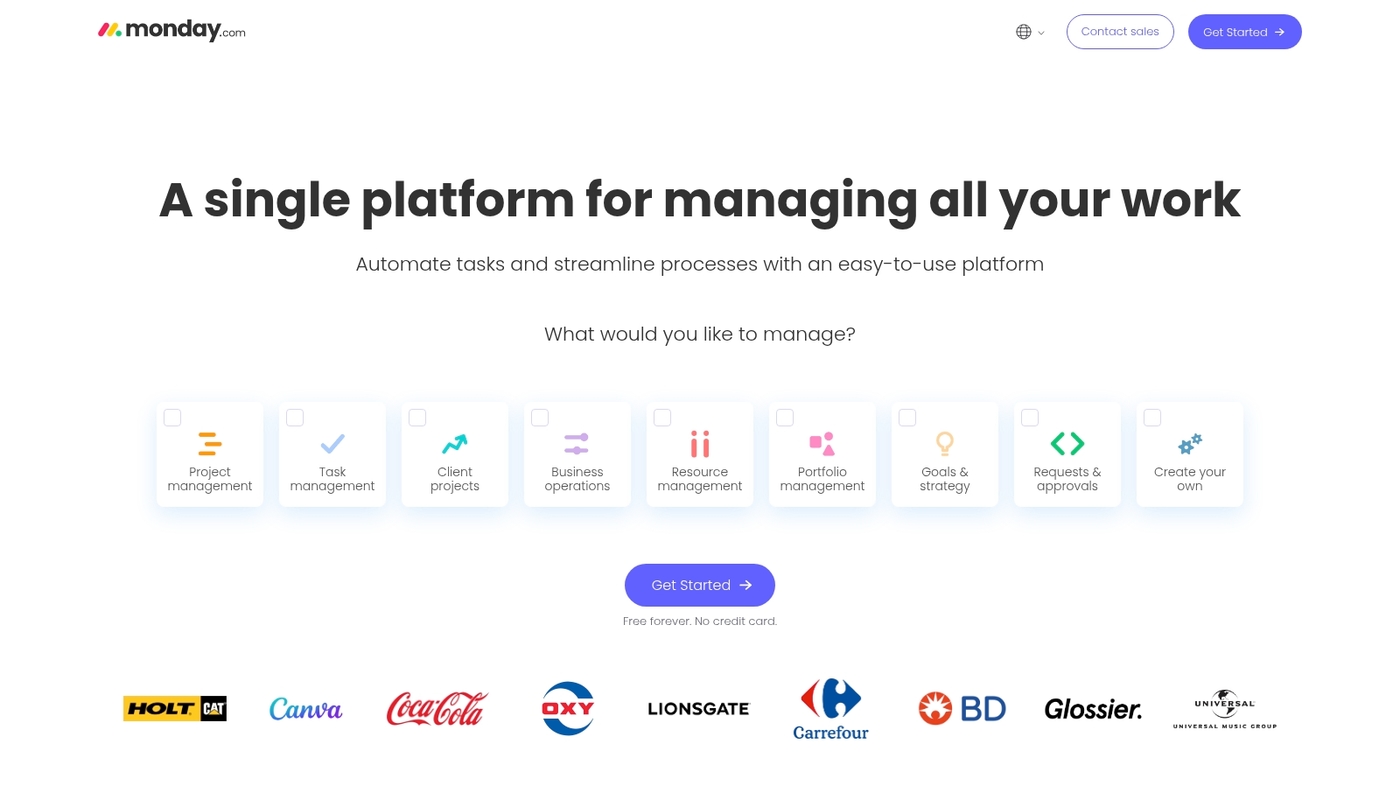
Monday.com offers a visual work management hub built for marketing teams that need flexible campaign planning. The platform uses customizable marketing templates and clear board views to map campaigns.
You can automate approval flows, assign owners, and track tasks across channels. The interface supports timelines, calendars, workload views, and dashboards for campaign tracking.
Integrations connect your CRM, creative tools, and analytics to centralize data. The tool adapts from small content teams to larger marketing operations and agency workflows.
We’ve seen its automation cut review cycles and reduce manual handoffs. This product fits teams that want flexible boards, repeatable workflows, and visual reporting for campaign performance.
|
Feature |
Details |
|---|---|
|
Best For |
Marketing teams and agencies needing visual planning and campaign management |
|
Key Strengths |
Customizable templates, strong automation, multiple visual views |
|
Limitations |
Feature set can feel dense for new users, advanced reporting on higher tiers |
|
Pricing |
Free tier available, paid plans start around $8/user/month billed annually |
ClickUp
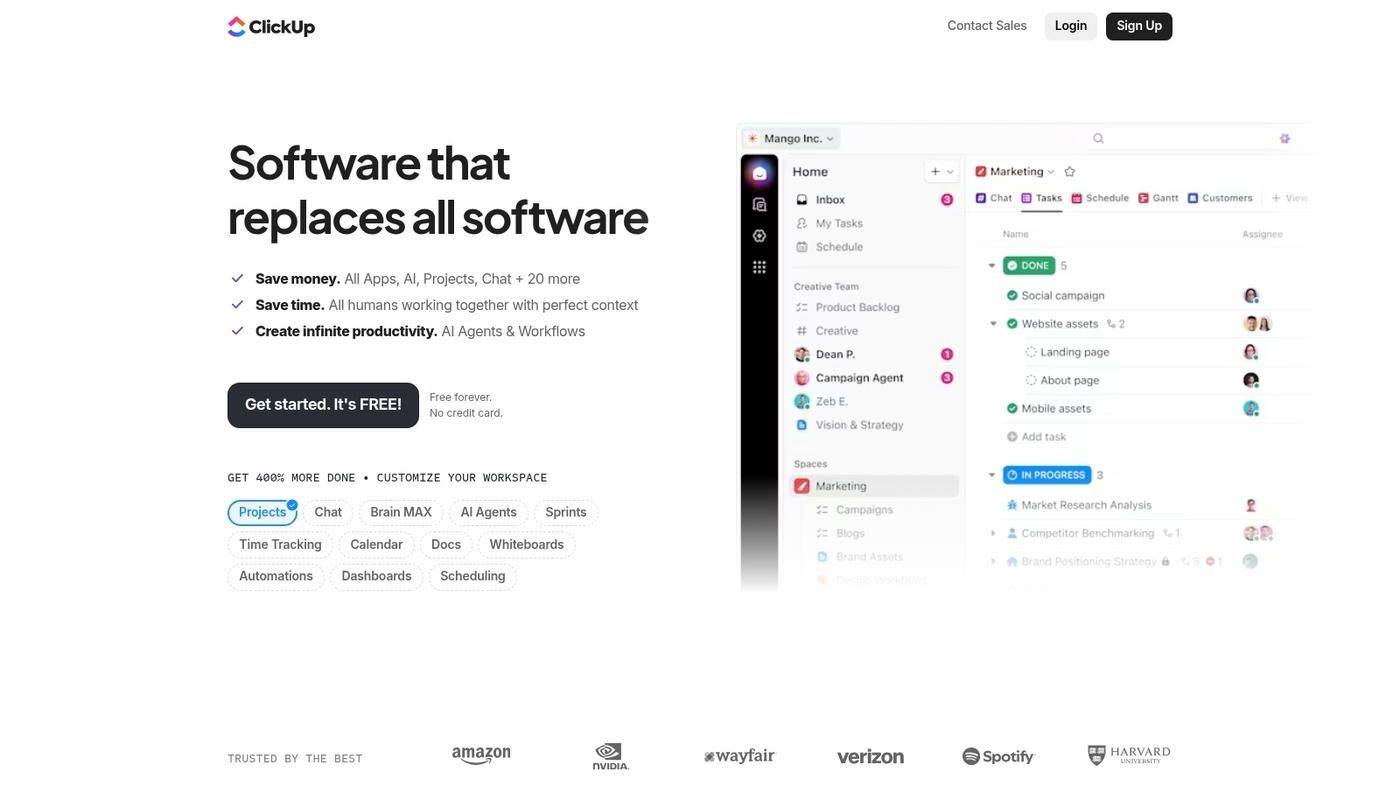
ClickUp is an all-in-one marketing operations platform made for planning and delivering campaigns. It offers 15+ views including Kanban, Gantt, and calendars.
The tool packs docs, time tracking, goal management, and robust automation for content workflows. You can assign briefs, route approvals, and link assets to tasks for clear ownership.
Its automation cuts review cycles and speeds launches. It fits teams that need a single workspace for task management, proofs, and campaign tracking.
We use ClickUp templates for content calendars and proofing workflows. The platform scales from solo marketers to enterprise teams running complex multi-channel campaigns.
Pros
-
Multiple views support planning and tracking across channels
-
Built-in docs and time tracking tie content and campaign work together
-
Automations reduce manual handoffs for marketing tasks
Cons
-
Feature density means a learning curve for new users
-
Custom setup can take time for complex processes
For who?
Marketing teams, content teams, and agencies that need unified campaign planning, approvals, and execution.
Pricing
Offers a free plan. Paid plans start around $5 per user per month on annual billing.
Wrike
We recommend Wrike for creative marketing teams that need structure and fast approvals.
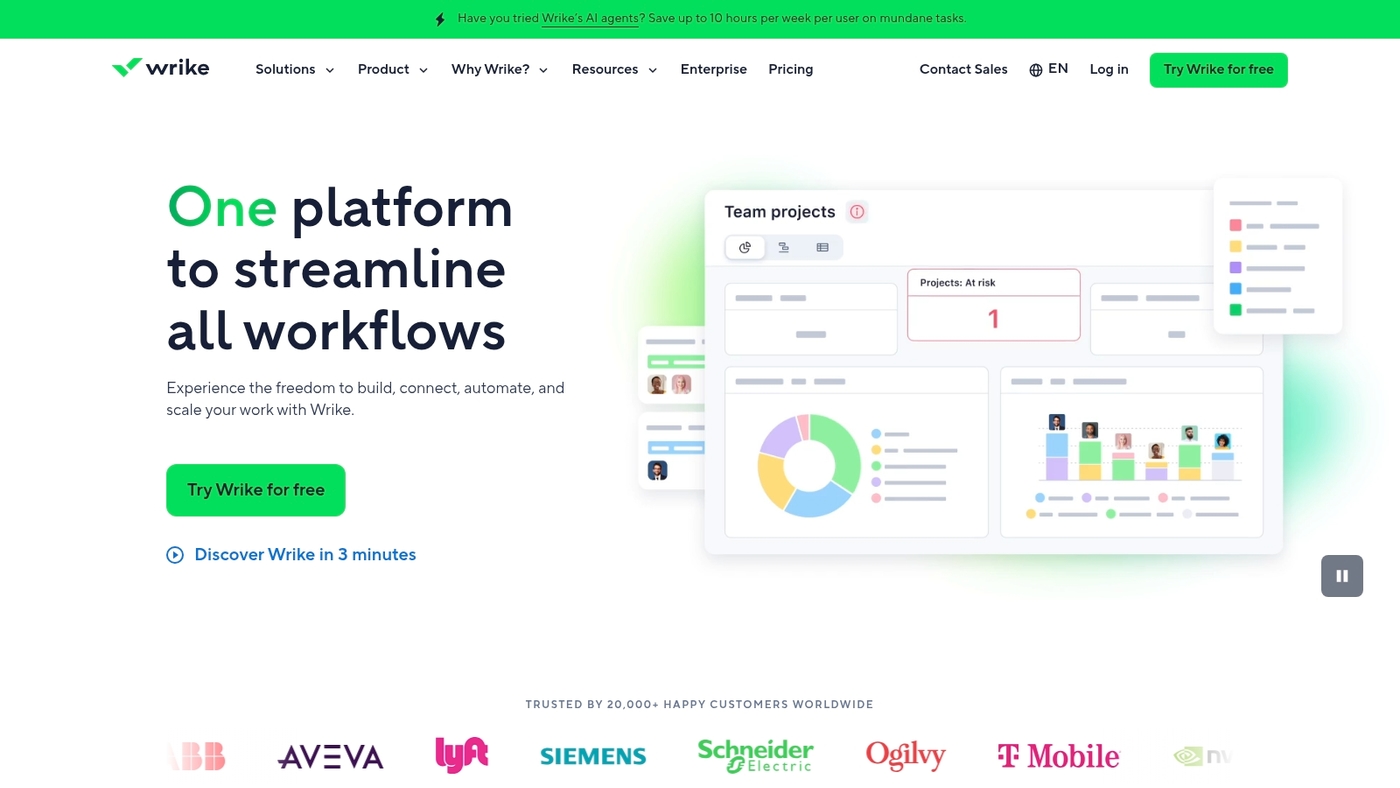
Wrike provides customizable dashboards, advanced proofing tools, workload views, analytics, and integrations with Salesforce, HubSpot, and Adobe Creative Cloud. Teams create approval workflows and attach briefs to tasks.
Real-time annotations and version history reduce back-and-forth. Workload displays show capacity and balance assignments across people.
Analytics surface campaign metrics and exportable reports for stakeholders. Wrike’s proofing tools can cut review cycles by days based on real campaign data.
The platform scales from small teams to enterprise accounts. Use Wrike to centralize briefs, assign owners, and speed approvals for content and paid campaigns.
Pros
-
Custom dashboards for role-based views
-
Workload management features that prevent resource overload
-
Strong creative proofing and annotation tools
Cons
-
Advanced features require paid plans and user training
-
User interface can feel dense for new users
For who?
Marketing teams and creative agencies that need proofing, capacity planning, and CRM integrations.
Pricing
Free plan available. Paid plans start around $9–$25 per user per month. Enterprise pricing is custom.
Jira
We use Jira as an agile backbone for cross-team marketing work. It links marketing tasks to development tickets.
Teams plan sprints and map campaigns into epics. You can track campaign progress with reports and dashboards.
Jira integrates with Slack, Google Drive, and Salesforce to centralize assets and notifications. It supports large-scale campaign management and complex workflows.
The platform fits marketing project management software, marketing project tracking software, and marketing collaboration software use cases. Jira shines when teams need tight developer-marketer coordination and repeatable sprint cycles.
You can customize fields and automation rules to speed approvals and handoffs. Many marketing teams move from spreadsheet planning to Jira for clearer ownership and audit trails.
Pros
-
Strong developer-marketer collaboration
-
Robust reporting, sprint planning, and dashboards
-
Excellent for agile marketing workflows
Cons
-
Steep learning curve for non-technical users
-
Setup and customization require time and expertise
For who?
Marketing teams that run agile campaigns and work closely with engineering.
Pricing
Free tier for up to 10 users. Paid plans start at about $7.75 per user/month for Standard.
Asana
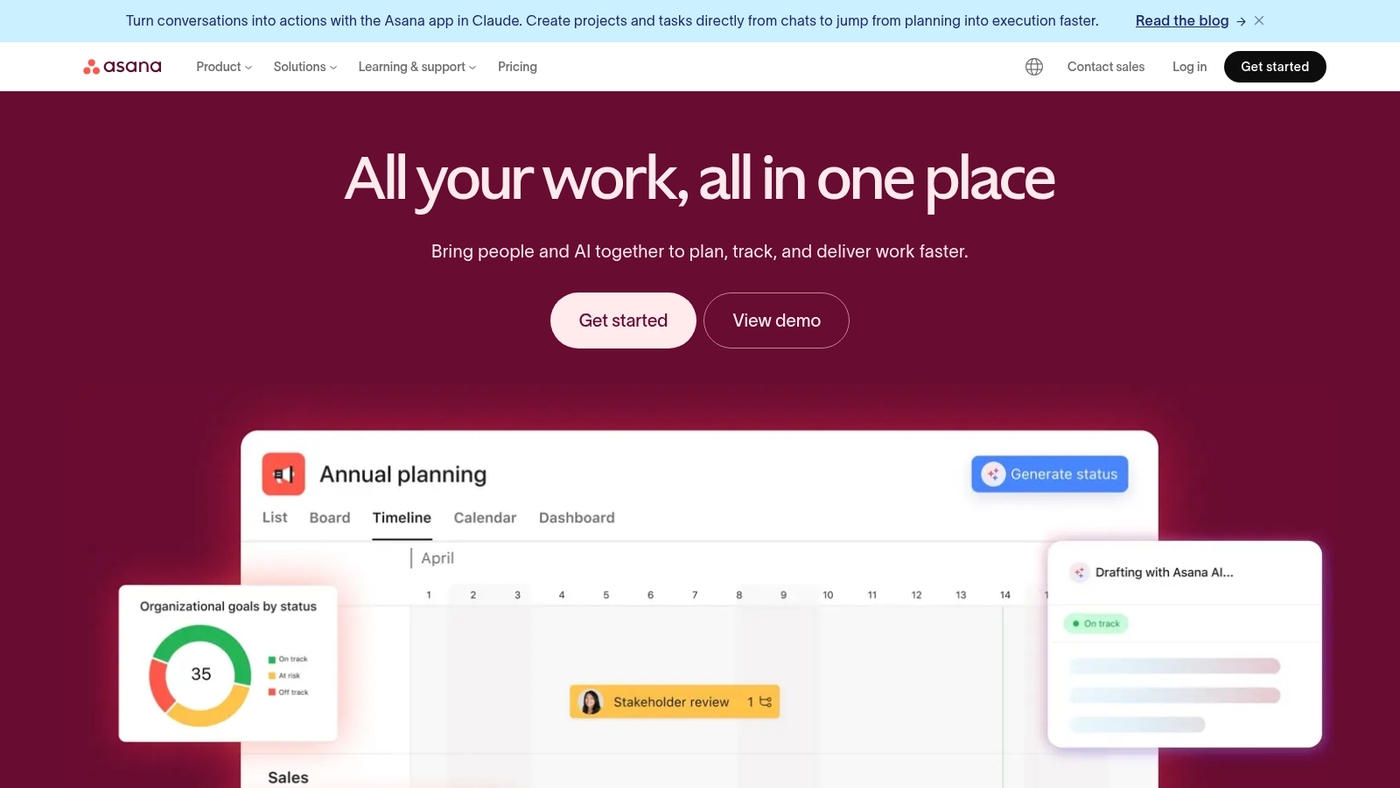
Asana suits cross-functional marketing teams. It gives clear task ownership and visual planning.
Asana offers task lists, timeline and board views. It provides unlimited storage, workflow automation, and 100+ integrations with Slack and Adobe.
The platform handles campaign calendars, approval routing, asset attachments, and project tracking across channels. Asana scales from small teams to enterprise with custom fields and rules.
The timeline and automation can cut campaign delays by weeks when used consistently. Have you ever wished your team could see exactly who owns what at a glance?
You can assign owners, set dependencies, automate handoffs, and track progress with dashboards. Asana fits teams that need creative proofing and simple resource views.
It ranks among top marketing project management software options.
Pros
-
Multiple task views: list, board, timeline
-
100+ integrations including Slack and Adobe
-
Custom automation and rules for approvals
-
Unlimited storage on paid plans
Cons
-
Advanced design proofing is limited for heavy creative teams
-
Business plans become costly for large user counts
For who?
Marketing teams that need clear task ownership, campaign timelines, and wide integrations across creative and comms tools.
Pricing
Free plan available. Premium starts at about $10.99 per user per month billed annually. Business roughly $24.99 per user per month. Enterprise pricing is custom.
Adobe Workfront
We recommend Adobe Workfront for enterprise teams that need strict control over multi-channel campaigns and resources.
It centralizes briefs, creative reviews, timelines, and budget data in one place. The platform offers advanced resource planning with workload views and capacity forecasts.
It provides creative proofing with inline annotations and version history. It delivers ROI reporting via customizable dashboards and exportable metrics.
The API supports integrations with Adobe Creative Cloud, Salesforce, and marketing automation tools. Workfront shines when teams run many concurrent campaigns and need audit trails for approvals.
Setup scales from dozens to thousands of users and supports portfolio-level scheduling and demand management.
Pros
-
Enterprise-grade resource and portfolio management
-
Robust proofing and approval tools for creative teams
-
Strong API and Adobe ecosystem integration
Cons
-
Platform complexity requires admin training
-
Pricing is quote-based and best for larger budgets
For who?
Large marketing teams, agencies handling multi-channel campaigns, and organizations needing MRM and audit controls.
Pricing
Custom enterprise pricing. Contact sales for a demo and tailored quote.
Smartsheet
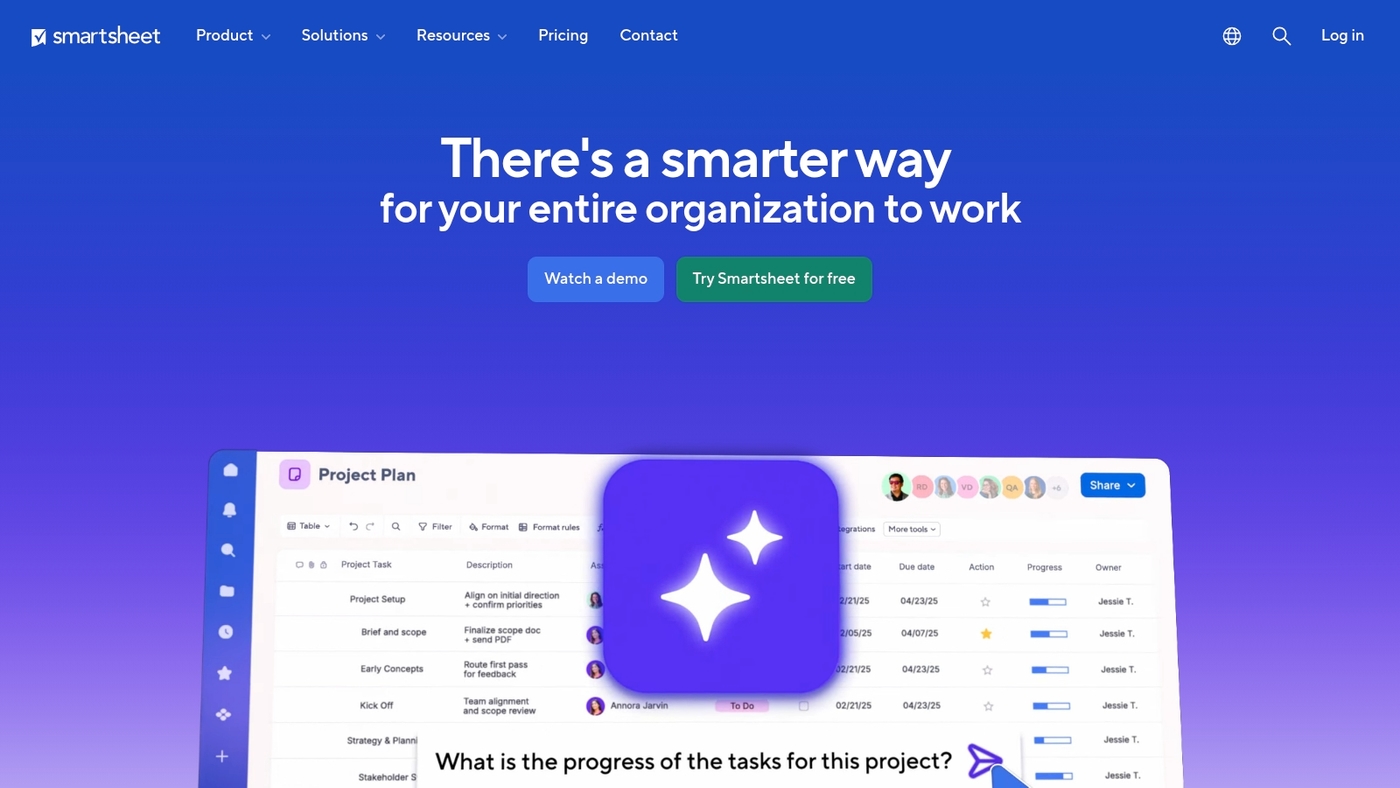
Smartsheet offers spreadsheet-style project management with grid views, Gantt charts, workflow automation, dashboards, and enterprise-grade security.
You can map campaign tasks in a familiar sheet, switch to a timeline for launch planning, and automate approval steps to cut manual handoffs. Reporting tools let you roll up campaign KPIs and share portfolio views with stakeholders.
The platform connects with common marketing tools so your assets and campaigns stay linked. Use it as marketing project tracking software or as marketing portfolio management software for cross-team visibility.
The platform scales from small teams to enterprise portfolios and supports custom forms, alerts, and conditional workflows. Teams who track metrics and timelines in tables find Smartsheet fast to adopt and simple to scale.
See how it compares for portfolio reporting on our project portfolio management software guide.
Pros
-
Familiar spreadsheet interface reduces onboarding time
-
Robust automation and reporting for campaign metrics
-
Enterprise security and admin controls for compliance
Cons
-
Setup can take time for complex workflows
-
Less visual than board-first tools for creative teams
For who?
Data-driven marketing teams, marketing ops, and agencies that need portfolio reporting and structured approvals.
Pricing
Tiered plans available with per-user pricing and enterprise quotes. Free trial offered on the Smartsheet website.
Productive
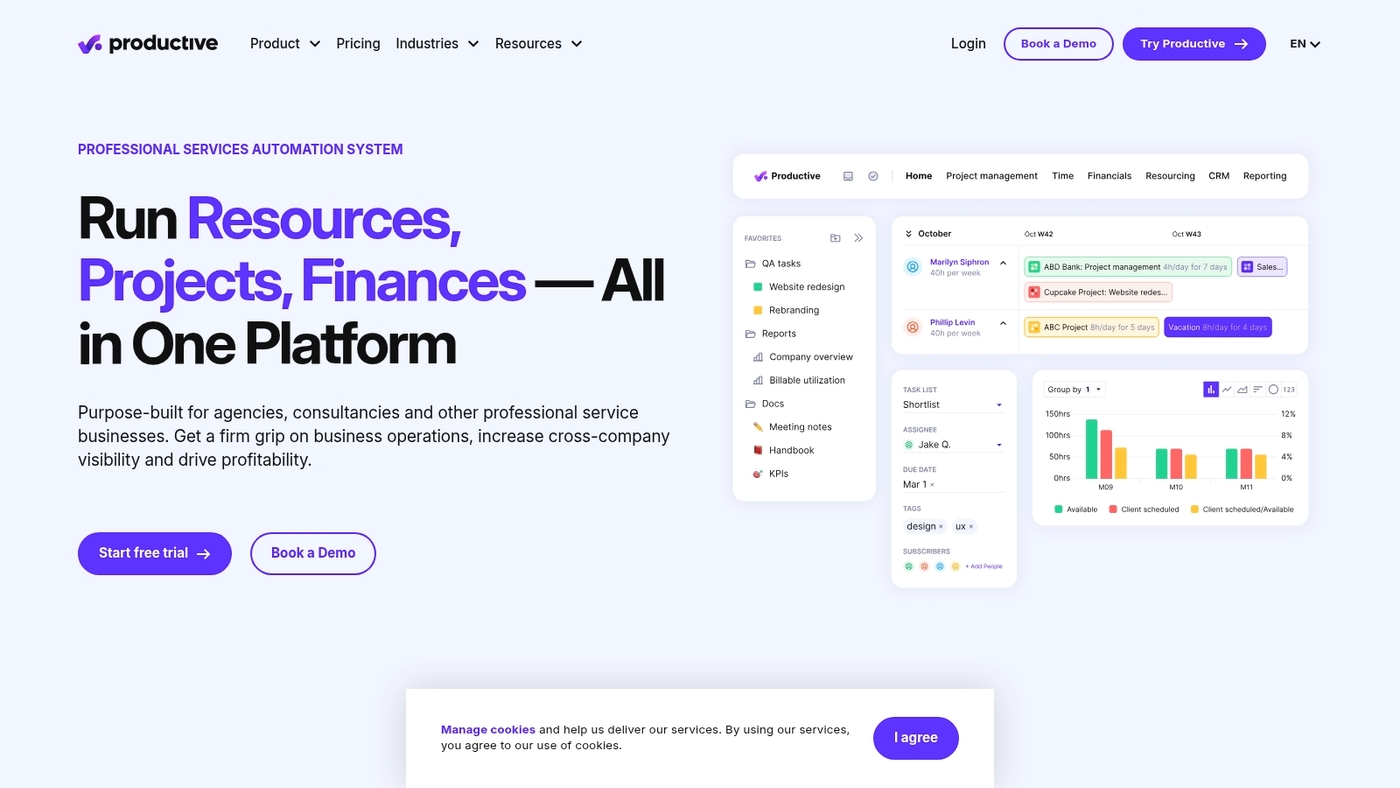
We recommend Productive for agencies that need unified budgeting, forecasting, and marketing workflow automation.
Productive combines financial planning with resource management so teams can plan campaigns, price client work, track time, and forecast margins from a single place.
The platform fits marketing project management software needs by offering custom marketing workflows, Gantt-style planning, utilization insights, and client-facing project billing. You can read more about project management software for agencies on our agency software guide.
We find Productive helps teams reduce manual Excel tasks and improve margin visibility across campaigns. Its budgeting tools make it valuable for agencies that sell time and retainer work.
This solution maps well to marketing campaign management software and marketing resource management software use cases.
Pros
-
Integrated budgeting and financial forecasting for client work
-
Custom marketing workflows and resource allocation
-
Strong agency-focused features like time tracking and billing
Cons
-
Steep learning curve for teams new to MRM software
-
Pricing may be higher for very small teams
For who?
Marketing agencies and in-house marketing ops teams that need agency project management software with built-in financials and campaign planning.
Pricing
Tiered plans with a free trial and custom agency quotes. Contact Productive for exact rates and plan comparisons.
Miro
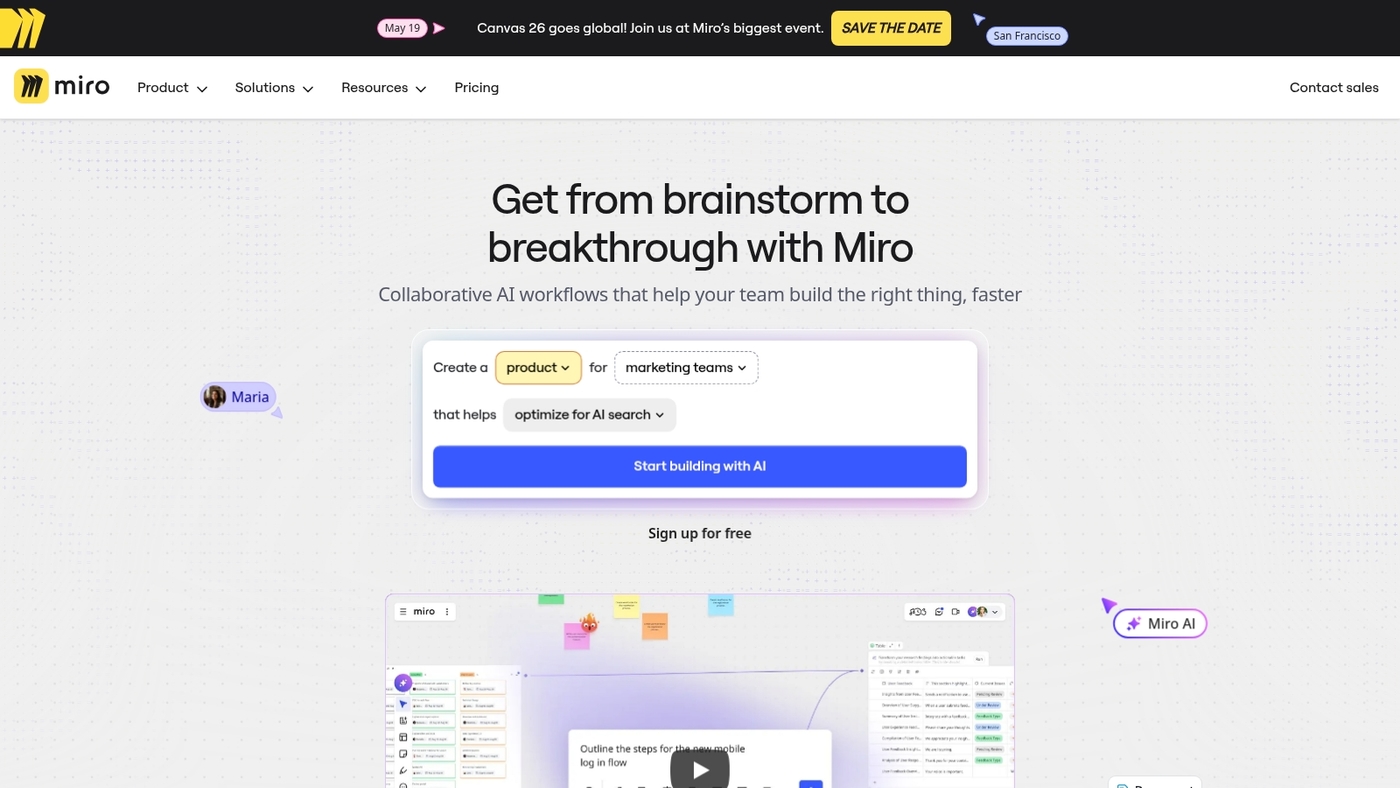
We rely on visual tools to map campaigns fast. Miro offers a visual planning platform built around an infinite canvas.
Teams add sticky notes, frames, and media to flexible boards. You can use campaign brainstorming templates for briefs, personas, and roadmaps.
Miro adds timers, voting, and presentation mode for workshops. It integrates with Figma, Slack, Google Drive, and other apps so assets stay linked.
Miro speeds early ideation and team alignment. We tried it for three sprint planning sessions and cut review time by about 30 percent.
Export options include PNG, PDF, and shareable live links for stakeholders. (And let’s be real — stakeholders love a good visual.)
Pros
-
Infinite canvas for visual marketing planning and mapping
-
Ready templates for campaign brainstorming and roadmaps
-
Real-time collaboration with voting and timers for workshops
-
Many integrations with design and comms tools
Cons
-
Can feel cluttered with many active boards
-
Advanced features require paid plans for teams
-
Not a full project tracker; lacks native Gantt and time tracking
For who?
Creative teams, agencies, product marketers, and anyone who runs workshops or maps campaigns visually.
Pricing
Free plan available. Paid plans start at about $8 per user/month billed annually. Business and Enterprise tiers add admin controls and SSO.
Basecamp
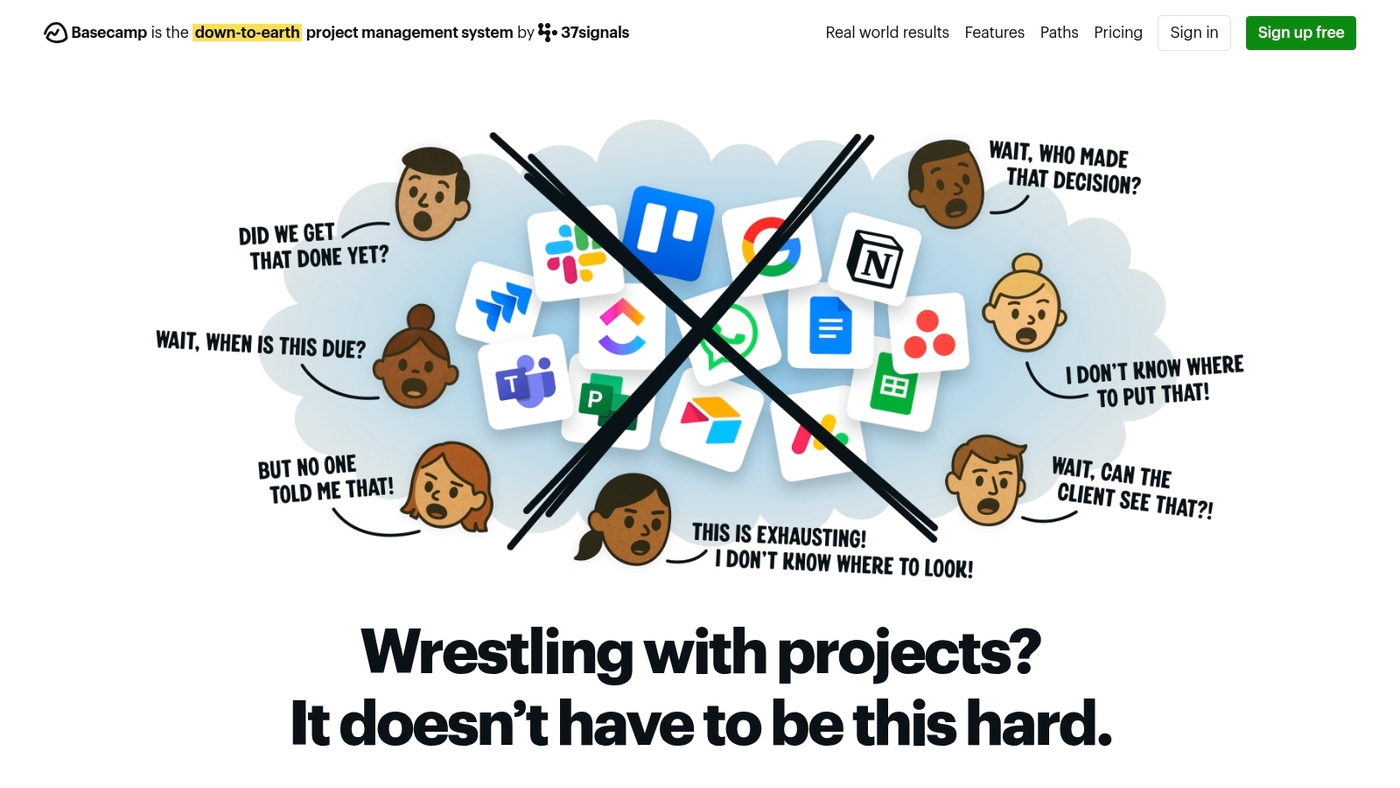
We like Basecamp for small marketing teams that want a focused tool.
It’s a simple project organization tool built around message boards, to-dos, file storage, schedules, and automatic check-ins. You assign tasks, share assets, and keep feedback in one place.
The interface stays uncluttered, so teams spend less time hunting files. Its steady structure helps teams meet deadlines more often.
Basecamp uses a flat fee model that covers all users. That pricing model removes per-seat billing and simplifies budgeting.
If your team needs lightweight workflow tracking without deep customization, Basecamp hits the mark. But if you need advanced resource planning or creative proofing, look at other tools in the list.
Pros
-
Simple communication hubs that cut email threads
-
Flat pricing covers unlimited users for predictable costs
-
Easy onboarding with minimal training needed
Cons
-
Limited advanced resource and portfolio management features
-
Minimal built-in creative proofing and annotation tools
For who?
Small marketing teams and solo marketers who want clear task tracking and lightweight collaboration.
Pricing
Flat monthly fee that covers unlimited users. Check the Basecamp homepage for current rates.
Zoho Projects
Zoho Projects offers budget-friendly tools for marketing teams. It provides Gantt charts, time tracking, task lists, milestones, and workflows.
You can map campaign timelines and assign clear owners with drag-and-drop. Integration with Zoho CRM and Zoho apps links tasks to sales data.
Reporting covers time logs, progress, and simple budget tracking. Automate approvals and recurring work with easy workflow templates.
Custom fields and task dependencies help with complex campaign sequencing. It works as marketing project management software for teams on a budget.
We test integrations and note setup speed. The Zoho ecosystem adds value for unified operations.
Pros
-
Low cost for small and growing teams
-
Strong CRM and Zoho app connectivity
-
Good basic features for campaign tracking
Cons
-
Limited creative proofing compared to specialized tools
-
Advanced analytics require other Zoho modules
For who?
Small to mid marketing teams and agencies needing affordable campaign tracking.
Pricing
Free tier for small teams. Paid tiers unlock Gantt, automation, and deeper integrations.
Airtable
Airtable is a flexible database-spreadsheet hybrid for marketing teams. You build custom bases to track campaigns, assets, and briefs.
You switch views between grid, calendar, kanban, gallery, and form. Automations trigger notifications, update records, and route approvals.
Native integrations and a public API connect CRM, analytics, and creative tools. You can link tables to map campaigns to assets and channels.
Airtable handles simple reporting with customizable dashboards and apps. Airtable shines when teams need a tailored structure instead of rigid workflow templates.
I use small bases for content calendars and asset tracking. Treat templates as a starting point, then add automations as your process stabilizes.
This tool acts as a hands-on marketing project management software option for teams that want low-code customization.
Pros
-
Highly customizable views and relational tables for linked marketing data
-
Built-in automations, API, and many native integrations
-
Flexible structure adapts to unique workflows
Cons
-
Complex bases can grow hard to maintain without governance
-
Advanced features sit behind paid tiers for larger teams
For who?
We recommend Airtable for small to medium marketing teams and agencies that need flexible campaign schemas and lightweight automation.
Pricing
Free plan available with core features. Paid plans start around $10 and $20 per user per month billed annually. Enterprise plans offer custom pricing and advanced controls.
How to choose the right marketing project management software
We recommend matching tools to your team size, campaign complexity, budget, integrations, and workflow needs.
What’s the biggest bottleneck slowing your campaigns today? That question should guide your choice.
Here’s what to consider:
-
Marketing workflow software — Pick for teams that need automated approvals and clear handoffs
-
Team size: solo, 3–10, 10–50, 50+. Match seats and permissions to scale
-
Campaign complexity: single-channel vs omni-channel. Choose kanban for simple work, Gantt for complex timelines
-
Budget: look at per-user pricing. Free plans suit solo marketers. $8–30/user fits most teams
-
Integrations: require CRM, analytics, Adobe, and email platforms to avoid manual syncs
-
Proofing and approvals: seek version control, annotations, and audit logs for creative reviews
-
Resource management: track capacity with workload views and time estimates for accurate forecasting
-
Security and permissions: confirm SSO, roles, and data export for enterprise needs
Integrations deliver the most value for long-term ops and fewer handoffs. Try a short pilot with one campaign to test adoption, timing, and reporting.
We prefer tools that save hours per week and reduce review cycles. Compare options on the best project management software roundup to pick the right fit.
Read also: Top 12 Best Collaboration Platforms For Teams
What is the difference between MRM software and project management tools
We recommend MRM for teams that manage many campaigns and budgets. MRM software centralizes people, budgets, and campaign pipelines.
It excels at resource planning, capacity forecasts, and moving staff between initiatives. MRM lets you allocate spend, run ROI reports, and keep tight budget tracking by campaign and channel.
It often includes asset libraries, governance, approval rules, and portfolio views for large programs.
Project management tools focus on task-level coordination and creative delivery. They provide kanban boards, timelines, proofing, and daily workload dashboards for teams.
Use project management when you need fast task assignment, reliable marketing project tracking software, or simple campaign calendars.
MRM shines when your team juggles dozens of campaigns, multiple vendors, and pooled headcount. MRM fits teams that need portfolio visibility, financial forecasting, and cross-campaign resource optimization.
Project management tools fit teams that need quick approvals, real-time collaboration, and straightforward marketing task management software.
Quick checklist: pick marketing resource management software for portfolio-level oversight and staffing scenarios. Pick project management tools for day-to-day execution and creative proofing.
Compare feature sets, test with a representative campaign, and choose the option that matches your budget and scale.
You’ll also like: Top 10 Best Workflow Automation Software
Free vs paid marketing project management software
We recommend paid plans once your team runs recurring campaigns or needs workflow automation. Free options suit solo marketers and small tests.
Here’s what you give up on free tiers:
-
Free marketing plans limit users, storage, boards, and file uploads
-
Free tiers cap automations and block approval workflow software features
-
Limited integrations hinder CRM, analytics, and creative tool connections
-
Reporting, portfolio views, and ROI dashboards sit behind paid subscriptions
-
Paid plans add resource planning, roles, time tracking, and SLA support
If your team exceeds five users, consider paid tiers for predictable access and permissions. If you run more than ten campaigns per quarter, automation saves hours and reduces handoffs.
Quick ROI example: save five hours weekly per manager. At $40 hourly, that equals $200 weekly. That equals about $10,400 yearly.
Many paid plans cost less than that. (And you get your Fridays back.)
Choose free tools to validate processes and keep costs low while you test. Try a paid plan to unlock automation, reporting, and paid plan ROI tracking.
You might also like: Top 11 Best Milestone Tracking Software