

That sinking feeling when employees can’t find answers and work grinds to a halt.
Corporate wiki software can stop repeated questions by centralizing documentation, enabling collaborative edits, and keeping policies up to date.
Organizations waste time when knowledge is scattered across chats, tickets, and personal notes, and onboarding suffers as a result.
This guide compares the top eight corporate wiki software options and highlights strengths, pricing models, and deployment choices so teams can pick what’s best.
Expect clear comparisons between cloud and self-hosted solutions, ease-of-use, integrations (Slack, Teams, Google Workspace), and security features.
You’ll learn which platforms suit small teams, technical product groups, or regulated enterprises and how to evaluate them against real needs.
What is corporate wiki software
Corporate wiki software is an internal platform that stores and organizes company knowledge. Teams use it to create, edit, and retrieve policies, playbooks, and troubleshooting guides.
The platform offers editable pages, linked topics, and structured spaces. It includes version history, commenting, and real-time editing so teams collaborate without email threads.
Users publish onboarding guides, SOPs, meeting notes, and FAQs. Admins set categories, ownership, and granular access controls to protect sensitive content.
Enterprise wiki platform and internal knowledge base features speed up answers. Search indexing, attachments, and AI suggestions cut lookup time by up to 50% in many teams.
A living wiki becomes your team’s memory. We’ve seen onboarding time fall by 30% after standardizing templates and owners.
We favor tools with strong search, SSO, role-based permissions, and integrations with chat and docs. Here’s what matters most:
-
Enable version control and page watchers
-
Assign clear page owners and review cadences
-
Index attachments and enable AI suggestions for fast answers
Start small. Migrate flagship docs first.
Measure adoption weekly and aim for 70% active users in three months. Pick a wiki that scales—whether you need a team wiki system that self-hosts or a cloud option with managed security.
How does a corporate wiki differ from a knowledge base
A corporate wiki and an internal knowledge base both store company know-how. But each serves different workflows and audiences.
A corporate wiki favors open editing and rapid updates. Teams add pages, refine content, and link ideas. This model suits evolving policies, project notes, and mental models.
A knowledge base uses curated articles and strict structure. Editors approve content and lock formats. Support teams, compliance, and onboarding benefit from predictable articles and search-friendly templates.
Enterprise wiki platforms often support freeform pages, tagging, and collaborative history. Version control keeps edits safe, and the focus stays on shared authorship and discovery.
Knowledge base software prioritizes topic pages, categories, and article metrics. Analytics show which articles reduce support tickets. Workflows enforce approvals and content owners.
Choose a corporate wiki when your team needs living documentation. Choose a knowledge base if you must deliver consistent answers to customers or employees.
Key pick criteria:
-
Collaboration needs: wiki scales for many editors
-
Consistency needs: knowledge base fits regulated content
-
Searchability: knowledge bases often index better
-
Governance: wikis need clearer rules to avoid chaos
We prefer wikis for internal strategy work and knowledge bases for customer support. Pairing both reduces duplicate work and speeds answers for your team.
Key features to look for in enterprise wiki software
Collaboration and editing capabilities
Real-time editing tools are the backbone of any corporate wiki. They let multiple people update pages together and prevent merge conflicts.
A version control system stores change history, shows diffs, and enables safe rollbacks. Version history can cut recovery time by up to 70%.
Multi-user presence indicators show who edits live. Simultaneous cursors prevent step-on edits. Templates and content owners keep pages current—templates reduce page setup time by about 60%.
Must-have features:
-
Page locking and approvals for formal documents
-
Inline commenting features with mentions for fast feedback
-
Edit notifications and activity feeds keep teams aligned
-
Role-based edit rights and audit logs meet compliance needs
Enable autosave and comment-driven approvals to speed updates. You’ll reduce edit conflicts and save hours each week.
Search and AI-powered features
Prioritizing AI-powered discovery and chatbots makes a real difference. Strong search reduces time to answers across corporate wiki software.
Use advanced search with filters, semantic search, and fuzzy matching. AI suggestions cut search time by about 40% for routine queries.
Add chatbots for quick answers inside your internal wiki or team wiki. They reduce knowledge silos and help teams keep documentation current.
Index documents, meetings, and policies so search covers every source. Contextual suggestions help users find correct pages fast.
Make sure your corporate wiki supports connectors to Slack and Microsoft Teams. Good search saves about 8 hours per week for a 50-person team.
Permissions and access control
We treat permissions as a core business control. Good corporate wiki software supports single sign-on and directory sync and lets you lock down content by role.
-
Granular permission settings scope access by space, page, tag, or metadata
-
SSO and LDAP speed user access and cut password reset tickets
-
Role-based access control gives teams view, edit, and share rights per role
-
Audit trails record who viewed and changed pages for compliance
Combining strict roles with SSO prevents accidental leaks and speeds onboarding. You should enable least-privilege rules, encrypt sensitive pages, and retain audit logs for investigations and audits.
Integrations with business tools
We expect any corporate wiki software to connect where your team works. Native connectors link Slack, Microsoft Teams, Google Workspace, Microsoft 365, Jira, and common enterprise apps.
-
Enterprise wiki integrations let you pull pages into chat and surface answers fast
-
Centralize knowledge access by syncing Drive, OneDrive, and Jira issues into one index
-
Streamline workflows today with bots that create tasks, post updates, and log changes automatically
Integrations decide how much value a team wiki delivers. We saw lookup time drop 30% after adding Teams and Drive connectors.
Map your top 5 apps before you buy. Start with chat and document stores, then add ticketing and calendar sync.
For collaboration tool ideas, check our roundup: best free online collaboration software.
Top 8 corporate wiki software to consider
Confluence
We recommend Atlassian‘s Confluence for teams that need a full-featured enterprise wiki. Confluence organizes content into structured spaces and pages with granular permissions and strong audit controls.
It links natively with Jira to keep documentation and work aligned. Search is fast and supports labels, macros, and templates. The platform scales from small teams to thousands of users and supports cloud, Data Center, and single-sign-on.
We’ve seen faster onboarding after centralizing docs in one space. Confluence fits any internal wiki, company wiki, or knowledge management setup that needs collaboration and governance.
|
Pros |
Cons |
|---|---|
|
• Robust permissions and space-level controls |
• Interface can feel dense for casual users |
For who? Medium and large companies that need a secure, integrated enterprise wiki and strong project-document workflows.
Pricing: Free tier available for small teams. Paid plans start at around $5.75 per user per month. Enterprise and Data Center plans have custom pricing.
Notion
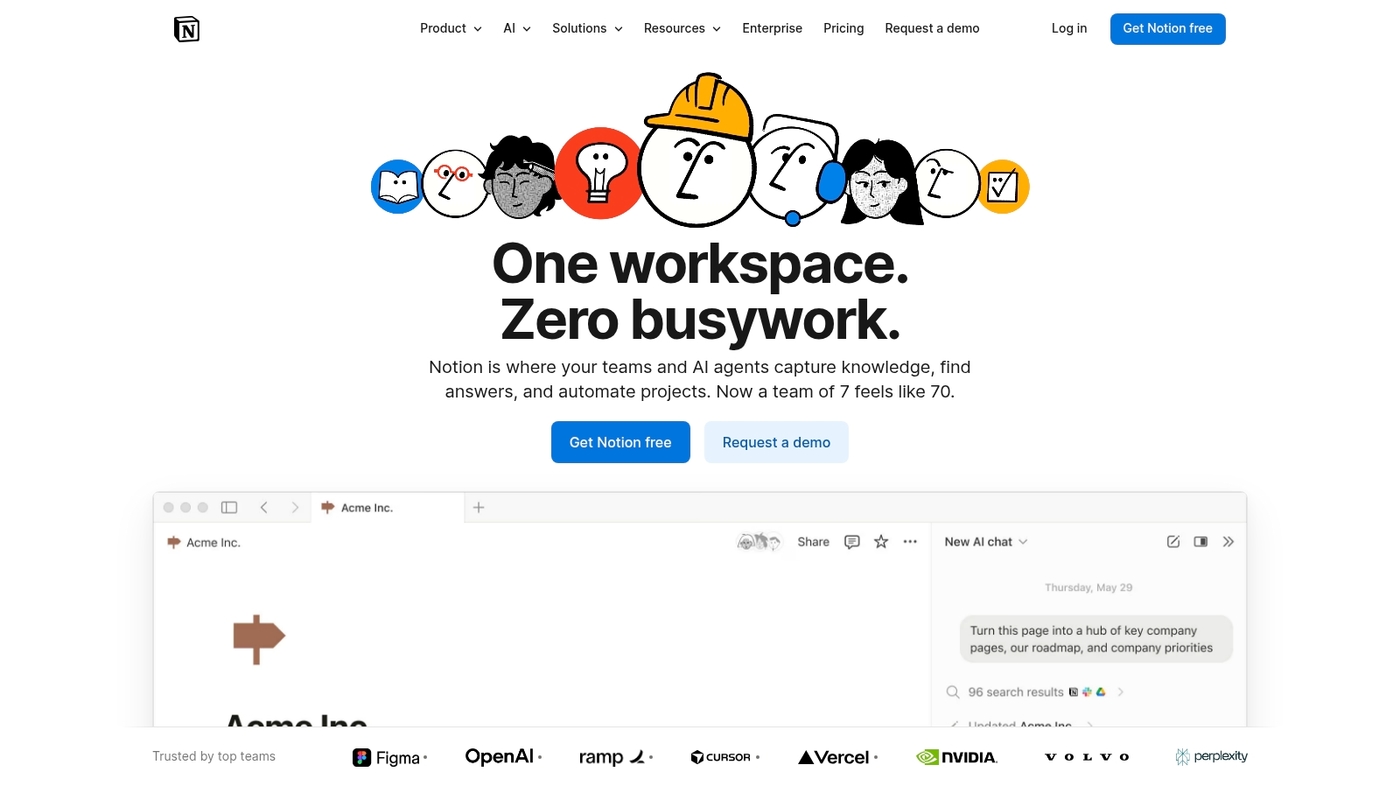
Notion is an all-in-one flexible workspace that blends notes, docs, and databases for teams. It uses a minimal interface and supports nested pages and powerful databases.
You can embed files, images, and videos with rich media support. It adapts to company wiki needs and scales from startups to enterprises. Editors build templates, relational databases, and kanban boards.
The platform reduces context switching and keeps policies, SOPs, and product docs in one place. You can assemble a working wiki in under an hour using templates and blocks.
See our guide to best free note-taking software for related tools and workflows.
Pros:
-
Flexible content structure with nested pages and relational databases
-
Rich embeds and file previews for docs, images, and video files
-
Templates and blocks that speed page creation and standardize docs
-
Lightweight editor that non-technical teams adopt quickly
Cons:
-
Search is less powerful than specialized enterprise knowledge platforms
-
Permission controls can feel coarse for large regulated teams
For who? Teams that need a customizable, visual wiki. Startups and product teams build SOPs, onboarding flows, and living docs. Small IT and design groups use Notion for lightweight documentation and collaboration.
Pricing: Free tier available. Team plans start at about $8 per user per month billed annually. Enterprise plans offer SSO and advanced controls on custom pricing.
GitBook
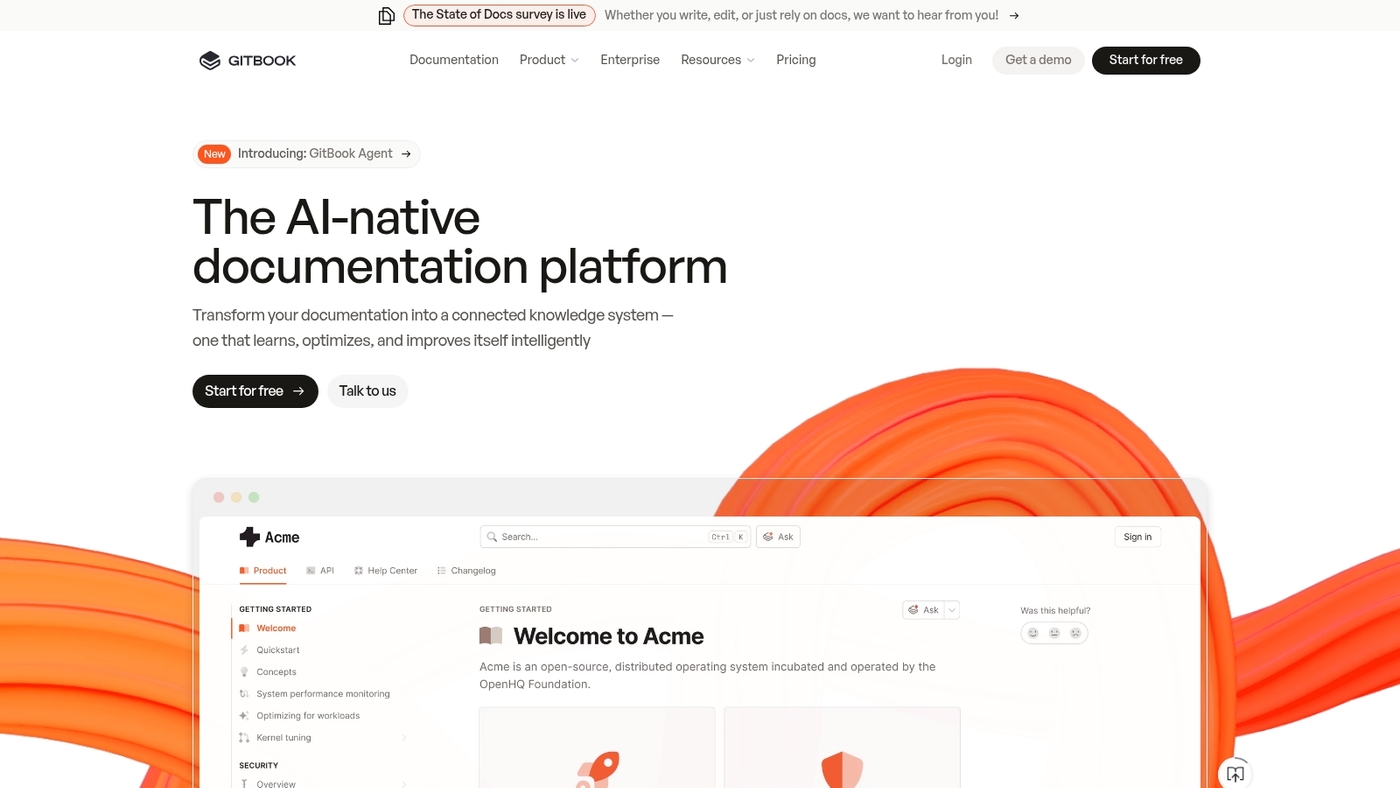
GitBook shines for developer docs and product notes. GitBook rates 4.8/5 for breaking knowledge silos through clear technical documentation.
It pairs version control with a simple editor. It supports markdown, code blocks, and API reference generation. It links to repos and works with CI workflows.
Teams get search that finds code snippets fast. GitBook speeds onboarding by cutting time to information. Product teams and engineers find its workflows natural, and the platform scales from small teams to large orgs with role controls and audit logs.
Pros:
-
Native Git integration and markdown support
-
Fast search that indexes code and docs
Cons:
-
Limited built-in analytics compared to other platforms
-
Price increases as user count grows
For who? Engineering and product teams that need versioned docs and repo links.
Pricing: Free plan for public docs. Paid plans start around $8 per user per month.
Document360
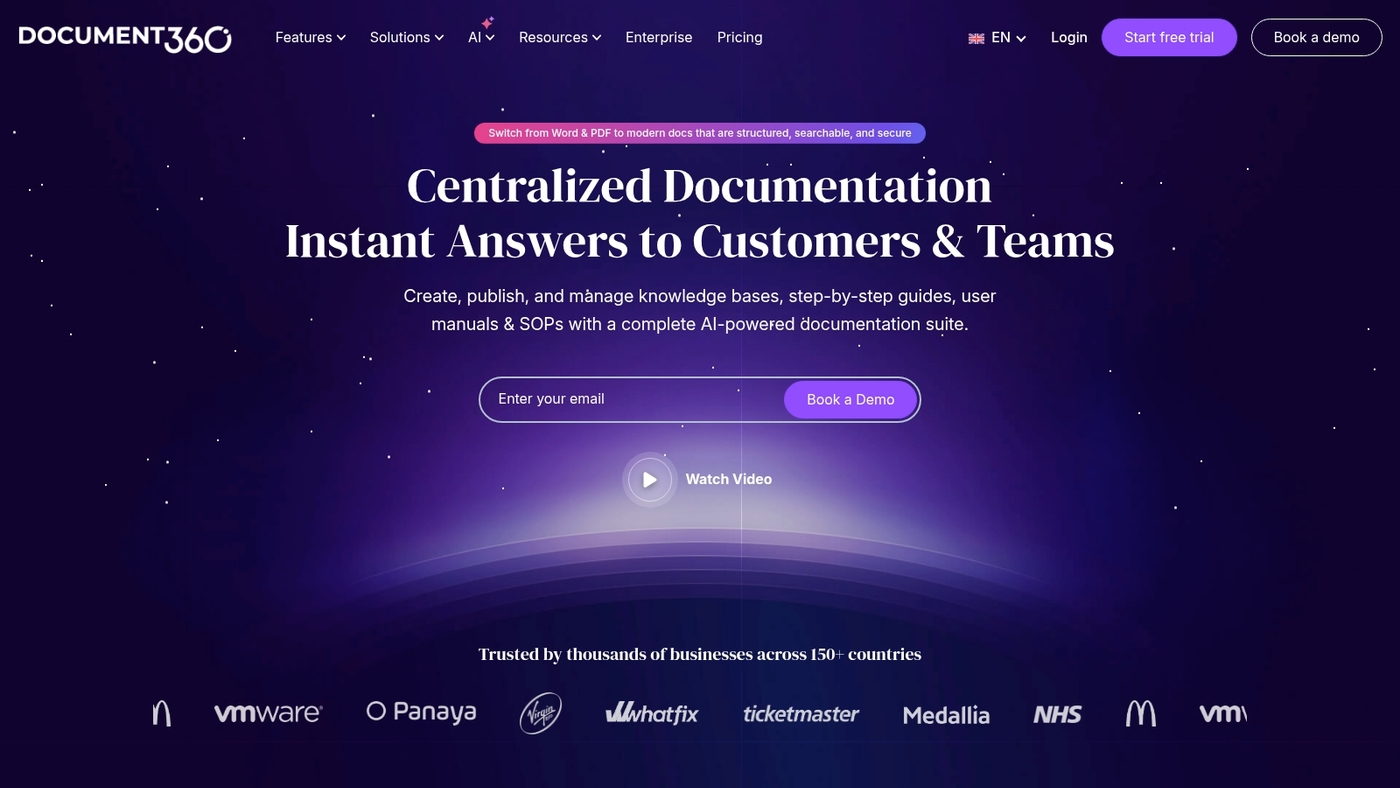
Document360 is corporate wiki software built for teams that need strict documentation control and compliance. It offers a clean editor, hierarchical categories, and fast search.
The product centers on a structured knowledge base for manuals, SOPs, and policies. You get a version control system with side-by-side diff and rollback. You get content workflows and audit trails that record approvals.
Admins assign granular roles and enable SSO for secure access. The analytics show page views, contributor activity, and stale content alerts.
Document360 fits regulated teams and product doc owners. Have you ever spent weeks waiting for approval cycles? We saw review cycles cut by weeks for one product launch. If you need traceable approvals and strict governance, this enterprise wiki helps you reduce risk and speed audits.
Pros:
-
Clear approval workflows for compliance
-
Robust permissions and SSO support
-
Built-in analytics for content health
Cons:
-
Editor less flexible than free note apps
-
Advanced features require enterprise plan
For who? Legal, HR, and product documentation teams that must prove compliance and version history.
Pricing: Tiered plans with monthly and annual billing. Enterprise quotes available for large teams and compliance needs.
Perfect Wiki
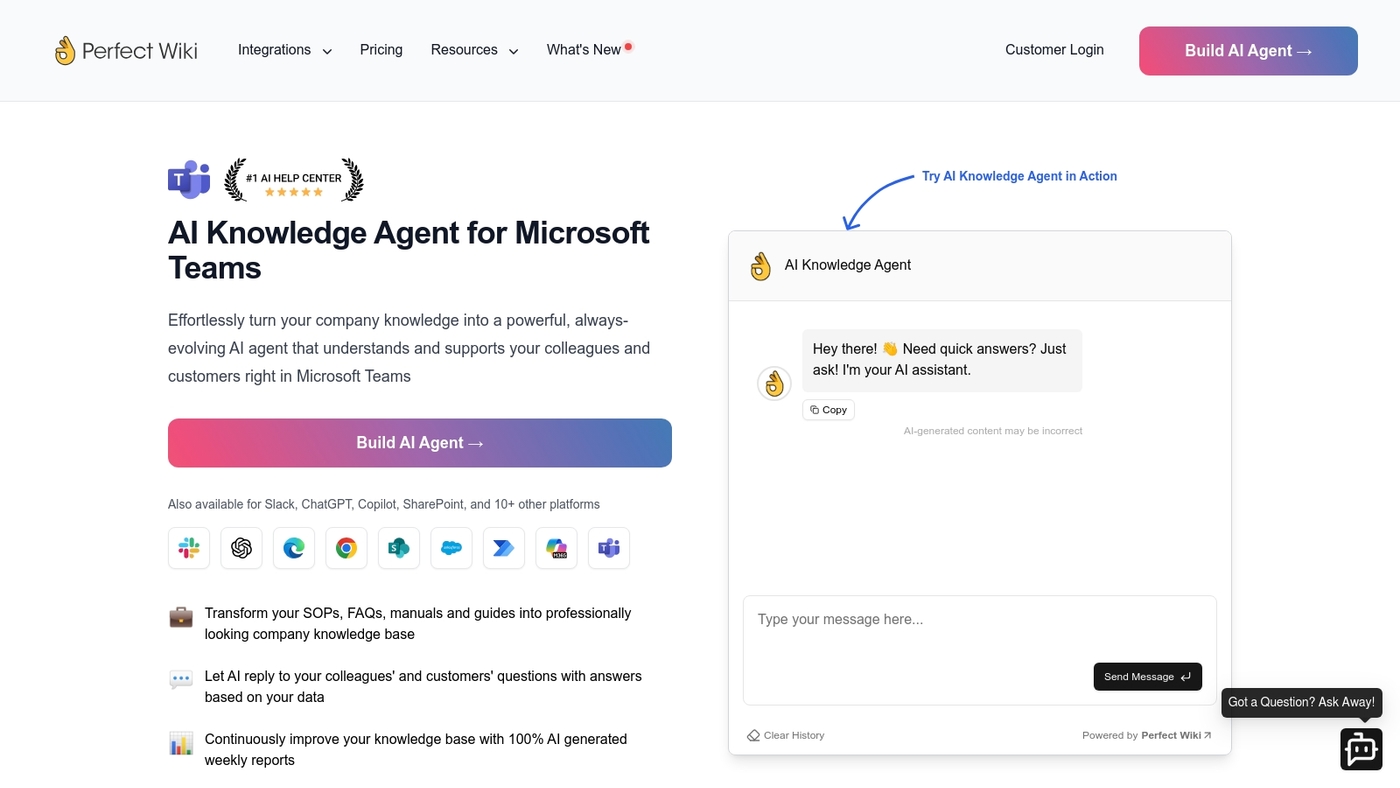
We recommend Perfect Wiki as a Teams-first corporate wiki software. It lives inside Microsoft Teams and offers an AI knowledge bot that answers staff queries.
Page-level permissions keep sensitive notes locked to the right groups. Version history logs show edits and restore points. The pricing model avoids per-user fees, which helps growing teams control costs.
The interface stays simple for editors and readers. The non-per-user pricing makes a real difference for mid-size companies that scale fast.
Pros:
-
Native Microsoft Teams integration for single-pane access
-
Page permissions model that reduces accidental leaks
-
Built-in AI search and summarized answers
-
Flat pricing avoids per-seat inflation
Cons:
-
Tight Teams focus limits standalone web features
-
Less deep customization than large enterprise wikis
For who? Teams-centric companies using Microsoft 365. Product, support, and internal comms teams that want fast onboarding and predictable costs.
Pricing: Offers flat, non-per-user plans. Contact sales for exact tiers and enterprise quotes.
XWiki
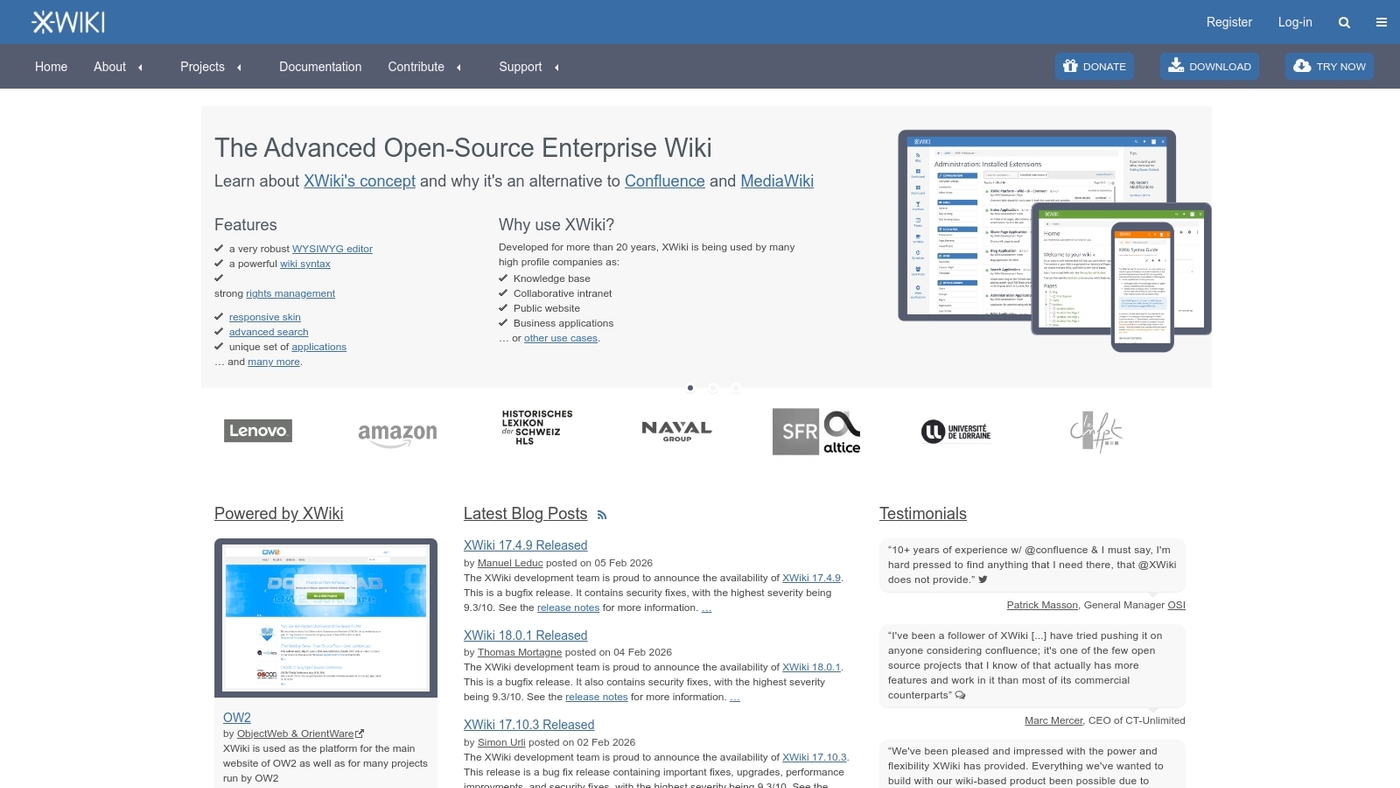
We recommend XWiki for teams needing full control over their internal knowledge. It’s an open source platform that supports structured data, custom apps, and rich page editing.
Admins can model data as objects, build forms, and enforce templates. You can extend features with a wide extension catalog and REST APIs. XWiki supports LDAP, SSO, and fine-grained permissions for secure sharing.
It fits teams that must keep data on their infrastructure. It serves as a self hosted wiki for regulated groups and IT-led projects.
Deploy on servers or private clouds to keep ownership and control. Community resources and enterprise support handle upgrades and troubleshooting so teams move faster and avoid vendor lock-in.
Pros:
-
Highly customizable with structured data and app development
-
Strong access controls, LDAP and SSO support
Cons:
-
Steeper setup and maintenance than hosted wiki products
-
User interface can feel technical for non-technical editors
For who? Engineering teams, regulated industries, and organizations that want a configurable, private wiki.
Pricing: Open source edition is free for self-hosting. Paid cloud plans and enterprise support subscriptions are available.
DokuWiki
DokuWiki is a secure, easy-install open-source corporate wiki software that runs without a database. It saves pages as plain text files and keeps server demands low.
Admins get ACLs, namespaces, version history, and a wide plugin library for access control and automation. The interface stays lean to reduce maintenance and speed page loads.
You can host it on a small VPS and manage backups with standard file tools. It suits teams that need a durable, self-hosted internal wiki and tight data control.
The no-database design works great for small to medium businesses. We’ve installed it for a client and saw faster page loads and predictable storage growth.
Pros:
-
Low server footprint and simple backups
-
Granular access controls and many plugins
Cons:
-
Basic WYSIWYG editor by default
-
Less modern UI than cloud options
For who? Small to medium teams that want a self-hosted, secure company wiki.
Pricing: Free open-source software; hosting costs apply and some commercial plugins may charge fees.
Softr
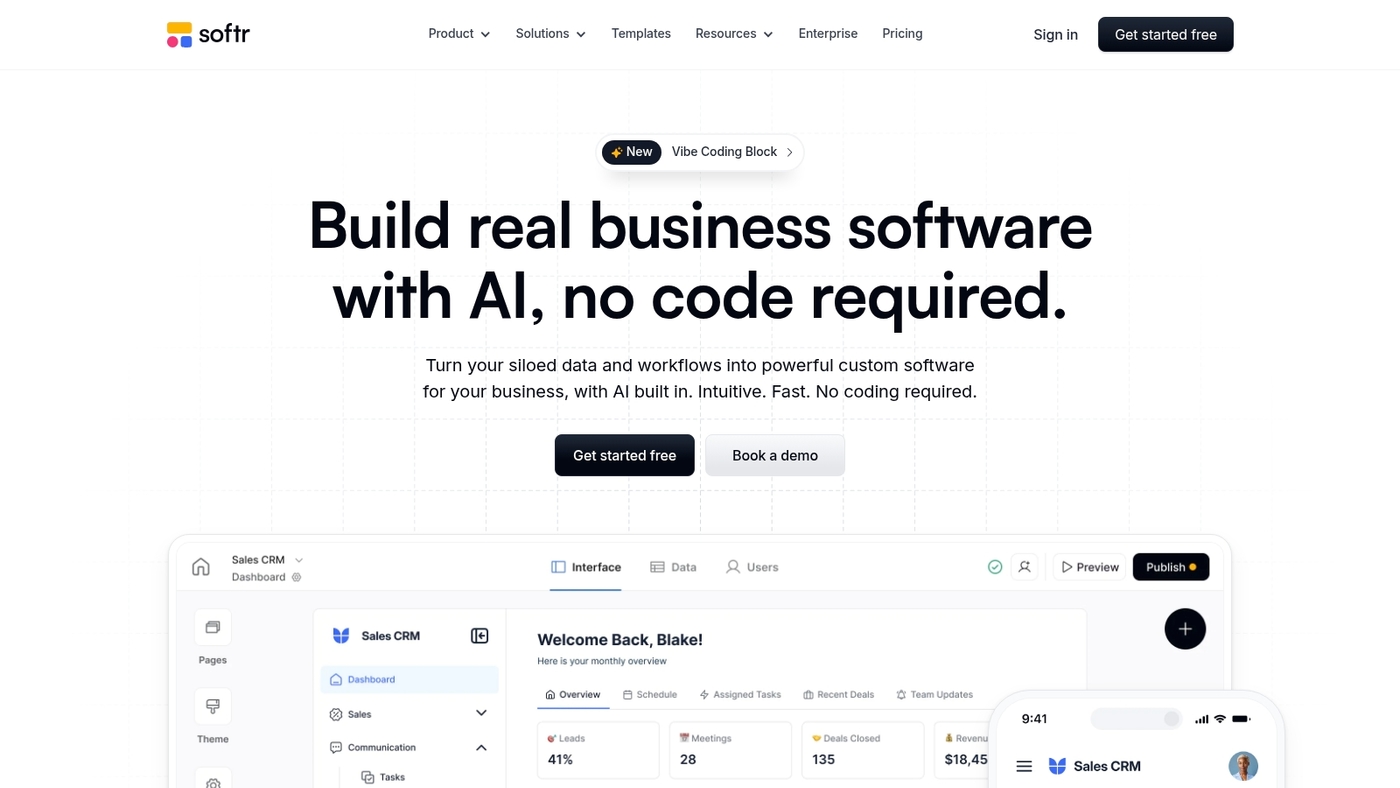
We recommend Softr for teams that want a fast, database-backed internal wiki. It’s a no-code wiki builder that turns Airtable or Google Sheets into live pages.
You add secure logins and role-based access. Pages update automatically when your data changes. Deployment takes minutes and needs no developer work.
The interface supports custom layouts and simple search. It works as a team wiki and internal knowledge base for marketing and ops teams. Its live-sync saves hours of manual updates every week.
It scales from small teams to enterprise workflows. Softr reduces backlog and keeps docs current.
Pros:
-
Live sync with Airtable and Google Sheets for instant updates
-
Secure logins and role-based access controls
-
Rapid deployment with no developer time required
Cons:
-
Less deep customization than developer-first platforms
-
Advanced enterprise features require higher-tier plans
For who? Small to mid-size teams that need a practical internal wiki without engineering work. Best for teams that already use Airtable or Google Sheets and want a searchable company wiki.
Pricing: Free plan available. Paid plans add SSO, custom domains, analytics, and expanded team seats. Enterprise pricing available on request for SSO and SLA needs.
How do I choose an enterprise wiki for my company
We recommend a simple framework to pick the right enterprise wiki software. Match product fit to your team, budget, tech, integrations, and governance goals.
-
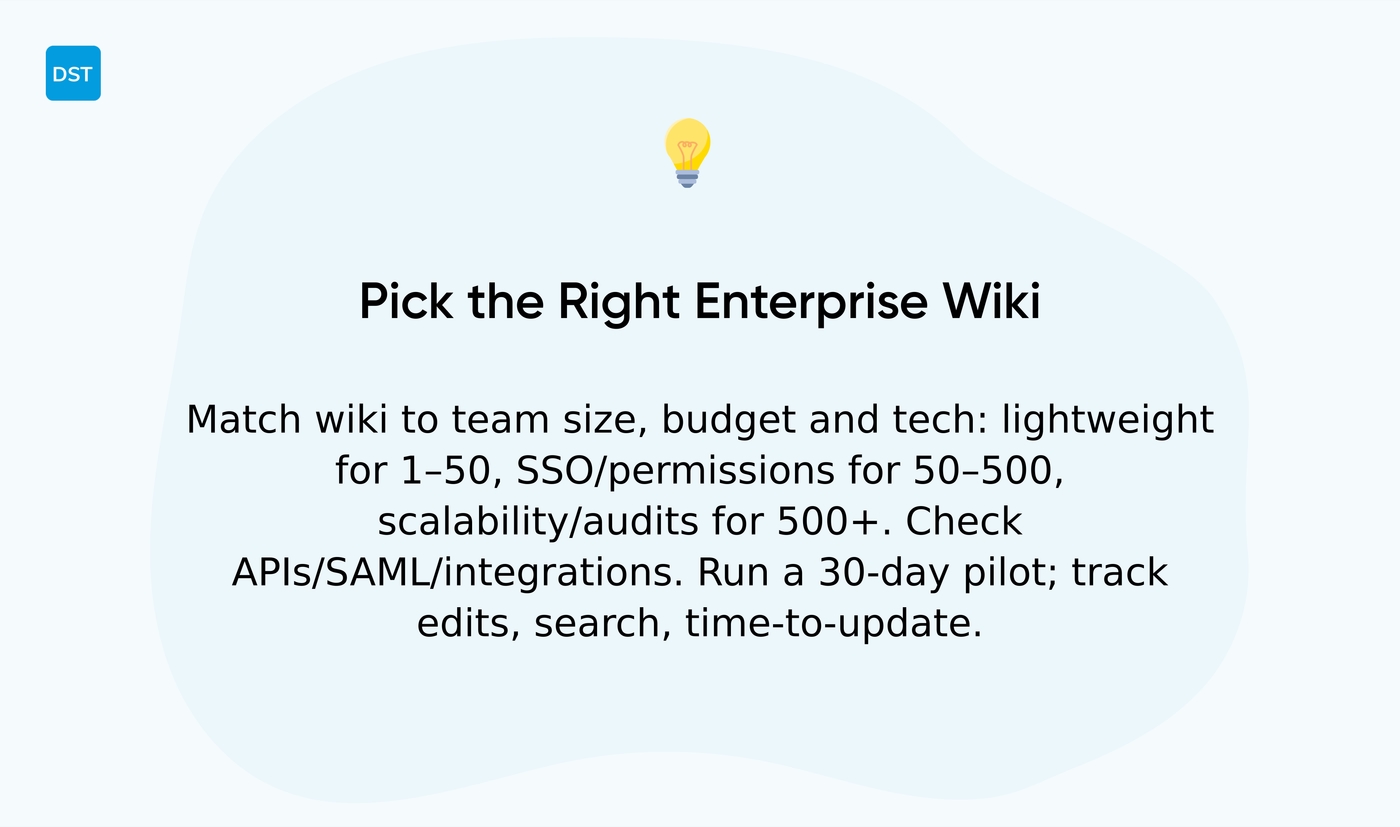
Team size: 1–50 pick lightweight wikis. 50–500 need permissions and SSO. 500+ demand scalability and audit logs
-
Budget: cloud SaaS runs about $5–20 per user per month. Open-source lowers license cost but raises ops spend
-
Technical needs: check APIs, SAML, LDAP, backup options, and data residency
-
Integrations: require Slack, Microsoft 365, Jira, or Google Workspace. Read recommended collaboration platforms for teams to map connectors to your stack
-
Governance & metrics: assign clear owners, content templates, and measure edit rate, search success, and time-to-update. Aim for 60–80% active users in 90 days
Strong integrations drive long-term value. They reduce lookup time by about 30% and cut duplicated docs.
Run a 30-day pilot with 2–3 teams. Track edits per user, search success rate, and time to publish fixes. Pick a wiki that becomes your internal knowledge base and central knowledge management platform.
Self-hosted vs cloud corporate wiki: which is right for you
We recommend a cloud corporate wiki for most teams. It reduces ops work and scales without heavy IT time.
Cloud-hosted options meet most company needs. They cut maintenance time and speed deployment. But here’s the thing—control matters for some organizations.
-
Self-hosted wiki — Best for strict data residency and full system control. Trade-off: you run updates and backups
-
Cloud corporate wiki — Best for rapid rollout and low IT overhead. Trade-off: limited server-level customization
-
Knowledge management platform — Pick one with SSO, role-based permissions, and audit logs for governance
Security: self-hosted gives physical control and on-prem encryption. Cloud vendors offer SOC 2, encryption at rest, and automated patching.
Maintenance: cloud reduces routine work by up to 60% for small IT teams. Self-hosted needs admin time for updates and monitoring.
Scalability and costs: cloud scales instantly and charges per user. Self-hosted can lower long-term hosting costs by up to 40% at large scale but needs infrastructure budget.
Actionable checklist for your decision:
-
Audit compliance needs. If strict residency matters, go self-hosted
-
Measure IT bandwidth. If you lack ops staff, choose cloud
-
Estimate 12-month total cost including support and migrations
Pick cloud for speed and lower ops. Choose self-hosted for control and custom integrations.
You’ll also like: 7 Best Free SCRUM Tools for Agile Project Management
How much does corporate wiki software cost
We see corporate wiki software costs vary by pricing model and team size.
Per-user pricing is the most common model. Basic plans run $3–$8 per user per month. Advanced plans run $10–$30 per user per month with SSO, audit logs, and support.
Flat-rate options suit steady headcounts. Expect $500–$3,000 per month for enterprise tiers. One-time self-hosted licenses often start near $5,000, and ongoing maintenance adds to that fee.
Open-source alternatives like XWiki and DokuWiki carry no license cost. Plan for hosting, backups, security, and developer time. Hosting typically runs $20–$200 per month.
Integrations, storage, and SLA-level support drive extra spend. Premium connectors can add $200–$1,000 per month. Storage usually costs $0.01–$0.10 per GB monthly. Support plans often equal 15–20% of license fees each year.
Run a simple three-year cost model. For 50 users at $8 per user, annual spend equals $4,800. Add migration and training—ten hours of training at $50 per hour equals $500 one time.
Per-user plans give the most predictable scaling math for growing teams. If you have solid IT resources, self-hosting can cut license bills but raises admin hours.
Prioritize must-have integrations and gauge admin time in a 30-day pilot. Track adoption and admin effort to budget accurately and avoid surprise costs.
Read also: Top 9 Best Free Planning Software
Best practices for implementing and maintaining an internal wiki
We push for a simple rollout plan before you add pages. A clear structure and steady governance make or break a wiki.
-
Structure planning — Map core topics first. Start with 50 high-value pages and link them to teams
-
Permission setup — Use SSO and role-based access. Limit edit rights to owners and reviewers
-
Content migration — Migrate in batches of 20–50 pages. Validate links and remove duplicates during each batch
-
User adoption — Run 30-minute workshops per team and publish quick-start guides. Track adoption with page views and search success rate
-
Governance policies — Define owners, review cadence, and edit rules. Enforce a 90-day review window for living docs
-
Ongoing maintenance — Schedule monthly audits and archive stale pages. Automate reminders and approvals using workflow automation software
Pick corporate wiki software that offers strong search, version history, and integrations with your tools. You’ll reduce time lost to duplicate answers and speed onboarding by measurable amounts.
We recommend starting small, measuring adoption, and iterating every quarter. You’ll keep the wiki useful and trusted.
You might also like: 7 best free Gantt software



