

An intelligent work platform can stop the chaos when tools and tasks start to fragment across teams.
Too many organizations juggle spreadsheets, chat threads, and one-off automations that slow decisions and inflate overhead.
A single AI work platform that unifies collaboration, workflow automation, and project insights makes work more predictable and visible.
This article reviews seven leading platforms, from no-code automation builders to enterprise orchestration systems, so you can compare real capabilities.
You’ll learn which solutions deliver AI productivity tools, intelligent document processing, and the integrations your stack needs (like Jira and Microsoft 365).
By the end you’ll be able to shortlist platforms that match your team’s size, security needs, and budget without the guesswork.
What is an intelligent work platform
An intelligent work platform is an AI-enhanced system that unifies collaboration, automation, and project management. It combines messaging, task tracking, workflow automation, and analytics in one workspace.
These systems provide AI productivity tools that suggest priorities, automate routine tasks, and surface risks before they escalate. They differ from legacy work management platforms by offering predictive insights, intelligent document processing, and deeper integrations with tools like Jira and Microsoft 365.
Pilot data often shows 30–40% less routine work. (That’s hours back in your week, not minutes.)
-
Workflow automation software for no-code automation builders and repeatable processes
-
Work orchestration platform to route approvals and balance workloads
-
Knowledge management platform that centralizes policies and searchable documents
-
Enterprise collaboration platform features for real-time coordination across teams
Choose a platform that supports scalable integrations, process mining software for optimization, and clear security controls. Run a 30-day trial focused on one high-volume process.
Measure time saved, error reduction, and user adoption. Start small, expand once you hit measurable gains.
Key features of modern work management platforms
AI productivity tools and automation capabilities
A work management platform automates repetitive tasks and routes work to the right person. That frees hours for strategic work.
They use AI productivity tools for task automation, predictive analytics, and smart recommendations. They include no-code automation builders and intelligent document processing to reduce approvals and errors.
AI models surface priority tasks and forecast delivery risks. You get faster, data-driven decisions. Well, one team we know ran a small RPA pilot—it cut invoice processing from 48 hours to 8 hours.
Compare trigger libraries, connectors, and Robotic Process Automation features with top workflow automation software. Start a free pilot and measure cycle time. Scale what proves effective.
Enterprise collaboration and digital workplace features
Real-time communication, file sharing, and cross-team coordination define modern digital workplaces. These capabilities create a unified workspace that reduces friction for remote teams.
An intelligent work platform pairs these features with AI productivity tools and workflow automation software. AI recommendations can cut handoff time by 20% for active teams.
Enable shared drives, threaded chat, and integrated search. Explore enterprise collaboration platforms. Test SSO, version control, and automation flows.
Start a trial and watch how your team adapts over four weeks. Use unified task boards to reduce status meeting time by up to 50%.
Enable presence indicators and live cursors to speed reviews. Link tools like Jira and Microsoft 365 to preserve context. Measure ROI by tracking cycle time and adoption metrics.
Work orchestration and business process automation
An intelligent work platform organizes tasks, systems, and approvals into automated flows. It reduces friction and speeds delivery.
Advanced workflow orchestration uses visual maps and rules to route work. Teams build logic with no-code automation builders and low technical effort. Smart forms and OCR feed intelligent document processing engines—that cuts data entry and approval time.
Real deployments show teams cut manual steps by 40–60% and lower processing costs by 30–50% on average. Those numbers accelerate ROI and shorten audits. (Plus, who doesn’t love fewer manual approvals?)
Pairing an AI work platform with clear governance prevents chaos. I’ve seen faster rollouts and fewer errors when teams standardize templates. Start with a small pilot, measure cycle time and error rates, then explore trusted digital workplace platforms to compare features and pricing.
Integration and knowledge management capabilities
Pick intelligent work platforms that connect Jira and Microsoft 365. Seamless tool connectivity links projects, tickets, and documents in a single view.
Platforms create centralized knowledge repositories and enable cross-platform data synchronization. This converts scattered files into a usable knowledge management platform for your teams.
Sync should run in near-real-time, with conflict resolution and audit logs. A unified knowledge layer can cut context switching by up to 30 percent. That boost improves task completion rates and speeds onboarding by measurable margins.
Audit your integrations, map key data flows, and test search relevance under load. Compare options and pick a wiki that meets your search, security, and sync needs: best corporate wiki software.
7 best intelligent work platforms to consider
Monday.com
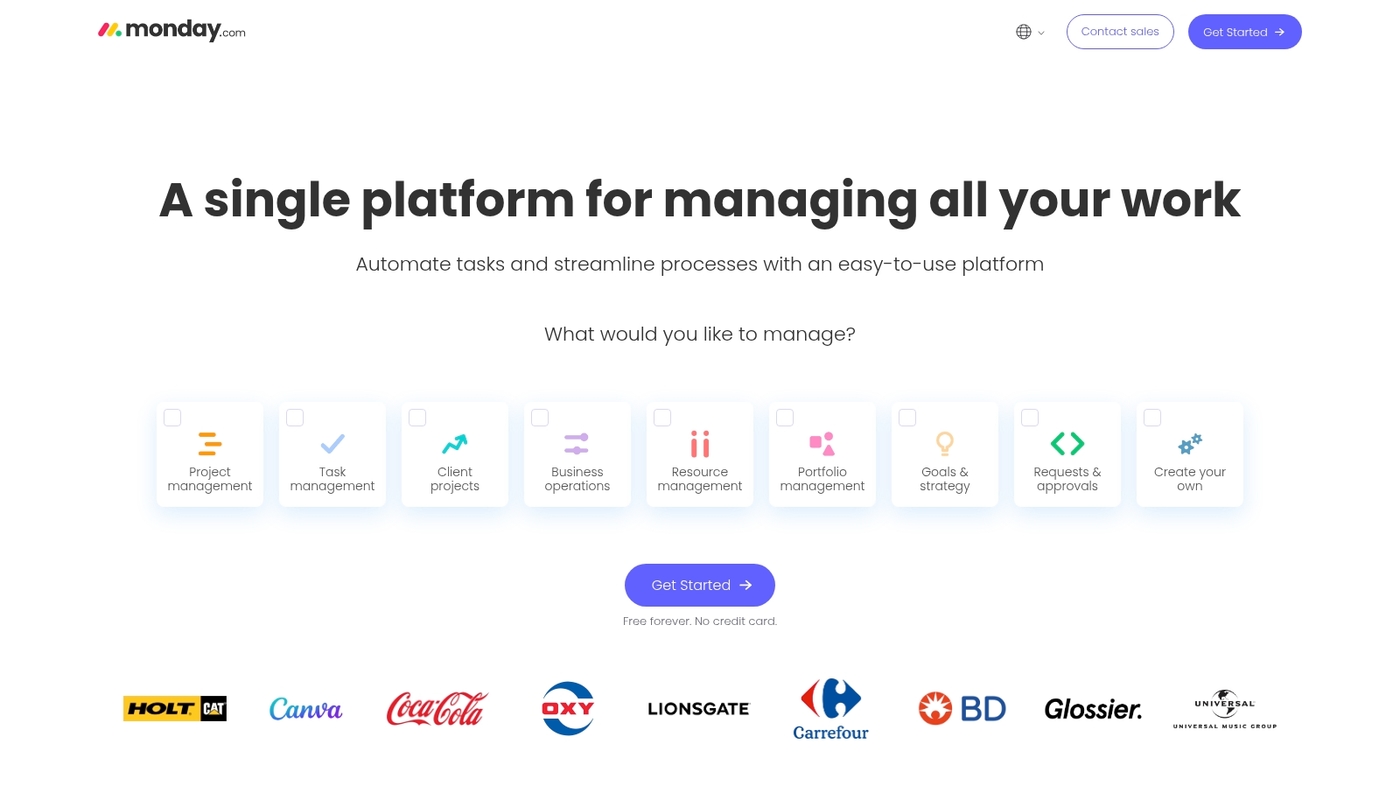
Monday.com is a flexible intelligent work platform that pairs visual boards with a no-code automation layer. Teams model workflows, route tasks, and surface metrics from a single workspace.
The platform connects with common apps and offers dashboards that highlight bottlenecks and AI suggestions for prioritization. The visual layout speeds onboarding for mixed teams. The template library helps launch campaigns and HR processes fast.
The product fits teams that want an AI work platform feel without heavy setup. Mobile apps and real-time updates keep distributed work aligned.
Pros
-
Visual boards make status visible at a glance
-
No-code automation reduces repetitive tasks
-
Customizable workflows adapt to varied teams
Cons
-
Advanced automations require paid plans
-
Complex reporting can need learning time
For who?
Small to mid-size teams and departments that prioritize quick adoption and workflow flexibility.
Pricing
Free tier available. Paid plans start around $9 per user per month billed annually.
ClickUp
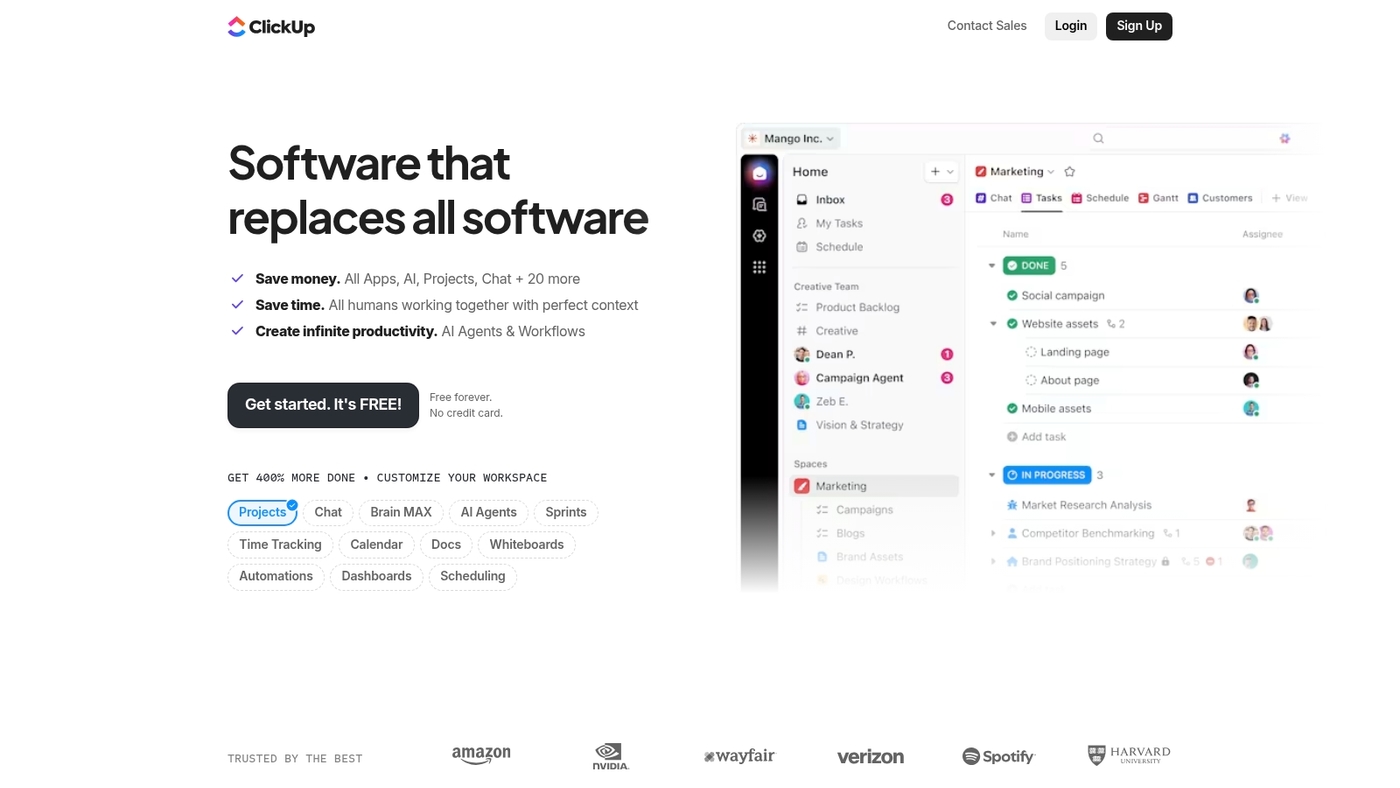
ClickUp is a versatile intelligent work platform for teams that need an all-in-one workspace. It combines project management, docs, goals, and time tracking. It offers List, Board, Gantt, Table, and Calendar views.
Its AI Brain features deliver writing, summarization, and smart task suggestions. The platform ships a no-code automation builder for rules, triggers, and recurring workflows. It connects with hundreds of apps so your data stays synced.
ClickUp balances deep customization with usable templates and starter kits. Start with the free plan to test automations and scaling needs. See our comparison of task management tools to place it among other options.
Pros
-
Flexible views and high customization
-
Built-in task automation tools and AI assistants
-
Large integration ecosystem and unified workspace
Cons
-
Steep learning curve for heavy customization
-
Settings can feel overwhelming for small teams
For who?
Teams that need a single work management platform with deep customization. Product, operations, and growth teams that rely on automation and reporting benefit most.
Pricing
Free plan available. Paid plans start at $5/user/month billed annually for Unlimited. Business tiers and Enterprise plans offer advanced controls and custom pricing.
Celoxis
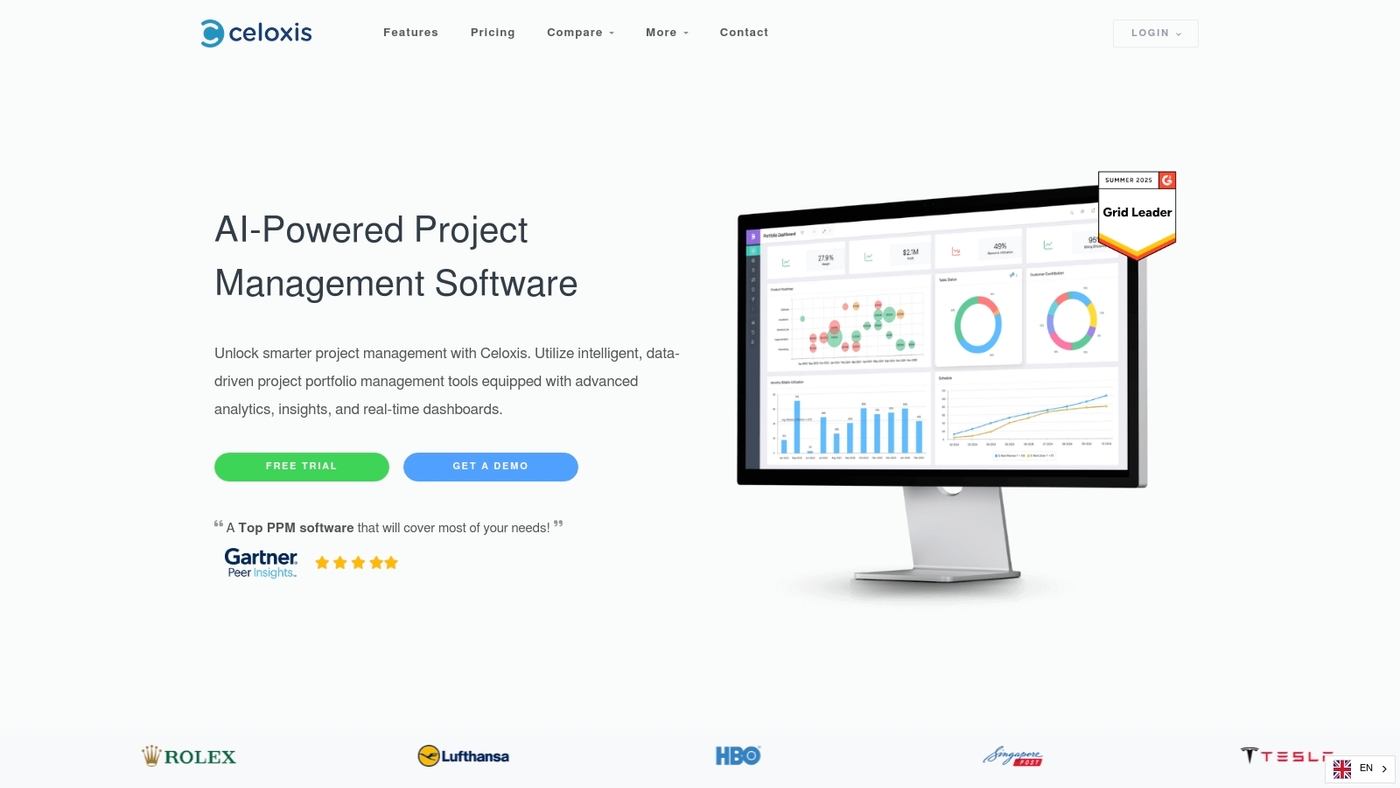
Celoxis is an enterprise all-in-one intelligent work platform built for mission-critical teams. It pairs a built-in Lex AI assistant with real-time project synchronization to keep schedules, budgets, and resources aligned.
Reporting uses configurable charts and cross-project rollups for clear visibility. The platform supports workflow automation, resource forecasting, and APIs that link to Jira, Microsoft 365, and common business systems.
You get an interface that surfaces AI insights and task automation without heavy setup. Celoxis fits teams that need strict governance and high observability. Learn more from their detailed overview at Celoxis work management software.
Pros
-
Strong enterprise reporting and dashboards
-
Built-in AI assistant for task suggestions
-
Supports both cloud and on-prem deployments
Cons
-
Steeper learning curve than simple task tools
-
Advanced customization may require admin time
For who?
Enterprises and PMOs that need a scalable work orchestration platform with tight budget and resource controls.
Pricing
Cloud plans start around $22–25 per user per month. Enterprise quotes and on-prem options require contacting Celoxis sales.
Asana
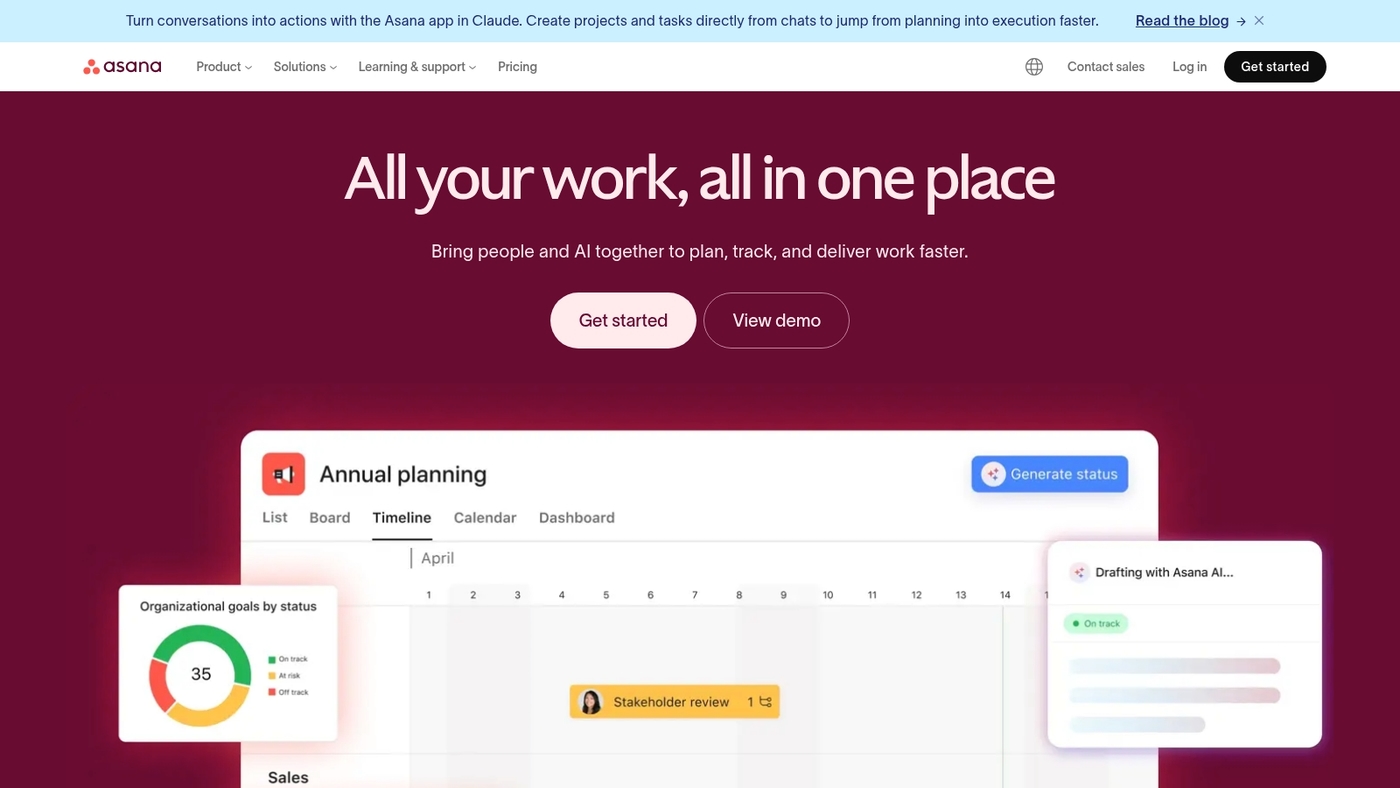
Asana is an intelligent work platform for scaling teams handling complex projects. It merges tasks, timelines, boards, and automation into one workspace.
Users create custom rules with a no-code automation platform to route work and trigger updates. The product offers AI work platform features that surface priorities, predict delays, and suggest task owners. These AI signals reduce manual coordination and speed delivery.
Asana links with Slack, Microsoft 365, and Jira to keep data in sync. You can orchestrate cross-team workflows and build templates for recurring programs. The UI handles thousands of tasks and scales from squads to enterprise portfolios.
Pros
-
Robust integrations with common tools for unified workflows
-
Flexible automation rules that require no coding
-
AI features that highlight risks and prioritize work
Cons
-
Advanced automations can be complex to design
-
Enterprise pricing rises as user counts and features scale
For who?
Product teams, program managers, and cross-functional groups that need work orchestration and automated handoffs. Good fit when you must coordinate many stakeholders and templates.
Pricing
Free tier available. Paid plans start around $11 per user per month for core features, with higher tiers for advanced automation and enterprise controls.
Wrike
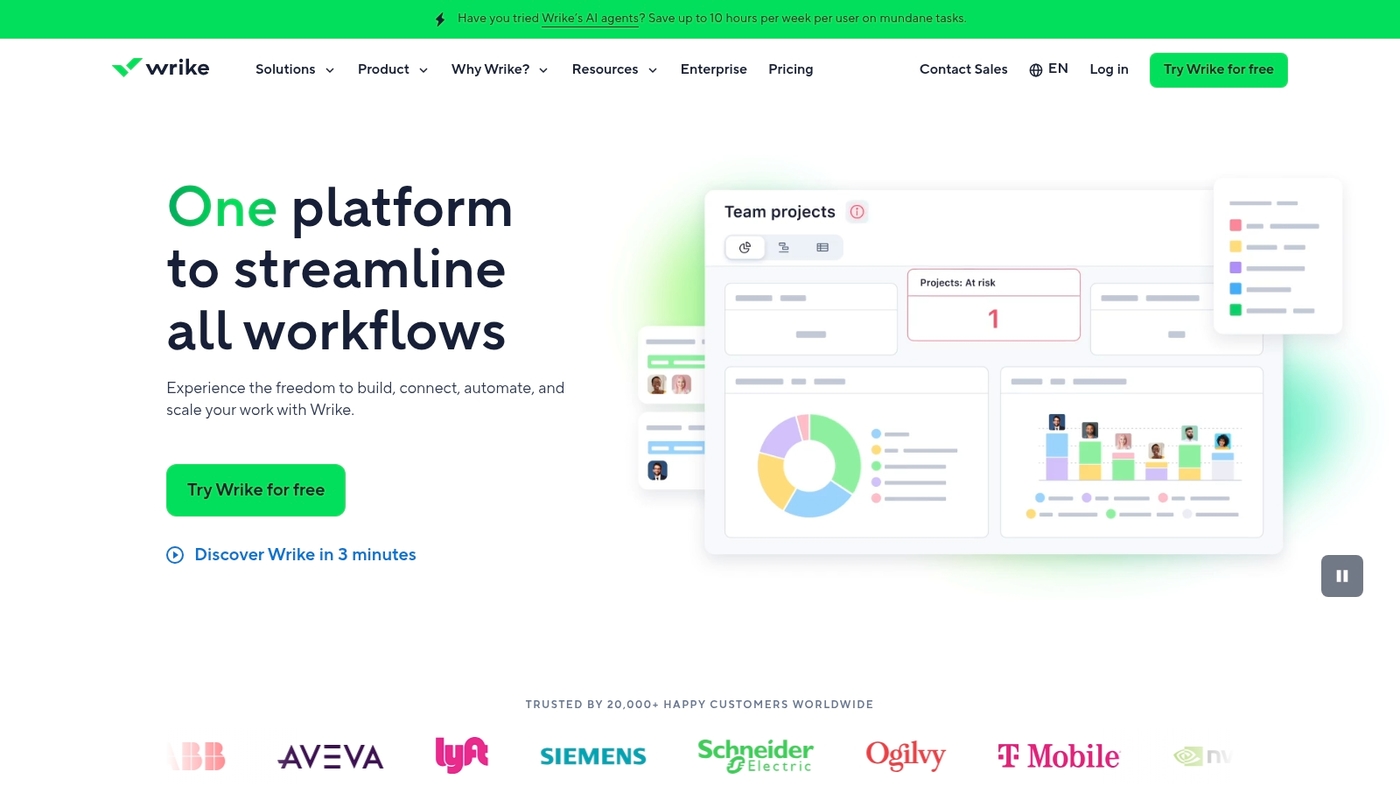
Wrike is built for teams that need an intelligent work platform blending AI, resource planning, and work management. Wrike targets marketing and IT teams with tailored features.
The platform acts as an AI work platform with automation and smart recommendations. It includes resource planning tools, capacity views, and customizable dashboards. You can automate workflows using its no-code automation builder.
Its dashboards surface the right metrics to reduce status meetings. The system integrates with common marketing and IT tools. See more on resource planning tools. Pricing starts at freemium, with paid tiers beginning at $10 per user per month.
Pros
-
AI features in every plan for automated suggestions and smart summaries
-
Robust resource planning and capacity views that aid forecasting
-
Customizable dashboards for role-based reporting and quick insights
-
No-code automation tools that reduce manual task work
Cons
-
Steep learning curve for teams new to advanced work orchestration
-
Some advanced reports require higher-tier plans or add-ons
For who?
Marketing teams, IT operations, and project managers at mid-size companies and enterprises that need AI insights plus resource planning.
Pricing
Freemium plan available. Paid plans start at $10 per user per month.
Jira Work Management
Jira Work Management is a practical intelligent work platform for business teams. It moves Jira features beyond DevOps into HR and operations.
The interface uses lists, boards, and timelines. Built-in automations speed routine tasks. The product offers a free plan for up to 10 users. Paid tiers cap at about $15 per user per month.
Integrations link work items to issue tracking and calendars. It reduces status calls and keeps work visible. Use it if your teams need a simple, scalable work management platform with basic automation and tight Atlassian ties.
Pros
-
Clear task views for non-technical teams
-
Free plan for small teams and affordable paid tier
Cons
-
Less configurable than some heavy customization platforms
-
Advanced automation needs push you toward paid plans
For who?
Small to mid-sized operations, HR, marketing, and teams already using Jira.
Pricing
Free for up to 10 users. Paid plans up to $15/user/month for standard features.
Notion AI
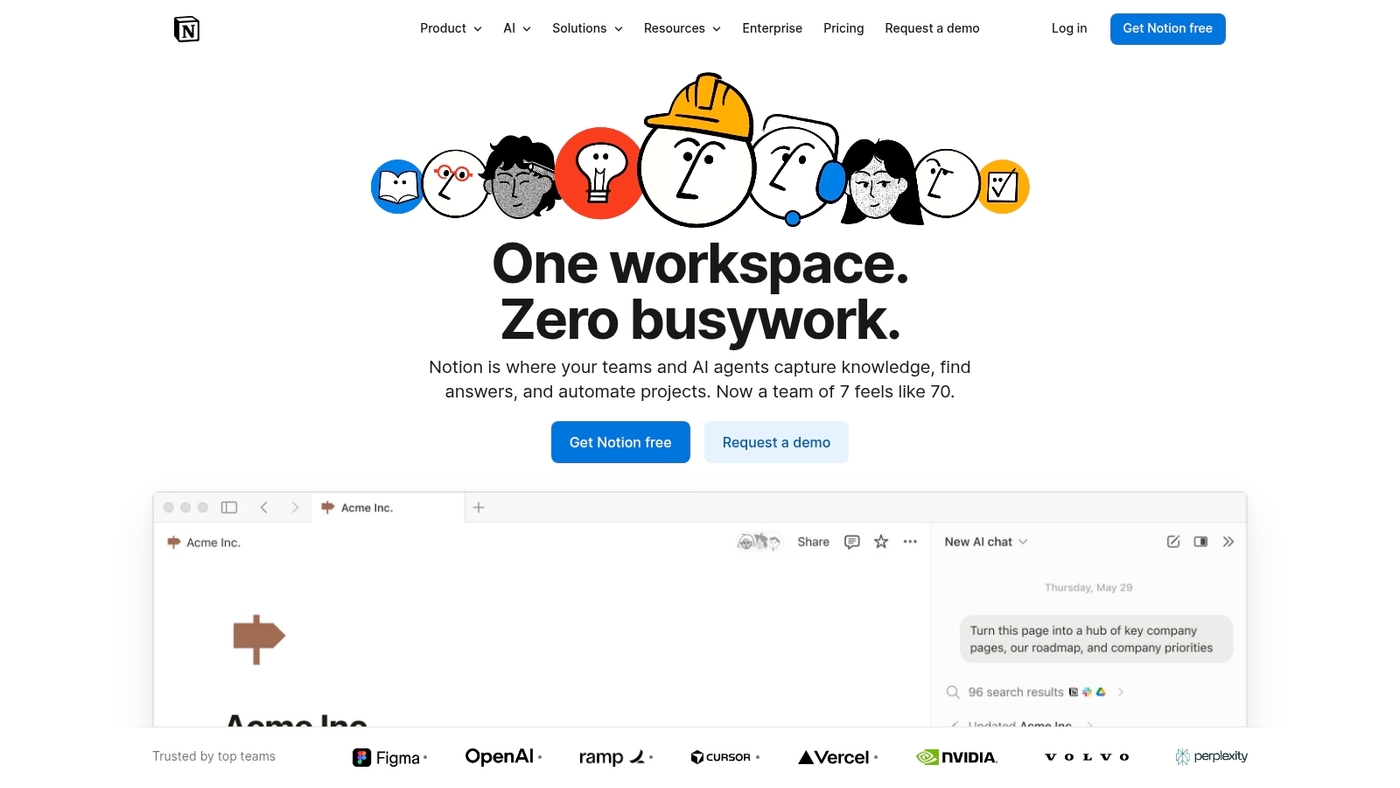
Notion AI is a versatile intelligent work platform that blends wikis, databases, and project management in one space. The editor supports rich pages and linked databases.
The AI assists with summaries, drafts, and context-aware edits via a pay-per-credit model that keeps costs predictable. Notion connects with common tools and serves as a knowledge management platform and collaborative documentation hub.
Its simple editor plus AI features speed onboarding and reduce meeting load. You can pair Notion with a dedicated document management guide at document management systems to tighten governance and search. Use Notion when you need flexible pages, structured data, and light-weight automation in one workspace.
Pros
-
Unified wiki and database model for living documentation
-
Pay-per-credit AI keeps incremental AI costs transparent
Cons
-
Advanced automation requires external tools or workarounds
-
Performance can lag with very large databases
For who?
Teams that need a knowledge management platform with collaborative docs and simple project tracking. Good fit for product teams, content teams, and small IT groups.
Pricing
Free personal tier available. Team plans start around $8 per user per month. AI features use a pay-per-credit model and enterprise pricing is available on request.
You’ll also like: Top 10 Best Project Scheduling Tools
How to choose the right intelligent work platform
Prioritize integrations and automation—they speed adoption and cut manual work by up to 30%. Team size and security should shape your final choice.
What matters most for your workflow?
|
Factor |
What to look for |
|---|---|
|
Team size |
1–10 users need fast setup and mobile apps. 10–100 users need role-based access and scalable views. 100+ users need SSO, SCIM, and audit logs. |
|
Integration requirements |
Confirm native connectors to Jira, Microsoft 365, Slack, and your CRM. Test API limits and webhook support for real-time sync. |
|
Automation needs |
Pick a no-code automation platform with triggers and reusable actions. Verify AI productivity tools and workflow automation software that lower manual tasks. |
|
Security standards |
Require SOC2 Type II or ISO 27001. Check data residency, encryption at rest and in transit, and granular RBAC. |
|
Total cost |
Estimate three-year total cost of ownership. Add per-user fees, integration work, training, and change management. |
Run a 30-day pilot. Track onboarding time, automation ROI, and support SLAs.
Compare finalists on task reduction and compliance fit. Pick the work management platform that shortens cycles and keeps your data safe.
Read also: What Is Project Management Software and How It Works
Benefits of implementing an employee experience platform
An employee experience platform boosts productivity and cuts waste. An intelligent work platform unifies tools, reduces context switching, and provides one source of truth for tasks.
Automation replaces repetitive work. Workflow automation software can reduce manual processing time by up to 30% and lower operational costs roughly 15–20% in typical deployments.
Teams gain clearer accountability with a work orchestration platform that routes approvals and tracks SLAs. You see faster cycles and fewer missed deadlines. (And honestly, who doesn’t want fewer fire drills?)
Digital workplace platforms improve async work and keep dispersed teams aligned. Use virtual collaboration software to centralize chats, file sharing, and meeting notes.
Unified knowledge and intelligent document processing cut onboarding time. In one rollout we tracked a 25% faster new-hire ramp. Enterprise collaboration platforms add searchable knowledge, integrated calendars, and AI productivity tools that recommend next steps.
Choose a no-code automation platform when you need fast wins. Pick an intelligent automation platform when you must scale complex business process automation across departments.
Start by mapping top pain points, prioritize task automation, and pilot core integrations. Try one platform for 30 days and measure time saved, cost impact, and employee satisfaction.
Read also: Top 10 Best Productivity Tools



