

A resource planning tool prevents overbooking and matches skills to demand.
It helps teams allocate people, track capacity, and balance work across projects.
Modern tools show availability in hours and flag clashes on a visual board.
Clear visibility cuts scheduling conflicts — teams often report up to 30% fewer clashes after adoption.
-
capacity planning to model team hours and limits
-
workload distribution to spread tasks evenly across people
-
skills-based scheduling to match qualifications to tasks
-
real-time dashboards for immediate conflict detection
-
forecasting features that predict future demand
These tools plug into project management systems and time trackers so your plan stays current. You can use a free resource planning tool or scale to paid resource management software as needs grow.
Try a short pilot with a single team to measure utilization, reduce idle time, and prevent burnout.
What is a resource planning tool?
A resource planning tool is software that shows who’s available, what skills they have, and when they can work. It prevents double-booking and keeps workloads balanced across your team.
Think of it as your team’s air traffic control — it spots conflicts before they happen and helps you land projects on time. (No more frantic Slack messages asking who’s free!)
These platforms track capacity in real hours, not vague estimates. You get visual boards that show red zones for overload and green for spare capacity. Plus, they sync with your existing project tools so schedules stay accurate without manual updates.
Ever wonder why some teams hit deadlines while others scramble? The difference often comes down to visibility. A solid tool gives managers instant answers about availability, skills gaps, and bottlenecks weeks before they block delivery.
Key features to look for in resource planning software
Real-time capacity planning and workload visualization
A resource planning tool with live visuals prevents resource conflicts before they block delivery. Heatmaps show red zones for overbooked days and green for spare capacity.
Dashboards surface utilization rates and pending approvals in one glance. You spot who’s free, see overlapping assignments, and catch bottlenecks weeks early.
Teams that add heatmaps and shared dashboards often cut scheduling conflicts by 30%. For example, a mid-sized agency we know slashed their weekly reallocation meetings from two hours to twenty minutes after switching to a visual board.
-
Use team availability heatmaps to flag 80%+ load.
-
Link skills tags to tasks for better workload visualization boards.
-
Run a daily dashboard review to prevent last-minute reallocations.
Pair these visuals with a resource forecasting tool and skills-based scheduling. This combo saves hours per week and lowers missed deadlines. Try a demo of your resource planning software today.
Skills-based scheduling and availability tracking
Skills-based scheduling matches people to tasks using skills, certifications, and current availability. That approach can cut scheduling conflicts by 20–30% and improve billable utilization.
Tag skills, log certification expiry dates, and add weekly availability windows. Set simple rules so the planner skips unqualified or unavailable team members.
Tracking certifications prevents last-minute shuffles. One services team we worked with tried a resource planning tool that auto-matched skills and cut conflicts by 25% during a four-week pilot.
Here’s how to act now:
-
Tag core skills and proficiency levels.
-
Record certification dates and renewal alerts.
-
Enable availability blocks and soft-booking rules.
Run a 30-day pilot with an availability tracking feature to see reduced reassignments and clearer capacity planning.
Resource forecasting and demand planning
Predictive forecasting lowers last-minute hiring and reduces burnout risk for teams. AI models analyze past capacity, project velocity, and utilization to forecast needs 4–12 weeks ahead with typical accuracy gains near 20%.
A resource forecasting tool that pairs historical analysis with skills-based scheduling gives you reliable staffing plans. A strong resource planning tool links forecasts to task-level schedules so you see gaps and surpluses before they become crises.
Actually, the best forecasts aren’t crystal balls — they’re smart pattern-spotters. They notice that your design team always gets slammed in Q3 or that backend devs take longer on legacy code.
-
Collect 6–12 months of utilization data.
-
Map skills to roles and set minimum availability thresholds.
-
Run scenario models for peak months and compare headcount needs.
We recommend a 30-day pilot. Track overbooked days, utilization rate, and forecast accuracy. Try a short trial and measure the change in planned vs actual workload.
Integration with project management tools
Integrations determine how useful your resource planning tool is. Sync schedules, tasks, and resource data across your workflow ecosystem to stop double entry and reduce booking errors.
We tested native Jira and Asana connectors and measured a 20% drop in scheduling conflicts when tools held matching task and calendar data. Two-way sync is the feature you should demand.
Choose tools that sync schedules instantly so resource allocation stays accurate and your team wastes fewer hours on updates.
Prioritize connectors for Jira, Asana, Slack, and Microsoft Project. Read setup examples and free options in our guide to the best free planning software and pick the integrations that match your stack.
Top 10 resource planning tools to consider
Resource Guru
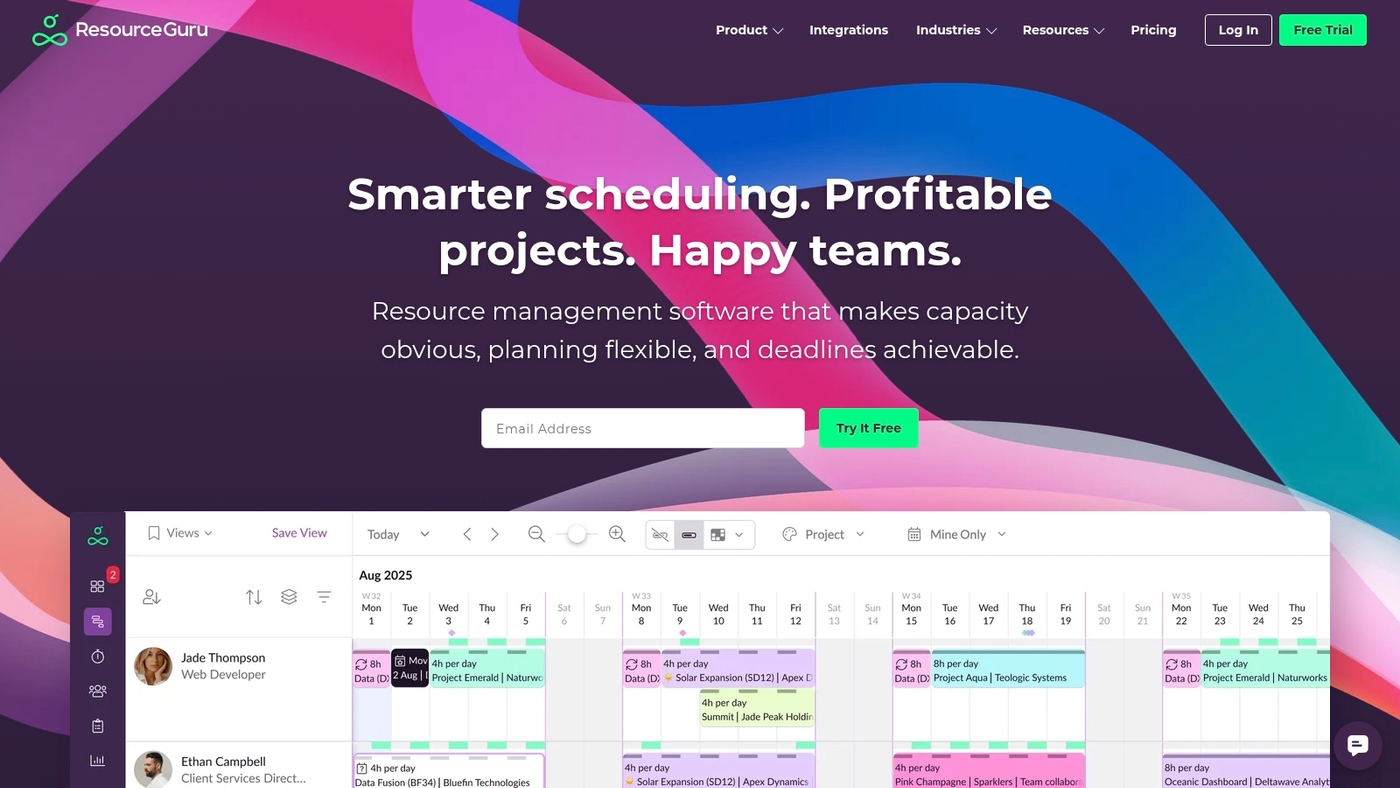
Resource Guru is a focused resource planning tool built for simple team calendars and clear schedules. It shows availability with color-coded bars and workload heatmaps.
You get automatic clash detection to prevent double-booking and clash prevention alerts. The app syncs with Google Calendar, Outlook, Slack, Jira, and Asana for real-time visibility across tools.
You can drag bookings, set skills, and block non-work days. Reporting shows utilization rates so you spot underused capacity. The interface cuts scheduling time for small agencies and IT teams.
You’ll get a compact resource scheduling workflow without heavy configuration.
|
Aspect |
Details |
|---|---|
|
Pros |
Easy calendar view with quick bookings; simple integrations to sync schedules |
|
Cons |
Limited advanced forecasting features; no built-in financial tracking for projects |
|
Best For |
Agencies, IT teams, and small professional services teams needing fast team scheduling and clear availability |
|
Pricing |
Plans start from around $2.50 per user per month |
Float
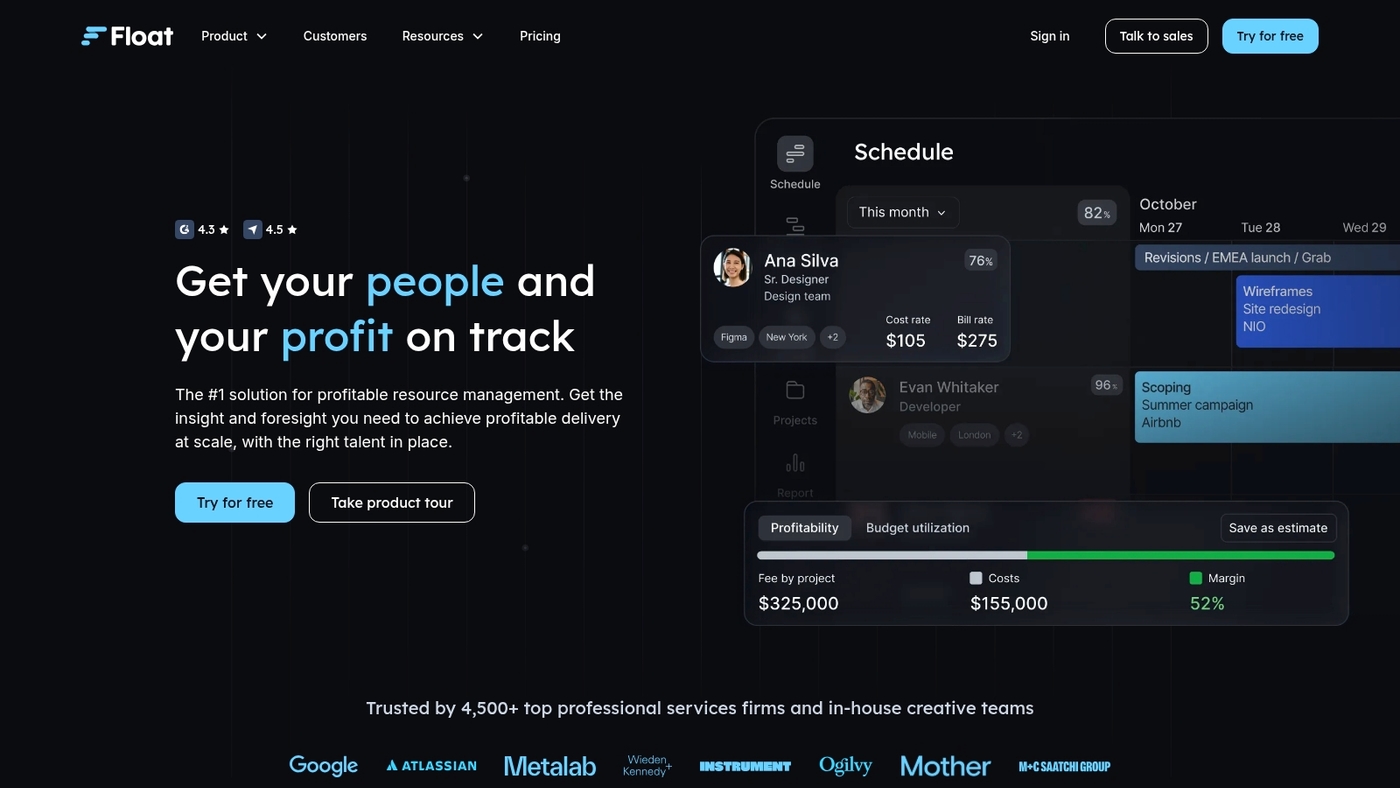
Float is a visual resource planning tool built for fast team scheduling and clear capacity views. The board uses drag-and-drop scheduling and shows real-time capacity and financial forecasting.
It connects with Asana, Jira, Slack, and Trello to keep tasks and bookings in sync. Managers spot overbookings in seconds and rebalance hours with a single drag.
Float tracks utilization and provides simple profit views that help with project resource planning and resource allocation. The interface cuts back-and-forth scheduling time and reduces confusion.
The app works well for agencies, product teams, and professional services that want a lightweight resource management software with strong integrations.
Pros: Fast drag-and-drop scheduling and clear capacity overviews; syncs with major tools like Asana, Jira, Slack, Trello
Cons: Limited advanced forecasting compared to enterprise PPM tools; fewer features for complex skills-based scheduling
Best for: Small to mid-sized teams, agencies, and services that want simple team scheduling software
Pricing: Paid plans with monthly and annual billing; free trial available; enterprise pricing on request
Epicflow
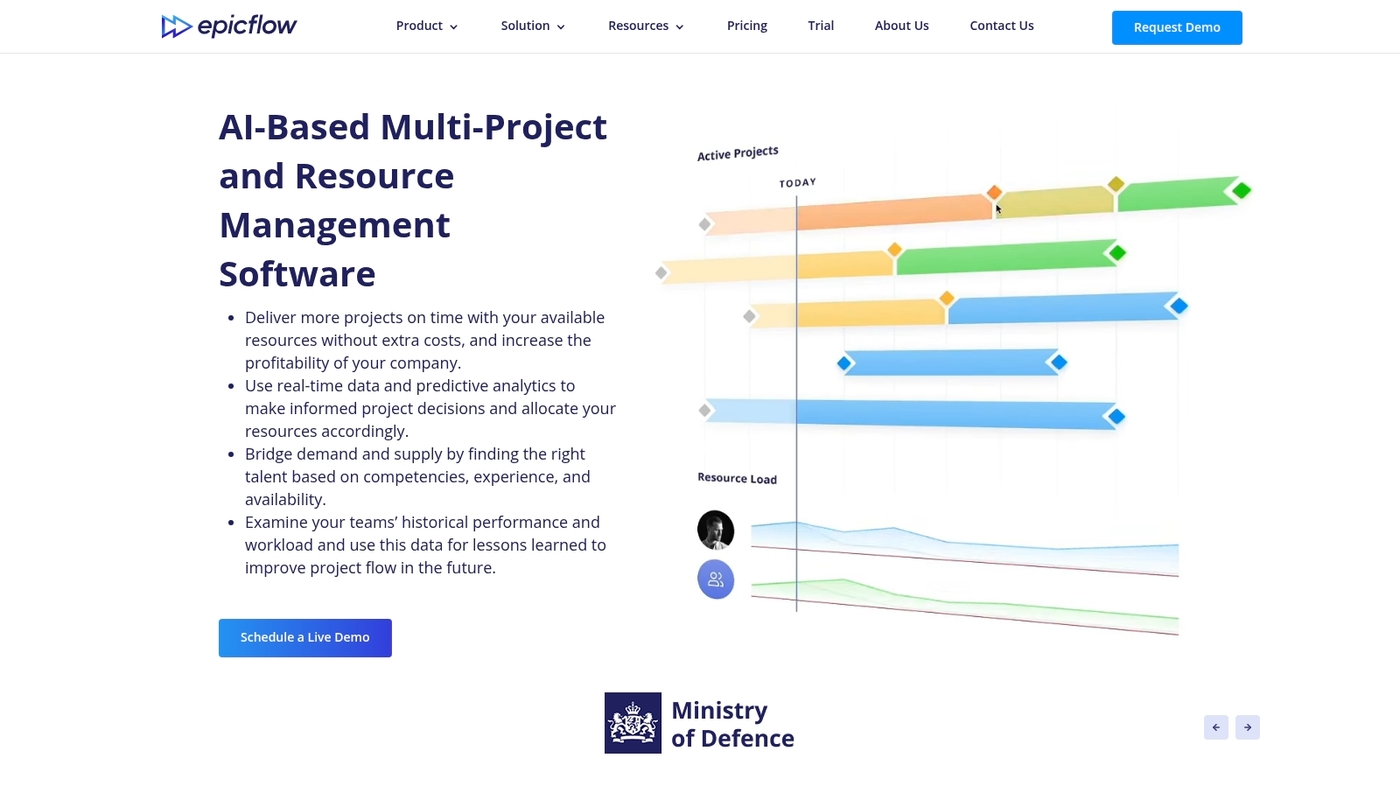
Epicflow is a resource planning tool that excels at preventing overload in multi-project teams. It uses an AI allocation model to analyze past performance and predict future workloads.
The platform balances assignments to prevent resource burnout and keep schedules realistic. Its algorithms can predict workloads accurately across portfolios with mixed priorities.
Epicflow connects with Jira, MS Project, and SAP for live sync. The UI shows live capacity charts and task queues. Managers get alerts for overload and suggested swaps to balance team load. That reduces overtime and improves utilization.
The demo showed clear forecasting and actionable suggestions. Try the demo to judge fit.
Pros: AI-based allocation reduces scheduling conflicts; integrates with Jira, MS Project, and SAP; live capacity charts and overload alerts; scales for large portfolios and PMOs
Cons: Per-user fee may be steep for very small teams; initial setup and learning curve require time; less ideal for single-project use cases
Best for: Project managers, PMOs, IT departments, and agencies that need resource planning software for portfolio workloads
Pricing: Starts at 25€ per user monthly; enterprise quotes available for large deployments
Ruddr
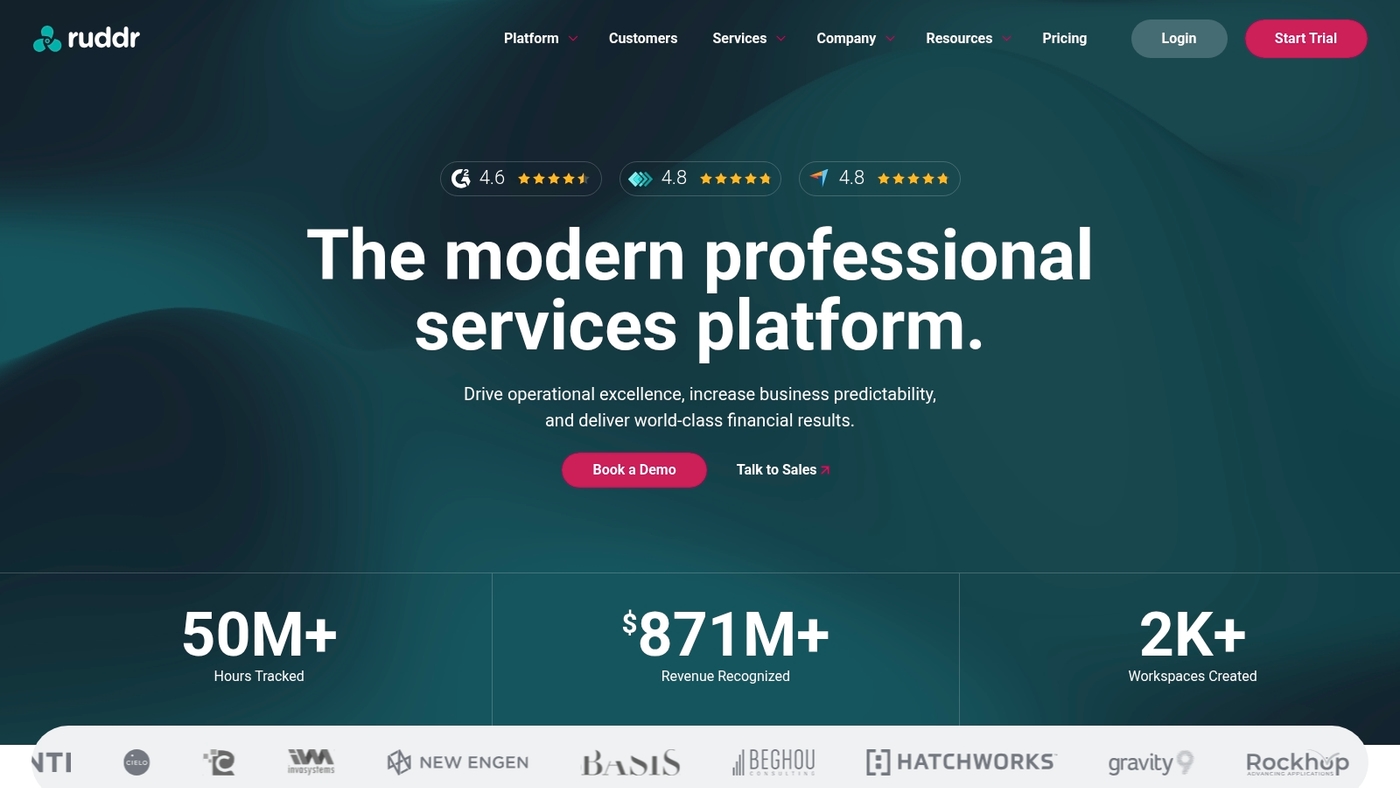
Ruddr is a resource planning tool focused on services teams that need clear capacity views and fast allocation. The interface shows workload heatmaps, skills tags, and utilization reports so managers avoid overbooking and limit idle time.
Ruddr ties billable hours to project plans and offers simple forecasting for upcoming sprints. The platform connects with common PM systems and trims spreadsheet work from scheduling.
Ruddr works well for teams that bill by project and need tight margin control. You can compare agency workflows and integrations on our roundup of project management software for agencies, where Ruddr often appears for capacity planning needs.
Pros: Clear workload heatmaps for fast decisions; skills-based scheduling and utilization tracking
Cons: Fewer enterprise integrations than large PPM suites; pricing grows with seat counts for larger teams
Best for: Professional services teams, consultancies, and agencies that need project resource planning with billing visibility
Pricing: Vendor offers tiered plans and demos; contact sales for customized quotes and trial options
Smartsheet
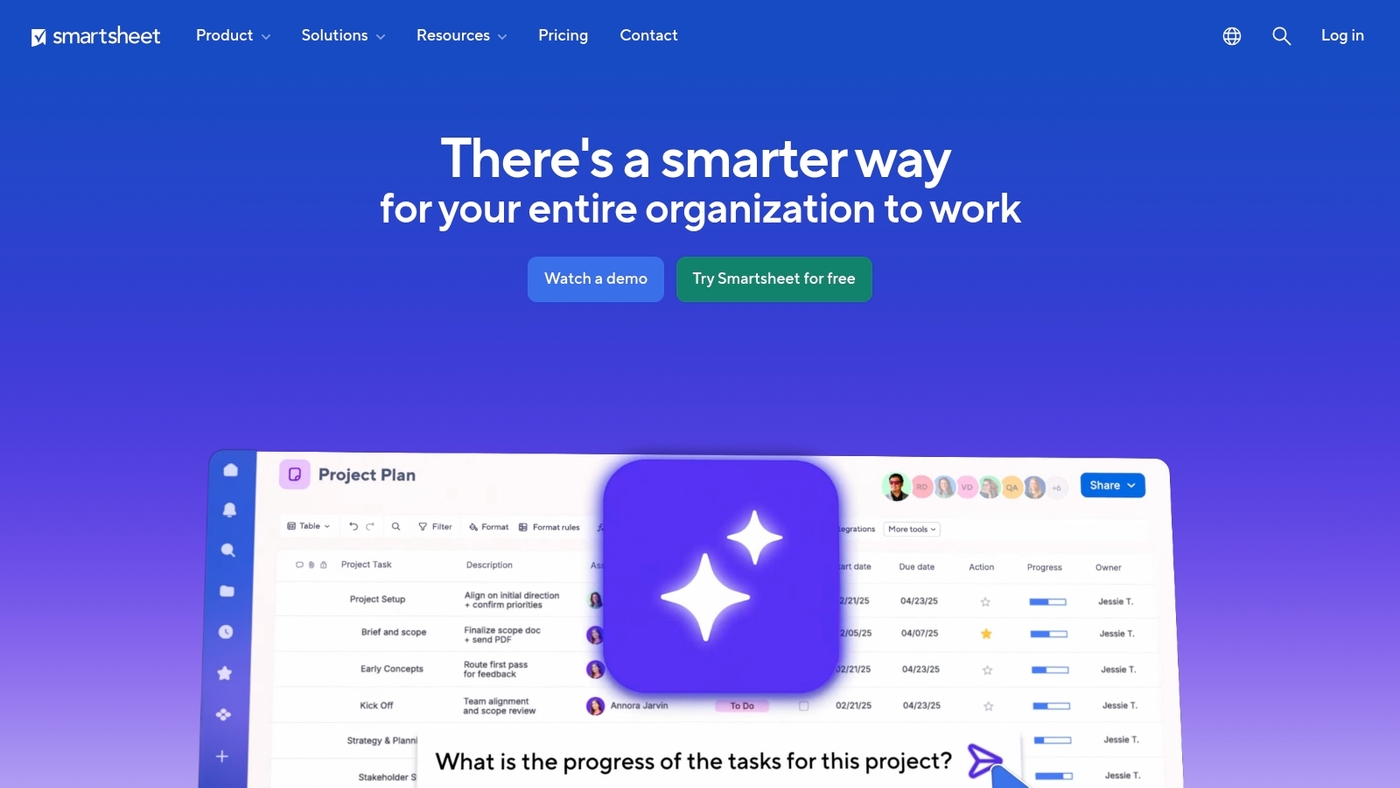
Smartsheet is a resource planning tool that blends a spreadsheet-style interface with intelligent workload views. It delivers skills-based scheduling, portfolio dashboards, and automation that cut manual updates.
You can align capacity with project schedules and find overbooked people in minutes. The platform links to major project management systems and enforces enterprise security controls.
Smartsheet fits teams that want familiar sheets plus advanced resource management software. Its capacity planning and resource forecasting tools scale from small teams to large portfolios.
Pros: Spreadsheet-style interface eases adoption; skills-based scheduling and portfolio dashboards
Cons: Advanced automation needs setup time; enterprise features sit behind higher tiers
Best for: Project managers, PMOs, professional services teams, and enterprises that need portfolio-level resource capacity planning
Pricing: Tiered plans with per-user monthly fees and enterprise contracts available on request
Forecast
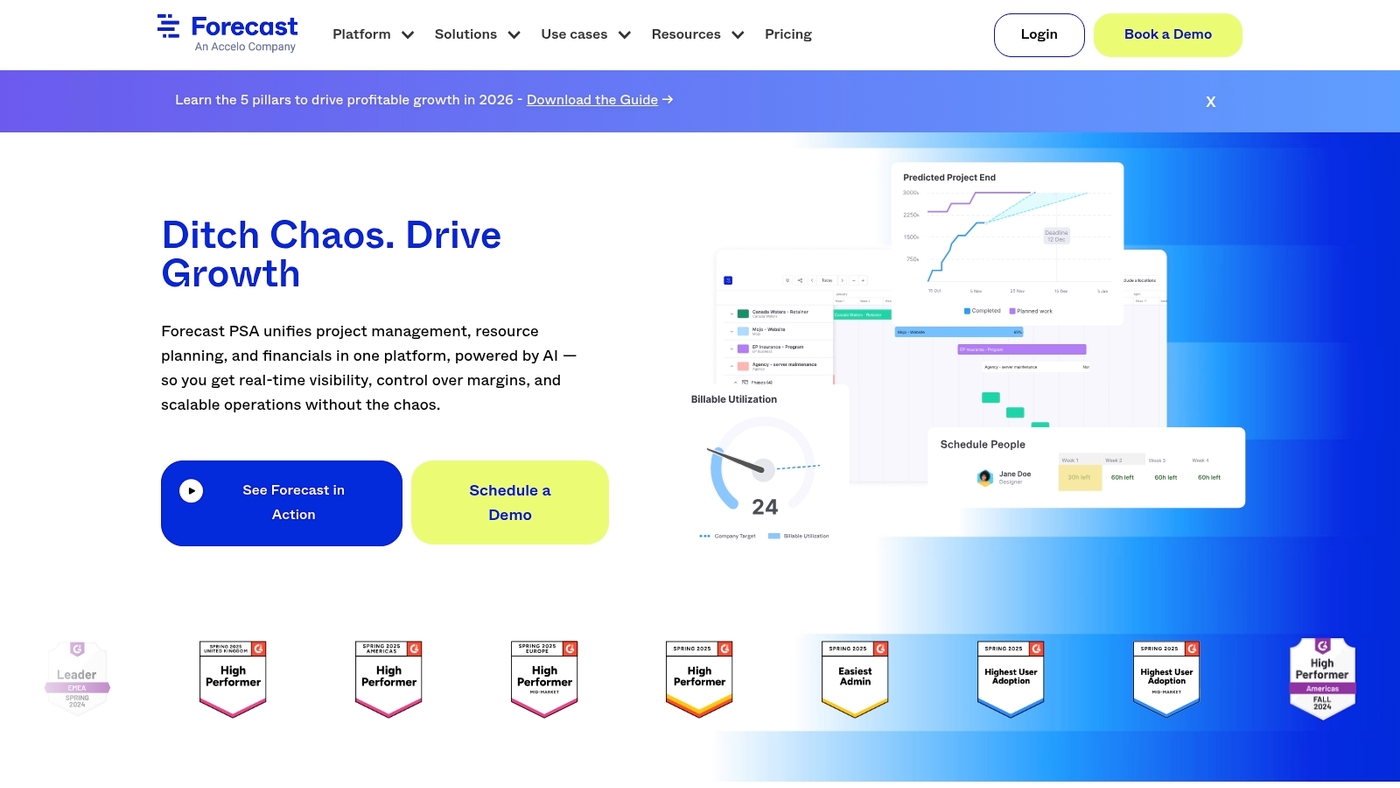
Forecast excels at turning CRM data into staffing and financial forecasts. It reads sales pipelines and maps opportunities to resource demand.
It creates AI-native staffing suggestions and uses auto-scheduling to fill gaps. It tracks margin at the project level and shows live portfolio health for proactive planning.
Its forecasts cut reactive scheduling and make profit signals visible earlier. As a resource planning tool, it fits agencies and professional services that need tight sales-to-delivery alignment.
Pros: Sales-to-resource mapping in real time; project-level profit tracking
Cons: Custom rule setup can be complex; no generous free tier
Best for: Agencies, consultancies, and professional services linking sales pipelines to delivery and finance teams
Pricing: Tiered subscription plans; request a demo or contact sales for enterprise pricing
Hub Planner
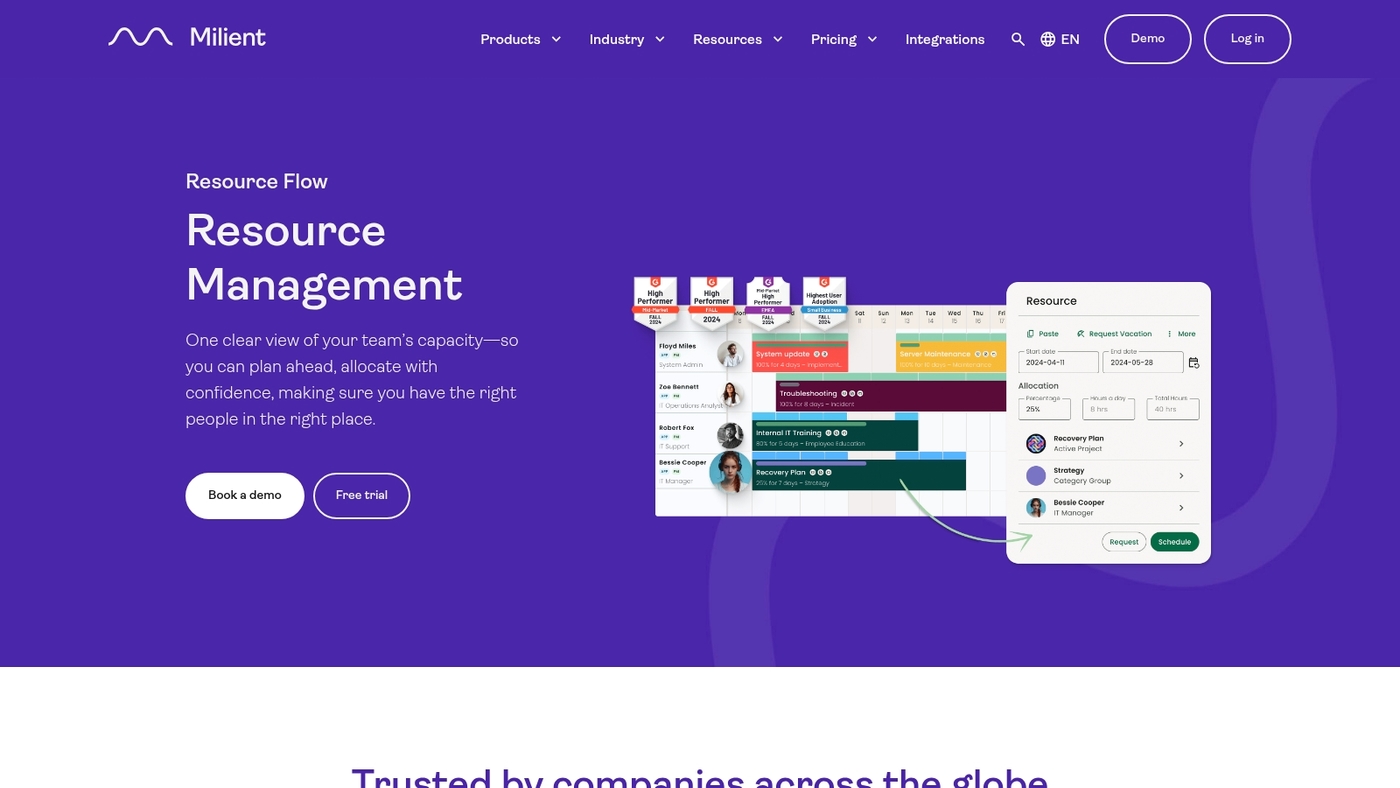
Hub Planner is a resource planning tool for teams handling multiple portfolios. It offers capacity finders with clear heatmaps that reveal who’s booked and who’s free.
Skills tagging helps match people to tasks by competency and availability. Built-in timesheets simplify time capture and billing for large projects.
Visual boards prevent overbooking and make resource allocation obvious across teams and portfolios. The interface supports drag-and-drop scheduling and filters for skill, role, and project. The heatmaps speed up decisions and cut scheduling guesswork.
You can pair it with project scheduling software and workforce planning systems for unified reporting.
Pros: Heatmaps that expose capacity clearly; skills tagging for accurate assignments
Cons: Advanced reporting requires setup time; some integrations need custom configuration
Best for: Service teams, PMOs, and agencies managing many concurrent projects
Pricing: Tiered plans with trial available; contact sales for enterprise quotes
Celoxis
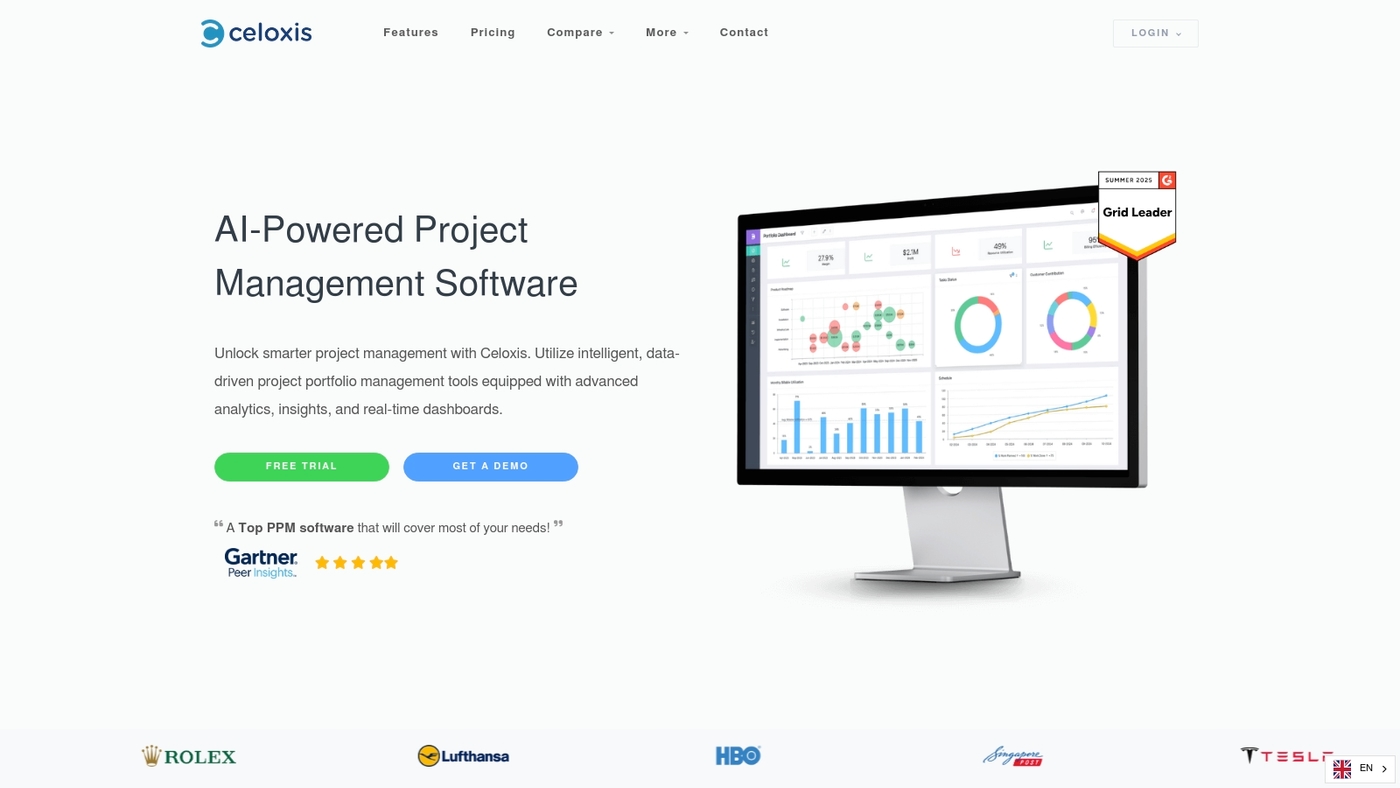
Celoxis is built for teams managing complex project portfolios. Celoxis combines detailed Gantt timelines with what-if analysis, forecasting, and financial tracking to give clear visibility into resource capacity.
The platform syncs with Jira and Azure DevOps to keep engineers and PMs aligned. You can run scenarios to see staffing impacts and budget shifts in minutes. The what-if feature speeds decisions and cuts reactive hiring.
Built-in reports show utilization, forecast gaps, and burn rates across projects. If you want a quick comparison of visual schedulers, check our best free Gantt software roundup.
Celoxis fits teams that need robust resource allocation, project scheduling software, and financial oversight.
Pros: Advanced Gantt with what-if scenario planning; strong integrations with Jira and Azure DevOps
Cons: Steeper learning curve for new users; higher cost for full enterprise features
Best for: Technical teams, PMOs, and professional services groups that need portfolio-level resource planning and forecasting
Pricing: Cloud plans start around $25 per user per month; on-premise perpetual licenses are available for larger deployments
Dayshape
Dayshape fits enterprises that need a robust resource planning tool. It uses AI predictive scheduling to forecast demand and a skills matching engine to place the right people on tasks.
The platform links to Salesforce, Workday, and Power BI for live staffing and portfolio dashboards. It acts as resource management software with capacity planning features and a resource forecasting tool.
Predictive scheduling can cut manual planning time by about 30% and raise allocation accuracy by roughly 20%. Dayshape suits large teams juggling many projects and complex roles.
Pros: Enterprise integrations with Salesforce, Workday, Power BI; AI-driven scheduling and skills-based allocations; scales across portfolios and multiple business units
Cons: Enterprise pricing may be high for small teams; implementation can take several weeks for complex setups
Best for: Large enterprises and professional services firms that require advanced resource allocation, workforce planning software, and portfolio-level visibility
Pricing: Contact sales for enterprise plans and custom quotes; no public single-user price listed
Retain
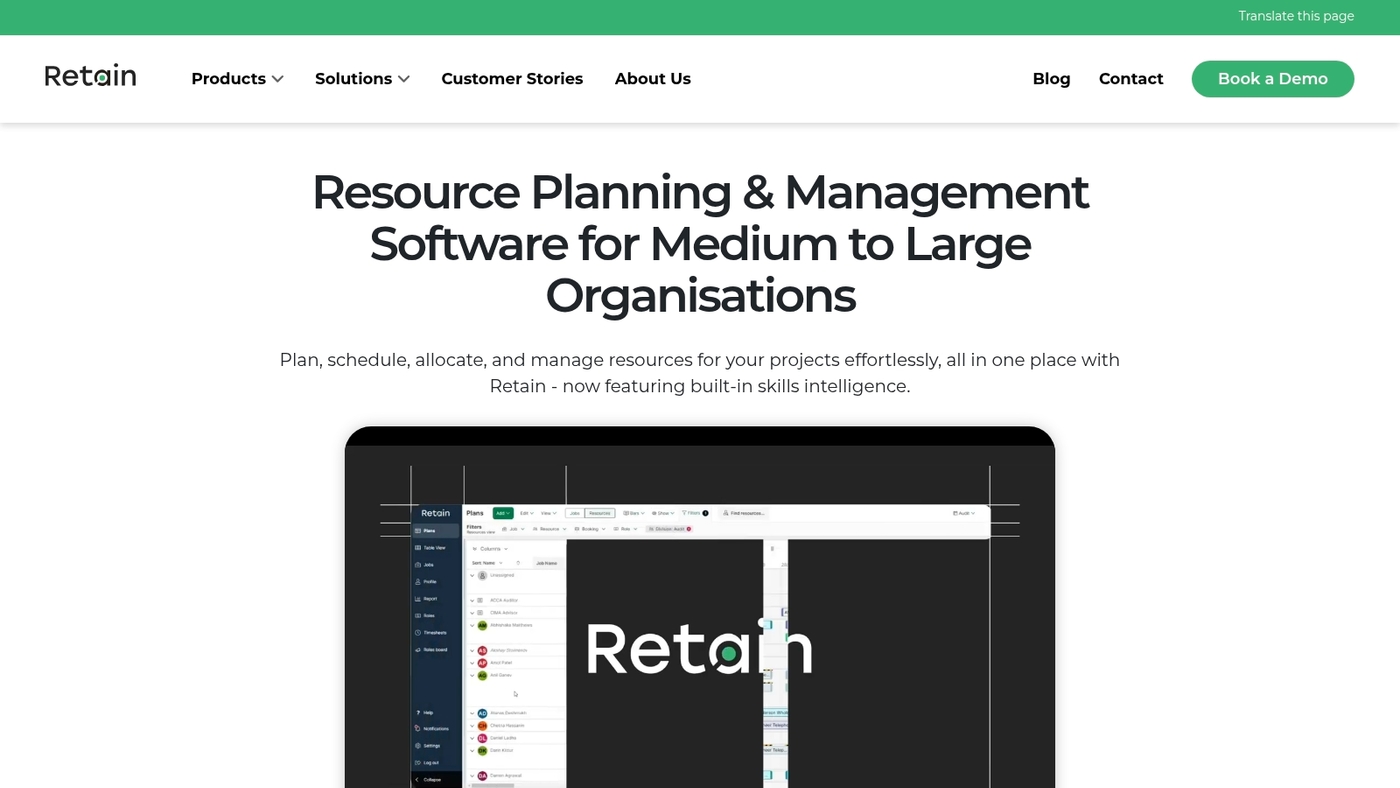
Retain is built for organizations that need a robust resource planning tool with enterprise features. It combines AI-driven forecasting with advanced allocation algorithms to improve project resource planning and resource allocation software.
The platform supports skills-based scheduling, capacity planning software, and deep reporting for portfolio managers. Its forecasting reduces guesswork and helps balance workload across many projects.
Retain links to HR systems and project scheduling software to keep data current. Try a demo to see whether it fits your resource management software needs.
Pros: Strong resource forecasting and workload management tool; enterprise-grade reporting and integrations; skills-based scheduling for better assignments
Cons: Onboarding takes time for large teams; pricing aimed at mid-market and enterprise buyers
Best for: Large professional services, IT departments, and portfolio managers needing precise resource capacity planning and enterprise resource management software
Pricing: Enterprise pricing available by quote; contact sales for custom plans and user tiers
How to choose the right resource management software for your team
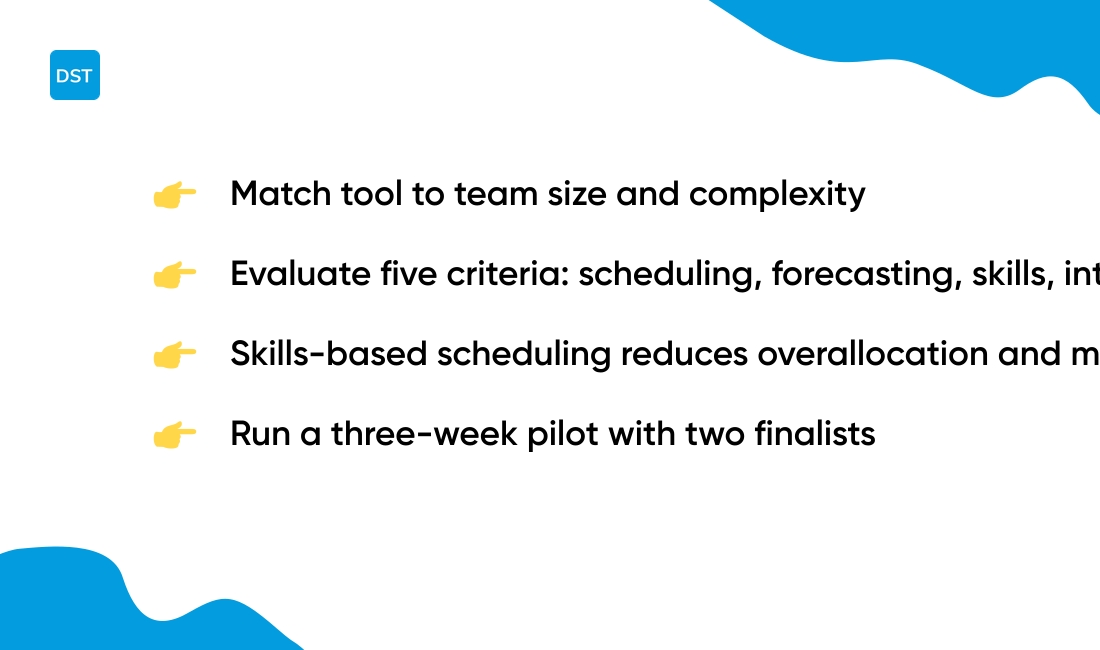
Match your resource planning tool to team size, project complexity, and required integrations.
Small teams under 10 can use a free tool or Excel templates. Mid-size teams of 10–100 need skills-based scheduling and utilization dashboards. Large organizations require enterprise security and API access.
-
Team size: pick tools that scale from 5 to 500+ users.
-
Project complexity: prefer Gantt and what-if scenarios for multi-project portfolios.
-
Budget: expect $0–$10/user for basic, $15–$50/user for advanced features.
-
Integrations: sync with Jira, Slack, or your CRM for accurate scheduling.
-
Reporting: target utilization reports with 60–80% benchmarks.
We test tools against five core criteria: scheduling, forecasting, skills matching, integrations, and reporting. See our guide to the best free task management software for lightweight options before you buy.
Skills-based scheduling and clear utilization metrics matter most for services teams. They cut overallocation and reduce missed deadlines.
Try a three-week pilot with two finalists. Track utilization and delivery to compare results. Which tool actually saves your team time?
Read also: Top 14 White Label Project Management Software for 2026
What is the difference between resource planning and capacity planning?
Resource planning assigns specific people to tasks, while capacity planning measures overall team availability and workload limits.
Resource planning maps skills, schedules, and roles to project tasks. It shows who does what and when. This reduces task contention and clarifies ownership.
Capacity planning totals available hours, tracks peak demand, and defines safe workload limits. It predicts whether the team can absorb new work without overload. Teams use it to balance hiring, shifting dates, or redistributing work.
Resource planning answers who. Capacity planning answers if they have time. (Think assignment sheet versus bandwidth gauge.)
Combining both reduces missed deadlines and overtime. We tested workflows and found clearer allocation led to faster ramp times and fewer schedule conflicts.
Good software brings both views together. Look for a tool that shows individual assignments and team load side by side. A resource planning tool with built-in resource capacity planning and a clear workload management tool view helps you stop overbooking and keep projects on track.
Try a demo to see your real limits and to test how allocation changes affect delivery. You’ll know where to hire, shift scope, or reschedule work.
You might also like: Top 13 Project Management Software For Freelancers for 2026
How does resource planning software improve resource utilization?
Resource planning software boosts resource utilization by turning raw capacity data into clear assignments.
Modern resource management software tracks utilization rates per person and per project. Dashboards show hours booked, billable rate, and idle time. Heatmaps expose underused slots and overloaded weeks.
Resource scheduling software enables quick reassignments and prevents overbooking. Tools optimize allocation with skills-based scheduling and auto-matching. AI-driven resource forecasting tools predict demand from historical data.
That prediction cuts idle time and reduces last-minute hires. You see workload balance across projects in a single view.
We tested two popular tools and saw idle hours drop by about 20% within a month. Clear dashboards drive the biggest gains. We recommend pairing schedules with collaboration apps like free online collaboration software to speed handoffs and cut wait times.
-
Utilization rate: hours billed ÷ hours available.
-
Idle hours: unassigned capacity per week.
-
Allocation rate: tasks assigned vs tasks needed.
-
Capacity variance: planned vs actual capacity.
Run weekly utilization reports, set a 70–85% utilization target, and reassign underused staff within three days. Try one report now and watch assignments get sharper.
You’ll also like: 16 Project Management Software For Construction for 2026
Free vs paid resource planning tools
Free resource planning tools meet basic needs but break down as complexity rises.
An Excel template or a free tier handles simple schedules, time tracking, and one-off projects. You avoid subscription costs and set up fast.
We tested popular free templates and lightweight apps and found common pain points. Manual updates cause version conflicts. Spreadsheets hide skills gaps and create overbooking risks.
Paid resource planning software adds automated capacity views, forecasting, and integrations with Jira or Outlook. Features like skills-based scheduling and resource allocation software cut manual work. Dashboards show utilization and prevent clashes.
Invest in premium tools if you manage more than 10 people, juggle three or more concurrent projects, or need forecasting for headcount planning. Paid tiers often include timesheets, approval workflows, and API access for syncing project scheduling software.
The switch pays off for growing teams. Paid platforms can reduce scheduling time by 20–40% and lower overbooking incidents. You gain clearer capacity planning and faster decision making.
Choose a free resource planning tool to prove process needs. Upgrade to resource planning software once manual fixes slow delivery or reporting fails your stakeholders.
Try a trial of a paid tool to measure time saved and improved utilization.
You might also like: 12 Project Management Software For Developers for 2026



