That sinking feeling when your CRM slows team growth is all too common.
Looking for a Salesforce alternative isn’t just about cost—it’s about speed, usability, and integrations that let teams move faster.
Salesforce can be powerful, but it’s often expensive, complex, and needs heavy customization that small teams can’t afford.
This guide lays out 10 strong alternatives that cut costs, simplify setup, and improve day-to-day sales workflows.
You’ll learn which options offer free tiers, open-source or self-hosted setups, and better fit for startups and growing teams.
By the end you’ll be able to shortlist platforms based on pricing, ease of use, integrations, and scalability.
Why businesses seek Salesforce alternatives
TL;DR: Teams switch from Salesforce because cost, complexity, and slow adoption cut productivity.
Many companies hunt for a Salesforce alternative that fits growth without breaking the budget. High licensing can reach $300 per user per month for top tiers.
Implementation projects can span 3–9 months and add substantial cost. Teams struggle with a steep learning curve.
Users need training and admins need deep platform knowledge. Adoption lags and pipelines stall. Customizing Salesforce often requires developer work or expensive partners.
That creates vendor lock and long delivery cycles. Integrations can fail to match modern stacks. Poor connectors force manual work and data gaps.
These integration difficulties slow growing teams and increase errors. Complex interfaces hide simple workflows.
Sales reps waste time on clicks and fields that offer little value. Managers lose visibility into real activity. (Ever spent 20 minutes just finding a contact record? Yeah, it’s frustrating.)
Most teams gain faster wins by choosing a CRM that deploys in weeks, offers good native integrations, and bills predictably. Our team recommends auditing monthly license and implementation costs before switching platforms.
Try a pilot with core users for 30 days and measure time saved per rep. What’s stopping your team from closing deals faster?
Choose a CRM that lowers cost, speeds adoption, and keeps your pipeline moving.
What to look for in a Salesforce alternative
Pricing and total cost of ownership
At Daily Social Tips, we recommend adding implementation, customization, training, and maintenance to license budgets. License fees hide many costs.
Include setup hours, consultant fees, and infrastructure when you evaluate a Salesforce alternative. Well, here’s the thing: expect implementation and customization to add 25–100% of your annual license cost.
Self-hosted choices often add 10–30% more for servers and IT time. Budget 4–16 hours of training per user.
Trainer rates commonly run $100–$200 per hour. Plan for ongoing maintenance costs at about 15–30% of license fees each year.
Small teams often underestimate these figures and overspend without a TCO model.
- Estimate first-year and three-year totals
- Request vendor breakdowns for each cost line
- Compare real-case deployments and reference budgets
Training and onboarding matter as much as feature sets. Compare three-year TCO before you choose a Salesforce alternative.
Ease of use and implementation speed
We watch teams stall when CRMs take months to launch. You need a Salesforce alternative that new hires master in days.
Teams often cut onboarding time by 40–60% and close first deals in 7–21 days instead of months. Choose tools that prioritize intuitive interfaces and fast implementation speed.
Clear layouts, guided setup, and prebuilt templates reduce support tickets and training hours. Fast value drives adoption.
Deliver usable features in week one and you keep momentum high. Fast deployment also lowers consulting costs and keeps sales reps selling instead of learning software.
- Start a pilot in 7–14 days
- Track user adoption and time to first closed deal
- Scale after a validated 30-day ROI
Can your team afford another three-month implementation?
Integration and customization capabilities
Integration quality determines how fast your team reaches value. At Daily Social Tips, we benchmark connectors, APIs, and automation depth.
Check for 50+ native apps, REST APIs, webhooks, and prebuilt templates. Choose platforms that let admins build or tweak workflows with visual tools.
No-code customization speeds setup and cuts vendor dependency. Plus, native integrations and admin control reduce handoffs and lower maintenance time.
Many CRM alternatives to Salesforce claim deep flexibility yet still require dev resources. Pick options that let nondevelopers change forms, rules, and integrations in under 30 minutes.
If you want automation ideas, see the best workflow automation software guide for practical picks.
Pilot a shortlist and measure time saved and fewer tool handoffs.
Top 10 Salesforce alternatives for growing teams
Monday.com
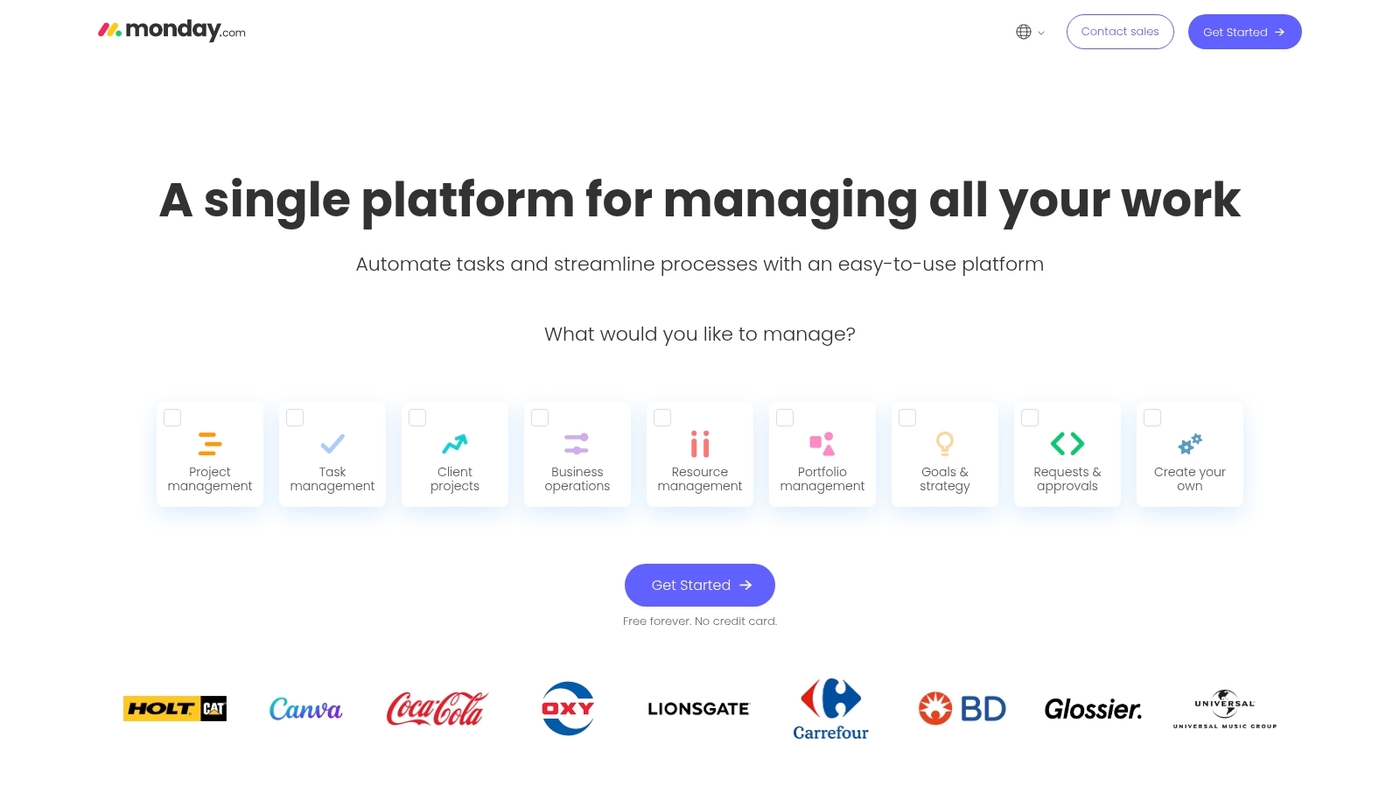
We recommend Monday.com when teams need a visual, flexible CRM that links sales with delivery. It uses no-code, drag-and-drop boards to map pipelines and handoffs.
The interface shows deals, tasks, and timelines in one view. You can build automations without code and create templates for repeatable sales workflows.
The visual approach reduces missed follow-ups and speeds delivery. Many teams move from Salesforce to this Salesforce alternative to cut setup time and complexity.
See how it compares with other collaboration platforms for teams.
Pros
- Highly visual boards that map sales and projects
- No-code automations and templates for fast setup
- Multiple views: Kanban, timeline, table, and calendar
Cons
- Costs rise with seats and advanced features
- Reporting lacks the depth of enterprise CRMs
For who?
Small to mid-size teams that blend sales and delivery, agencies, and customer-success teams that need one workspace for deals and projects.
Pricing
Plans start around $8 per user/month billed annually for basic tiers. Higher tiers add automations, integrations, and advanced reporting.
HubSpot
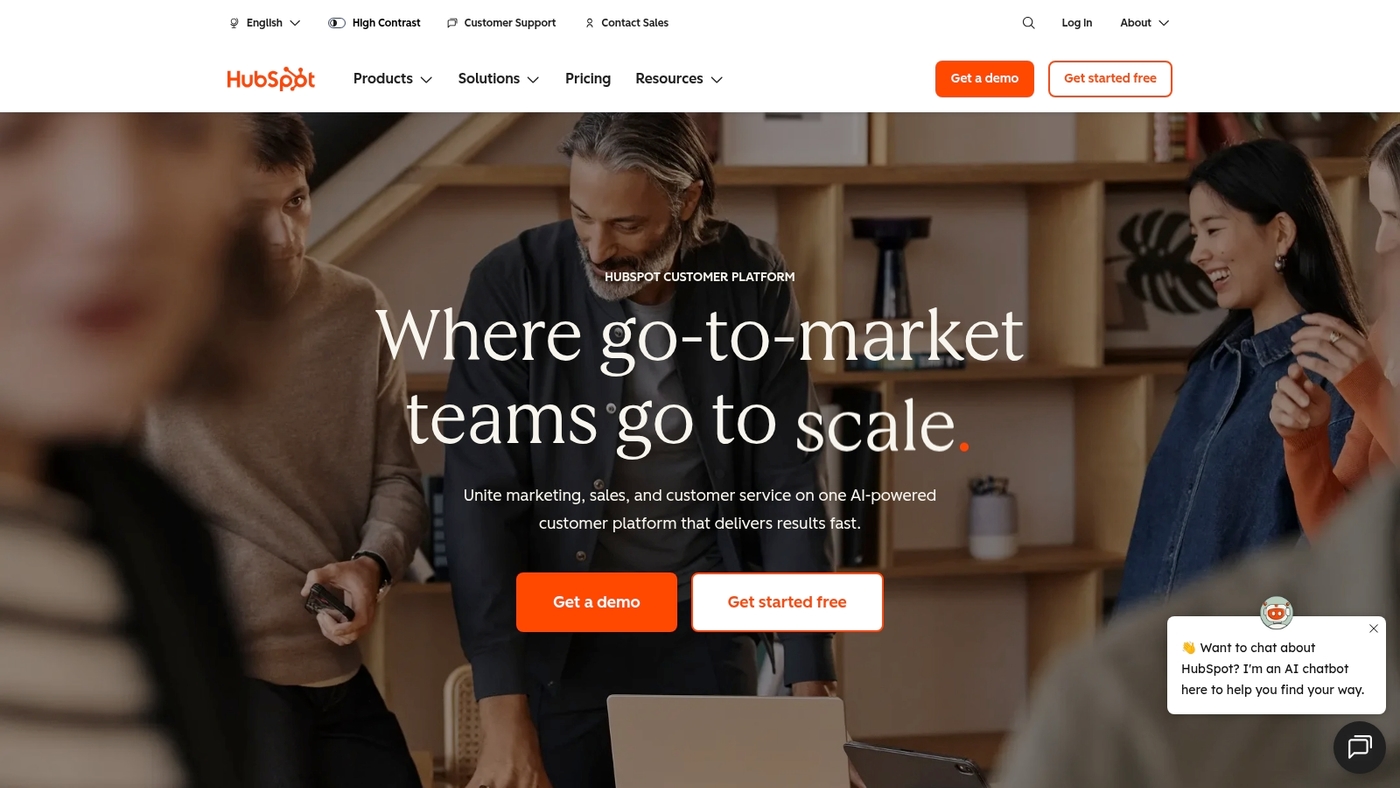
At Daily Social Tips, we recommend HubSpot as a leading Salesforce alternative for growing teams. It bundles CRM, marketing, sales, and service into one unified platform.
The interface delivers a consumer-grade user experience that shortens onboarding. Breeze AI automates outreach, scoring, and common workflows.
HubSpot offers a robust free tier with unlimited users and many features. Paid plans scale with add-ons for marketing, sales, and operations.
The free CRM lowers cost barriers for startups and small teams. Learn how HubSpot connects with analytics via our best marketing dashboard software guide.
Pros
- Strong free CRM that supports unlimited users and core features
- Marketing sales alignment and native marketing tools reduce handoffs and lost leads
- Breeze AI assistant handles repetitive tasks automatically
Cons
- Costs rise quickly for Professional and Enterprise marketing features
- Complex custom workflows can require developer support or partner help
For who?
Small to mid-market teams that need fast adoption, unified data, and automation. Startups that want a free CRM and easy automation.
Enterprises needing deep bespoke customization may need a different platform.
Pricing
Free plan available. Paid CRM Suite starts at $45/month billed annually for Starter. Professional and Enterprise plans scale to several hundred or thousands per month depending on add-ons.
Zoho CRM
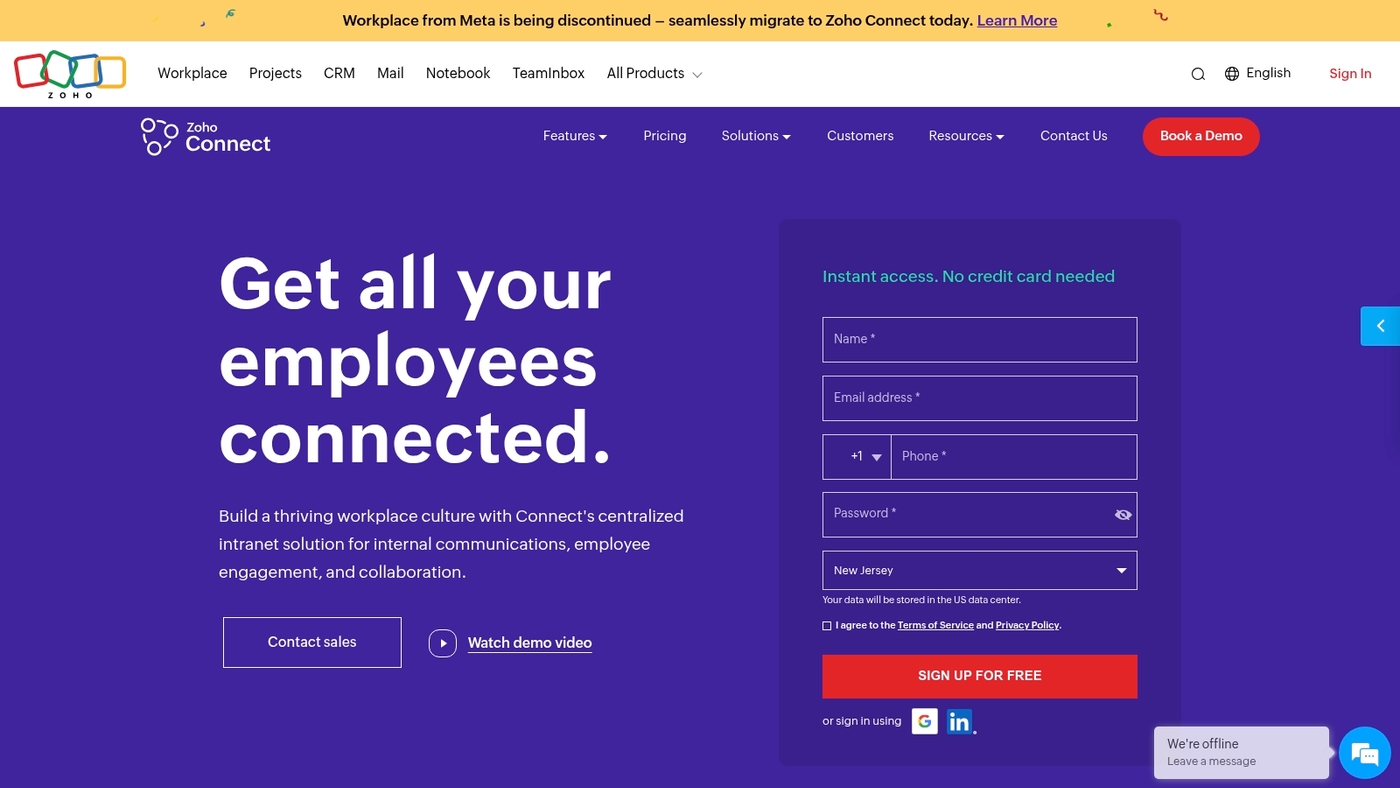
We recommend Zoho CRM as a pragmatic Salesforce alternative for growing teams. Zoho can cut CRM costs by up to 85% versus enterprise vendors.
Zia, Zoho’s AI assistant, predicts deal outcomes and recommends next steps. The product has a free tier for three users.
It ships with 45+ native apps and full mobile capabilities for Android and iOS. Teams get lead management, workflow automation, built-in analytics, and omnichannel messaging.
I’d say Zoho balances price and depth well. Small sales teams can onboard in days and reduce admin time by about 30% using templates and automations.
The admin console supports custom fields and role-based access. APIs and prebuilt connectors simplify integrations.
Pros
- Up to 85% cost savings versus larger CRMs
- Zia AI for deal predictions and workflow suggestions
- Free tier for up to three users and 45+ native apps
Cons
- Advanced enterprise features lag behind top-tier vendors
- Migrations from complex Salesforce setups can take work
- Smaller third-party app marketplace than some competitors
For who?
Small to mid-size sales teams and startups that need a feature-rich, cheaper alternative to Salesforce with strong mobile support.
Pricing
Free for three users. Paid plans start roughly at $12–$20 per user monthly when billed annually. Advanced tiers and add-ons increase costs for enterprise needs.
Microsoft Dynamics 365
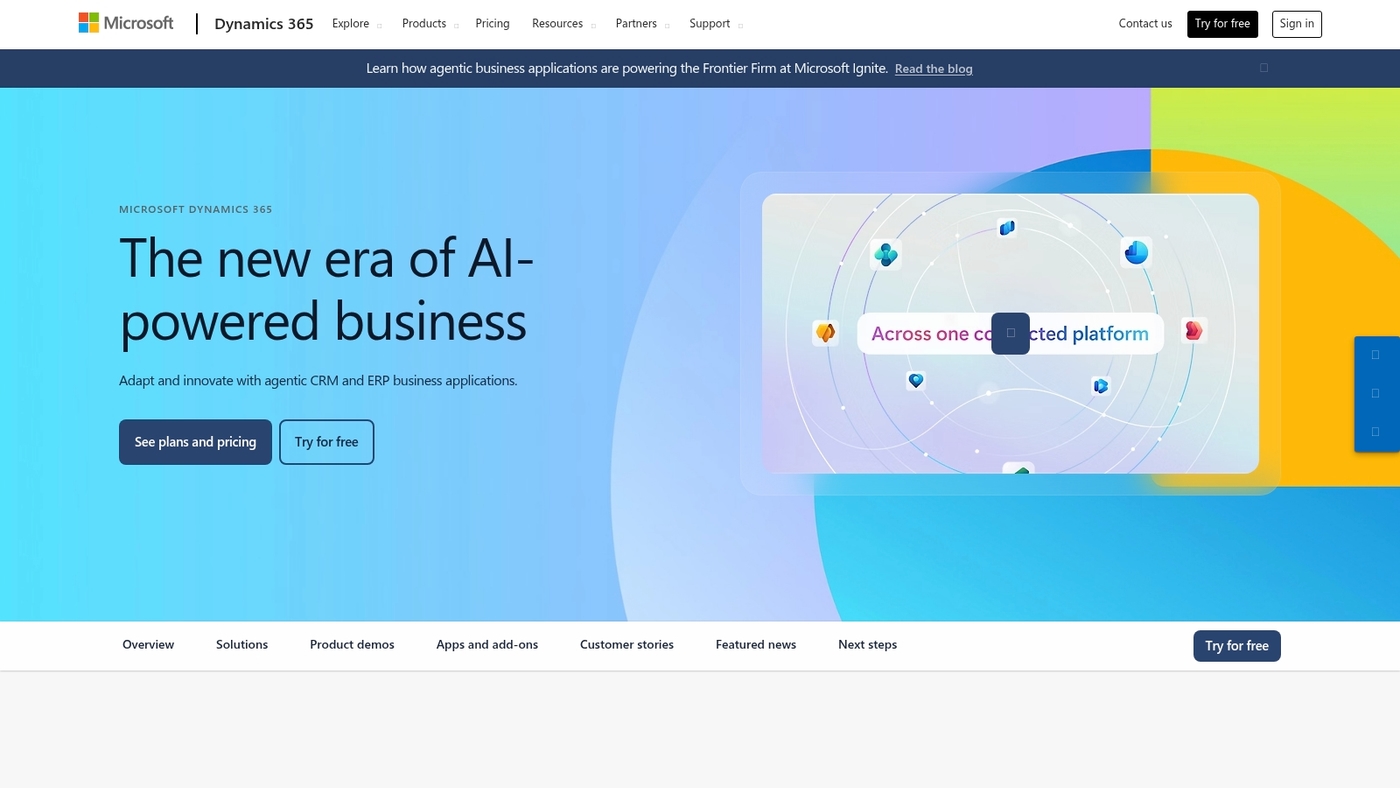
We recommend Microsoft Dynamics 365 for teams that need enterprise CRM and ERP in one platform. The suite packs AI-driven sales insights and embedded business intelligence.
It includes low-code tools that let you build workflows without heavy development. You get native integration with Microsoft 365 apps.
Power Platform connectors and Azure services extend analytics and automation. This creates a single source of truth for sales, service, finance, and operations.
Deep Microsoft integration trims setup time and reduces duplicate data across tools. See our enterprise management software guide for head-to-head comparisons.
Expect a broad feature set built for global deployments and compliance. The platform scales from tens of users to tens of thousands.
Pros
- Strong AI and business intelligence capabilities
- Seamless Microsoft 365 integration across teams
- Unified CRM and ERP modules for complex operations
Cons
- Higher licensing complexity for mixed modules
- Steeper learning curve for non-Microsoft teams
For who?
Enterprises and mid-market teams that need deep Microsoft integration and scalable ERP+CRM capabilities.
Pricing
Modular pricing by app and user. Entry plans often start near $50/user/month; full enterprise bundles cost more depending on modules and customizations.
Freshworks
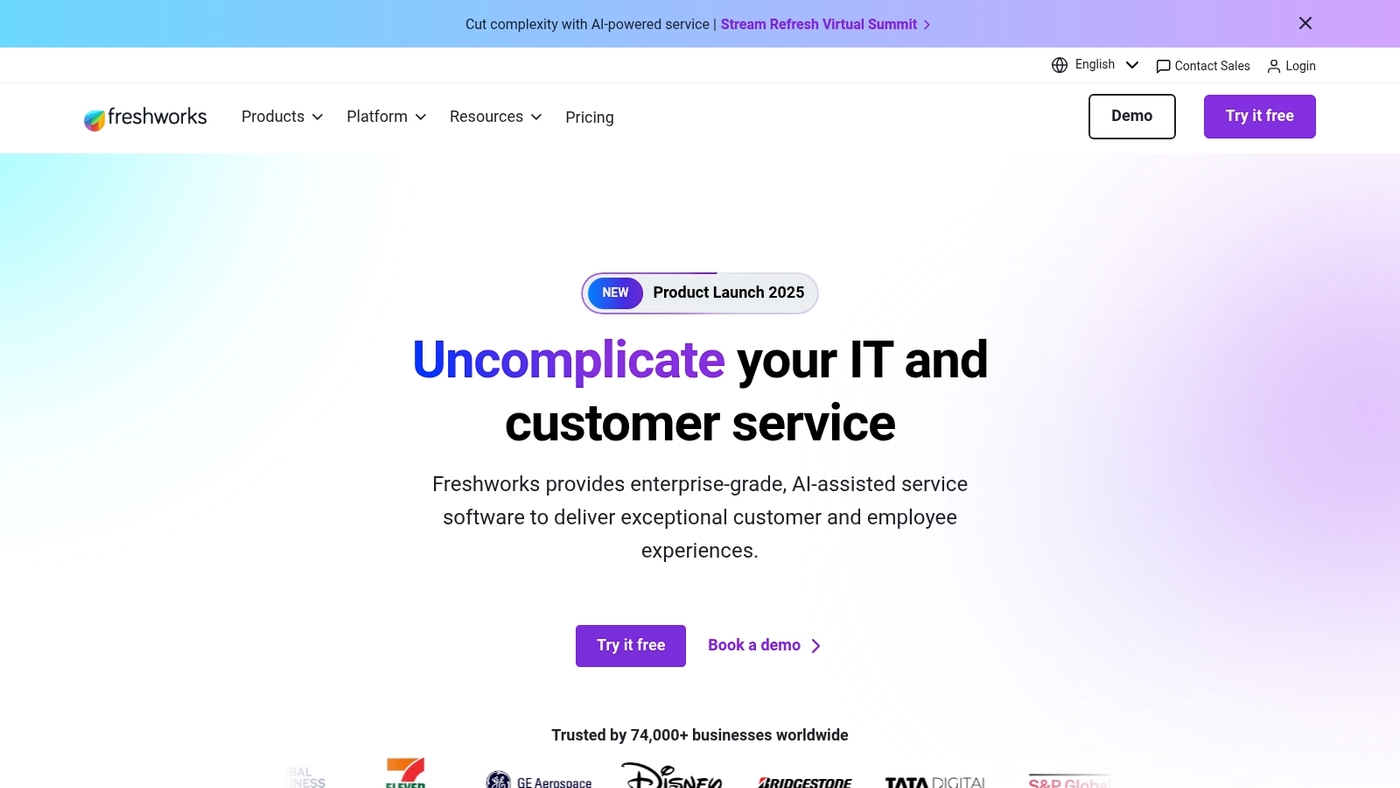
Freshworks combines sales, support, and marketing in one SaaS suite for SMBs. The platform cuts tool sprawl and speeds handoffs between teams.
It bundles Freshsales CRM, help desk, chat, and basic marketing automation. You get phone, email, lead scoring, and an AI assistant that suggests next steps.
Setup for common workflows can take days. Admins can configure pipelines without heavy development. Reporting covers activity and revenue trends for small teams.
Pricing sits below many enterprise CRMs and keeps predictable monthly billing. Actually, Freshworks stands out as a practical Salesforce alternative for teams that need fast deployment and clear outcomes.
Pros
- Unified suite reduces tool sprawl and handoffs
- Fast setup and low training time for reps
- Built-in phone, email, and AI-driven suggestions
Cons
- Less deep customization than Salesforce for complex processes
- Fewer third-party integrations compared to enterprise ecosystems
For who?
Small businesses and startups that need a single CRM to handle sales, support, and basic marketing. It fits teams that value speed, lower cost, and easy admin over extreme customization.
Pricing
Plans start around $15 per user/month and a free tier is available. Higher tiers add automation and advanced reporting for growing teams.
Pipedrive
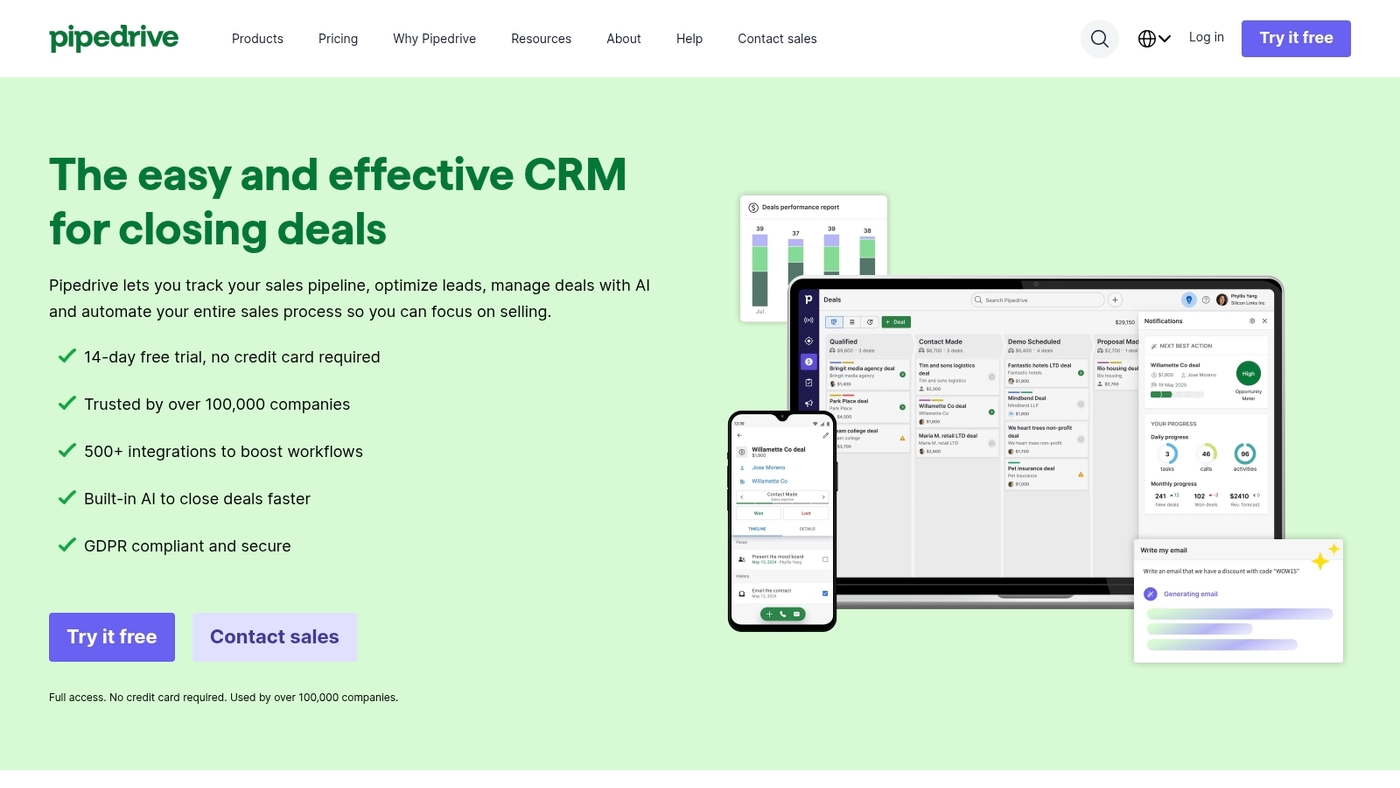
At Daily Social Tips, we recommend Pipedrive for teams that need a sales-focused CRM with visual pipeline tracking. The interface stays simple and task-driven.
You see drag-and-drop pipelines and clear deal stages. Reps spend more time selling and less time navigating menus.
The app links with calendars, email, and common apps for basic automation. Pipedrive makes a strong Salesforce alternative for smaller teams aiming for quick adoption and lower overhead.
Personally, I’ve seen faster deal progression and fewer missed follow-ups with Pipedrive during pilots. If you want tight deal management and predictable pipelines, Pipedrive delivers straightforward functionality without heavy customization.
Pros
- Visual pipeline builder that clarifies deal stages
- Low learning curve and fast onboarding for reps
- Clean interface focused on sales activities
Cons
- Fewer enterprise-grade features than Salesforce
- Limited native marketing automation tools
For who?
Sales teams and startups focused on deal velocity, simple workflows, and fast adoption.
Pricing
Plans start around $14.90 per user/month when billed annually. Free trial available.
Creatio
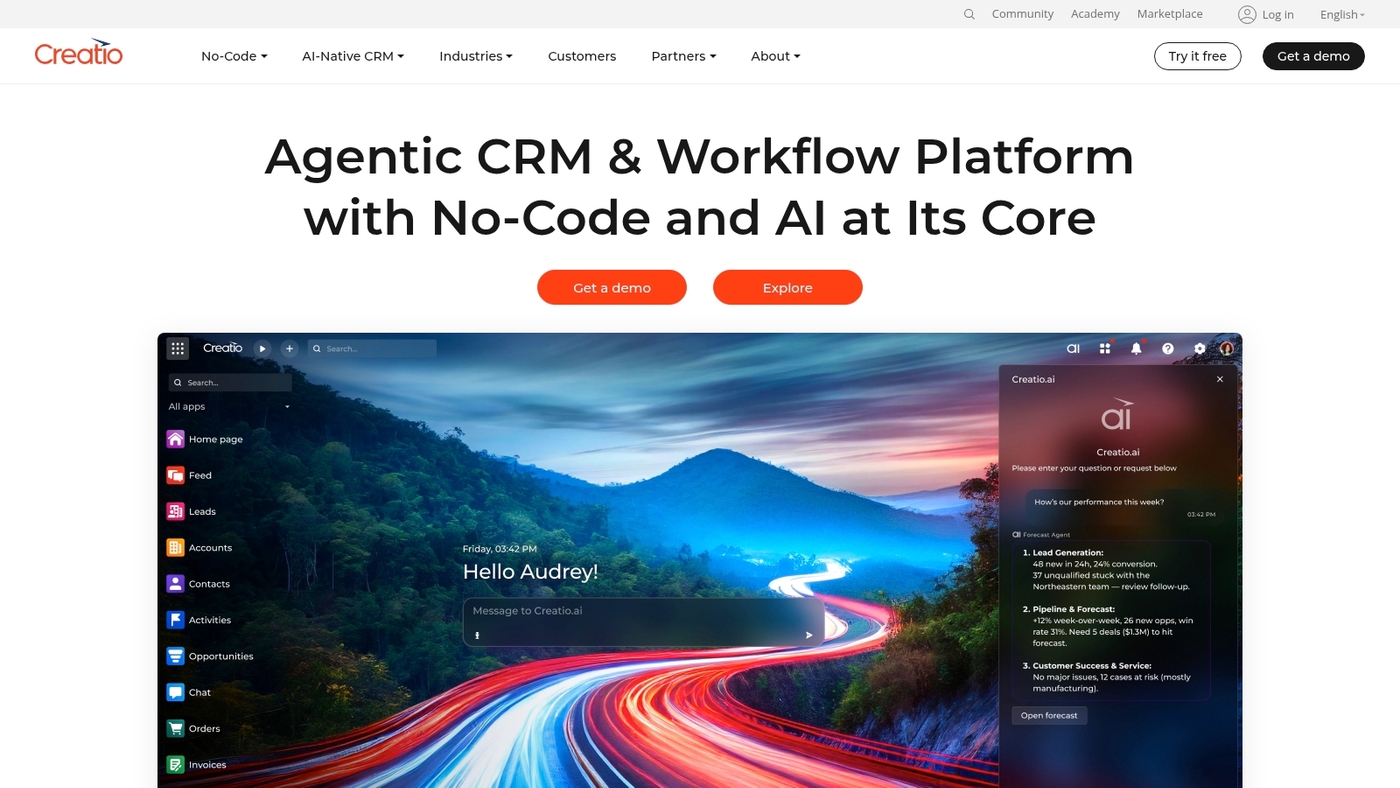
We recommend Creatio as a strong Salesforce alternative that blends CRM with business process management. Creatio provides a no-code CRM platform with a visual process designer and ready-made templates.
Teams automate lead routing, approvals, and renewals without developers. That lowers implementation time and reduces total cost of ownership versus Salesforce.
Creatio offers native integrations and APIs for common tools. The BPM-first approach keeps data cleaner and workflows faster for your team.
You can customize pages and automations for specific sales motions. Support scales from small sales teams to enterprise deployments.
The focus on process automation makes Creatio a solid CRM alternative for organizations that want automation and flexibility together.
Pros
- Powerful visual process automation
- High customization without coding
- Unified CRM and BPM capabilities
Cons
- Enterprise features require higher-tier plans
- Steeper learning curve for complex processes
For who?
Sales and operations teams that need BPM-driven automation and flexible CRM capabilities.
Pricing
Pricing varies by edition and user count; contact Creatio for exact quotes and trial options.
Zendesk Sell
We recommend Zendesk Sell for teams needing tight sales-to-support alignment. It unifies lead and support records into one view.
The interface stays clean and fast. It syncs with Zendesk Support and pulls ticket history into deals. That gives your reps context and shortens response times.
The platform includes email tracking, call logging, and a visual pipeline. You can automate tasks and score leads without heavy setup.
Zendesk Sell fits teams that measure customer health. For reputation work, see our review of reputation management software.
Its unified customer data and visual deal pipeline speed workflows and boost handoffs. It works well as a Salesforce alternative for service-led teams.
Pros
- Seamless support-sales sync improves context for reps
- Clean, fast interface lowers training time
- Built-in email and call tracking
- Simple automation and lead scoring without heavy IT
Cons
- Less deep customization than Salesforce
- Smaller third-party app marketplace
- Costs can rise with add-ons and integrations
For who?
Sales teams that rely on support data, customer success teams, and SMBs prioritizing fast adoption and service-led selling.
Pricing
Plans start around $19 per user per month. Tiers add features and phone or analytics options, so expect pricing to rise as you scale.
Vtiger
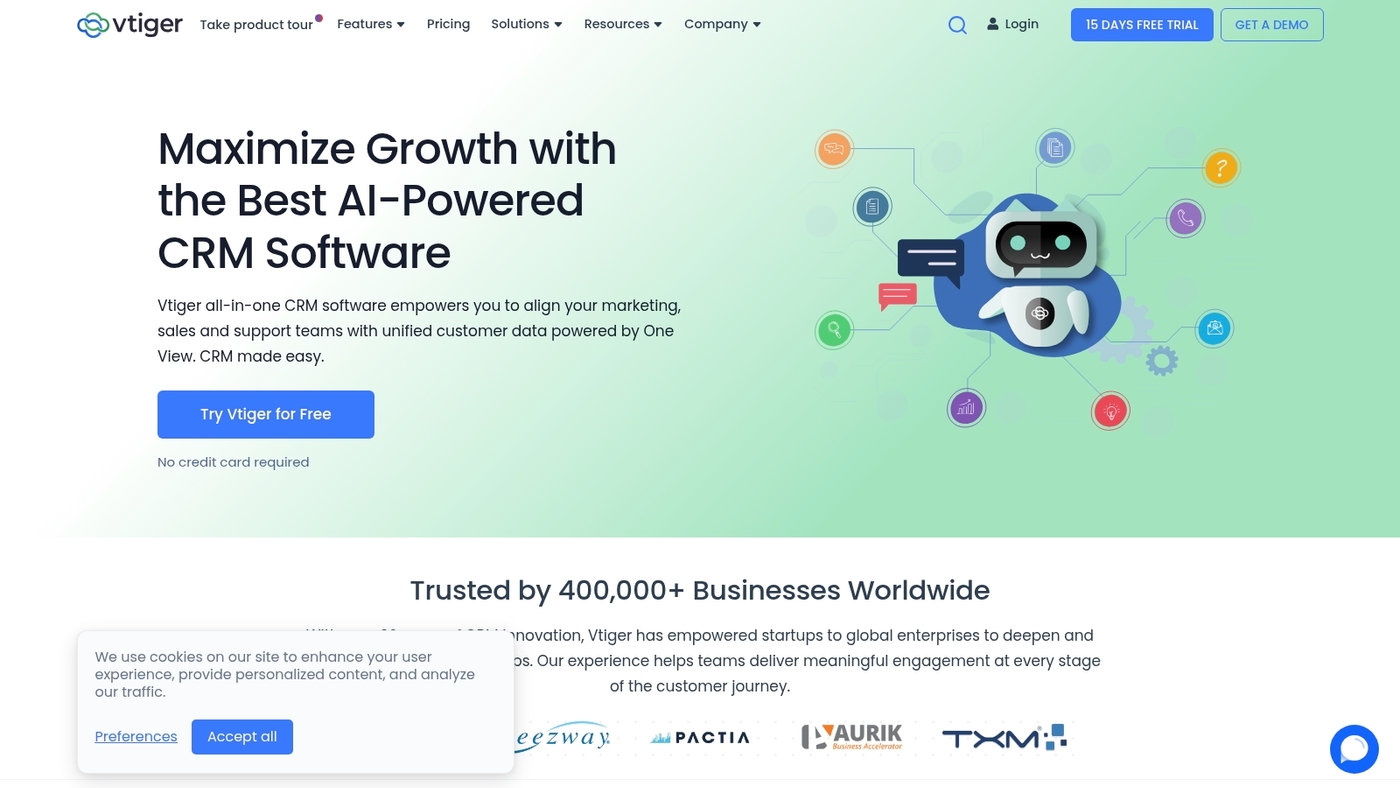
At Daily Social Tips, we evaluate tools that lower cost and keep control. Vtiger is an open-source option that delivers full CRM modules for sales, marketing, and support.
The platform uses a one-view dashboard to display pipeline, tickets, and campaign metrics in one screen. You can customize fields, workflows, and layouts without heavy coding.
That makes Vtiger a practical Salesforce alternative for teams that want a self-hosted CRM with strong API access. Vtiger fits startups and small businesses that need data control and lower license spend.
The feature set covers contacts, leads, deals, service tickets, and email campaigns. Try a demo to see if it meets your integration needs.
Pros
- Affordable licensing with self-hosted option
- Flexible customization and workflow automation
- Full control over data and infrastructure
Cons
- Requires IT time for on-premise setup
- Smaller third-party app marketplace than Salesforce
For who?
Small teams, startups, and organizations that prefer an open source Salesforce alternative or a self-hosted CRM with strong customization options.
Pricing
Open-source edition is free for self-hosting. Cloud plans start at approximately $10 per user per month and scale by feature set and support level. Exact pricing varies by edition and region.
Insightly
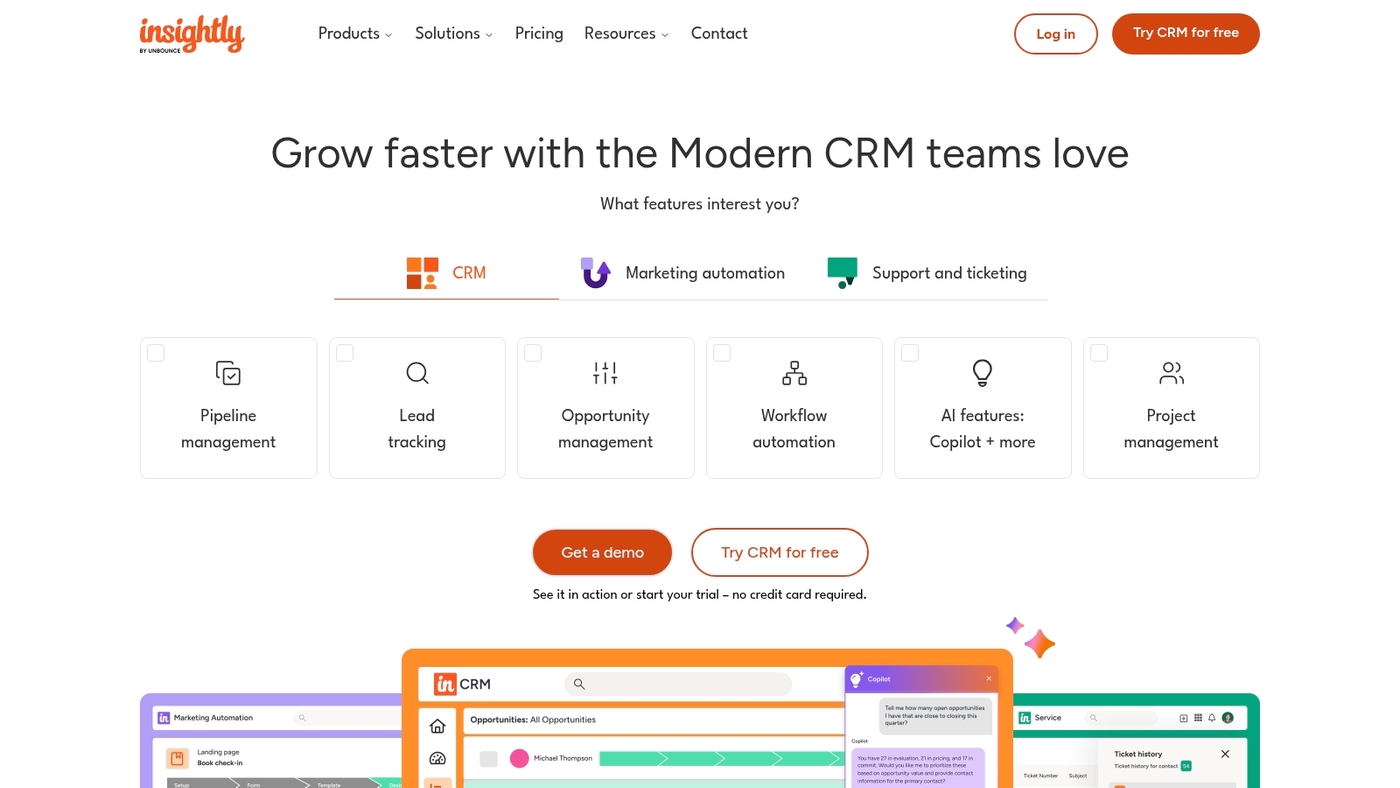
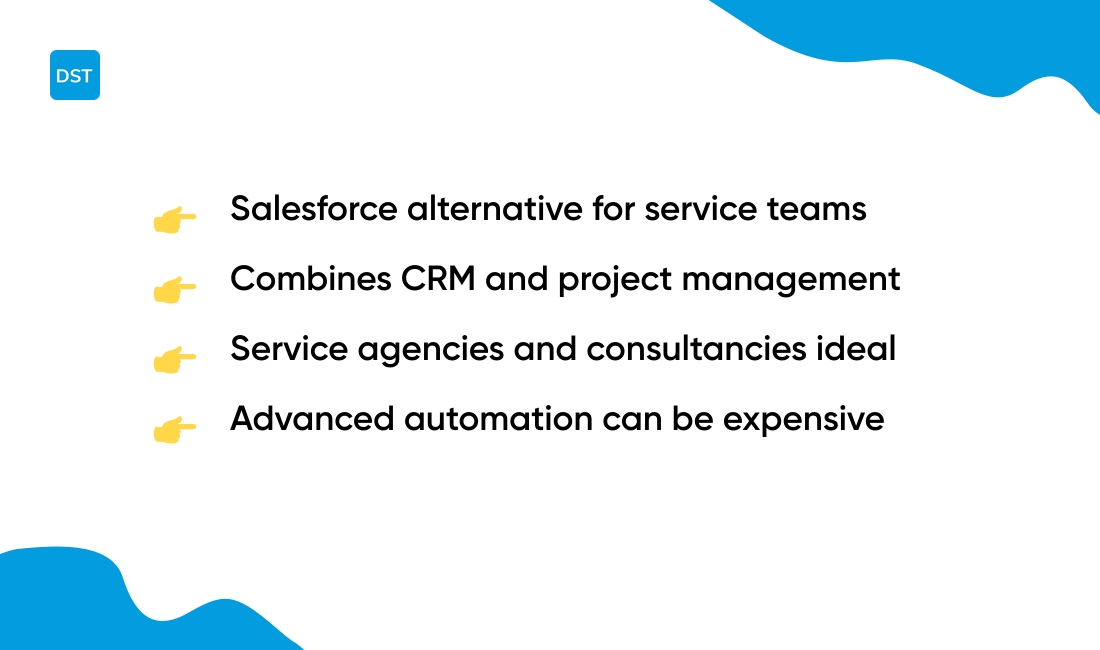
We often recommend Insightly as a practical Salesforce alternative for service teams that must track clients and projects in one place. The platform merges contact management, opportunity tracking, and project workflows into a single view.
You get task lists, milestone tracking, and simple Gantt charts tied to customer records. Reporting stays focused on delivery and revenue, so your team spends less time switching apps.
Insightly fits agencies and consultancies that bill by project and need clear client context. Pair it with our best productivity tools to tighten handoffs and reduce meeting load.
Pros
- Combines CRM and project management in one interface
- Clean contact-to-delivery workflows that speed up handoffs
- Simple Gantt charts tied to customer records
Cons
- Advanced automation can get pricey for small teams
- Customization limits require workarounds for complex processes
For who?
Service-based teams, agencies, and consultancies that need client context tied to project delivery and simpler CRM features.
Pricing
Plans start around $29 per user per month. Higher tiers add automation, advanced reports, and enterprise controls.
You might also like: 8 Best Digital Asset Management Software
What is the best free alternative to Salesforce
TL;DR: HubSpot Free and Zoho CRM Free often match core CRM needs for no cost.
HubSpot Free plan gives unlimited users, contact storage, and simple deal tracking. It adds basic marketing tools and forms. Adoption usually takes days, not weeks.
Zoho CRM Free supports three users and includes lead management and sales automation. It pairs well with other Zoho apps for growth.
Bitrix24 offers free team collaboration and up to 12 users. SuiteCRM serves as an open source option you can self-host for full control.
For a budget-conscious team wanting a Salesforce alternative, these options lower your monthly bill. They let you prove process and adopt faster.
HubSpot Free is the easiest to start with for most teams. It balances features and low friction. (Plus, you can’t beat free when you’re testing the waters.)
We recommend testing two options side by side. See our free CRM software guide for quick comparisons and setup tips.
Start with a free tier, track time saved and deal velocity, and upgrade when your needs outgrow the free plan.
You might also like: 7 Best Intelligent Work Platforms for Your Team
Best Salesforce alternatives for specific business needs
TL;DR: Match CRM to your team size, budget, and workflow for faster wins.
At Daily Social Tips, we map needs to tools so you avoid overpaying and slow rollouts. Startups benefit most from HubSpot.
It delivers a free tier, simple setup, and strong marketing-sales alignment. That reduces time to value for early teams.
Small businesses should consider Zoho CRM or Pipedrive for low cost and quick adoption. Both cut monthly licensing fees by up to 70% compared to Salesforce on average.
Enterprises need Microsoft Dynamics 365 or Creatio for deep customization and analytics. These options scale with low-code automation and enterprise security.
Service firms and agencies get more value from Insightly or monday.com-style CRMs that link contacts to projects and delivery. You keep client work and sales in one place.
Teams focused on support should pick Zendesk Sell or Freshworks. They unify sales and service data so your reps spend less time searching for context.
For real estate, choose a platform built for listings, pipelines, and property workflows. See our guide to the best CRM for real estate to compare features and pricing.
| Business Type | Recommended CRM | Key Benefit |
|---|---|---|
| Startups | HubSpot | Free tier with unlimited users |
| Small Businesses | Zoho CRM, Pipedrive | Up to 70% cost savings |
| Enterprises | Microsoft Dynamics 365, Creatio | Deep customization and analytics |
| Service Firms | Insightly, Monday.com | Client-to-project workflows |
| Support Teams | Zendesk Sell, Freshworks | Unified sales and service data |
Best Salesforce alternatives vary by use case. Salesforce free alternative options exist for cash-strapped teams.
My recommendation: list your must-haves, trial two vendors, then pick the one that saves time in the first 30 days. Which CRM will actually get used by your team?
Try a free trial to validate fit and watch adoption rates closely.
Read also: Top 11 Best AI Work Platforms For Your Team