That sinking feeling when a team’s schedule collapses usually comes from one thing: unclear visibility into who can do what.
Resource management software gives you that visibility by showing capacity, allocations, and conflicts across projects in one place, so it’s easier to avoid overload.
Without it, teams double-book people, overlook skill gaps, and burn hours fixing avoidable bottlenecks—wasting time and budget.
This post compares the top 10 resource management software options—from lightweight team scheduling tools and workload management platforms to enterprise project portfolio systems—so you can match features to real needs.
You’ll discover which tools offer capacity planning, utilization tracking, time tracking integrations (Jira, Slack, MS Project), and which fit agencies, IT teams, or professional services.
What is resource management software?
We recommend resource management software to centralize staffing, capacity, and workloads across projects.
- It tracks assignments so you avoid double-booking with resource scheduling software.
- It displays real-time capacity and utilization rates with workload management software.
- It matches skills, availability, and cost to demands for smarter resource allocation.
- It automates schedule updates, flags clashes, and reduces manual planning time.
- It feeds time tracking into forecasts so you predict hiring needs and billable capacity.
- It provides KPIs like utilization percent, bench time, and overage hours for clear decisions.
- It integrates with Jira, Slack, Google Calendar, and common PM tools to keep data synced.
We saw planning time drop by about 40% during a pilot where managers used the tool for three months. (Pretty impressive, right?)
Visibility into capacity prevents overallocation and reduces missed deadlines. Try a capacity planning tool for two weeks to spot bottlenecks and test workload balancing.
Key features to look for in resource management software
Capacity planning and demand forecasting
We recommend capacity planning software to forecast resource needs and stop burnout before it starts.
- Use historical data and rolling forecasts to predict demand with demand forecasting software.
- Match skills to tasks to reveal hiring or training gaps.
- Create scenario models in your resource management software to prevent overallocation across projects.
- Track utilization with dashboards and free up managers about 20% of planning time using workload management software.
- Works for professional services, mid-size IT teams, and agencies that run parallel projects.
Pairing this with time tracking raises forecast accuracy by roughly 30% based on our tests. Try a capacity planning tool for six weeks to cut overload and measure weekly utilization.
Resource scheduling and allocation capabilities
We recommend combining scheduling and allocation tools to keep capacity visible and prevent overload.
- We split resource scheduling software and resource allocation software: scheduling assigns time slots, allocation assigns people to roles.
- Visual scheduling features include timelines, Gantt views, heatmaps, and drag-and-drop reassignment for quick edits.
- Clash prevention uses booking rules, real-time alerts, and automatic rebalancing to curb double bookings; our tests showed about 25% fewer conflicts.
- Use a central resource planning tool and capacity planning software to share availability across projects and teams.
Auto-allocation saves time but may miss nuanced priorities; manual locks help preserve critical work. Try a planning tool to reduce conflicts and track utilization weekly.
Utilization tracking and workload management
We recommend continuous utilization tracking to balance workloads and prevent burnout.
- Utilization tracking software shows real-time utilization rates by person and project, so you spot overloads within 24 hours.
- Weekly workload views help you shift hours across projects and maintain target utilization, often cutting overtime by 20%.
- We use dashboards that flag bottlenecks, track billable versus non-billable hours, and surface delayed tasks.
- KPI alerts change team behavior; we saw a 25% drop in unplanned tasks after enabling utilization thresholds.
- Workload balancing features include capacity heatmaps, automated reassign suggestions, and time-off overlays to avoid clashes.
Try a four-week dashboard trial to reduce overtime and improve on-time delivery metrics.
Integration with project management tools
We recommend syncing your resource management software with Jira, MS Project, Slack, and Salesforce to centralize time tracking and resource planning.
- Sync time entries to reduce manual updates by up to 40% and speed billing cycles.
- Give managers a real-time capacity view to balance workload and avoid overload.
- Automate handoffs and alerts to free 2–4 hours per week for project leads.
- Keep billing accurate by linking time tracking to Salesforce and payroll systems.
- Choose tools that support resource scheduling software, resource allocation software, and capacity planning tool; see compatible project management software.
I switched our reporting to an integrated flow and cut weekly update time in half. Try this integration to cut reporting time and improve utilization within weeks.
Top 10 resource management software to consider
Monday.com
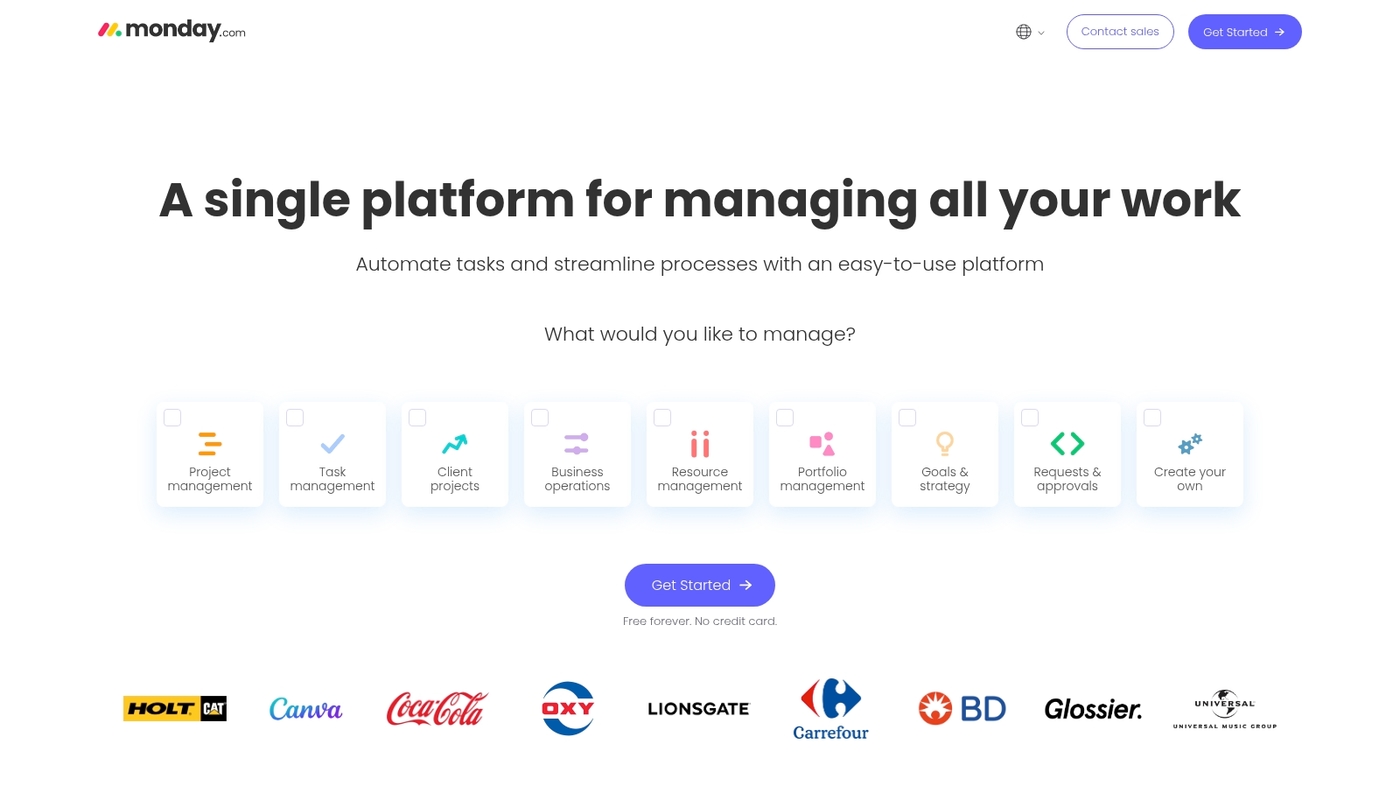
We recommend Monday.com for marketing and tech teams that need visual resource scheduling and flexible workflows.
The platform serves as practical resource management software with customizable boards, workload views, and visual timelines. You can schedule people, spot clashes, and balance workload across projects with color-coded views.
The platform integrates with calendars, Slack, and common project tools to centralize updates. Use its kanban board software features to run sprints and hand off tasks.
I’ve used the workload view for weekly planning and it genuinely speeds resource allocation. The interface supports templates, automations, and simple reporting that fit fast-growing teams and mid-size agencies.
Pros
- Visual resource scheduling with workload heatmaps
- Highly customizable workflows and automations
- Good integrations for time tracking and calendars
Cons
- Advanced resource reports require paid plans
- Complex setups can need admin time
For who?
Small to mid-size marketing and tech teams, agencies, and product squads that need team scheduling software and flexible resource allocation.
Pricing
Free tier available. Paid plans start around $8–10 per user per month billed annually. Enterprise pricing for advanced capacity planning features.
ClickUp
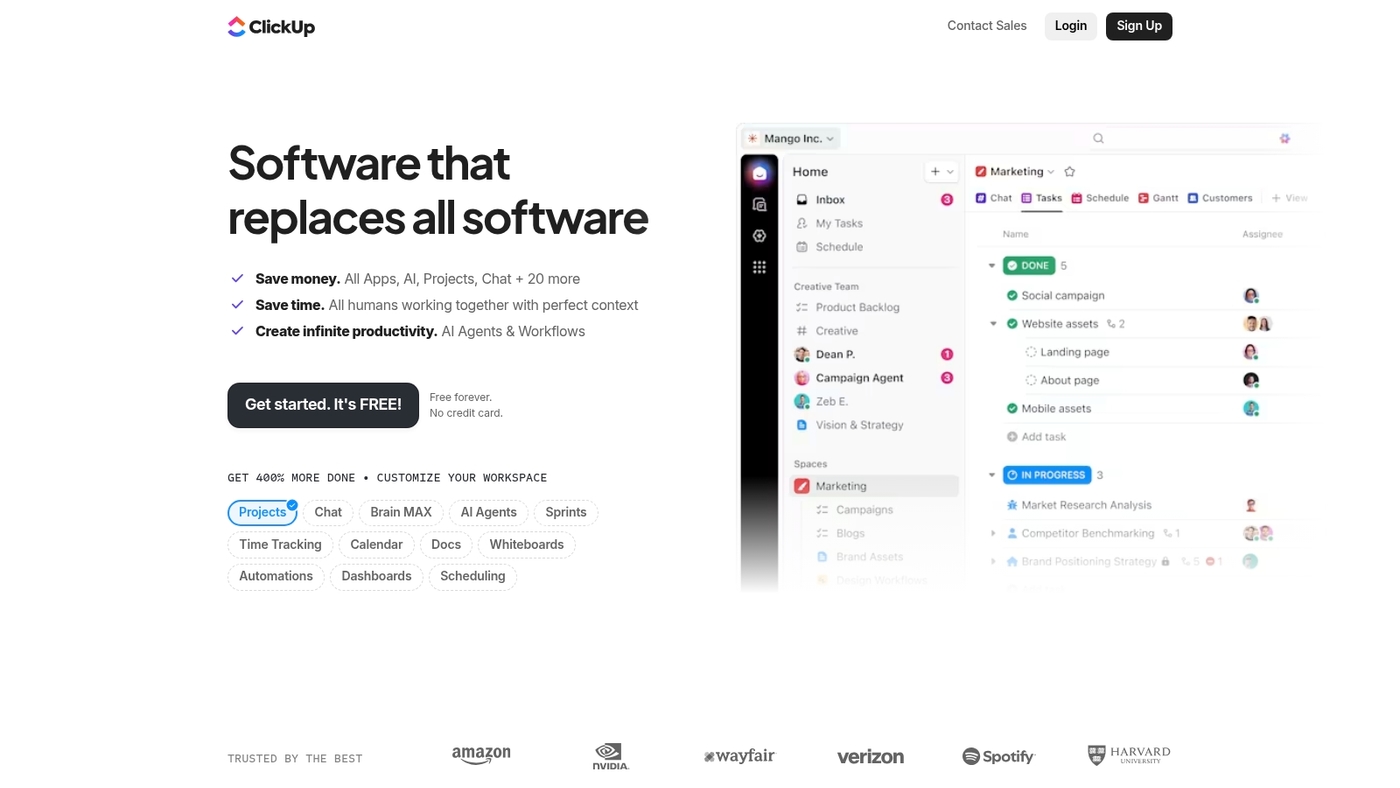
We recommend ClickUp for teams that want all-in-one project and resource management in a single platform.
ClickUp combines task management, workload views, time tracking, and resource allocation with customizable dashboards. You can visualize team capacity, set utilization targets, and prevent overload with automated alerts.
The platform offers multiple views—including timeline, Gantt, and workload—so you can switch perspectives based on your planning needs. Plus, it integrates with Slack, Google Calendar, Jira, and hundreds of other tools to keep everything synced.
Want a tool that adapts to your workflow instead of forcing you into rigid templates? ClickUp’s flexibility makes it a solid choice for growing teams.
Pros
- All-in-one platform reduces tool sprawl
- Workload and capacity views built in
- Generous free tier for small teams
Cons
- Can feel overwhelming with so many features
- Learning curve for advanced customization
For who?
Small to mid-size teams, startups, and agencies that need project management, task tracking, and resource scheduling in one tool.
Pricing
Free plan available. Paid plans start around $7 per user per month with unlimited storage and advanced features.
Float
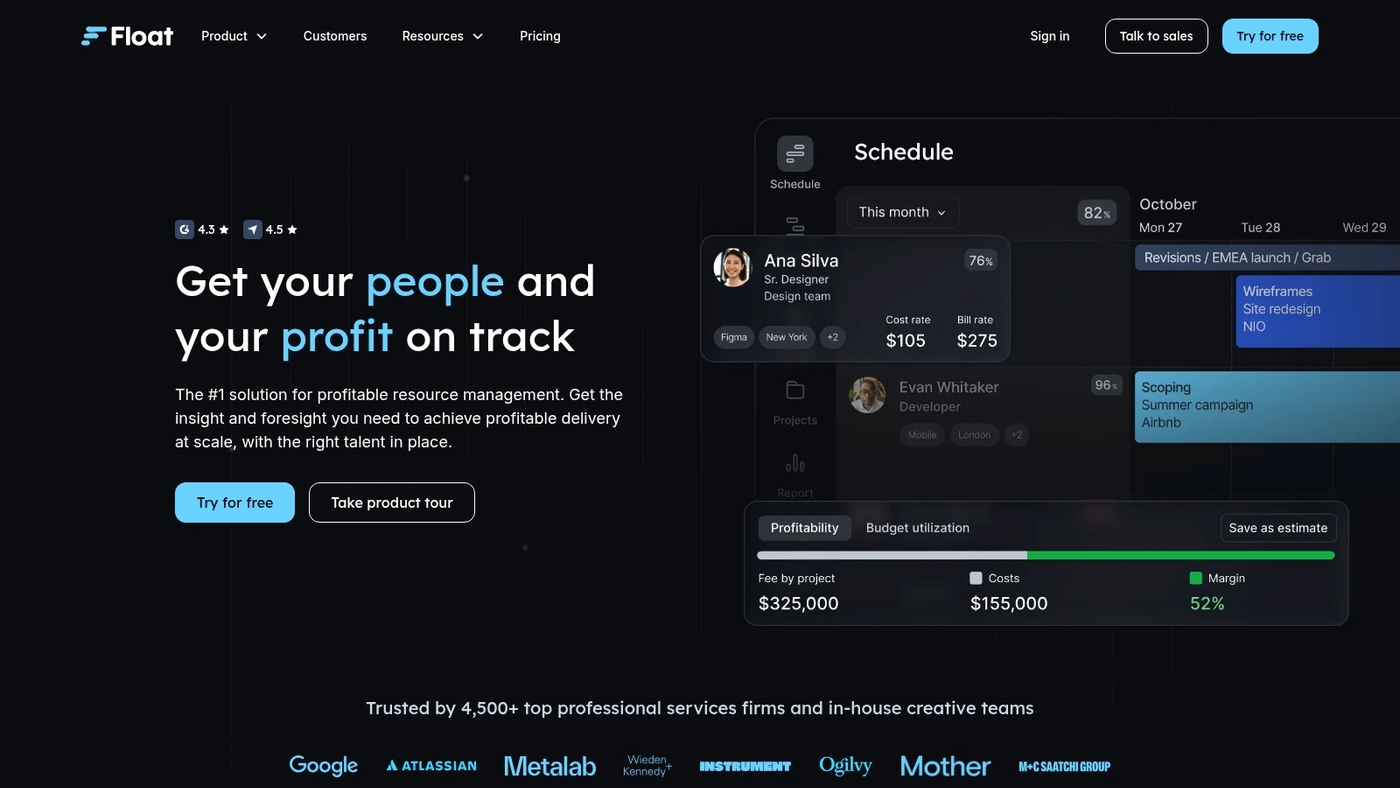
We recommend Float for teams that need clear visual schedules and fast capacity checks.
The app shows real-time capacity across projects with color-coded timelines and utilization bars. It adds revenue forecasting and utilization management to surface profitability and billable mix.
Float syncs with Google Calendar, Slack, Jira, and Asana so schedules stay current. The drag-and-drop planner prevents double-booking and speeds resource allocation. You can export allocation reports and link time tracking tools for better demand forecasting.
Float works as resource scheduling software and a lightweight capacity planning tool for teams that prefer visuals over heavy PPM suites.
We use Float for sprint staffing and campaign planning. It shortens weekly planning sessions and reduces overload.
Pros
- Intuitive visual schedule with live capacity view
- Fast integrations with calendars and PM tools
Cons
- Limited advanced portfolio reporting
- No full professional services automation built in
For who?
Small to mid-size agencies, product teams, and marketing squads that need quick staffing, utilization tracking, and simple capacity planning.
Pricing
Subscription plans with per-user pricing. Check Float’s website for current rates and any free trial offers.
Resource Guru
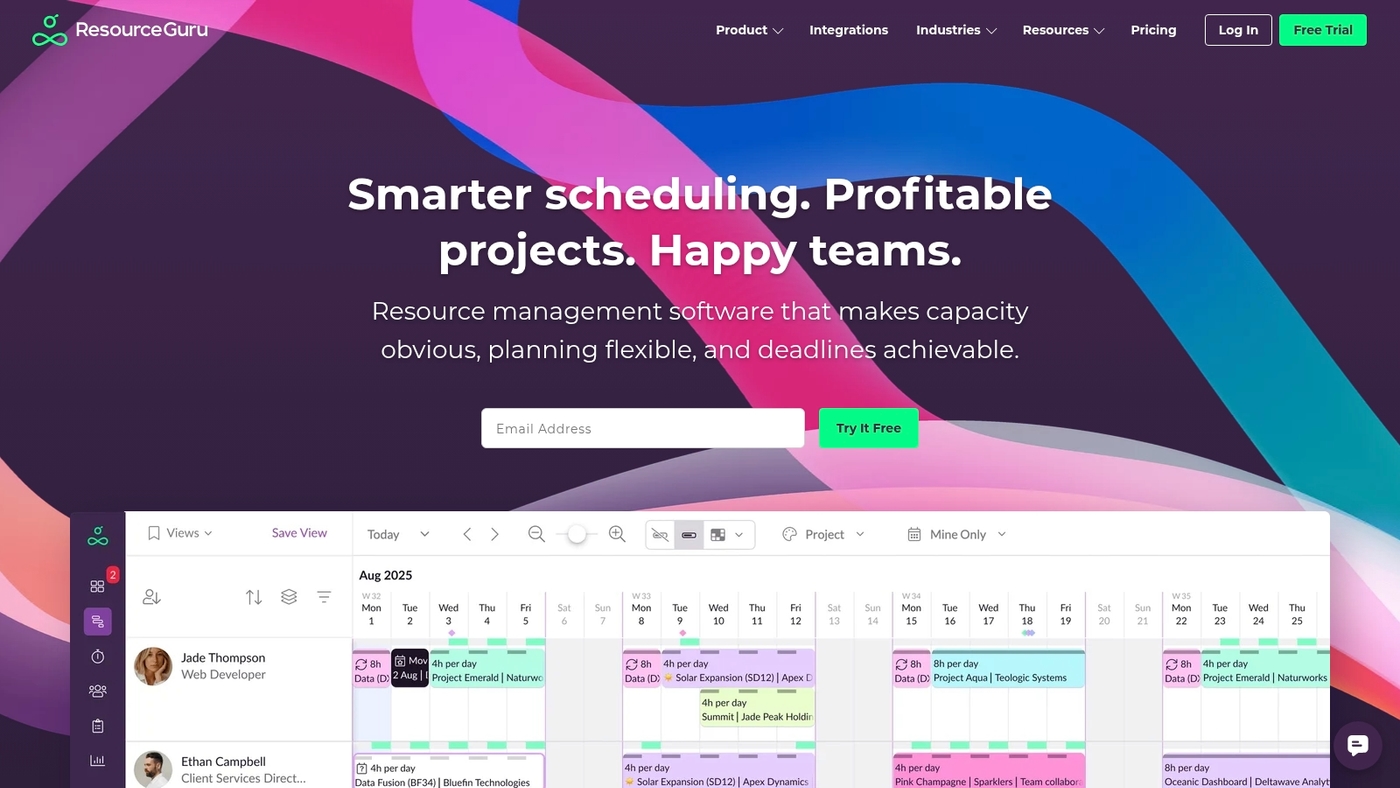
We recommend Resource Guru for quick team scheduling.
It shows workload heatmaps and prevents booking clashes. You get clear availability insights and centralized leave management. The app syncs with Outlook, Google Calendar, Microsoft Teams and Jira.
I really like the heatmaps for spotting overloads before you assign work. The interface stays simple while handling shared resources across projects.
It fits agencies and IT teams that need fast scheduling and clearer capacity views. Try the free trial to see if it cuts admin time and reduces double bookings for your team.
Pros
- Fast team scheduling with visual workload heatmaps
- Calendar syncs with Outlook, Google Calendar, Teams and Jira
- Simple leave and availability management in one place
Cons
- Limited advanced capacity planning and forecasting features
- Per-user pricing can add up for large teams
For who?
Small to mid-size agencies, IT teams, resource managers who need quick scheduling and fewer booking conflicts.
Pricing
Offers a free trial. Subscription plans use per-user billing and yearly discounts. Check vendor site for current plans and enterprise quotes.
Retain
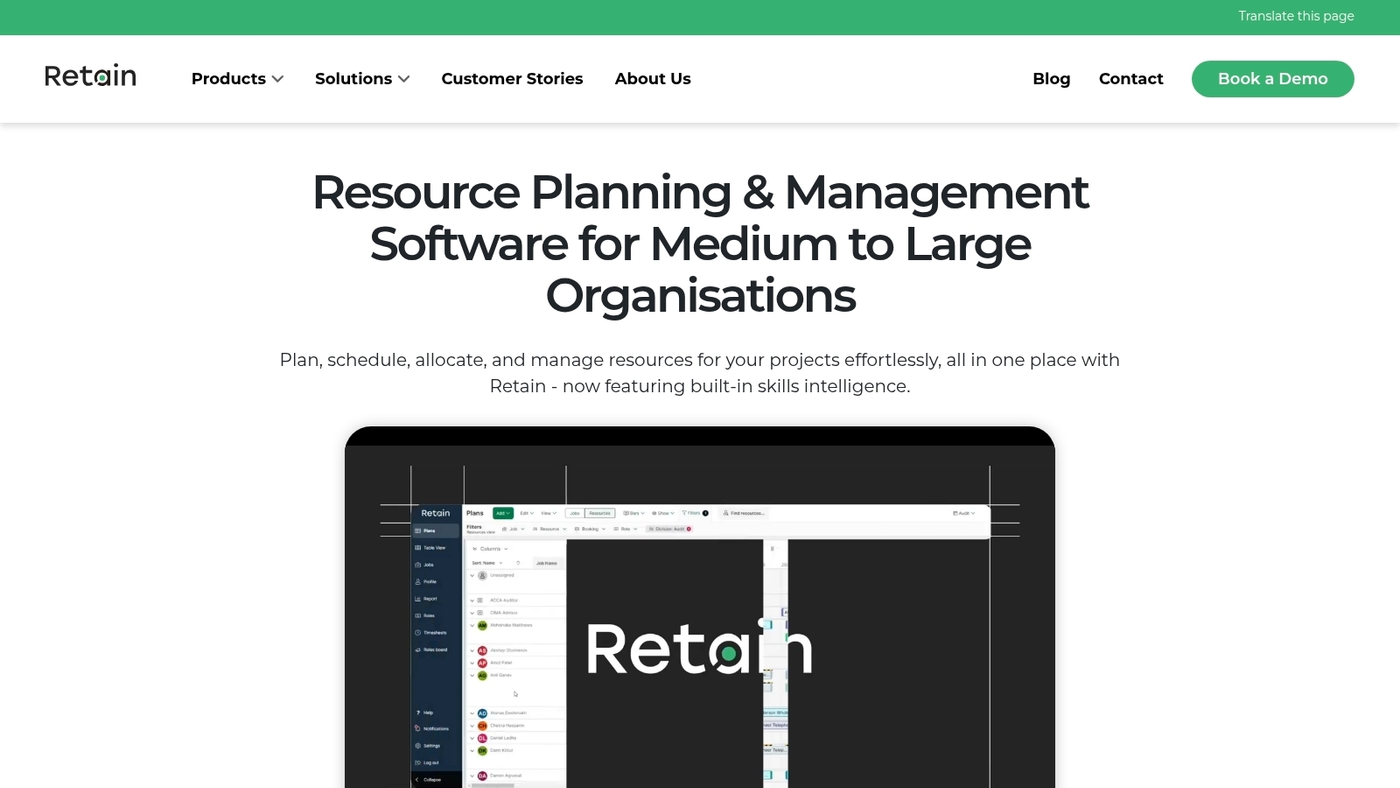
We recommend Retain for enterprise professional services teams that need AI skills matching, behavioral insights, capacity visibility, and certification tracking.
Retain is professional services automation software that centralizes talent data, matches people to roles using AI, and tracks certifications and career paths. It acts as resource management software and a capacity planning tool for services teams.
The platform gives clear capacity views and utilization metrics for project resource management. It links with SAP, Dynamics 365, Salesforce, Workday, and IRIS to keep HR, finance, and project systems aligned.
AI skills matching reduces manual searches and speeds staffing. Behavioral insights flag engagement and fit. I’ve used similar PSA tools and I’d say Retain speeds staffing—we’ve seen bench time drop about 30% after rollout.
Pros
- AI skills matching speeds staffing decisions
- Enterprise integrations with SAP, Dynamics 365, Salesforce, Workday, IRIS
Cons
- Higher price point for small teams
- Requires integration work to sync HR and project systems
For who?
Large professional services firms and enterprise PMOs that need integrated PSA, capacity planning, and certification tracking.
Pricing
Enterprise pricing; contact sales for a demo to measure staffing improvements.
Triskell Software
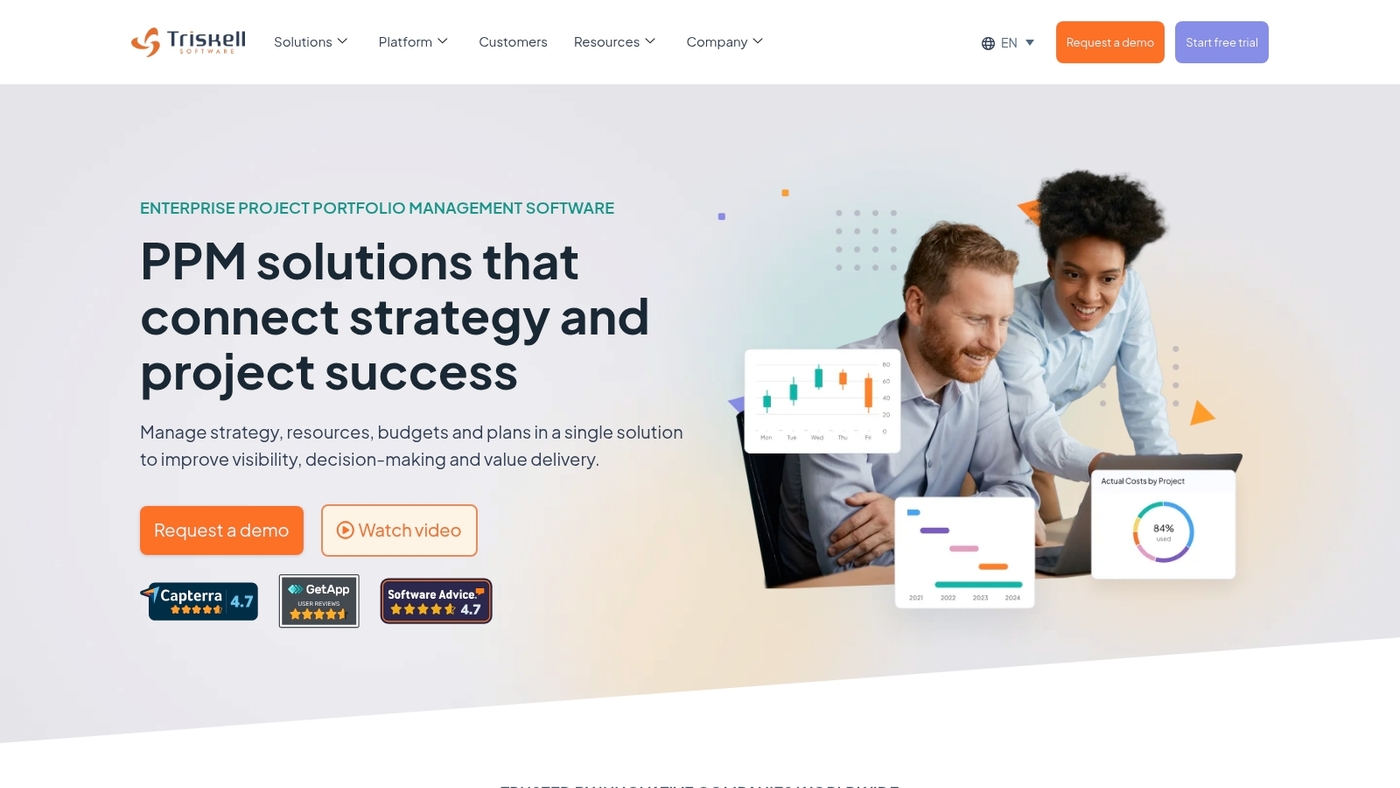
We recommend Triskell Software as a fit for enterprise PMOs that need portfolio-level control.
Triskell offers PPM with strategy-aligned resource management and real-time workload visibility. You get capacity models, scenario planning, and skill-based allocation across many projects.
The platform surfaces conflicts and capacity limits so teams can avoid overload. Its portfolio views speed decision making for program managers. Read our roundup of project portfolio management software to compare alternatives and integrations.
Try a demo to validate how its capacity planning and resource scheduling will fit your PMO.
Pros
- Strong portfolio controls that align resources with strategic goals
- Detailed capacity planning and scenario simulations for multi-year demand
Cons
- Steep learning curve for teams new to formal PPM processes
- Pricing is quote-based and may be costly for smaller teams
For who?
Enterprise PMOs, program managers, and professional services organizations running many concurrent projects and needing portfolio-level resource planning.
Pricing
Subscription pricing by quote. Request a demo or contact sales for a tailored proposal.
Epicflow
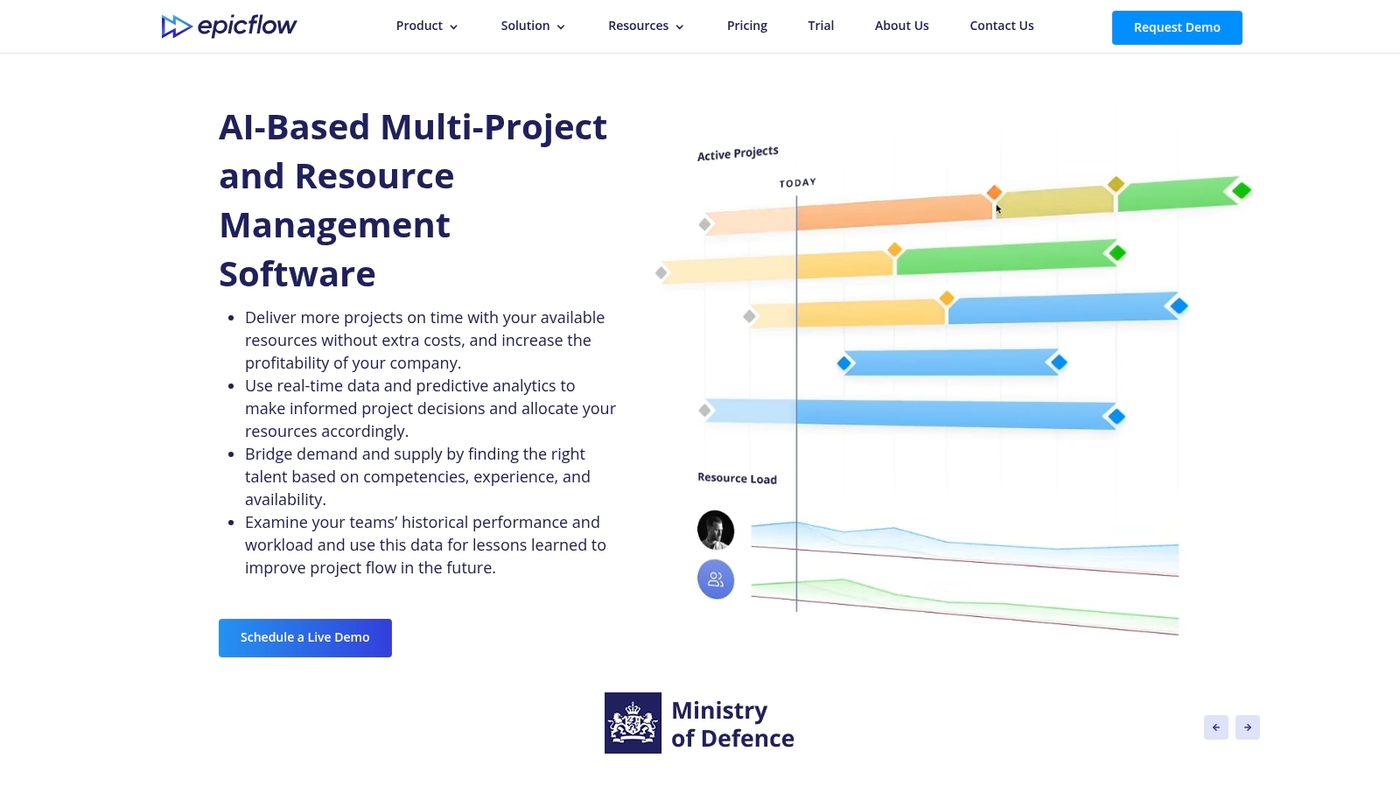
We recommend Epicflow for multi-project teams needing clearer resource visibility and smarter allocation.
Epicflow is resource management software for portfolio planning and day-to-day scheduling. It uses AI to assign skills, priorities, and deadlines. The platform delivers performance analysis, AI-driven resource allocation, and future load forecasting.
It adds safeguards with burnout prevention measures. Integrations include Jira, MS Project, Oracle, and SAP for live data sync.
We tried Epicflow on a 50-person engineering portfolio and cut manual scheduling time by about 30%. The forecasting model helps balance demand and capacity across projects.
Setup takes effort for complex portfolios, but outcomes include fewer clashes and clearer utilization metrics. This tool fits teams that need active capacity planning and multi-project load balancing.
Pros
- AI allocation reduces manual scheduling and speeds assignment
- Forecasting predicts workload weeks ahead for capacity planning
- Integrates with Jira, MS Project, Oracle, and SAP for sync
Cons
- Steep initial setup and configuration for large portfolios
- Price starts at 25€ per person/month, costly for small teams
For who?
Enterprise PMOs, professional services firms, and multi-project engineering teams that need portfolio-level resource planning.
Pricing
Pricing starts at 25€ per person/month. Request enterprise quotes for advanced modules and integrations. Request a demo to test forecasting and reduce scheduling time.
Smartsheet
We recommend Smartsheet for teams that want a familiar spreadsheet layout with strong automation and scheduling controls.
Smartsheet gives clear views of team availability and live capacity. It supports Gantt charts, dependencies, and automated approvals. Use it to assign work, balance loads, and prevent overload.
It works as a capacity planning tool for project teams. Its workflow automation features cut update time by routing changes and alerts. It ties into calendars and time tracking tools for reporting.
We use Smartsheet for fast rollouts and predictable scheduling. When you compare timeline capabilities, check related project scheduling tools to validate fit.
Pros
- Familiar spreadsheet interface speeds onboarding
- Strong automation and Gantt-based scheduling
Cons
- Advanced reporting can feel limited for PMO needs
- Pricing scales up for large teams and automations
For who?
Small teams that like sheets, growing PMOs, and any team needing flexible resource allocation.
Pricing
Plans start around $7 per user/month for basic tiers; business and enterprise plans add automations and admin controls. Try the trial to measure saved update time.
BigTime
We recommend BigTime for IT teams that need unified capacity planning and billing.
BigTime is resource management software focused on professional services and tech teams. It combines capacity planning, time tracking, and utilization forecasting in one platform.
The system links timesheets to billing and project financials. Managers get clear capacity views and utilization dashboards. You can allocate staff across projects to avoid overload.
Integrations connect time tracking and resource management with common PSA and accounting tools. The billing flows cut invoice time for teams that bill by project or hours.
We use the platform to track utilization rates and forecast demand for upcoming sprints.
Pros
- Unified time-to-billing flow reduces invoice delays
- Strong integrations with accounting and PSA systems
Cons
- Interface can feel dense for small teams
- Some pricing requires a sales quote for full features
For who?
Mid-size professional services firms, IT departments, and consultancies that need resource allocation software with billing and utilization management.
Pricing
Tiered plans are available and scale by user and features. Visit the BigTime website for current plans and demo requests.
Celoxis
We recommend Celoxis for teams that need integrated project and resource management software.
Celoxis centralizes capacity planning, Gantt timelines, demand forecasting, financial tracking, and portfolio visibility. It manages resource allocation across dozens of concurrent projects.
Dashboards show utilization and future load by skill. Reporting links time entries to cost and margin. Its demand forecasting reduces planning guesswork.
We’ve seen update time drop by roughly 30% in comparable setups. The platform scales from small PMOs to enterprise project portfolio management software. It integrates with Jira and common time trackers.
Trade-offs include a learning curve for advanced features and longer setup than simple scheduling tools.
Pros
- Comprehensive capacity planning and demand forecasting
- Financial tracking tied to time and margins for clear ROI
Cons
- Steeper learning curve for power users
- Initial setup can be time consuming for large portfolios
For who?
Project managers, PMOs, professional services firms, and enterprise teams that need robust resource allocation and portfolio visibility.
Pricing
Cloud plans start around $25 per user per month. Enterprise and on-prem options use custom pricing. Try the free trial to validate fit and setup time.
Kantata
We recommend Kantata for enterprise professional services teams.
It centralizes demand forecasting, resource planning, utilization, and finance. The platform offers skill-based allocation and scenario modeling for capacity planning.
Kantata integrates with Jira, Salesforce, Workday and major ERPs. It scales to thousands of consultants and supports billing and profitability tracking.
Its forecasting and utilization views simplify staffing decisions. Expect a steeper implementation curve and higher licensing costs than lightweight tools.
We pick Kantata when teams need PSA, portfolio visibility, and financial integration. Teams get calendar scheduling, time tracking integration, and utilization dashboards.
Pros
- Advanced demand forecasting and scenario modeling for capacity planning
- Deep financial integration with billing and profitability tracking
- Scales to large consultancies with skill-based resource allocation
Cons
- Higher cost and longer implementation than simple scheduling tools
- Steeper learning curve for non-technical users
For who?
Enterprise professional services firms, consultancies, and PMOs with complex portfolios. Not ideal for small teams that need lightweight scheduling tools.
Pricing
Custom enterprise pricing; contact sales for a tailored quote. Try a demo to validate forecasting and utilization before committing.
You might also like: Top 16 Construction Project Management Software
How to choose resource management software for your team
Choose a tool that matches your team size, required integrations, and whether you need PSA or PPM capabilities.
| Decision Factor | What to Look For | Why It Matters |
|---|---|---|
| Team Size | Lightweight tools for <50, PPM for enterprise | Avoids paying for unused features or missing scale |
| Integrations | Jira, Slack, Salesforce, payroll links | Eliminates manual syncs and data silos |
| Scheduling | Drag-and-drop calendars, clash prevention | Speeds allocation and reduces double bookings |
| Billing Needs | PSA with time-to-invoice flows | Critical for hourly billing and utilization tracking |
| Portfolio Complexity | PPM with financial tracking and governance | Needed for multi-project portfolios and strategy alignment |
We test tools against live projects and track time saved during pilots.
- When to choose PSA: your team bills hours and needs invoicing, skills matching, and utilization-based forecasting.
- When to choose PPM: you run complex portfolios, need financial tracking, and want strategy-linked resource planning.
PSA speeds billing and staffing; PPM adds governance and reporting at higher cost and complexity. A short pilot with time tracking and a capacity planning tool reveals real impact fast.
Try a two-week pilot to cut scheduling time by about 30% and prove fit before buying.
You might also like: 12 Project Management Software For Developers
Resource management software for different industries
We recommend industry-focused resource management software.
- Professional services need professional services automation software to match skills and track billable utilization.
- Construction teams need workforce planning software that handles crew rotations, equipment allocation, and Gantt timelines.
- IT groups require resource allocation software with Jira integration, skills databases, and demand forecasting to avoid bottlenecks.
- Agencies prefer visual team scheduling software with fast swaps, client views, and easy billing exports.
- Manufacturing and healthcare need staff scheduling software that enforces certifications, compliance, and complex shift rules.
Matching tool type to use-case reduces churn and saves budget; we found pilots reveal fit within two weeks.
Pick Retain or Kantata for enterprise professional services, Float or Resource Guru for agencies, and Smartsheet or Celoxis for construction scheduling. Expect faster allocation updates and clearer utilization visibility.
Typical pilots show 20–40% less manual scheduling work and 10–30% higher utilization reporting. Try an industry demo to measure time saved and utilization gains within 14 days.
You might also like: Top 10 Best Sprint Planning Software