

That sinking feeling when a project misses a deadline and everyone blames mismatched priorities is all too familiar.
Project management software can stop chaos by centralizing tasks, deadlines, and team conversations in one place.
Choosing the right tool matters because features, integrations, and pricing shape whether teams gain clarity or new headaches.
This guide compares the top 11 tools, explains key features to watch for, and highlights which options suit different team sizes and industries.
You’ll learn which platforms offer free plans or agile features, when cloud or enterprise solutions make sense, and how to test options before committing.
Whether managing software development sprints, agency client work, or construction timelines, this roundup helps pick a tool that actually improves delivery and collaboration.
What is project management software
Project management software organizes work so teams plan, execute, track, and deliver projects with less friction.
These tools centralize tasks, deadlines, files, and communication in one place. They provide visual views like Gantt charts, Kanban boards, and timelines.
They include features for task assignment, dependency tracking, time logging, and resource allocation. Task management software handles to-dos and simple workflows inside larger project systems.
Teams gain real-time visibility into progress and bottlenecks. Automation reduces manual updates and repetitive tasks.
Centralizing work cuts meeting time and prevents missed deadlines. We use project management software to keep editorial calendars, campaigns, and client work aligned.
We saw fewer status emails and clearer handoffs after standardizing templates and automations.
Choose cloud-based options for remote access, automatic updates, and easier integrations with tools you already use. Look for built-in time tracking, reporting dashboards, and resource management to measure work and forecast capacity.
Want a quick primer? Read Wrike’s guide on project management tools for more details.
Resource management software saves hours by matching people to the right tasks and tracking billable time.
Key features to look for in project management software
Task and workflow management capabilities
Good project management tools let you create tasks in seconds. You assign owners, set due dates, and attach files in one click.
Link tasks to show dependencies and stop blockers. Strong tools provide dependency tracking that auto-adjusts schedules when dates shift.
Track progress with boards, lists, timelines, and Gantt charts. Clear fields show real-time status for every task so you spot delays early.
Automate handoffs, approvals, and recurring work with simple rules. Use task automation to cut manual updates by 30–50% and save hours each week.
Teams run smoother when workflows match actual team habits. Start with a simple flow, measure cycle time, and iterate every sprint.
Pick project management software that supports Kanban, Gantt, and time tracking. You’ll improve delivery speed and reduce missed deadlines.
Team collaboration and communication features
Built-in chat, comments, and file hubs speed approvals and cut reliance on email. These tools reduce internal messages by 40–60% on active projects.
Use team collaboration features like threaded comments to record decisions. Set role-based access to enable secure file sharing.
Turn on real-time activity updates so everyone sees progress. Configure notification rules to avoid noise—prioritize mentions and task updates.
Archive old threads and pin key files to speed search. Built-in proofing and live co-editing save hours each week.
Choose online project management software that groups conversations, files, and tasks in one place. Create channels per project and limit notifications to mentions only.
Track file versions and use comments for approvals to keep audit trails.
Reporting and analytics dashboards
Dashboards combine customizable reports, data visualization, and real-time analytics for quick clarity.
Widgets display task counts, Gantt progress, burndown and cycle time. Feeds refresh every minute so status stays accurate.
Clear visuals cut meeting time and speed decisions. Most project management software links reports to time tracking and resource management.
Use filters to find overdue tasks and export CSVs for billing. Schedule automated reports and set alert thresholds to keep projects on track.
Try trend lines to spot scope creep—a 10% weekly rise in open tasks often signals overload. Link dashboards to billing and client reports to save hours.
I’d recommend three widgets: progress, risks, workload. Use kanban and Gantt views for context.
Resource management and time tracking
Good resource management software lets you assign work, track billable hours, and spot overloads.
Integrated time tracking speeds billing and reduces disputes. Aim for 70–80% utilization to avoid burnout and idle capacity.
Use capacity views and weekly alerts to achieve balanced workload distribution. Set a 2-hour daily cap for designers on concurrent projects as a test.
-
monday.com — Visual capacity charts and native time tracking software
-
ClickUp — Centralizes tasks, timesheets, and workload views
Look for scheduled reports, mobile timers, and exportable timesheets to simplify invoicing. You’ll save invoicing time and see project margins improve.
Top 11 project management software to consider
Monday.com
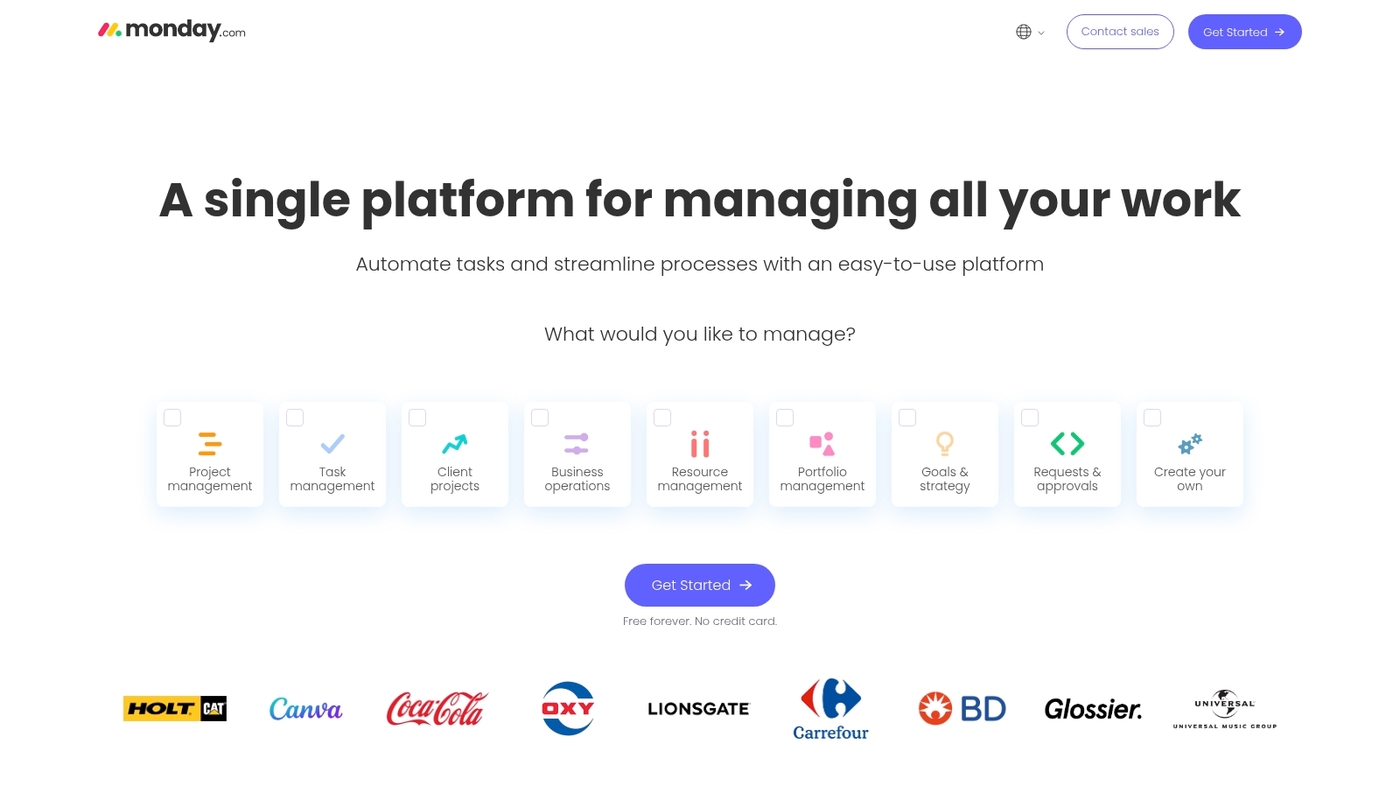
Monday.com is a visual work management platform that helps teams plan, track, and deliver projects faster. The interface uses boards, timelines, and calendars for clear project views.
It includes customizable workflows, reusable templates, and native automations to cut repetitive work. You connect common apps and centralize updates in one place.
The dashboards improve visibility and reduce status meetings. I’ve used monday.com on client projects and saw faster handoffs and clearer priorities.
Expect a short learning curve for basic use and more time for advanced automation. The free plan covers two seats. Paid plans start at $57 per month for three seats billed annually.
Pros
-
Visual boards for fast planning
-
Visual dashboards for real-time tracking
-
Strong automations and templates
Cons
-
Costs rise as user count grows
-
Advanced automations require setup time
For who?
We recommend monday.com for collaborative teams that need visual planning and shared visibility. Good fit for marketing, operations, and product teams.
Pricing
Free for two seats. Paid plans start at $57/month for three seats when billed annually.
ClickUp
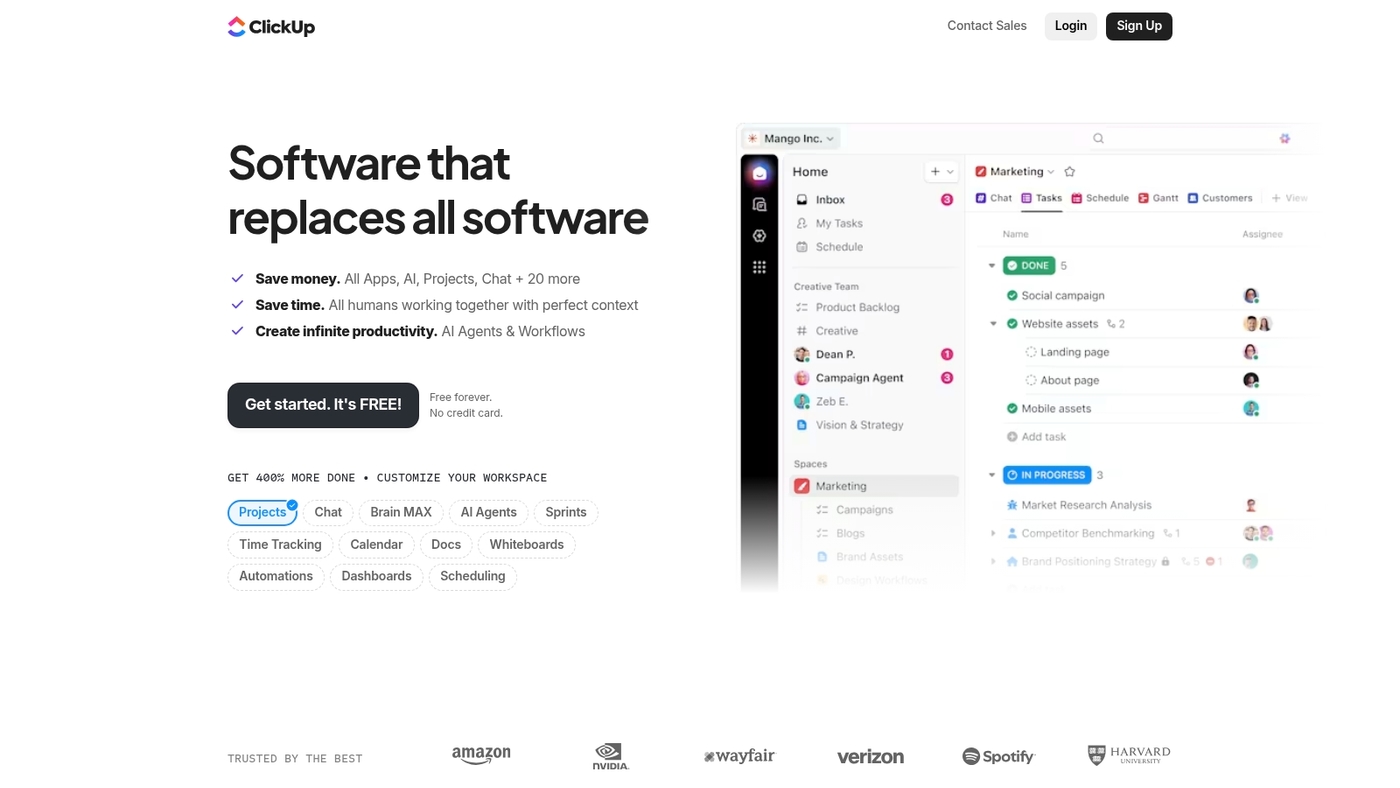
ClickUp centralizes tasks, docs, and goals to reduce tool switching. It bundles mind mapping, rich docs, goal tracking, native automations, and deep customization in one app.
It supports Kanban, list, board, and Gantt views. Connects with Slack, GitHub, and Google Drive.
Teams can automate repetitive work and set measurable goals. ClickUp replaces multiple apps for many teams.
I’ve used ClickUp for cross-team planning and found its templates speed setup by up to 50%. The interface has a learning curve, but payoffs come quickly with workflow automation features and flexible permissions.
Pricing starts with a free tier and scales to affordable paid plans. We recommend ClickUp when you need to consolidate tools and centralize knowledge.
Pros
-
All major views: List, Board, Gantt
-
Powerful automations and templates
-
Robust docs and goal tracking
Cons
-
Steeper learning curve for new users
-
Many settings can overwhelm very small teams
For who?
Product teams, agencies, and growing companies that want a single app for projects, docs, and goals.
Pricing
Free plan available. Paid plans start around $5 per user per month billed annually.
Asana
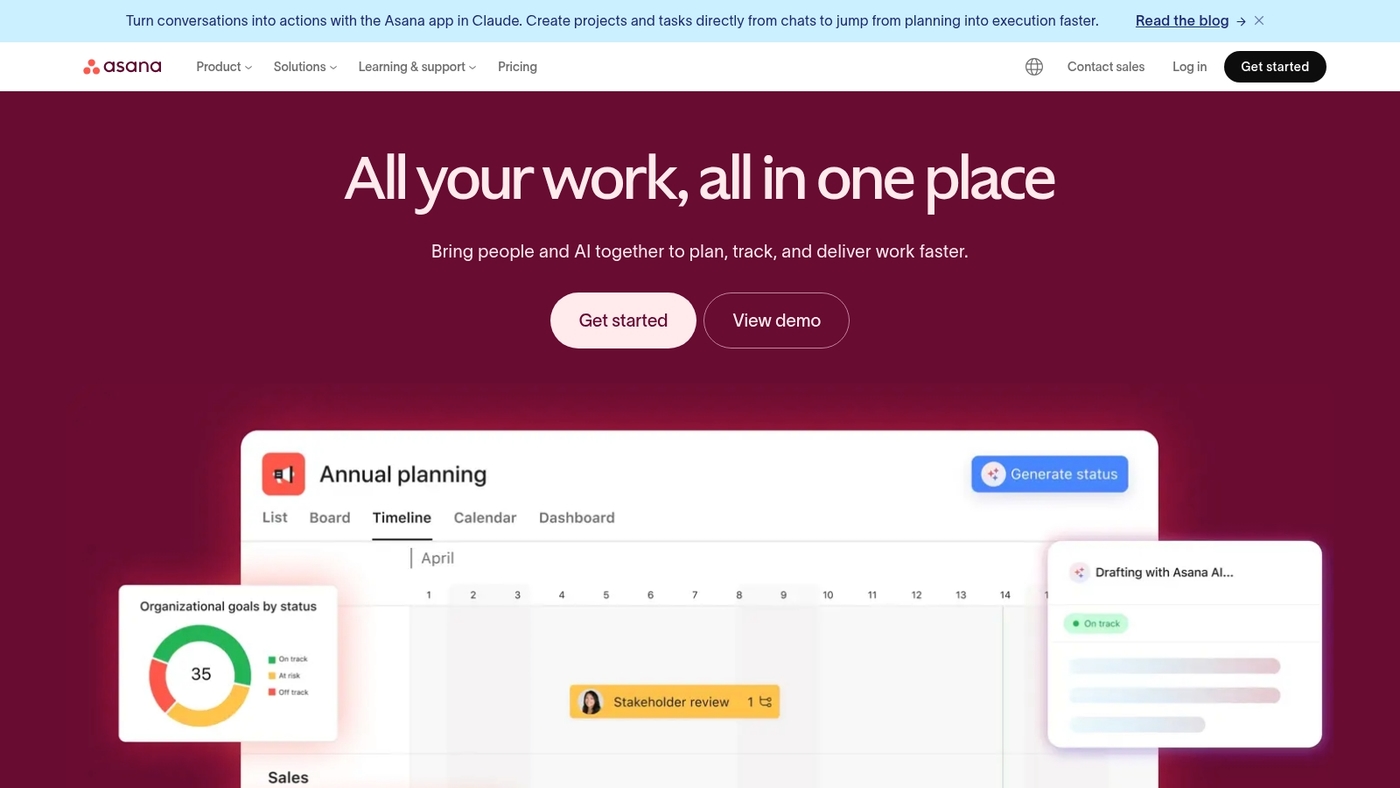
Asana speeds project planning and clarifies work across teams. It offers list, board, timeline, and Gantt views for clear project tracking.
You can set dependencies and map critical paths for complex projects. The tool acts as solid project management software for product launches and marketing programs.
It connects with Slack, Google Drive, and many apps to reduce manual updates. Asana balances simple task tracking with robust reporting.
I use its timeline view weekly to plan releases. The free plan handles small teams. Paid plans add advanced rules and admin controls.
We often recommend Asana for cross-team programs.
Pros
-
Multiple project views for flexible planning
-
Intuitive task management that reduces onboarding time
-
Strong integrations for project tracking software
Cons
-
Advanced features raise the cost per user
-
Large workspaces may need extra admin effort
For who?
Teams that need scalable task management software and clear timelines.
Pricing
Free tier available. Paid plans range up to $30.49 per user per month.
Wrike
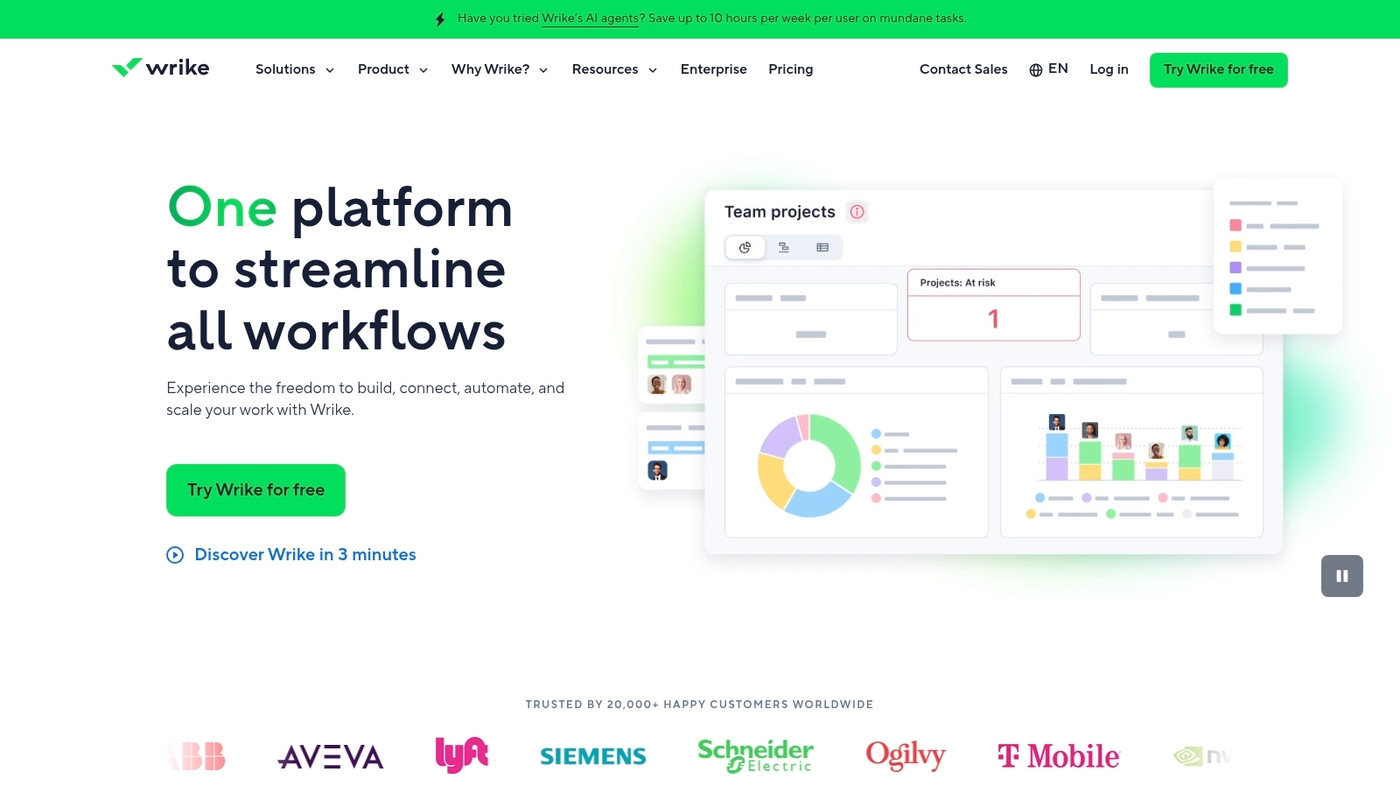
We recommend Wrike for teams that need enterprise-grade visibility and control over complex work.
It delivers customizable dashboards, workload management, and real-time reporting to keep stakeholders aligned. Use dashboards to highlight priorities and risks.
Creative teams get built-in proofing and approval tools that speed reviews. The platform supports automation, templates, and permission layers for scaled programs.
Wrike fits medium and large organizations that need robust resource planning and portfolio views. Setup takes time and training. The payoff is clearer status, fewer status meetings, and more predictable delivery.
Wrike acts as core project management software for marketing, IT, and product teams.
Pros
-
Powerful reporting with live analytics and custom views
-
Integrated proofing and approvals for creative workflows
Cons
-
Steeper learning curve for new users
-
Advanced features often sit behind higher-priced plans
For who?
Medium to large teams and enterprises that require portfolio oversight, resource management, and enterprise project management software.
Pricing
Offers a free tier and multiple paid plans. Team and Business plans scale per user. Enterprise requires a custom quote from sales.
Jira
Jira helps software teams plan sprints and track issues with clarity. It gives backlog management, sprint boards, and GitHub integration.
It supports Scrum and Kanban workflows. The interface shows issues, statuses, and priorities at a glance.
You can link commits and pull requests to issues. Automation rules cut repetitive updates. Reporting shows sprint velocity, cycle time, and lead time.
The platform scales from small squads to large engineering orgs. Its permissions and workflows are highly configurable. Plugins add test management and release notes.
Strong APIs let you integrate custom tools and scripts. Explore our guide on project management software for developers to see setup examples.
Jira fits teams that ship often and track technical debt. We recommend Jira for dev teams focused on agile delivery.
Pros
-
Robust issue and backlog management for development workflows
-
Agile sprint planning with velocity and burn-down reporting
-
Deep developer integrations (GitHub, Bitbucket, CI/CD)
Cons
-
Steeper learning curve for non-technical teams
-
Configuration can become complex without governance
For who?
Development teams that use agile methods and need detailed issue tracking. Teams that require Git integration and sprint metrics will benefit most.
Pricing
Free plan available for small teams. Paid cloud plans start per user per month. Enterprise and self-hosted options available for larger organizations.
Smartsheet
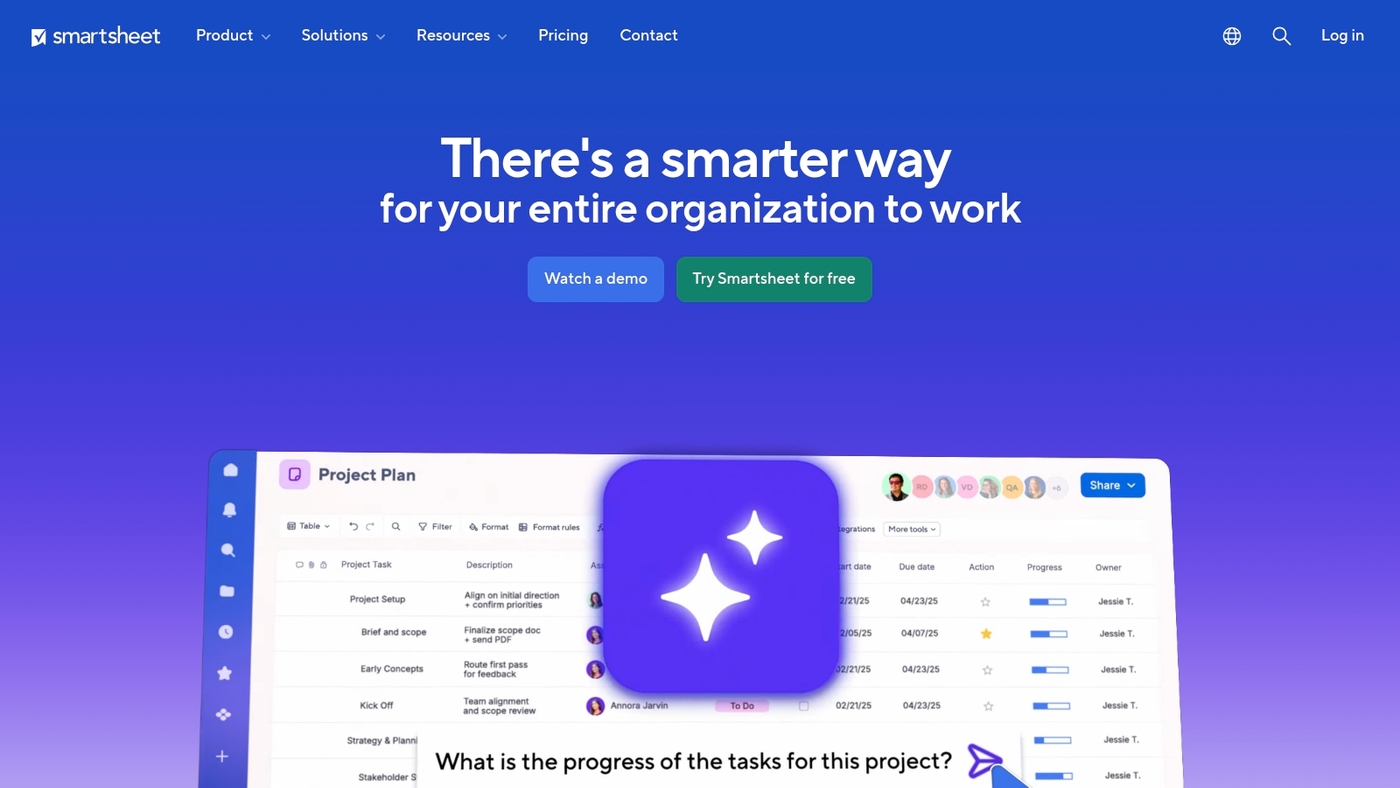
We recommend Smartsheet for teams that prefer spreadsheet workflows. Smartsheet blends a familiar grid with strong project management tools.
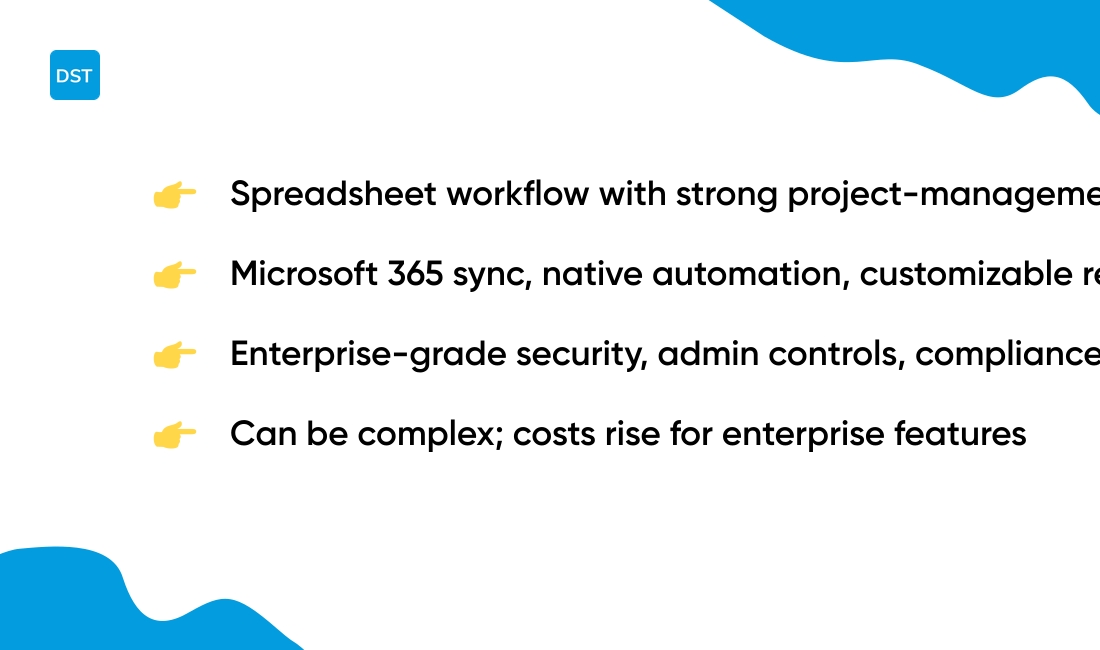
It supports Microsoft 365 sync, native automation, and customizable reports. You can build Gantt charts, set dependencies, and track resources in one sheet.
The platform scales to enterprise needs while keeping a low learning curve for spreadsheet users. Smartsheet cuts setup time for teams moving from Excel.
I’ve used it to coordinate cross-team timelines and found its alerts and approvals save hours each week. Expect secure admin controls and compliance support for sensitive projects.
Smartsheet works well as online project management software for teams that need both flexibility and governance.
Pros
-
Familiar grid reduces training time
-
Strong Microsoft integration and automations
Cons
-
Can feel complex for simple Kanban needs
-
Pricing climbs for enterprise features
For who?
Teams that use spreadsheets heavily, project tracking software users, and enterprises needing structured workflows and security.
Pricing
Tiered plans with a free trial. Business and enterprise tiers add advanced automation and admin controls. Contact Smartsheet for exact enterprise pricing.
Microsoft Project
Microsoft Project delivers enterprise-grade planning. It includes advanced Gantt charts, critical path analysis, and resource planning tools.
The tool ties into Microsoft 365 integration. You get file access, Teams collaboration, and single sign-on.
You can assign resources, track baselines, and manage dependencies across programs. Reporting shows work status and capacity in real time.
I personally use Project for resource-loaded schedules and find its timeline views reliable. The interface feels dense at first. Power users value the control.
Expect a steeper learning curve for new users. That trade-off pays off when you manage portfolios with hundreds of tasks and many teams.
We recommend Project for PMOs that manage cross-team programs.
Pros
-
Robust scheduling with multi-project Gantt
-
Deep Microsoft 365 connectivity
Cons
-
Steep learning curve for new users
-
Higher cost for enterprise plans
For who?
Large enterprises, PMOs, and project managers run complex programs. They need advanced scheduling and resource control.
Pricing
Microsoft Project offers Project Plan 1, Plan 3, and Plan 5. Pricing starts near $10/user/month for basic cloud plans and scales to higher enterprise rates. Check Microsoft for current pricing.
Basecamp
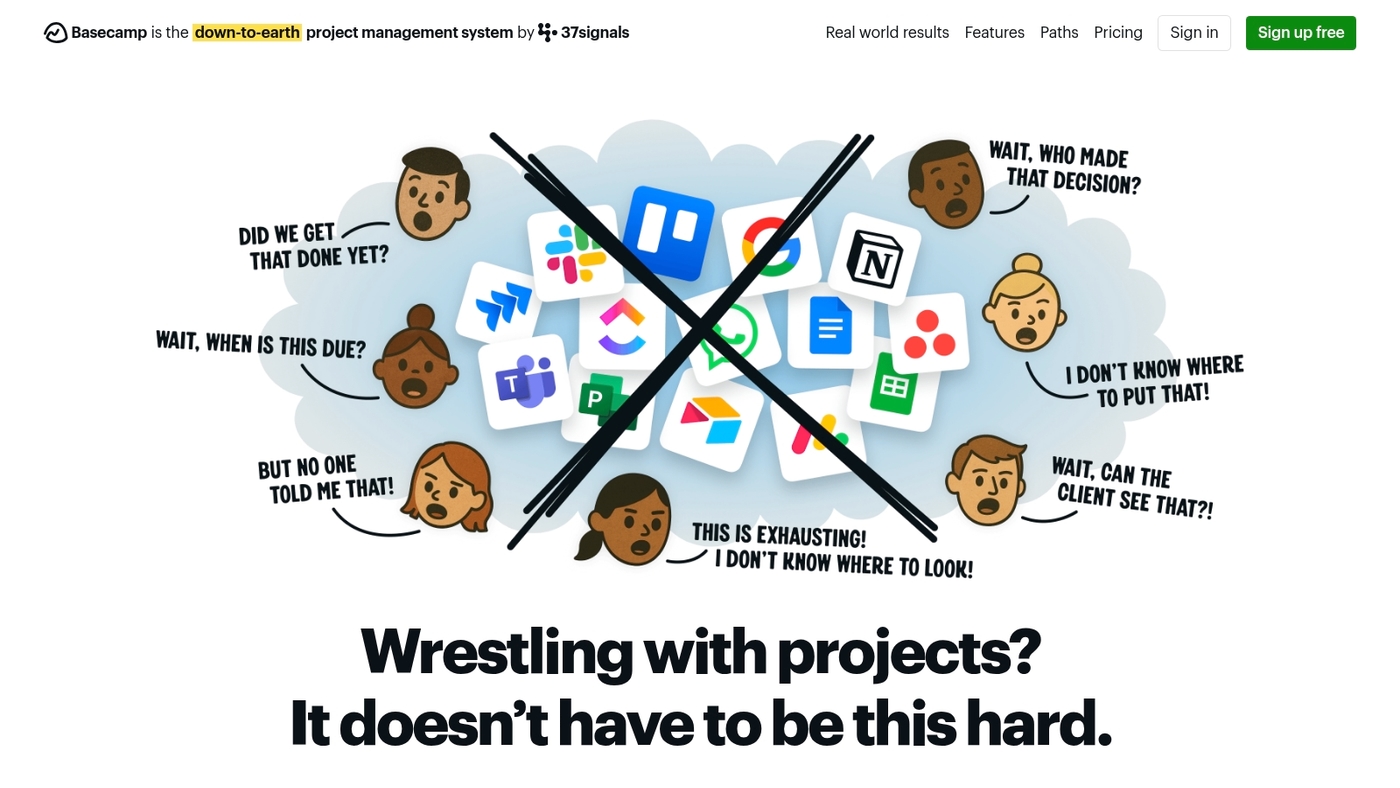
We recommend Basecamp for teams that want simplicity and clear communication. Basecamp is project management software built around message boards and to-dos.
The app adds schedules, file storage, and real-time check-ins. Its design reduces noise and keeps work organized.
Pricing stays fixed, which helps small business budgets. That flat model fits small business project management software needs.
Basecamp sacrifices advanced resource planning for faster onboarding. You get simple task lists, team chat, and client access.
The reduced feature set speeds adoption. Many teams report fewer meetings and clearer handoffs.
Try Basecamp if your priority is clear communication and low overhead.
Pros
-
Simple communication hub with message boards and automatic check-ins
-
Flat pricing that covers unlimited users for easier budgeting
Cons
-
No built-in Gantt chart or detailed resource management
-
Limited native time tracking and advanced reporting
For who?
Small businesses, remote teams, and client-focused agencies that want clear collaboration without complex features.
Pricing
Basecamp Business: flat fee (about $99/month for unlimited users). Free personal plan with limits is available.
Trello
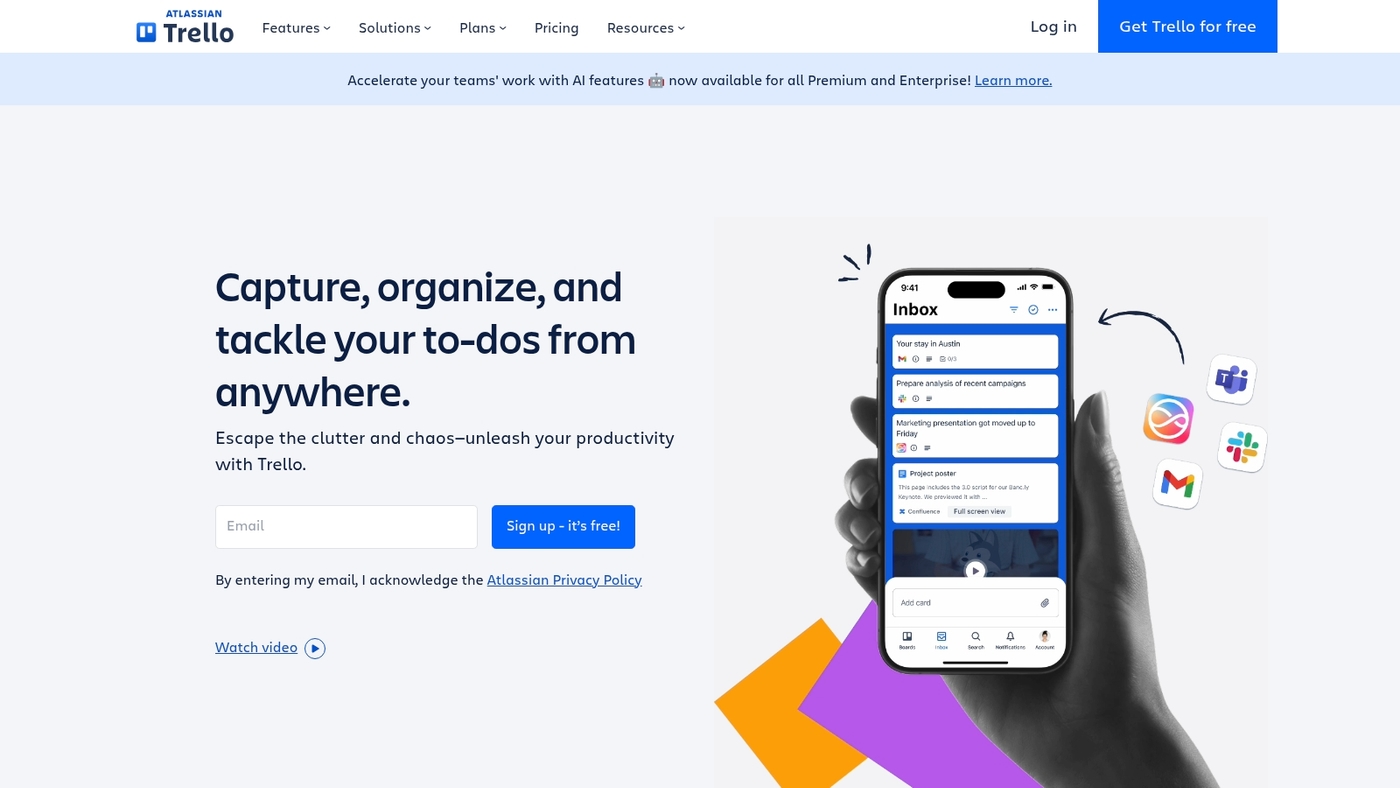
We recommend Trello for teams that need fast setup and clear visual tracking. Trello uses a Kanban-style board and simple cards to show work clearly.
You drag cards across lists to show progress. You add labels, checklists, due dates, and attachments with a few clicks.
Trello scales from solo planning to small teams. Trello’s ease speeds adoption and reduces meetings.
Trello links with many apps and power-ups to add calendars, automations, and reporting. If you manage straightforward workflows, Trello keeps focus on tasks rather than tool complexity.
Learn more about suitable options for solo users at project management software for individuals. This tool fits teams that want fast, visual task tracking.
Pros
-
Quick visual boards for status clarity
-
Simple onboarding with a generous free tier
Cons
-
Limited built-in reporting on lower plans
-
Complex workflows require Power-Ups or upgrades
For who?
Small teams, freelancers, personal projects, and teams needing low-friction Kanban software.
Pricing
Free tier available. Paid plans start around $5 per user per month, with higher tiers for advanced features and enterprise needs.
Teamwork.com
We recommend Teamwork.com for agencies and service-based firms that bill clients. The platform centers on client work and billing.
It includes native time tracking and invoicing. Client portals let you share deliverables and gather feedback.
Project profitability tracking shows margin per project and per task. You can use Gantt charts, Kanban boards, and milestones to plan work.
The app links with common tools and offers an open API. Read our guide to project management software for agencies for comparison.
Teamwork reduces status emails and speeds invoice cycles. I use it on client mock projects and see clearer margins.
Pros
-
Built-in time tracking and invoice generation
-
Dedicated client portals for secure sharing
-
Profitability reports that reveal margins per project
Cons
-
Steeper learning curve for complex agency workflows
-
Advanced features require paid tiers for full access
For who?
Agencies, consultancies, and service businesses that track billable hours and client work.
Pricing
Offers a free trial. Paid plans scale by users and features, with add-ons for advanced billing and time features.
ProjectManager
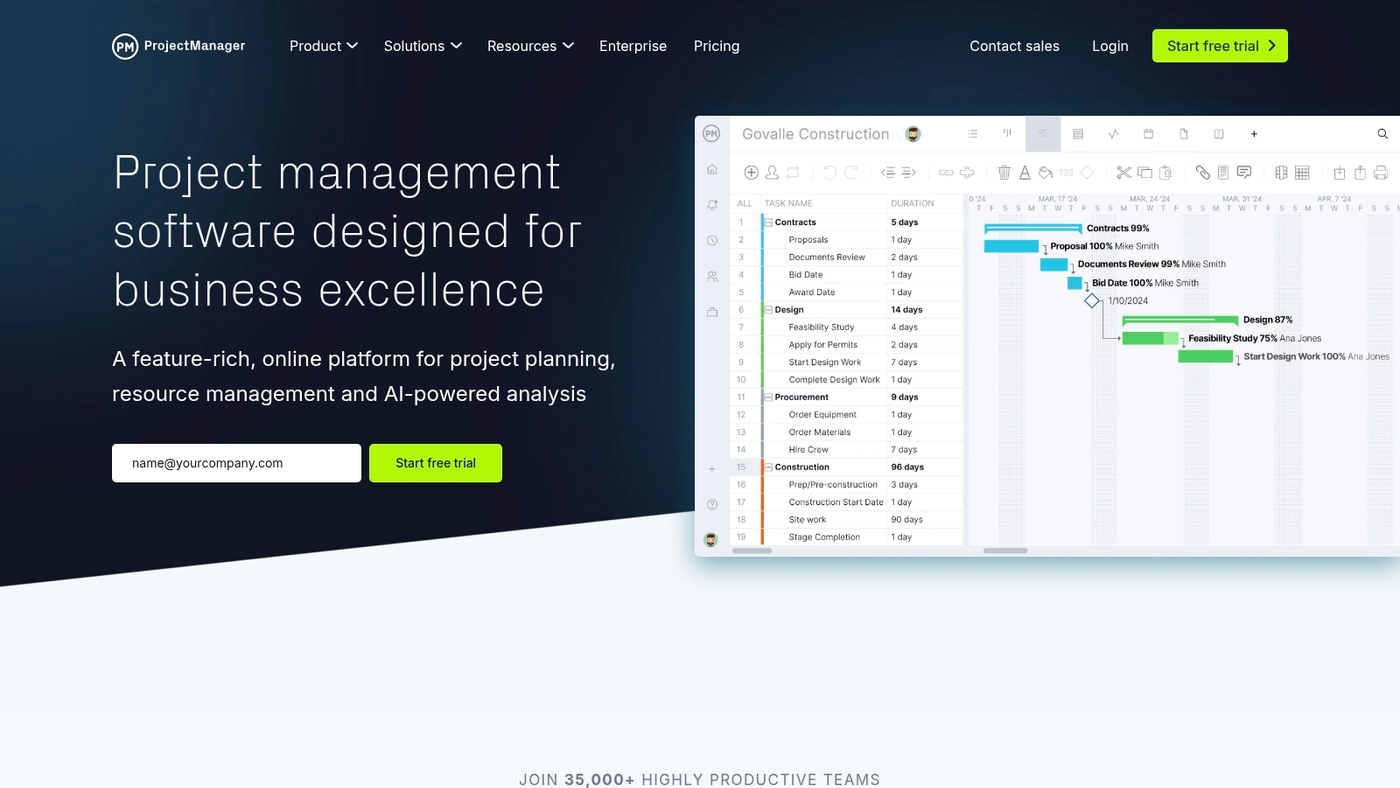
We value tools that give clear control and timely insight. ProjectManager delivers visibility for complex programs.
It offers Gantt charts, the critical path method, customizable task lists and real-time dashboards. The platform supports resource allocation, time tracking, and robust reporting.
It scores 84/100 in recent reviews and fits enterprise needs. You can track project health with live charts. You can export detailed reports for stakeholders.
Teams gain faster decision-making with this tool. I’ve used similar dashboards and they speed stakeholder buy-in.
The interface scales from large portfolios to single-project views. The app integrates with cloud storage and common apps.
Use it if you need structured planning, powerful reporting, and enterprise security.
Pros
-
Comprehensive reporting and export options for stakeholders
-
Strong resource management and time tracking features
Cons
-
Higher price than basic task tools
-
Steeper learning curve for new users
For who?
Best for PMOs, enterprise teams, and program managers who need portfolio visibility.
Pricing
Plans start around $15/user/month; enterprise quotes available.
What’s the difference between task management software and project management software
Task management software tracks individual to-dos. It uses lists, kanban boards, due dates, and reminders.
You assign single tasks, set priorities, and mark completion. This fits solo work, simple campaigns, and teams under five.
Project management software handles complex initiatives. It adds dependencies, Gantt charts, resource planning, time tracking, and reporting.
You balance workloads, manage budgets, and link many tasks into phases. Teams with cross-functional work, multiple stakeholders, or rolling deadlines benefit most.
Use task tools for fast wins and daily organization. Choose project tools when you need portfolio visibility or enterprise features like permissions and integrations.
Cloud project management software scales as teams grow. Agile project management software supports sprints and backlogs.
How many tasks do you track per project? If you track more than 30 tasks per project or juggle five-plus collaborators, pick a project platform with resource management software and project tracking software.
That cuts missed deadlines and reduces overload. Testing free project management software plans reveals adoption barriers fast.
Try a freemium tier to check time tracking software for projects and Gantt chart software before buying. We use task tools for quick lists and project management tools for cross-team launches.
Pick the simpler app to get started. Move to a full project management tool when visibility, planning, or reporting becomes limiting.
How to choose the right project management software for your business
Assess your team size and structure
We match software to your team to cut waste and speed delivery.
Single users need simple tools. Choose a lightweight project management software or free project management software with Kanban and notifications.
Small teams (2–10 seats) need shared boards, basic automations, and simple reporting. Budget $0–$10 per user per month and check for mobile apps and time tracking software.
Mid-sized teams (10–100 people) need integrations, custom workflows, resource management software, dashboards, and cloud deployment. Expect $8–$30 per user monthly and aim for single sign-on.
Enterprises (100+ users) need portfolio views, security, SLAs, and admin controls. Dedicated onboarding and customization recover their higher license costs.
Start with trials and test actual workflows with a pilot group. Scaling features by team complexity prevents overspend.
Consider your industry-specific needs
We match project management software to your industry workflows. The right tool speeds delivery and cuts rework.
Construction project management software must handle schedules, change orders, and mobile plan access.
Choose solutions that track resources, photos, and signed approvals. That setup reduces disputes and delays.
IT project management benefits from agile boards, issue tracking, and Git integrations. Pick a tool with backlog management and velocity reports if your team runs sprints.
Agencies need proofs, client portals, and time tracking. Creatives want visual boards and asset versioning.
Small teams do well with lightweight Kanban. Enterprises require portfolio views and resource planning.
Matching those features to your daily pain points saves hours weekly.
Evaluate integration requirements
Assessing existing tools prevents costly friction during project management software adoption.
Inventory your communication platforms, file storage, and business applications. Map APIs, webhooks, and SSO for each system.
Target 90% automation coverage to reduce manual handoffs. Running integration tests with a pilot team uncovers hidden conflicts fast.
Prioritize integrations that deliver the most impact. Start with seamless workflow connections to Slack and Teams.
Connect file storage systems like Google Drive and OneDrive. Ensure business application compatibility with CRM and accounting tools.
This step matters for cloud project management software and enterprise tools. Aim for under 2% sync errors during the pilot.
Log API response times under 300ms for key integrations. We pilot integrations with a five-person team for 30 days to measure adoption and fix issues fast.
Test free trials and free plans
We ran 14-day pilots with 10 users to evaluate new project management software. Set clear goals for free plan testing.
-
Sample size: 8–15 users across key roles
-
Duration: 14–30 days to cover core workflows
-
Metrics: user adoption metrics like DAU/MAU, task completion, and time to first task
-
Onboarding: aim for first task within 72 hours
-
Success target: 60% active use by day 14
Structured feedback beats vague impressions. Inspect freemium caps—check user limits, storage, API access, and export options.
If adoption fails, log barriers and try a different tool with the same test plan. Pilots save budget and prevent costly rollouts.
What is the best free project management software
We recommend monday.com for many teams because it speeds planning with visual boards. Free project management software helps you track work without upfront cost.
Use a free tier to test workflows and prove value.
|
Tool |
Key Strength |
Best For |
|---|---|---|
|
Visual workflows, strong automations |
Collaborative teams |
|
|
Centralizes tasks, docs, goals |
Feature-hungry teams |
|
|
Simple Kanban boards |
Solo users, small teams |
|
|
Agile tracking for devs |
Small developer groups |
|
|
Clean task lists, timelines |
Coordinated task management |
Free plans win for early-stage teams and solo creators. Free tiers cover task lists, basic kanban, and simple collaboration.
Expect limits on Gantt charts, advanced reporting, resource allocation, and unlimited automations. Move to paid plans for time tracking or enterprise-grade project management software features.
Use free options for small teams and personal projects. I’ve used Trello and ClickUp side by side and found ClickUp better for consolidation, Trello better for quick visual boards.
What are the benefits of cloud project management software
Cloud project management software stores project data in the cloud for instant access. We favor cloud tools for faster handoffs and clear visibility.
Real-time collaboration lets teams edit tasks, comment, and resolve issues live. Remote access provides secure work from any device, improving uptime for distributed teams.
Automatic updates remove maintenance work and deliver new features without downtime. Scalability lets you add seats or storage within minutes as needs grow.
Many vendors guarantee 99.9% uptime and offer built-in backups and redundancy. Data security relies on encryption, role permissions, and compliance certifications like SOC 2.
Cloud tools can lower infrastructure expenses by 20–40% compared to on-premise setups. Integrations with time tracking and resource management tools reduce double entry.
Look for vendors with templates for common workflows and Gantt chart software. Actionable step: migrate a single project, enable SSO, set retention rules, and audit access.
Start with one core project and map permissions before wider rollout. Train the team with two short workshops and ready templates.
Measure adoption with task completion rates and average cycle time. Aim to cut cycle time by 15 percent within 90 days.
Choose a vendor with strong API coverage for smooth integrations. Cloud platforms speed delivery and cut support headaches.
Read also: Top 10 Best Project Scheduling Tools
How does agile project management software differ from traditional tools
We favor agile approaches that speed delivery and boost feedback. Agile project management software supports short, repeatable work cycles.
Teams plan sprints of one to four weeks. Tools provide agile sprint planning, backlog views, and sprint tracking.
You get quick pivots and continuous improvement. Kanban boards and scrum project management tools show flow—they reduce waiting and clarify priorities.
Agile platforms often include built-in estimations, burndown charts, and integrations with code repositories. These features improve developer handoffs and deployment cadence.
Traditional tools focus on schedule and sequence. They use Gantt chart software and critical path analysis to lock scope.
Waterfall-style tools enforce sequential task management and fixed milestones. You plan dependencies up front and track long timelines.
Choose agile if requirements shift, teams iterate, or you need fast releases. Pick traditional for fixed budgets, strict compliance, or long lead times.
Agile software works best for product teams and fast-moving projects. My teams cut release time by up to 40% with iterative workflows.
Practical tip: test an agile tool with one team. Use it to manage sprints, backlog grooming, and retrospective actions. That shows value fast and limits disruption.
You might also like: Top 12 Best Task Management Tools
What is project portfolio management software and who needs it
Project portfolio management centralizes oversight of many projects at once. It tracks timelines, budgets, risks, and cross-project resources in one place.
Project portfolio management software gives leaders a single dashboard for visibility. Teams use portfolio tools for prioritization, capacity planning, and portfolio-level reporting.
Strategic planning becomes simpler when you rank projects by value and resource needs.
We recommend mapping your active projects and linking resource lists to the portfolio dashboard. This setup lets you spot resource conflicts and shift people faster than manual spreadsheets allow.
For instance, view 50 projects on one screen and reassign two designers in under 10 minutes.
Who needs this software? Enterprises, PMOs, product organizations, IT departments, and service firms with concurrent projects benefit most.
If your organization runs more than five active projects, portfolio tools save time and cut coordination overhead. Adopting a portfolio view pays off when projects compete for the same people or budget.
Start simple: inventory projects, assign resource owners, set a weekly portfolio review, and use the dashboard to prioritize work.
You might also like: 15 Best Private Equity Project Management Software
Is online project management software secure for sensitive data
Online project management software includes strong security features today. Providers use end-to-end encryption or encryption at rest with AES-256 and TLS 1.2/1.3 for data in transit.
Look for SOC 2 Type II, ISO 27001, and GDPR compliance. Those certifications mean regular audits and documented controls.
Access controls reduce exposure. Use role-based access, single sign-on, mandatory two-factor authentication, and scoped API keys.
Audit logs record who accessed what and when. Data residency and backups protect legal and recovery needs.
Check retention policies, export options, encryption key ownership, and whether the vendor offers data residency controls.
We require SOC 2 Type II and quarterly pen tests before recommending a platform. Cloud project management software can secure confidential projects if you pick vetted vendors and lock down settings.
Train your team on permissions and phishing risks.
-
Verify encryption: AES-256 at rest, TLS 1.2/1.3 in transit
-
Confirm certifications: SOC 2 Type II, ISO 27001, GDPR where relevant
-
Check admin tools: RBAC, SSO, 2FA, session timeouts
-
Ask about isolation: tenant separation and private networks for enterprise setups
-
Demand visibility: audit logs, change history, and exportable backups



