That sinking feeling when notes, tasks, and projects live in different apps is all too familiar.
Searching for Notion alternatives can get confusing fast, with choices ranging from lightweight note-takers to full-blown project platforms.
Notion is versatile, but teams and students often hit limits around offline access, performance with big databases, privacy, or task management.
This article reviews 8 best Notion alternatives to boost your productivity, comparing functionality across databases, AI features, collaboration, offline use, and pricing.
You’ll see options that are free, open-source, self-hosted, team-focused, or optimized for students so you can match a tool to your workflow.
You’ll learn which apps like Notion fit different needs and how to pick a replacement that keeps your data usable and your team productive.
What makes a good Notion alternative
We recommend prioritizing robust databases, reliable offline access, and strong collaboration when evaluating Notion alternatives.
Here’s the thing—at Daily Social Tips, we score tools on six clear criteria.
- Database capabilities: Relational tables, formulas, and fast queries. Benefit: organizes complex projects. Tradeoff: more setup time. Aim for tools that handle 10,000+ records without lag.
- AI features: Native summarization, smart templates, and auto-tagging. Benefit: reduces review time by 20% to 40%. Tradeoff: paywall for advanced models.
- Offline functionality: Local editing and sync queues. Benefit: work without wifi and avoid data loss. Tradeoff: limited realtime collaboration.
- Collaboration tools: Granular permissions, comments, and presence. Benefit: faster handoffs and fewer meetings. Tradeoff: admin overhead for large teams.
- Pricing models: Free tiers, per-user plans, and enterprise options. Benefit: match cost to team size. Tradeoff: hidden automation or storage fees.
- Performance with large datasets: Indexing, pagination, and background sync. Benefit: steady UX at scale. Tradeoff: may need dedicated hosting.
Have you ever imported 10,000 rows and watched your app freeze? Database power matters most for teams that track thousands of items.
Test candidate apps with a 10k-row import and invite three teammates. You’ll see speed, sync, and permission limits quickly. Start there and pick the tool that fits your workflow.
Top 8 Notion alternatives compared
monday.com
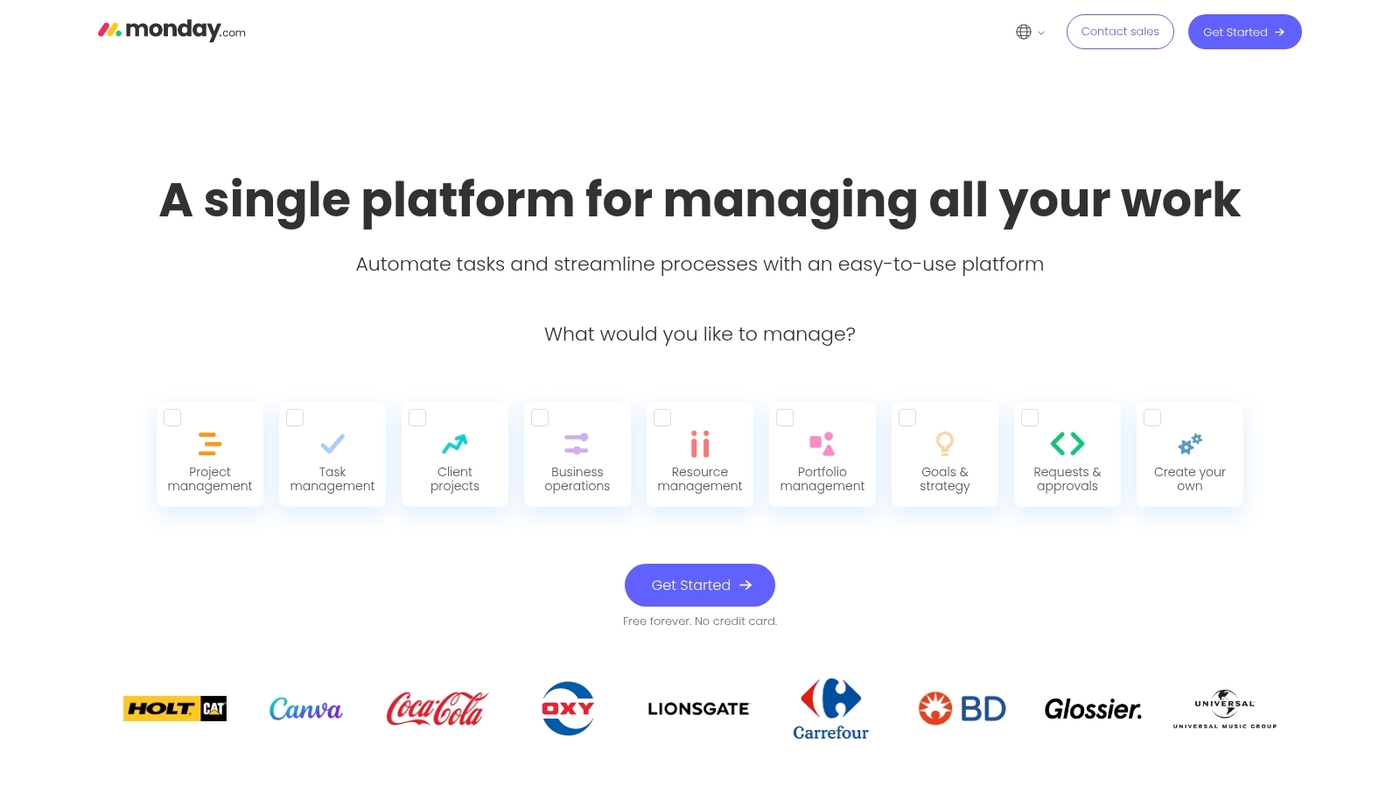
We recommend monday.com for teams that need flexible project management rather than pure documentation.
It uses customizable boards and visual workflows. You can build kanban, timeline, table, and calendar views in minutes.
You can automate status updates and recurring tasks with low-code automations. It integrates with hundreds of apps and offers granular permissions. Dashboards surface progress across boards and reduce status meeting time.
Search and files live inside items for quick context. This tool fits teams that track sprints, campaigns, or product launches. It handles large task datasets with minimal lag.
I personally saw update time drop about 25% after setting up automations. See our collaboration platforms for teams guide for similar options.
| Feature | monday.com |
|---|---|
| Views | Kanban, timeline, calendar, Gantt, table |
| Automations | Low-code, 200+ recipes |
| Integrations | Slack, Gmail, 50+ apps |
| Best for | Project management, operations, marketing |
Pros
- Highly adaptable boards for many workflows
- Powerful automations that reduce manual updates
- Multiple visual views and cross-board dashboards
Cons
- Not built for longform documentation
- Cost rises with larger teams
- Advanced automations need setup time
For who?
Teams focused on project management, operations, marketing, and product. Best when you need visual tracking and automations more than an all‑in‑one doc tool.
Pricing
Offers a free plan. Paid plans start around $8 per user per month billed annually, with higher tiers for advanced features and enterprise support.
ClickUp
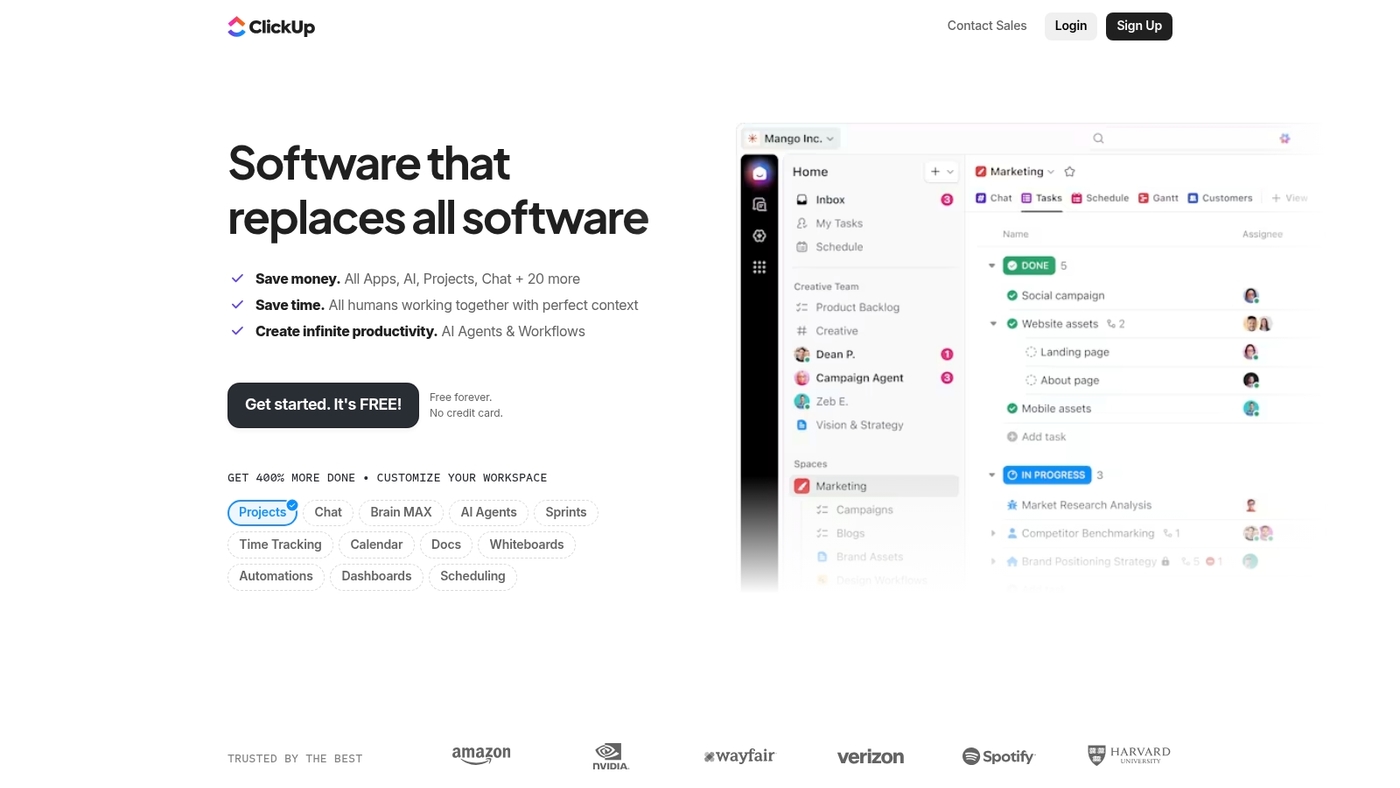
We recommend ClickUp for teams focused on project management. It combines tasks, docs, kanban, and automations in one platform.
The app includes a robust free plan that supports unlimited tasks and users. The customizable task views adapt to sprints, bugs, or content calendars.
An offline mode keeps work accessible on mobile and desktop. Try kanban boards via kanban board software for visual workflows.
I personally use ClickUp for sprint planning and find its custom fields flexible. Automations reduce recurring status work and save time on manual updates. (Plus, the free tier is genuinely generous!)
Test a template, enable a kanban view, and run one automation to measure time savings.
Pros
- Powerful free tier with unlimited tasks and users
- Multiple views: list, board, Gantt, calendar
- Strong automations and native time tracking
- Integrated docs linked to tasks and goals
- Offline support for mobile and desktop
Cons
- Interface can feel dense for simple note-taking
- Advanced setups require configuration time
- Mobile app may lag on large workspaces
For who?
Teams that need project-centric collaboration, sprint planning, client work, or content pipelines. Pick ClickUp if task automation and multiple views matter more than minimalist notes.
Pricing
Free plan available. Paid plans start around $5 per user per month billed annually for Unlimited features. Business tiers add advanced automations and analytics.
Coda
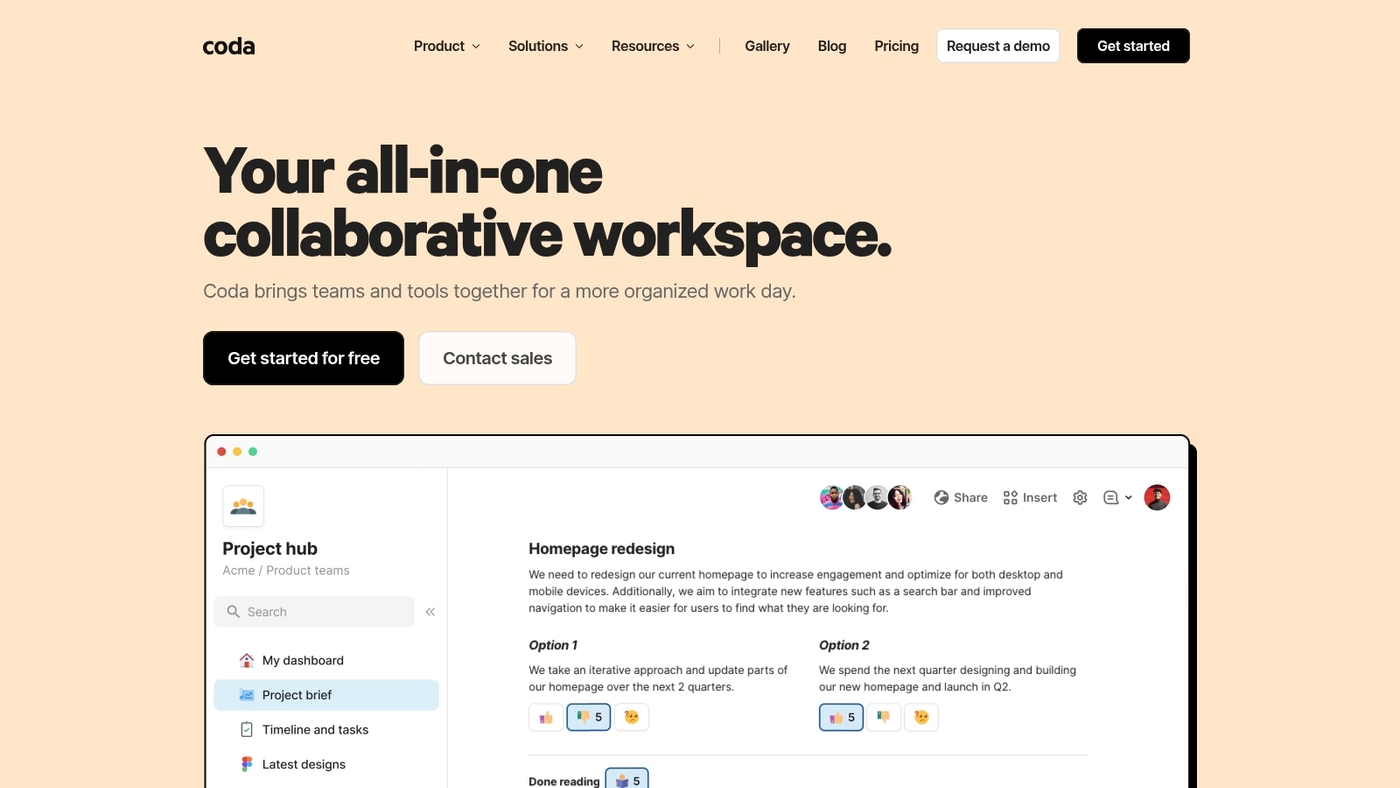
We recommend Coda as the closest overall match to Notion for power users. It combines docs, tables, and automations into one flexible canvas.
It runs large databases without lag and supports advanced formulas and packs. I find its formulas faster on big datasets and easier to debug than Notion workarounds.
The builder adds AI helpers for summaries and automations that cut repetitive work. Coda has a shorter learning curve for spreadsheet users.
Try a free doc and migrate one key table to test performance and formulas. You’ll spot the difference in speed right away.
Pros
- Powerful formulas and spreadsheet logic
- Handles large databases without lag
- Built-in automations and AI helpers
Cons
- Steeper feature set for casual note users
- Free plan limits automations and packs
For who?
Power users, analysts, and small teams that need database power with doc flexibility.
Pricing
Free tier available. Paid plans start around $10–$30 per user per month for advanced features and packs.
Obsidian
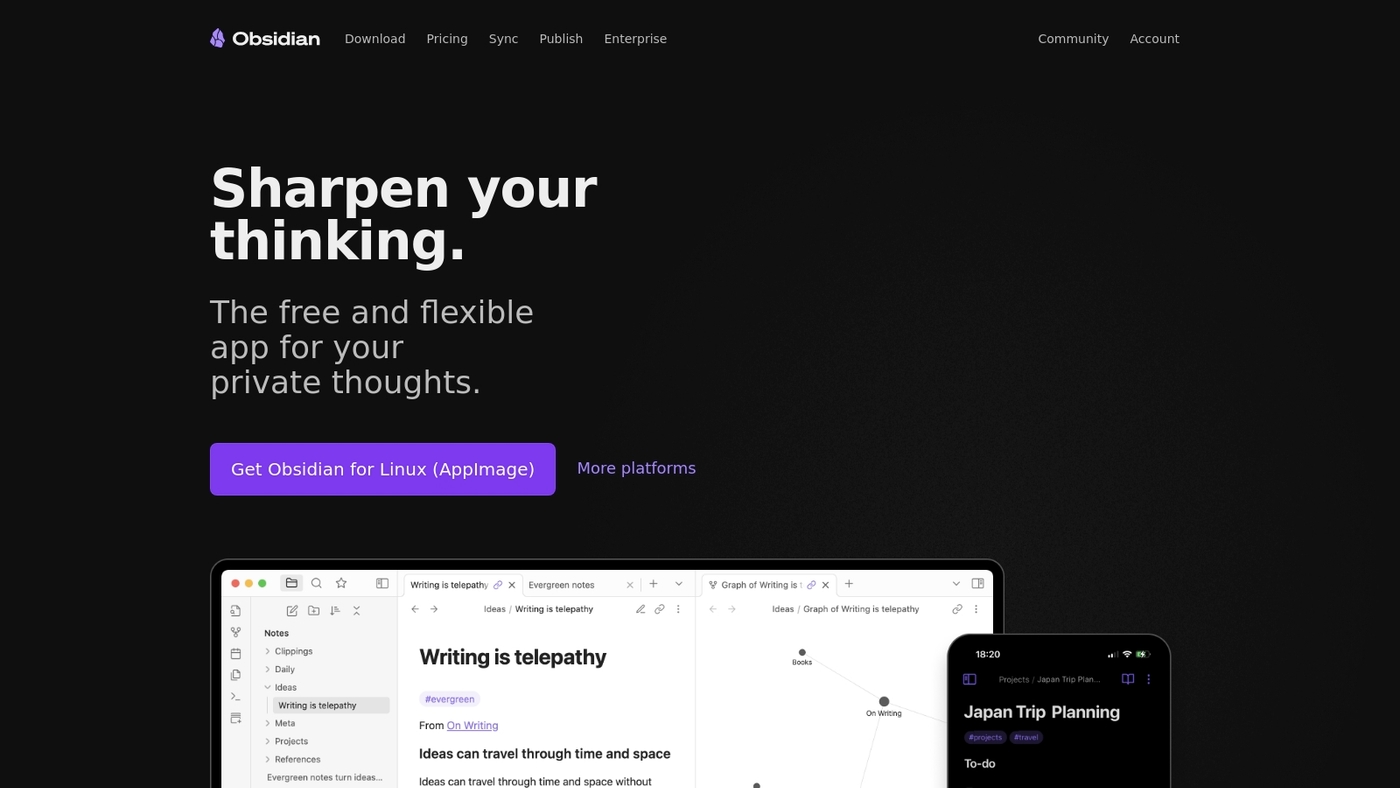
We recommend Obsidian for users who need a private, offline knowledge base.
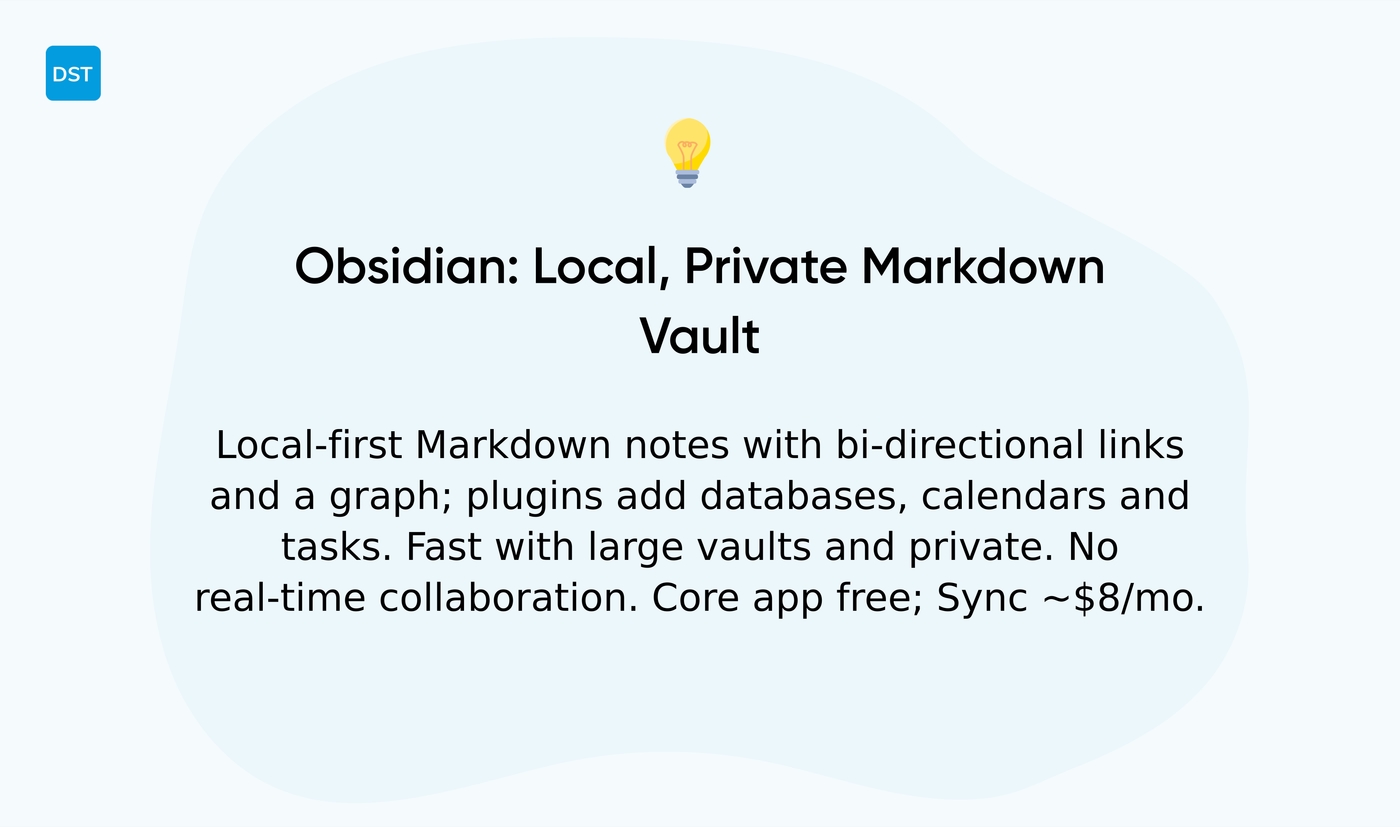
Obsidian runs fully local and stores notes as plain Markdown files. It links notes with bi‑directional links and shows a live graph to surface relationships.
Community plugins add simple databases, calendars, and task views without forcing cloud storage. The app handles large vaults with low lag and strong search.
I personally use Obsidian for long research notes and meeting summaries because it keeps data private and loads fast. If you want other free options, check our free note-taking tools guide for quick comparisons and downloads.
Pros
- Free and local‑first with Markdown files
- Extensible plugin ecosystem and visual graph
- Full data control and privacy
Cons
- No native real‑time team collaboration
- Some plugins need manual setup and maintenance
For who?
Individuals, researchers, writers, and privacy‑minded users who want offline control and extensibility.
Pricing
Core app is free for personal use. Optional services like Sync and Publish start at about $8/month.
Airtable
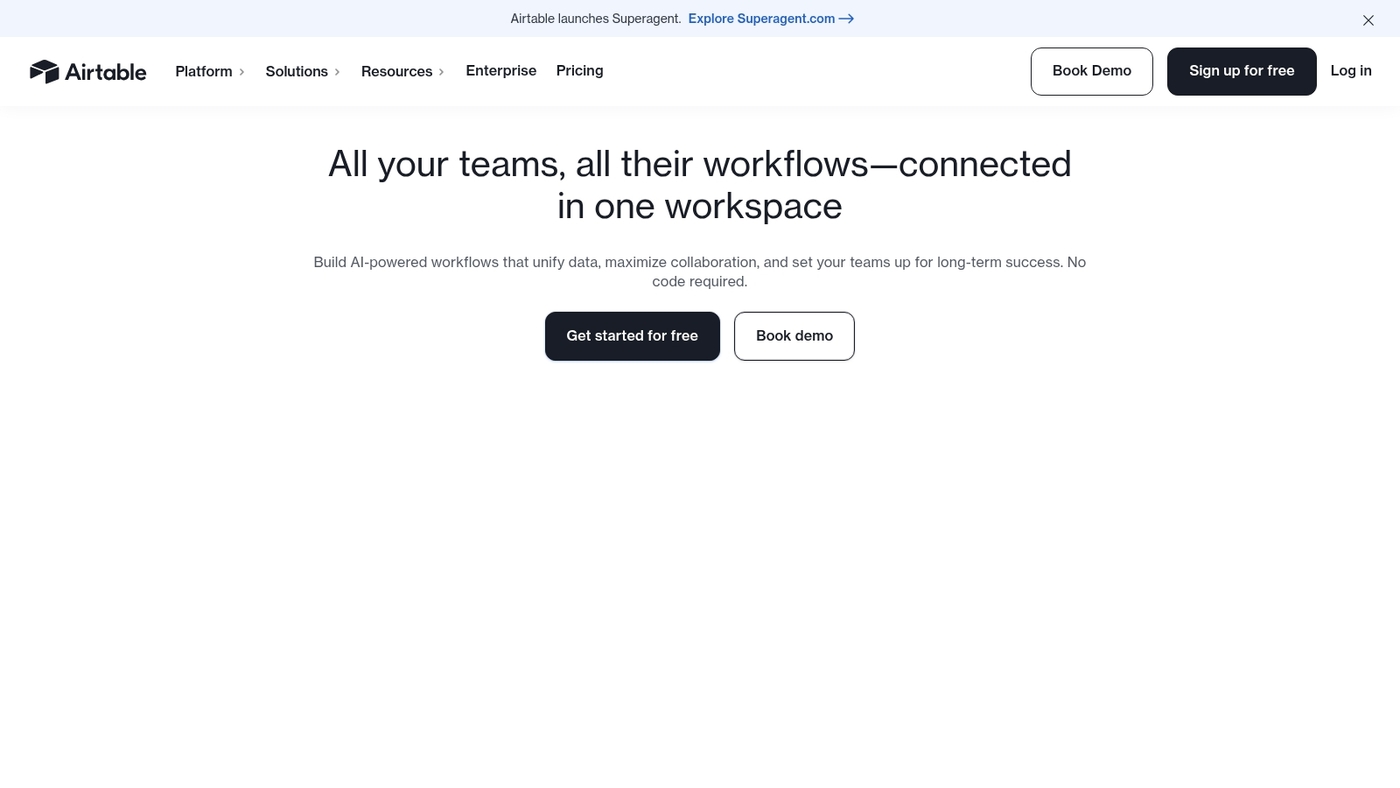
We recommend Airtable for structured data workflows. It uses spreadsheet-style grids with relational databases and multiple views.
Native AI speeds automations, auto-summaries, and field suggestions. Automations may cut manual updates by 20–30% for common workflows.
API and 50+ integrations connect tools like Slack and Gmail. It handles thousands of records with less lag than Notion on large datasets. Views include grid, kanban, calendar, and Gantt.
Linked records power structured workflows across bases. Attachments and rich fields store files and media. It scales well for teams of five to five hundred.
I’d say Airtable shines when you need robust databases and clear ownership. You can start with templates and build custom automations in minutes.
Pros
- Powerful relational databases and multiple views for structured work
- Native AI and automations that reduce repetitive tasks
- Strong integrations and API access
Cons
- Less suited for free-form long-form notes compared to Notion
- Advanced features require paid plans for heavy team use
For who?
Product teams, operations, content managers, and anyone tracking structured datasets.
Pricing
Free tier available. Paid plans start at about $10 per user/month (billed annually). Pro plans near $20 per user/month. Enterprise pricing on request.
Anytype
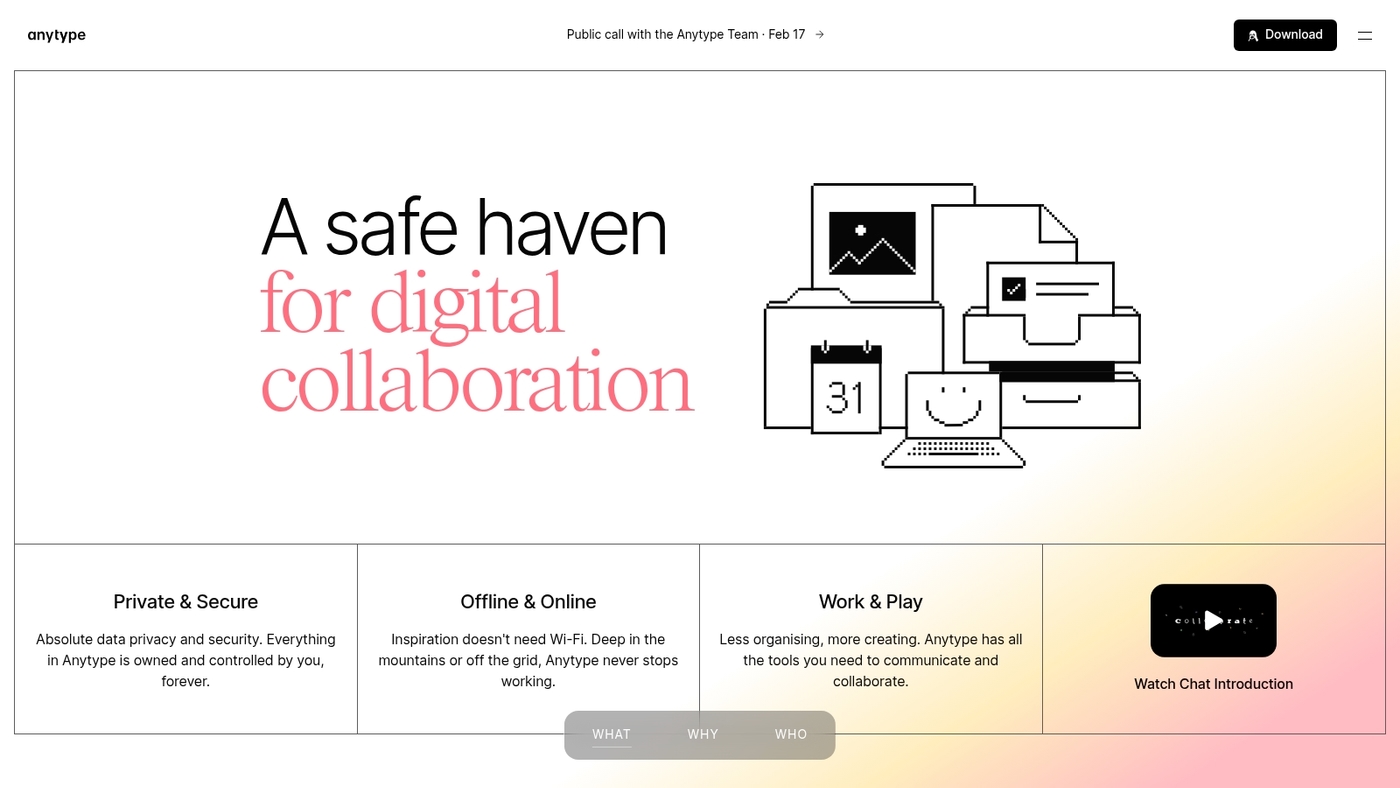
We recommend Anytype as a privacy-focused, local-first note and database app that keeps your records on your device.
The app models data as linked objects and supports native relationships across notes, tasks, and media. It works offline and offers peer-to-peer sync or optional hosted nodes.
The project is open source, which lets teams self-host and audit code. I personally use it for private research and offline drafts.
You get fast local search, clear data ownership, and strong access control. It ranks among the best open source Notion alternatives for security-conscious users.
The interface takes time to learn for users accustomed to cloud-first apps.
Pros
- Local data storage with strong privacy guarantees
- Native relations and structured objects for complex knowledge
- Open source core and self-host options
Cons
- Sync UX and hosted services are less mature than top cloud rivals
- Smaller plugin and template ecosystem
For who?
Individuals and small teams that prioritize privacy, offline access, and data ownership over extensive integrations.
Pricing
Core app is free and open source. Optional paid hosted sync and cloud services are available from the project.
AppFlowy
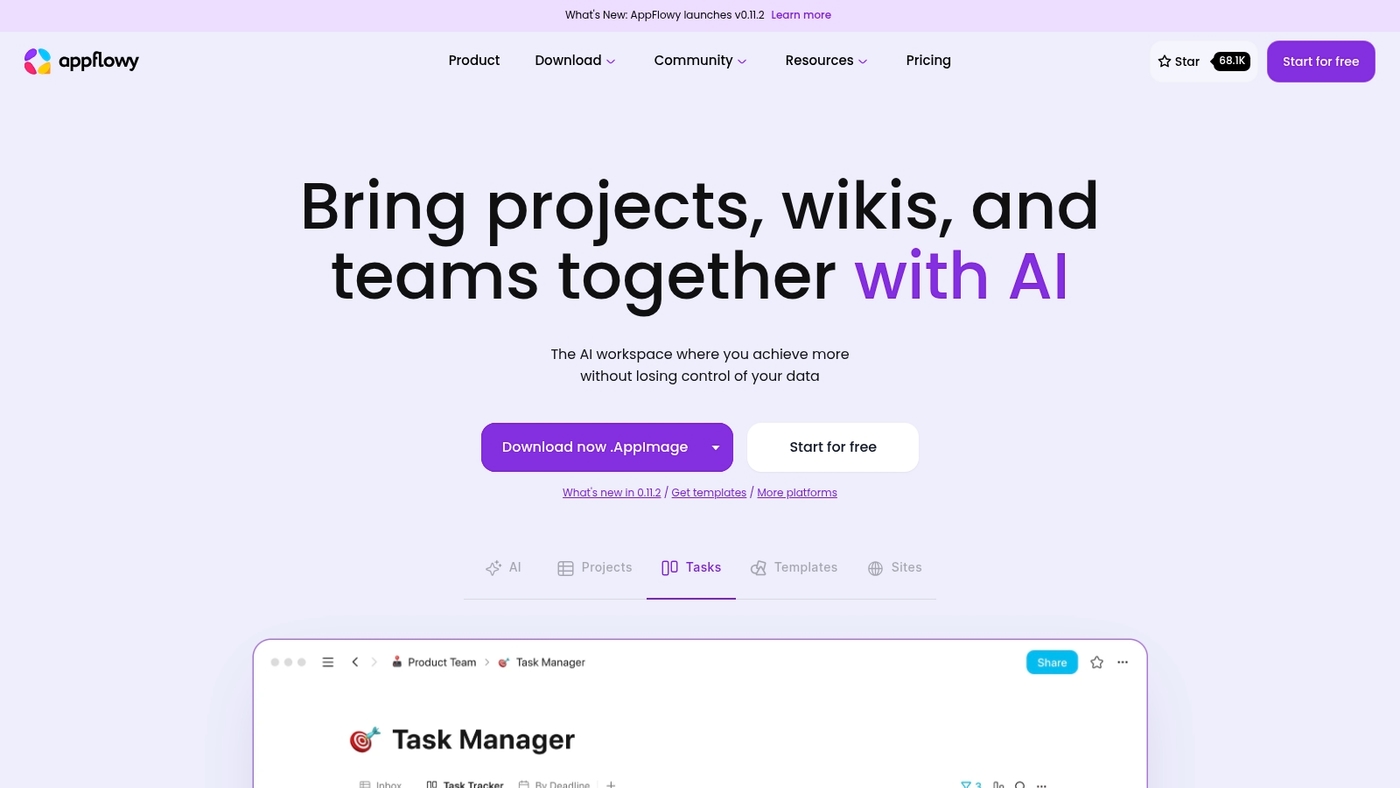
We recommend AppFlowy as a developer-focused Notion replacement. It’s an open source and self-hostable platform.
It offers kanban boards, rich text, and local AI features. You keep full control of your data and storage. The platform suits teams that want customization and code-level access.
I really think its modular architecture and clear privacy model stand out. The UI feels familiar to users of apps like Notion.
You can run it on your server or try the hosted cloud option. The codebase invites plugins and integrations. It works well as an open source Notion alternative and a self-hosted Notion alternative for teams that value privacy.
Pros
- Full data control via self-hosting
- Open source platform with extensible code
- Kanban, rich text, and local AI capabilities
Cons
- Requires sysadmin skills to self-host
- Hosted cloud plans may add cost
For who?
Developers, privacy-focused teams, startups, and power users who want control.
Pricing
Core app is free and open source. Managed cloud hosting offers paid plans.
Taskade
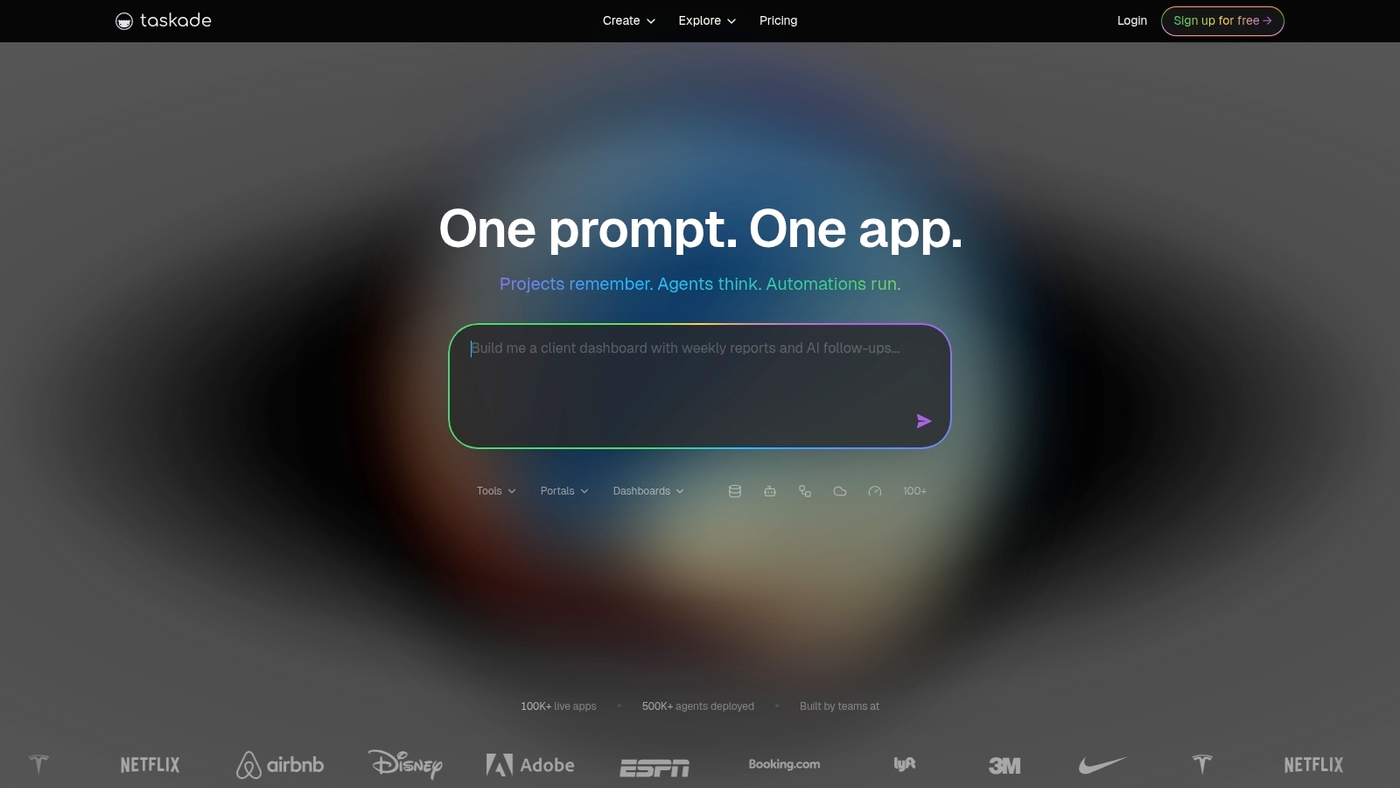
We recommend Taskade for teams that want fast setup and smart automations.
It delivers real-time collaboration, task automation, and AI-powered workflows at an affordable price. The interface syncs instantly across devices.
Automations take care of recurring work and free up hours each week. Views include lists, boards, and outlines. Integrations link calendars and chat tools.
I’d say Taskade speeds planning and cuts coordination load for small teams. It favors task focus over deep note structuring. For a quick roundup of similar options see our best task manager software guide.
Taskade may not suit users who need heavy databases or full wiki features.
Pros
- Real-time collaboration and simple setup
- AI workflows and task automations
- Free tier plus affordable paid plans
Cons
- Limited advanced note-taking tools
- Not ideal for large databases or wikis
For who?
Small to medium teams, remote squads, startups, and managers focused on task throughput.
Pricing
Free plan available. Paid plans start around $5 per user per month with added automations and team controls.
Free vs paid Notion alternatives
We recommend starting with free plans and upgrading only when you need advanced automations, more storage, or team security.
Why pay upfront when you can test drive first?
- Robust free tiers: ClickUp gives strong task features on a free plan with basic storage and unlimited users. Benefit: full task views. Tradeoff: storage limits may force upgrades.
- Coda offers free docs and tables. Benefit: powerful formulas at no cost. Tradeoff: Packs and higher automation quotas sit behind paid tiers.
- Obsidian stays free for personal use and works offline. Benefit: local-first privacy and Markdown linking. Tradeoff: no native real-time collaboration.
- Airtable free bases cap records at about 1,200 per base. Benefit: structured databases and native automations. Tradeoff: record limits and automation runs scale with price.
- Open source options like Anytype and AppFlowy cost nothing to start. Benefit: full data control and self-hosting. Tradeoff: setup time and maintenance.
- Taskade and similar tools keep collaboration free for small teams. Benefit: low entry cost. Tradeoff: advanced AI or integrations require paid plans.
Actually, paid AI and automation features pay off for teams of five or more who want to cut recurring meeting time by 20–30%.
You should test free tiers for two to four weeks, measure time saved or limits hit, then upgrade when an upgrade clearly adds automation that reduces manual work.
Best Notion alternatives for specific use cases
Best Notion alternative for students
We recommend Obsidian as the best Notion alternative for students.
- Benefit: Free plans offer local markdown notes and fast search to organize lectures.
- Tradeoff: plugin setup needs time, yet you gain offline access and strong privacy controls.
- Outcome: linked notes and quick retrieval can reduce study review time by about 30% for structured courses.
I really think Obsidian excels for academic workflows with linked notes and lightweight task lists. Use a semester vault, add weekly templates, tag readings, and link summaries to assignments.
Try one course first and sync only selected folders. You keep full control of your data while avoiding paid Notion alternatives. Start by creating a vault and a single weekly note template today.
Best Notion alternative for teams
We recommend monday.com as the best Notion alternative for teams.
- Real time editing: real-time editing and granular permissions keep docs synced.
- Project management capabilities: visual boards, automations, and templates speed delivery. Integrates with Slack and Google Drive. Tradeoff: cost rises with seat count.
- Reduces meeting time: automations cut status updates and save 20–30% of recurring meeting hours.
See our roundup of virtual collaboration platforms for ready templates and workflows.
We build templates that automate weekly check‑ins and assign clear owners. I’d say this setup reduces onboarding time and clarifies responsibility for every project.
Try monday.com free and test a template to see the impact.
You might also like: Top 12 Free Online Collaboration Software
Best self-hosted Notion alternatives
We recommend self-hosted options for teams that must keep data private and compliant.
- Full data control: AppFlowy, Anytype, and Obsidian store data on your servers. They let you export content as Markdown or JSON.
- Open source alternatives: these projects ship with active communities and customizable plugins. You get transparent code and auditability.
- Self-hosted server deployment: expect basic maintenance. Plan 1–3 hours monthly for updates and backups. A $5 VPS can host small teams.
- Tradeoffs: fewer native integrations than SaaS. You may need simple adapters or webhooks for sync and automation.
I personally run AppFlowy on a low-cost VPS for team notes and backups. That setup cut our third‑party access to zero. (Privacy matters, you know?)
You should start by exporting Notion pages as Markdown. Try Obsidian for local notes. Deploy AppFlowy or Anytype on a test server and measure effort before full migration.
You might also like: 12 Best File Sharing Software Tools for Businesses
Best Notion wiki alternatives
We recommend Confluence, GitBook, and Docusaurus as Notion wiki alternatives.
- Confluence — full-text search, page permissions, and ready templates. Suits medium and large teams. Tradeoff: per-user cost and admin time.
- GitBook — Markdown-first editor and structured docs. Fast setup and public docs support. I really think GitBook shines for quick onboarding.
- Docusaurus — static site generator with versioning and self-host options. Ideal as a Notion replacement for developer docs. Requires developer time to customize.
- ReadMe — API docs, interactive guides, and developer portals. Good for customer-facing knowledge bases. Pricing scales with usage.
We keep a curated list of wiki tools. You can view our best corporate wiki software guide for hands-on comparisons.
Read also: Top 10 Best Document Management Systems
How to choose the right Notion alternative
We recommend picking a Notion alternative that matches your workflow, team size, and budget.
We evaluate tools on speed, collaboration, and data safety.
- Notion alternatives for databases: pick a tool that handles large tables. Benefit: faster queries and fewer sync errors. Tradeoff: steeper setup for advanced schemas. Target: import 50k rows without slowdowns.
- Collaboration and scale: favor real‑time editing and granular permissions. Benefit: reduces miscommunication. Tradeoff: higher cost for enterprise plans. Metric: support 20+ simultaneous editors.
- Offline and privacy: choose a self-hosted Notion alternative or local‑first app if privacy matters. Benefit: full data control. Tradeoff: needs IT work for hosting. Expect weekly maintenance under two hours.
I’d say you should trial two finalists for two weeks. Use real projects during trials. Track time saved and broken workflows.
- List must-have features and rank them 1–10.
- Run a pilot with your team for 7–14 days and measure onboarding time.
- Consult our best productivity tools roundup to compare pricing and free tiers before buying.
Pick the option that lowers recurring meeting time or saves admin hours. You’ll get clearer workflows and faster project delivery.
You might also like: Top 10 Best Workflow Automation Software