

That sinking feeling when projects slow because people can’t find what they need is more common than you’d think.
A digital workplace platform centralizes communication, collaboration, and knowledge so teams stop wasting time switching apps.
Many organizations still rely on scattered tools, creating information silos and poor employee engagement.
This guide reviews the top 10 digital workplace platforms and shows which fit different team sizes and hybrid setups.
You’ll learn how each platform handles collaboration, knowledge management, integrations, security, and user experience (so you can prioritize what matters most).
Expect concise comparisons, practical adoption tips, and quick links to trials and pricing so evaluation doesn’t drag on.
By the end you’ll be able to shortlist platforms that boost productivity and improve the digital employee experience without long procurement headaches.
What is a digital workplace platform
A digital workplace platform is a central hub that brings collaboration tools, communication channels, and knowledge management into one place. It bundles chat, video meetings, file sharing, search, and an employee portal.
Platforms deliver features for team collaboration, internal communications, and a knowledge management platform to store policies and how‑tos. They add employee experience tools like personalized feeds, surveys, and engagement analytics for frontline and remote staff.
At our team, we test integrations, mobile access, and security to judge real value. A unified hub reduces context switching and speeds decision cycles.
Choose digital workplace software that links with Microsoft 365 or Google Workspace. Pick solutions with role-based access, single sign-on, and offline mobile use for field teams.
Evaluate with a free trial and measure adoption with simple metrics like active users and reduced email threads. For teams focused on communication and culture, look for a modern intranet or employee experience platform that supports targeted news and social intranet features.
For task-heavy teams, favor workplace collaboration software with boards, automations, and templates to save setup time.
Key features to look for in a digital workplace platform
Collaboration and communication tools
Well, we prioritize platforms with team messaging, video conferencing, and file sharing.
Use chat channels and threads to reduce meeting volume. Run quick video huddles for alignment. Share documents with real-time editing and permissions.
Searchable chat and version history preserve knowledge. Those features make any digital workplace platform reliable for hybrid teams. Automations and live co-editing save time and cut follow-ups.
Explore curated options on our collaboration platforms for teams page to match features to your workflow.
Knowledge management capabilities
Look for a knowledge management platform that stores policies, SOPs, and project notes. Fast search and discovery across docs, wikis, and attachments matters.
Clear content organization features like tags, folders, and version history keep information accessible. We push for a single searchable hub that everyone trusts.
Strong search and tidy structure saves teams four to six hours weekly. I’ve seen onboarding speed up after consolidating intranet software and document stores.
- Keep pages concise
- Use templates for repeatable knowledge
- Link policies from employee portals and team channels
Your digital workplace platform should reduce time spent hunting for answers.
Integration ecosystem
Connect calendars, mail, and drives with Microsoft 365 integration and Google Workspace integration. Sync tasks and issues to project management tools like project management software.
Automate handoffs to reduce meetings and repeated updates. Preserve access controls, SSO, encryption, and audit logs for compliance.
- Link HR and CRM systems for a single employee work view
- Search across systems to surface knowledge quickly
- Use templates and prebuilt connectors to cut setup time
- Monitor integration health with dashboards and alerts
You get a unified inbox for tasks and files. We prefer native connectors that cut app switching—they save hours every week.
Security and compliance features
Pick a digital workplace platform with strict access controls, enterprise-grade encryption, and verifiable compliance certifications. We enable SSO and MFA on demo accounts to validate user flows and enforcement.
| Security Feature | Why It Matters | Implementation Tip |
|---|---|---|
| Role-based access & least-privilege | Limits data exposure | Review roles quarterly |
| MFA & SSO (SAML/OIDC) | Blocks 99.9% of automated attacks | Require for all users |
| AES-256 encryption at rest, TLS 1.2+ in transit | Protects data across storage and networks | Enable customer-managed keys when available |
| Audit logs, retention, DLP rules | Tracks and stops data leaks | Activate from day one |
| SOC 2 Type II, ISO 27001, HIPAA, GDPR | Meets regulatory requirements | Verify certifications for your region |
Regular access reviews and clear data governance reduce breach risk and speed audits. Evaluate with a trial and test reporting, residency, and recovery features.
Top 10 digital workplace platforms to consider
monday.com
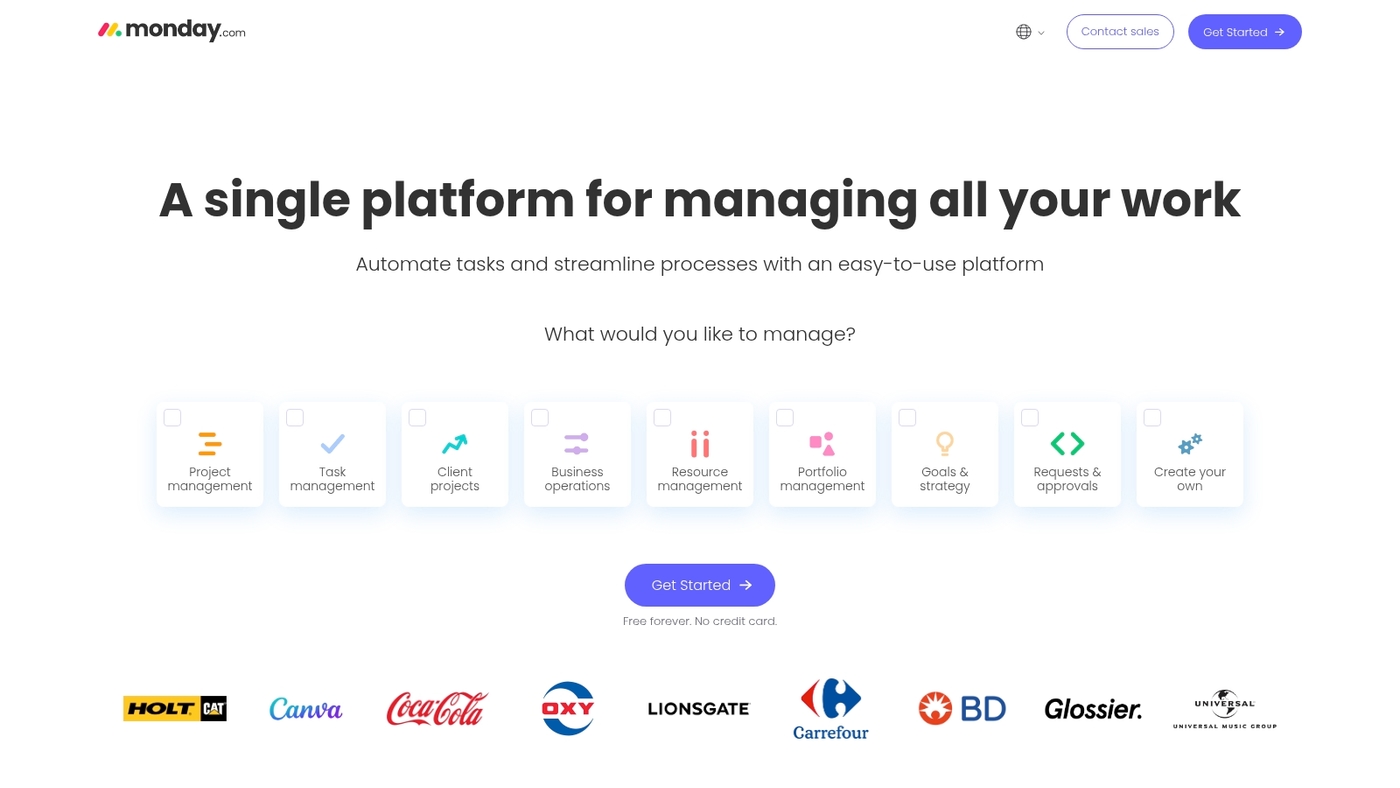
Use monday.com to simplify cross-team work. This visual work management platform provides customizable boards, automations, file sharing and mobile apps.
It centralizes tasks, timelines and documents into a single hub. Integrations sync with Google Workspace and Microsoft 365 so files and calendars stay aligned.
Automations cut repetitive steps and free time for focused work. Templates speed up project setup. The interface highlights ownership and progress so status becomes clear across teams.
The tool scales from small groups to enterprise deployments. Teams looking for a flexible digital workplace platform will find fast adoption. We ran a pilot with boards for status updates and saw faster planning.
Pros
- Customizable boards and visual work management
- Automations that reduce manual work
- Mobile apps for remote and frontline teams
Cons
- Costs rise as you add users and advanced features
- Deep reporting needs extra setup or add-ons
For who?
Teams that need clear ownership, visual planning and simple automations. Good fit for marketing, product and operations groups seeking a team collaboration platform and digital workplace software.
Pricing
Offers a free trial. Paid plans use per-user billing with tiers like Basic, Standard, Pro and Enterprise. Evaluate with the free trial to see which tier fits your needs.
ClickUp
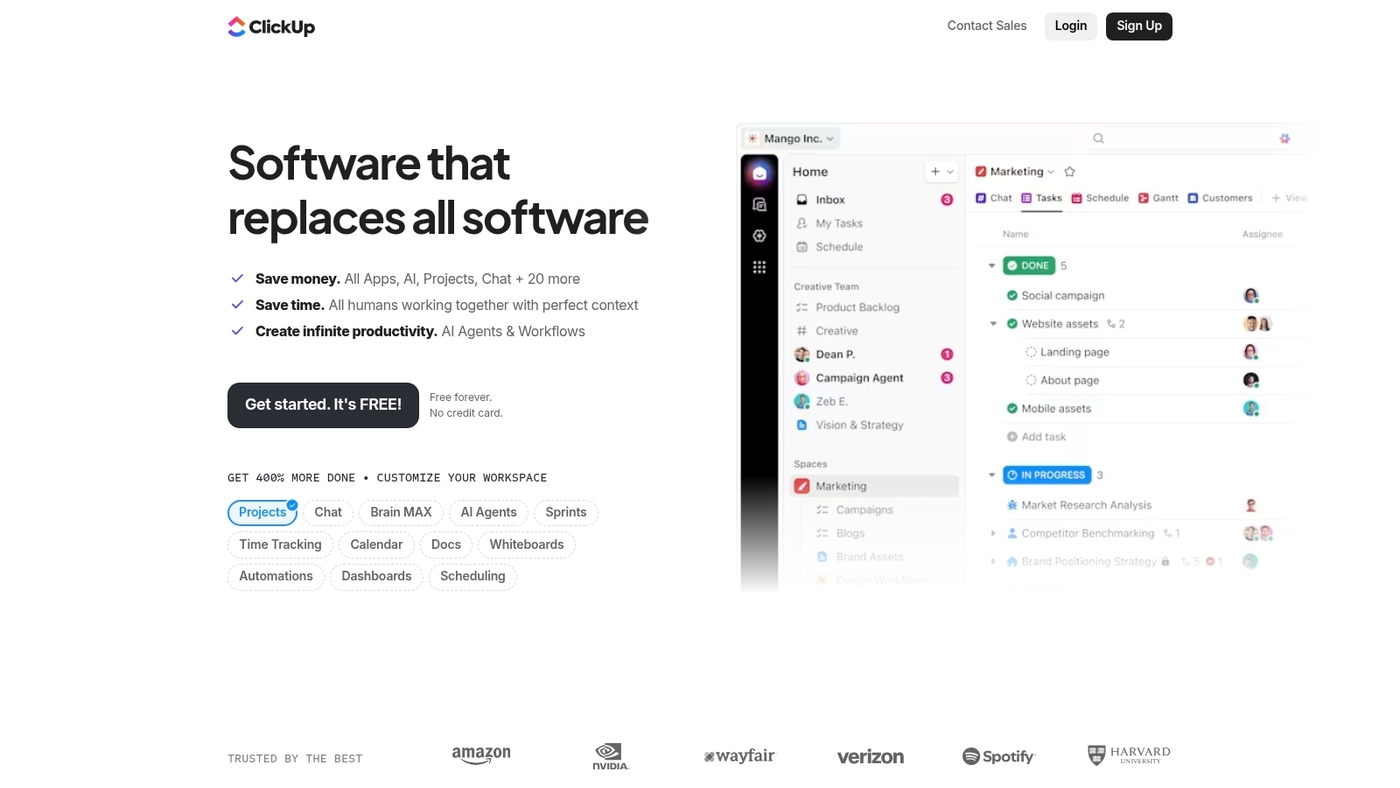
Try ClickUp for deeper task nesting and flexible views. ClickUp combines task management, docs, goals, and time tracking in one platform.
It offers nested tasks, multiple views (list, board, Gantt, calendar), and custom fields to match your workflow. Automations handle routine updates and notifications.
The platform integrates with hundreds of apps and supports custom dashboards for real-time reporting. Teams can create wikis, embed files, and collaborate on docs without leaving the workspace.
Pros
- Highly customizable with nested task structures
- Multiple view options for different work styles
- Generous free tier with core features
Cons
- Steep learning curve due to extensive features
- Interface can feel overwhelming for new users
For who?
Teams that need granular task control, complex project hierarchies, and flexible reporting. Works well for agencies, software teams, and operations groups.
Pricing
Free plan available with unlimited tasks. Paid plans add storage, automations, and advanced features starting at competitive per-user rates.
Microsoft Teams
Use Microsoft Teams if your organization runs Microsoft 365. It serves as an enterprise collaboration platform with an 8.8 user rating.
The product combines persistent chat, high-quality video meetings, and cloud file storage. It plugs into Outlook, SharePoint, and OneDrive. That centralizes calendars, files, and coauthoring.
Admins get granular security controls and compliance tools for large organizations. The app ecosystem supports bots, tabs, and workflow integrations. It supports mobile apps for on-the-go access.
Channels reduce email volume. Search finds messages and files across channels to surface knowledge fast. The tight Office integration saves hours each week. IT can apply policies and deploy at scale.
Pros
- Deep Microsoft 365 integration for files and calendars
- Enterprise-grade security and compliance controls
Cons
- Can feel heavy for teams not using Microsoft apps
- Interface has a learning curve for new users
For who?
Best for organizations already invested in Microsoft 365. Suited to IT-led teams that need secure, compliant collaboration and centralized file access.
Pricing
Free plan available with limited features. Full functionality comes with Microsoft 365 Business and Enterprise subscriptions.
Google Workspace
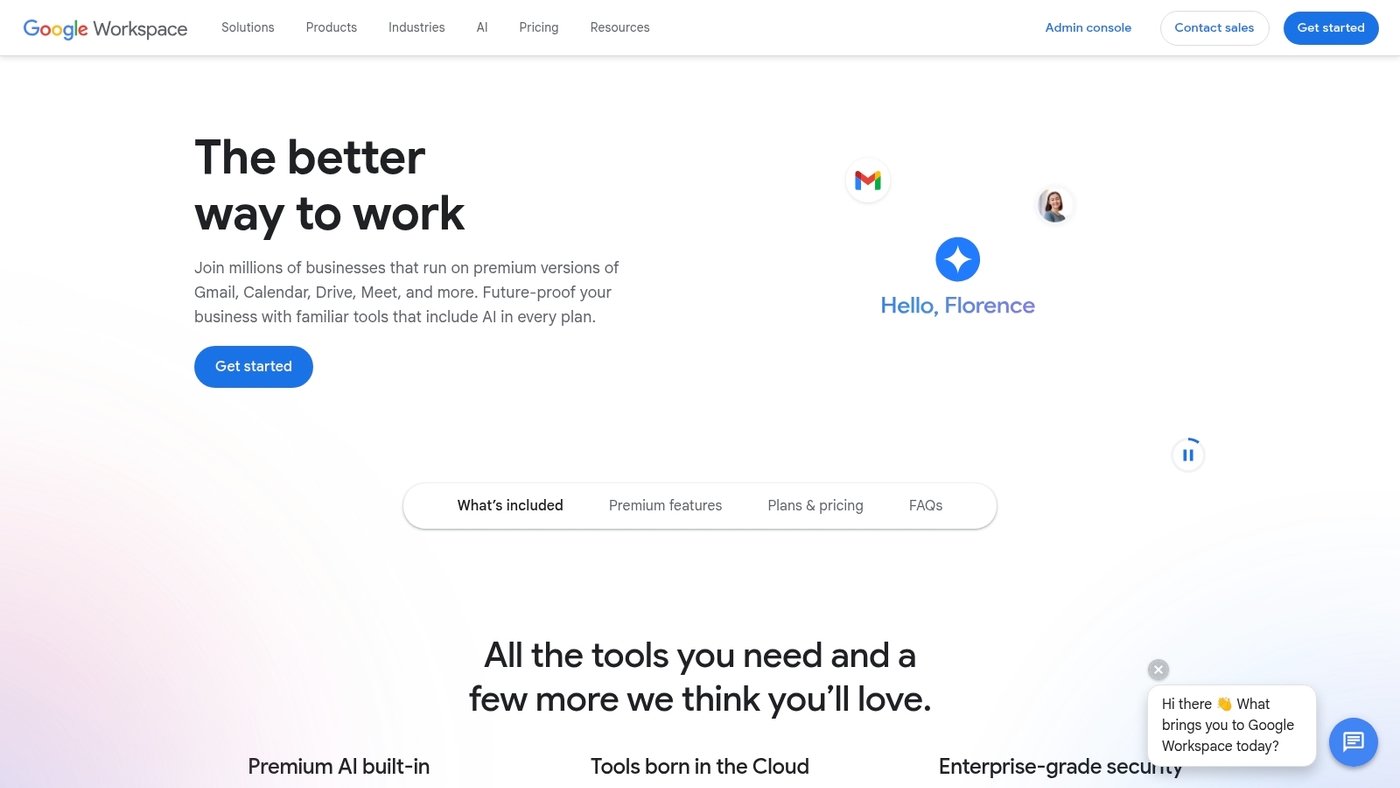
Google Workspace is a cloud suite with Gmail and Drive. Add Meet and Docs for real-time work. It includes AI tools, custom business email, and admin controls.
Teams edit documents together in real time. Sharing and permissions keep files secure. Integrations connect it to your CRM and HR tools. Search finds messages and files fast.
It serves as a digital workplace platform for remote and hybrid teams. It links to knowledge management platforms and internal communications portals. Admins get audit logs, data loss prevention, and compliance tools.
Its co-editing and Meet sessions save hours each week. We pair Google Workspace with task management tools to centralize work and automate reminders.
Pros
- Seamless real-time collaboration across email, files, and meetings
- Integrations with enterprise apps and knowledge platforms
Cons
- Costs increase with storage and higher tiers
- Advanced customization can require technical setup
For who?
Teams that need a unified productivity suite, strong search, and simple admin controls.
Pricing
Plans start at about $6 per user per month for basic business plans. Higher tiers add storage, security, and advanced features.
Workelevate
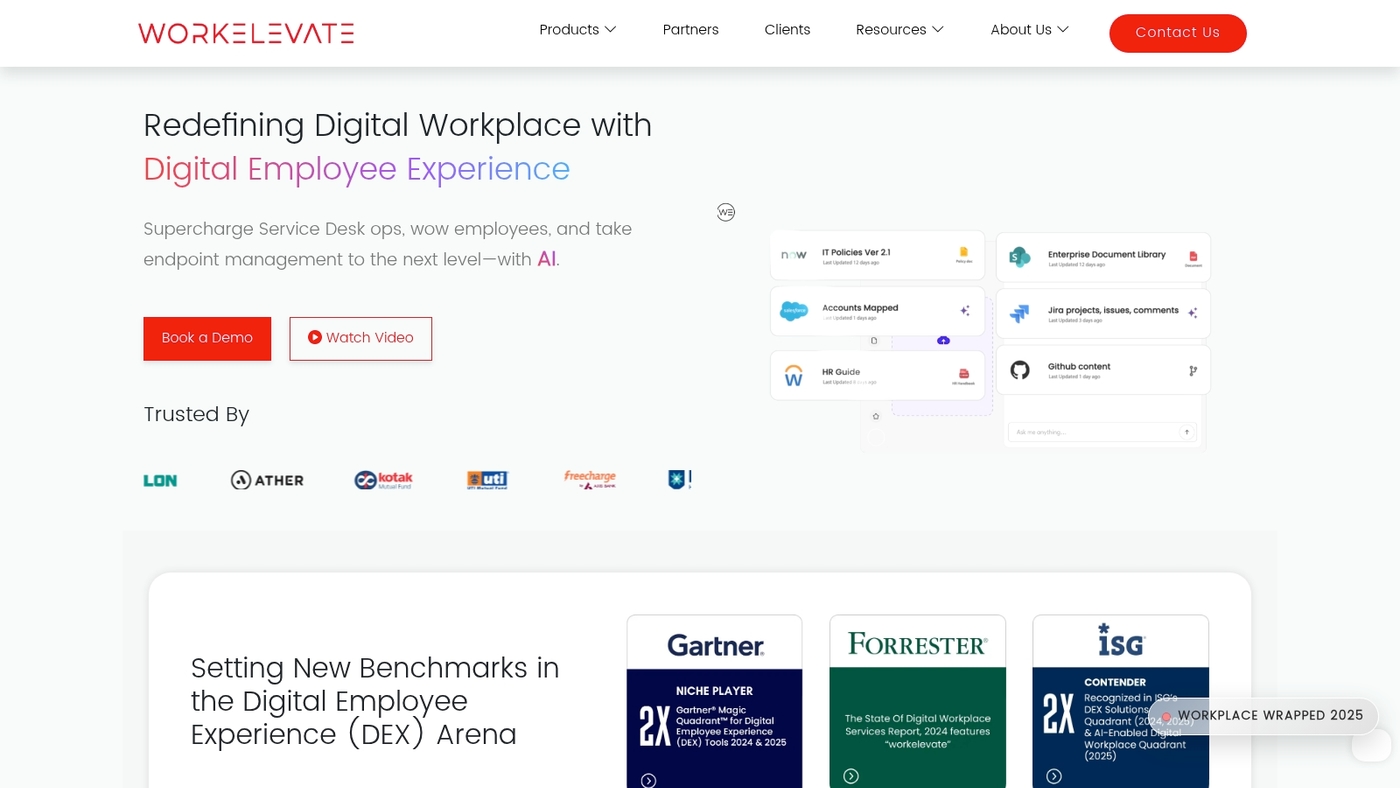
We recommend evaluating Workelevate for teams focused on employee experience. Workelevate appears in the Gartner Magic Quadrant and holds a 4.8 user rating.
The platform offers a digital assistant, proactive monitoring, a unified management console, and real-time analytics to measure engagement and performance. It connects with common enterprise systems to reduce app switching and speed task resolution.
The analytics help leaders spot process bottlenecks fast. You can read a focused review at Workelevate’s best digital employee experience platforms page for implementation notes and case examples.
Pros
- Strong analytics suite for workforce insights
- Proactive monitoring reduces downtime
- Digital assistant speeds employee self-service
Cons
- Advanced features need admin setup
- Enterprise pricing can be steep for small teams
For who?
Mid-size and large organizations focused on digital employee experience and measurable engagement gains.
Pricing
Pricing varies by seat and modules. Request a demo for a tailored quote.
LumApps
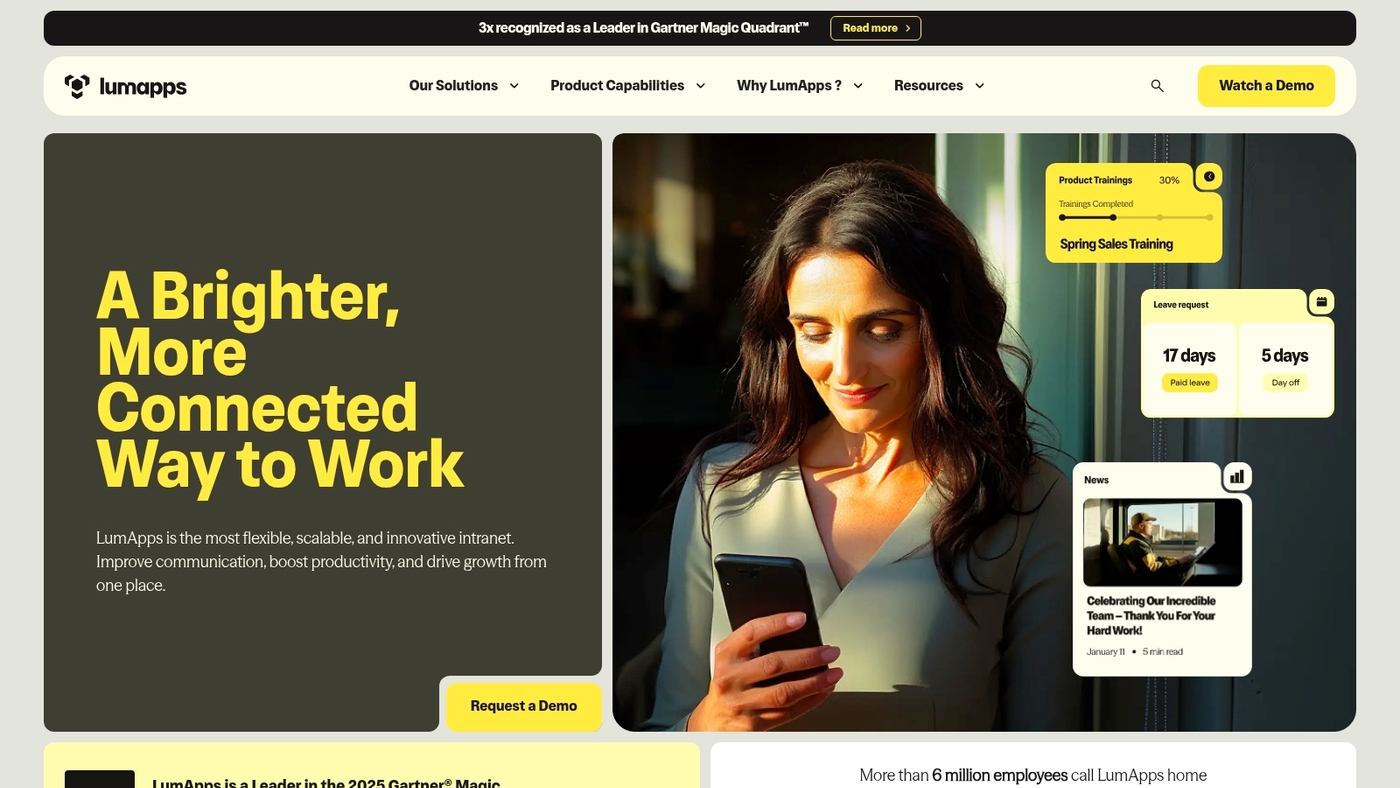
Use LumApps for AI-driven intranet and internal communications. LumApps centralizes news, team sites, and knowledge in a single employee portal that links with Microsoft 365 and Google Workspace for native file access and SSO.
The platform delivers personalized homepages, social intranet feeds, and mobile apps so remote teams stay aligned. Editors schedule content, target audiences, and measure reach with clear engagement analytics and dashboards.
Admins get governance controls and localization for global rollouts. I find the analytics helpful to track adoption and to refine content strategy. LumApps works as a digital workplace platform and a modern intranet that supports employee intranet portals, knowledge management, and internal communications at enterprise scale.
Pros
- Deep Microsoft and Google integration for seamless file access
- Engagement analytics and audience targeting to measure content impact
Cons
- Price and licensing geared toward larger organizations
- Advanced customization can require vendor support
For who?
Large enterprises, global comms teams, and HR groups that need a scalable internal communications platform and employee portal software.
Pricing
Custom enterprise pricing; request a demo or trial to evaluate fit and total cost of ownership.
We suggest pairing an intranet with a team collaboration tool to cover both communication and task management needs.
Slack
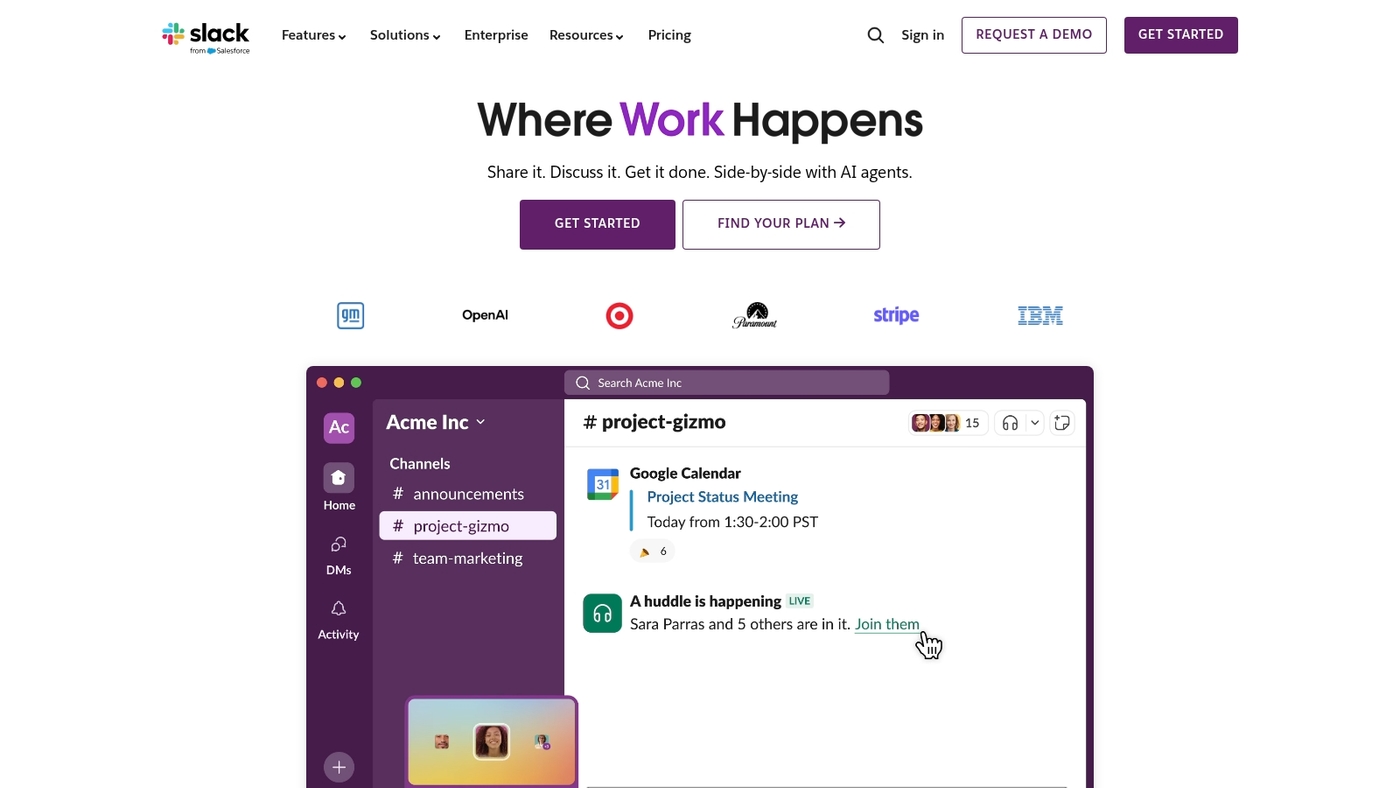
Use Slack for channel-led team messaging and fast integrations. Slack is a channel-based messaging platform owned by Salesforce. It offers workflow automation, app integrations, huddles, and Canvas for clearer project collaboration.
Channels keep conversations organized and searchable across teams. Automations cut routine work with simple triggers and actions. Huddles provide quick voice check-ins that reduce meeting overhead.
Canvas stores specs, notes, and lightweight docs inside channels. Search returns messages, files, and Canvas content across your workspace. Slack helps teams move faster with fewer status meetings. We use Slack for quick updates and simple automations.
Pros
- Organized channel structure for topic-based discussions
- Large integration ecosystem and native workflow builder
- Fast ad hoc voice huddles and searchable history
Cons
- High message volume can overwhelm without clear channel rules
- Advanced automation can require add-ons or technical setup
For who?
Teams that need real-time chat, many app integrations, and flexible channels.
Pricing
Free tier available. Paid plans add advanced search, increased limits, and enterprise controls.
Zoho Connect
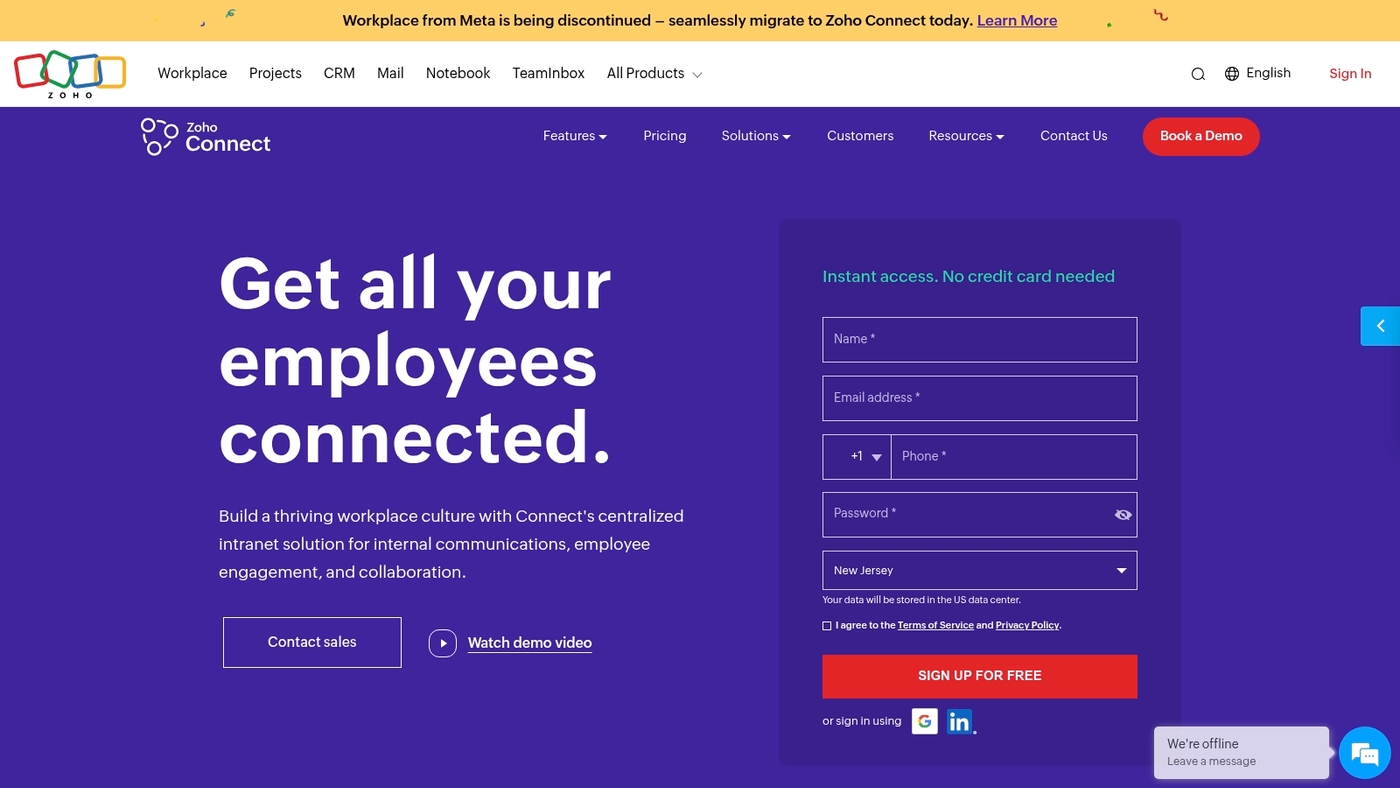
Use Zoho Connect for a social intranet that blends collaboration and knowledge management. Rated 8.6, it brings team feeds, forums, pages, task boards, and engagement tools into one place at competitive pricing for growing businesses.
It integrates with the Zoho suite and common apps and offers mobile access for remote teams. It fits teams that want a lightweight social intranet and fast onboarding.
Pros
- Unified social intranet and knowledge base for easy search and discoverability
- Affordable plans with a free tier for small teams
- Mobile apps and simple setup that speed adoption
- Built-in engagement tools like polls and announcements
Cons
- Limited advanced project-management features compared to dedicated tools
- Fewer enterprise-grade integrations than some large vendors
For who?
Small and growing teams, internal communications and HR teams, and distributed teams that need a social intranet and basic task coordination.
Pricing
Free plan available. Paid tiers start at low per-user monthly rates. Evaluate current options and a free trial on the vendor site for exact pricing.
Staffbase
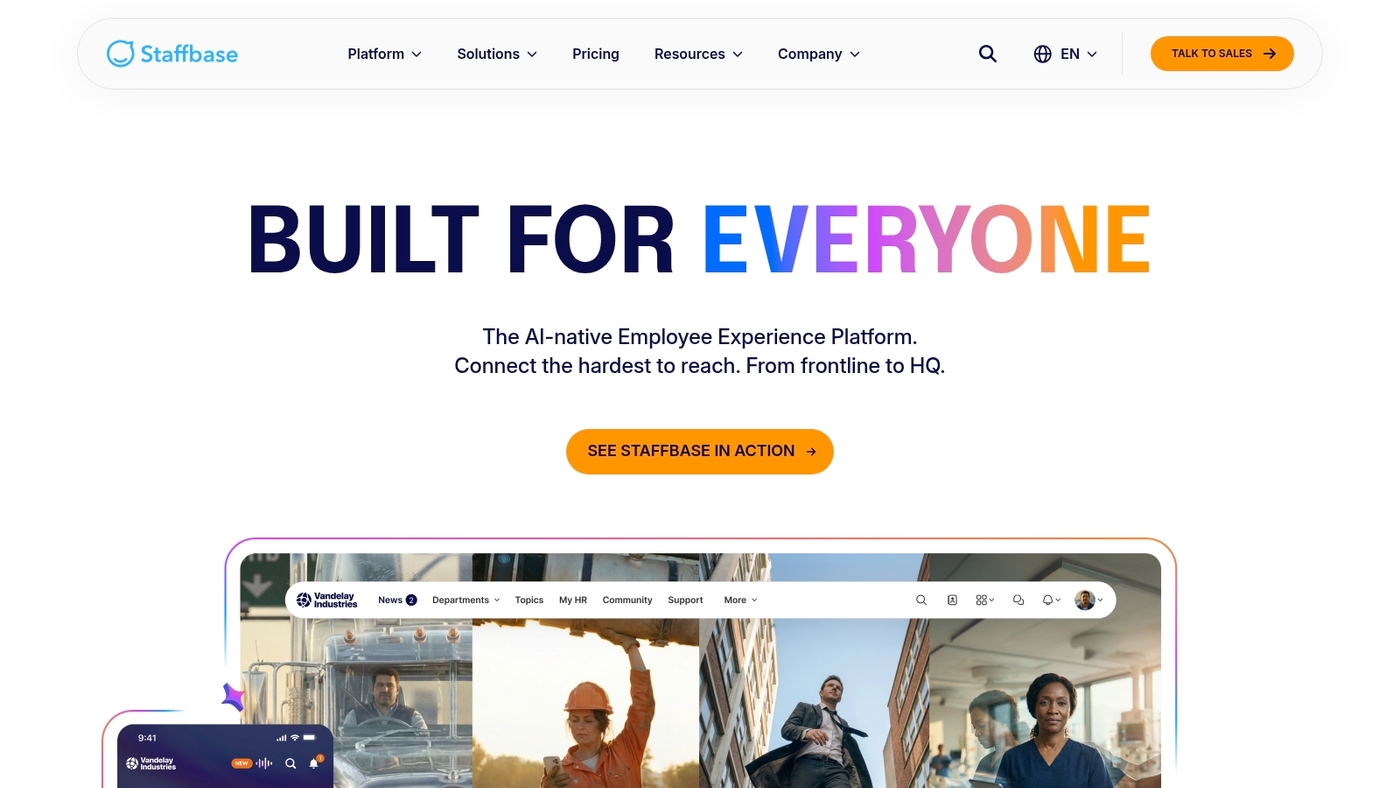
Staffbase excels at mobile-first internal communication for frontline teams. It provides targeted messaging, a staff app, digital signage integration, and engagement analytics for distributed workforces.
Admins segment audiences by role, location, or shift. The interface focuses on phones with push alerts and a simple news feed. Integrations cover HR systems and single sign-on.
Reports show open rates, reads, and click trends to measure reach. Setup uses templates and prebuilt channels to speed rollout. Its analytics and push model reduce missed updates and boost shift coverage. We test frontline comms tools and recommend options that drive quick adoption.
Pros
- Simple mobile app with push alerts for hourly staff
- Mobile-first experience plus digital signage and engagement metrics
Cons
- Limited deep collaboration tools compared to full team platforms
- Per-user pricing can grow for very large hourly workforces
For who?
Operations leaders, HR, and managers in retail, hospitality, manufacturing, and healthcare who need a focused employee intranet portal for deskless staff.
Pricing
Tiered plans with per-user rates and enterprise options. Request a demo or contact sales for pilot pricing and volume discounts.
Simpplr
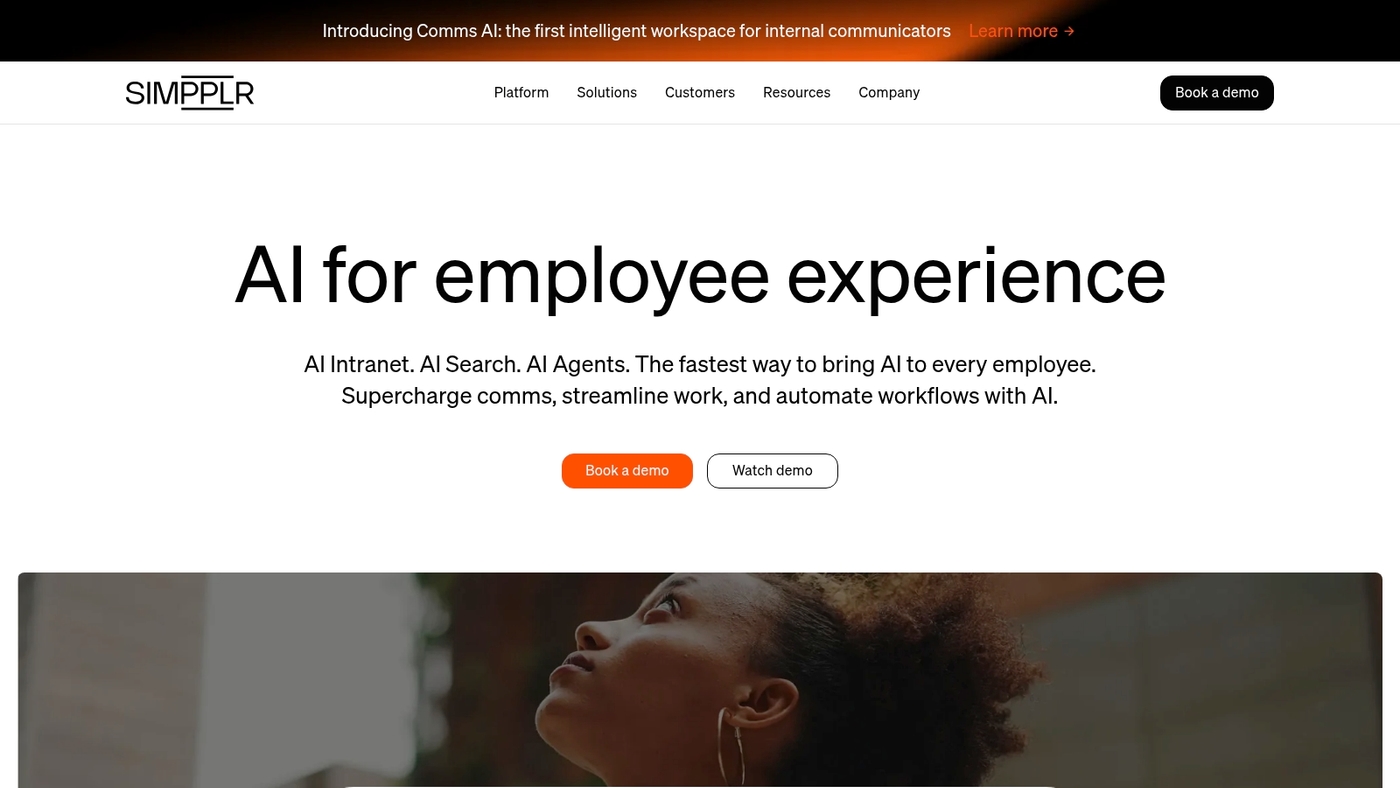
We recommend Simpplr. It’s a modern intranet that uses AI to surface relevant content. It enables employee self-service and measures the digital employee experience.
Simpplr centralizes announcements, people directories, and a searchable knowledge base. The AI personalizes feeds so employees see fewer irrelevant posts. The platform integrates with Microsoft 365 and Google Workspace for unified workflows.
Simpplr cuts time spent searching for policies and speeds onboarding. Admin analytics reveal engagement and experience scores you can act on. Use it as part of your digital workplace platform to improve internal communications and knowledge management.
Pros
- AI personalization reduces information overload
- Strong analytics for engagement and experience scores
Cons
- Enterprise pricing can be costly for small teams
- Advanced customization requires admin expertise
For who?
Mid-size to enterprise teams, internal comms, HR, and IT that need a scalable employee intranet portal and knowledge management platform.
Pricing
Custom pricing with per-user tiers and add-ons. Request a demo or contact sales for enterprise quotes and licensing details.
You’ll also like: Top 9 Best Free Planning Software
Digital workplace platform vs intranet: what’s the difference
An intranet software stores news, policies, and static documents. A modern intranet adds social feeds, targeted posts, and basic search.
A full digital workplace platform merges chat, video, file sync, workflows, and strong search. It links Microsoft 365, Google Workspace, and project tools for one workflow.
It shapes an employee experience platform by personalizing content and automating routine tasks. Measure impact with a 30-day pilot and compare weekly meeting hours and search time.
We favor platforms that reduce app switching and centralize work. Unified search and simple automations save teams hours each week.
How much time does your team spend switching between apps each day? Map three core workflows before you buy. Prioritize chat, file access, and integrations. Run a pilot with real teams and track task completion and meeting hours.
Read also: 10 Best Free Note-taking software
How to choose the best digital workplace software
Pick a platform that fits team size, existing tech stack, and a clear adoption plan. Here’s the thing—most teams overcomplicate this process.
- Map team needs. List roles, peak collaboration hours, and remote work requirements.
- Compare features against goals. Look for collaboration, knowledge management, and mobile access.
- Check integrations with current apps. A digital workplace platform must link to email, storage, and tools.
- Plan for adoption. Train champions, set simple workflows, and track user adoption factors.
- Match budget to scale. Factor license costs, implementation hours, and automation ROI.
We recommend starting with a pilot that covers one team and three core workflows. A short trial reveals fit far faster than long evaluations (trust me on this one).
Use the best workflow automation software guide to identify automations that save time. Research vendor lists on SourceForge for quick comparisons.
Try monday.com to centralize tasks and automate reminders. Compare with ClickUp for nested tasks and deep customization.
Read also: 7 best free Gantt software



