


Project management software is a digital application that helps teams plan, organize, execute, track, and manage projects by centralizing everything in one platform.
It supports the full lifecycle—from planning and scheduling to reporting and delivery—replacing fragmented spreadsheets and endless email threads with real-time visibility, automation, and collaboration features.
You know what? That shift alone can cut delays, bottlenecks, and scope creep by a significant margin.
What is project management software
We define project management software as a digital hub that centralizes tasks, timelines, resources, budgets, and communication so teams can plan, execute, track, and deliver projects efficiently.
It bundles task lists, calendar views, Gantt charts, time tracking, and file sharing into one place. This reduces context switching and saves hours per week.
Chez Daily Social Tips, we use cloud project management software to plan content calendars, assign writers, and track deadlines across five campaigns.
A good tool cuts meeting time by about 30% and reduces missed deadlines. I’ve seen task completion rise from 65% to 90% after teams standardized workflows.
Core functions include task assignment, dependency tracking, resource allocation, budget monitoring, and team chat. Integrations link the tool to calendars, Git, and billing systems.
Use a project management app when you need visibility across people and work. Choose lightweight task management software for simple lists and a full project portfolio management solution for dozens of projects.
Want a quick FAQ on common options? See Wrike’s guide on what are project management tools for clear examples and comparisons.
Project tracking software and team collaboration software speed delivery. Cloud project management lets remote teams stay aligned and act on real data.
How does project management software work
We show how project management software ties planning to delivery through tasks, automation, tracking, collaboration, and integrations.
Task creation, priorities, assignments, and dependencies live in one place.
Users get clear ownership and due dates.
Task assignment automation moves work across stages. Rules auto-assign approvers, set due dates, and send reminders to reduce manual steps.
Real-time project tracking displays progress on dashboards, Gantt charts, and Kanban boards.
We’ve seen teams resolve issues 30% faster with live updates.
Team collaboration happens inside tasks. Comments, file sharing, @mentions, and notifications keep context near work. This cuts miscommunication and speeds decisions.
Integrations link calendars, code repositories, time tracking software, and billing. Open APIs let you connect niche tools or a company-wide stack.
Team collaboration features reduce email volume and centralize decisions.
Use permissions to protect sensitive data and maintain an audit trail.
Chez Daily Social Tips, we start new projects with a small template, one dashboard, and a two-week pilot to measure cycle time.
Pick tools that match your workflow—Kanban for continuous flow, Gantt for schedule-driven work, Agile project management software for sprints.
You’ll cut manual coordination and gain visibility within weeks. Start with a pilot and measure task cycle time to prove value.
Key features of project management tools
Task and workflow management
Centralize task creation and workflows in a project management app to cut manual coordination and missed steps.
It answers “what is project management software” by bundling task lists, timelines, assignments, dependencies, status tracking, and automation in one place.
Chez Daily Social Tips, we use Kanban boards with automation rules on client projects. We tried rule-based assignments and saw update requests drop about 30% in two sprints.
Explore our picks for best free task management software to find similar features.
-
Task creation: quick templates, subtasks, and checklists for repeatable work
-
Status tracking: visual fields and progress meters that show real-time health
-
Workflow automation: auto-assign, due-date shifts, and dependency alerts to remove manual steps
Small automations save teams hours every week. Start by standardizing one workflow and adding two automations.
Project scheduling and timeline visualization
Chez Daily Social Tips, we focus on tools that make timelines clear and actionable.
Gantt charts map tasks, milestones, and dependencies so teams avoid hidden clashes.
Gantt chart software lets you shift dates and see ripple effects in seconds. Kanban boards show flow and blockers. Calendar views surface deadlines on a single screen.
These views speed up planning and reduce confusion.
We saw a 20% drop in missed deadlines after standardizing visual timelines. Real-time adjustments save hours per week for teams of eight to twelve.
Use scheduling features to flag dependencies, assign owners, and lock milestones. Pair timelines with time tracking and resource tools for clearer priorities.
Start with one visual mode and expand as the team adapts.
Resource management and allocation
Chez Daily Social Tips, we use resource management software to keep team workload balance visible and prevent burnout.
We track utilization and aim for 70–80% capacity per person. We flag anyone above 85% for reallocation.
Visible capacity charts cut overload. They let you reassign tasks before deadlines slip.
Use a skills filter when assigning to avoid bottlenecks.
Set weekly budget alerts and forecast required hours.
Integrate with time tracking software and project scheduling software for accurate estimates.
Automate rules to shift work when someone hits their limit. Use a resource allocation matrix to map skills, availability, and cost.
Measure resource variance monthly and adjust hiring or scope.
You should run a 30-day capacity audit to spot overload and rebalance assignments.
Team collaboration and communication
Chez Daily Social Tips, we push teams toward built-in collaboration so email stops draining time.
Tools include file sharing features, threaded comments, notification controls, and integrations with chat apps.
Use a centralized space for documents and tasks to keep everyone aligned.
Integrate with your project management app for team communication tools and real-time updates.
Explore the best free online collaboration software to compare limits, storage, and integrations.
Teams cut email volume by 40–60% and reduce meeting time by 30% with focused collaboration flows.
Actionable steps:
-
Turn on file versioning and permissions
-
Set notification rules per project
-
Use inline comments to resolve issues fast
Start with a pilot project and measure message volume and task completion rates after four weeks.
Reporting and analytics dashboards
Chez Daily Social Tips, we prioritize dashboards that provide real-time visibility into project health.
Dashboards combine data visualization, custom reports, progress tracking, and performance metrics.
If you search “what is project management software,” dashboards rank high among useful features.
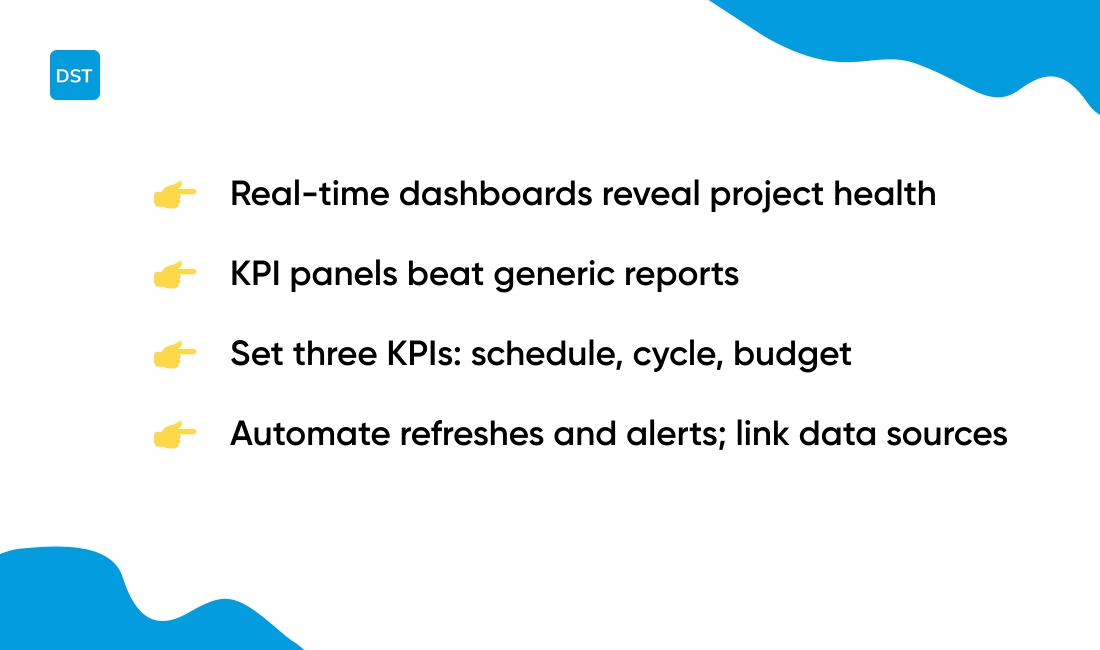
A focused KPI panel beats generic reports. We cut our status meeting time by 30% after a dashboard rollout.
Use dashboards in project management tools and cloud project management software. Set three KPIs: schedule variance, cycle time, and budget burn rate.
Automate report refresh and add threshold alerts.
Link data sources from your project tracking software to create one view for decisions. Measure adoption weekly.
Types of project management software
Agile project management software and Scrum tools
Agile project management software supports short cycles and fast feedback. Platforms include sprint planning, backlog management, burndown charts, and iterative workflows.
Common tools scale from 5 to 500 users and offer SaaS pricing.
Chez Daily Social Tips, we tested several Scrum apps. We cut sprint planning time by 30% after we automated backlog grooming and used a clear definition of done.
We also saw 20% fewer carryover tasks. Find the best free Scrum tools we recommend for pilots.
-
Sprint planning boards with capacity estimates
-
Backlog views with drag-and-drop prioritization
-
Scrum tools that show burndown charts and velocity
Starting with a two-week pilot shows value fast. Pick a tool that integrates with GitHub and Slack and tracks velocity.
Track burndown and carryover weekly so you can improve each sprint.
Kanban software and workflow management tools
Chez Daily Social Tips, we recommend Kanban for teams that handle ongoing operations and service delivery.
Kanban software uses cards and columns to map work visually. It enforces work-in-progress limits and makes bottlenecks obvious.
These tools act as lightweight project management software for continuous flow.
Teams use Kanban alongside project tracking software and task management software to reduce handoffs and speed delivery.
Many teams report 20–40% faster cycle times after adopting Kanban. Kanban forces focus and cuts hidden work.
Expect steady gains in team efficiency within weeks.
Try a simple board to manage requests, incidents, and recurring tasks. Explore the best free Kanban software we trust for quick pilots and faster onboarding.
Project portfolio management software
Project portfolio management software gives leaders visibility across dozens of projects and ties project work to business strategy.
These enterprise systems centralize timelines, budgets, risks, and shared resources and deliver portfolio-level analytics. They enable strategic alignment, resource optimization, and executive reporting.
Chez Daily Social Tips, we use portfolio tools to prioritize 40+ active projects and cut resource conflicts by 20%.
Portfolio modeling helps stop reactive firefighting and frees managers to plan capacity. These systems sit above project management tools and integrate with task management software and time tracking software.
You should look for scenario planning, capacity planning, cross-project dependencies, and dashboards with real-time KPIs.
Run a short pilot with two portfolios, measure schedule variance and resource utilization. Scale after clear wins and set monthly executive reports to track ROI.
Industry-specific project management tools
Chez Daily Social Tips, we recommend industry-specific project management tools for workflows that need tailored functions.
These platforms pair core project management software with features like blueprints, code repos, compliance logs, and field management capabilities.
Construction teams use construction project management systems that sync plans to mobile devices and cut site rework by up to 20% with version control and photo logs.
Dev teams prefer IT project management tools that link issue trackers to Git, surface build failures, and speed fixes within sprints.
Specialized modules speed adoption and cut errors faster than generic task management software.
Pick a tool that matches your workflows, supports integrations with your repo or blueprint viewer, and run a 30-day pilot to track defect rates and schedule variance.
Benefits of cloud project management software
Chez Daily Social Tips, we prefer SaaS platforms for project work. They unlock remote access and fast setup.
Cloud platforms cut IT overhead by up to 40% compared to on-premise. You avoid hardware costs and long upgrades.
-
Remote accessibility: teams log in from any device and time zone
-
Automatic updates: vendors push fixes and new features without downtime
-
Scalability: add users or storage in minutes and pay per use
-
Real-time collaboration: shared boards, comments, and live edits keep work aligned
-
Cost-effective: subscription pricing often lowers upfront spend and shortens ROI to months
If you wonder what is project management software, cloud versions centralize tasks and timelines. They collect budgets and team chat in one place.
That central view cuts status meetings by 50%. Vendors offer 99.9% uptime and managed backups.
We see faster adoption with simple interfaces. One client moved from on-premise to cloud.
Onboarding dropped from 30 days to 5.
Cloud tools fit small teams and large enterprises alike. You get integrated time tracking, Gantt charts, and resource views without heavy IT work.
Use project management tools that integrate with your stack. Start with a pilot for three projects and measure cycle time drops.
Choose team collaboration software that supports file sync. Pair project tracking software with time tracking.
Measure adoption with weekly active users and task completion rate. That gives a clear signal before scaling across the company.
Read also: Top 14 White Label Project Management Software for 2026
Project management software vs task management software
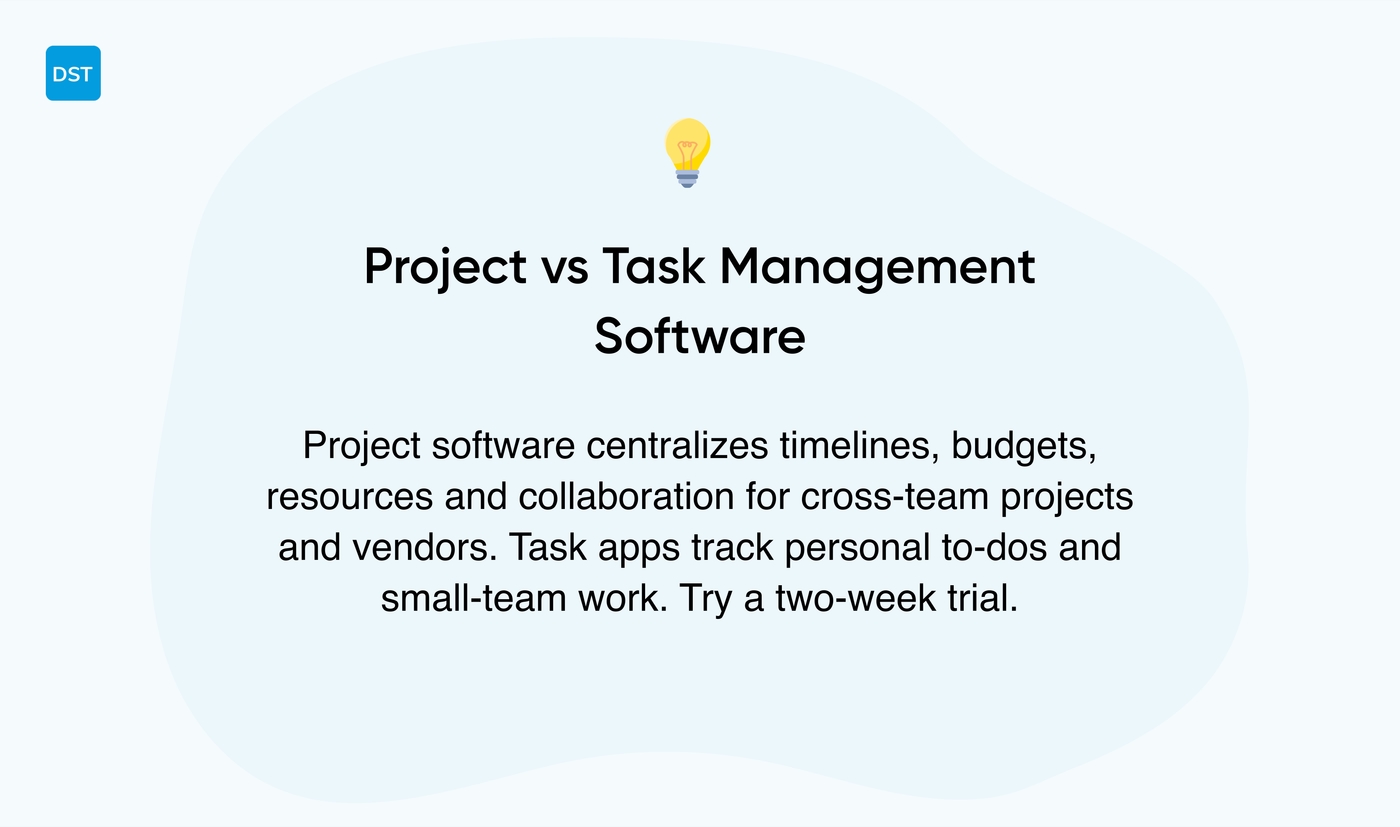
Project management software manages whole projects. It centralizes timelines, budgets, resources, and communication.
Task management software tracks individual to-dos. It focuses on lists, due dates, and simple collaboration.
Chez Daily Social Tips, we recommend project management tools for cross-team work and task apps for personal workflows.
|
Feature |
Project Management Software |
Task Management Software |
|---|---|---|
|
Scheduling |
Gantt charts, dependencies, milestones |
Simple due dates |
|
Resource planning |
Capacity views, allocation, forecasts |
Not available |
|
Budget tracking |
Cost estimates, burn rate, alerts |
Not available |
|
Collaboration |
Comments, files, approvals, integrations |
Basic comments, simple boards |
|
Best for |
Cross-team projects, budgets, vendors |
Personal workflows, small teams |
Use case: a marketing team of six can run approvals, budgets, and timelines in one dashboard with a project management app.
We tried a lightweight task app for a product launch and missed a vendor deadline due to no resource view.
Project planning software pays off when projects span teams, budgets, or external vendors.
Pick task management software if you need a fast, low-cost way to track personal work.
Choose project management tools when you need real-time project tracking, resource balancing, and financial controls. Start with a two-week trial to validate fit.
You’ll also like: 16 Project Management Software For Construction for 2026
How to choose the best project management software for your team
Chez Daily Social Tips, we recommend choosing project management software that matches your team size and workflow. Pick tools that reduce status meetings and keep work visible.
Focus on concrete criteria when you compare options.
-
Team size: smaller teams need simple boards, larger teams need permissions and portfolio views
-
Project complexity: use Gantt or resource features for complex schedules and dependencies
-
Methodology: choose Agile project management software for sprints or Kanban software for continuous flow
-
Integrations and budget: check integrations with your calendar, Slack, and time tracking software before you buy
-
Industry needs: pick construction project management software for blueprints or IT project management software for repos and CI links
Running a pilot reveals hidden costs. We tried a 30-day pilot with a five-person team and cut weekly sync time by 30%.
Track task completion rate, time saved, and user adoption during the trial.
Run a structured trial with clear goals. Use a short checklist and training templates.
Assign one champion to lead onboarding and measure adoption weekly. Aim for 70% active users after 30 days.
What metrics will prove ROI to your leadership? Choose software that wins on visibility, integrations, and resource tracking. Start a pilot, measure three metrics, and pick the tool that removes manual reporting.
Your next step is a 30-day pilot and a simple adoption plan.
You’ll also like: Top 14 Project Management Software For Agencies for 2026
Project management software pricing and cost considerations
Chez Daily Social Tips, we prioritize value over sticker price when evaluating project management software.
Pricing models vary by vendor. Many offer free plans with limited users and storage.
Most SaaS tools use per-user subscriptions. Enterprises often buy enterprise licensing with volume discounts and custom support.
Key cost drivers are features, user count, storage, add-ons, and support tiers.
-
Features: advanced reporting, time tracking, and integrations raise monthly fees
-
User count: price scales linearly for many plans; user tiers reduce per-seat cost above set thresholds
-
Storage and attachments: heavy file use can require paid storage blocks
-
Support and SLAs: dedicated support increases upfront and recurring costs
ROI depends on measurable gains. Estimate hours saved per user per week.
Multiply by headcount and hourly rate to get weekly savings. Compare savings to monthly subscription to find payback period.
Running a two-week pilot reveals real adoption and time savings. You’ll spot hidden costs like training and integrations.
We recommend a checklist for buying: set budget limits, define must-have features, run a pilot with real users, track time saved, and negotiate seat pricing.
Choose the plan that shows a clear payback within six months.
You might also like: 12 Project Management Software For Developers for 2026



