

That awkward pause when a distributed team can’t find the latest file wastes more time than any single meeting.
Remote work software can help, but many teams still wrestle with scattered tools, duplicate files, and noisy communication.
The right mix of tools centralizes chats, files, tasks, and automations so work flows instead of stalling.
This guide lists the top 11 remote work software tools that streamline collaboration, automate routine tasks, and cut meeting overload.
You’ll learn which tools fit different team sizes, the key features to prioritize, and quick implementation tips so it’s easier to get everyone on board.
Whether managing a small startup or a distributed department, you’ll be able to pick tools that boost focus, visibility, and measurable productivity.
What is remote work software
Remote work software bundles tools that let distributed teams communicate, share files, and run projects from any location.
- Communication: Team chat software and video conferencing software enable real-time calls, screen sharing, and threaded messaging to cut email volume.
- Project management: Remote project management tools use Kanban boards, task assignments, deadlines, and dependencies to keep work visible and accountable.
- File sharing and cloud collaboration: Secure document storage, real-time editing, and version control let people co-edit across time zones using remote collaboration software.
- Automation and integrations: APIs and no-code automations sync data, trigger workflows, and remove manual handoffs that slow teams down.
- Asynchronous work support: Async messaging, recorded updates, and screen-capture tools reduce meeting load and respect flexible schedules.
At Daily Social Tips, we recommend starting with one hub that covers chat, tasks, and cloud docs so your team avoids tool sprawl.
Standardizing on a single core app cuts context switching and meeting time. Small teams often halve status meetings after centralizing work.
Pick a tool, map one workflow, and run a two-week pilot to measure adoption and productivity gains.
How do remote work tools improve productivity
Remote work tools cut wasted time and increase measurable output. The right stack saves hours each week.
- Reduced meeting time: Async video and short updates replace status calls. Loom users report a 41% drop in meeting load.
- Streamlined communication: Team chat with searchable history lowers response lag. Expect faster decisions and about a 50–60% drop in email follow-ups. Check our best productivity tools for practical options.
- Automated workflows: Automations and integrations remove manual handoffs. Teams often reclaim 3–5 hours per person weekly by automating repetitive tasks via Zapier or native rules.
- Enhanced collaboration: Cloud docs, real-time editing, and whiteboards boost task throughput. Clear ownership and live edits can raise completion rates by roughly 15–25%.
- Better visibility: Centralized task boards and time tracking show bottlenecks. Use data to cut cycle times and reduce context switching.
We recommend starting with chat, async video, and one automation tool. Test for four weeks and measure time saved per role.
Expect tangible ROI if you track meeting minutes, task cycle time, and hours reclaimed.
Essential features to look for in remote team management software
Communication and video conferencing capabilities
At Daily Social Tips, we prioritize chat plus async video when assessing remote work software.
Async messages cut meeting overload; Loom reports a 41% drop in unnecessary calls.
- Team chat features let you reduce inbox noise with channels, threads, and quick file drops.
- Reliable video call quality preserves context on client calls and demos. Look for 1080p and low-latency audio.
- Screen sharing and recording create reusable assets for onboarding and support.
- Asynchronous options like voice notes and Loom-style clips enable fewer live meetings. See choices among internal communication platforms.
- Async video updates pair well with transcripts and searchable recordings for fast catch-up.
Pick remote collaboration software that blends chat, video, and async tools. Start a pilot with your top choice and measure meeting hours saved.
Project and task management functionality
Well-structured task tools keep your remote team focused and accountable.
- Kanban boards show work visually and limit work-in-progress. You spot bottlenecks fast.
- Task assignments clarify ownership and reduce duplicate work across time zones.
- Deadlines and dependencies enforce sequence and prevent hidden blockers from delaying releases.
- Workflow automation removes repetitive updates, posts status changes, and saves team hours each week.
A mix of visual boards and automations cuts meeting load and missed handoffs. For example, moving onboarding to a Kanban board can halve status calls.
We recommend pairing Kanban with simple automations in your remote work software. You get clearer priorities, faster handoffs, and fewer status meetings.
File sharing and cloud collaboration
Real-time editing, version control, secure document storage, and cloud access let teams collaborate across time zones.
At Daily Social Tips, we favor cloud tools with strict access controls and simple restore options.
- Secure storage: encryption at rest and in transit, role-based permissions, and audit logs.
- Real-time editing: multiple editors see live cursors, comments, and instant saves to prevent merge errors.
- Version control: automatic history with easy restore and clear approval trails.
- Global access: browser and mobile access keeps files available across time zones and devices.
- Integrations: connect files to your task manager and chat to cut context switching.
For instance, a marketing team in London and Sydney can edit the same brief with comments synced instantly.
Real-time editing saves hours per week during review cycles and reduces email threads. Compare document management systems for features, compliance, and pricing.
Integration and automation capabilities
Remote work software that links apps cuts repetitive tasks and keeps teams focused.
Reduce manual work by routing data between tools. Automations move requests into task boards, update status fields, and notify stakeholders without clicks.
Eliminate context switching by centralizing alerts and file access. Teams save time that often goes into app juggling.
- Fewer handoffs: teams report 30–40% fewer manual updates on workflows.
- Faster task completion: automations trigger actions immediately, lowering cycle time.
- Better data quality: single-source syncing reduces duplicate entries and errors.
Create efficient workflows using APIs and no-code tools like Zapier to connect email, project boards, and calendars.
We map one core process before automating it. Start automating a single handoff this week to measure impact.
Top 11 remote work software to consider
monday.com
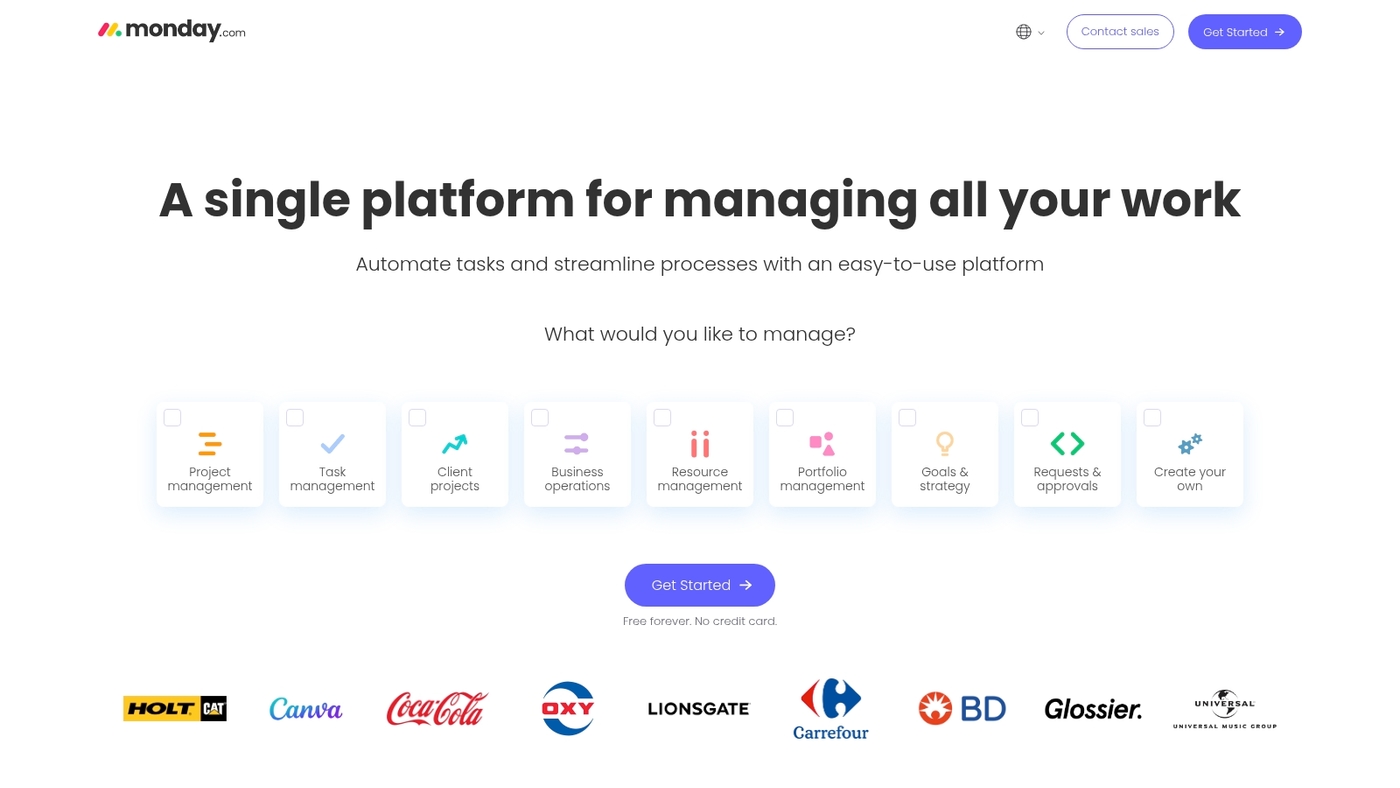
monday.com is a flexible work operating system that centralizes tasks, timelines, and team communication. You get customizable boards, automation recipes, time tracking, and visual dashboards. The platform supports multiple views (Kanban, Gantt, calendar) and integrates with Slack, Zoom, and 200+ apps.
Teams use monday.com to manage projects, track sales pipelines, and run marketing campaigns in one place. The interface stays intuitive even with deep customization. Automations handle status updates and notifications without code.
I’d say monday.com fits teams that want a single source of truth for work without heavy IT setup. The visual boards keep everyone aligned and reduce status meetings.
Pros
- Highly visual and customizable workflows
- Strong automation and integration ecosystem
- Scales from small teams to enterprise
Cons
- Can get pricey as you add users and features
- Learning curve for advanced customization
For who?
Product teams, marketing squads, operations groups, and growing companies that need flexible project management and clear visibility.
Pricing
Free tier available. Paid plans start around $8 per user/month billed annually. Higher tiers add automations, integrations, and advanced reporting.
ClickUp
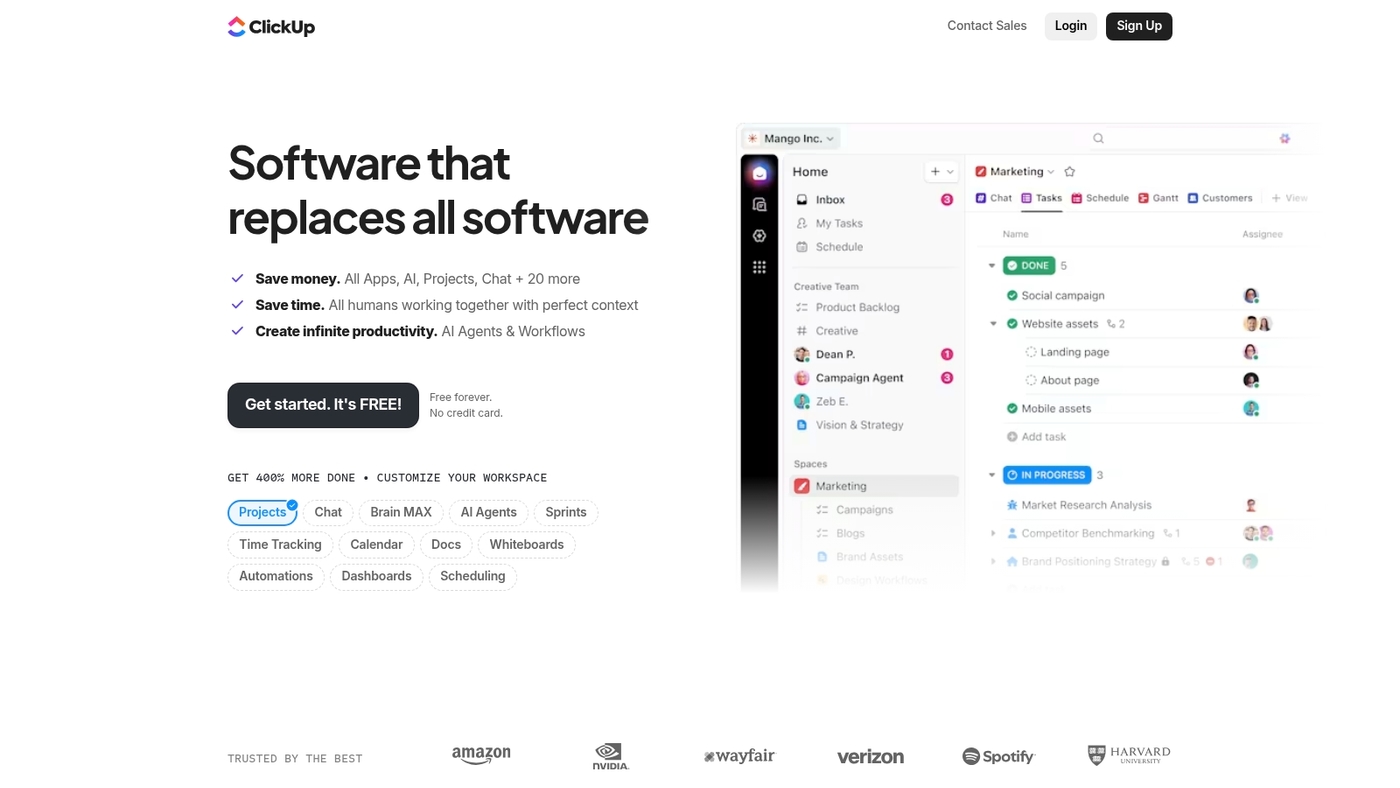
ClickUp is a customizable all-in-one productivity platform built for remote teams. You get multiple views (list, board, Gantt, calendar), goal tracking, built-in time tracking, automations, and document collaboration in one app.
The interface supports templates, custom task types, dependencies, and workload views to balance capacity. A free plan covers basic needs. Paid tiers add automations, advanced reporting, and permissions.
ClickUp fits teams that need deep customization without buying multiple tools. At Daily Social Tips, we use ClickUp boards for editorial planning and reduced status meetings by measurable hours each week.
Pros
- Highly configurable tasks and workflows
- Multiple native views match different work styles
- Built-in time tracking and reporting
Cons
- Steeper learning curve for heavy customization
- Interface can feel dense for new users
For who?
Teams that need flexible project and task management, central docs, and automation. Good for product, ops, and distributed marketing teams.
Pricing
Free tier available. Paid plans start at about $5 per user per month billed annually. Enterprise quotes on request.
Slack
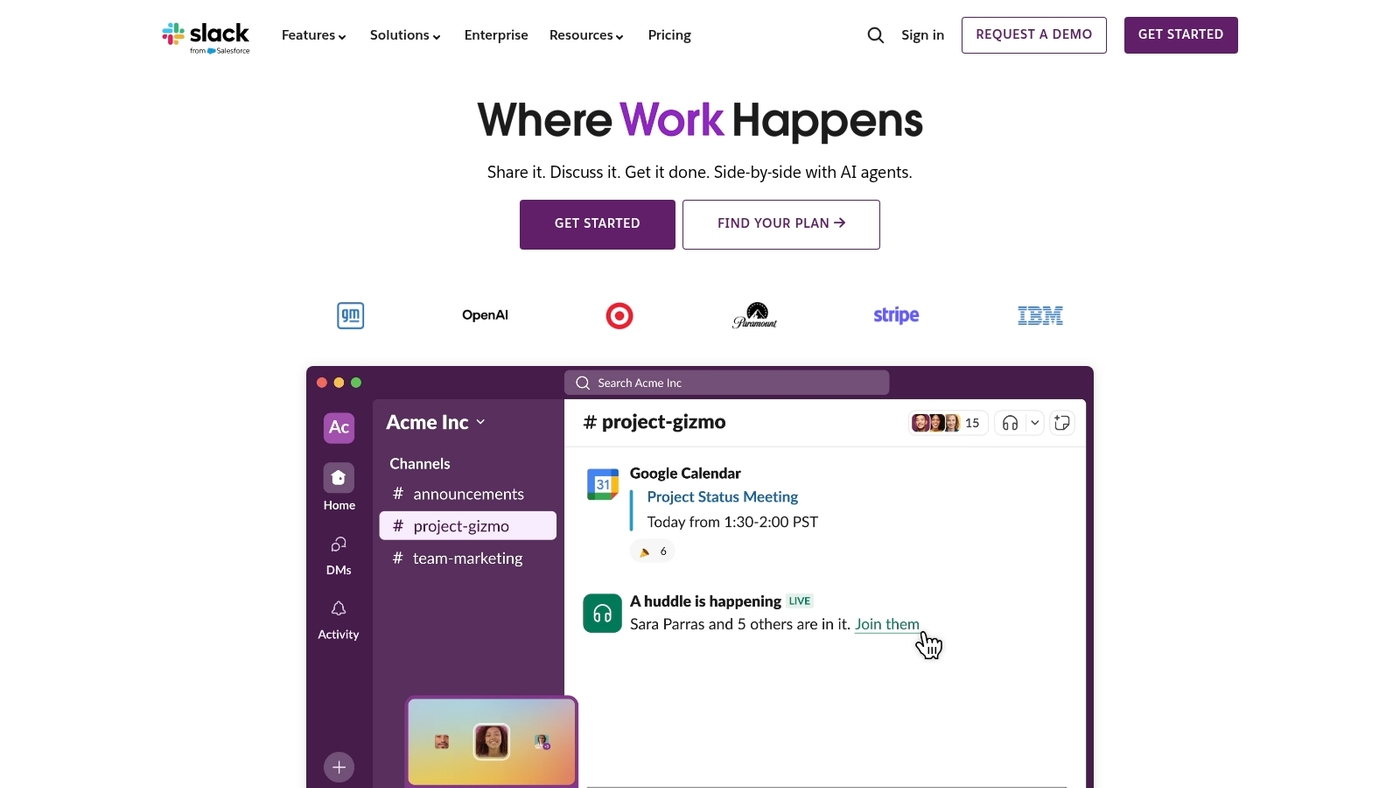
At Daily Social Tips, we use Slack as our primary team chat. Slack offers channels, direct messages, file sharing, voice and video calls, and over 1,000+ integrations.
The platform supports threads, reactions, searchable history, and simple workflow automations. You can pin items, set reminders, and surface files in seconds.
Slack reduces email volume and speeds real-time coordination across distributed teams. Teams commonly pair it with async tools to cut meeting time.
Pros
- Team chat software with channels and DMs for focused work
- Extensive app ecosystem and integrations with Google Drive, Zoom, Asana, Zapier
- Searchable history so you recover decisions and files quickly
Cons
- Chat noise can grow without clear channel rules
- Free plan limits message history and some features
For who?
Teams that need fast messaging, lots of integrations, and a single searchable workspace. Good fit for startups, product teams, and mid-size companies that value real-time coordination.
Pricing
Free tier available. Paid plans start around $7.25 per user/month (billed annually) for standard features, with higher tiers near $12.50 per user/month and custom enterprise pricing for large organizations.
Zoom
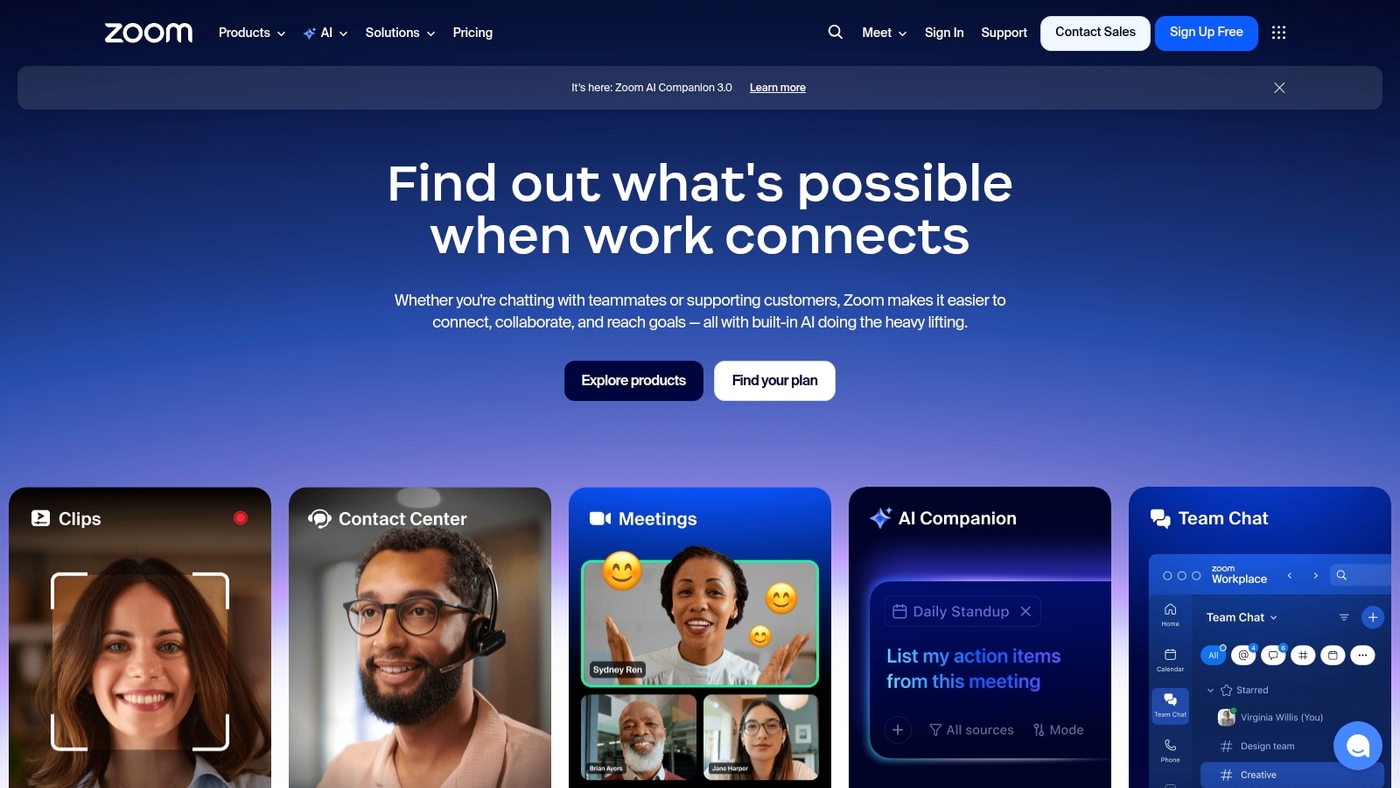
We rely on Zoom for client calls and remote meetings. Zoom offers video conferencing, screen sharing, local and cloud recording, breakout rooms, and an AI Companion that generates meeting summaries and action items.
It delivers reliable call quality on low bandwidth. You get screen sharing recording with automatic transcripts for playback.
The AI Companion provides meeting summaries so you skip manual note taking. Free accounts host up to 100 participants with a 40-minute limit on group meetings. Paid plans remove limits, add cloud storage, and unlock webinar features.
Zoom integrates with calendars, Slack, and LMS platforms. Recordings cut follow-ups and speed onboarding.
Pros
- Widespread adoption and cross-platform support
- High-quality video and low-bandwidth performance
- Cloud recording with transcripts and searchable notes
- AI Companion for summaries and action items
Cons
- Free plan limits group meetings to 40 minutes
- Advanced AI features require paid tiers
- Can use significant CPU on older devices
For who?
Teams that run frequent meetings, client-facing groups, trainers, and remote-first companies needing reliable video and recorded archives.
Pricing
Free tier available. Paid plans start around $14.99/month per host billed annually for Pro. Business and enterprise tiers add cloud storage, larger participant caps, and webinar options.
Asana
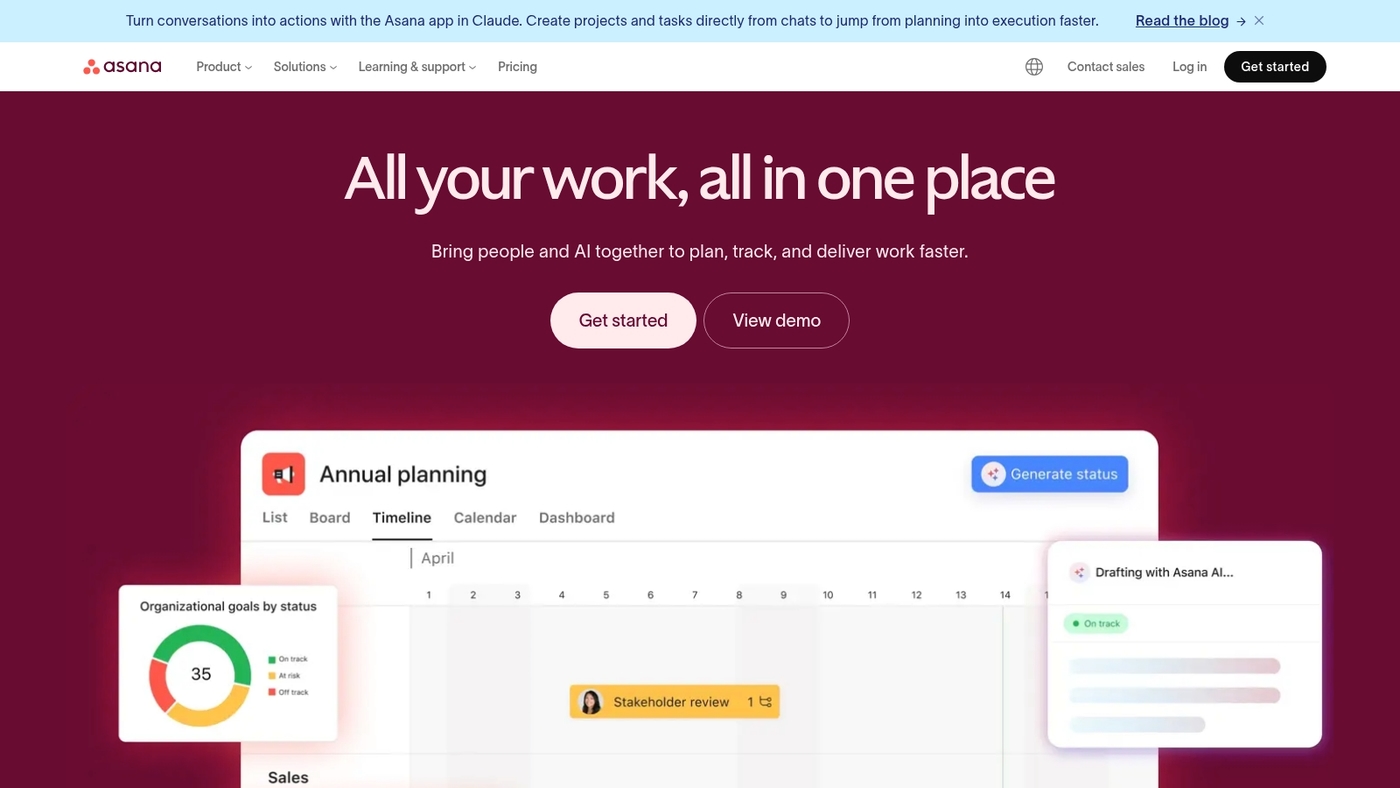
At Daily Social Tips, we use Asana as a central piece of remote work software for distributed teams. It offers task tracking, workflow automation, and multiple views like board, list, timeline, and calendar.
The tool rates 4.5/5 on Capterra for remote teams. Asana connects with Slack, Google Workspace, Zoom, and 100+ apps so your tools stay in sync.
You can set dependencies, custom fields, and workload views to manage capacity. The automation rules cut manual updates. The reporting gives quick status snapshots for stakeholders.
This remote collaboration software fits structured projects and recurring ops work.
Pros
- Clear project views for planning and tracking
- Flexible automation rules that save time
- Strong integrations with common productivity apps
Cons
- Learning curve for non-technical users
- Advanced reporting and capacity features sit behind higher tiers
For who?
Teams that need visible workflows and predictable delivery. Product, ops, agencies, and distributed teams of 5–200 will see the most value.
Pricing
Free tier available. Premium about $10.99/user/month billed annually. Business about $24.99/user/month. Enterprise pricing on request.
Notion
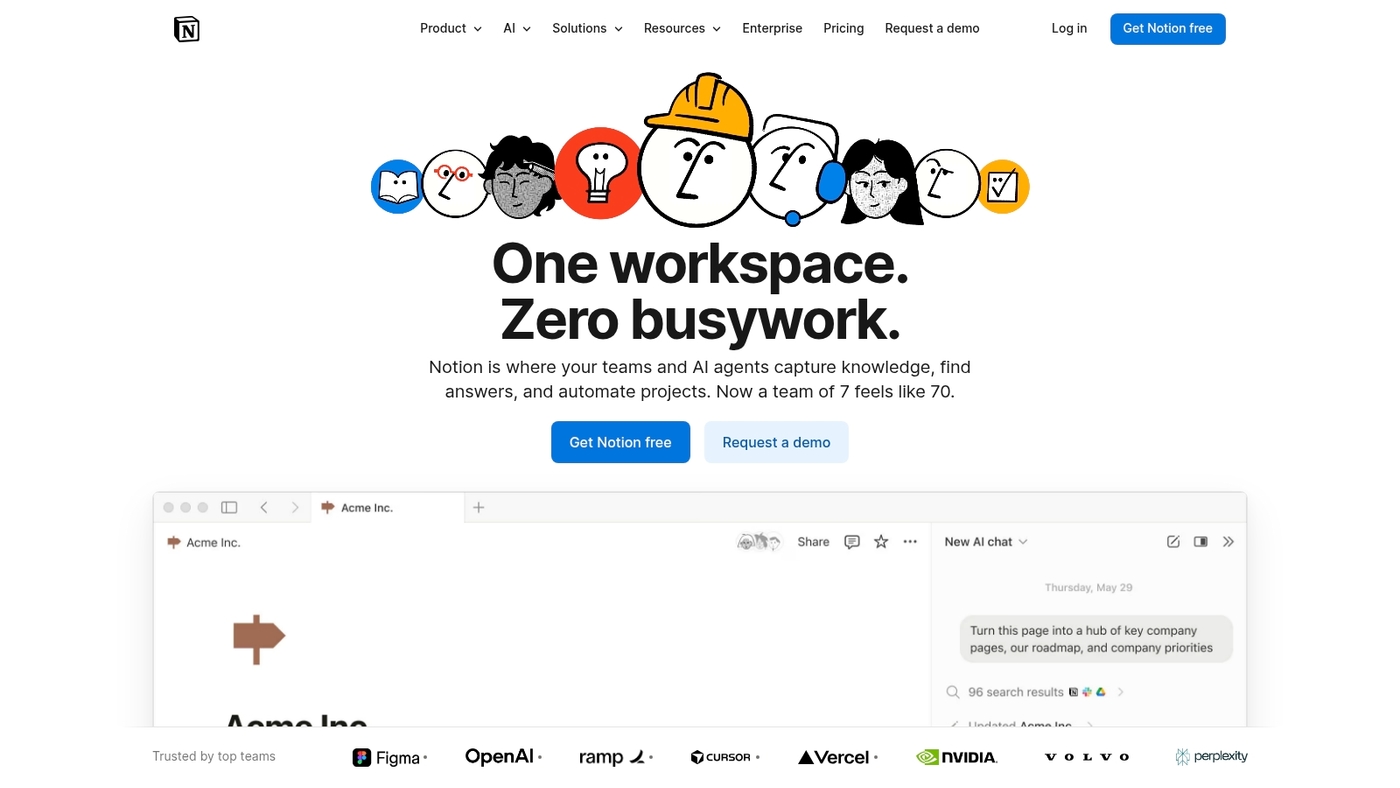
At Daily Social Tips, we recommend Notion for teams that need a single place for docs, tasks, and knowledge. It acts as an all-in-one workspace and remote collaboration software.
Notion combines notes, wikis, lightweight databases, and task boards. You can link databases and build templates without code. You can share pages publicly or limit access by team.
Search works fast. Offline edits sync in the desktop app. It integrates with Slack, Google Workspace, and Zapier to cut manual steps.
Notion’s templates speed up onboarding and reduce status meetings.
Pros
- Flexible templates and relational databases for structured content
- Granular permissions and public page sharing for varied audiences
Cons
- Steeper learning curve for database features
- Advanced automations require external tools like Zapier
For who?
Product teams, content teams, and small ops teams that want a single source of truth.
Pricing
Free plan available. Team plans start at about $8 per user per month billed annually. Enterprise pricing varies.
Trello
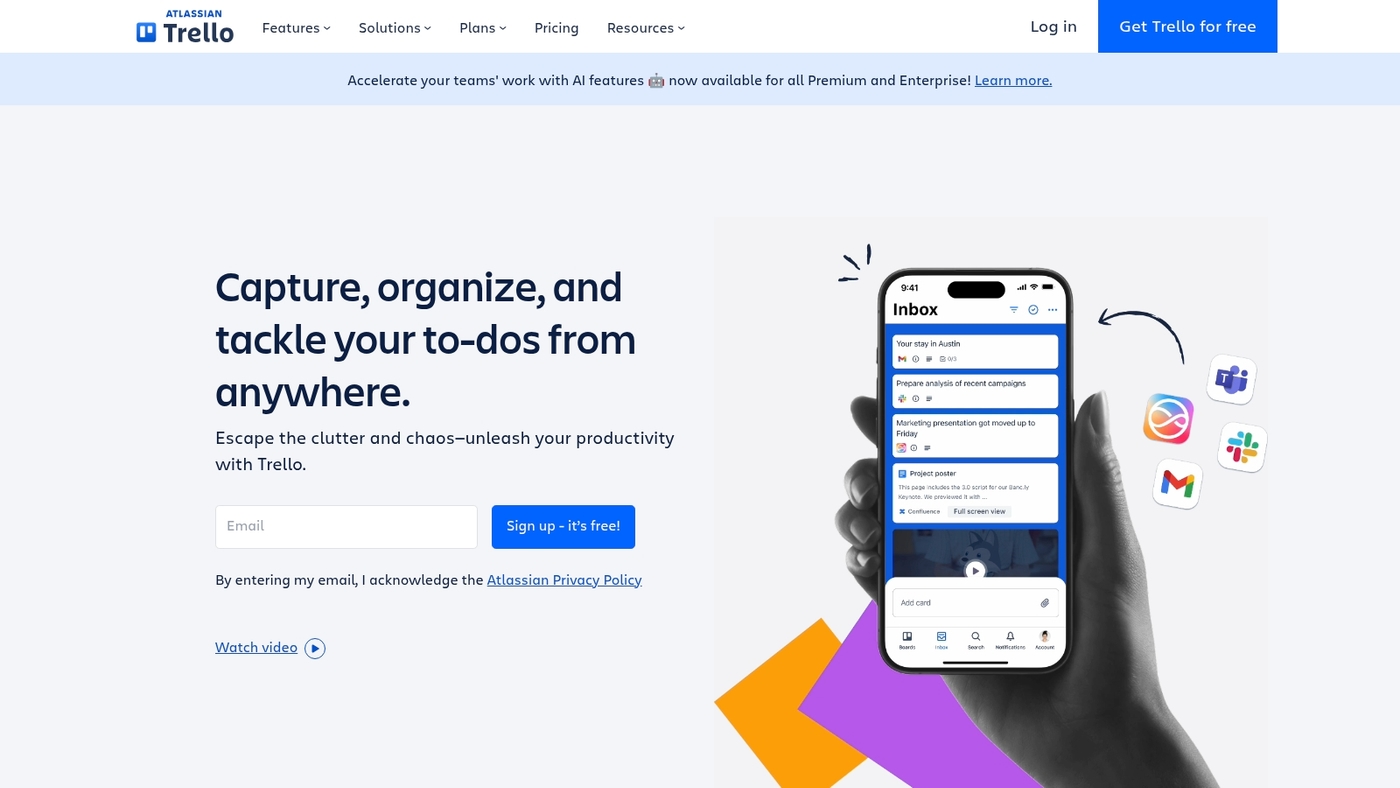
At Daily Social Tips, we use Trello as a simple, visual remote work software for teams that need clear task flow without heavy setup.
Trello uses boards, lists, and cards to map work. You add checklists, due dates, attachments, and labels. Power-Ups connect Google Drive, Slack, and Calendar. Butler automations handle recurring tasks and simple rules.
The interface stays fast for small teams. As remote team management software, Trello highlights work status at a glance and cuts status emails.
Trello shines when projects fit a Kanban model. The learning curve stays low, and onboarding takes under an hour for most users.
Pros
- Intuitive Kanban boards for visual workflow
- Generous free plan and quick setup
- Power-Ups and Butler automations
Cons
- Limited for complex projects with dependencies
- Advanced reporting and resource tools require paid tiers
For who?
Small teams, marketing squads, startups, and remote teams needing lightweight task management.
Pricing
Free tier available. Paid plans start around $5 per user/month (Standard), with Premium and Enterprise tiers for added features and admin controls.
Google Workspace
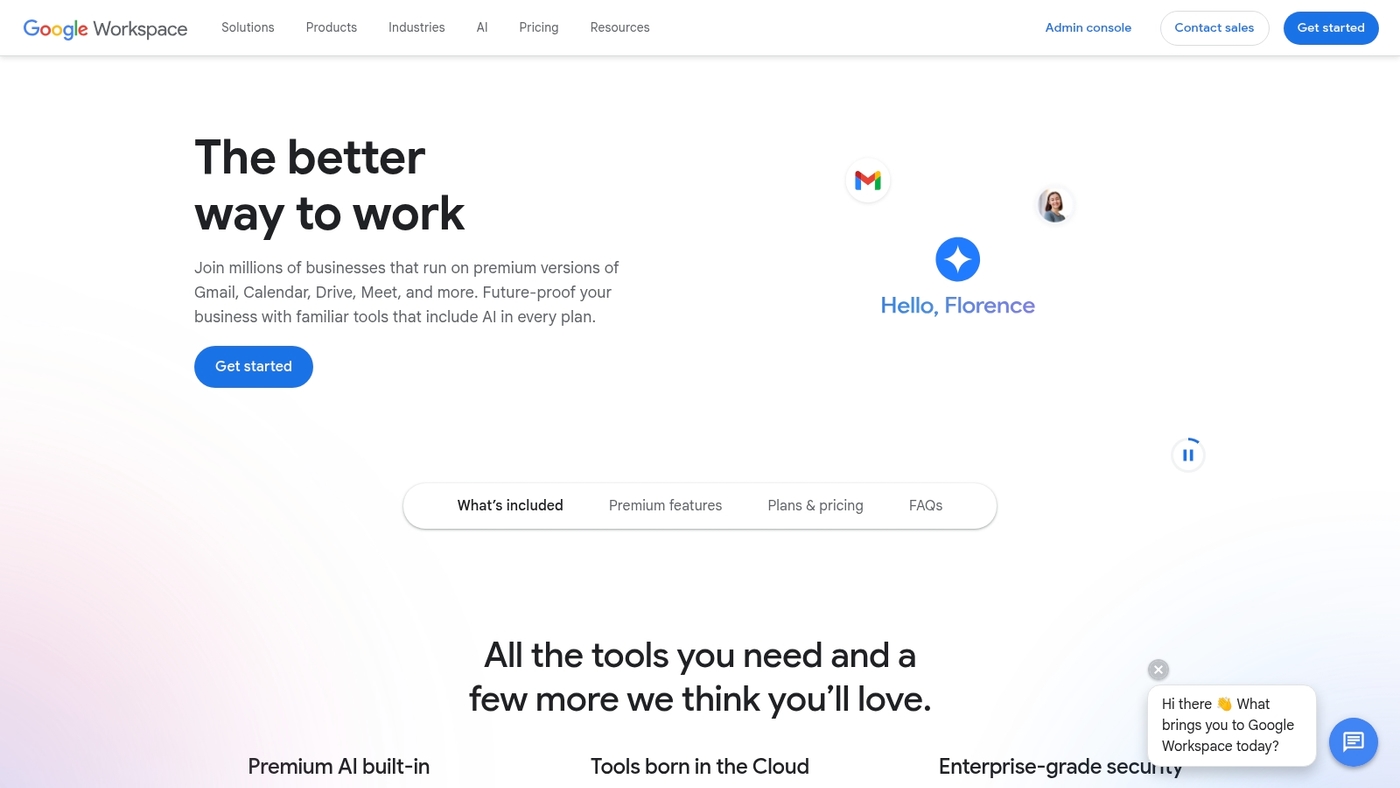
Google Workspace packs Gmail, Drive, Docs, Sheets, Meet and Admin into a single cloud collaboration suite for remote work software.
It handles email, calendar, file storage, real-time editing and video calls in one place. Teams co-edit documents with comments and version history.
Admins apply SSO, device management and audit logs for compliance. APIs and built-in connectors make integrations simple. The suite supports async workflows with suggested edits and recorded meetings.
Tight app integration reduces context switching and speeds handoffs for distributed teams. Use shared drives and granular permissions to keep files organized and secure.
Pros
- Strong real-time collaboration and version control
- Scales with enterprise security and admin controls
Cons
- Advanced admin features sit behind paid tiers
- Drive storage can add costs for large media teams
For who?
Teams that need unified email, file sharing and video conferencing for remote collaboration.
Pricing
Business Starter $6/user/month, Business Standard $12/user/month, Business Plus $18/user/month. Enterprise plans available with custom pricing.
Miro
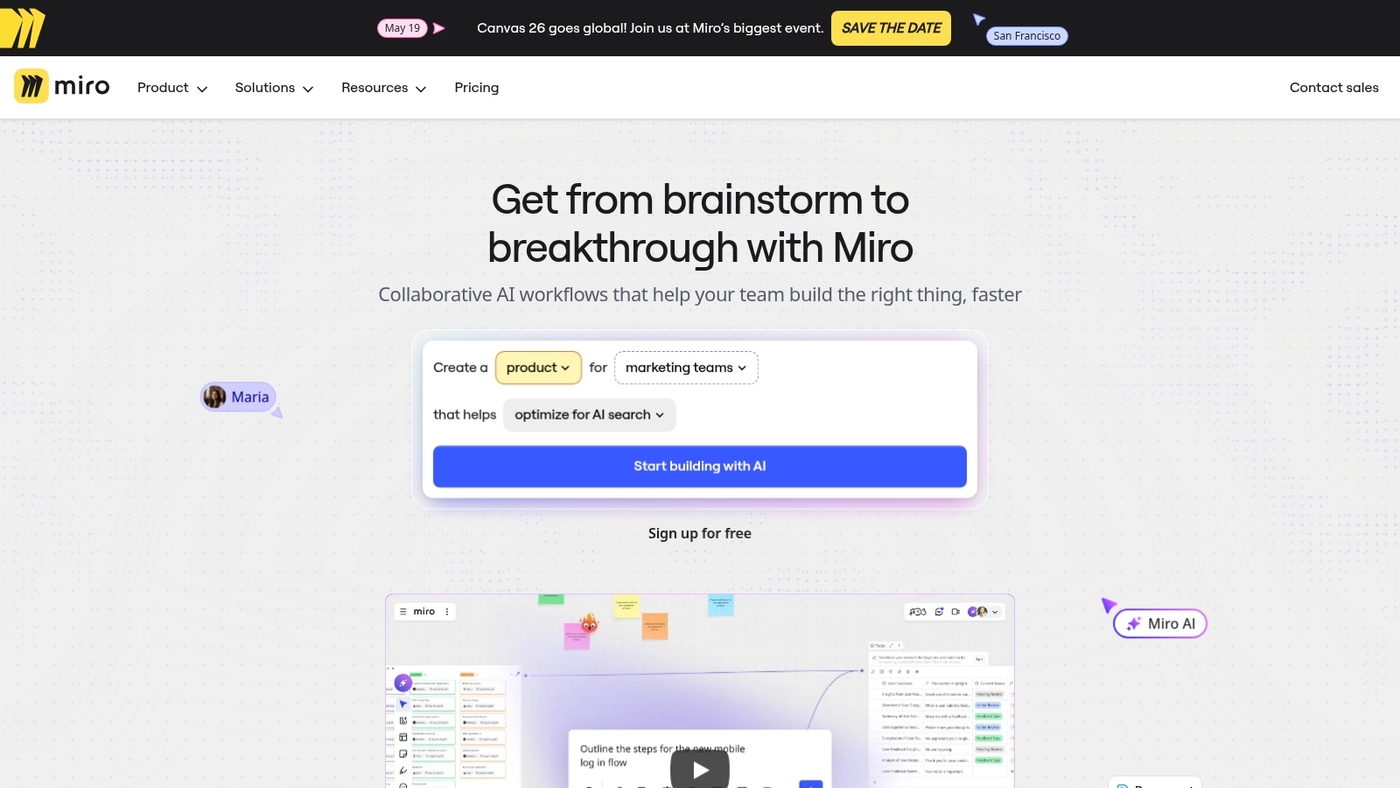
At Daily Social Tips, we rely on Miro as an online whiteboard tool for distributed teams.
Miro gives you an infinite canvas whiteboard with sticky notes, templates, voting, timers, wireframes, and presentation mode. The board works in real time and asynchronously.
Miro integrates with Slack, Zoom, Figma, Jira, and Google Workspace to keep work in context. Miro reports millions of users and thousands of enterprise customers.
Miro speeds alignment on complex projects by cutting meeting time and making ideas visible. If you want a short roundup of similar options, see our guide to collaborative whiteboard tools.
Pros
- Flexible canvas for workshops and mapping
- Rich templates and solid integrations
Cons
- Can feel cluttered on large boards
- Paid editor seats add up for big teams
For who?
Designers, product teams, facilitators, and remote-first teams that need visual collaboration and async capture.
Pricing
Free plan available. Paid plans start around $8 per editor/month billed annually. Enterprise pricing is custom with SSO and advanced admin controls.
Loom
Loom is quick video messaging software for recording your screen and camera. You create async updates, tutorials, and feedback without scheduling calls.
Teams cut unnecessary meetings by 41% with short Loom messages. The tool offers one-click recording, viewer analytics, timestamps, and basic trimming.
It integrates with Slack, Notion, and Google Workspace for smooth remote collaboration. Loom fits remote work software stacks focused on asynchronous communication tools and screen sharing software.
Loom speeds reviews and clarifies handoffs. Use it for demos, bug reports, onboarding clips, and stakeholder updates. The recorder runs in browser and desktop app. You share a link and viewers jump to relevant timestamps.
Pros
- Fast, one-click recording and shareable links
- Viewer analytics and timestamps for precise feedback
Cons
- Basic editing only; no timeline-level editing
- Team admin controls and security require paid plans
For who?
At Daily Social Tips, we recommend Loom for product teams, support teams, and trainers who need clear async updates. It cuts meeting time and speeds decision cycles.
Pricing
Free plan available with core features. Paid plans start around $8 per creator per month billed annually. Enterprise pricing on request.
Toggl Track
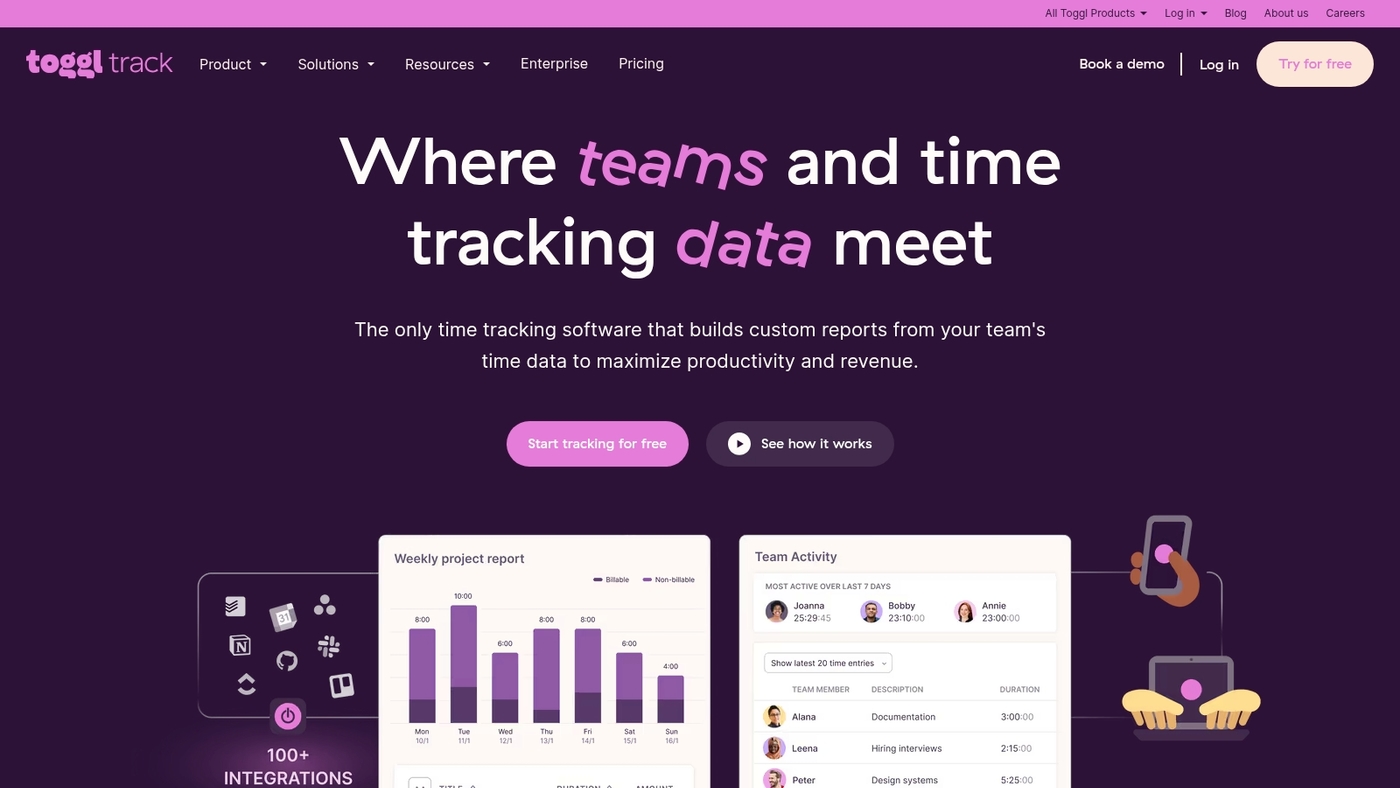
At Daily Social Tips, we recommend Toggl Track as a reliable time tracking tool for remote teams.
It offers one-click timers, manual entries, idle detection, and native desktop and mobile apps. You get detailed reports on billable hours, project profitability, and individual output.
It integrates with Asana, Trello, Slack, and many remote work tools. Managers export CSV or use the API to feed payroll and invoicing systems. It supports tags and billable rates per client.
Reports export fast and the web app runs in seconds. This app boosts focus and billing accuracy for freelancers and small teams. You can start with a free tier and scale as your needs grow.
Pros
- Quick one-click timers and offline tracking
- Clear reports for billing and client invoicing
- Wide integrations and a simple API
Cons
- Not a full project management suite
- Team analytics require paid plans for deeper insights
For who?
Freelancers, agencies, and small remote teams that need fast, accurate time logs and straightforward billing. Managers who want minimal setup and clear exportable reports will get value fast.
Pricing
Free plan available for solo users. Paid plans start around $10 per user per month billed annually. Check the Toggl Track site for current tiers and enterprise options.
Zapier
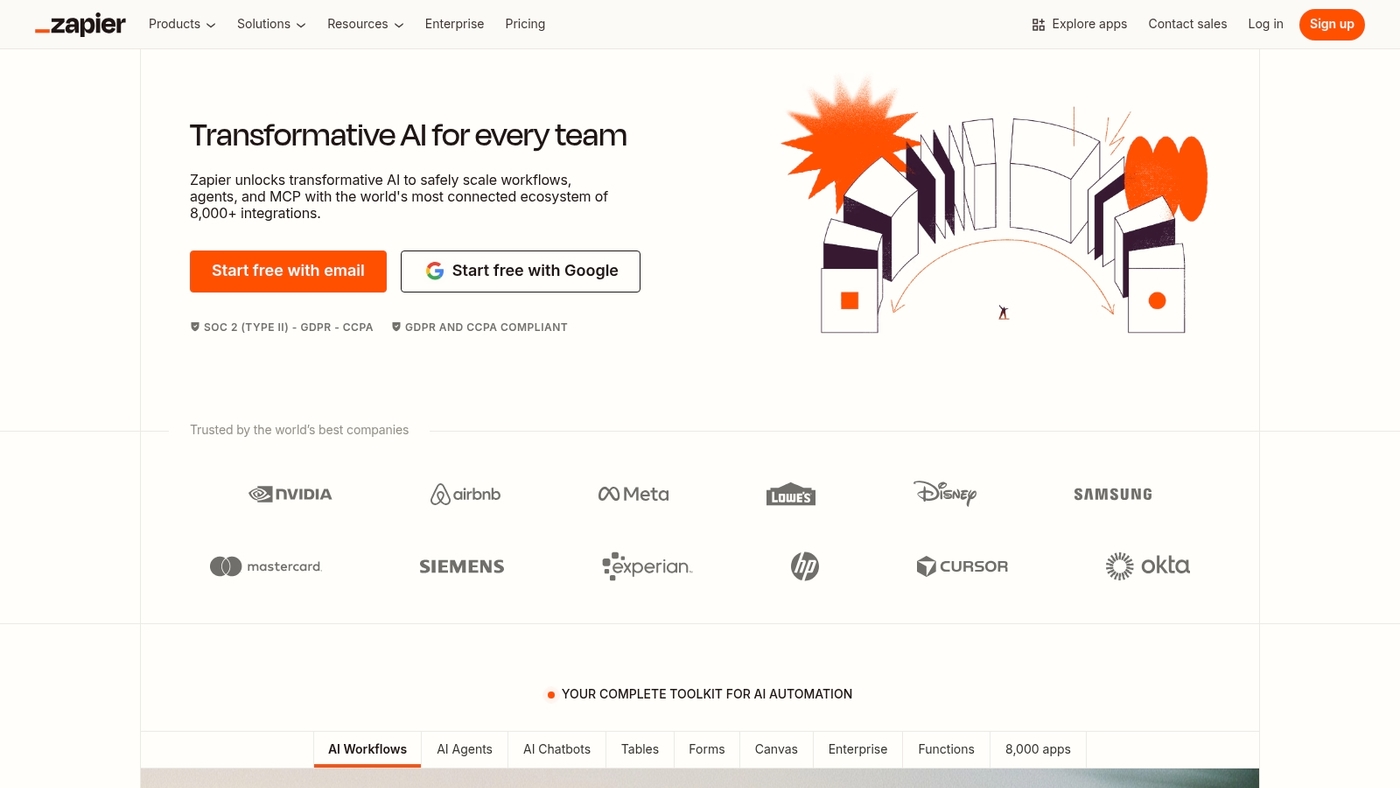
Zapier is a no-code automation platform that connects over 1,000 apps to help you remove manual steps.
It moves data between tools, triggers actions, and runs multi-step flows with filters and conditional logic. You create automations with simple triggers and actions. You avoid developer work and keep control in your ops or product teams.
You get execution logs and error handling for reliable runs. It speeds up tasks like lead routing, invoice creation, and status updates.
Zapier reduces busywork and frees time for strategic work. At Daily Social Tips, we rely on Zapier to push form responses into trackers and alert teams automatically.
Pros
- Wide app coverage with 1,000+ integrations
- Fast setup and no code required
- Multi-step flows, filters, and error logs
Cons
- Complex automations can get costly
- Runs and task limits on lower plans
For who?
Teams that need to automate repetitive work across apps without building custom integrations.
Pricing
Free plan available. Paid plans start around $19.99/month for more tasks and multi-step automations.
You might also like: Top 12 Free Online Collaboration Software
Remote project management tools vs task management software
At Daily Social Tips, we separate the two by purpose: project management platforms handle complex workflows and resource planning, while task management tools track to-dos and small team work.
Remote work software ties both to your communication, files, and integrations.
| Feature | Project Management Platforms | Task Management Tools |
|---|---|---|
| Scope | Multi-team programs, timelines, dependencies, budgets | Individual or squad to-dos, checklists, Kanban boards |
| Setup time | Days to weeks; requires admin and training | Minutes to hours; minimal onboarding |
| Cost | Higher license fees and admin overhead | Lower or free tiers; fewer seats needed |
| Reporting | Advanced dashboards, resource allocation, Gantt charts | Basic progress views and task completion rates |
| Best for | Programs spanning months with 20+ people | Agile squads under 20 or solo workflows |
Pairing project platforms with async tools like Loom can cut meeting load; Loom reports 41% fewer meetings after adoption.
Pilot one core workflow for two weeks. Measure cycle time, missed deadlines, and meeting minutes. Check integrations in our guide to collaboration tools for remote teams.
Full project platforms pay off for programs that span months and multiple teams; pick task tools for quick, low-cost tracking.
Read also: Top 11 Best AI Work Platforms For Your Team
How to choose the right remote work software for your team
At Daily Social Tips, we use a simple checklist to match tools to real team needs.
Match team size, budget, integrations, security, and core features before you buy.
- Team size: Pick software that scales. Small teams often prefer free tiers or plans under $10/user per month. Large teams need SSO and admin controls.
- Required features: List must-have features first. Prioritize chat, task tracking, file editing, and video calls for most teams.
- Integrations and automations: Check APIs and built-in connectors. Fewer tools reduce context switching and save hours per week.
- Security and compliance: Verify encryption, SSO, and data retention policies. Look for SOC 2 or ISO 27001 for sensitive data.
- Free tiers and limits: Test free plans for message history, user caps, and storage. Slack free keeps 90 days of history. Zoom free limits group calls to 40 minutes.
- Deployment effort: Choose tools with clear onboarding and templates if you lack IT support. Low setup time speeds adoption.
Run a two-week pilot with your top two picks. Track adoption, task completion, and meeting time.
Pick the tool that saves the most hours per week.
You’ll also like: What Is Project Management Software and How It Works
Best practices for implementing remote work software
At Daily Social Tips, we recommend a staged rollout to cut friction and speed adoption.
- Team training plan: Run a 2‑week pilot with 10–15 power users. Deliver a 30‑minute live demo and three short how‑to videos. Aim for 60–75% weekly active users by week six.
- Communication protocols setup: Define channels for urgent issues, async updates, and document storage. Standardize a one‑line daily status and meeting‑free blocks. Review options for digital workplace platforms.
- Security policy baseline: Enforce SSO and MFA. Apply least‑privilege roles and device encryption. Log access and run quarterly audits.
- Measure adoption and productivity: Track DAU/MAU, task completion rate, average time to complete tasks, and weekly meeting hours saved. Set baselines before rollout and report every two weeks.
- Governance and feedback loop: Assign a tool owner, collect weekly user feedback, and publish quick fixes within three days. Expect a trade‑off where stricter rules slow some workflows.
Live onboarding plus short videos speeds adoption and reduces support tickets. Try a small pilot, train power users, measure impact, then scale.
You might also like: 12 Best Task Manager Software to Boost Productivity



