

That moment when multiple high-priority projects clash for the same people and budget can derail strategy faster than expected.
Project portfolio management software brings together project, resource, and financial data so leaders and PMOs can prioritize work with confidence.
This roundup compares the top 12 project portfolio management tools to cut through vendor noise and match platforms to real portfolio needs.
You’ll learn how to evaluate PPM features like project prioritization, resource capacity planning, dashboards, demand management, and governance.
Plus, you’ll find concise profiles that highlight suitability for enterprise portfolios, IT environments, and teams that need strong resource optimization (so trials aren’t wasted).
What is project portfolio management software
Project portfolio management software helps you align investments and gain clear portfolio visibility. PPM software organizes projects, budgets, risks, and resource plans in one place.
The platform links data from PM tools, ERP, and finance systems into a single source of truth. Dashboards surface status, financials, and a project portfolio dashboard for executives. PPM centralizes intake, scoring, and portfolio reporting so you see tradeoffs across initiatives.
It offers prioritization models and portfolio visibility tools that rank projects by value and risk. Traditional project management tools focus on tasks, schedules, and team collaboration at the project level. PPM tools focus on strategy, capacity, and funding across many projects.
You get portfolio-level features like scenario planning, resource leveling, and governance workflows. That includes resource capacity planning, risk scoring, and project pipeline management views.
When should you actually use PPM? Use it when you manage multiple strategic initiatives and need to allocate scarce resources. Short pilots reveal whether a tool improves decision speed and reduces budget waste.
Start a two-week pilot with one portfolio, track cycle time, and compare outcomes to baseline.
Key features to look for in portfolio management software
Project prioritization and pipeline management
Use project portfolio management software to score projects, protect capacity, and align work with strategy. PPM tools enable data-driven selection by collecting financials, risk inputs, and resource demand in one place.
You get a reliable basis for choices. Scoring by expected ROI and resource fit cuts wasted effort and speeds approvals. We recommend a simple scoring frameworks approach: rate projects on value, risk, and capacity fit, then automate score updates from time estimates and budget fields.
Here’s how to get started:
-
Define 4–6 scoring criteria and weight them by strategic importance
-
Rank projects monthly to keep the pipeline fresh and aligned
-
Use a pipeline visibility dashboard to spot capacity gaps before they block work
For example, a mid-sized tech company we know ranked 40 projects using weighted scoring for ROI, technical risk, and resource availability. They cut approval time from three weeks to five days. Start a two-week trial with one portfolio to test scoring and measure decision time reduction.
Resource capacity planning and management
Choose project portfolio management software that gives real-time resource visibility and prevents overallocation. You’ll forecast demand, spot bottlenecks, and balance workloads across portfolios with resource capacity planning features.
Good PPM software includes forecasting engines, capacity heatmaps, skills matching, scenario modeling, and automated leveling. Look for visual alerts and simple what-if scenarios to reduce idle time and conflict.
We favor tools that show capacity across projects in one view. Clear dashboards cut resource conflicts by about 20% based on short pilots we’ve run. Explore recommended resource planning tools and run a two-week pilot with one team.
Measure cycle time and utilization to prove value. Pick a PPM tool with strong resource features and start the pilot this week—a quick trial shows whether the tool fits your portfolio.
Portfolio dashboards and performance KPIs
Choose a customizable portfolio dashboard in your project portfolio management software to monitor portfolio health in real time. We prefer dashboards that put financials, risks, and progress on one screen.
You’ll see budget variance, schedule slippage, and risk exposure without digging through reports. What metrics actually matter? Focus on these:
-
Portfolio health metrics — percent complete, on-time rate, schedule variance
-
Real-time visualization tool — burn rate, forecasted ROI, cash flow charts
-
Executive dashboard views — top risks, high-impact projects, approval queue
-
Alerting and filtering by program, owner, or cost center for quick triage
Visible KPIs cut decision time by about 30% from our experience running pilots. Start with a two-week dashboard pilot on a single portfolio, track five KPIs, and adjust filters daily. Try a dashboard trial to see impact fast.
Project governance and demand management
Standardizing intake, approval, and compliance helps you align project demand with strategy. Standardized intake processes capture requests centrally while approval workflows set decision gates and owners.
Compliance tracking records controls and audit evidence. PPM software should enforce those steps with configurable forms, gate logic, and audit logs—that gives you a single source of truth for portfolio planning and prioritization.
This clarity reduces rework and speeds decisions. We ran pilots where intake volume dropped 25% and approval cycle time fell from 12 to 6 days. Here’s the approach:
-
Map intake fields and assign approval owners upfront
-
Score requests against strategic criteria before they enter the pipeline
-
Automate notifications and store audit trails for compliance
Start a two-week intake pilot with one team and measure cycle time and portfolio fit.
Top 12 project portfolio management tools to consider
monday work management
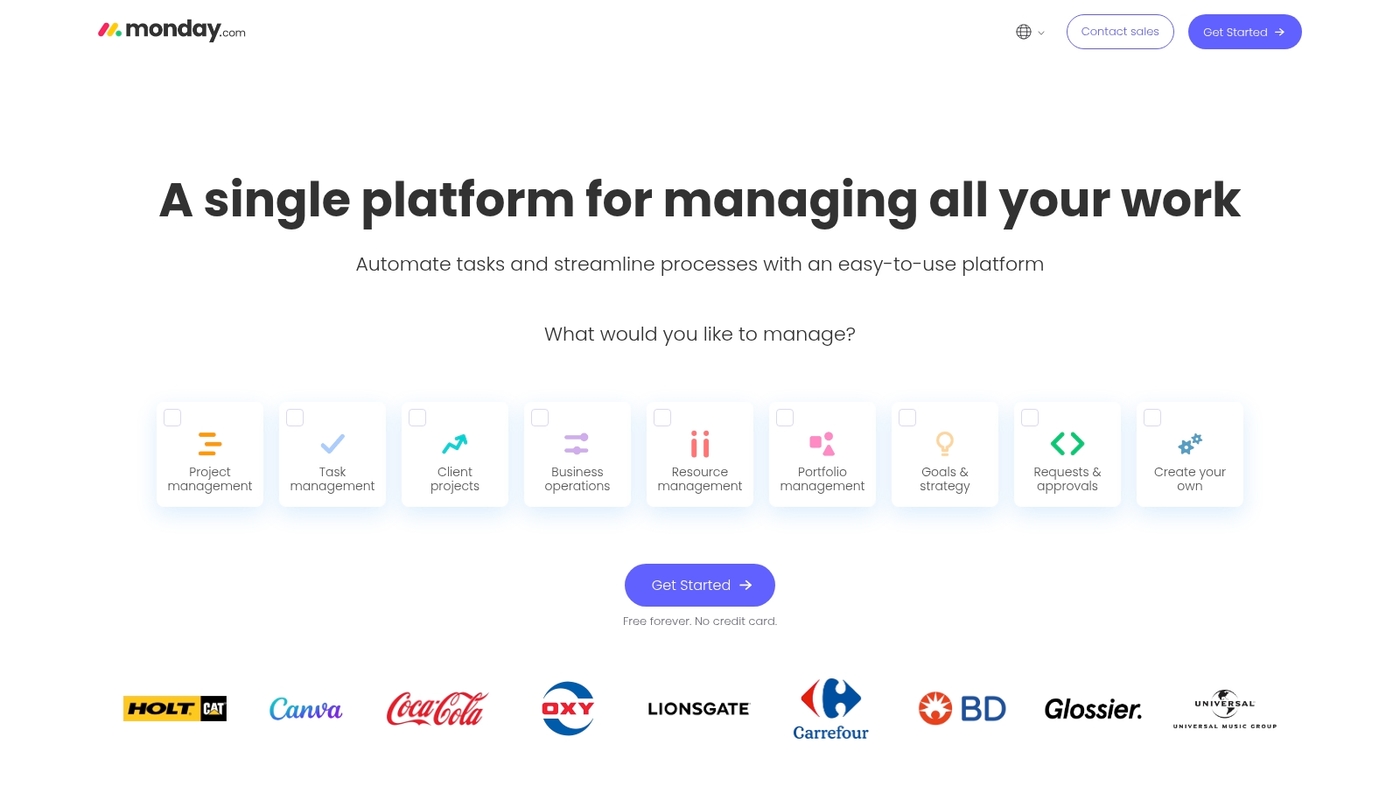
Use monday work management when you need a visual PPM solution that scales. It offers a visual workflow platform with real-time dashboards that provide leadership insights, risk scoring, and standardized templates.
This project portfolio management software links strategy to delivery and to resource planning. The project portfolio dashboard surfaces delays and resource conflicts instantly. You get pipeline views, custom scoring, and automated intake workflows.
The platform integrates with common tools and exports financials for reporting. Its drag-and-drop boards reduce meeting time and speed approvals. We’ve used monday for quick pilots to validate pipeline rules—start a two-week trial and migrate one portfolio to measure cycle time.
|
Aspect |
Details |
|---|---|
|
Pros |
Scales to hundreds of projects; Strong visual dashboards for executives; Intuitive drag-and-drop interface |
|
Cons |
Can get costly at enterprise scale; Advanced features require setup time |
|
Best For |
Portfolio teams, PMO oversight, cross-team portfolios |
|
Pricing |
Plans start around $8/user/month; Enterprise quotes available from sales |
ClickUp
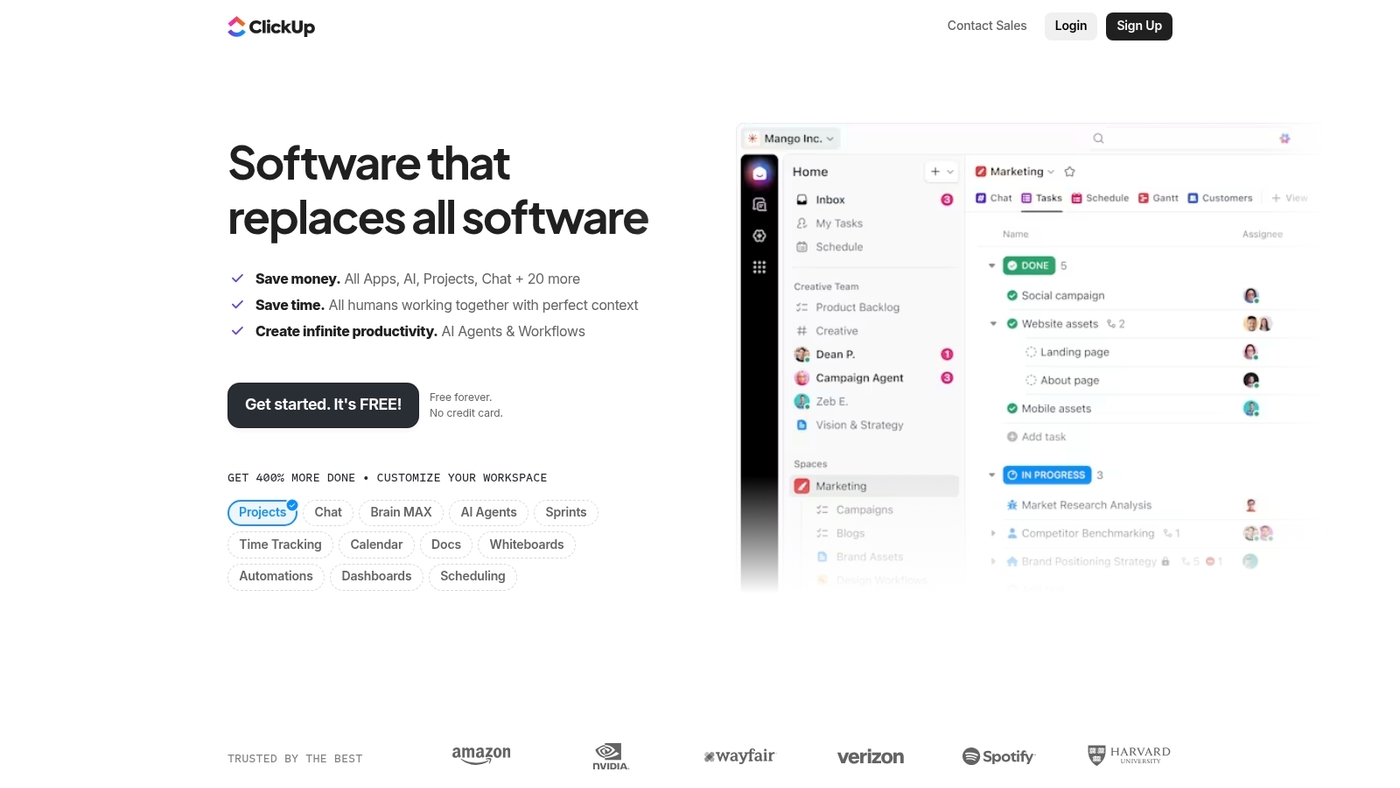
ClickUp is a feature-rich choice for project portfolio management software. It bundles goals tracking, automations, multiple view types, and customizable workflows that scale from small teams to enterprise PPM software needs.
Users get portfolio rollups, Gantt and table views, and built-in time tracking for resource visibility. Powerful automations cut manual updates and keep pipelines current. You can map strategy to work with goal alignment and custom fields.
Compare ClickUp side-by-side with other options on our best project management software list. ClickUp delivers strong value for teams that want deep customization without an enterprise price. We use ClickUp for cross-team portfolio views and goals tracking.
Start with the free plan to pilot a portfolio.
|
Aspect |
Details |
|---|---|
|
Pros |
Flexible views and templates for varied portfolios; Robust automations and goal tracking that save time |
|
Cons |
Steep learning curve for advanced customization; Interface can feel dense for new users |
|
Best For |
Product and PMO leaders who need customizable portfolio management software for cross-team coordination |
|
Pricing |
Free tier available; Paid plans start around $5 per user/month for core features |
Celoxis
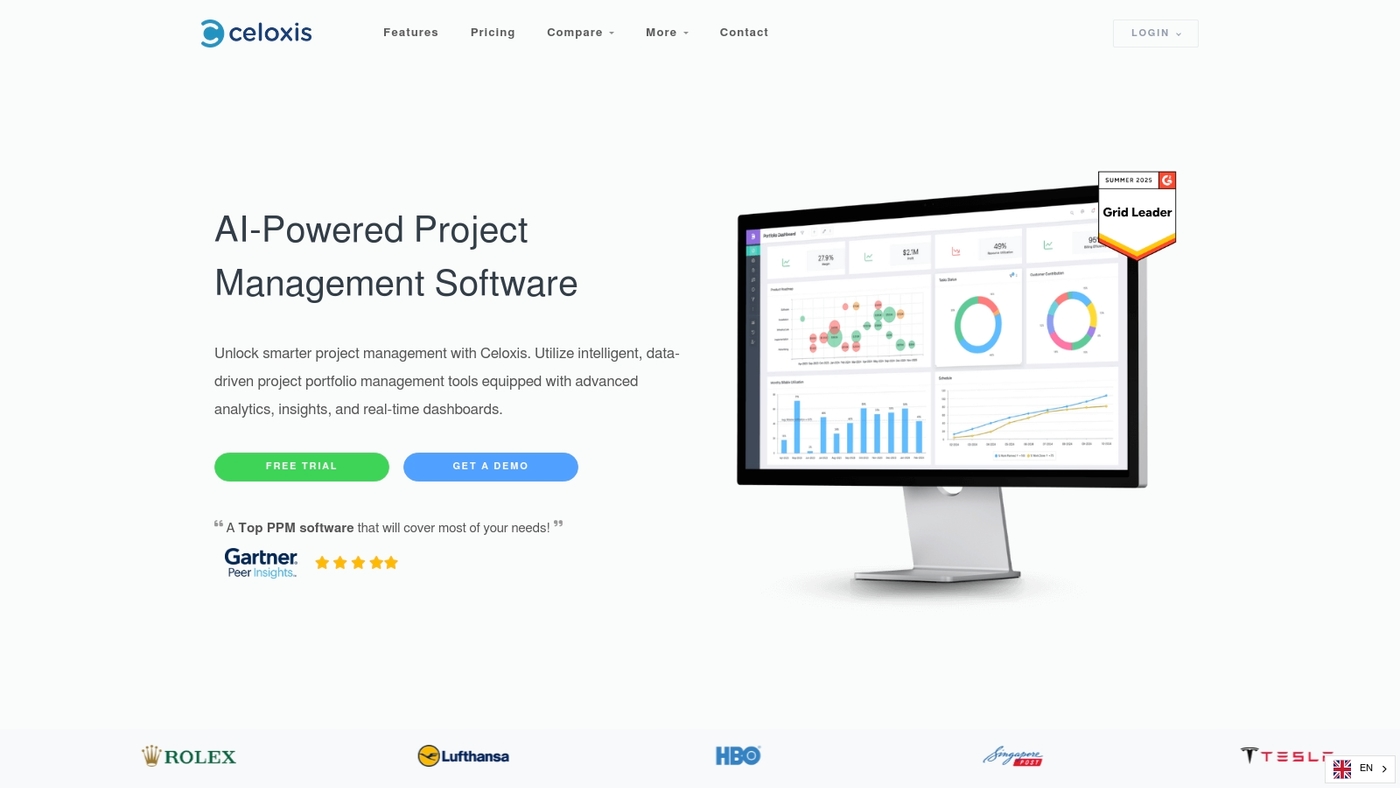
We recommend Celoxis for engineering-heavy portfolios. It’s a top-ranked project portfolio management software that runs in cloud and on-premise. You get complete visibility across projects, resources, and financials.
The platform combines portfolio planning, resource capacity planning tools, and project risk management features. You can score and prioritize pipelines, forecast demand, and track burn rates. Celoxis fits teams that need strict engineering controls and complex scheduling.
I’ve used PPM software in large portfolios and prefer Celoxis for its reporting depth and performance. Start a free trial or read a detailed review.
Pros: Robust resource optimization and accurate forecasting across portfolios; Flexible cloud and on-premise deployment with deep financial control
Cons: Steeper learning curve for non-technical teams; Higher cost than basic tools for small teams
Best For: PMOs, engineering teams, and enterprise IT groups managing complex, engineering-heavy portfolios
Pricing: Pricing varies by deployment and user count; Contact sales for enterprise quotes and trial options
Planview
Planview is the pick for enterprise project portfolio management software when you need strategic alignment, forecasting, and governance at scale. It delivers scenario planning, AI-driven forecasts, and consolidated portfolio dashboards for financial and risk visibility.
The platform supports complex resource capacity planning and project pipeline management across thousands of users. Onboarding takes time and the total cost skews above mid-market PPM software. Its governance modules fit PMOs that require strict approval workflows and audit trails.
Request a demo to validate scenario outputs and forecast accuracy.
Pros: Advanced AI forecasting and scenario modeling; Strong strategic alignment and portfolio reporting; Enterprise integrations and scalability
Cons: Steep onboarding and training requirements; Higher licensing and implementation costs
Best For: PMOs, enterprise portfolio teams, and IT portfolio management software buyers who manage large, strategic portfolios
Pricing: Available by quote for enterprise deployments; Typically includes subscription fees plus implementation and consulting costs
Oracle Primavera
We recommend Oracle Primavera for large, capital-heavy portfolios. This project portfolio management software scales to thousands of activities and long timelines.
It delivers advanced scheduling tools, risk modeling features, and capital project management capabilities. The platform supports resource capacity planning, cost controls, and integration with ERP systems. G2 users rate it 4.4/5 from 385 reviews.
Primavera’s P6 engine improves timeline accuracy and reduces surprises on complex programs. Try a short pilot on one major program to validate scheduling gains and resource forecasts.
Pros: Enterprise-grade scheduling for multi-year programs; Built-in risk modeling and scenario analysis; Strong integration with ERP and financial systems; Designed for capital project portfolios
Cons: Steep learning curve for new users; Higher implementation and licensing costs than lightweight PPM tools
Best For: Large enterprises, infrastructure owners, EPC firms, and PMOs managing capital programs or complex engineering portfolios
Pricing: Quote-based enterprise licensing and cloud subscriptions; Contact Oracle for tailored pricing
Wrike
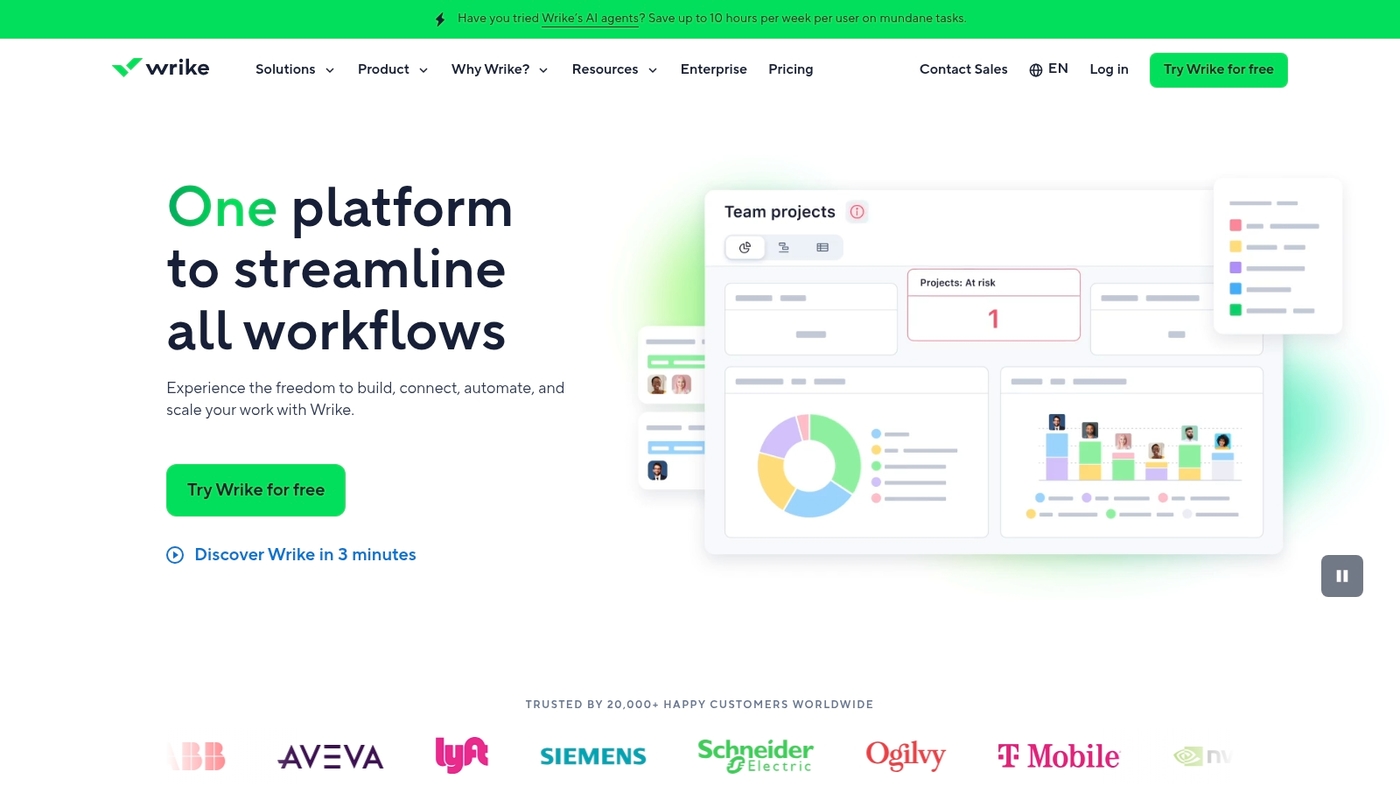
We recommend Wrike when you need clear portfolio oversight and fast cross-team collaboration. Wrike is a project portfolio management software that pairs AI-driven automation with customizable dashboards, Gantt charts, and built-in time tracking.
The platform supports project prioritization, project pipeline management, resource capacity planning, and simple governance workflows. You can centralize demand, score proposals, and spot resource bottlenecks on a single project portfolio dashboard.
The interface scales from agile teams to enterprise project portfolio management and connects with common enterprise apps. Try a focused pilot to measure cycle time and resource utilization before a full rollout.
Pros: Real-time cross-department collaboration and reporting; Project portfolio visibility with dashboards and Gantt views; Strong AI-driven automation
Cons: Advanced features have a learning curve; Costs increase for enterprise add-ons and large teams
Best For: Agile product teams, marketing groups, and mid-to-large organizations that need portfolio planning and resource capacity planning tools
Pricing: Starts at $9.80/user/month; Enterprise tiers add governance, security, and premium support at higher rates
Smartsheet
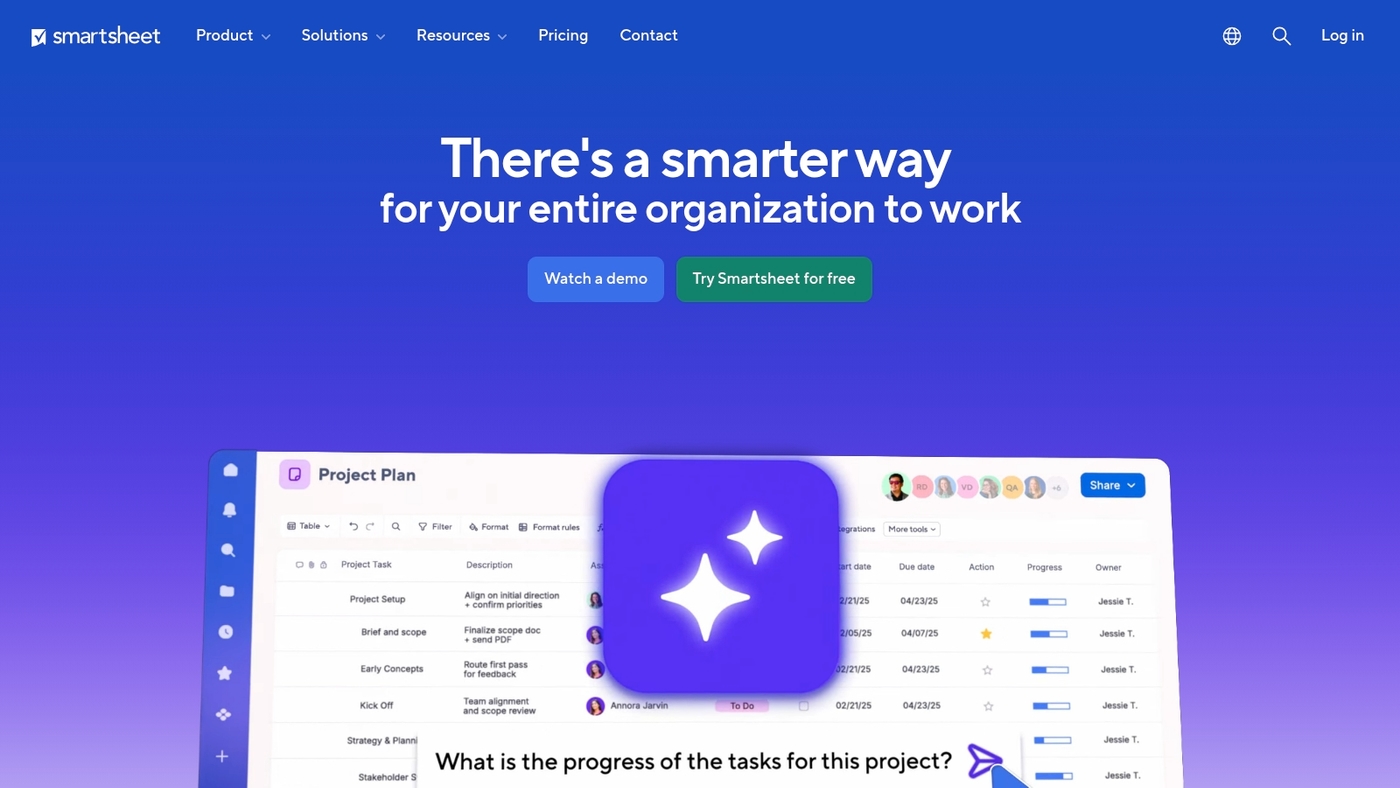
Smartsheet is a top pick for teams that need a gentle step up from spreadsheets to true project portfolio management software. It uses a familiar grid interface while adding portfolio views, approvals, and reporting.
The platform supports automated workflows, configurable dashboards, and connectors to common apps. You can score projects, view a project pipeline, and run simple resource capacity planning across teams. Its templates speed rollout and reduce manual updates.
The tool leads enterprise PPM categories on G2 and it scales from small portfolios to large programs. If you want a practical PPM software that keeps the spreadsheet habit but adds governance and visibility, try Smartsheet.
Run a two-week pilot to measure cycle time improvements.
Pros: Familiar grid UI eases adoption; Automation and reporting that cut update time; Good integration and enterprise governance
Cons: Advanced portfolio features require add-ons; Customization can get complex for large portfolios
Best For: Teams moving from spreadsheets to portfolio planning, PMOs that need rapid adoption, and managers who want a practical project portfolio dashboard
Pricing: Starts at $9 per user per month for individual plans; Enterprise pricing varies by scope and add-ons
Epicflow
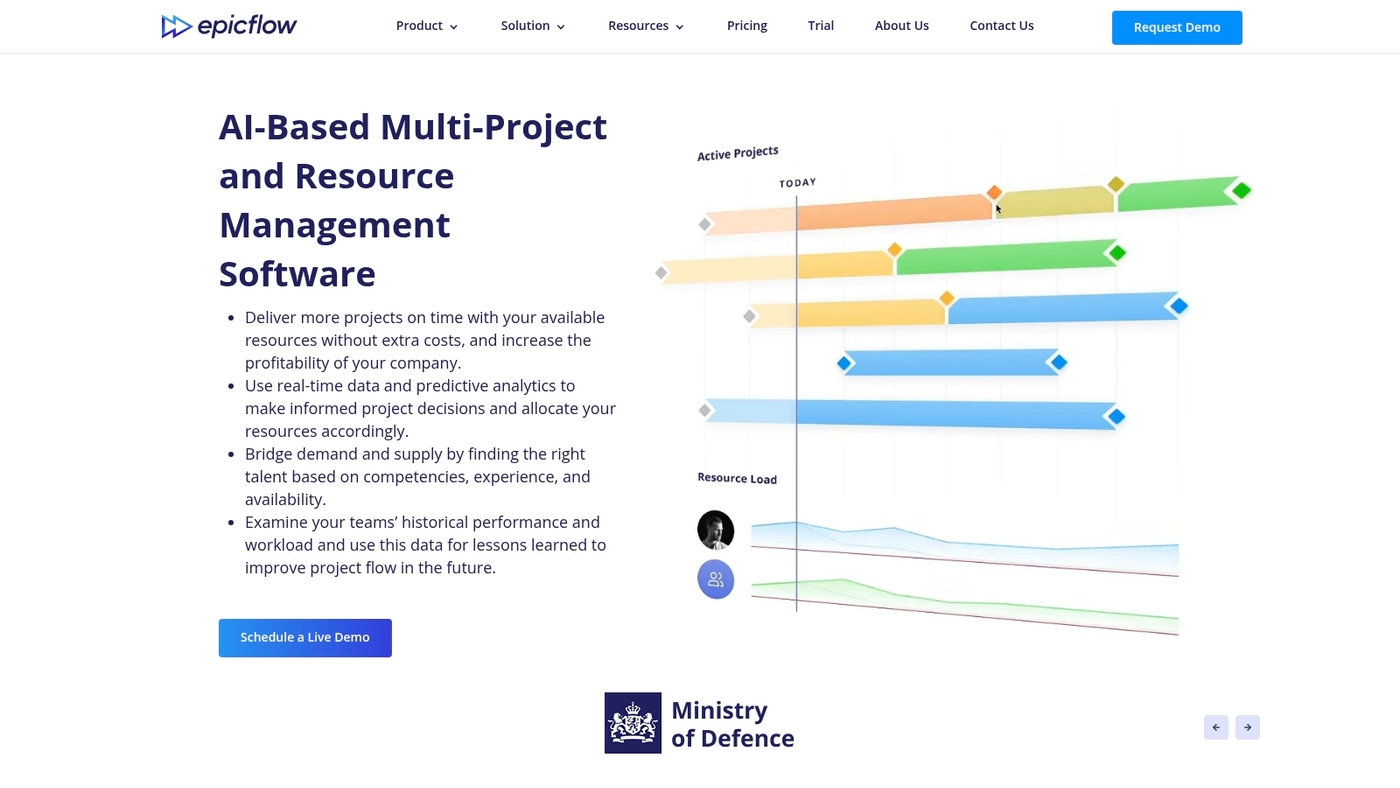
Choose Epicflow for AI-driven multi-project optimization that improves resource utilization and portfolio visibility. This project portfolio management software uses predictive load balancing to surface bottlenecks and suggest task order changes for better throughput.
The platform maps skills, availability, and task priorities so you can run scenario simulations and align work to capacity. Epicflow offers a visual timeline, resource heatmaps, and automated prioritization rules that help you cut conflict and reduce idle time.
Its prioritization engine helps teams avoid overload and focus on high-impact work. Try the demo to see a project pipeline management view and a live capacity forecast tailored to your resource pool.
Pros: AI-based scheduling for multiple concurrent projects; Real-time resource heatmaps and capacity forecasting
Cons: Enterprise focus with custom pricing and onboarding; Steeper learning curve for small teams
Best For: PMOs, resource managers, and enterprises handling complex portfolios and tight resource pools
Pricing: Custom enterprise pricing; Request a demo to get a tailored quote and implementation plan
ITONICS
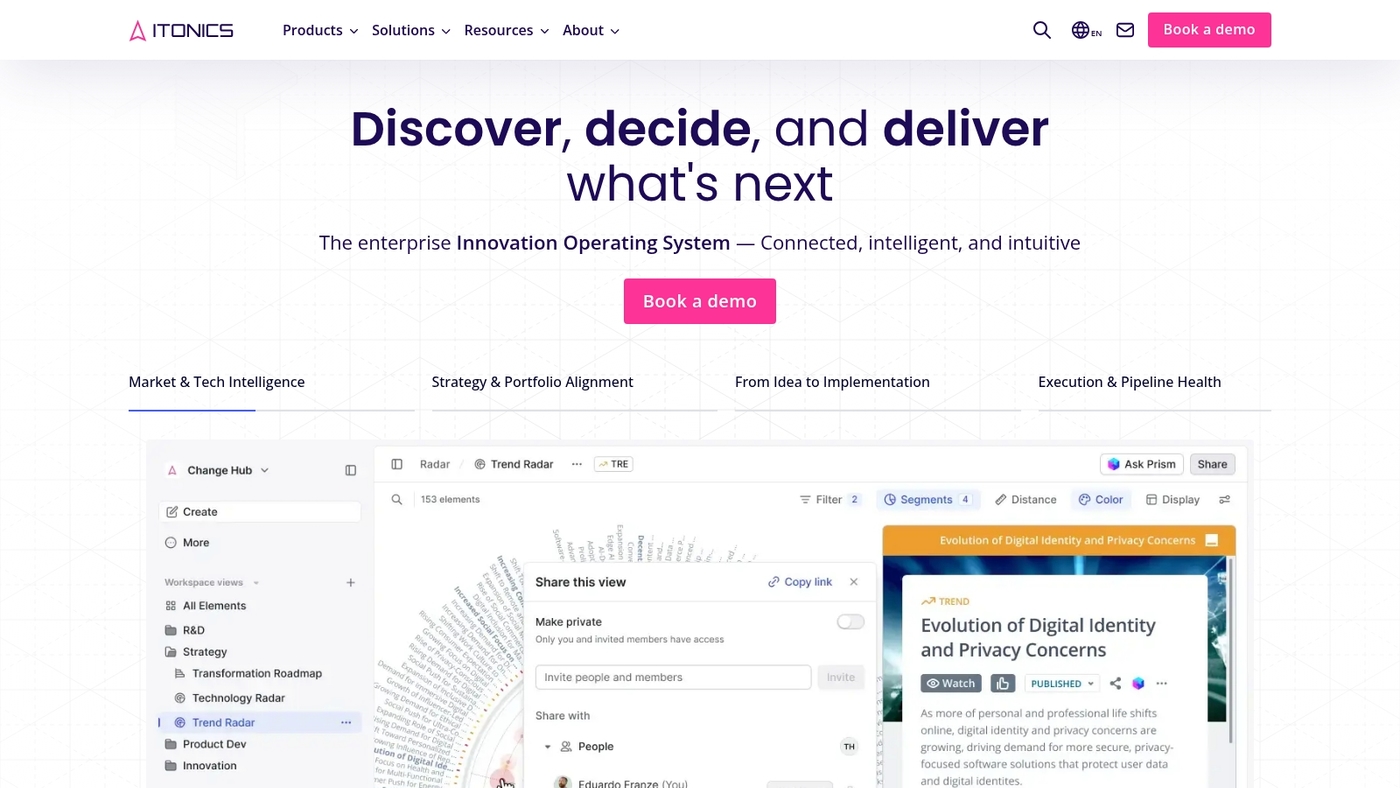
We recommend ITONICS for innovation-focused project portfolio management software that adds AI-driven trend scanning and foresight to your portfolio process. ITONICS gives you clear workflows for idea intake, scoring, and roadmapping.
AI trend evaluation feeds research into prioritization while strategic foresight capabilities help you test scenarios. Portfolio pipeline visibility shows emerging opportunities and risk. Its trend-scanning features help spot wins earlier and guide your resource choices.
Read ITONICS’ PPM guide to see templates and case studies.
Pros: Focused on innovation portfolios and emerging opportunities; Strong AI trend analysis and scenario planning; Idea-to-roadmap workflows with governance
Cons: Pricing and onboarding aimed at mid-large organizations; Less suited for simple task-level project tracking
Best For: Innovation, R&D, corporate strategy, foresight teams and product leaders managing multiple discovery pipelines
Pricing: Custom pricing; Contact sales for a demo and enterprise plans with modular licensing
Jira
We recommend Jira as a solid choice for teams that need agile-oriented project portfolio management software. It provides roadmap views, sprint planning, issue tracking, and native integrations with Confluence and Bitbucket.
Advanced Roadmaps surface cross-team dependencies and give portfolio visibility for multi-sprint initiatives. The Atlassian Marketplace adds plugins for finance tracking and risk scoring. You can compare it with other project management software for developers.
Start a short pilot sprint to test workflows and measure cycle time.
Pros: Strong agile features for roadmap and sprint planning; Deep Atlassian ecosystem integrations and marketplace apps
Cons: Steep setup for enterprise-level portfolio configurations; Less native support as a full resource capacity planning tool
Best For: Software engineering teams, product groups, and organizations that run many concurrent sprints
Pricing: Cloud plans start around $7.75 per user per month for basic teams; Scale to enterprise pricing with advanced features
Asana
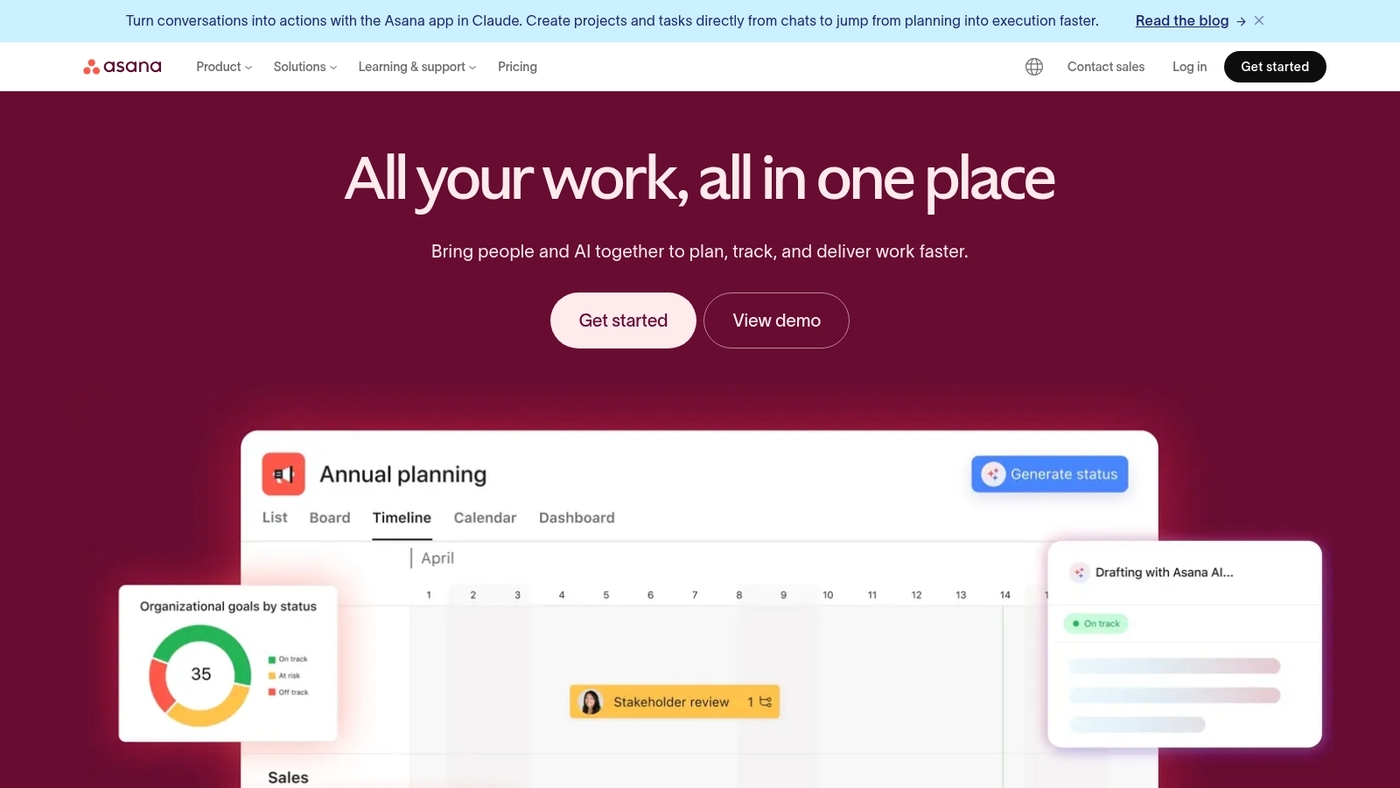
Choose Asana for clear portfolio visibility and simple team coordination. The tool combines intuitive task boards with a portfolio layer that shows progress, status, and impact across projects.
It offers portfolio tracking, built-in productivity insights, and rule-based workflow automation to cut manual updates. As a project portfolio management software option, it works well for teams that need visual clarity and faster handoffs.
Its portfolio view helps PMs spot risks and balance work. Free tier covers small teams; paid plans add advanced reporting and admin controls. Try the free plan to test portfolio fit and measure cycle time improvement.
Pros: Clean visual boards and timelines for fast portfolio snapshots; Automations reduce status meetings and manual updates
Cons: Free plan limits enterprise portfolio features and admin controls; Advanced resource capacity planning needs add-ons or external tools
Best For: Teams moving from task tools to lightweight PPM tools, marketing, product, and operations groups
Pricing: Free basic plan available; Paid plans start around $10.99 per user/month billed annually
Profit.co
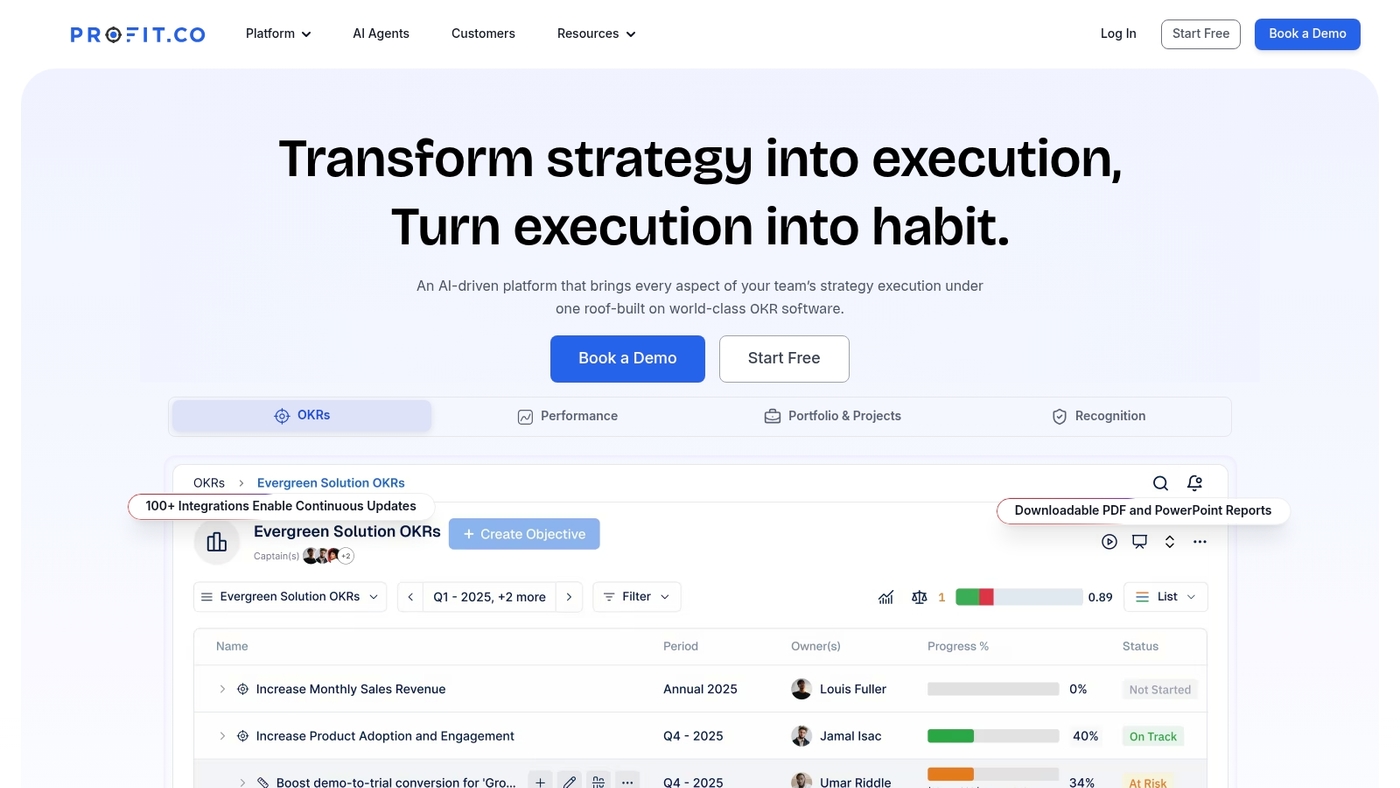
Choose Profit.co to align your portfolios with OKRs and track strategic outcomes. This strategic objectives-focused PPM software helps mid-to-large enterprises link goals to execution.
As project portfolio management software, it moves strategy into measurable work. It centralizes portfolio visibility across programs, projects, and key results. You get integrated performance tracking, outcome KPIs, and cascading OKRs.
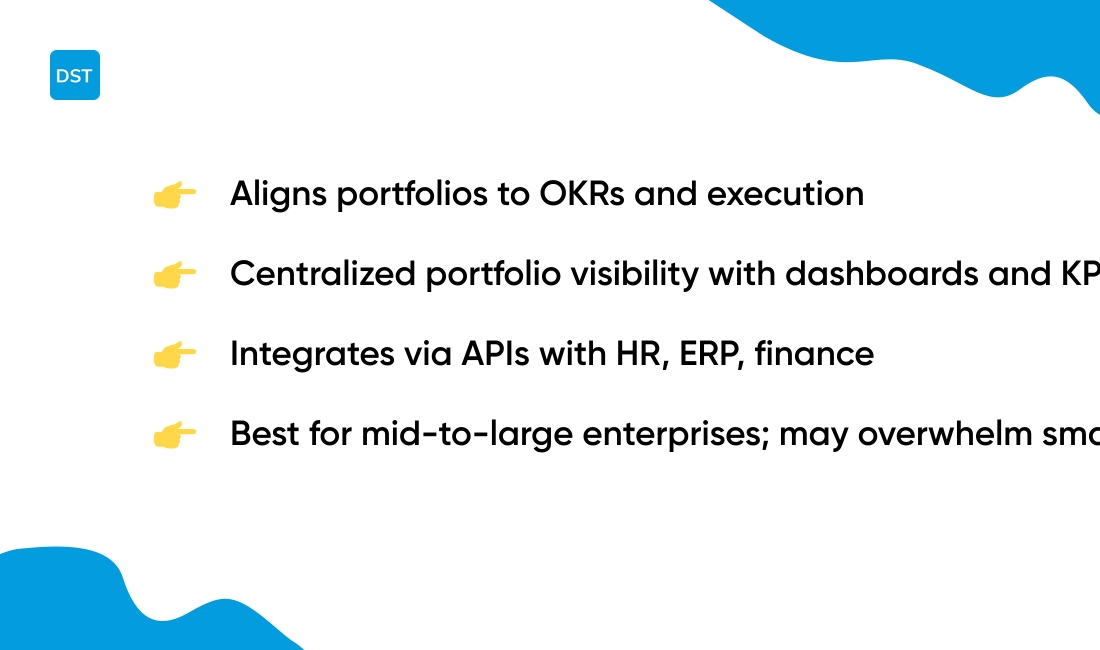
The platform offers portfolio dashboards, real-time progress views, and strategic alignment indicators. You can prioritize projects with scoring, forecast resource capacity by role, and manage demand intake. APIs connect to HR, ERP, and finance systems for consistent data.
Try a 30-day pilot on a single portfolio to measure impact. We recommend a short setup workshop to map OKRs and owner responsibilities.
Pros: OKR-linked portfolios with measurable KPIs; Portfolio dashboards, progress views, and risk scoring; Integrations with HR, ERP, and finance systems
Cons: Can feel complex for small teams and simple portfolios; Advanced features require paid plans and some training
Best For: Mid-to-large enterprises, PMOs, and strategic planning teams that need portfolio-level visibility and outcome tracking
Pricing: Tiered plans start around $7 per user per month for basic plans; Enterprise licensing and custom quotes available
Enterprise project portfolio management vs PMO software
Choose enterprise PPM when you need strategic portfolio optimization across business units. Use PMO software for delivery governance, standardization, and project tracking.
We recommend enterprise PPM for leadership teams that must balance investment, risk, and capacity across many initiatives. Teams get faster value when they match tool scope to the problem. Here’s the breakdown:
-
Project portfolio management: Focuses on strategic alignment, financials, scenario planning, and portfolio-wide prioritization. Use this for multi-year roadmaps and resource tradeoffs.
-
Project delivery governance: Enforces methodology, status reporting, and compliance at the team level. Use this to improve on-time delivery and repeatable processes.
-
Resource capacity planning: Gives real-time visibility into skills, workload, and hiring needs. Use this when resource constraints block priority work.
Choose PPM software when you need portfolio dashboards, risk scoring, and pipeline optimization across dozens of projects. Choose PMO software when you need consistent delivery practices, intake workflows, and tight status control.
Compare examples and tool recommendations on our project management software page. Start a two-week pilot with one portfolio and one delivery team to see which approach reduces cycle time and improves prioritization.
You’ll also like: 15 Best Private Equity Project Management Software
How to choose the right project portfolio management tools
Choose project portfolio management software that matches your organization size, portfolio complexity, and integration needs. Here’s what to consider:
-
Organization size: Pick a plan for 5–50 users for small teams, 50–500 for scaling teams, 500+ for enterprise deployments
-
Portfolio complexity: Use simple PPM for under 20 concurrent projects and full enterprise project portfolio management for 100+ projects
-
Integration needs: Require REST APIs, single sign-on, and ERP/BI connectors to sync cost and financials in real time
-
AI features: Prefer tools with forecasting and prioritization that cut schedule variance and improve resource forecasts
-
Deployment: Weigh cloud for fast rollout and on-premise for strict compliance; Check backup and uptime SLAs (99.9%+)
-
Key capabilities: Confirm resource capacity planning, project pipeline management, governance, and customizable dashboards
We run quick pilots to validate integrations and user buy-in. A focused test reveals fit faster than long vendor demos. Start a two-week pilot with one team, measure cycle time and forecast error, then decide to scale or switch.
You’ll also like: 13 Project Management Software For Nonprofit
PPM software pricing and implementation considerations
Choose a PPM plan that fits your team size and integrations. PPM software pricing commonly ranges from $9 to $50+ per user per month. Entry tiers cover task tracking and boards while enterprise tiers add portfolio analytics, governance, and premium support.
Major cost drivers include:
-
Number of users and license tiers
-
Custom integrations with ERP or BI systems
-
Data migration and historical reporting
-
Configuration, training, and change management
-
On-premise hosting or premium SLAs
We recommend a short pilot before wide rollout. Start with one team and run a 4–8 week pilot to validate integrations, templates, and reporting. Track cycle time, capacity utilization, and approval lead time as your success metrics.
Expect enterprise implementation costs for large deployments to include $50k–$500k professional services plus annual maintenance of 15–25% of license spend. Typical ROI appears in 6–12 months from faster approvals and better resource allocation. Pilots cut surprises and lower total cost by about 20–30%.
For IT portfolio management deployments, use a phased approach: pilot, scale by business unit, then centralize governance with a COE. Measure resource planning accuracy and delivery predictability. Start a pilot, gather baseline metrics, and use them to justify broader rollout.
You might also like: Top 16 Construction Project Management Software



