That sinking feeling when an important note vanishes or gets scattered across apps can ruin your focus.
Free note-taking software can fix that by centralizing ideas, clippings, checklists, and voice notes without a subscription.
Choosing the right app is tricky because features, platform support, and privacy options vary a lot.
This post reviews 12 top note-taking options across Windows, Mac, Android, and iOS, highlighting strengths for students, writers, and teams.
You’ll discover lightweight capture apps, Markdown editors, privacy-first tools, and cloud-synced notebooks with offline access and collaboration features.
By the end, you’ll be able to choose and set up a free note-taking app that fits your workflow and device mix.
What is free note-taking software
Free note-taking software lets you capture, organize, and sync notes across devices without subscription fees. It handles text, voice, images, PDFs, and quick checklists for daily work and study.
- Capture: type notes, record audio, scan documents, or clip web pages with a tap.
- Organization: use tags, folders, notebooks, or simple lists to keep notes tidy.
- Cross-platform sync: most apps sync across Windows, Mac, Android, iPhone, and the web in seconds.
- Offline access: many let you read and edit notes offline, then sync when you reconnect.
- Storage: free plans range from 1–5 GB of cloud storage, while some apps allow unlimited notes.
- Privacy: options span local storage, basic cloud encryption, and end-to-end encrypted open-source apps.
- Collaboration: share notes or allow real-time editing for group projects and meeting follow-ups.
Free apps cover most everyday note needs for students and professionals. They cut costs and lower setup time while offering core features like search, attachments, and mobile access.
Test two free apps this week to match features with your workflow. Try one now and switch if it doesn’t fit your habits.
Key features to look for in free note-taking apps
Cross-platform syncing and cloud storage
Free note-taking software must sync reliably across Windows, Mac, Android, iOS, and web. Have you ever lost an important note because your app didn’t sync?
Good apps offer automatic cloud backup access and seamless device sync. Top choices keep notes available offline and sync changes in seconds on Wi-Fi.
Choose apps that show sync status, handle attachment uploads, and resolve edit conflicts. Look for a free plan that supports your devices.
Search for a note taking app for Windows free or an iPhone note taking app free if you use those platforms. Consider open source note taking app options if you want local export and more control.
For team workflows, pair a cloud note app with virtual collaboration software to keep meeting notes actionable. Fast, reliable syncing matters more than extras for daily use.
Try the app across your devices today.
Organization and search capabilities
Free note-taking software must help you find and organize notes quickly. Fast discovery beats deep folder trees for daily use.
Prioritize flexible labels, tags folders notebooks, and powerful search functions:
- Tags let you cross-reference hundreds or thousands of notes without duplication.
- Notebooks and folders give simple structure for projects and classes.
- Saved searches and filters surface recent or starred notes in seconds.
- Full-text search with OCR finds text inside PDFs and images.
- Syncing indexes across devices keeps search results consistent on mobile and desktop.
- For team work, link your notes to a document management system workflow to control versions and permissions.
Trade-off: more labels speed retrieval but require a small setup time. Test your app by tagging fifty notes and running saved searches now.
Privacy and security options
Secure note choices protect sensitive notes and ensure data ownership. Use encryption, local storage, or open-source apps to control your data.
Look for free note-taking software with end-to-end encryption. AES-256 and zero-knowledge sync keep your notes private.
- End-to-end encryption — encrypts notes on your device before sync. Many services use AES-256 and client-side keys. Trade-off: cloud sync limits recovery if you lose keys.
- Local storage — keep notes on your device or on a private server. Joplin supports offline notebooks and manual sync. Trade-off: you handle backups and sync setup.
- Open-source alternatives — let you audit code and self-host. Standard Notes and Joplin offer strong privacy features. Trade-off: setup can be harder for non-technical users.
Try a privacy-first free note taking app now.
12 best free note-taking software to consider
Google Keep
We recommend Google Keep as a lightweight, free note-taking software for fast capture and simple lists. The app uses a card-style layout that handles voice notes, photos, checklists, and color-coded labels.
Sync runs across Android, iOS, and the web with tight Google Workspace integration for Drive attachments and calendar reminders. Search finds text inside images (pretty handy when you’ve snapped a photo of a whiteboard).
The app trades advanced organization and rich formatting for immediate access and low friction. Read a wider roundup at Notability’s 2026 list.
| Feature | Details |
|---|---|
| Platforms | Android, iOS, Web |
| Best For | Quick capture, Google users |
| Key Strength | Voice notes, instant sync |
| Limitation | No nested notebooks |
Pros
- Fast note capture and instant search
- Voice notes, photos, and checklists
- Seamless Google Workspace sync
Cons
- Limited formatting and export options
- No nested notebooks or advanced organization
For who?
Choose it if you want a simple, cross-platform note taking app free for Android and iPhone. It fits commuters, quick-list builders, and Google-centric workflows. If you need deep structure, look elsewhere.
Pricing
Free with a Google account. No paid upgrade required for core features.
Microsoft OneNote
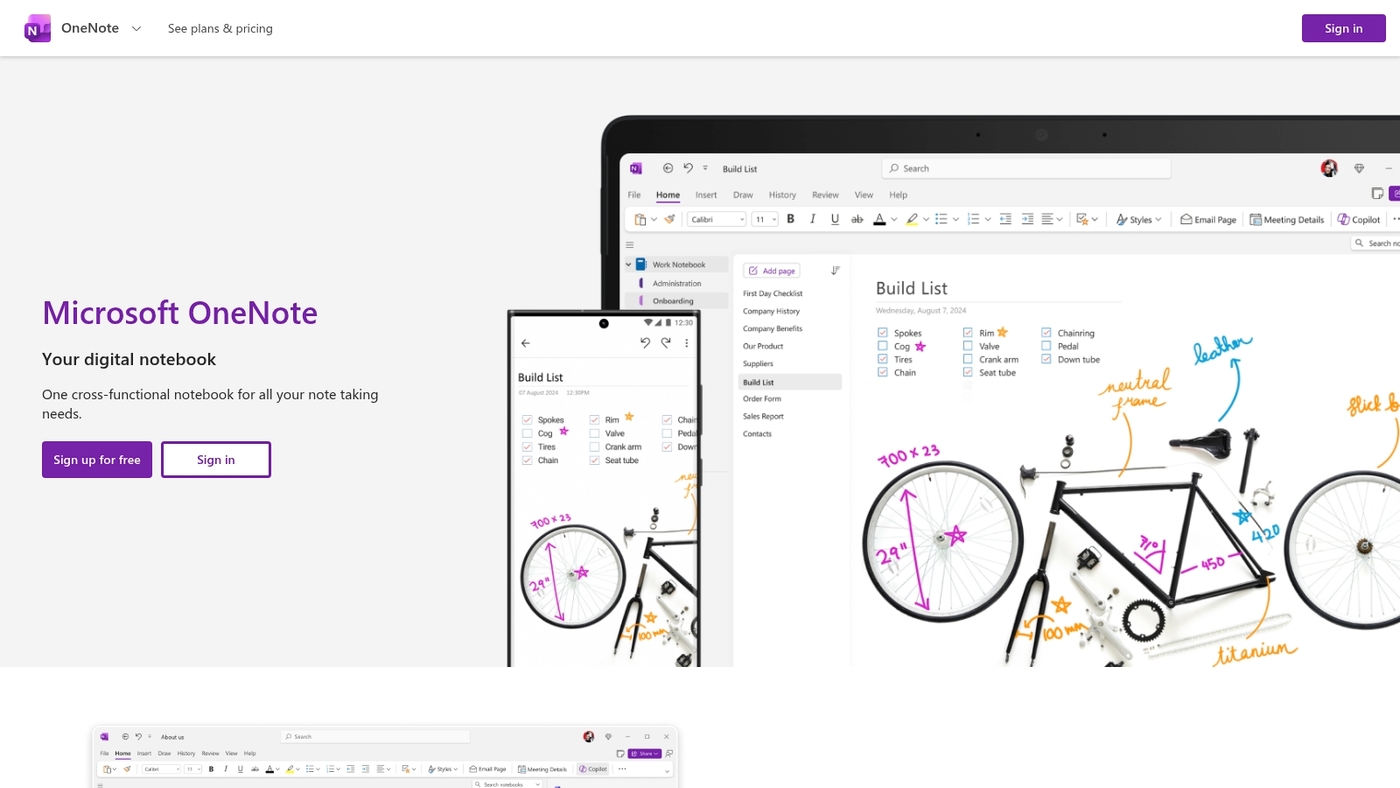
We recommend Microsoft OneNote as free note-taking software for power users and students. It offers unlimited notebooks and rich multimedia blocks.
You can add images, audio, and ink. The app includes built-in PDF annotation tools and provides fast cross-platform sync across Windows, Mac, iOS, Android, and web.
The search and organization make long projects manageable. Offline access pairs with cloud backup via OneDrive. The interface supports stylus input and typed notes.
The app fits users who want deep features without subscription walls. Trade-off: the interface can feel busy if you prefer minimal tools.
Pros
- Unlimited notebooks and nested sections
- Multimedia support: audio, images, ink
- Cross-platform sync and offline access
- Free with a Microsoft account
Cons
- Interface can feel cluttered for minimalists
- Advanced storage tied to OneDrive limits
- No built-in end-to-end encryption
For who?
Students, teachers, note-heavy professionals, and stylus users on Windows or iPad. Choose OneNote if you need a robust, cloud-synced note organizer app free for study and work.
Pricing
OneNote is free. Optional Microsoft 365 subscription adds 1 TB OneDrive storage and extra Office features (paid plan).
Apple Notes
We recommend Apple Notes as free note-taking software pre-installed on iPhone, iPad, Mac, and Apple Watch. It syncs via iCloud and handles rich text, checklists, sketches, scanned documents, and photo attachments.
The app uses folders and simple tags with fast search. Offline access works reliably. You can lock notes with a password or Face ID.
Sharing uses iCloud links and basic collaboration for quick edits. Its tight integration saves time for people who use Apple devices. I’ve used it daily for quick captures and scanned receipts.
Trade-off: no official Windows or Android app, which limits cross-platform work.
Pros
- Works as a free note taking app for Mac and iPhone with iCloud sync
- Supports Apple Pencil handwriting and sketching on iPad
Cons
- Unavailable on Windows and Android devices
- Limited advanced organization like databases or structured templates
For who?
For you if you use iPhone, iPad, or Mac and want simple, synced notes across your devices.
Pricing
Free and pre-installed. No subscription required for core features.
Notion
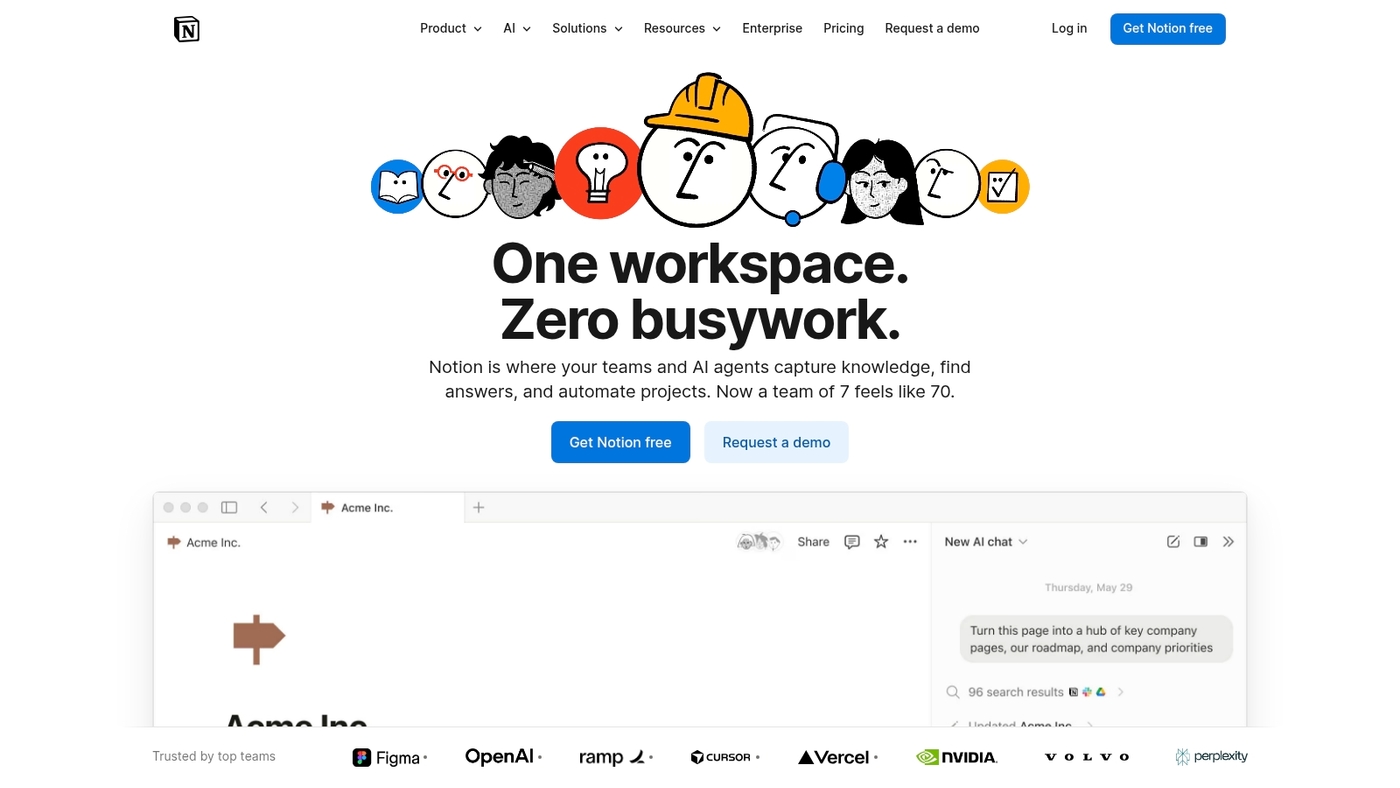
Notion is a flexible free note-taking software that blends notes, databases, templates, and AI tools. You can store text, embeds, audio, and tables.
Templates speed setup for personal and team work. AI transcription turns voice into searchable text. The free plan covers personal use with generous page and block limits.
It runs on web, Windows, Mac, iOS, and Android. The learning curve feels steep for some beginners (you know, there’s a lot to explore). Offline access works, but it can be unreliable for large databases.
Notion fits users who want structured notes and lightweight workflow automation. Pair Notion with team systems by following our guide on collaboration platforms for teams.
Pros
- Flexible pages and relational databases for varied workflows
- Rich template gallery that speeds setup
- Cross-platform sync across desktop and mobile
- Built-in AI transcription and content tools
Cons
- Steep learning curve for new users
- Offline support can lag with large databases
- Advanced team features require a paid plan
For who?
Students, freelancers, knowledge workers, and small teams that want an all-in-one workspace with lightweight databases and templates.
Pricing
Free personal plan available. Paid plans unlock team features, admin controls, and advanced permissions.
Simplenote
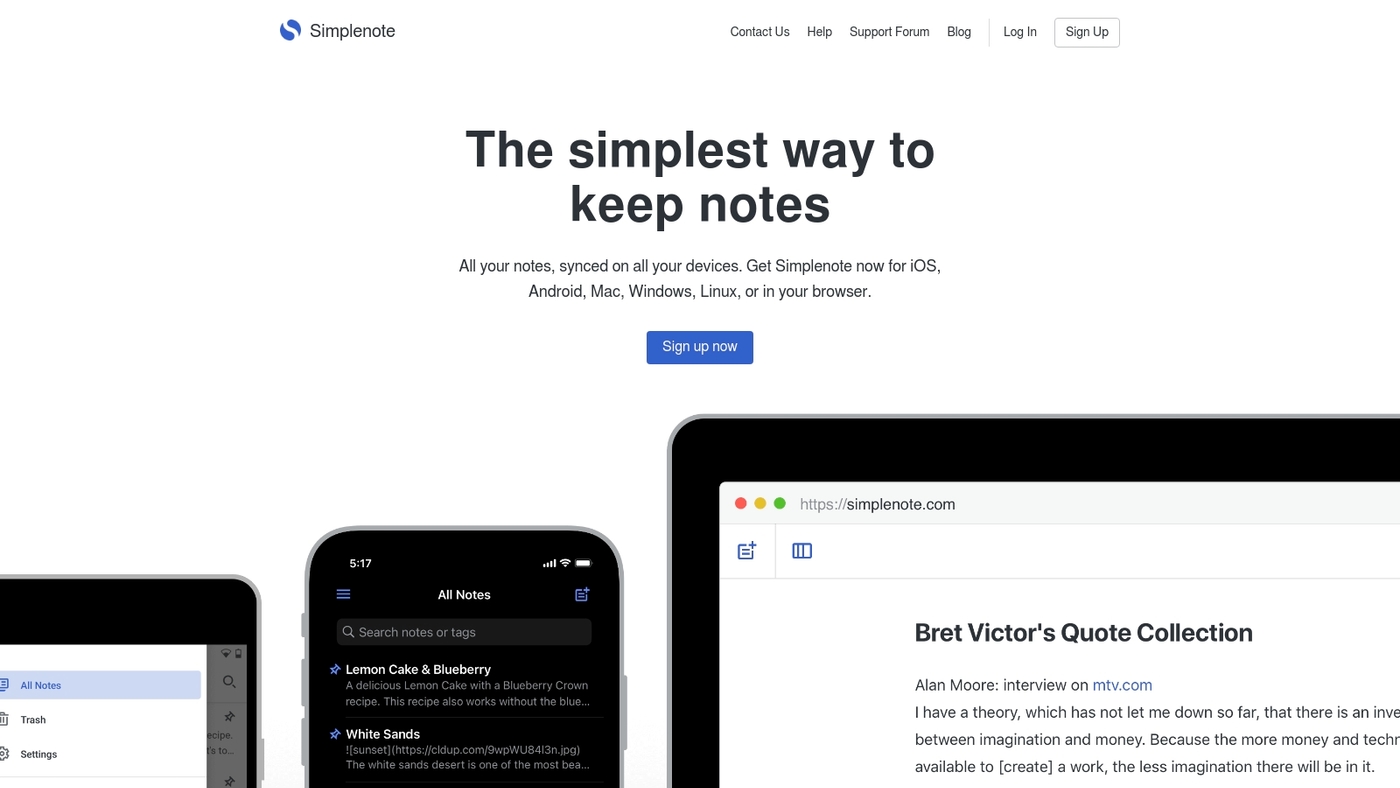
We recommend Simplenote as a fast, minimalist free note-taking software that syncs automatically across Windows, Mac, Linux, Android, iOS, and web.
You can tag notes, share them with links, and write in Markdown for focused drafting. The apps work offline and sync when you reconnect.
Search remains quick even with large note collections. It keeps a simple note history for basic recovery. It doesn’t offer rich media editing or in-app PDF annotation.
Simplenote shines for quick drafts, checklists, and plain-text journals. Power users may miss nested notebooks and native pen support. Choose Simplenote when you want a reliable, low-friction free note-taking app that just works.
Pros
- Automatic cross-platform sync with instant updates
- Lightweight interface, fast search, and Markdown support
Cons
- No rich text editing or PDF annotation
- Limited advanced organization and no end-to-end encryption
For who?
Writers, students, and anyone who needs a fast, distraction-free note app for text drafts and lists.
Pricing
Completely free across platforms with no paid tier required.
Joplin
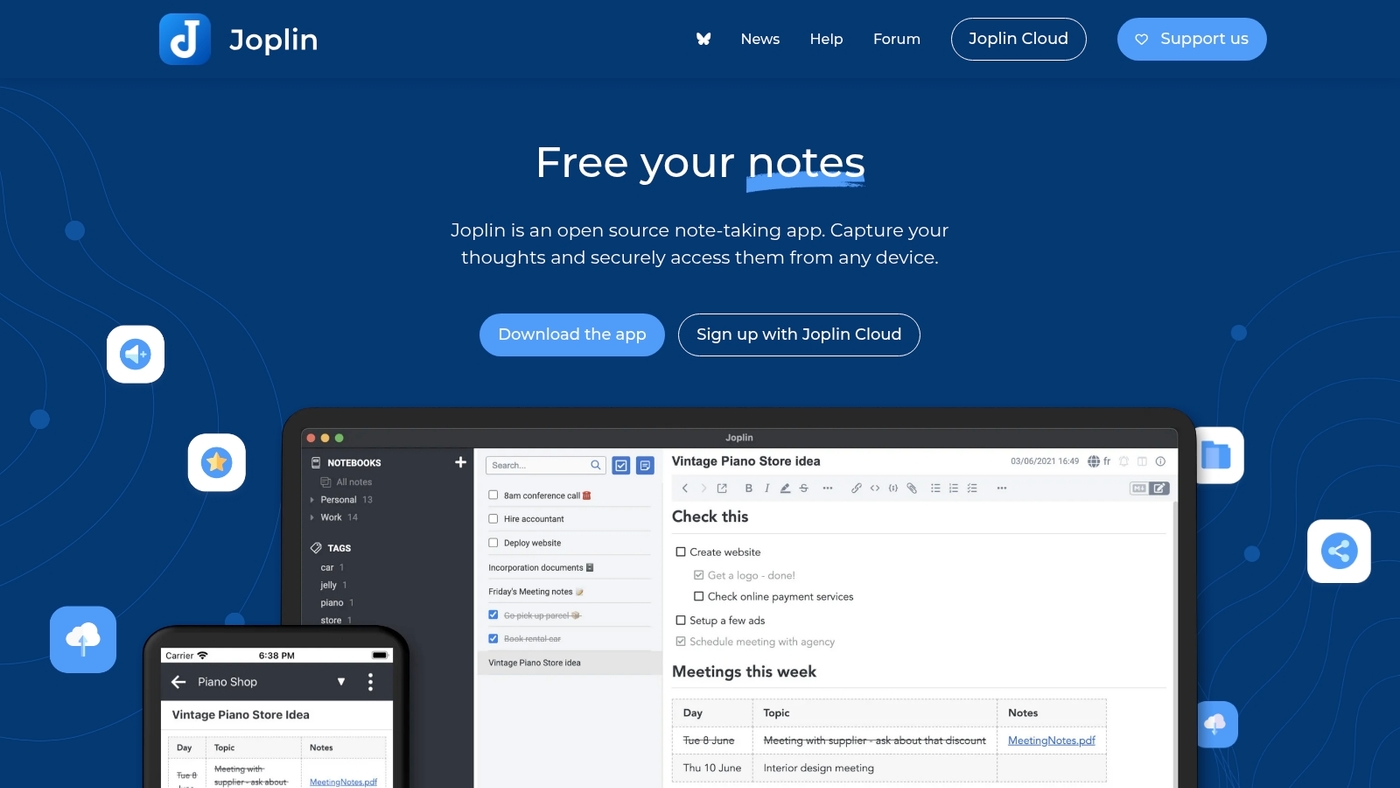
We recommend Joplin for users who want a privacy-first note app. It’s an open-source Markdown editor built for offline note-taking and syncs via cloud services.
You can organize notes into nested notebooks and tag items for fast retrieval. The app supports images, audio, PDFs, and LaTeX in individual notes.
It syncs with Dropbox, OneDrive, WebDAV, or a local folder. It ranks among reliable free note-taking software for power users. Joplin gives the best balance of privacy and features.
Main trade-off: initial setup requires more steps than cloud-only apps. Power users value the plugin ecosystem and rich markdown features. It runs on Windows, Mac, Linux, Android, and iOS devices.
Pros
- Local storage and privacy options with optional end-to-end workflows
- Rich Markdown support, LaTeX, attachments, and media embeds
- Cross-platform desktop and mobile clients with syncing choices
Cons
- Mobile apps feel less polished than paid alternatives
- Sync setup can confuse non-technical users
- No built-in real-time collaboration features
For who?
Students, researchers, and privacy-minded users who prefer Markdown and offline access.
Pricing
Core apps are free. Optional Joplin Cloud sync is paid, or self-host with third-party storage.
Bear
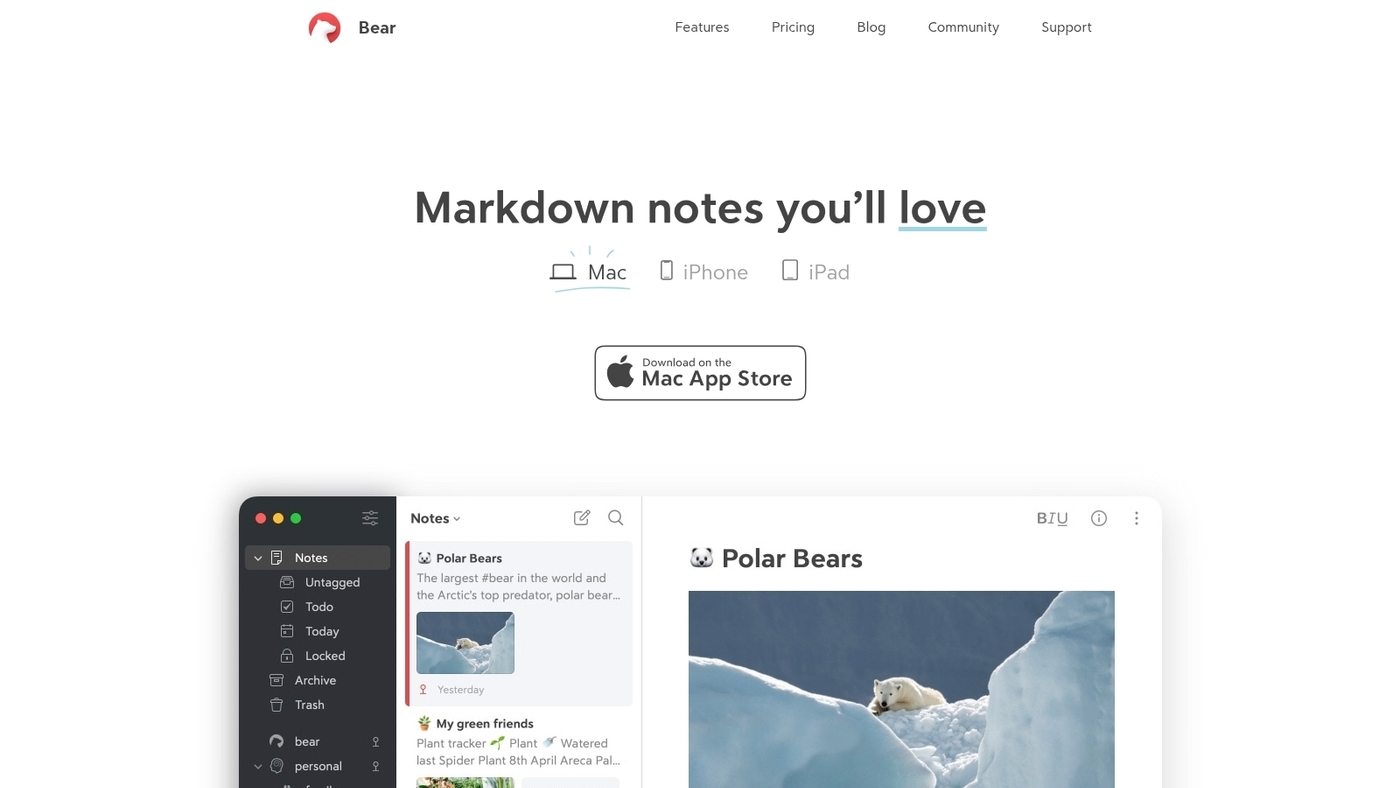
We recommend Bear for writers who favor clarity and speed. Bear ships as a minimalist Markdown editor that feels light on Mac, iPhone, and iPad.
The free tier gives you tags, local storage, and basic export to HTML and PDF. Sync across devices requires the paid plan via iCloud.
The tagging system makes long projects easier to manage. The editor offers a distraction-free writing mode that helps you focus on drafting. Bear supports inline images and simple to-do items inside notes.
It works best if you stay inside the Apple ecosystem. If you need Android or Windows apps, pick a different free note-taking software. The layout stays fast with large libraries and plain-text Markdown files.
Pros
- Clean interface with fast Markdown editing
- Flexible tag system and local exports
- Optimized for Mac, iPhone, and iPad
Cons
- No native Android or Windows apps
- Sync requires paid plan through iCloud
For who?
Writers and students using Apple devices who want a simple Markdown note taking app free at the base level.
Pricing
Free tier available. Bear Pro adds sync, themes, and encryption from about $1.49/month or $14.99/year.
Notability
We recommend Notability as free note-taking software with robust PDF tools. The free core supports handwriting, typing, and audio recording.
You can annotate PDFs and sync notes across Apple devices. It adds collaboration tools for sharing and group review. Lecture support includes live audio playback and timestamped notes.
AI features like auto-generated quizzes sit behind a subscription paywall. Those AI tools add real study value for students. The app stays fast and responsive on modern iPads. Search finds text inside handwriting and PDFs.
Pros
- Strong PDF annotation and handwriting support
- Lecture tools with audio syncing and timestamps
- Free core features cover most student workflows
Cons
- AI quizzes and study aids require paid subscription
- Best experience limited to Apple devices for now
For who?
Students and educators who use iPad, iPhone, or Mac and need PDF annotation plus lecture playback.
Pricing
Free core features available. Subscription required for AI quizzes and advanced study tools.
Standard Notes
We recommend Standard Notes for users who need private, reliable note taking. It uses end-to-end encryption and open-source clients across Windows, Mac, Linux, Android, iOS, and web.
The app supports Markdown and works offline. You control your data with local storage and export options. The free core covers unlimited plain-text notes and secure syncing.
This app suits writers, researchers, and privacy-conscious users who value simplicity and strong encryption. Main benefits include solid crypto, fast sync, and low distraction.
Trade-off: rich editors and themes require a paid Extended subscription.
Pros
- End-to-end encryption with open-source clients
- Offline access and Markdown support
- Free core for unlimited plain-text notes
Cons
- Advanced editors and extras sit behind a paid plan
- Minimalist UI limits heavy multimedia workflows
For who?
Privacy-focused users, students handling sensitive research, writers preferring Markdown, and developers seeking open-source tools.
Pricing
Free core available. Optional Extended subscription unlocks editors, themes, and backups (paid).
Hive Notes
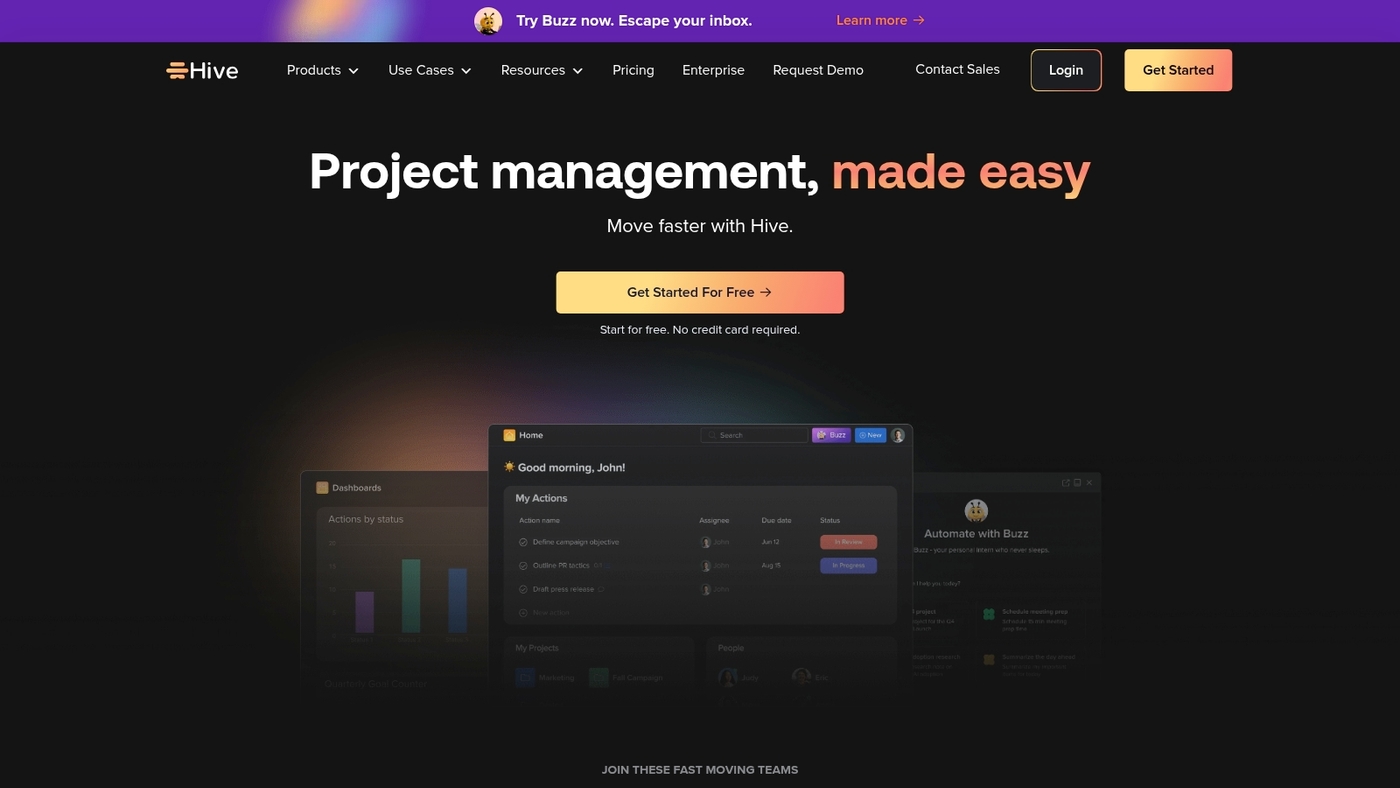
Hive Notes is free note-taking software and a collaborative meeting notes app built for teams. It links calendars, Zoom recordings, and task boards to capture decisions and assign follow-up.
You can assign action items directly inside notes. Notes sync across devices and preserve meeting context for your team. Templates speed recurring agendas and minutes creation.
You can convert bullets into tasks and send them to your task management tool. Search works by tag, attendee, or meeting date.
Mobile apps handle voice and photo embeds. Export options include PDF and CSV. It serves as a fast, collaborative free note taking app for teams. Hive reduces missed action items after meetings (and we all know how frustrating that can be).
Some advanced automation requires paid plans.
Pros
- Meeting-focused workflow with built-in action item tracking
- Calendar and Zoom integration plus templates for recurring meetings
Cons
- Offline editing on mobile is limited
- Advanced automations sit behind paid plans
For who?
Teams that run frequent meetings and need clear, trackable action items.
Pricing
Free tier available. Paid plans add automations, increased storage, and advanced integrations.
Nimbus Notes
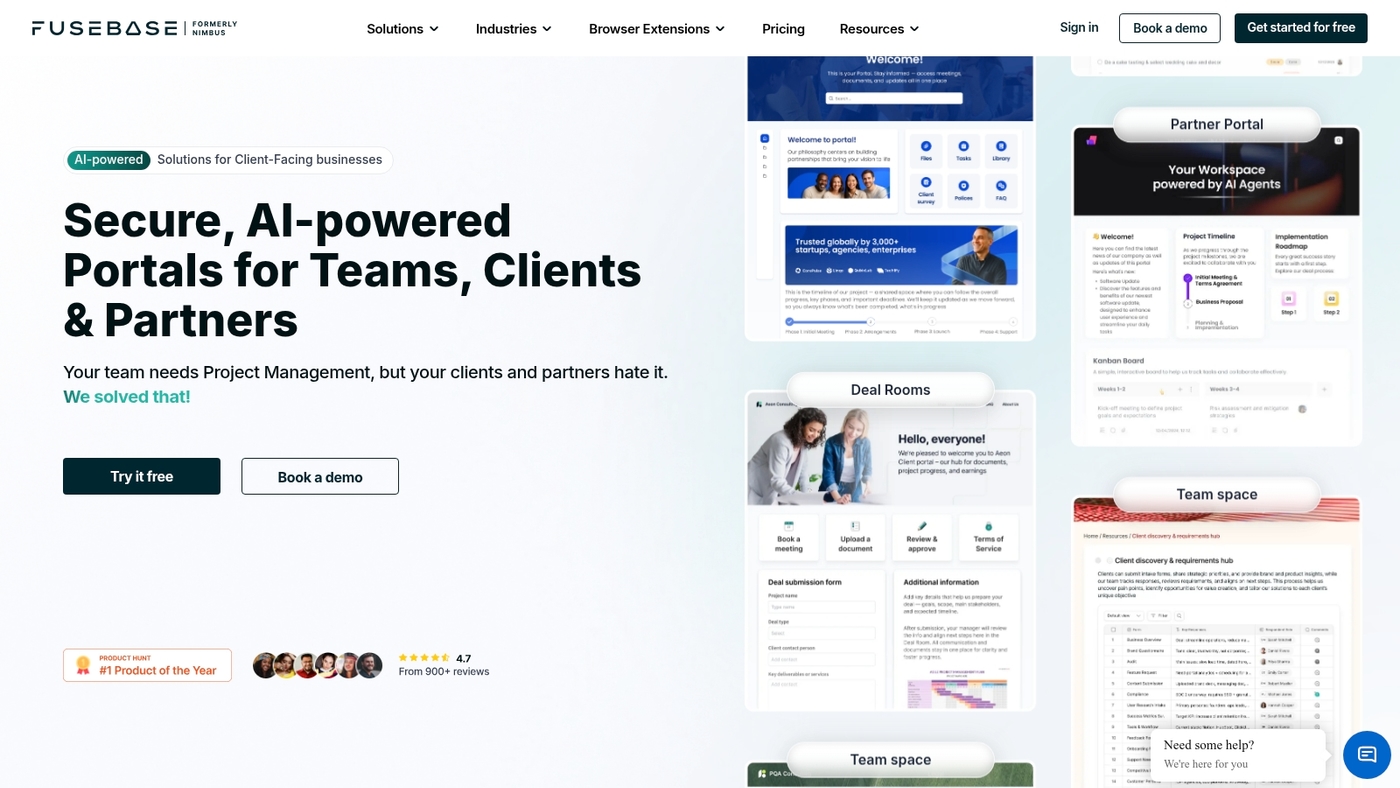
Nimbus Note is a solid free note-taking software choice with rich formatting and a fast web clipper. It syncs across Android, iOS, Windows, and Mac.
The free plan includes collaboration, shared workspaces, templates, and offline access on desktop and mobile. Search can find text inside images and PDFs.
The editor handles tables, checklists, and embedded files. Its clipper speeds up research. Choose Nimbus when you want a full-featured, cross-platform note app without a subscription.
Pros
- Rich editor with images, tables, and lists
- Fast web clipper for saving web pages
- Cross-platform sync across major OS
- Collaboration and shared workspaces
Cons
- Free storage limits for heavy attachments
- Advanced features behind paid tiers
For who?
Users who want a flexible, cross-platform free note taking app. Students, researchers, and small teams benefit.
Pricing
Free plan available. Paid plans add more storage and advanced features. Monthly and annual billing options exist.
Clover
Clover is free note-taking software that pairs networked notes with an infinite whiteboard. It helps you link ideas visually and sketch flows.
The free tier gives you networked cards, a drag-and-drop canvas, and real-time collaboration. You can map concepts, arrange research, and co-edit with teammates.
The graph view makes idea connections obvious and fast. Check our guide to collaborative whiteboard tools for similar options.
Trade-off: fewer templates and limited offline tools compared to some note apps.
Pros
- Visual linking of notes for idea mapping
- Free whiteboard with live collaboration
Cons
- Limited mobile and offline features
- Fewer built-in templates than rivals
For who?
Visual thinkers, creative teams, and students who prefer a canvas-style free note taking app.
Pricing
Generous free tier. Paid plans add advanced exports, team controls, and increased storage.
What is the best free note-taking app for students
We recommend Microsoft OneNote as the best free note-taking software for students. It handles lecture audio, PDF annotation, deep organization, and offline access.
Why does OneNote stand out for students? Here’s the breakdown:
- Fast sync across Windows, Mac, iOS, Android, and web. OneDrive gives 5 GB free.
- Lecture support: record audio inside notes and jump to the exact moment tied to your text.
- PDF and stylus: annotate slides on iPad and Windows with pressure support and palm rejection.
- Organization: unlimited notebooks, sections, tags, and quick keyword search for fast study recall.
- Cross-platform: works as a free note taking app on phone, tablet, laptop, and browser.
- Trade-off: OneNote relies on OneDrive for backups, so free cloud space can fill fast.
Audio-linked notes save hours when you review lectures. If you want privacy and offline work, choose Joplin as an open source note taking app free of cloud locks.
Download OneNote free or try Joplin for offline-first studying. Start now.
You’ll also like: Top 10 Project Management Software For Writers
Best free Evernote alternatives
Pick Microsoft OneNote or Joplin for most users of free note-taking software. OneNote balances power and ease for students and professionals alike.
Here are the top alternatives worth trying:
- Microsoft OneNote — unlimited notebooks, rich multimedia, handwriting support, and strong search across Windows, Mac, iOS, Android, and web.
- Joplin — open-source Markdown editor with offline-first sync via WebDAV or cloud. Great for privacy-focused users.
- Simplenote — ultra-fast text notes, instant sync, tags, and version history for simple drafting workflows.
- Notion — flexible pages, databases, and templates on a generous free plan. Steeper learning curve for newcomers.
- Google Keep — quick capture with voice notes, photos, and location reminders tied to your Google account.
- Standard Notes — private notes with long-term access and robust encryption for sensitive data.
- Nimbus Notes — web clipper, team sharing, and decent formatting on the free tier for light collaboration.
Winner: Microsoft OneNote. It gives unlimited storage for notes, broad device support, and excellent search.
Look for cross-platform sync, web clipping support, and end-to-end encryption. Trade-off: some free tiers limit cloud storage, advanced export, or collaboration features.
Test OneNote first, then try Joplin if privacy matters more. Try one now.
Read also: 7 Best Free SCRUM Tools for Agile Project Management
How to choose the right free note-taking app
Choose free note-taking software that matches your platform, workflow, and privacy needs. Pick this first — it speeds capture, keeps sync reliable, and reduces friction.
Trade-off: privacy-first apps may lack cloud extras.
What should you prioritize when selecting your note app?
- Platform fit — pick a native app for your main device. Search for a note taking app for Windows free or an iPhone note taking app free as needed.
- Workflow support — choose apps with tags, notebooks, or databases for long projects. Look for a markdown note taking app free if you write in Markdown.
- Offline and sync — prefer apps with reliable offline edits and cloud backup support. That avoids data loss on travel.
- Privacy options — favor end-to-end encryption or local storage if you store sensitive notes. Consider open-source note taking app choices.
- Feature trade-offs — stylus, PDF annotation, and collaboration often appear on paid tiers.
Read reviews and comparisons on G2’s free note-taking software page for user feedback. See related productivity integrations at our best productivity tools guide for smoother workflows.
Testing one app with your daily notes reveals fit faster than long research. Try one app now and switch if it blocks your flow.
You’ll also like: 7 best free Gantt software