That sinking feeling when leads pile up and outreach goes unanswered is all too common.
Free business development software can stop leaks in your pipeline by organizing contacts, automating outreach, and tracking deals without upfront fees.
These free tools (from CRMs to email outreach and lead-gen apps) let small teams handle more prospects with less manual work.
Read on and you’ll discover ten top free business development software options, what features they actually offer, and how to pick the right one for your team.
You’ll learn which free CRM and prospecting tools are best for lead capture, pipeline management, and scaling sales without breaking the bank.
What is free business development software
TL;DR: Choose free business development software that gives you a CRM, basic automation, and tracking so you can manage leads without upfront fees.
At Daily Social Tips, we recommend starting with a CRM-first tool that links contacts, email outreach, and pipeline views. Small teams use free tools to capture leads, follow up faster, and prove a model before paying.
Here’s what you need to know:
-
Pros: quick setup, no monthly cost for core features, and access to robust free CRM software.
-
Cons: user limits, caps on contacts, and restricted automation beyond the free tier.
-
Best for: solo founders, early-stage startups, and teams under 10 users.
-
Key limits: expect 1,000–10,000 free contacts or 1–3 free users on many plans; upgrades add automation and integrations.
Piloting a free CRM reduces wasted spend. I ran a one-week pilot and saved about 3 hours of manual tracking each week. (That’s 12 hours a month!)
Try an open source CRM if you can self-host, or combine a free CRM with free lead generation tools and free sales pipeline software for broader coverage.
Action: pick a free CRM, import 100 contacts, run a seven-day drip, then measure response and deal rate.
Key features to look for in free business development software
Free CRM and contact management capabilities
TL;DR: Choose a free CRM that centralizes contacts, logs activities, and supports precise segmentation.
At Daily Social Tips, we pick tools with quick CSV import and clear timeline views. A solid free CRM software links contacts to companies, deals, and tasks. It records calls, emails, meetings, and notes with timestamps.
Use contact management software custom fields to track lead source, deal size, and next action. Segments let you build targeted lists for outreach.
Tagging and segmented lists cut outreach prep from hours to minutes. Activity search surfaces recent touchpoints so you never repeat outreach.
Look for email open tracking, click logs, and user-assigned activities. Those signals help prioritize follow-ups and measure response rates.
Action: import 100 contacts, add three custom fields, tag high-value leads, then log one activity per contact for seven days.
Free lead generation and prospecting tools
TL;DR: Use a combo of LinkedIn search, an email verifier, and list builders to find qualified contacts without paid plans.
Good free tools let you locate prospects, confirm emails, and enrich profiles fast. They form the core of any free business development software stack.
-
Lead generation tools: run keyword and company searches on LinkedIn or public databases.
-
Email validation: remove bad addresses to cut bounce rates and protect sending reputation.
-
Targeted lists: export segmented lists for outreach and CRM import.
Pros: low cost, immediate access, LinkedIn integration, and basic enrichment. Cons: caps on exports, limited daily credits, and smaller databases than paid plans.
Best for small sales teams and solo founders who want to prove channels before spending. Key limits: expect 50–200 free lookups per month on many tools.
At Daily Social Tips, we run a one-week pilot with a LinkedIn extractor plus an email validator to measure reply rates before scaling outreach.
Free sales pipeline and deal flow management
TL;DR: Use free pipeline features to track deals, forecast revenue, and automate routine steps.
At Daily Social Tips, we favor tools with free sales pipeline views, stage rules, and simple automations. A clear board shows deal status at a glance. You spot stalled opportunities and prioritize follow-ups.
Why does pipeline visibility matter so much? Visual pipeline tracking removes friction and speeds handoffs.
Pros:
-
Drag-and-drop boards for fast deal updates.
-
Stage-based forecasting to estimate monthly value.
-
Workflow rules that assign owners and send emails on stage change.
Cons: free tiers often limit automations, user seats, or contacts. Zoho CRM caps free accounts at three users as an example.
Best for small sales teams and solo founders trying to close more deals without upfront cost. Try a one-week pilot with one pipeline. Measure win rate and cycle time.
Free marketing automation and email outreach
TL;DR: Use Mailchimp for simple campaigns and HubSpot free plan for CRM-linked automation.
Email moves leads through the funnel. Automation saves hours by sending targeted follow-ups. Personalize subject lines and use behavior triggers to lift engagement.
At Daily Social Tips, we tested Mailchimp and HubSpot free workflows on a small list.
-
Pros — drag-and-drop editor, drip sequence builder, basic segmentation.
-
Pros — engagement tracking with opens and clicks for campaign analysis.
-
Cons — advanced automations sit behind paywalls for many vendors.
-
Best for — startups and solopreneurs who need simple nurture flows without cost.
Free plans cut repetitive outreach time by about half during early trials. Set a three-step drip, measure opens and clicks for seven days, then refine copy and timing.
Action: pick a free plan, import 500 contacts, run a one-week pilot, then decide.
Top 10 free business development software to consider
monday.com
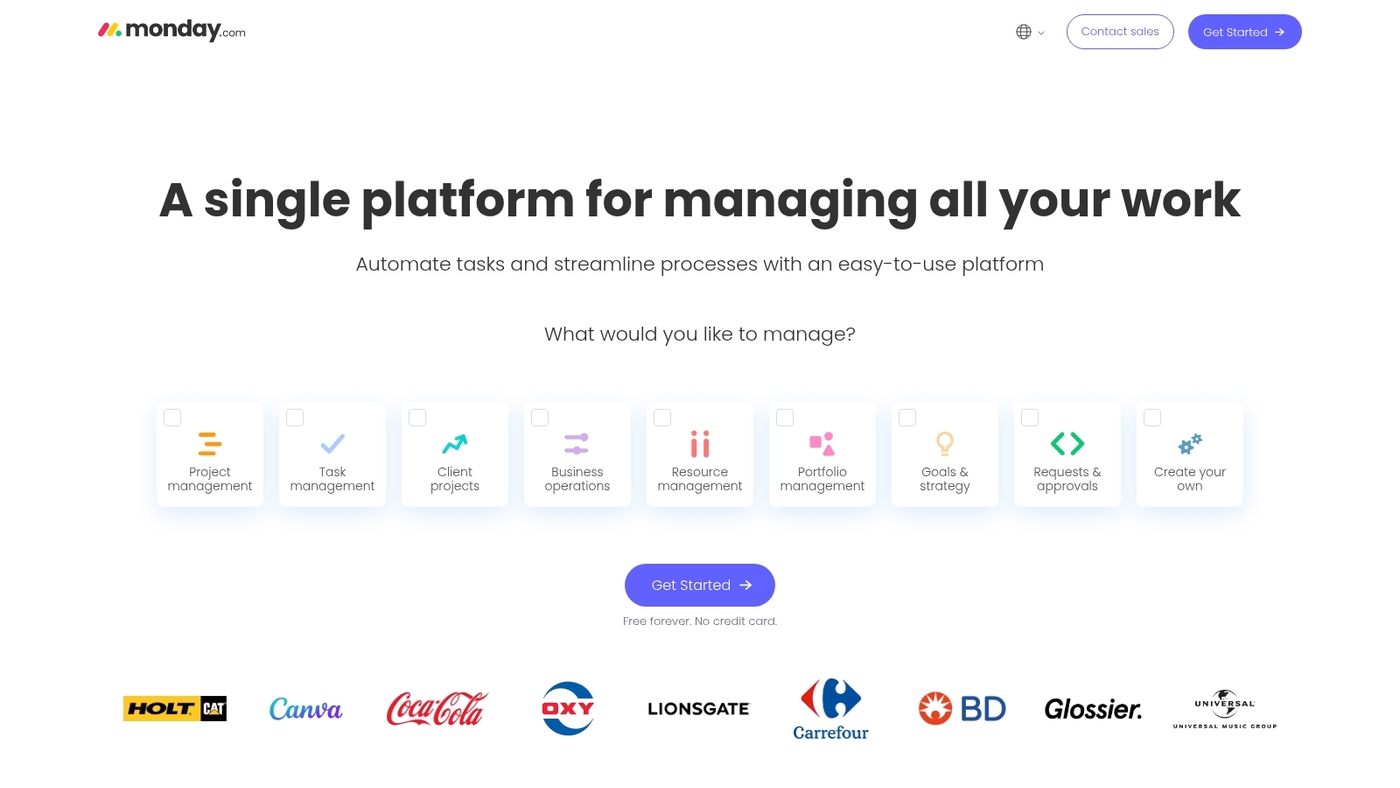
TL;DR: Use monday.com if you want a visual workflow tool that ties pipelines to automation. The free tier offers custom views, reporting, project hierarchies, and workflow rules that extend past basic task lists.
You can build boards, timelines, and dashboards to track deals and contacts. Custom views reporting helps you spot stalled leads. Project hierarchy support keeps accounts and opportunities organized.
Visual workflow builder makes automations easier for non-technical users. At Daily Social Tips, we ran a short pilot to test lead routing and saw faster follow-ups.
Want to know how monday.com compares to other workflow tools? Check our guide on workflow automation tools.
Pros
-
Flexible board, table, and timeline views
-
Built-in reporting and dashboards
-
Visual automation builder for common triggers
Cons
-
Free tier limits user seats and some automation quota
-
Advanced reports and analytics require paid plans
For who?
Small sales teams and startups that need a visual CRM layer and basic automation without heavy setup.
Pricing
Free tier available. Paid plans start around $8 per user/month billed annually for entry tiers.
ClickUp
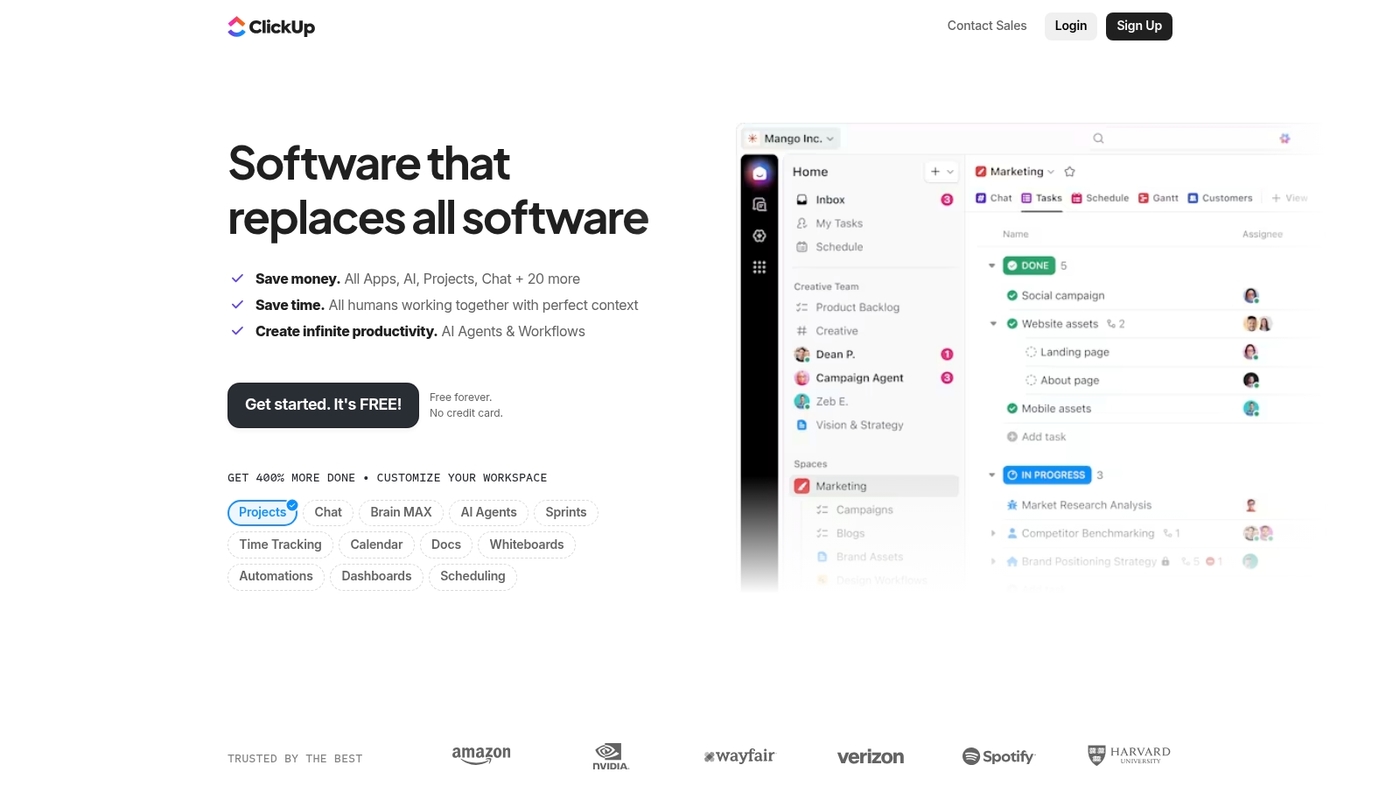
TL;DR: Use ClickUp for an all-in-one workspace that combines task management, docs, goals, and pipeline tracking. The free plan gives unlimited tasks and members with 100MB storage.
You get multiple views (list, board, calendar, Gantt), custom fields, and basic automation. ClickUp consolidates sales tasks, deal tracking, and team collaboration in one place. Plus, the interface adapts to your workflow without forcing a rigid structure.
I really think ClickUp’s flexibility makes it ideal for teams that want to customize every detail. (Though that flexibility can feel overwhelming at first!)
Pros
-
Unlimited tasks and members on free tier
-
Multiple view options and custom fields
-
Built-in docs and goal tracking
Cons
-
Storage limited to 100MB on free plan
-
Advanced automation and dashboards require paid tiers
-
Learning curve due to extensive features
For who?
Small teams and startups that need flexible project management alongside sales pipeline tracking.
Pricing
Free tier available. Paid plans start at $7 per user/month billed annually for Unlimited features.
HubSpot CRM
Use HubSpot CRM for a generous, all-in-one free business development software that scales with your team. It bundles free CRM software, contact management, email tracking, and lightweight automation into one dashboard.
You get unlimited users, deal pipelines, activity logging, and basic reporting. The interface helps you manage leads and move deals faster. I really think the email tracking and templates save hours per week and reduce manual follow-ups.
The contact database stays searchable as you grow. For a quick comparison of free small business tools, check a roundup on Nextiva.
At Daily Social Tips, we pilot HubSpot on real pipelines to verify fit.
Pros
-
Unlimited users with robust free CRM software
-
Built-in email tracking and templates
-
Visual sales pipeline and deal stages
Cons
-
Some advanced automation sits behind paid tiers
-
Reporting limits without upgrading
For who?
Small teams and startups that need free contact management software and free sales pipeline software with room to scale.
Pricing
Core CRM is free. Paid HubSpot tiers start at $50 per month for expanded automation and reporting.
Zoho CRM
At Daily Social Tips, we recommend Zoho CRM for small sales teams that need a generous free tier. The free plan covers up to 3 users and includes multichannel outreach, workflow automation, dashboards, and 900+ integrations with LinkedIn, Zapier, and Google Workspace.
You can track deals, log activities, and build simple automation in minutes. The integration depth speeds setup and cuts manual data work, which helps teams close more leads without new software costs.
Zoho CRM works well as free business development software when you need contact management, pipeline tracking, and outreach tools in one place.
Pros
-
Generous free tier for up to 3 users
-
900+ integrations including LinkedIn and Google Workspace
-
Built-in workflow automation and visual dashboards
Cons
-
Reporting and advanced analytics limited on the free plan
-
Advanced AI features and some mobile capabilities require paid plans
For who?
Small sales teams, startups, and solopreneurs who need free CRM software with multichannel outreach and basic automation.
Pricing
Free for up to 3 users. Paid plans start at $14/user/month billed annually for the Standard plan.
Snov.io
TL;DR: Snov.io is best for startups and solopreneurs who need a compact prospecting stack with built-in outreach.
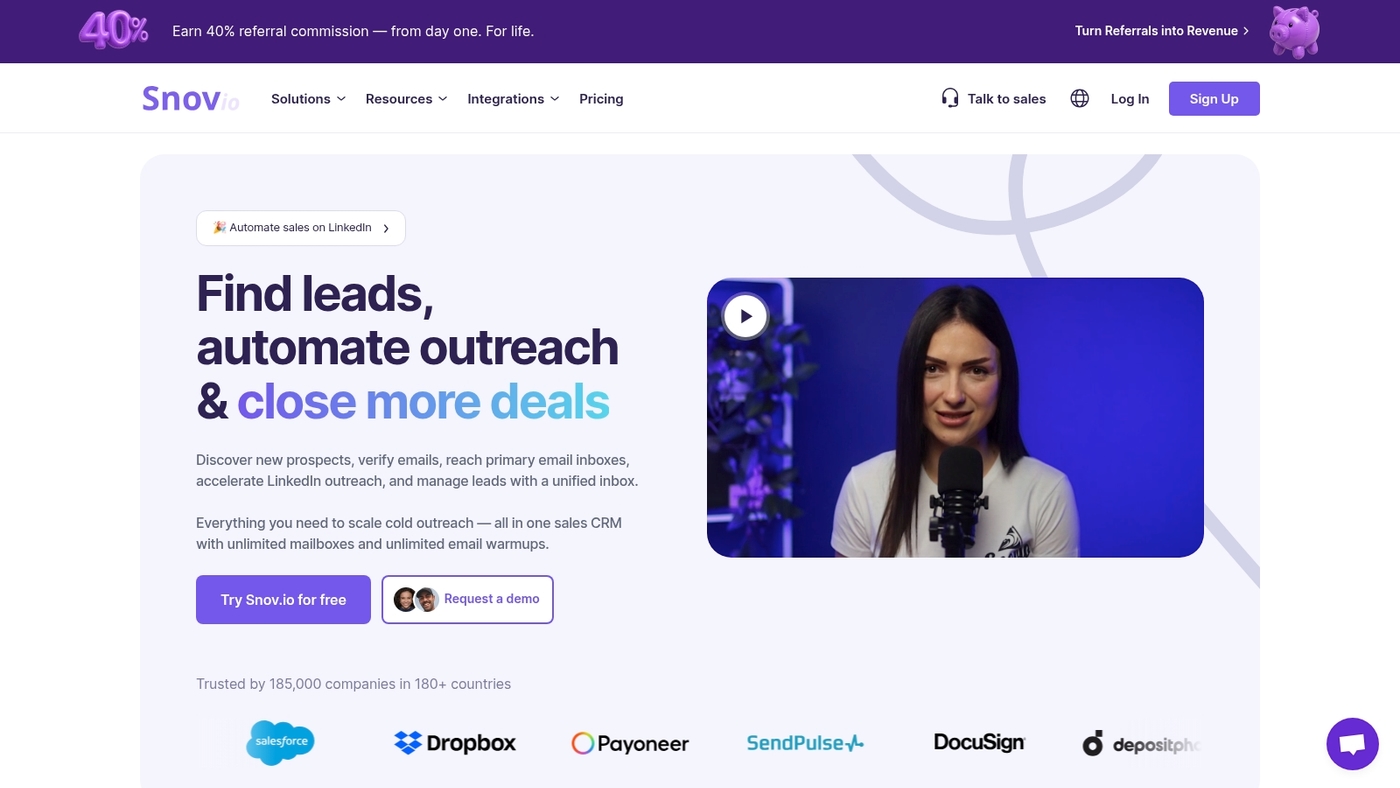
Snov.io combines lead search, domain and email verification, and an integrated CRM to help you capture contacts and move deals forward. The free tier gives access to basic finder and validation features plus a campaign builder that uses AI for subject lines and follow-ups.
It suits teams that want a low-cost way to run cold outreach and manage pipelines without a heavy setup. Snov.io strikes a smart balance between features and simplicity.
Use it as a free business development software option when you test outbound channels. It also works as a free CRM software replacement for single-user prospecting and a quick free email outreach tool for early growth.
At Daily Social Tips, we rate Snov.io highly for focused prospecting and fast setup.
Pros
-
Lead search and email validation in one place
-
AI-assisted campaign builder with basic CRM
Cons
-
Free plan limits credits and monthly usage
-
Fewer native integrations than enterprise CRMs
For who?
Founders, solo sellers, and small sales teams testing outbound strategies.
Pricing
Free plan available; paid tiers add credits, advanced automations, and more integrations.
Connecteam
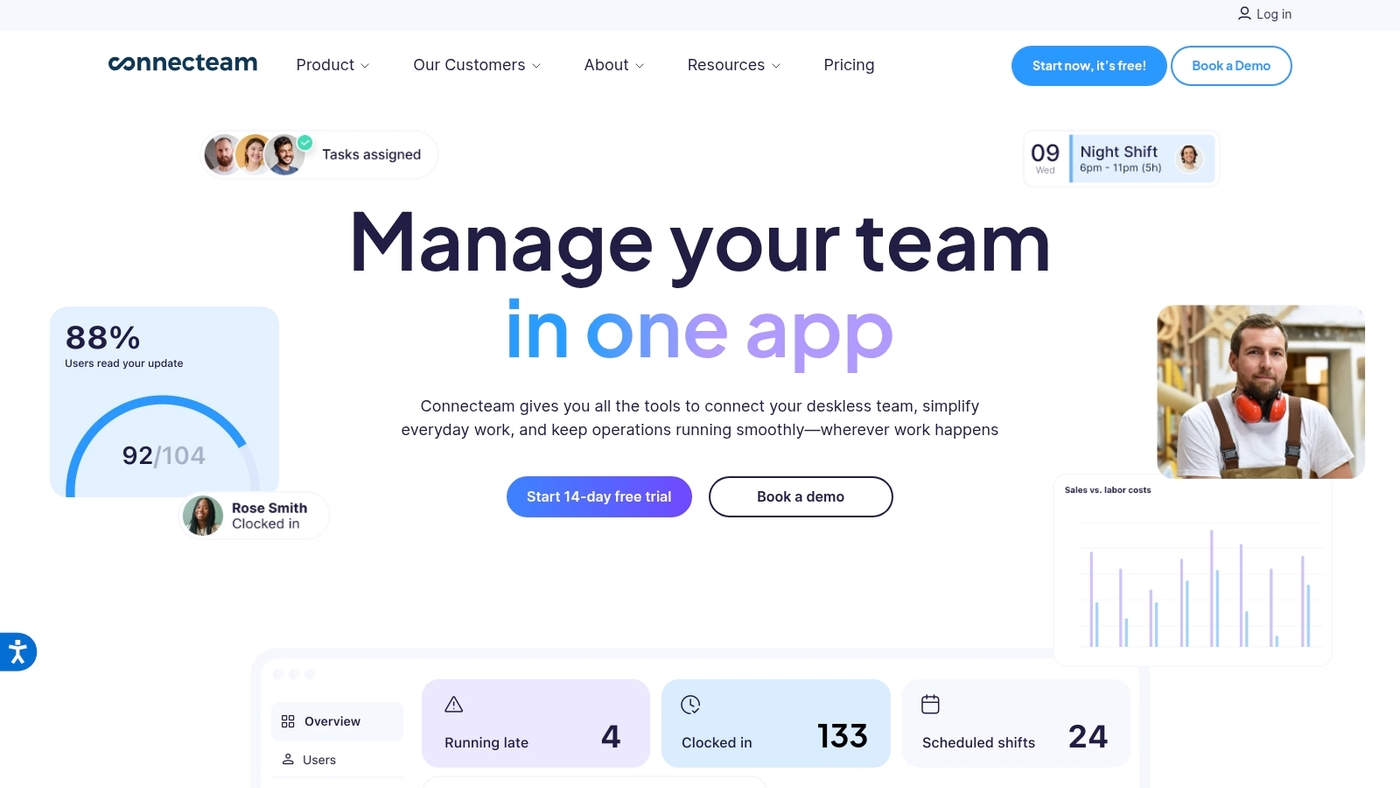
At Daily Social Tips, we recommend Connecteam for small, mobile teams. The free plan covers up to 10 users and bundles task management, employee training, shift scheduling, and compliance checklists in one mobile-first app.
Managers assign tasks, publish training modules, and manage shifts from the same dashboard. Field teams use the app to report completion, submit forms, and swap shifts without email.
Its mobile workflows reduce admin time and simplify daily coordination. The free tier replaces separate scheduling or training tools for many businesses. Visit our roundup of task management tools to compare features if you need a broader stack.
Paid plans add time tracking, GPS, and advanced reporting as teams grow.
Pros
-
Free for up to 10 users with core features
-
All-in-one: scheduling, training, tasks, compliance
Cons
-
User cap limits growing teams on the free tier
-
Limited CRM or sales features for business development
For who?
Best for small businesses with deskless staff: retail, hospitality, construction, and home services.
Pricing
Free for up to 10 users. Paid plans start at about $29/month for larger teams and advanced features.
Trello
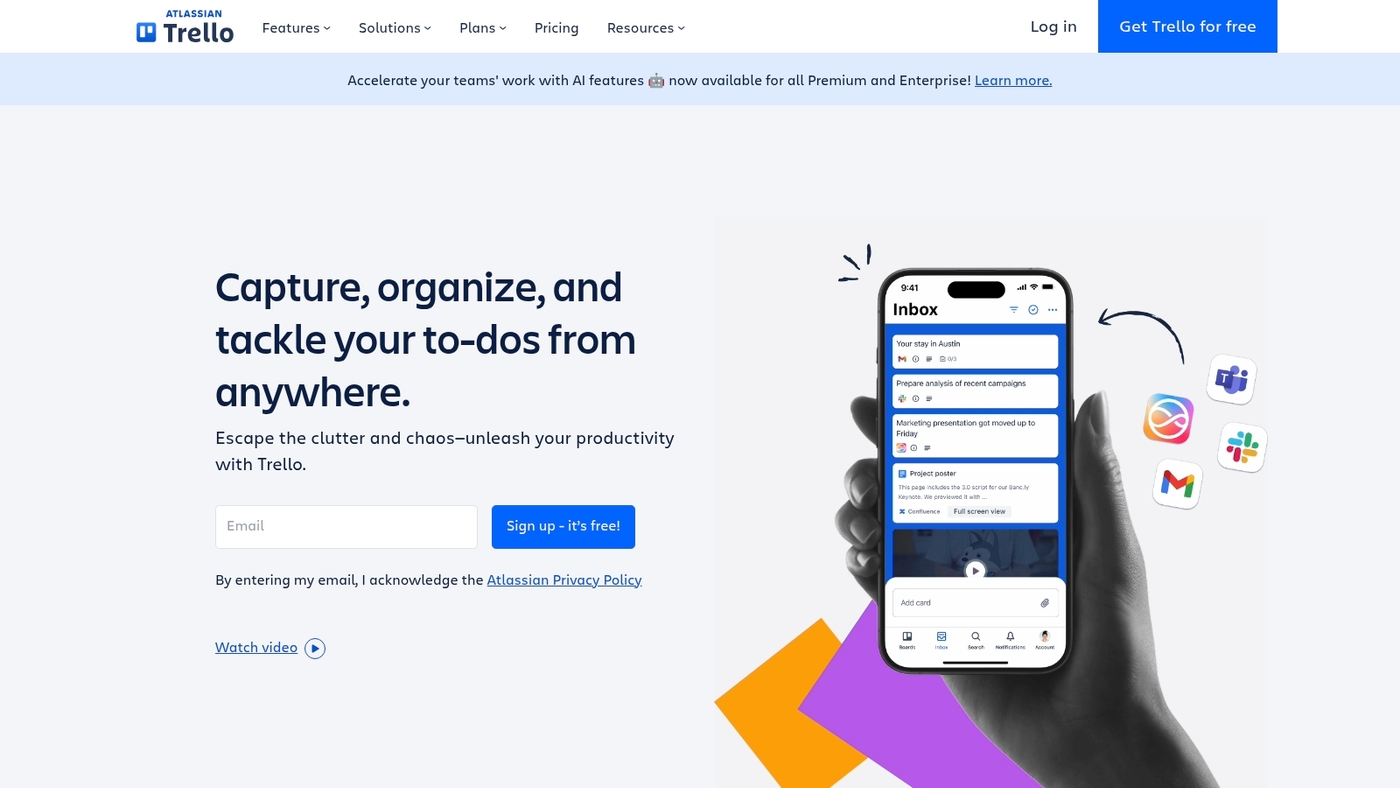
At Daily Social Tips, we recommend Trello for simple visual task management boards that keep sales and marketing work clear. Trello uses a kanban layout that lets you track leads and deals with a card and board setup.
The interface stays clean and cuts setup time to under 30 minutes. You can automate routine steps with Butler rules on the free tier for basic automation features.
Cards hold contacts, checklists, due dates, attachments, and comments. The tool links with Google Drive and Slack. Its simplicity helps small teams move faster.
See related guides on project management software to match Trello to your process.
Pros
-
Intuitive kanban boards for quick setup
-
Free automation with Butler for simple workflows
Cons
-
Limited reporting and advanced analytics on free plan
-
Scaling needs push you to paid tiers for power features
For who?
Small sales and marketing teams that need low-friction task tracking and visual pipelines.
Pricing
Free plan available. Paid tiers start at about $5 per user/month billed annually for expanded features.
Asana
TL;DR: Use Asana as free business development software for structured task work and team collaboration.
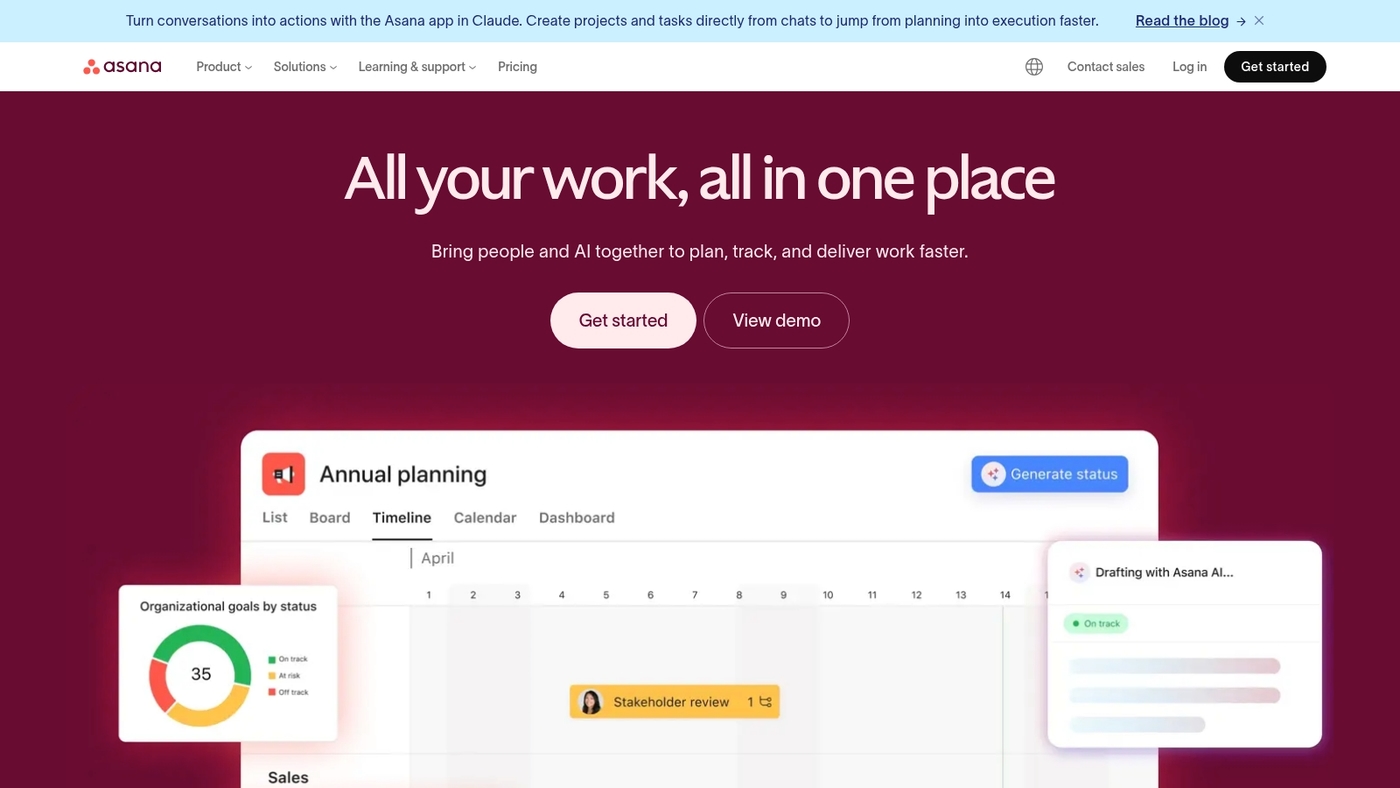
The free plan supports up to 15 users and gives timeline views, custom fields, and project templates that map to sales pipelines and partnership workflows. You can track deals, assign follow-ups, and standardize outreach steps without extra tools.
The interface stays fast with large projects and integrates with calendars and email. The timeline view alone cuts planning time by about 30% in small teams.
See how it compares with other collaboration platforms for teams if you need deeper integrations.
At Daily Social Tips, we suggest a two-week pilot with one sales project to test templates and automation.
Pros
-
Free plan for up to 15 users with timeline and board views
-
Custom fields and templates fit business development workflows
-
Fast onboarding and clear task ownership
Cons
-
Limited automation rules on free tier
-
Reporting and advanced dashboards require paid plan
For who?
Small sales teams, startups, and business developers who need simple pipeline tracking and task clarity.
Pricing
Free tier available. Paid plans start around $10.99 per user/month billed annually for Premium features.
Basecamp
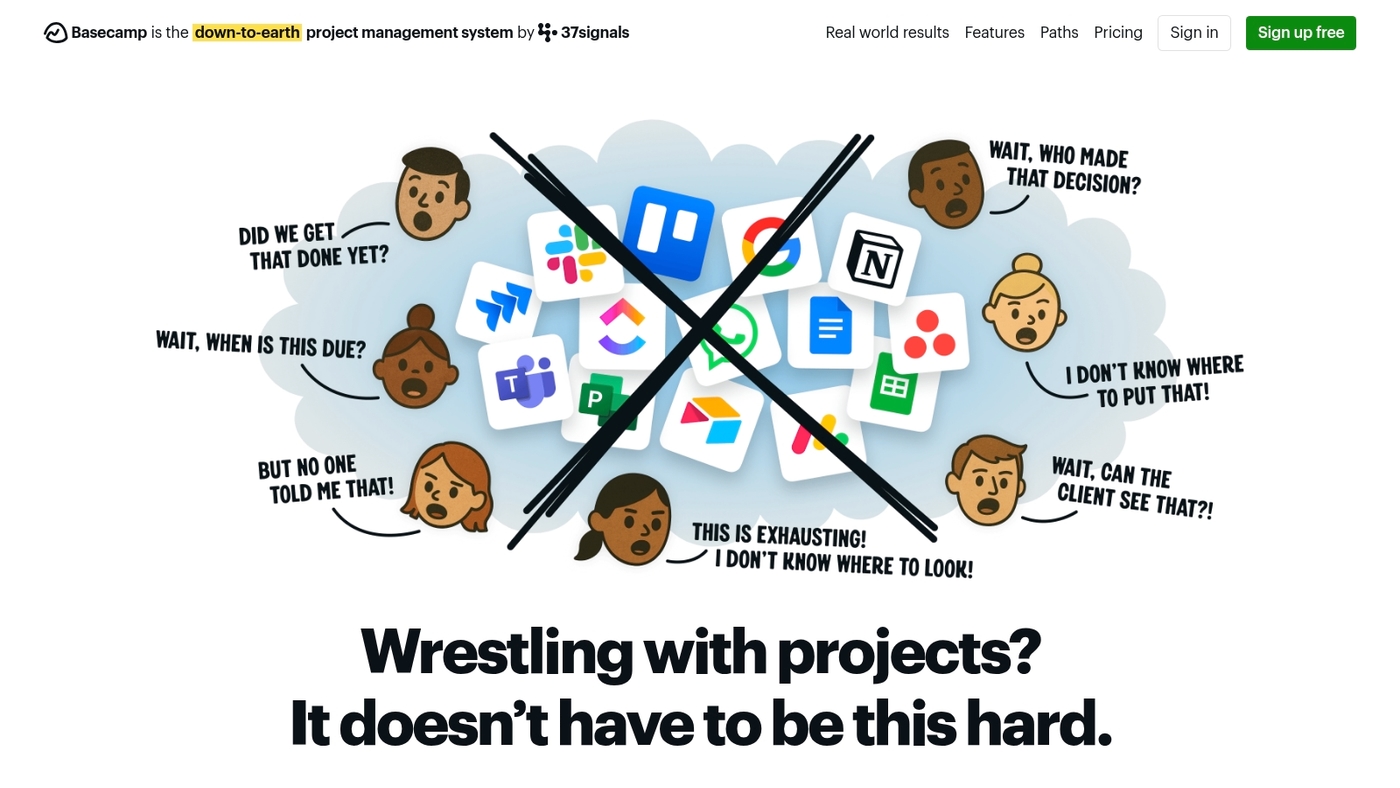
At Daily Social Tips, we recommend Basecamp for teams that want a clean, no-friction place to coordinate work.
Basecamp provides message boards, to-do lists, simple file storage, and flat-rate support for multiple users. The interface limits clutter so your team acts faster and stays focused on tasks.
Basecamp’s minimalism reduces admin time and speeds adoption during short pilots. Pair it with free CRM software or free sales pipeline software when you need task-level coordination alongside lead tracking.
See how it stacks up in our best project management software roundup.
Pros
-
Simple interface that lowers onboarding time
-
Flat-rate plan supports unlimited users for one price
-
Built-in message boards and file storage keep conversations tied to work
Cons
-
Limited advanced automation and workflow rules
-
Fewer native CRM integrations than specialized tools
-
Basic reporting compared to enterprise platforms
For who?
Small teams, agencies, and solo founders who need straightforward task coordination without heavy setup or admin overhead.
Pricing
Basecamp Personal is free with limits on projects and users. Basecamp Business is a flat $99/month for unlimited projects and users. Check the vendor site for current details.
Mailchimp
TL;DR: Use Mailchimp for simple email outreach up to 1,000 contacts. It gives a free plan with a drag-and-drop builder, basic email automation, and audience segmentation tools plus analytics to track opens and clicks.
The editor helps you design campaigns fast. Automation lets you send welcome and follow-up sequences. You can tag contacts and build targeted lists. Reports show growth and engagement trends.
Mailchimp fits solo founders and very small teams who want low-friction email marketing. I use it for weekly newsletters and small drip tests. Expect limits on automation complexity and A/B testing at the free tier.
Use Mailchimp to validate email strategies before moving to a paid plan.
Pros
-
Free up to 1,000 contacts with basic automation
-
Easy visual editor and ready-made templates
Cons
-
Advanced automation and testing require paid plans
-
Free plan includes Mailchimp branding on emails
For who?
Solo founders, micro teams, and early-stage startups testing email outreach and lead nurturing.
Pricing
Free up to 1,000 contacts. Paid tiers unlock advanced automations, A/B testing, and higher contact limits.
Google Analytics
At Daily Social Tips, we recommend Google Analytics as the go-to choice among free web analytics options.
It gives session-level data, event tracking, and conversion funnels without a subscription. You get real-time reports, audience segments, and built-in integration with Google Ads and Search Console. It scales from single-site blogs to multi-channel shops.
GA4 has a learning curve. (I won’t sugarcoat it!) I use it daily to check user paths and funnel drop-offs. Setup takes effort but yields detailed event data and cross-device attribution.
Use its debug view to validate events in minutes. Connect goals to revenue metrics to measure pipeline impact. Pull CSV exports or link BigQuery for deeper analysis.
This tool fits teams that need data-driven decisions without paying for core analytics.
Pros
-
Free core product with robust tracking
-
Native integration with Google Ads and Search Console
-
Custom events and conversion funnel tracking
Cons
-
Steep learning curve for GA4 setup
-
Privacy changes require extra configuration
For who?
Small teams and marketers who need reliable web metrics, event tracking, and cost-free reporting to guide growth decisions.
Pricing
Core product is free. Analytics 360 offers enterprise features with custom pricing.
How to choose the right free business development software
TL;DR: Choose a free CRM that matches your team size, user limits, and integration needs.
At Daily Social Tips, we recommend piloting tools against real workflows. You need clarity on team size and monthly contact volume. Map those numbers first. Count active users and monthly emails.
|
Factor |
What to Check |
Why It Matters |
|---|---|---|
|
User limits |
Free seats (1–15 typical) |
Prevents surprise fees as team grows |
|
Contact cap |
1,000–10,000 contacts |
Avoids mid-campaign upgrades |
|
Integrations |
Email, calendar, CRM connectors |
Reduces manual data entry |
|
Automation |
Workflow steps, triggers |
Saves hours on repetitive tasks |
|
Scalability |
Per-user pricing, API access |
Smooth transition to paid tier |
Testing two workflows reveals most limits. Run one sales and one outreach flow for seven days. Track time saved and closed deals.
Pros: low cost, fast setup, no vendor lock. Cons: user caps, limited reporting, restricted APIs.
Best for small teams that want to manage leads, automate outreach, and track deal flow. If you want a quick checklist, review our best productivity tools to pair tools and improve onboarding.
Action: pick two candidates, import 100 contacts, run a one-week pilot, then decide.
Free vs paid business development software
TL;DR: Start on a free plan to map workflows and avoid waste; upgrade when user caps or missing features block revenue.
At Daily Social Tips, we run short pilots on free tiers to measure limits fast. Free CRMs cover contact tracking and basic outreach well. They save cash for early teams.
-
Why it matters: Free plans let you track leads, log activity, and run basic email sequences at $0. Example caps: Zoho free = 3 users, Mailchimp free = 1,000 contacts, Connecteam free = 10 users.
-
Pros: Low cost start. Fast setup. Basic automation and pipelines work for single reps.
-
Cons: Reporting, bulk exports, and advanced automation often sit behind paywalls. API limits and branding can slow scaling.
-
Best for: Solo founders, early sales reps, and teams under 3 users. Upgrade when you exceed ~1,000 contacts or need multi-step automation and forecasting.
-
Key tradeoffs: free tier limits restrict users and contacts; paid plan entry typically runs $12–$25 per user/month; upgrade trigger point is loss of automation, reporting, or integrations you need for growth.
When should you make the jump to paid? Well, if your workflows stall or you’re manually doing tasks the paid tier automates, it’s time.
Action: Run a 2–4 week pilot on a free plan. Import one pipeline, log 50 contacts, measure time saved. If workflows stall, start a paid trial and test the paid reporting and automation on the same data.