

That sinking feeling when teams duplicate work and miss deadlines usually comes down to systems that don’t talk to each other.
Enterprise management software can stop those breakdowns, but picking the wrong platform wastes time and budget.
This guide compares 11 enterprise management software solutions—from unified work platforms to industry ERP suites—to help match features to needs.
You’ll learn which platforms suit collaboration-heavy teams, which are better for finance and manufacturing (ERP and supply chain), and what to expect from cloud versus on-premise options.
Implementation tips and key features to watch (real-time analytics, AI automation, integrations, and compliance) are also covered.
Read on to pick the right enterprise software and speed up measurable outcomes across teams.
What is enterprise management software
Enterprise management software centralizes data across finance, HR, supply chain, sales, and IT. It automates workflows and delivers live dashboards for leaders.
Here’s what it does:
- Centralize data: one source for invoices, inventory, and customer records to cut reconciliation time
- Automate work: route approvals, trigger procurement, and reduce manual entry across teams
- Improve visibility: real-time reports that shorten decision cycles and spot bottlenecks
Small business tools target single teams and simple needs. Enterprise systems scale to thousands of users, support complex rules, and meet audit and compliance demands.
Enterprise application software ties modules together. Enterprise resource planning modules handle finance, manufacturing, and supply chain at scale.
Unified platforms cut reporting errors and speed month-end close by about 20–30% based on projects we’ve reviewed. (That’s a meaningful time win when you’re juggling quarterly deadlines.)
Typically, cloud ERP launches in 6–12 months and can lower infrastructure costs near 40% versus on-premise hosting. The caveat? Full implementations need budget, integration work, and clear change management.
Map your top five business processes, list required integrations, then evaluate SaaS ERP and on-premise ERP options against security, cost, and timeline.
Types of enterprise software and their functions
Enterprise resource planning (ERP) software
Enterprise resource planning systems centralize finance, manufacturing, supply chain, and operations. ERP often serves as core enterprise management software.
Key benefits include:
- Real-time data processing creates a single source of truth for decisions
- Automated inventory control cuts stockouts and many teams report roughly 15% lower carrying costs
- Integrated accounting speeds month-end close and improves forecast accuracy
We find ERP reduces duplicate work and streamlines approvals. Cloud ERP lowers upfront costs and shortens deployment timelines. On-premise ERP gives more control for strict compliance or legacy integrations.
Implementation takes months and needs a clear integration plan. Pilot a cloud ERP for one unit to test unified business management benefits.
Prioritize integrations with CRM, supply chain, and payroll first. Track KPIs like inventory turnover, order cycle time, and cash conversion.
Business process management (BPM) software
Use BPM to model, automate, and optimize workflows across departments. We recommend BPM to reduce manual handoffs and improve operational clarity.
Here’s why it matters:
- Enterprise management software centralizes process definitions and execution for consistency
- Workflow automation software speeds approvals and routine tasks, often cutting cycle time by 20–30%
- BPM connects ERP, CRM, and HRMS so data stays synchronized across teams
BPM pays back quickly through fewer errors and faster delivery cycles. Enterprises report error rates fall up to 40% in targeted processes.
BPM supports both cloud ERP and on-premise ERP deployments. The tradeoff? Implementation needs process mapping, governance, and some configuration effort.
Explore our best workflow automation software guide to compare vendors and next steps.
Enterprise CRM and customer management systems
Enterprise CRM systems work best for teams that must centralize customer records and standardize sales processes. They centralize customer data, automate marketing tasks, and track sales pipelines.
Good enterprise management software bundles CRM with ERP and BPM. Use CRM to increase lead-to-deal conversion and reduce manual data entry.
Typical improvements? 20–30% faster follow-ups and cleaner forecasting when systems integrate with ERP software. A single customer view boosts retention and clarity.
The tradeoff: enterprise CRM requires setup and integration time, and costs increase with users and custom fields. Try a low-cost option first.
Compare feature lists or explore free CRM software to validate workflows before buying a full enterprise solution.
Human resource management software (HRMS)
Human resource management software (HRMS) stores employee records, payroll, benefits, recruitment, performance, and compliance. It acts as a central system for HR workflows, audits, and employee data management.
We recommend HRMS when you need to centralize HR tasks across departments. Admin time drops about 30% after integration with payroll and timekeeping. Teams gain clearer reviews with strong performance management systems.
Choosing a SaaS HRMS speeds deployment and simplifies updates. Pick systems that integrate with enterprise management software, ERP, and CRM for unified reporting.
Focus on automation, security, and compliance features when you evaluate vendors. Try a free trial to measure time saved on core HR tasks.
Measure time-to-hire, payroll errors, and employee satisfaction to quantify ROI. Set targets and track progress monthly.
11 best enterprise management software solutions
monday work management
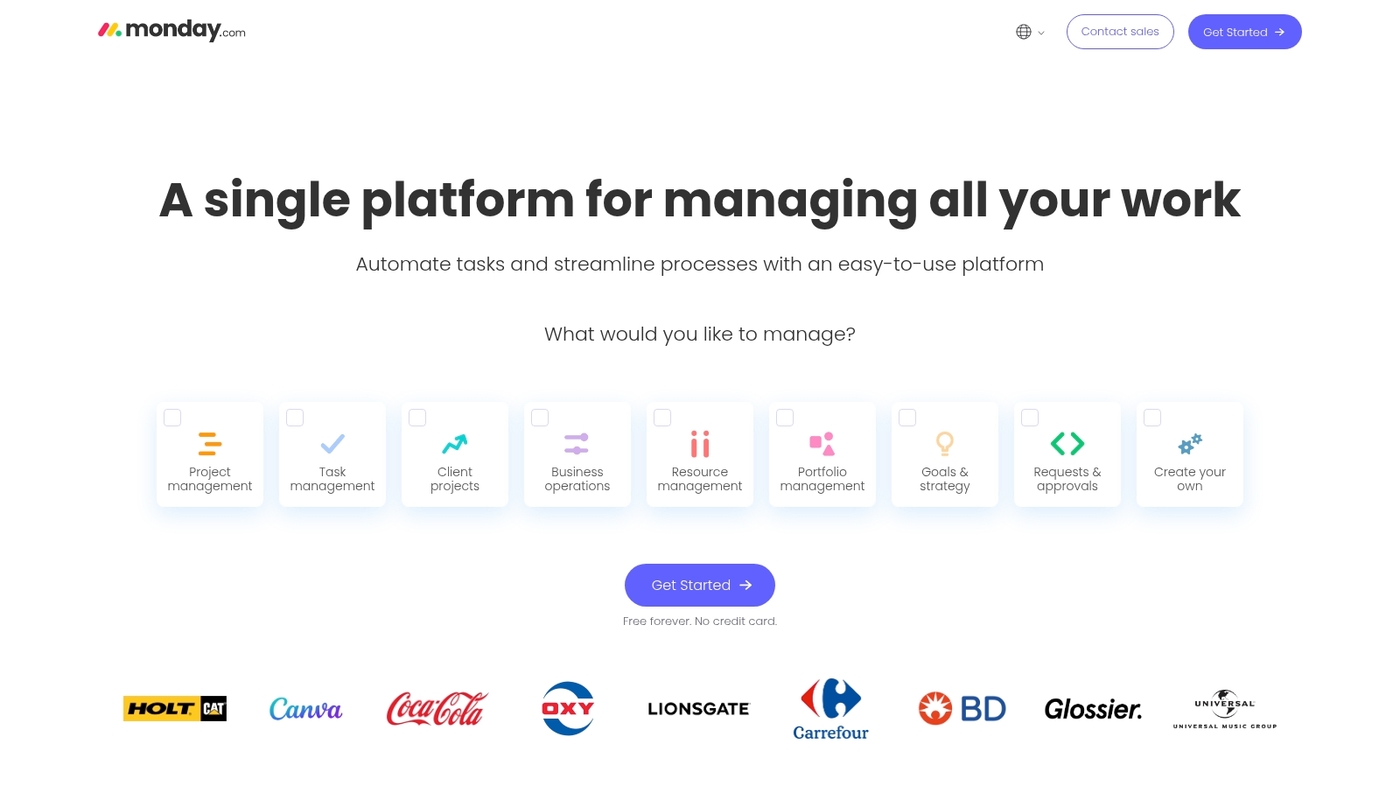
We use monday.com as a central layer in our enterprise management software stack. It acts as a unified command center for project portfolios and program teams.
Boards connect tasks, assets, and metrics across departments. Built-in AI automation speeds routine updates and triggers cross-team handoffs. The platform reduces silos by standardizing work items and permissions.
It integrates with ERP software, CRM platforms, and HR systems to keep a single source of truth. monday work management scales well for large orgs that need clear ownership and repeatable processes.
The tradeoff is pricing as automations and users scale, so plan governance early.
Pros
- Strong visualization of workflows for wide teams
- Native automations and integrations with major systems
Cons
- Costs rise quickly with heavy automation use
- Advanced customization may need administrative effort
For who?
Large teams that need a centralized work hub and cross-departmental coordination.
Pricing
Tiered SaaS plans. Costs scale by users and automation usage; enterprise plans offer custom pricing and support.
Microsoft Dynamics 365
We recommend Microsoft Dynamics 365 for mid-to-large organizations that need unified enterprise management software. It centralizes ERP software and enterprise CRM software.
It links sales, finance, operations, service, and inventory on one data model. It integrates with Microsoft 365, Azure, Power Platform, and Power BI—creating a deep Microsoft ecosystem for data and workflows.
You can run modular enterprise resource planning apps. Choose cloud ERP deployments or on-premise installations. Security and compliance meet enterprise standards.
Licensing and implementation scale with modules and users. In our testing, process automation reduced manual approvals by about 30%. The suite reduces reporting lag and improves forecast accuracy.
The tradeoff? Setup and customizations can take months for complex landscapes. Try a focused pilot on finance or supply chain to measure value.
Pros
- Strong Microsoft integration with native BI and Power Platform
- Modular ERP and CRM apps that scale across departments
Cons
- Higher licensing and implementation costs for large deployments
- Complex setups can extend time-to-value for enterprise teams
For who?
Enterprises that need integrated ERP and CRM, manufacturing or finance teams, and organizations that rely on Microsoft cloud services.
Pricing
Modular plans start around $50 per user per month for some apps. Enterprise bundles and industry solutions require custom quotes from Microsoft.
SAP S/4HANA
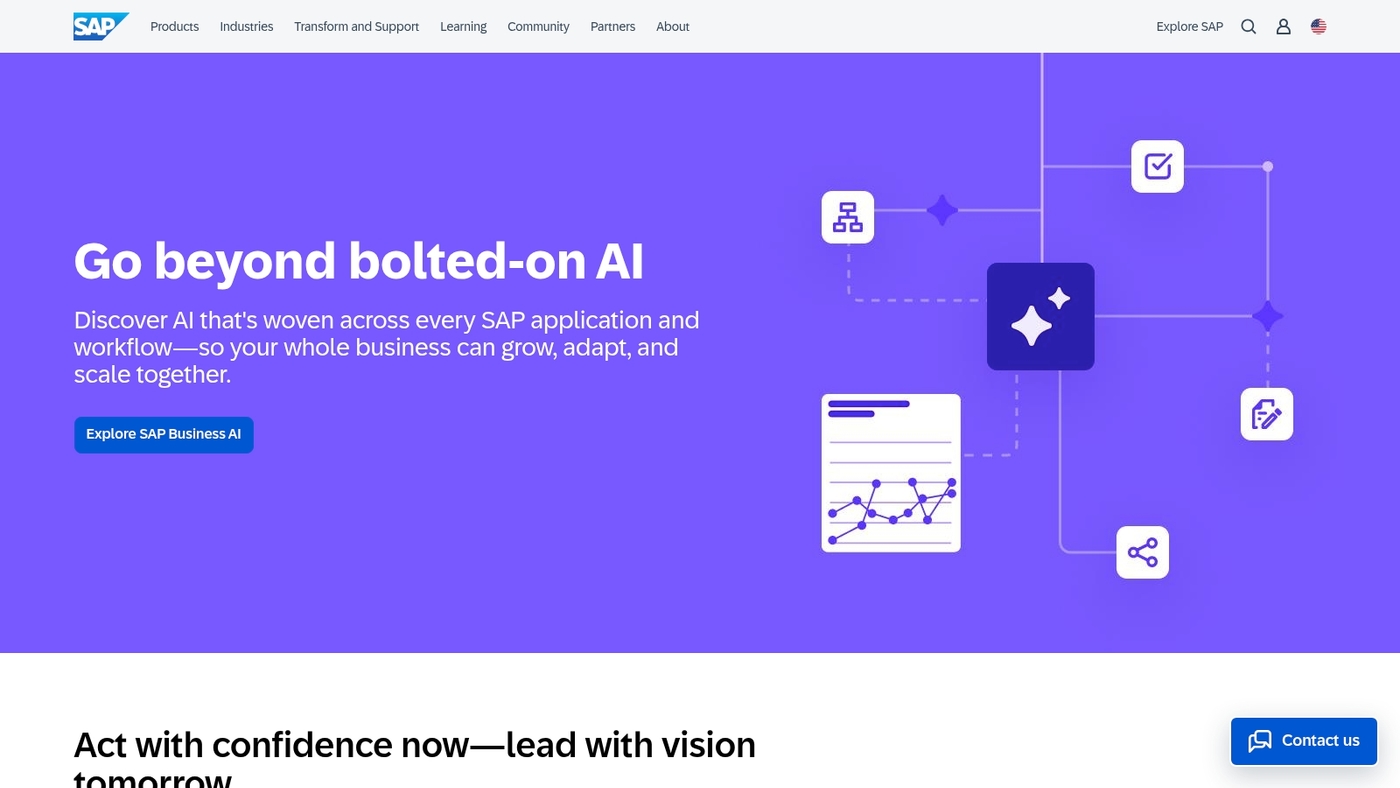
SAP S/4HANA suits large enterprises needing a unified core for finance, manufacturing, and supply chain. The platform runs on an in-memory database for fast transactions.
It gives sub-second operational queries and real-time analytics. S/4HANA offers cloud ERP and on-premise deployment options. It includes industry suites for manufacturing, retail, and utilities.
It centralizes master data and automates routine tasks. S/4HANA works best after you standardize processes.
Expect multi-month implementations and strict governance on master data. Start with a limited pilot on finance or inventory. Measure month-end close time and forecast accuracy to justify rollouts.
Pros
- Fast operational reporting and live KPIs with HANA
- Rich industry modules and scalable deployment choices
Cons
- High implementation cost and long timelines
- Complex licensing and heavy integration effort
For who?
Large enterprises with global operations, complex supply chains, or manufacturing footprints.
Pricing
Contact SAP for a tailored quote. Pricing depends on deployment, modules, and user counts.
Oracle NetSuite
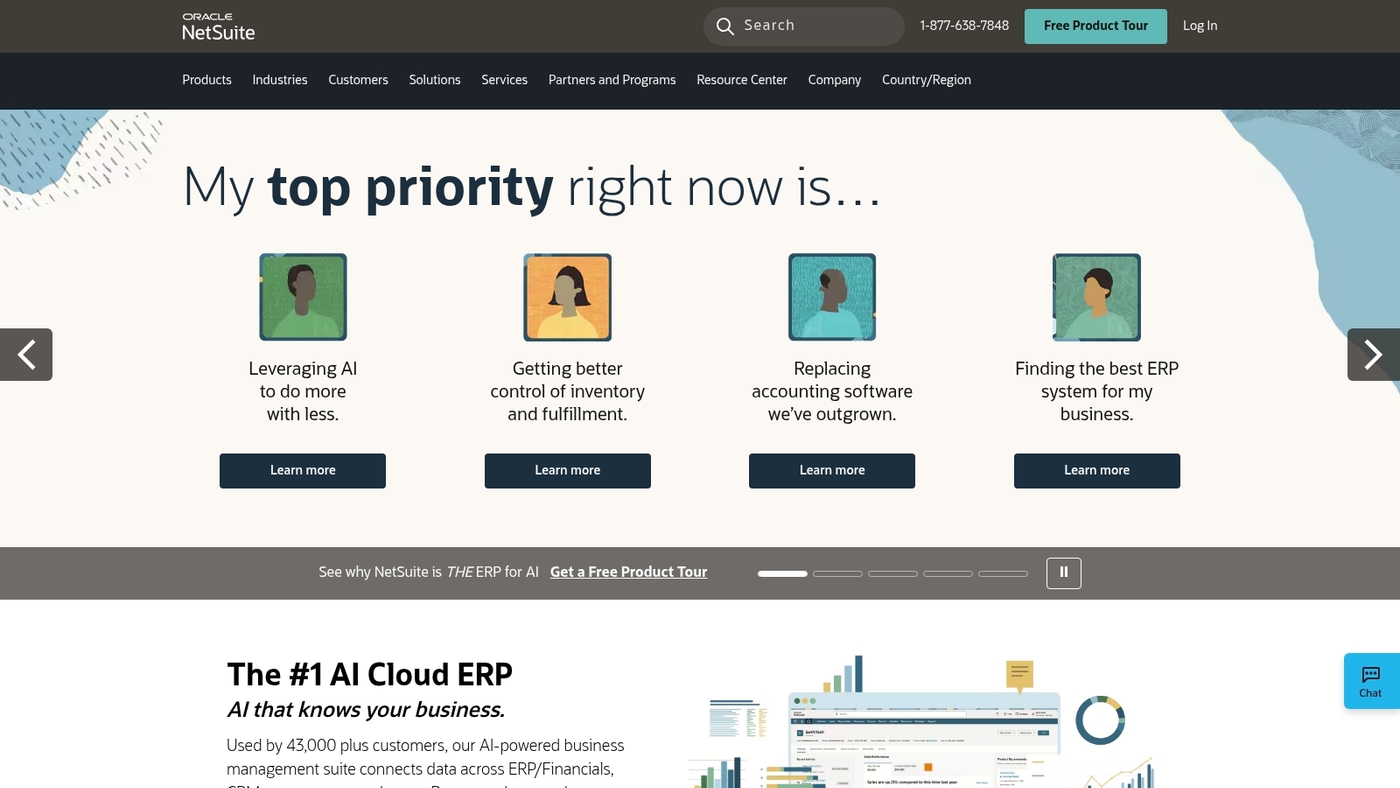
Oracle NetSuite suits mid-market firms needing a single business system. It’s a cloud-based ERP platform that combines financials, CRM, e-commerce, inventory, and AI forecasting.
The SuiteCloud platform lets you build custom apps and integrate third-party tools. It supports multi-currency accounting and multi-subsidiary consolidation for global roll-ups.
NetSuite serves thousands of customers across retail, manufacturing, and services. In our experience, a well-configured NetSuite instance reduces monthly close time by about 30 percent.
NetSuite fits companies that plan rapid international growth and need unified reporting.
Pros
- Unified modules for finance, CRM, commerce, and inventory
- Strong support for multi-entity accounting and tax rules
- Large SuiteApp ecosystem for industry extensions
- Cloud delivery speeds deployment compared to on-premise ERP
Cons
- Implementation can take months and needs skilled consultants
- Costs rise with added modules and users
For who?
Mid-market enterprises, global subsidiaries, and retailers needing integrated commerce and finance.
Pricing
Subscription SaaS pricing varies by modules and users. Expect implementation fees and annual subscriptions that range from low thousands to six figures, depending on scope.
Asana
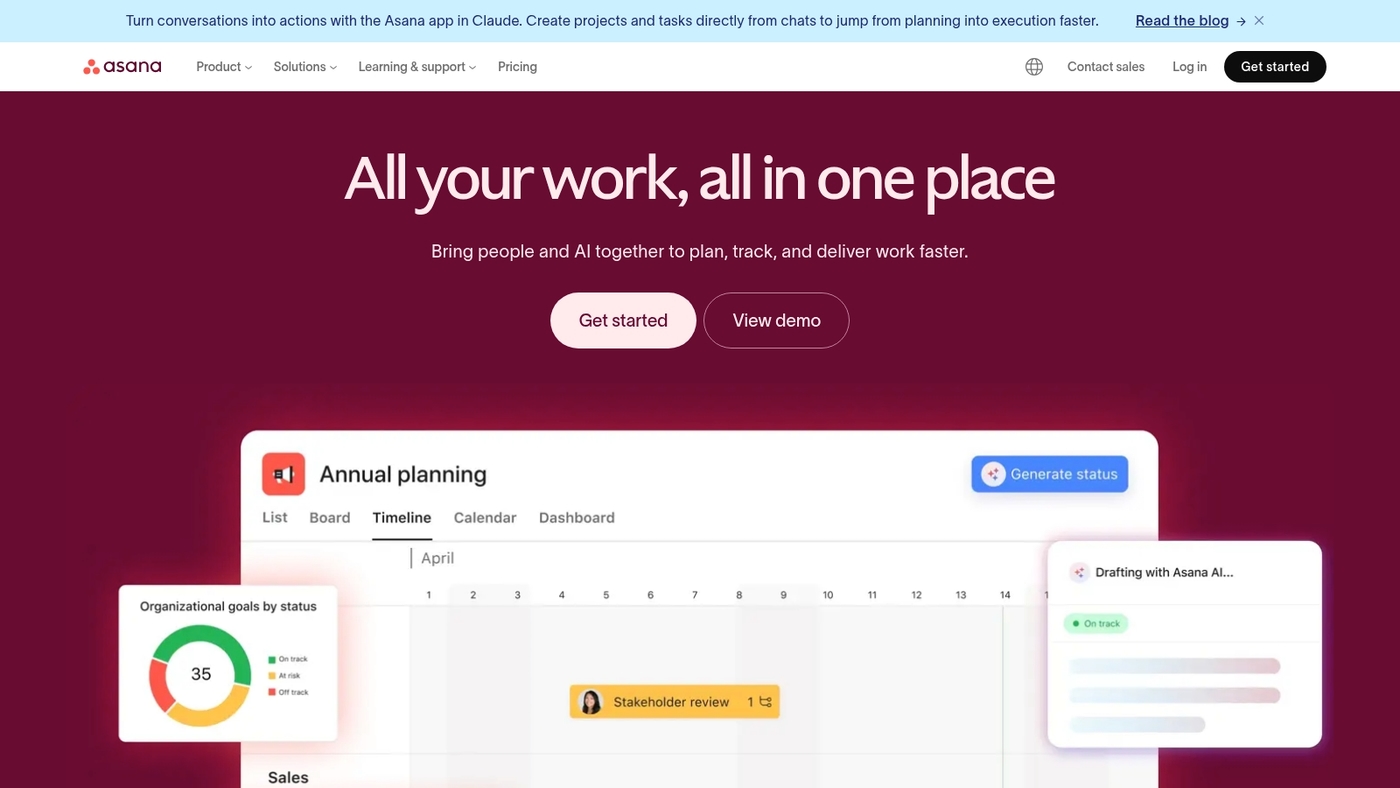
We recommend Asana for enterprise teams that need intuitive project tracking and scalable task management. The platform centralizes tasks, timelines, dependencies, and approvals.
It supports custom rules, forms, and workload views to balance teams. Asana speeds up cross-team delivery. The tool integrates with Slack, Microsoft Teams, and major CRM and ERP systems.
Use Asana for enterprise project portfolio management, IT rollouts, and product launches. See our roundup of the best project management software for alternatives and deeper comparisons.
As part of your enterprise management software stack, Asana works well as a coordination layer between BPM software and ERP software.
Pros
- Workflow automation platform that reduces manual handoffs
- Enterprise task tracking with clear dependencies and timelines
Cons
- Advanced reporting needs third-party tools or Business tier
- Pricing climbs with many seats and automation rules
For who?
Product, IT, marketing, and operations teams at mid-size to large enterprises that need centralized collaboration.
Pricing
Free tier available. Premium $10.99/user/month. Business $24.99/user/month. Enterprise pricing on request. Prices are billed annually and may change.
Smartsheet
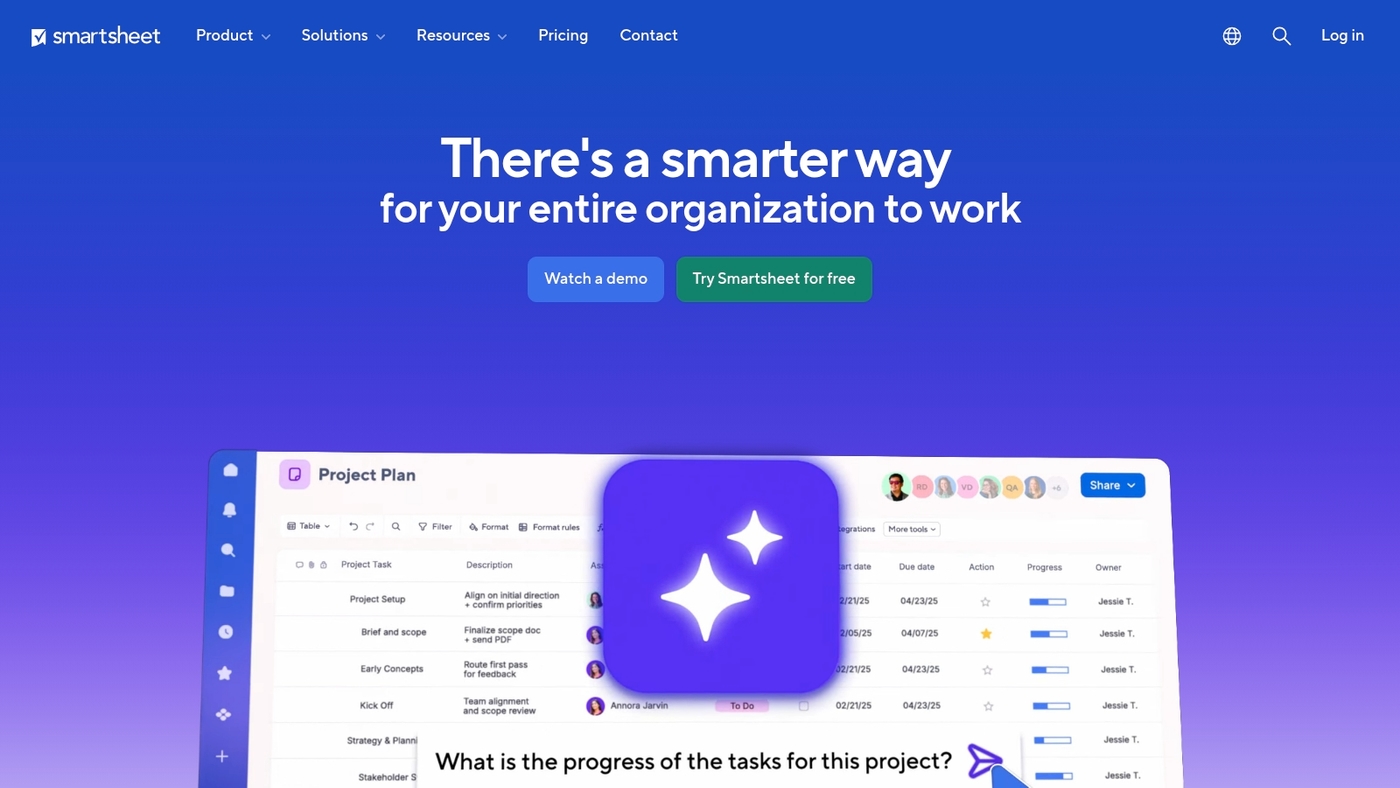
Smartsheet mixes a spreadsheet layout with enterprise project management features. Teams use the familiar grid to run portfolios and track work.
Built-in automation sends alerts, updates rows, and triggers workflows. Dashboards surface live metrics and roll up data across sheets for executive reporting.
Integrations connect to Microsoft 365, Slack, Salesforce, and cloud storage. Admin tools handle user provisioning, permissions, and SSO for large deployments.
The product scales from team projects to enterprise portfolios without heavy training. I use Smartsheet to manage editorial calendars—it helps measure cycle times and delivery.
Expect reliable automations and solid forecasting. The main tradeoff is per-user costs as adoption grows.
Pros
- Familiar spreadsheet interface speeds adoption
- Robust automation and dashboard reporting
Cons
- Licensing costs rise with many users
- Advanced features require admin setup
For who?
We recommend Smartsheet for PMOs, operations teams, and cross-functional programs.
Pricing
Per-user plans with business tiers and custom enterprise pricing. Contact sales for an enterprise quote.
Wrike
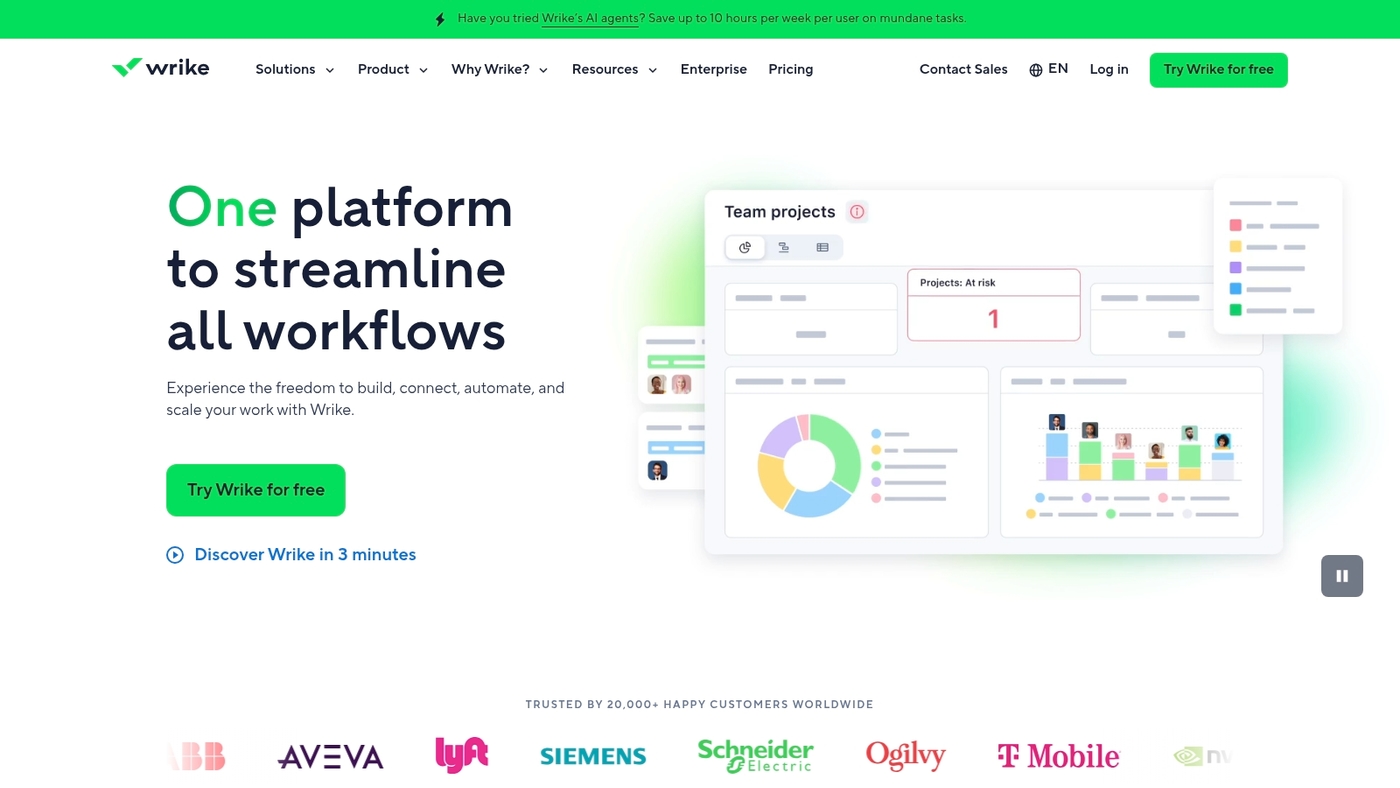
We recommend Wrike for large organizations needing enterprise management software with AI automation and resource planning. Wrike centralizes project portfolios and resource allocation.
The platform offers AI-powered automation that cuts manual handoffs. It provides robust resource planning to match capacity with demand.
You get real-time dashboards and portfolio views for prioritization. Integrations connect Wrike to common enterprise systems and ERPs. A short pilot shows measurable time savings on status reporting.
The tradeoff? Enterprise capabilities often require higher-tier plans and setup time. Try a scoped pilot on two programs and measure resource utilization changes.
Find more resource planning options at resource planning tools.
Pros
- Scales across hundreds of teams with portfolio management
- Powerful automation and real-time reporting
Cons
- Enterprise pricing can be high for full feature set
- Custom setup and governance needed for large deployments
For who?
Large organizations and PMOs that need centralized project portfolios, capacity planning, and audit-ready reporting.
Pricing
Free tier available. Paid plans scale by features and users. Enterprise pricing requires a custom quote from Wrike.
ServiceNow
We recommend ServiceNow when you need enterprise management software that centralizes IT service delivery and automates routine work.
ServiceNow routes incidents, enforces SLAs, and stores asset data in a CMDB. The platform offers low-code workflows, change management, and dashboards that highlight mean time to resolution.
It links with ERP software, enterprise CRM systems, and cloud tools to reduce manual handoffs. ServiceNow speeds up incident resolution by automating triage and clear ownership.
You can learn integration patterns and digital employee experiences on our digital workplace platforms guide.
Pros
- Strong ITSM and CMDB capabilities for complex environments
- Powerful low-code automation and reporting at scale
Cons
- Higher cost for broad enterprise deployments
- Customization can require specialist resources
For who?
IT departments and large enterprises that need centralized service operations and workflow automation.
Pricing
Pricing varies by modules and users. Expect per-user and module fees with tiered enterprise contracts.
Infor CloudSuite
Infor CloudSuite is industry-specific ERP and enterprise management software for 24 sectors. It merges enterprise resource planning with manufacturing and supply chain modules.
The suite uses AI forecasting for demand planning and inventory optimization. It runs as a cloud ERP with optional on-premise modules.
You get real-time analytics, role-based dashboards, and connectors for common enterprise application software. It supports enterprise financial management and enterprise inventory management workflows.
Stronger forecasting accuracy comes from its machine learning models in pilot projects. We recommend it for firms that need vertical fit and scale.
Tradeoffs include longer deployment and higher licensing for complex modules.
Pros
- Strong AI forecasting for demand and inventory
- Built-in supply chain optimization and manufacturing ERP tools
Cons
- Longer implementation for larger deployments
- Higher cost for advanced modules and integrations
For who?
Large manufacturers, distributors and regulated enterprises seeking vertical ERP and deep industry fit.
Pricing
Pricing varies by module and user count; contact Infor for a tailored quote.
Odoo
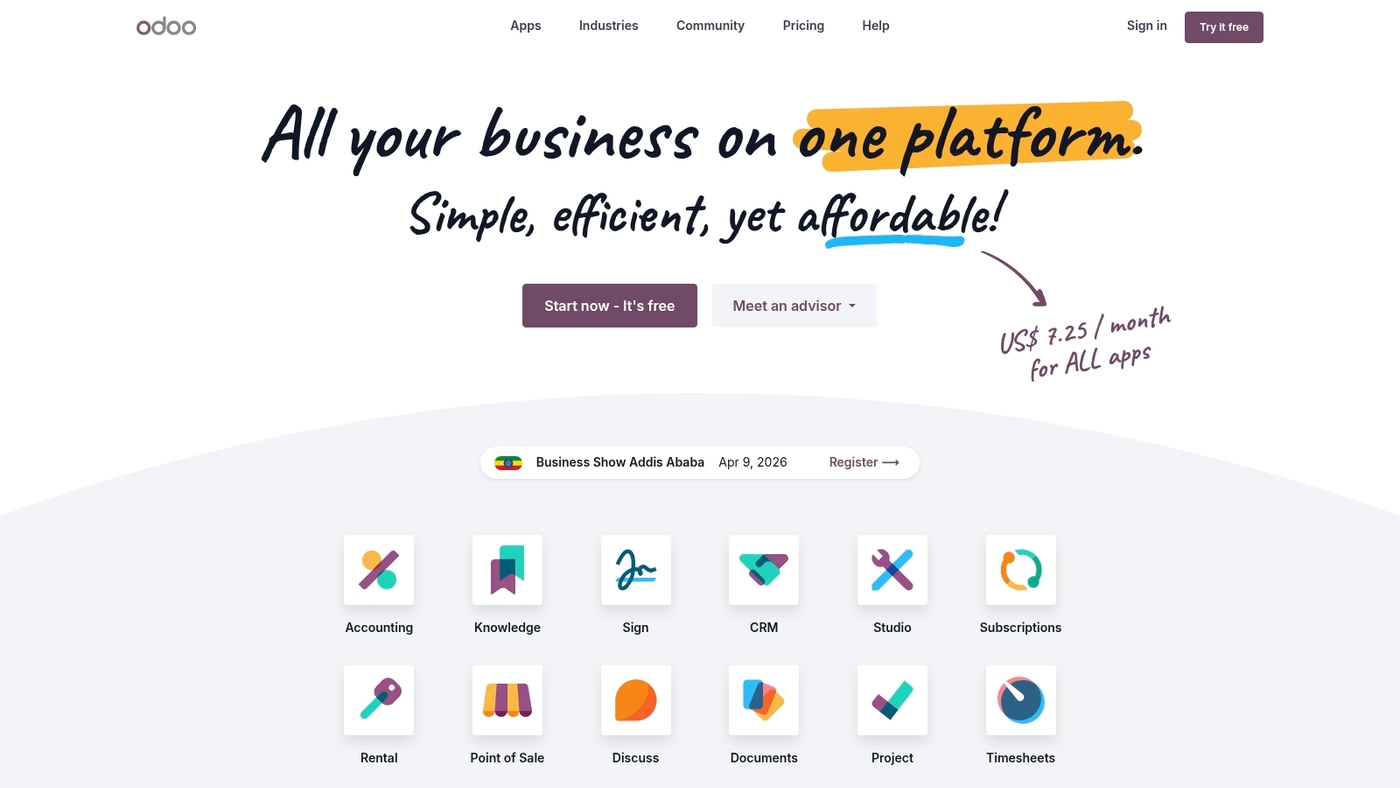
We recommend Odoo when you need flexible, low-cost enterprise management software that scales. Odoo is open-source enterprise application software built as modular apps.
It covers CRM, inventory, accounting, manufacturing, project management, and operations. You install only the apps you need. The community edition is free and self-hosted.
The enterprise edition adds cloud hosting, support, and extra modules. The platform links ERP software functions with e-commerce and payment tools.
A large developer ecosystem provides thousands of community modules and vertical extensions. The tradeoff lies in implementation effort and occasional UI roughness compared to polished SaaS suites.
Try Odoo if you want strong ERP capabilities without high licensing fees.
Pros
- Modular open-source design enables selective deployment and lower license costs
- Broad app ecosystem with CRM, inventory, accounting, and manufacturing modules
- Self-host or use cloud for flexible deployment models (SaaS ERP or on-premise ERP)
Cons
- Customization often requires developer time and implementation resources
- User interface can feel less refined than enterprise SaaS competitors
For who?
Small to mid-size businesses, developers, and growth-stage companies that need an affordable ERP software platform and value customization.
Pricing
Community edition is free. Enterprise cloud plans vary by apps and users; typical vendor rates start around $20–30 per user per month plus app fees. Self-hosting reduces license cost but adds hosting and implementation expenses.
Zoho One
Zoho One bundles 45+ business apps into a single console for CRM, finance, HR, and project management. It centralizes sales, accounting, payroll, inventory, and collaboration tools.
You can manage core operations from one admin panel. The suite includes low-code builders, workflow automations, and APIs that ease integration with other enterprise software.
That design reduces app sprawl and speeds up rollouts for teams moving from point tools to unified enterprise application software. Zoho One delivers strong value for small and mid-market teams that need broad functionality at modest cost.
Expect role-based controls, mobile apps, and governance features that support compliance across multiple regions. We suggest running a three-week pilot to measure time saved on 3 core workflows.
Pros
- Wide app coverage across CRM, finance, HR, and projects
- Affordable per-user pricing for bundled enterprise management software
Cons
- Advanced manufacturing and deep supply chain modules lag specialized ERP software
- Some apps need setup time to match complex workflows
For who?
Best for small and mid-market organizations that want a single SaaS suite over multiple point tools.
Pricing
Modest subscription fees with per-user licensing and site-wide bundles. Contact Zoho for exact tiers.
Cloud ERP vs on-premise ERP: Which is right for your enterprise
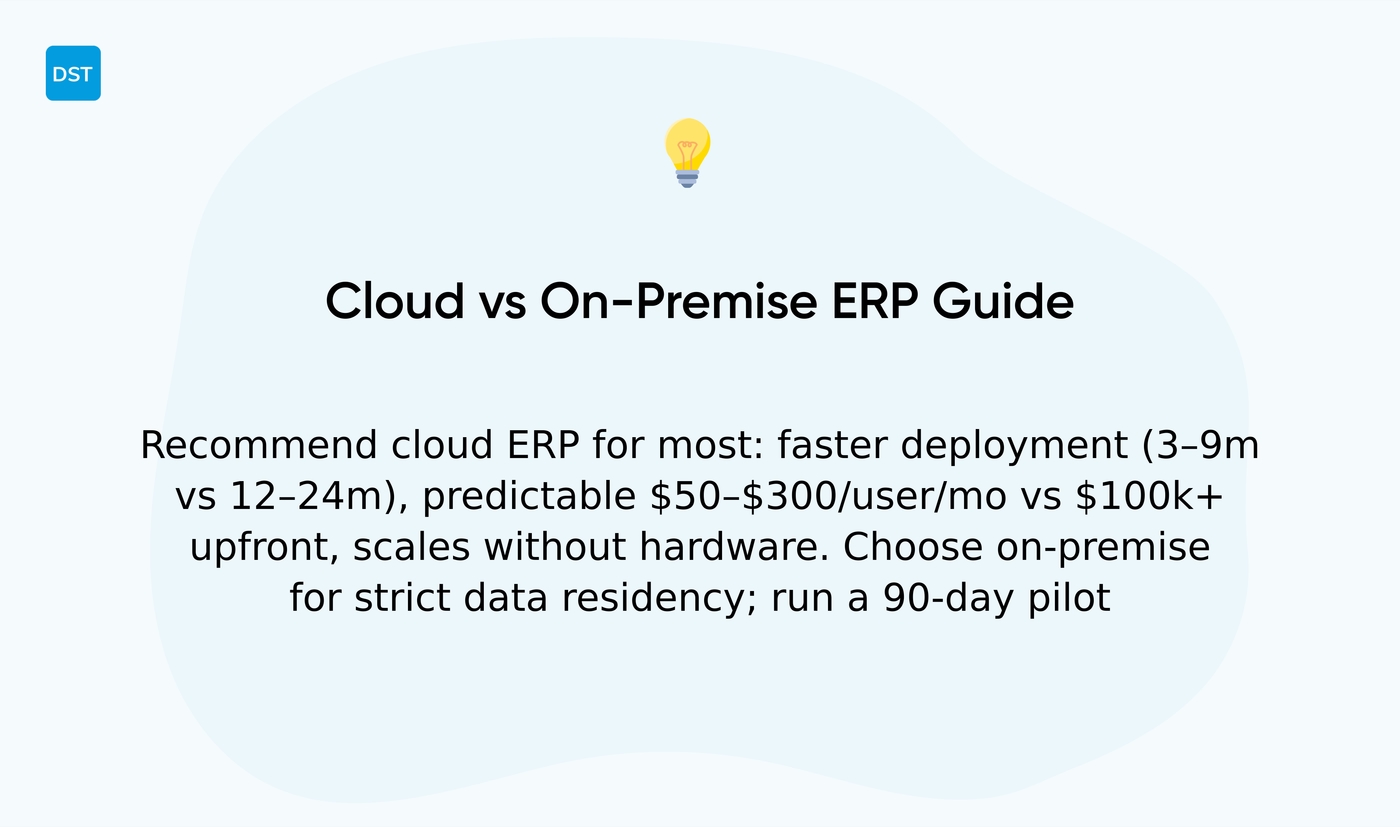
We recommend cloud ERP for most enterprises. It speeds deployments and reduces upfront spend.
| Factor | Cloud ERP | On-Premise ERP |
|---|---|---|
| Deployment time | 3–9 months | 12–24 months |
| Cost structure | $50–$300/user/month subscription | $100k+ upfront licenses & infrastructure |
| Control | Vendor-managed security & updates | Full control over security stack & audit logs |
| Scalability | Add users without new hardware | Requires capacity planning & hardware |
| Compliance | SOC2, ISO 27001 certifications | Custom compliance for strict data residency |
Cloud ERP benefits: subscription fees typically range from $50–$300 per user monthly. Implementation often completes in 3–9 months. Scaling adds users without new hardware.
On-premise ERP control: best for strict data residency and legacy integrations. Expect 12–24 month rollouts and $100k+ in licenses and infrastructure.
Security and compliance: top SaaS vendors hold SOC2 and ISO 27001 certificates. On-premise gives full access to your security stack and audit logs.
Why choose one? Cloud ERP and SaaS ERP reduce operational overhead and speed time-to-value. On-premise ERP suits firms that require deep customization or absolute control.
Hybrid migrations fit regulated firms. Move non-sensitive modules to cloud first, then assess core finance and manufacturing modules. The tradeoff: cloud buys agility and predictable subscription costs, while on-premise demands capital and ongoing ops effort.
Action: score options on five-year total cost, integration effort, compliance needs, and user growth. Run a 90-day pilot with core ERP modules to measure time-to-value.
Read also: 12 Best Logistics Management Software for Your Business
Key features to look for in enterprise application software
Choose enterprise management software that centers on analytics, automation, integration, security, scalability, and customization. We focus on solutions that cut manual work and surface clear KPIs.
Here’s what to prioritize:
- Real-time analytics — Live dashboards that refresh under five seconds. Use them to spot revenue drops or bottlenecks within minutes.
- AI-powered automation — Automate routine approvals, forecasting, and ticket routing to reduce cycle times by 20–40% in many deployments.
- Security and compliance — Must support SOC 2, ISO 27001, and data residency rules. Verify audit logs and role-based access.
- Integration options — Open APIs, prebuilt connectors, and webhooks for ERP, CRM, HRMS, and PPM tools. Link your systems to avoid double entry.
- Scalability — Look for cloud ERP or hybrid setups that scale to 10,000+ users without heavy rework.
- Customization — Low-code builders and extensible modules let you tailor workflows without long vendor development cycles.
- Performance management — Real metrics for SLAs, resource utilization, and forecasts to guide quarterly planning.
- Governance and risk — Built-in audit trails and approval chains for finance, supply chain, and manufacturing ERP workflows.
Prioritizing integrations and security pays off fastest. Test a pilot with two core teams to measure time saved.
Consider dedicated project portfolio management software like project portfolio management software for cross-project reporting.
Read also: 9 Best Inventory Management Software for Businesses
How to choose the right enterprise management software
We recommend choosing for fit over feature lists. Here’s a practical checklist:
- Match company size and workflows — Small-mid teams need modular SaaS. Large firms need scalable ERP software.
- Industry requirements — Manufacturing needs manufacturing ERP and supply chain management software. Sales teams need enterprise CRM software. Ops need BPM software.
- Budget reality — Expect SaaS ERP at $20–150 per user monthly. On-premise can pass $50k.
- Integration capability — Verify APIs, middleware support, and connectors to CRM and BPM.
- Implementation timeline — Plan 3–12 month timelines. Heavy customization adds time and risk.
- Security and compliance — Check SOC2, ISO27001, and data residency rules.
- Vendor stability — Review references, customer retention, and release cadence.
- Support model — Confirm SLA hours, escalation paths, and local coverage.
Assess needs across enterprise management software, data flows, and compliance. Compare total cost of ownership for business management software and cloud ERP deployments.
The tradeoff? Deep customization improves fit but slows rollout and raises costs. Pilot a core workflow for 3 months. Measure time to complete and error rates.
Pilots reveal hidden integration gaps quickly. Run a short proof of concept and then scale based on measured gains.
You might also like: Top 9 Best Virtual Collaboration Software
Enterprise software implementation and integration best practices
Use a phased ERP roll-out with an API-first integration approach. Start with a clear timeline.
Mid-market ERP projects often take 6–12 months. Large enterprise deployments often span 12–24 months. Plan discovery, design, build, test, deploy, and a 3-month stabilization window.
Map data early. Define master records, IDs, and a single source of truth. Set an adoption rate target of 75–85% active users within 90 days. Track logins, task completion, and error rates.
Integrate with CRM and BPM via APIs or middleware. Use event-driven sync for customer and order data. Apply batch sync for legacy systems that lack APIs.
Use the right tool for each connection and keep mappings simple. Change management matters—secure a visible sponsor.
Train role-based cohorts with hands-on sessions. Use short micro-guides and daily check-ins. Adopt an internal communication platform for updates and feedback: internal communication platforms.
Starting with a minimal viable scope speeds adoption and lowers risk. Pilot high-impact processes, measure time saved, then expand.
Common pitfalls to avoid: unclear ownership, skipping data cleanup, and over-customizing core modules. Each adds months and cost.
The tradeoff? A phased approach slows full feature availability but reduces failures and support spikes. Run a 90-day pilot. Measure ROI and scale from results.



