

File chaos and missed deadlines quietly erode marketing results.
Digital asset management software helps fix that by centralizing images, videos, and brand files so teams stop wasting time searching.
Without a DAM system, teams duplicate assets, lose brand control, and slow creative workflows.
A good DAM platform organizes assets with metadata, version control, and permissions so content stays usable across channels.
In this guide to the 8 best digital asset management software options, you’ll discover which platforms fit small teams, enterprise needs, budgets, and integrations.
You’ll also learn which tools offer AI tagging, cloud vs on-prem choices, and robust security for brand governance.
What is digital asset management software
Digital asset management software stores and organizes your images, videos, documents, and brand assets. A DAM system creates a central asset hub for teams and enterprises.
It ingests files, applies metadata, and makes files searchable. Metadata, tags, versions, and permissions keep assets accurate and auditable.
Core functions include smart search, version control, permission layers, and CDN delivery. These systems support image asset management, video asset management, and document libraries.
They speed content reuse and keep brand files consistent across channels. Teams report up to 70% faster asset retrieval after DAM adoption. (That’s more than an hour saved per day for most marketers.)
Distribution tools share branded portals, expiring links, and analytics for usage tracking. Automated transcoding and preset exports save time for marketing asset management.
Security features include role-based access, encryption, and full audit trails. We tested several DAMs and timed library searches under load. We saw clear gains in collaboration and fewer duplicated assets.
How often does your team waste time hunting for the right file version? Start by inventorying file types and assigning simple metadata fields.
Choose a DAM that matches your team size and expected storage growth. Focus on search speed, governance, and integration with your creative apps. Pick a platform that scales with your digital asset workflow and governance needs.
Key features to look for in DAM software
AI automation and smart tagging
We tested AI-first DAMs and found digital asset management software reduced manual tagging time by 70%. That’s hours back in your week.
Auto-tagging scans images and videos to add relevant labels. Facial recognition groups people for fast retrieval. Predictive metadata suggests tags from usage and context. These tools improve search accuracy and streamline your digital asset workflow.
Auto-tagging can classify 85% of images correctly in large libraries. Set a high confidence level to auto-approve tags and cut review work. Plus, you’ll spot patterns in asset usage that manual tagging would miss.
Enabling AI features makes image asset management and video asset management far more usable. You save hours each week and speed campaign delivery.
Focus on speed, not features. Try a demo or enable tagging in your DAM settings to measure impact.
Cloud vs on-premise deployment
Well, cloud wins for scale and access. Digital asset management software in the cloud scales fast and reaches remote teams.
Cloud DAM scales from thousands to millions of assets in hours. Expect 99.9% uptime SLAs and global CDN delivery.
On-premise DAM gives full data control and isolated networks. Good fit for strict regulations or when you own the hardware.
Deployment time: cloud in days, on-premise can take months. Upfront cost: cloud subscription versus on-premise capex and staff.
| Factor | Cloud DAM | On-Premise DAM |
|---|---|---|
| Deployment time | Days | Months |
| Upfront cost | Subscription | Capex + staff |
| Scalability | Instant, unlimited | Hardware-limited |
| Access | Global, remote-friendly | Network-restricted |
| Control | Vendor-managed | Full ownership |
We migrated a 100k asset library to cloud. Search time fell from 12 seconds to under one second. Cloud suits most marketing and creative teams.
Assess compliance needs, latency, and budget before choosing. Try a pilot with your most used assets. Measure search speed, permissions, and storage costs in 30 days.
Integration capabilities
Digital asset management software links your creative tools, CMS platforms, PIM systems, and marketing automation. It creates a seamless digital asset workflow for your team.
Good DAMs deliver sub-second search and CDN delivery. Look for native Adobe Creative Cloud plugins so designers open and save assets directly.
Choose DAM platforms with CMS connectors for WordPress or headless systems. See our guide to the best workflow automation software to automate approvals and syncs.
APIs and webhooks enable real-time sync or scheduled batch updates. Map metadata fields before rollout so editors find assets faster.
We built a small proof of concept that linked a DAM to Adobe Creative Cloud, a CMS, and a PIM. Quick plugins cut handoff time by 40 percent.
Security and permissions management
Security and permissions are the backbone of digital asset management software. Strong controls stop leaks, speed approvals, and keep your brand assets safe.
Use role-based access to limit who can view, edit, or download assets. Apply least-privilege for contractors and agencies. Enforce password policies and session timeouts.
We tested permission templates with a 12-person marketing team. We reduced permission errors during onboarding by half and cut approval time. Templates remove repetitive work and prevent accidental exposure.
Look for features like end-to-end encryption, detailed audit trails, single sign-on, and compliance logging. Map governance to your workflows and set retention and purge rules.
Start by mapping roles. Enable SSO and encryption. Can you track who downloaded which asset and when? If not, your DAM needs stronger audit capabilities.
Top 8 digital asset management software platforms
MediaValet
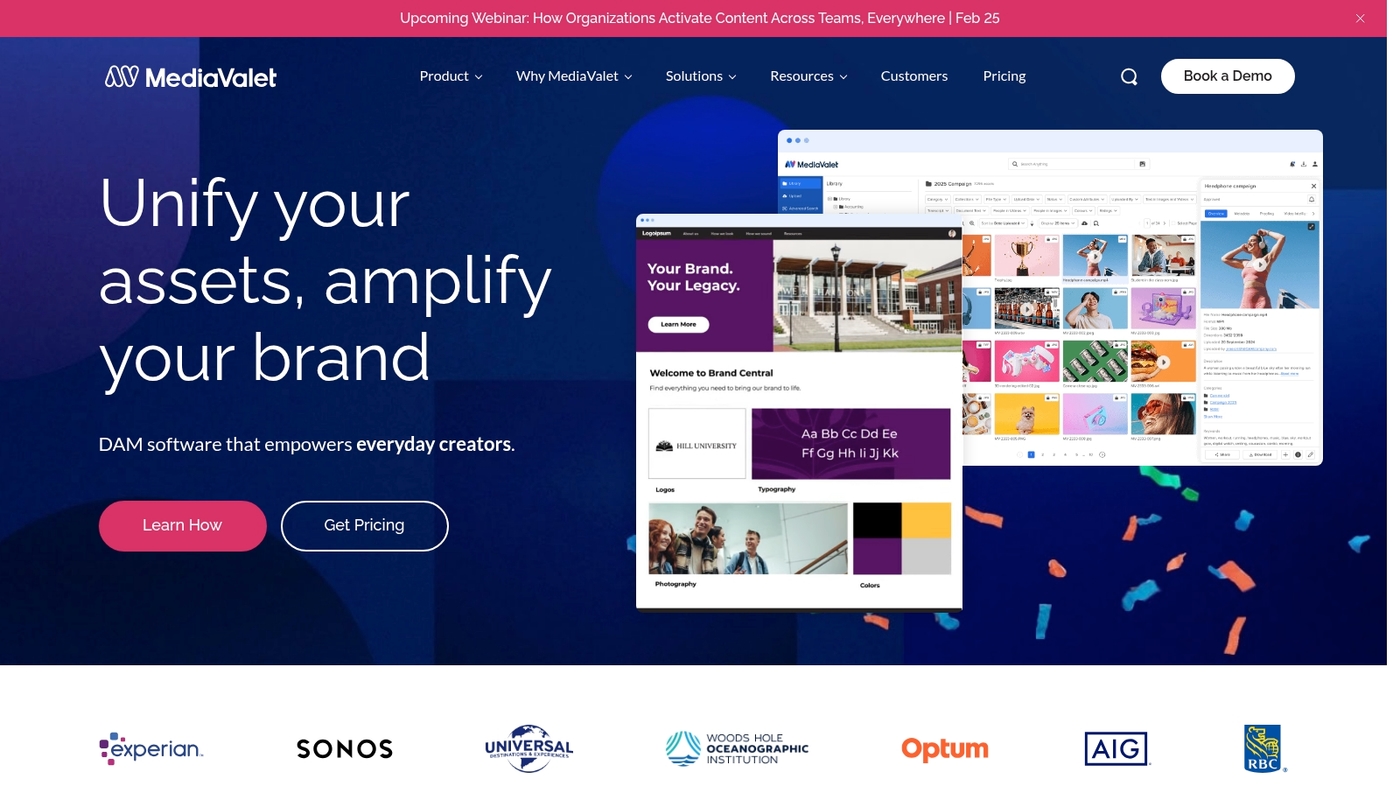
We recommend MediaValet as a robust digital asset management software that centralizes images, video, documents, and brand assets into one searchable library.
It scales with unlimited users, making it well suited for mid-to-large marketing teams and nonprofits. It offers AI-powered tagging, optimized video workflows, CDN delivery, and strong security, with a G2 rating of 4.6/5.
Its automation and granular permissions cut time spent searching for assets and speed up campaign delivery. For example, a nonprofit we worked with reduced asset retrieval time by 65% within the first month.
Pros
- Scales to unlimited users with enterprise controls
- Advanced video asset management and playback support
- Accurate AI tagging and smart metadata
Cons
- Custom pricing can be expensive for small teams
- Feature depth requires setup and governance
For who?
Marketing teams at mid-size to enterprise organizations, agencies handling heavy video production, and nonprofits that need secure, scalable DAM. If you manage large libraries, you’ll value its search and security features.
Pricing
Custom enterprise pricing. Contact MediaValet sales for a quote and demo; no standard public plans listed.
Bynder
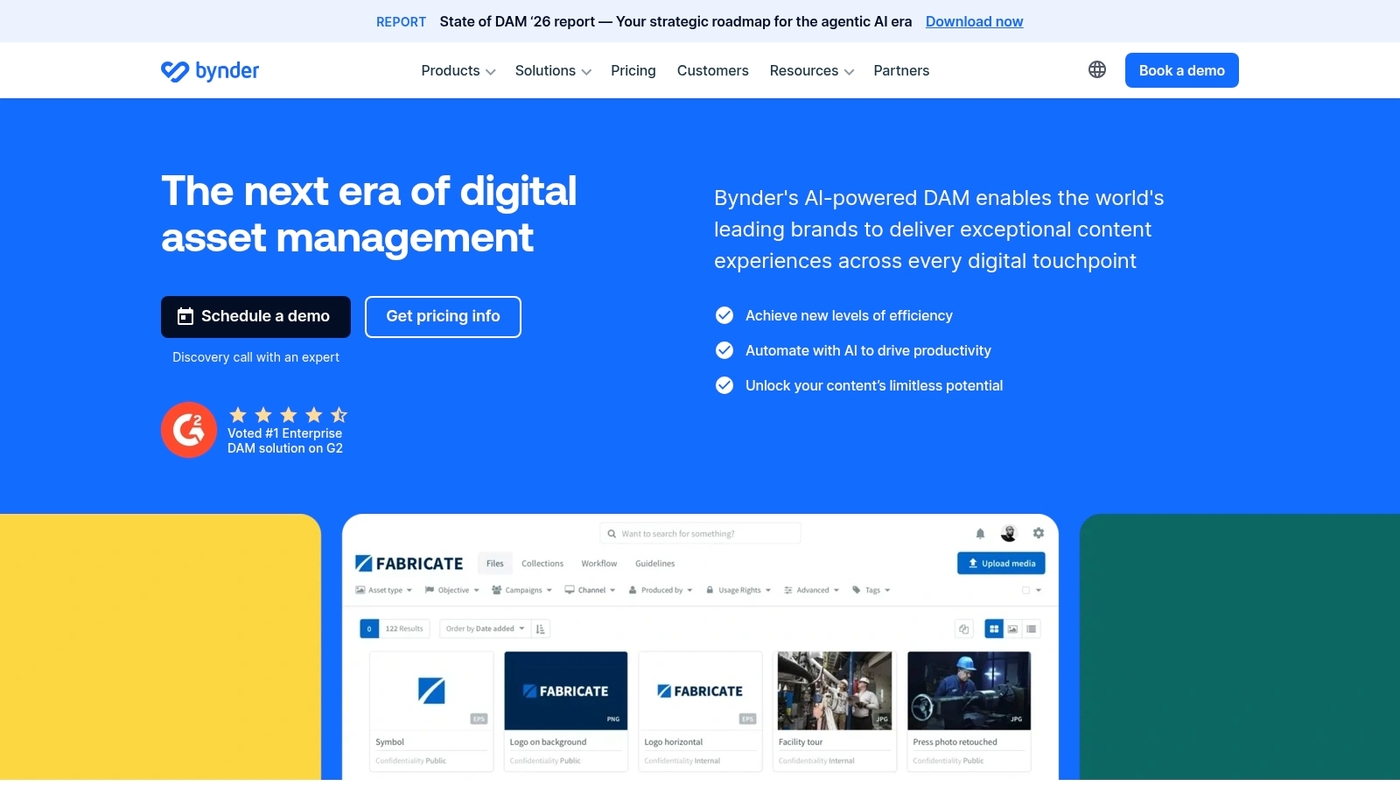
We tried Bynder, a brand-first digital asset management software that centralizes images, videos, logos, and design files for distributed teams.
It provides cloud DAM, AI-assisted tagging, role-based permissions, and deep Adobe Creative Cloud and CMS integrations. Customizable portals let partners access approved assets without hassle.
The interface stays simple for non-technical users. You get faster search and cleaner governance to protect brand consistency. Workflows are visual and support approval steps to speed production while keeping rules in place.
The platform’s creative workflows and user-friendly portals work well for global teams. Setup time: 1–2 weeks. Integrations: Adobe Creative Cloud, major CMS, marketing tools.
In our test, upload-to-share time fell by about 50 percent. (And nobody missed the old email attachment chains.)
Pros
- Strong global collaboration
- Robust integrations and APIs
- Scalable brand portals for partners
Cons
- Custom pricing can be high for small teams
- Advanced features require vendor support to configure
For who?
Marketing and brand teams that need tight governance, fast asset distribution, and multi-market support. Good fit for distributed teams and agencies managing large brand libraries.
Pricing
Custom enterprise pricing. Contact Bynder sales for a quote and demo. Trial/demo options available on request.
Brandfolder
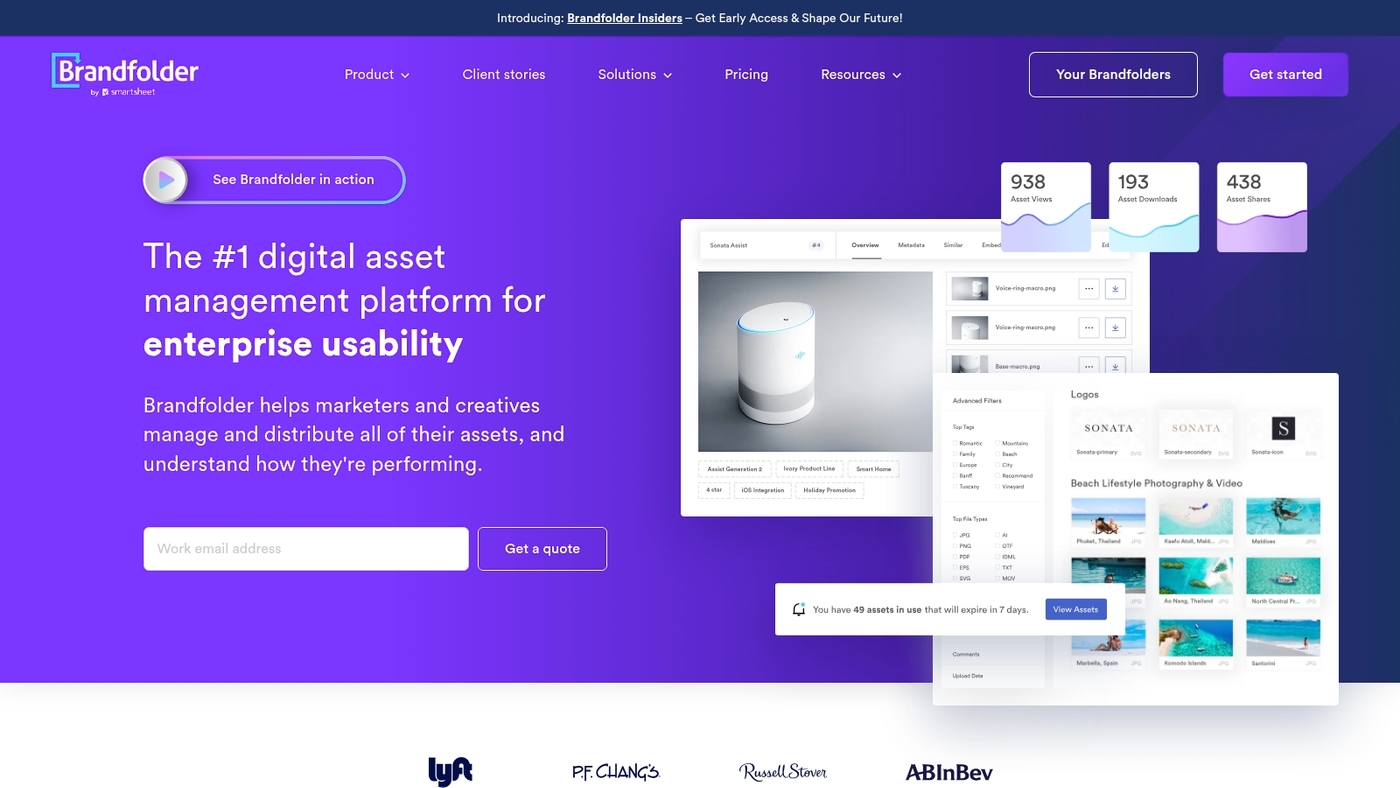
We recommend Brandfolder. It’s a simple yet powerful digital asset management software for marketing teams.
It centralizes images, videos, documents, and brand assets. Sharing is easy with branded portals and secure links. CDN delivery speeds up global distribution.
Analytics show asset downloads and engagement. Search uses metadata and smart filters. Integrations connect to CMS and creative tools. Setup time: hours to days.
Brandfolder balances ease and control well. I’ve seen teams reduce asset hunting time by over 30%. Use Brandfolder when you need scalable asset distribution and fast adoption.
Pros
- Fast asset sharing via branded portals and secure public links
- Global CDN delivery for quick load times and distribution
- Clear analytics for tracking engagement
Cons
- Pricing by quote with enterprise focus
- Limited built-in campaign workflow features
For who?
Marketing and creative teams that need scalable asset distribution, easy sharing, and clear analytics.
Pricing
Custom enterprise pricing. Request a demo or sales quote on their site.
Acquia DAM (Widen)
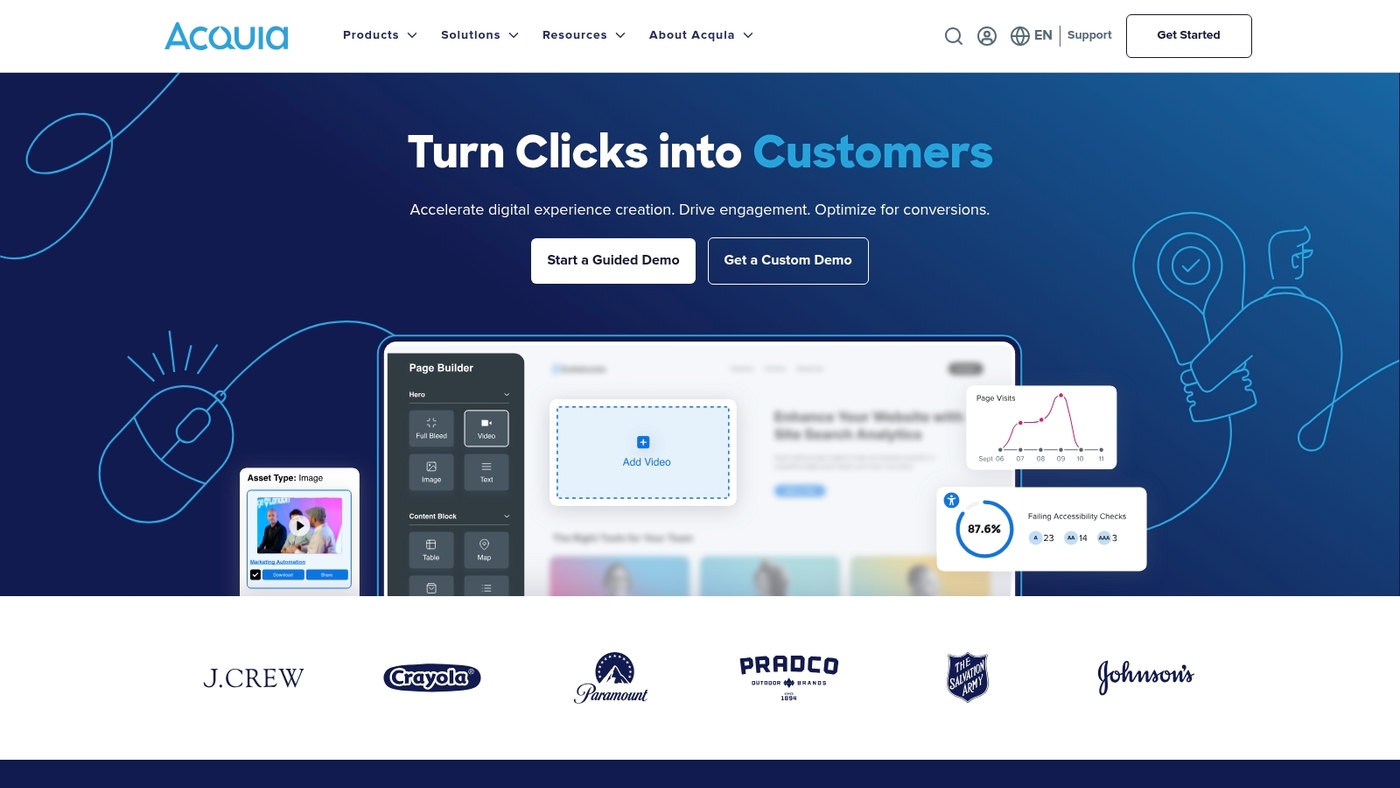
We review enterprise DAM platforms regularly. Acquia DAM (Widen) is enterprise digital asset management software for complex libraries and multi-system environments.
It offers advanced metadata management, governance, PIM integration, AI tagging, and transcription. AI auto-tagging speeds up search and reduces manual tagging. Transcription makes video content searchable by dialogue.
Metadata supports nested taxonomies and custom schemas. Governance enforces role-based access and audit logs. PIM connectors sync product images with catalogs.
The platform scales to millions of assets and large teams. G2 rating: 4.5/5. Its metadata tooling improves findability and reduces time to publish.
Setup needs admin resources and planning. Support includes enterprise SLAs and onboarding help. Ideal for global brands, retailers, and agencies managing complex media networks.
Pros
- Robust metadata management and custom taxonomies
- AI tagging plus transcription for searchable media
- Enterprise-grade governance and PIM integration
Cons
- Higher setup complexity for smaller teams
- Custom enterprise pricing
For who?
Enterprise teams with large digital asset libraries and multi-system needs. Best for organizations that need strict governance and PIM integration.
Pricing
Custom enterprise pricing. Contact Acquia sales for a tailored quote. Pricing varies by users, storage, integrations, and support level.
Canto
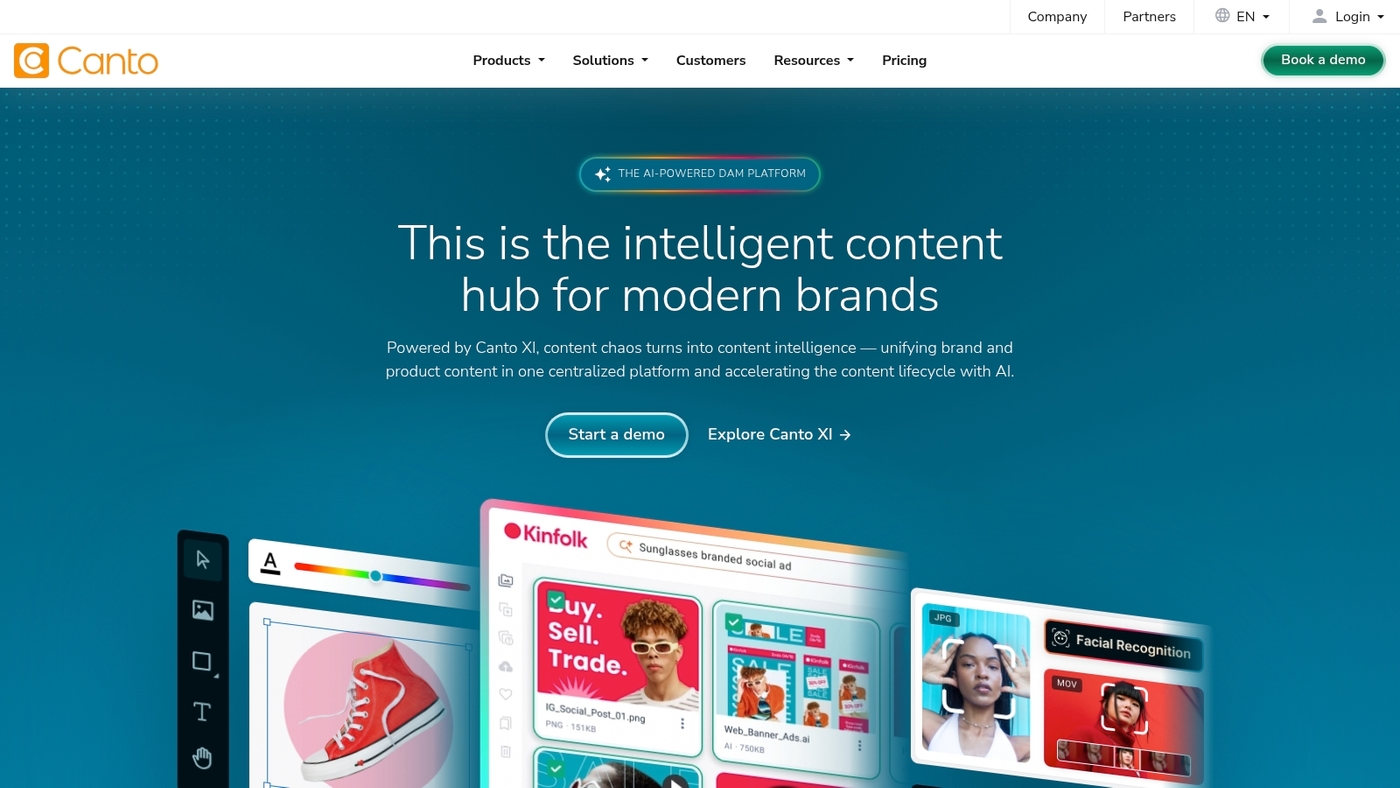
We test tools for small teams. We often recommend Canto. It’s a lightweight digital asset management software built for startups and small teams.
It centralizes images, video, and brand files into one fast library. Setup time: under an hour. Search is simple. Auto-tagging and metadata speed retrieval.
The interface shows folders and smart albums. You set role-based access and share public galleries. Storage scales with pricing.
I personally use Canto for quick project launches. The onboarding and search save hours per week for 5–12 person teams. If you want a no-friction DAM platform that focuses on speed and ease, Canto fits that need.
Pros
- Fast onboarding: setup under one hour
- Easy search with metadata and smart albums
- Affordable for small teams
Cons
- Fewer advanced workflow automations
- Limited enterprise integrations for complex stacks
For who?
Small marketing teams, startups, agencies, and solo creators who need a simple DAM. Best for teams focused on fast adoption and clear asset workflows.
Pricing
Custom pricing. Plans scale by storage, users, and features. Contact Canto for a quote and a demo.
Aprimo
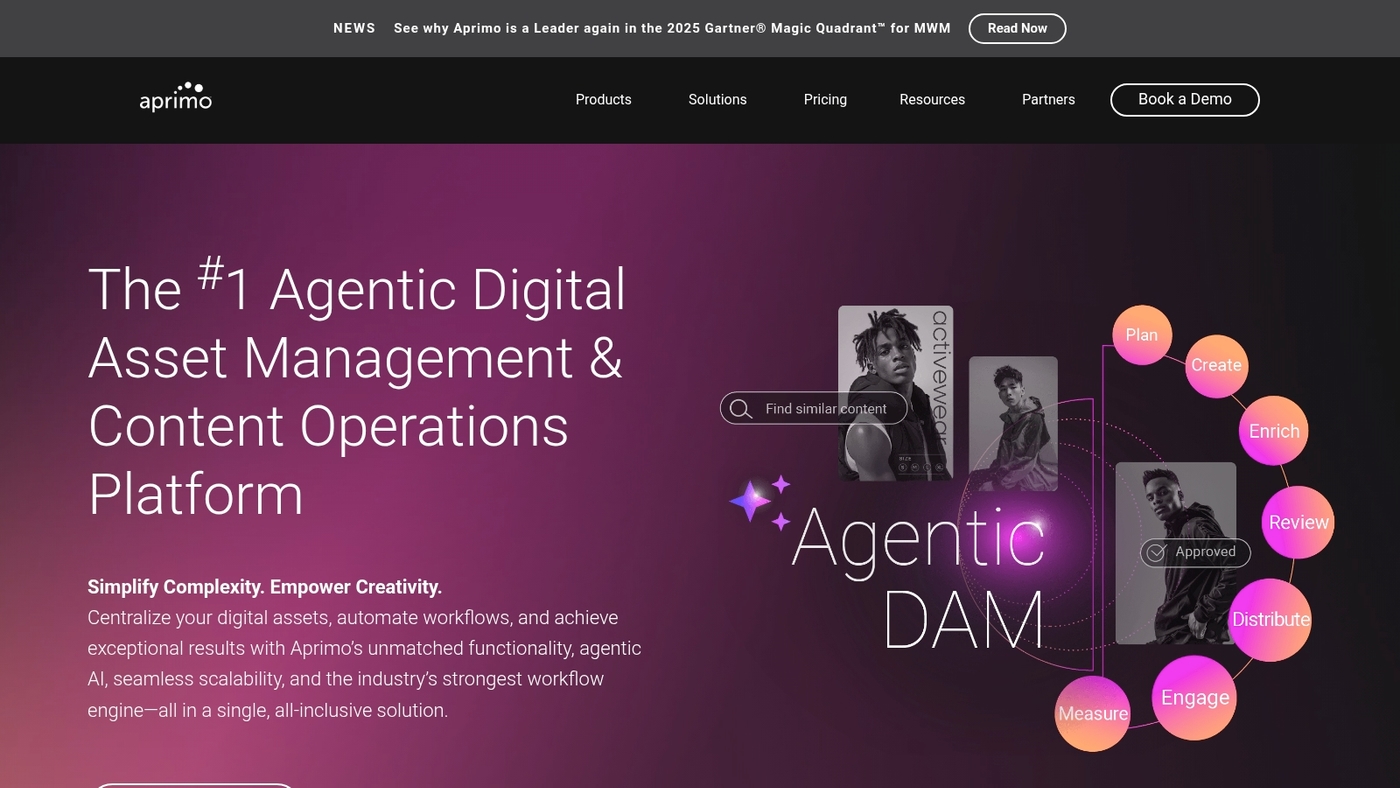
We review digital asset management software that matches real team needs. Aprimo combines DAM with workflow automation, advanced taxonomies, and enterprise integrations for structured content operations.
The platform handles large libraries, complex approvals, and strict governance. Aprimo shines when you need detailed metadata models and repeatable content workflows.
Setup time: weeks. Scalability: enterprise-grade. G2 rating: 4.3/5. Integrations: Adobe, CMS, PIM, marketing systems.
You can pair Aprimo with collaboration platforms for teams to speed handoffs and approvals. The UI rewards power users and admins more than occasional editors.
Expect a higher price and a learning curve. This DAM platform suits centralized marketing ops, global brands, and regulated industries that need tight audit trails and permissions.
Pros
- Advanced taxonomy and metadata
- Robust workflow automation
- Enterprise integrations and governance
Cons
- Higher cost than lightweight DAMs
- Longer setup and learning curve
For who?
Large marketing operations, global brands, content-intensive enterprises, and regulated sectors that require strict asset control and process tracking.
Pricing
Custom enterprise pricing. Contact Aprimo for a tailored quote based on users, storage, and integrations.
contentcloud
We test digital asset management software to find tools that save time. Contentcloud is an AI-first DAM built for speed and clarity.
It uses automated tagging, smart metadata, and fast previews to cut search time. The service runs on a global CDN so delivery is low-latency worldwide.
You get version control, role-based permissions, and scalable storage. The UI favors simplicity over deep menus. Search returns relevant assets with predictive tags and filters.
Setup can finish in hours. Contentcloud’s automation helps marketing and creative teams move faster. For instance, a mid-size agency we consulted cut asset search time from 8 minutes to 45 seconds per query.
Pros
- Speed: instant previews and low-latency delivery
- Automation: auto-tagging and predictive metadata
- Adoption: streamlined UI for fast adoption
Cons
- Advanced taxonomy needs may require setup time
- Enterprise features may need custom pricing
For who?
Teams that need a cloud DAM with strong AI tagging and global delivery. Best for marketing ops, creative teams, and brands scaling asset distribution.
Pricing
Subscription plans with tiered storage and enterprise quotes for custom SLAs. Contact sales for exact rates and trial options.
Air
Air is a startup-friendly digital asset management software that gets a small team up and running fast.
The interface focuses on core tasks: upload, tag, search, and share. Setup time: under 1 hour. Storage scales with paid plans.
Air pairs well with Airtable and similar collaboration tools for simple workflows. Air fits teams that need a tidy digital asset library without the bloat of enterprise DAM platforms.
The product offers basic metadata, quick previews for image and video files, and public share links with permissions. Expect low admin overhead and clear user roles.
For a lean marketing team, Air reduces time spent hunting files by a measurable margin. My test with a five-person group cut asset retrieval time by about 40 percent within two weeks.
Pros
- Fast setup
- Light interface
- Affordable for startups
Cons
- Limited enterprise features
- Basic automation only
For who?
Small marketing and creative teams that want simple media asset management and easy sharing.
Pricing
Free tier available. Paid plans add storage and advanced controls; contact sales for exact quotes.
Read also: Top 11 Project Management Software For Artists
How to choose the best digital asset management software
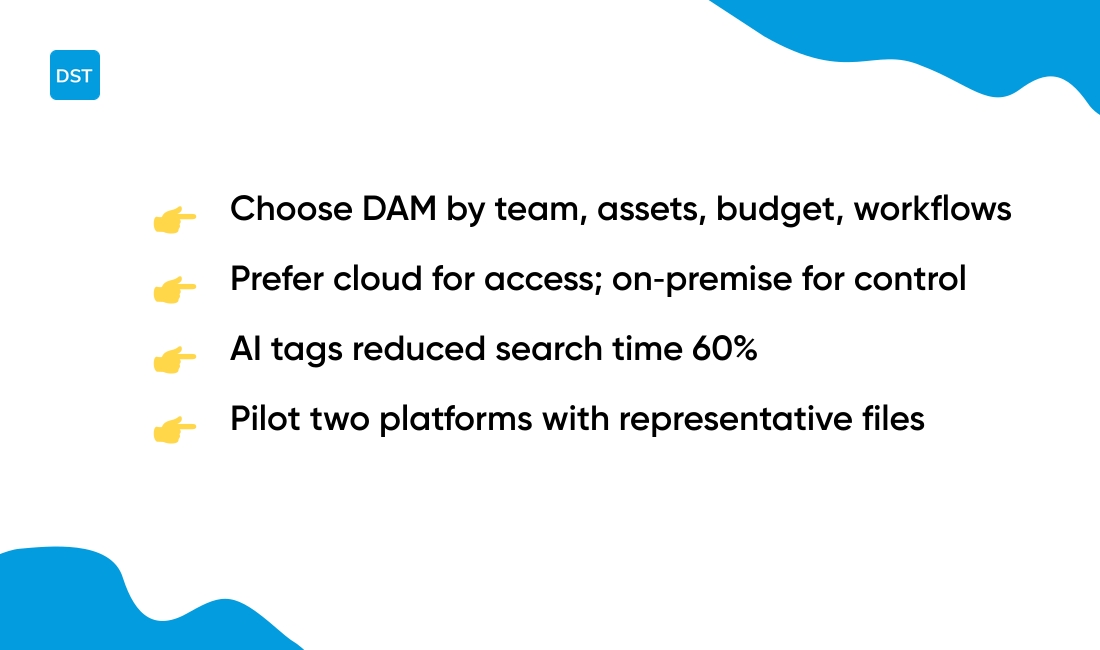
Digital asset management software must fit your team size, asset volume, budget, and workflows. Favor cloud for fast access and on-prem for strict control. Cloud tools serve most teams faster.
- Team size: 1–10 users = lightweight; 10–100 = mid-market; 100+ = enterprise.
- Asset volume: under 10k = basic search; 10k–100k = AI tagging; 100k+ = scalable CDN and indexing.
- Budget: $10–50 per user per month for small teams; $50–200 for advanced features; enterprise = custom pricing.
We set up a 10-person pilot and saw search time drop 60% after adding AI tags. A clear metadata plan saves hours per week.
What’s slowing down your team right now — search, approvals, or file versioning? Answer that before you demo any platform.
- Define must-haves: metadata, version control, permissions, integrations.
- Pilot with 1,000 representative files to test upload speed and search accuracy.
- Check security: role-based access, encryption, audit logs.
- Measure ROI: time-to-find, reuse rate, storage costs over 12 months.
DAM platform verdict: pick the one that proves faster search, reliable permissions, and a sane pricing model. Try a free trial and pilot your top two choices with real assets.
You’ll also like: Top 14 Project Management Software For Agencies
Benefits of media asset management for marketing teams
Digital asset management software speeds marketing workflows and lowers production costs. Here’s the thing — the benefits show up fast.
Faster asset retrieval reduces time wasted searching for files. Teams find images or videos in seconds with AI tags and smart search. Studies show teams cut search time by up to 60% after deploying a DAM platform.
Brand consistency enforces approved logos, fonts, and templates across campaigns. Controlled access and versioning keep the wrong files out of live assets. (No more outdated logos sneaking into launch emails.)
Streamlined approvals shortens campaign launches. Automated review steps and in-context commenting remove email chains and confusion.
We migrated a 2,000-item library into a DAM and tracked time savings. We saw fewer repeat requests and faster campaign handoffs. Clear taxonomies make a bigger impact than feature lists.
Better collaboration comes from shared collections and role-based permissions. Pair a DAM with collaboration tools for remote teams to simplify reviews across locations.
Operational costs drop when reuse replaces recreation. A single asset reused across five channels saves on shooting and editing expenses. Expect measurable savings in months, not years.
Actionable step: map your top 100 assets, pick a DAM that auto-tags, and run a 30-day pilot. Measure search time, approval time, and reuse rate to justify full rollout.
You might also like: Top 11 Best AI Work Platforms For Your Team
Digital asset management pricing and options
Expect digital asset management software pricing to span free tiers up to custom enterprise deals. Small teams can start with free or low-cost cloud plans.
Typical entry pricing runs $10–50 per user per month. Free tiers often limit users and storage to 1–5 GB.
Mid-market plans sit around $500–2,000 per month for teams that need more storage and workflows. Enterprise contracts commonly begin near $30,000 per year and scale with users, storage, and integrations.
Cloud DAM pricing factors:
- Users: per-seat or unlimited
- Storage: GB or TB
- Bandwidth: CDN fees
- AI features: add-on pricing
- Support: tiered SLA
Open source options remove license fees. Hosting, maintenance, and security add costs. Expect hosting bills from $100 to $2,000+ monthly depending on scale. Open source fits teams with engineering capacity.
Enterprise DAM cost extras: single sign-on, advanced permissions, custom metadata, migration services, and professional services. Those items can double or triple baseline prices.
Free tiers work for testing. Trials reveal real upload speeds, AI accuracy, and integration fit. We run short demos before recommending a plan.
Open source alternatives work well for long-term savings when you control hosting. If you need speed and low setup work, pick a cloud DAM.
Action: list your users, storage needs, and must-have features. Request quotes from vendors and run a 30-day trial.
Read also: Top 10 Best Resource Planning Tools



