

That moment when tasks pile up and nobody knows who’s doing what can kill team momentum.
Finding the right free kanban software is confusing when every tool promises simplicity but limits boards, users, or essential features.
Digital kanban boards make work visible and reduce back-and-forth, and this guide compares 11 top free options so teams can pick the best fit.
You’ll discover each tool’s strengths, limits, and ideal use cases (from personal task lists to self-hosted privacy), plus what to look for when you test them.
By the end you’ll be able to shortlist two or three kanban apps that match your team’s size, workflow, and integration needs.
What is free kanban software
Free kanban software helps you visualize work and ship projects faster with no licensing cost.
Kanban software uses columns and cards to map workflows. You move cards across stages to show progress.
Digital kanban boards replace sticky notes. They give clear priorities, limits on work in progress, and real-time updates.
Free plans include drag-and-drop boards, labels, checklists, and basic automation. They remove cost barriers for small teams and solo users.
You gain faster handoffs and fewer bottlenecks. Many teams cut status meetings by about 20% within weeks for routine projects.
A simple, visual board speeds adoption more than heavy features. Start with templates and one workflow to test value quickly.
We recommend trying two free tools side by side to compare fit. Learn more about choosing the right kanban board software that matches your team size and goals.
Visual task board options range from cloud apps to self-hosted open source. Pick what gives data control, integrations, and mobile access that your team needs.
Try a free plan for two weeks and measure onboarding time and task throughput. Use that data to pick a long-term tool.
Key features to look for in free kanban project management software
Drag and drop task boards
Move tasks faster and keep your team aligned with clear visual boards.
Intuitive drag and drop lets you shift cards across columns in seconds. You track progress at a glance and stop chasing updates.
Live syncing gives visual workflow management that reflects actual work. Teams see card owners, due dates, and priority in real time.
Smart boards cut update time. For many teams, task update time drops by about 20–30% during the first month.
We prefer boards that support bulk moves, quick edits, and keyboard shortcuts. These features keep focus and speed delivery.
Try a seamless team coordination setup with a free kanban software or a free kanban board app to test this on a live sprint.
Team collaboration and permissions
We recommend free kanban software that keeps teams aligned and your data safe.
You gain clear ownership, fewer duplicate tasks, and faster approvals.
- Multi-user access so everyone sees the same board and updates in real time
- Role-based permissions to limit editing, protect sensitive tasks, and control who moves cards
- Commenting and @mentions for threaded feedback and quick decisions
- File attachments that store specs, screenshots, and invoices on cards for easy reference
- Real-time notifications for status changes, deadlines, and new comments
Granular roles cut admin time by up to 50% for most teams, typically speeding onboarding to a day or two.
Explore collaboration platforms for teams to compare permissions and notification options.
Automation and integrations
Reduce manual work and keep your team aligned by connecting kanban boards to the apps you already use.
We set up automations that cut repetitive updates by about 30% in the first month.
Use automation rule sets to auto-assign, move cards, and set due dates when workflow trigger events fire.
Connect Slack, Google Workspace, and GitHub via third-party integrations to post updates, attach files, and link commits to tasks.
This sync makes a free kanban board act like a single source of truth for tasks and comments.
We tried linking Slack to a free kanban board and cut update meetings by half. Automations are the easiest win for most teams.
Start by testing simple rules on your free kanban software to save time today.
Mobile accessibility
We put mobile access first so your team updates tasks from any device.
Manage a free kanban software board on the go. Native apps and responsive sites keep your workflow live.
Push notifications deliver task updates instantly. Offline edits sync when the connection returns.
Use an online kanban board free to handle urgent bugs, client requests, or sprint changes without waiting for a desktop.
Native mobile apps speed decisions and reduce email clutter. A solid kanban board app free tier should let you move cards, add comments, assign users, and attach files in seconds.
Look for a free visual task board that keeps load times under two seconds on mobile.
Prioritize compact interfaces, clear notifications, and reliable sync. Test a kanban app free on both Android and iOS.
Compare how each option improves team response and task flow, then pick the one that saves you time.
Top 11 free kanban software to consider
monday.com
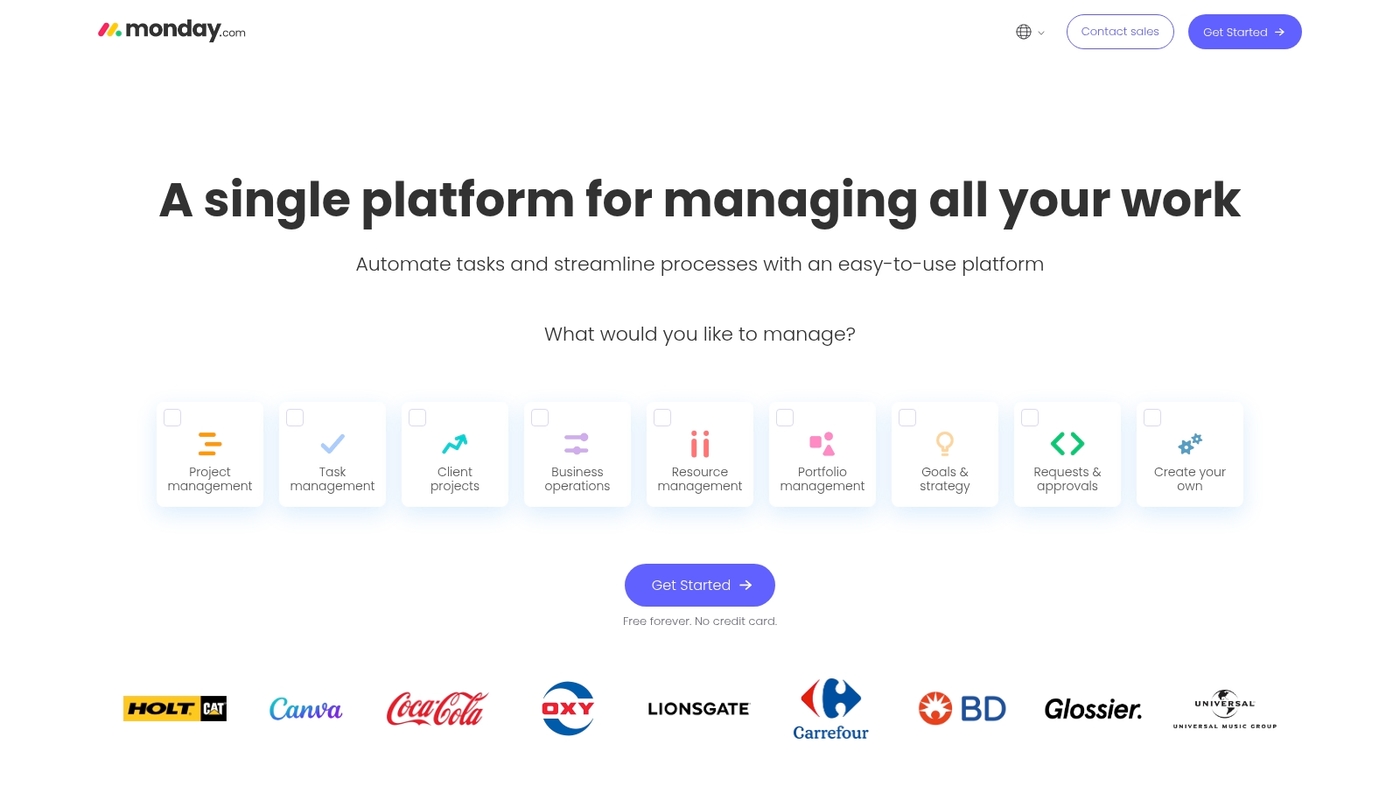
A visual kanban option for small teams that want quick setup and clear boards.
monday.com offers a free tier with colorful kanban boards, basic automation, templates, and collaboration features that reduce setup time. The interface makes task status visible at a glance and supports drag-and-drop card moves.
The templates speed onboarding for marketing sprints and client work. The free plan fits teams exploring kanban without buying software.
Compare core features with other project management software to confirm fit for your workflow.
Pros
- Easy visual boards with drag-and-drop task moves
- Basic automation and ready-made templates
- Colorful interface that highlights task status
Cons
- Advanced automations locked behind paid plans
- Interface can feel busy for simple personal boards
For who?
Small teams and agencies that need visual planning and fast adoption.
Pricing
Free tier available. To try the upgraded experience, start a trial at monday.com trial.
ClickUp
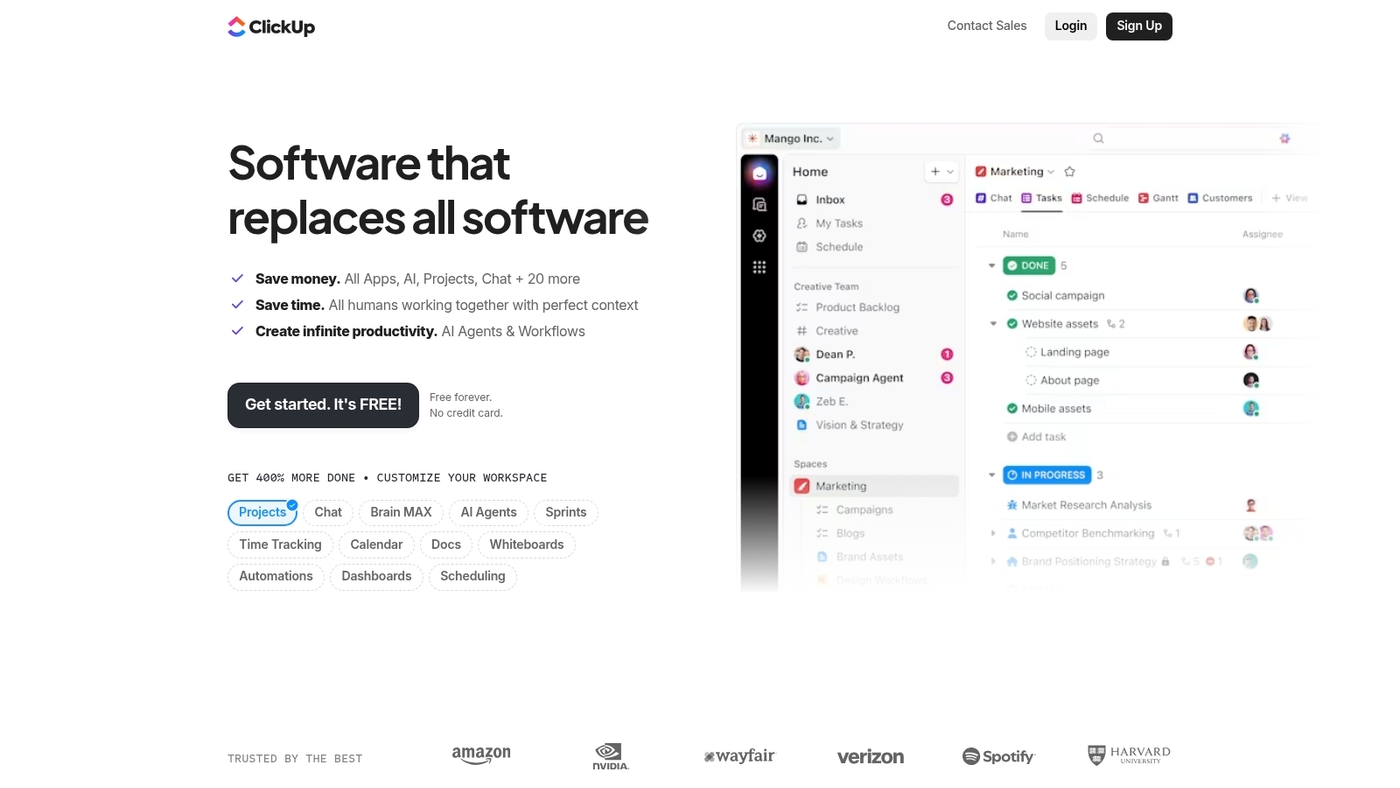
We recommend ClickUp for teams that need deep customization and a generous free tier.
ClickUp acts as a robust free kanban software with unlimited projects and flexible views. You get board, list, table and timeline views.
Use templates, automation and built-in AI to cut repetitive work. The app supports subtasks, custom fields, time tracking and integrations with common tools.
Expect a learning curve when you layer automations and permissions. I use ClickUp to run content sprints and client onboarding.
The platform rewards time invested with faster workflows and fewer tools to juggle.
If your team wants an all-in-one workspace and can tolerate setup time, ClickUp fits well.
Pros
- Unlimited projects on the free plan
- Highly customizable kanban boards and views
- Automation and AI to reduce manual work
- Comprehensive task structure with subtasks and dependencies
Cons
- Steep learning curve for advanced setups
- Interface can feel dense for new users
For who?
Teams that need deep task structure, multiple views, and powerful automations. Good for marketing, product and operations teams.
Pricing
Free plan available with generous features. Paid tiers unlock advanced automations, goals and enterprise controls as teams scale.
Trello
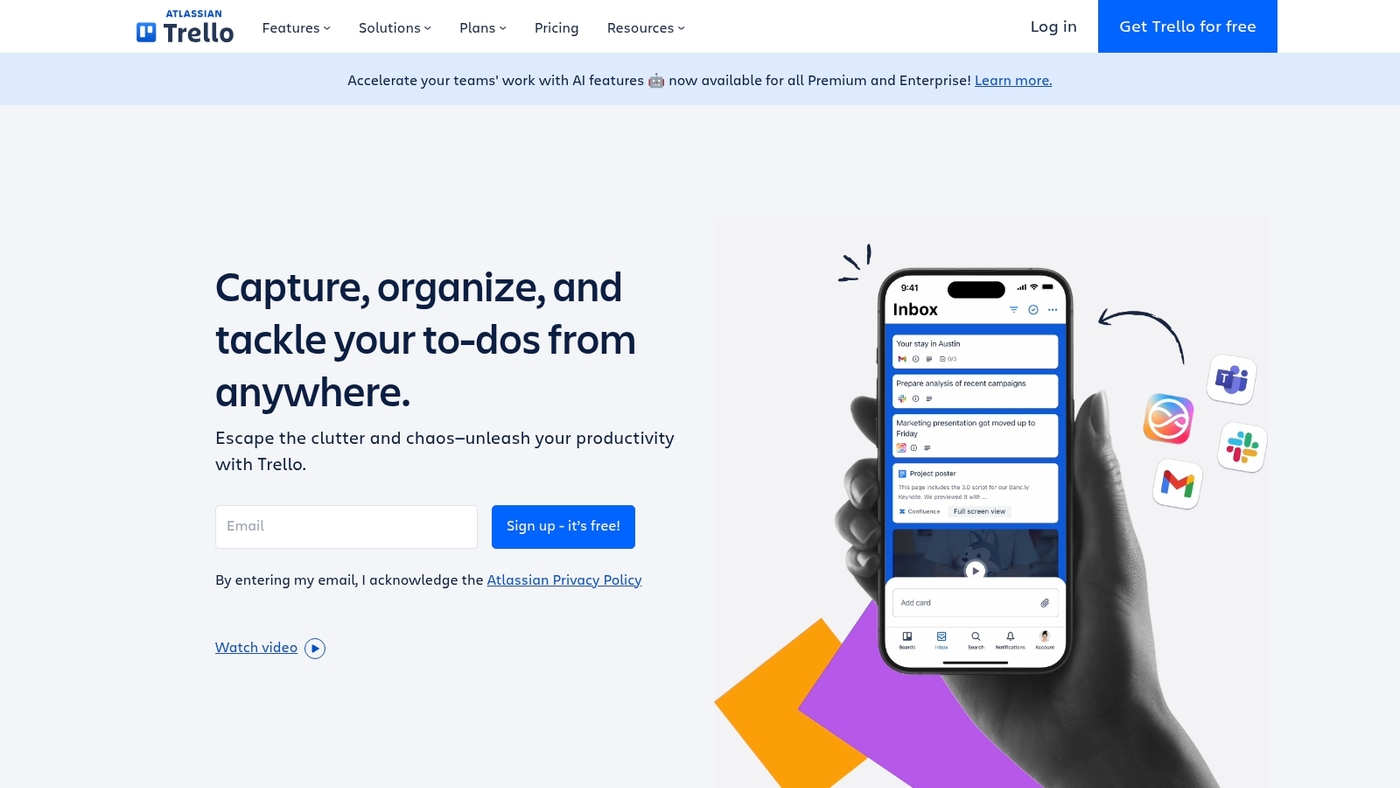
Organize visual workflows and move tasks fast if you prefer boards.
Trello offers a clean free kanban software option with an intuitive drag-and-drop interface. You get up to 10 boards per workspace (as of 2024), Butler automation with usage limits, one Power-Up per board, custom fields, and new Inbox and Planner views that help visual thinkers focus.
Trello syncs with common apps and has native mobile apps for updates on the go. Zapier lists Trello among top kanban apps.
We recommend Trello for teams that want a simple, visual task flow. Its board-first layout cuts meeting time and helps teams find work faster.
Pros
- Simple drag-and-drop board that shortens onboarding
- Butler automation for recurring tasks and rules
- Generous free tier for small teams and personal use
- Wide integrations and polished mobile apps
Cons
- Free plan limits boards per workspace and Power-Ups
- Automation usage caps on the free tier
- Less depth for complex project tracking
For who?
Teams and individuals who prefer visual task boards. Good for marketing sprints, content calendars, client onboarding, and personal kanban use. Works well if you want simple setup and fast adoption.
Pricing
Free plan includes core kanban features, limited boards per workspace, one Power-Up per board, and capped Butler runs. Paid tiers unlock unlimited boards, more Power-Ups, higher automation quotas, and advanced admin controls; pricing varies by seat and billing cycle.
Asana
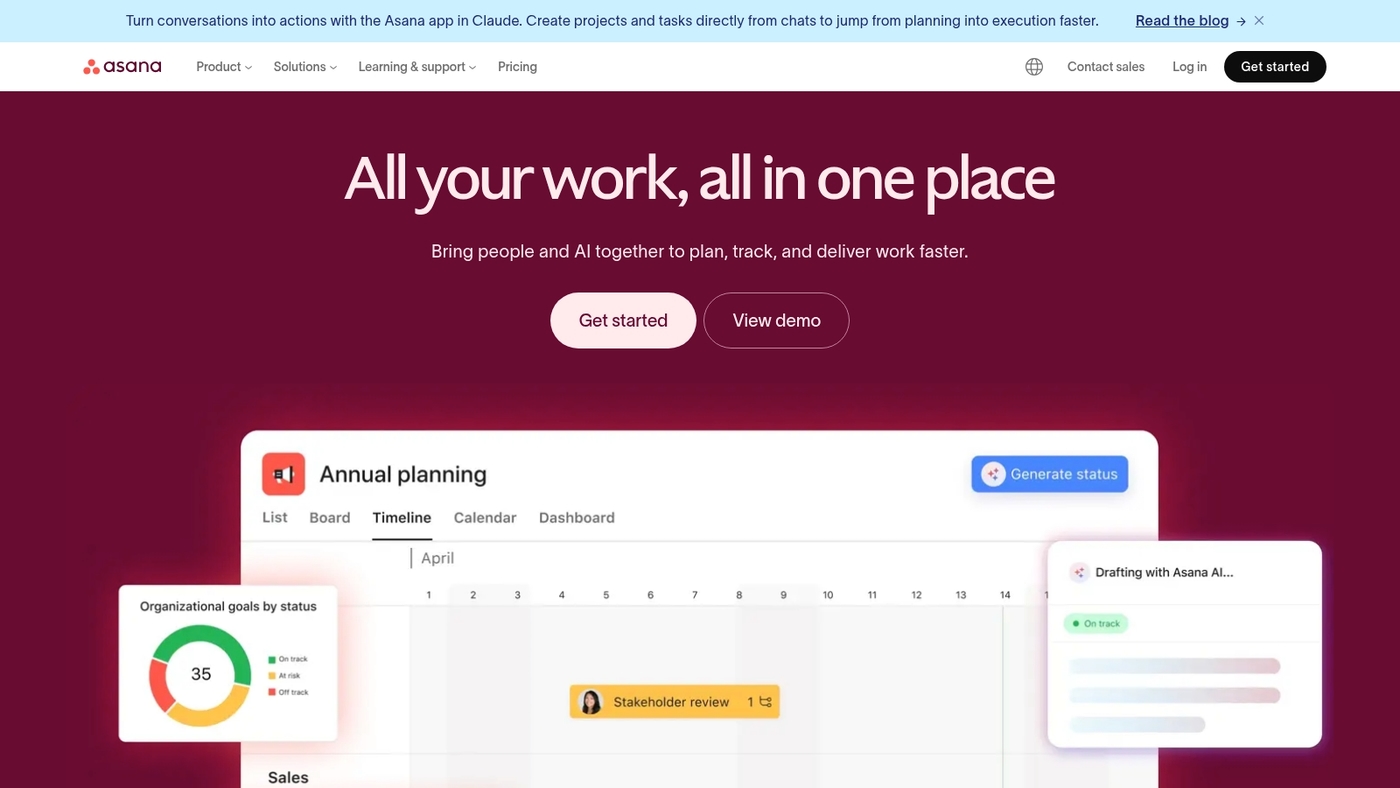
Visualize team work and ship tasks faster with Asana’s free kanban board.
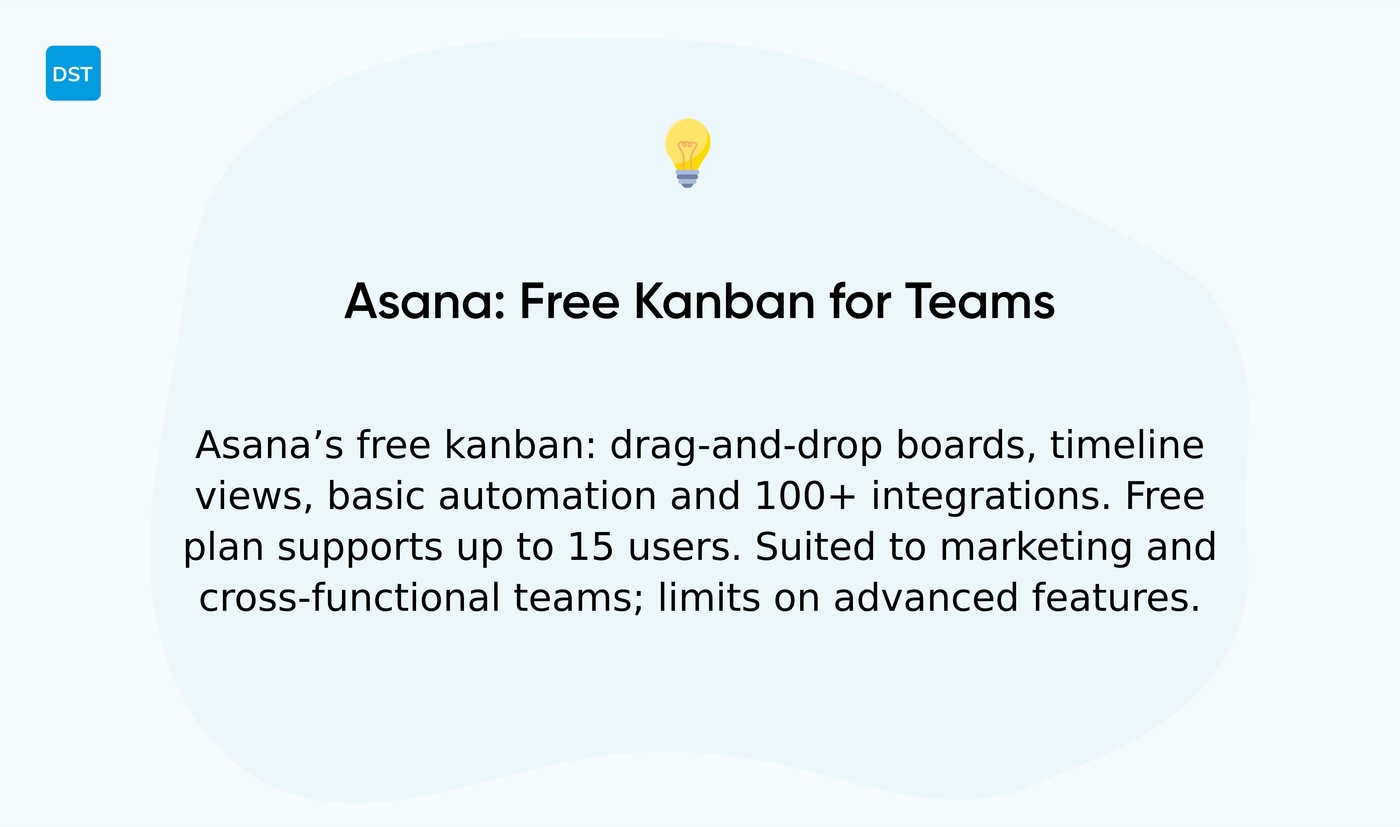
Asana pairs simple boards with workflow automation and timeline views. You get drag-and-drop boards, task assignments, comments, file attachments.
It offers over 100 integrations. Free plan supports up to 15 users.
It includes basic automation and three main views. We often recommend its free kanban software to marketing teams.
Asana balances usability and scale for cross-functional teams. The interface makes onboarding quick and cuts setup time.
Use templates to start faster and link Slack or Google Workspace. Try Asana’s free kanban board to see if it fits your workflow.
Pros
- Simple drag-and-drop kanban board for quick visual planning
- Built-in workflow automation and timeline views
- Wide integrations reduce manual updates across apps
- Free plan supports teams and basic task management
Cons
- Advanced automation limits on the free plan
- Reporting and custom fields are limited for power users
- Less focused on software issue tracking than dev tools
For who?
Small to mid teams, marketing squads, operations groups, and cross-functional teams that need a simple kanban workflow without heavy setup.
Pricing
Free for up to 15 users with board, list, and timeline views. Paid tiers add advanced automation, reporting, and admin controls.
Jira
We recommend Jira if your team builds software and needs a robust free kanban board that scales.
Jira’s free plan covers up to 10 users and packs sophisticated kanban boards, issue tracking, sprint planning, GitHub integrations, and advanced reporting. You get workflow rules, swimlanes, and customizable columns for clear task flow.
Teams can link commits and pull requests to issues and measure cycle time with built-in reports. Jira’s depth fits engineering teams better than casual personal kanban users.
Explore its sprint features with a practical guide to sprint planning software to shorten planning cycles.
Try the free plan and test kanban boards with real tasks before committing to a paid tier.
Pros
- Sophisticated kanban boards with reporting and swimlanes
- Strong dev integrations (GitHub, CI/CD links)
- Free for up to 10 users
- Advanced issue tracking and sprint support
Cons
- Steeper learning curve for non-developers
- Interface can feel heavy for simple personal kanban
For who?
Software teams, engineering squads, and product teams that need issue traceability, sprint support, and repo links. Not ideal for users who want a minimal, personal kanban app.
Pricing
Free for up to 10 users. Paid plans start at roughly $7.75 per user per month for fuller features (prices vary by region and billing).
KanbanFlow
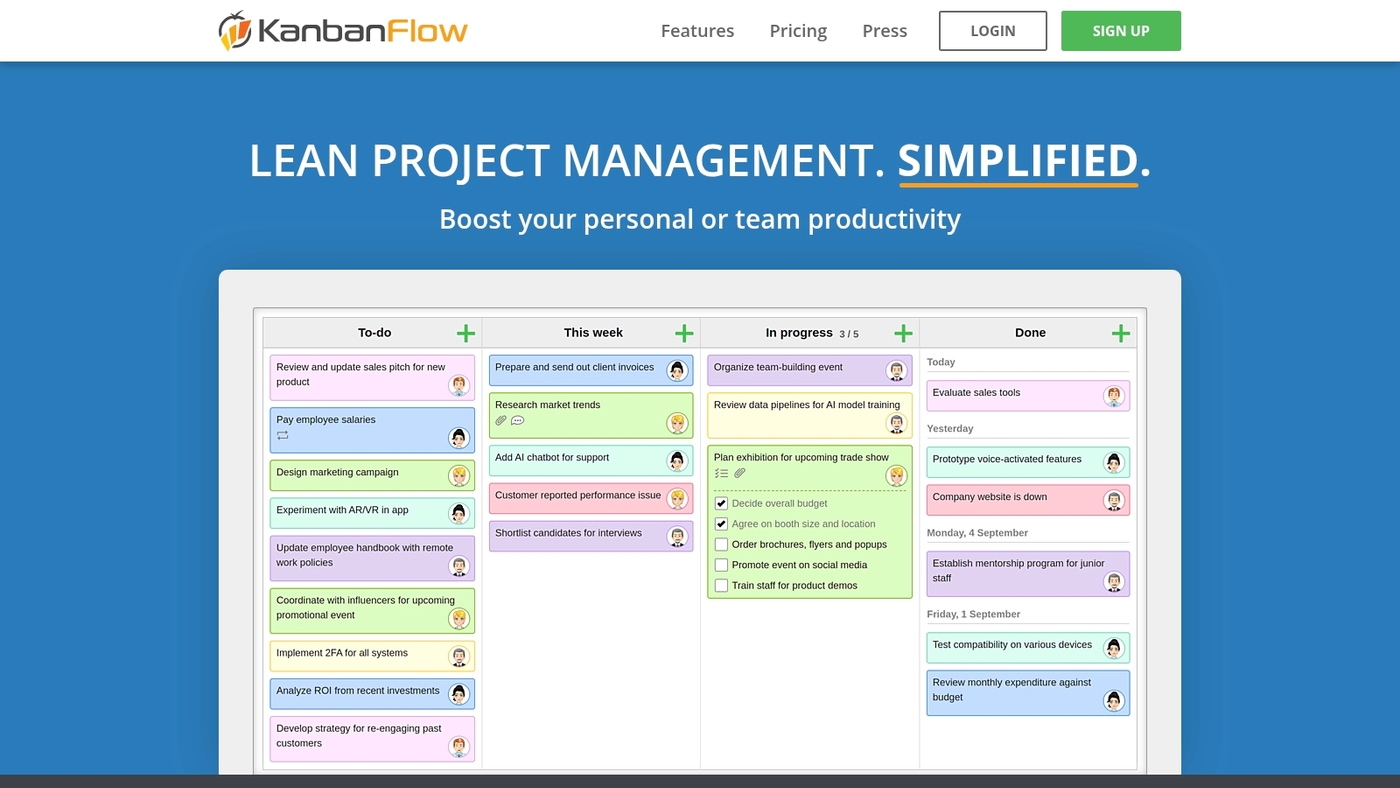
KanbanFlow delivers a lean kanban board built around focus work and fast setup.
It pairs a simple board with a built-in Pomodoro timer so you time work and log task minutes. You get subtasks, color labels, time estimates and bulk updates.
Drag tasks across columns and track time per card.
Save templates for repeat sprints and export task logs via CSV. The interface stays uncluttered to lower onboarding to minutes.
The tool fits solo users and small teams that need a practical free kanban software for personal productivity and light sprint management. Tracking estimates and actual time helps teams plan better and reduce scope creep.
We recommend KanbanFlow when you want a focused, no-friction kanban board with built-in time tracking.
Pros
- Quick setup and minimal learning curve
- Pomodoro timer plus time tracking on each card
- Subtasks, labels and bulk edits speed batch work
Cons
- Limited advanced automation compared to bigger platforms
- Mobile apps lack some desktop features
For who?
Freelancers, solo makers, small teams and anyone who wants a simple online kanban board free option that improves focus and measures task time.
Pricing
Free tier available. Pro plan typically starts around $5 per user per month for extra features like private boards and advanced reports (prices may change).
nTask
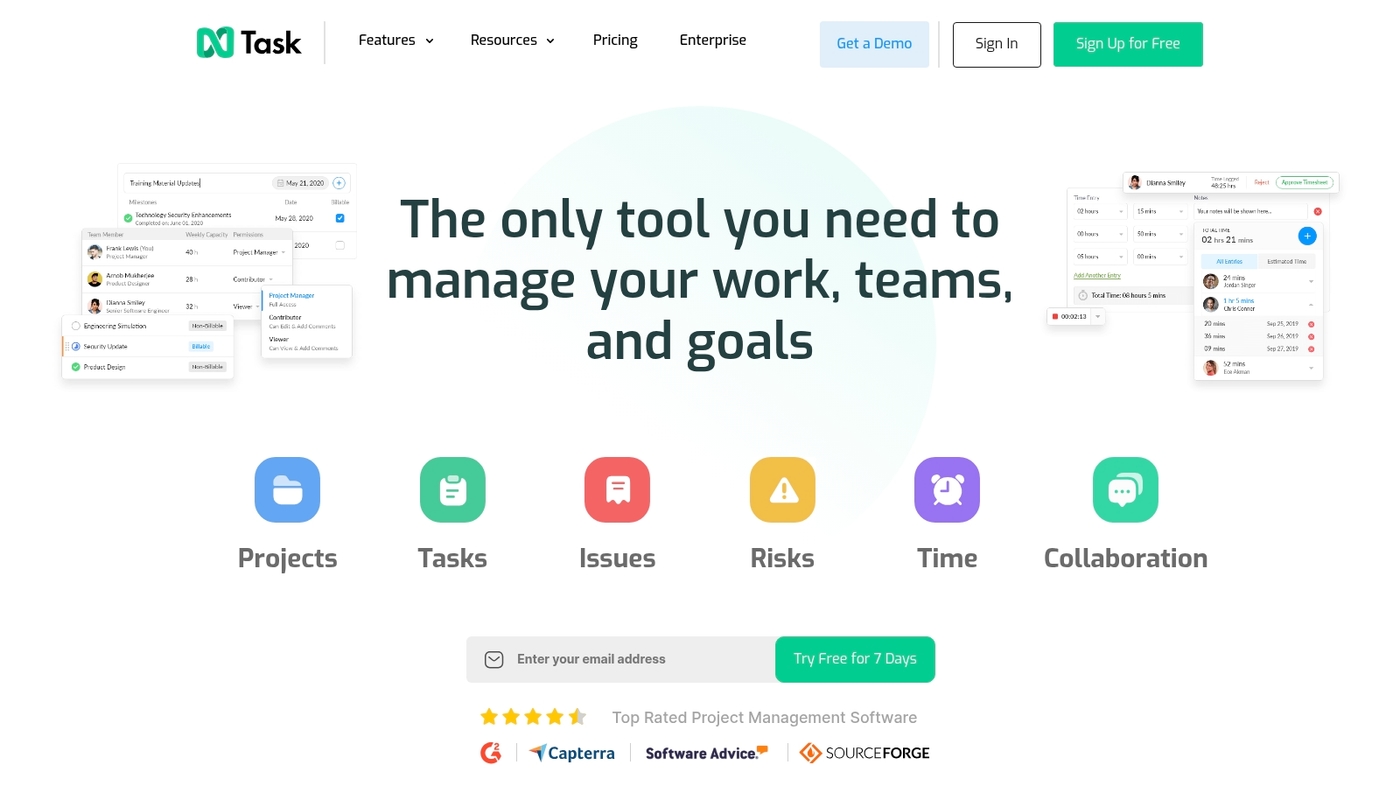
Manage small projects and track team hours without cost.
nTask is an easy-to-use free kanban software that pairs visual boards with time tracking and simple project controls. The interface keeps tasks clear and priorities visible.
You can use ready-made templates, set task dependencies, and log time on cards. The app supports subtasks, comments, and file attachments.
Integrations are basic yet useful for small teams.
You can start a marketing sprint or client onboarding workflow in under 30 minutes. I like its timer and dependency view for preventing bottlenecks.
Check our task management tools guide to compare similar options and find the right free kanban board for your team.
We tested nTask on a small marketing project and saw task clarity improve within one week.
Pros
- Quick setup and clean visual boards
- Built-in time tracking on cards
- Task dependencies to prevent bottlenecks
Cons
- Limited third-party integrations
- Advanced reporting behind paid plans
For who?
Small teams and solo users who need a simple kanban app with time tracking and task dependencies.
Pricing
Free plan available. Paid plans start around $3 per user per month for expanded features.
MeisterTask
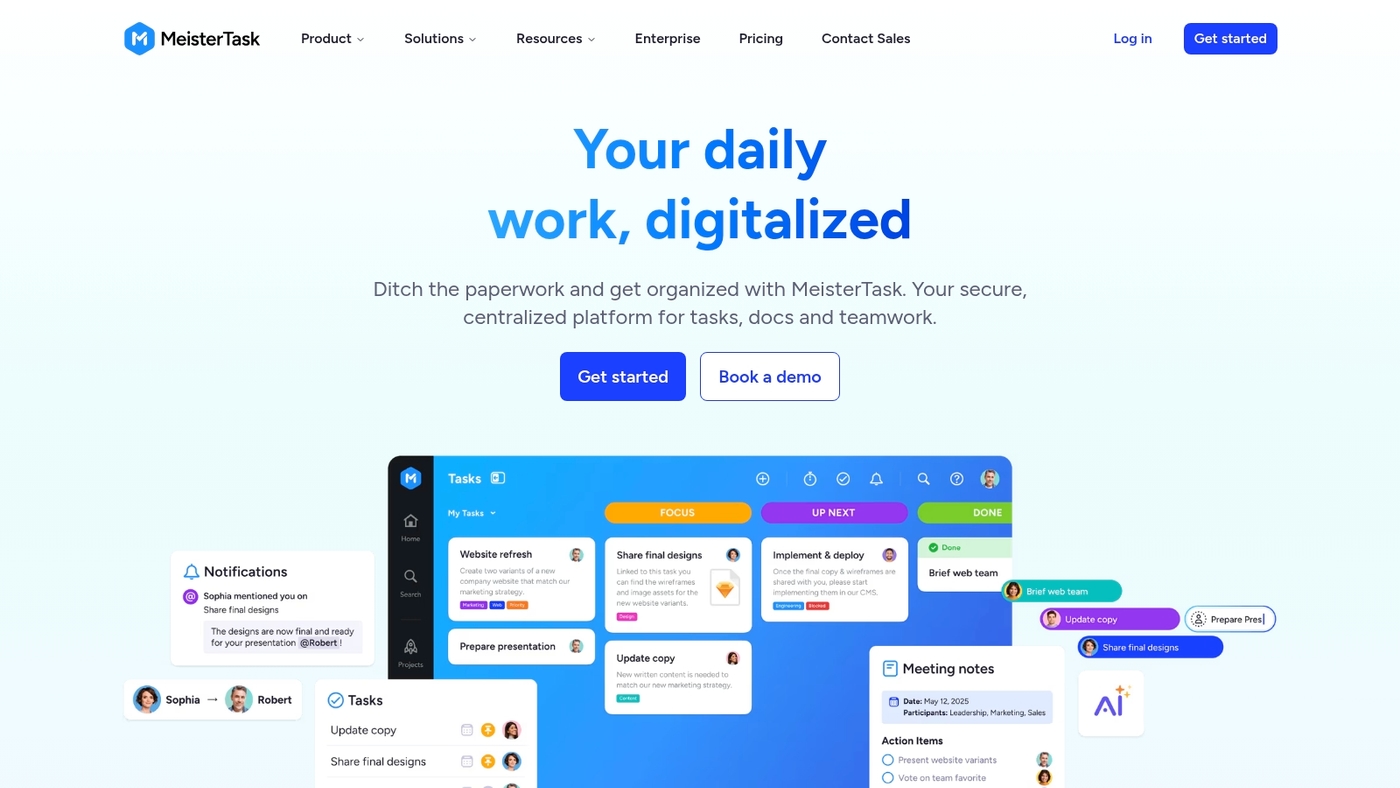
We pick tools that help creative teams stay focused and move work faster.
MeisterTask gives you an elegant, distraction-free personal kanban board. The UI looks calm and it loads fast.
You get mind mapping integration for idea capture and linked tasks.
Customizable workflows let you match boards to your process. Built-in automation handles routine updates and saves time.
The app works well as a free kanban software option for individuals and small creative teams.
The interface helps you focus without getting in the way. I use the mind map feature when I plan content.
If you want a clean kanban board app free of clutter, this one is worth testing.
Pros
- Clean, beautiful interface that reduces distraction
- Mind mapping and customizable workflows in one place
- Built-in automation for routine updates
Cons
- Advanced automation requires paid plan
- Limited free integrations compared to larger platforms
For who?
Solo users, freelancers, and small creative teams who want a simple visual workflow with mind mapping.
Pricing
Free tier available. Paid plans add more automations, integrations, and team features.
Miro
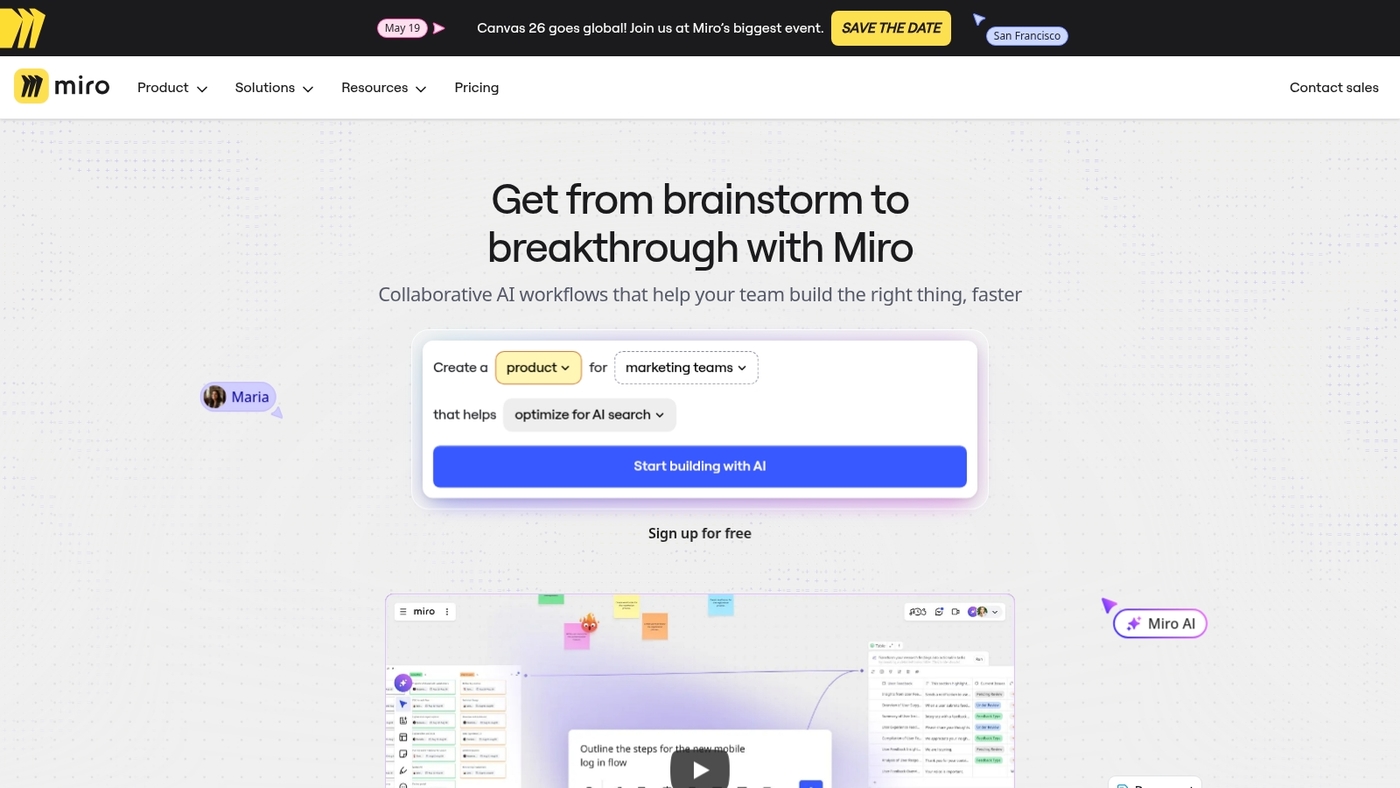
Miro offers a visual collaboration platform with free kanban templates inside an infinite whiteboard.
You place sticky notes, cards, and columns anywhere on the canvas. Real-time cursors and comments keep everyone aligned.
Integrations connect boards to Slack, Google Workspace, and developer tools.
The free tier gives you an online kanban board free for personal use and small teams, with ready-made templates that cut setup to minutes. Miro works well when you need a free visual task board that supports brainstorming and agile workflows.
I use Miro for sprint planning and design workshops to reduce setup time and shorten meetings. Explore similar collaborative whiteboard options here.
We recommend trying Miro’s free kanban templates to see if the visual canvas matches your team workflows. Try the free plan.
Pros
- Flexible infinite whiteboard with free kanban templates
- Real-time collaboration and many integrations
- Great for brainstorming and workshop facilitation
Cons
- Advanced features and extended board history sit behind paid tiers
- Canvas can feel overwhelming for users who prefer a simple kanban board
For who?
Design teams, product teams, and remote groups that need visual context and flexible layouts. Good for workshop facilitation and hybrid agile teams.
Pricing
Free plan available. Paid plans start at around $8 per user per month for core features and expanded history.
Kanboard
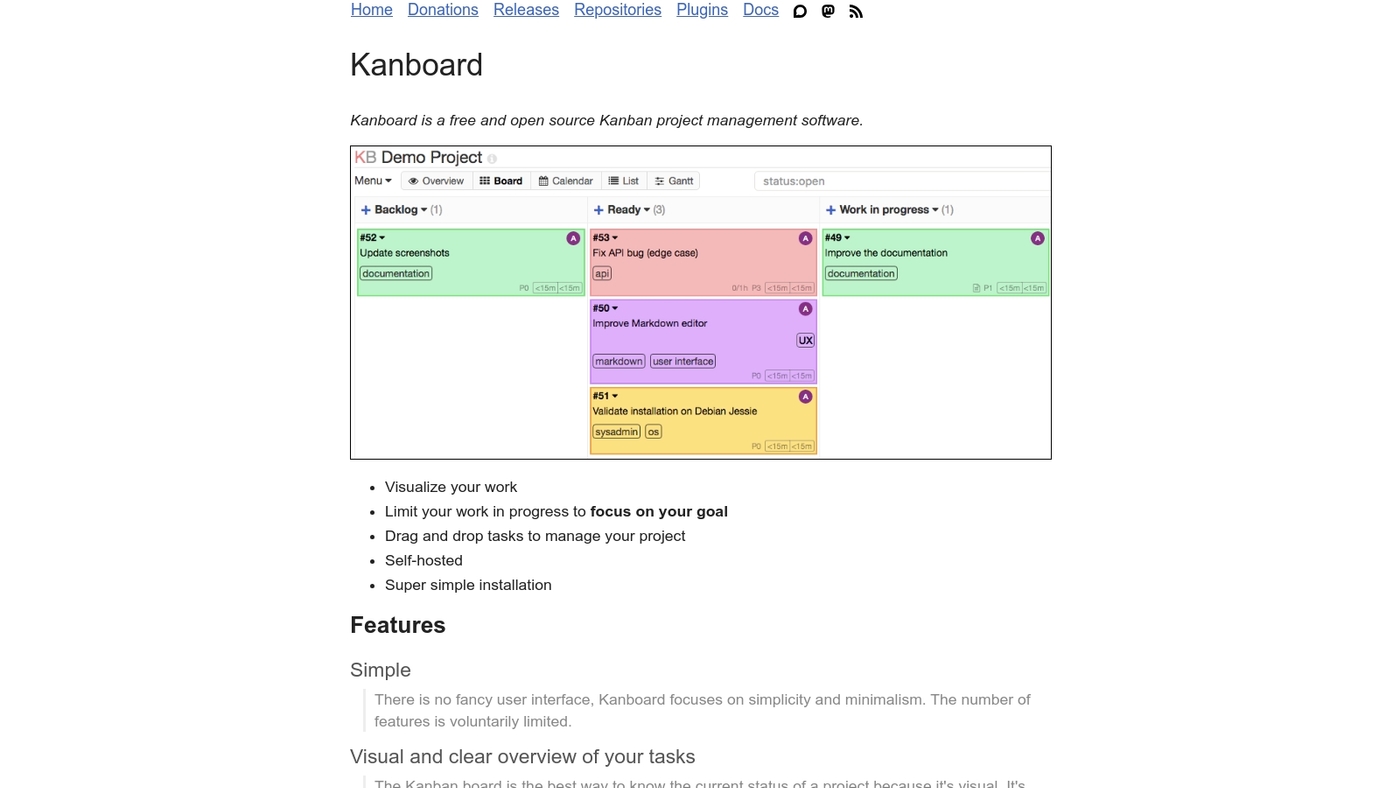
We recommend Kanboard. It gives teams full control of kanban boards and data.
Kanboard is an open-source, self-hosted kanban tool you run on your server. You get plugins, swimlanes, analytics, and basic automation with no subscription fees.
You handle backups, upgrades, and security.
Teams with simple sysadmin skills gain the most value. Small dev teams and privacy-focused groups use Kanboard to avoid cloud lock-in and keep costs near zero.
The UI stays minimalist and fast. Integrations often require manual setup and preserve privacy.
This counts as free kanban software if you accept hosting responsibilities and want tight data ownership.
Pros
- Full control over data and customization
- No subscription fees; active plugin ecosystem
- Privacy-focused self-hosted solution
Cons
- Requires server setup and ongoing maintenance
- Limited native cloud integrations and mobile polish
For who?
Teams that value privacy, customization, and zero subscription costs. Ideal if you have basic sysadmin resources.
Pricing
Free to download and use. Hosting and maintenance time create the main costs.
Wrike
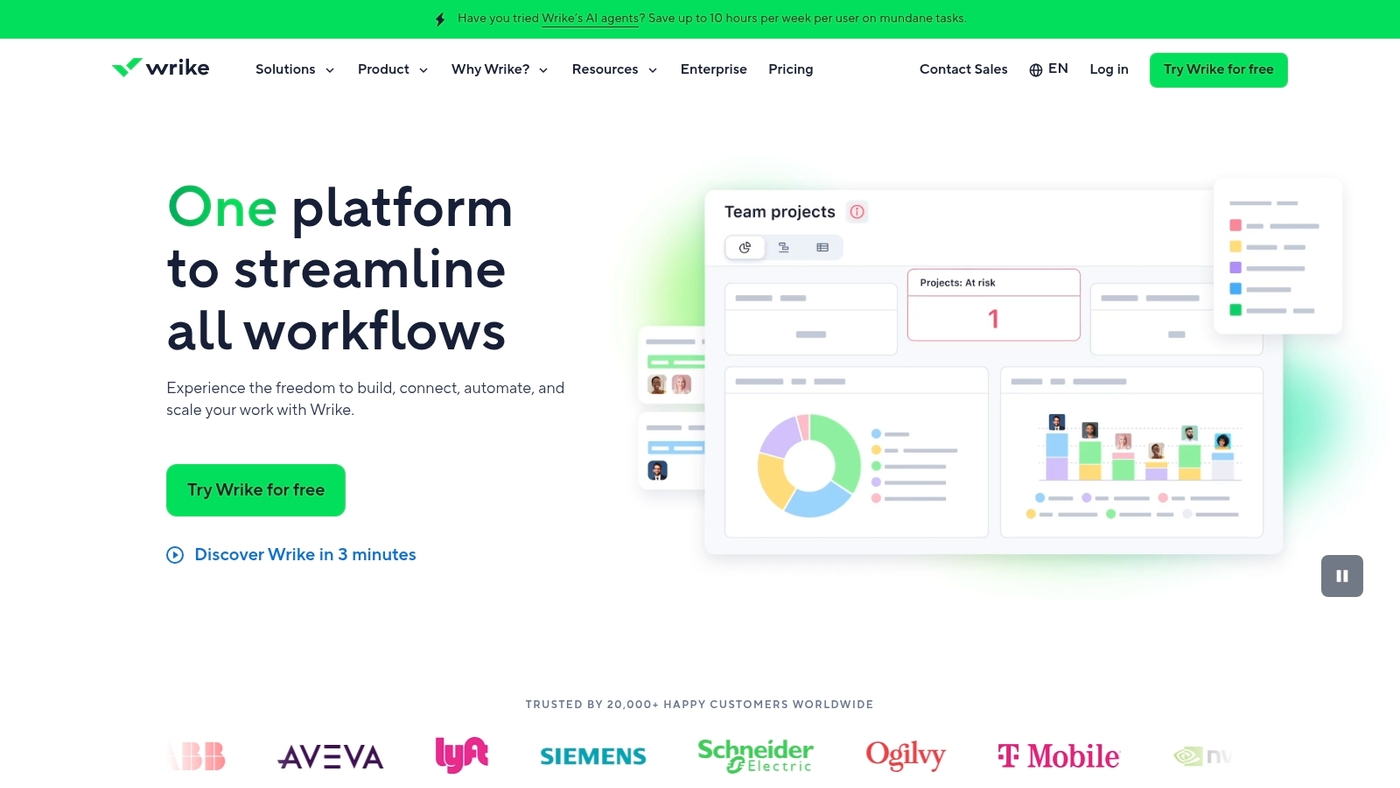
Wrike gives you a free kanban board view for up to five users.
It pairs task cards, a drag-and-drop board, file sharing, and clear activity streams. You get basic automation, custom fields, and native comments for team updates.
The free tier also includes Gantt charts for timeline planning. That mix helps you move from backlog to delivery without juggling separate apps.
Combining board and timeline speeds planning for small teams. I use Wrike for short client sprints when I need both a visual task board and simple scheduling.
This makes Wrike a strong candidate among free kanban software options for teams that want a professional start without cost barriers.
We suggest trying the free plan first to match it to your workflows.
Pros
- Board plus timeline in one app
- Real-time collaboration and file sharing
- Basic automation and custom fields
Cons
- Free plan limited to five users
- Advanced automation locked behind paid plans
For who?
Small teams and agencies that need a kanban app free with timeline views and basic integrations.
Pricing
Free for up to 5 users. Paid tiers add users, advanced automation, and deeper reporting.
Open source kanban vs hosted free kanban tools
Choose the right kanban to protect your data or speed up onboarding. Teams that value privacy or quick setup benefit most.
We compare control, privacy, maintenance, and features so you can decide fast.
| Factor | Open Source Self-Hosted | Cloud-Based Free |
|---|---|---|
| Data Control | Full ownership, host on your servers | Vendor-hosted, limited control |
| Setup Time | 2–4 hours initial setup | Under 1 hour to onboard |
| Maintenance | 1–2 hours weekly (updates, backups) | Zero maintenance required |
| Integrations | Manual setup, plugin ecosystem | Built-in connectors for Slack, Google, etc. |
| Mobile Access | Limited native apps | Polished iOS and Android apps |
| Cost | Zero subscription, hosting costs only | Free tier with upgrade paths |
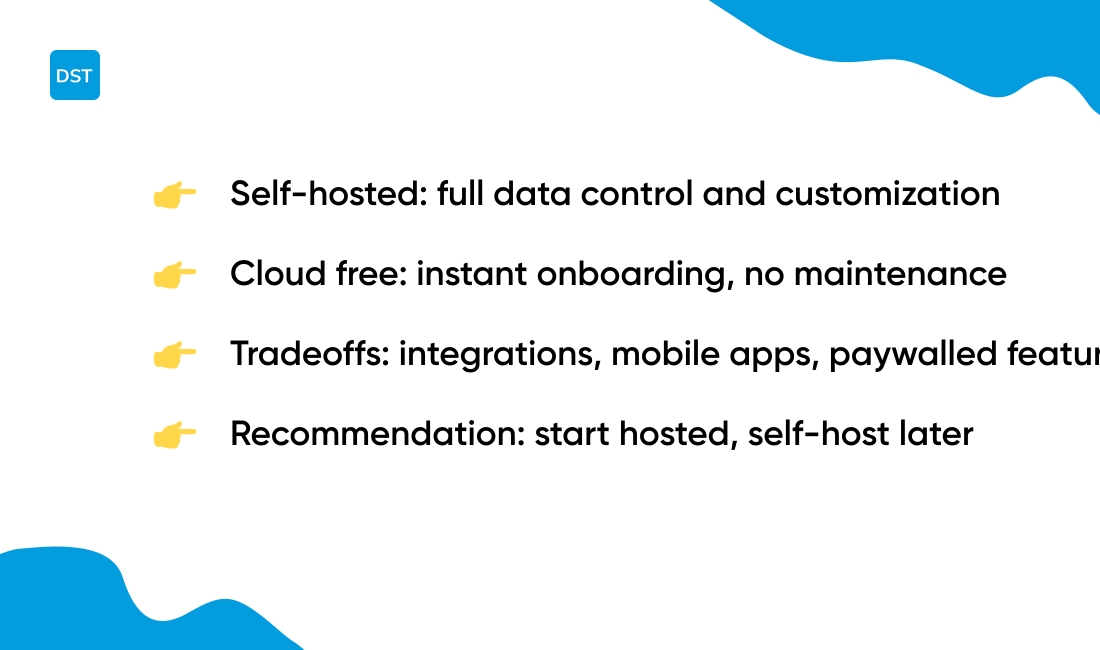
Self-hosted full control fits teams that need data ownership and deep customization. Open source kanban like Kanboard lets you modify code and host on your servers.
Expect 2–4 hours initial setup and 1–2 hours weekly maintenance, typically. You gain privacy and plugin flexibility.
Cloud-based free convenience suits teams that want instant access and low admin work. Free kanban software such as Trello or online kanban board free plans let you onboard in under an hour.
You get mobile apps, automation, and integrations. You trade off some data control and advanced features behind paywalls.
Here’s a quick comparison:
- monday.com — flexible visual boards and templates for small teams
- ClickUp — deep task features and customizable views
- Trello — simple free kanban board with strong integrations
- Kanboard — open source kanban for self-hosted use
- Jira — free for small dev teams with issue tracking
Small teams start with hosted free kanban. Scale to self-hosted if you need stricter privacy or heavy customization.
Try a hosted board to validate your workflow, then assess self-hosted options if needed.
You might also like: Top 13 Project Management Software For Freelancers
How to choose the right free kanban app for project management
Get a free kanban app that helps your team visualize work, cut meeting time, and finish projects faster.
We score tools by practical fit and time to value. Picking by team needs beats chasing features.
See our picks for free planning software here if you want quick comparisons.
What should you check before committing to a tool?
- Team size and seats — Pick a tool that covers your active users. Small teams work fine with single-board limits. Growing teams need generous free seats or easy upgrade paths.
- Technical requirements — Choose cloud or self-hosted based on privacy and IT bandwidth. Open source kanban suits teams that want control and no recurring cost.
- Customization needs — Look for custom fields, templates, and a drag-and-drop board. A simple kanban board free tier often includes basic templates and labels.
- Integrations — Confirm connectors for Slack, Google Workspace, or GitHub so your workflow stays central and automation reduces manual updates.
- Growth plans — Check limits on automation, storage, and boards so you avoid switching tools mid-project.
Try two apps for one sprint to measure onboarding hours and task cycle time. Choose the tool that reduces busywork and maps to your current workflows.
You’ll also like: 11 Best Project Management Software For Individuals
Best free agile kanban tools for Scrum workflows
We prioritize tools that help teams deliver predictable sprints and manage backlogs.
Free kanban software makes work visible. You map backlog items, run sprint boards, and spot blockers fast.
You limit work in progress and cut handoffs.
You can run a two-week sprint on free plans. Jira offers a free plan for up to 10 users with sprint boards and issue tracking.
Trello gives up to 10 boards per workspace with Butler automation. KanbanFlow adds a Pomodoro timer for focused work.
Kanboard provides a self-hosted option for data control.
Jira fits development teams that need advanced issue tracking and reporting. Trello fits teams that want a quick visual board and low setup time.
KanbanFlow and Miro help teams that pair planning with workshops.
Look for features that matter to Scrum: Sprint planning, backlog management, WIP limits, and integrations with Git or CI tools. Measure cycle time for one month to see gains in throughput.
Quick checklist:
- Set WIP limits for each column
- Define “done” for every card type
- Automate repetitive moves with simple rules
- Connect your repo or chat for faster triage
- Run one sprint and track cycle time
Compare Scrum-ready kanban options and pick the free plan that fits your team: Best free Scrum tools.
You might also like: Top 9 Best Virtual Collaboration Software



