

That sinking feeling when campaign results don’t add up?
It’s surprisingly common among marketing teams.
Marketing dashboard software centralizes those scattered reports so teams can stop guessing and start measuring ROI reliably.
Without a unified marketing dashboard, data lives in ad accounts, analytics, CRMs, and spreadsheets that rarely tell the same story.
Top tools connect channels in real time, automate reporting, and surface KPI trends. (So you can spot underperforming campaigns faster.)
This guide compares 11 best marketing dashboard software options and shows which platforms fit agencies, enterprises, and small teams.
You’ll learn how to pick a tool based on integrations, white-label needs, and budget constraints.
By the end, you’ll be able to build dashboards that track campaign ROI and highlight actions that actually move the needle.
What is a marketing dashboard?
See all your marketing metrics in one clear view.
Marketers juggle ad platforms, social reports, analytics, and CRM exports. Data often sits in silos and delays decisions.
A marketing dashboard software converges those sources into a unified interface. Dashboards track KPIs, campaign performance, and ROI in real time.
Dashboards pull data from Ads, Analytics, email, CRM, and e-commerce. They turn raw rows into visual charts.
You spot drops or wins within minutes.
- Measure results: consolidate cost, conversions, and revenue to calculate a clear marketing ROI dashboard
- Speed: reduce reporting time by up to 60% with automated pipelines and scheduled exports
- Integrations: connect Ads, Analytics, CRM, email, and social platforms for a true real-time marketing dashboard
For instance, merge ad spend with revenue to compute daily ROAS. That removes manual Excel merges and 80% of spreadsheet errors.
Pick KPI examples: CAC, LTV, ROAS, conversion rate, and organic traffic.
Connect cost and attribution to see which channel drives profit.
Use the same platform for social media dashboard, SEO dashboard, and PPC dashboard. That gives a multi-channel marketing dashboard view.
We prefer tools with native connectors and simple setup flows. Starting with five KPIs prevents clutter and speeds insight.
Try a free trial to build one dashboard and measure ROI within two weeks.
Key features to look for in marketing dashboard software
Real-time data integration and automated pipelines
Live connectors power accurate dashboards that reflect campaign status instantly.
They pull data from advertising platforms, social channels, analytics tools, and CRMs. We recommend using native connectors where possible.
This reduces mapping errors and improves sync speed.
Automating ETL cuts manual reporting time by up to 70% for mid-size teams. Set refresh intervals to 1–60 minutes based on data volume.
- Use native API connectors for Ads, Analytics, CRM
- Normalize metrics once to avoid duplicate counts across sources
- Streamline calculations in the dashboard, not in spreadsheets
Deploy a real-time marketing dashboard for PPC, social, and SEO signals.
A live feed alerts you to spend spikes within minutes and can save 5–15% of monthly ad budgets.
Start a trial of your marketing dashboard software and monitor one KPI for seven days. Watch sync lag and data accuracy to validate a true marketing ROI dashboard.
Customizable reporting and white-label capabilities
Build branded reports fast and keep stakeholders informed.
Teams waste hours stitching screenshots and spreadsheets. Clients expect polished, on-brand reports.
Pick a tool that offers drag-and-drop builders, pre-built templates, and scheduled delivery.
- Reduce report prep time up to 70% with reusable templates and saved widgets
- Low setup effort; brand kits and white-label options let you match client visuals in hours
- Connect Ads, Analytics, CRM, and social platforms for live metrics and accurate ROI figures
We automate report delivery using the best workflow automation software.
Branded reports shorten approval cycles and boost client trust. Try automating one client report this month to measure time saved.
AI-powered insights and anomaly detection
Marketing teams face floods of data from ads, analytics, and socials. Manual review misses fast shifts that reduce ROI.
We recommend enabling AI-driven analytics inside your marketing dashboard software. AI scans streams and flags outliers automatically.
- Real-time marketing dashboard surfaces trend changes within minutes, not days
- Improve a marketing ROI dashboard by prioritizing issues that cost the most budget
- Performance anomaly detection links anomalies to channels, keywords, and creatives. See recommended fixes and predicted uplift
- Integrates with Ads, Analytics, CRM, and top AI platforms. Check the best AI platforms for teams for connectors and pricing
Spotting a PPC or social drop within hours can save 10–30% of wasted spend. Try AI in one campaign this month and measure conversion lift after four weeks.
11 best marketing dashboard software to track ROI
AgencyAnalytics
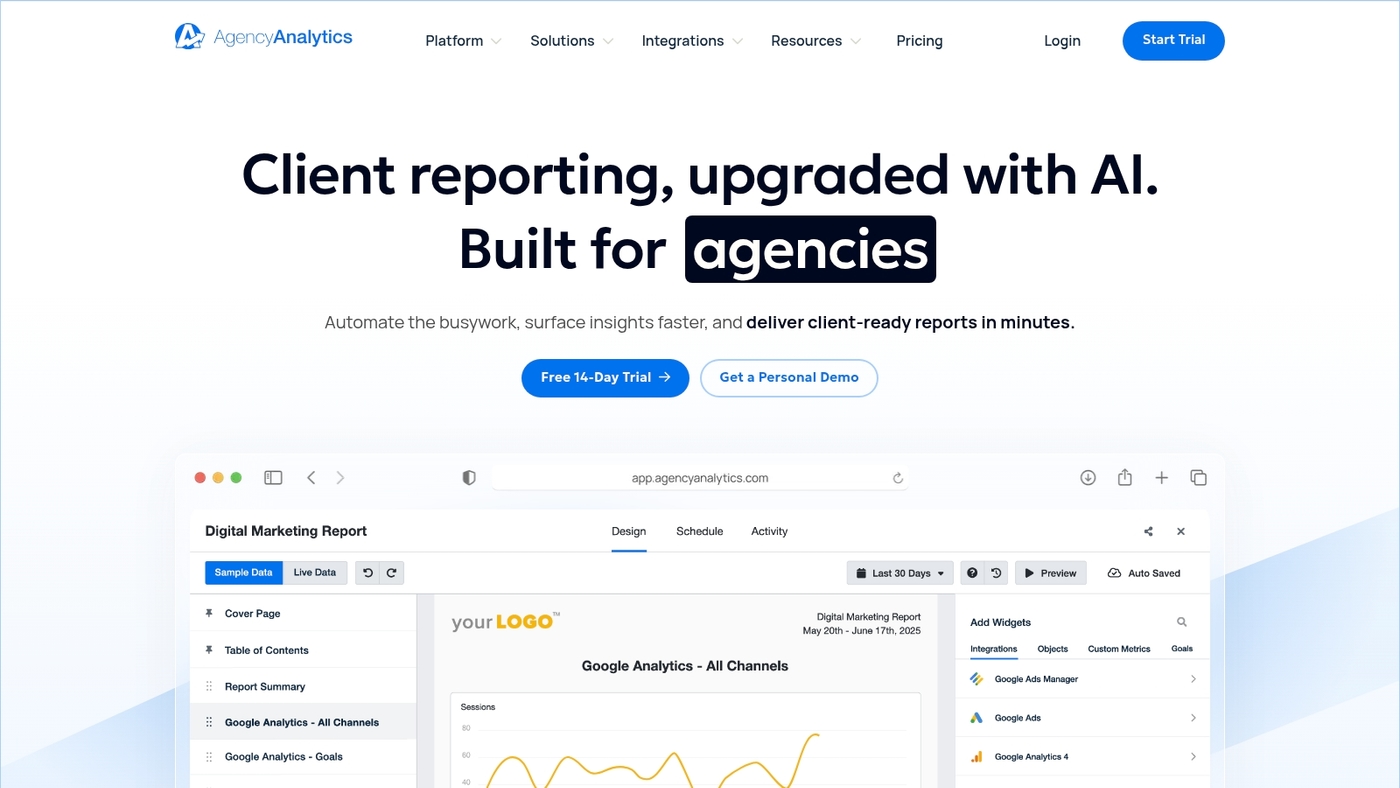
We recommend AgencyAnalytics for agencies that need a white-label marketing dashboard software to scale client reporting.
It offers white-label dashboards with 80+ integrations. It automates client reports and includes SEO rank tracking.
Plans start at $59/month.
The platform pulls Ads, Analytics, social, and CRM data into a single marketing analytics dashboard. You can schedule branded reports and monitor a marketing ROI dashboard in real time.
It cuts reporting time by a few hours per client each month for typical agencies.
Setup often takes a few hours for standard connectors. Sign up for a trial to test connectors and report templates.
Pros
- White-label client reports and dashboards
- 80+ native integrations across Ads, SEO, social, and analytics
- Automated scheduled reporting and SEO rank tracking
Cons
- Limited advanced ETL and data transformation features
- Advanced BI features require external tools
For who?
Agencies and consultants managing multiple clients who need branded reporting and fast setup.
Pricing
Plans start at $59/month. Custom agency tiers scale by client count and feature needs.
Funnel.io
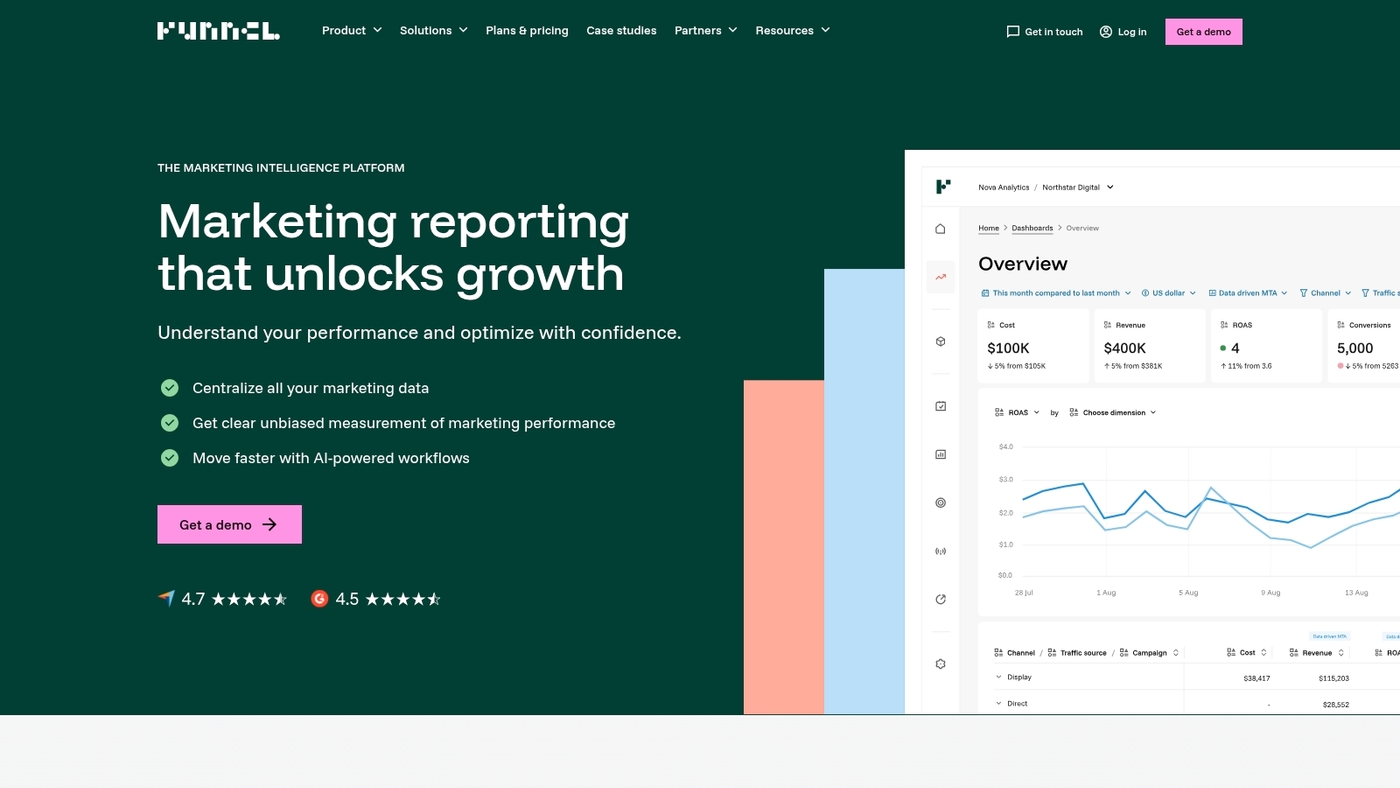
We recommend Funnel.io for teams that need reliable marketing dashboard software to unify messy ad, analytics, and social data.
It offers drag-and-drop builders to map and schedule feeds. It performs data cleaning and data normalization so numbers match across platforms.
You get connectors for Google Ads, Analytics, Facebook, Shopify, and many third-party tools. The interface supports team permissions and collaboration for shared reports.
Its normalization engine saves hours on manual reconciliation each week.
You can push clean datasets to BI tools or use built-in dashboards for a multi-channel marketing dashboard and real-time marketing dashboard views.
Pros
- Large connector library covering ads, social, and ecommerce
- Strong team collaboration and automation for scheduled reporting
Cons
- Custom pricing can be costly for very small teams
- Setup requires mapping work and some technical know-how
For who?
Marketing teams, agencies, and ecommerce analysts who need a trustworthy multi-channel marketing dashboard and clean data for BI exports.
Pricing
Pricing is custom. Contact sales for a demo and quote. Trial or exploratory sessions are available through their site.
Improvado
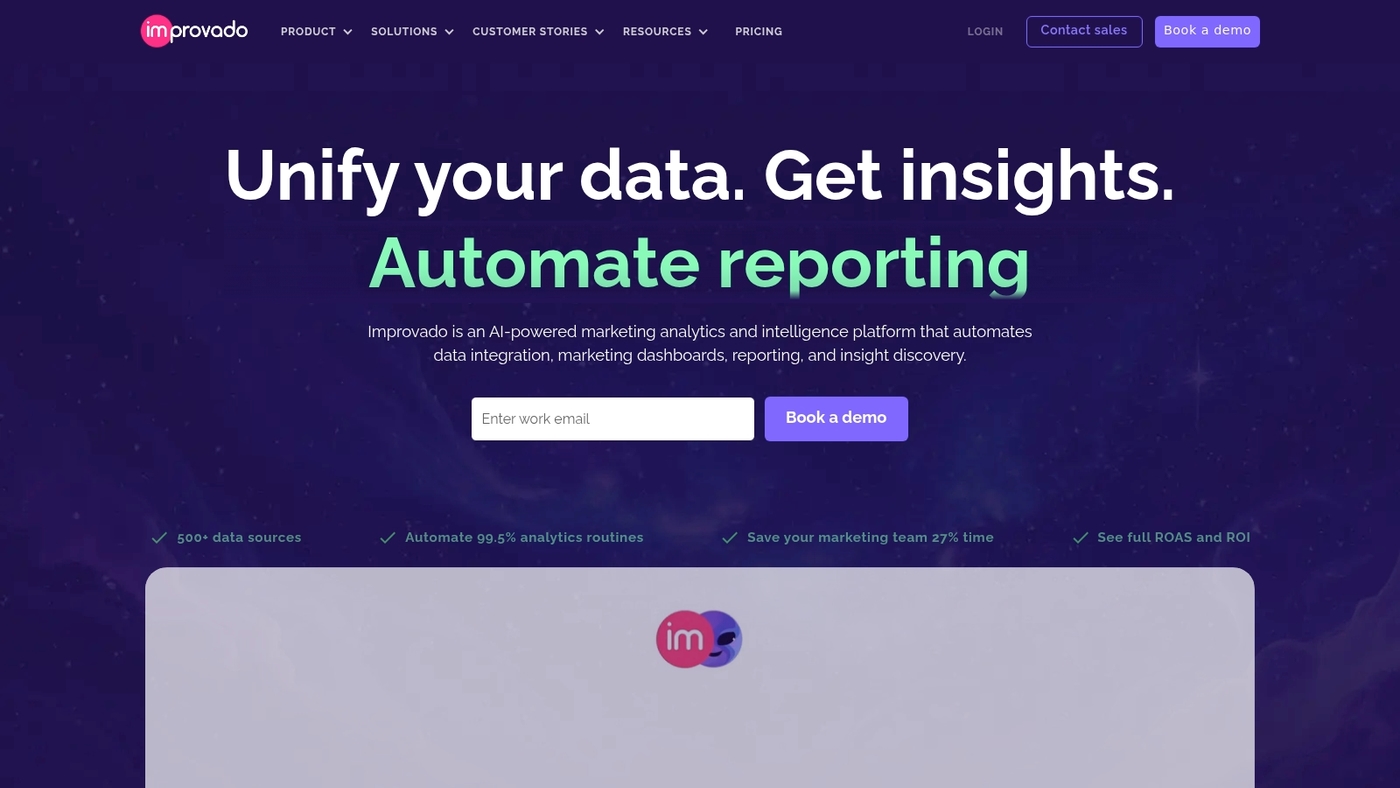
We recommend Improvado for enterprise teams that need reliable marketing dashboard software.
Enterprise ETL automation moves raw ad, CRM, and analytics data into BI tools. The platform delivers clean data streams for reporting and modeling.
You get connectors for major ad networks and CRMs and a pipeline that scales with volume.
The product includes AI-driven dashboards and customizable exports to Tableau, Power BI, or Looker. Improvado fits Fortune 500 stacks where data complexity slows reporting.
The setup requires engineering support but saves hours of manual exports and mapping. Use it when you need a durable, audit-ready pipeline and a unified marketing ROI dashboard for cross-channel KPIs.
Pros
- Scales to large data volumes and many connectors
- Native exports to major BI tools and flexible schema mapping
Cons
- Enterprise focus means higher cost and setup time
- Requires technical resources for advanced transformations
For who?
Large marketing teams, enterprise analysts, and agencies managing multi-channel campaigns.
Pricing
Custom enterprise pricing. Contact sales for a demo and a quote based on data volume and connectors.
Whatagraph
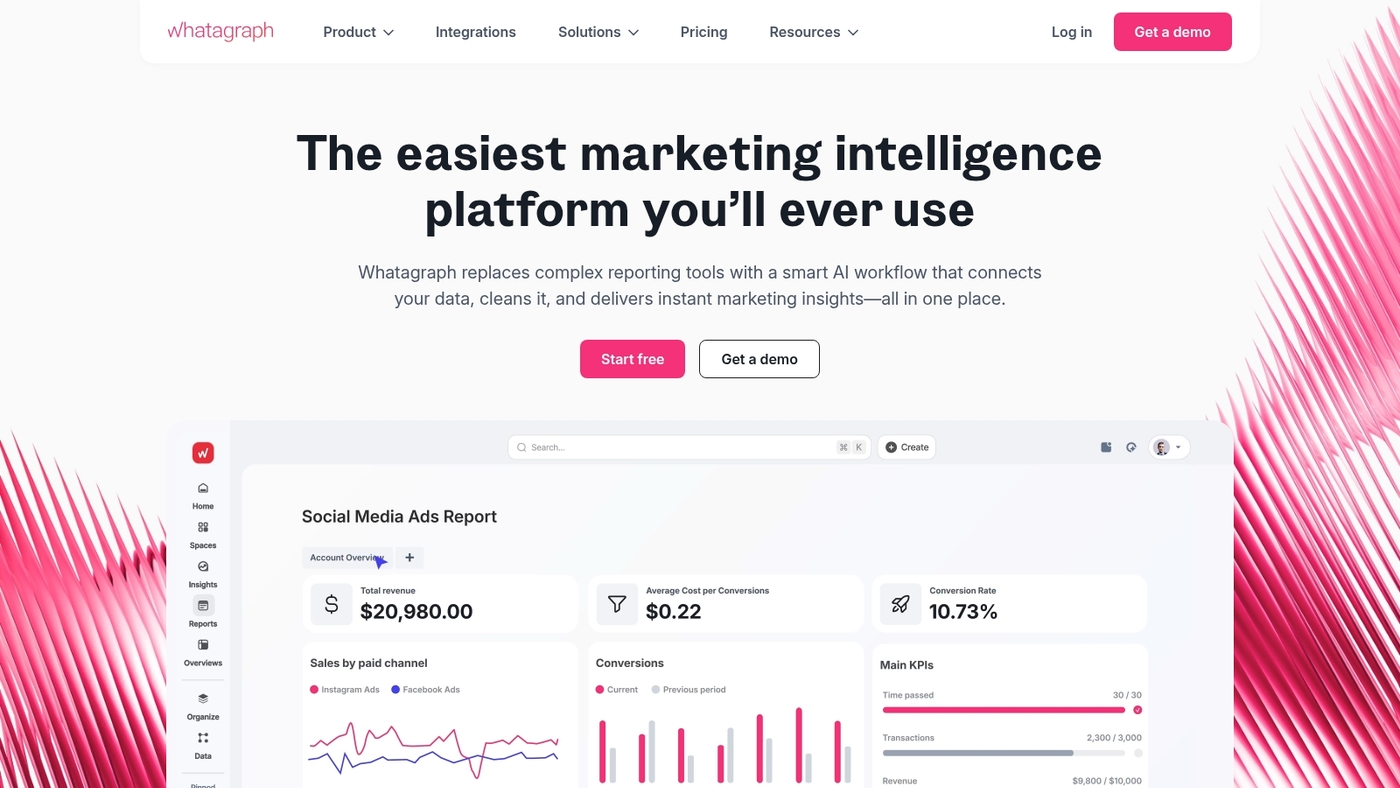
We use Whatagraph for client reporting because it turns raw data into polished, white-label dashboards fast.
It connects ad platforms, analytics, and social accounts to a marketing dashboard software that feels client-ready. Templates speed up setup.
AI-assisted reporting summarizes trends and flags anomalies.
You can schedule branded reports and export PDFs. Pricing ranges from a free plan up to $229/month billed annually.
Agencies get multi-client management and white-label options.
The tool cuts report prep time by about 50% for small teams. If you need a marketing analytics dashboard that delivers client-ready visuals with little setup, try the free plan and upgrade as your reporting needs grow.
Pros
- Polished templates and white-label reports ready for clients
- AI-assisted summaries that reduce manual analysis time
Cons
- Pricing rises to $229/month for advanced features
- Limited raw data transformation compared to ETL tools
For who?
Agencies and small teams that need fast, branded marketing performance dashboards and client reporting.
Pricing
Free starter plan available. Paid tiers scale up to $229/month billed annually.
Klipfolio
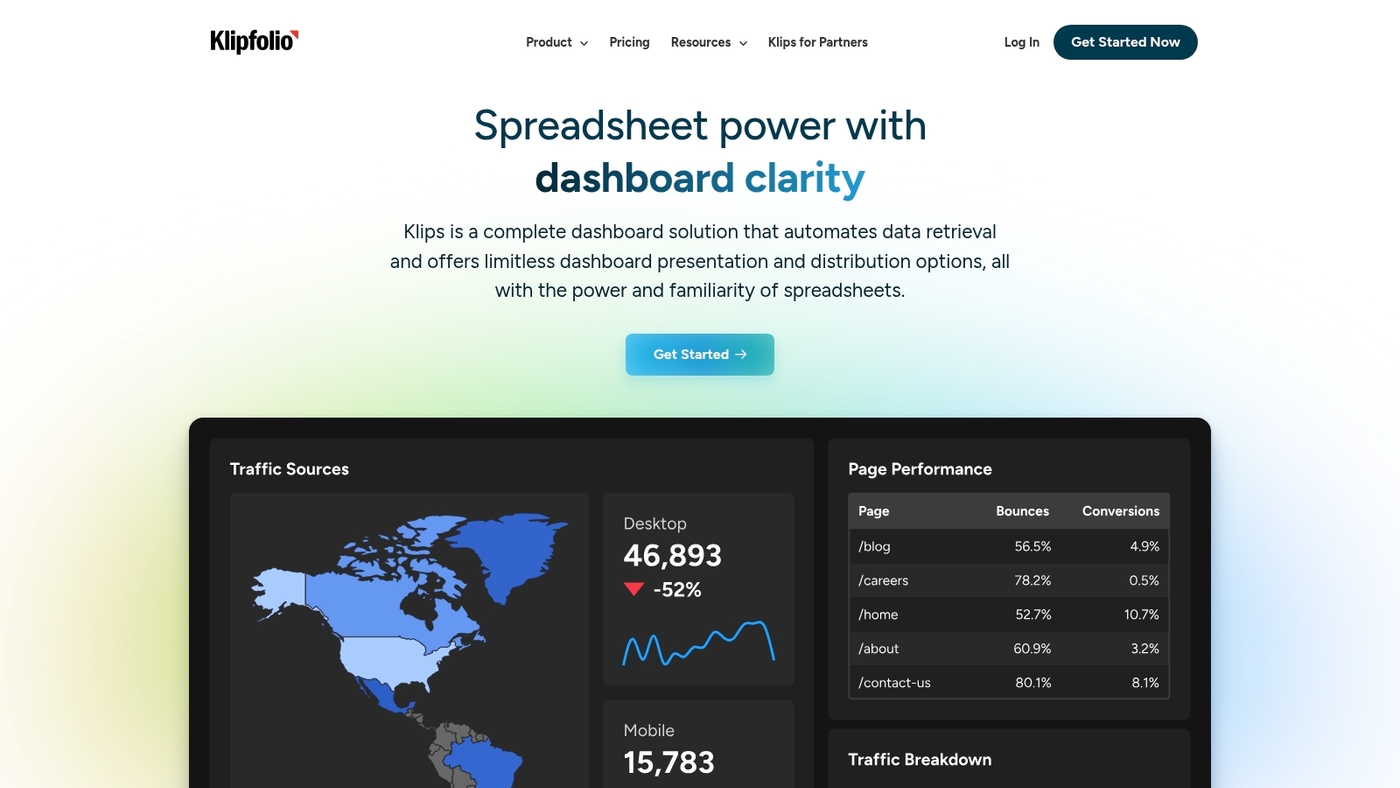
We value dashboards that show ROI fast. Klipfolio is real-time marketing dashboard software that pulls data from major sources.
It connects Google Analytics, Facebook Ads, LinkedIn, Shopify, and CRMs. You get drag-and-drop visualizations, data blending, and mobile access.
Pre-built templates cover CAC, LTV, ROAS, and funnel conversion metrics. Schedule reports and embed dashboards for stakeholders or clients.
Klipfolio fits teams needing flexible visuals and quick setup.
I’ve used it to merge ad spend and conversion data. That cut manual reporting time by about 50% within one month.
Advanced users build custom formulas and API connectors for complex metrics.
Pros
- Real-time data and mobile access
- Pre-built connectors for major platforms
- Customizable visualizations and data blending
Cons
- Costs grow with more users and data sources
- Setup is deeper for advanced blending and APIs
For who?
Marketing teams, agencies, and product teams that need a multi-channel marketing dashboard for KPI tracking and client reports.
Pricing
Subscription plans with a free trial. Custom pricing and enterprise options available for larger teams and data needs.
Databox
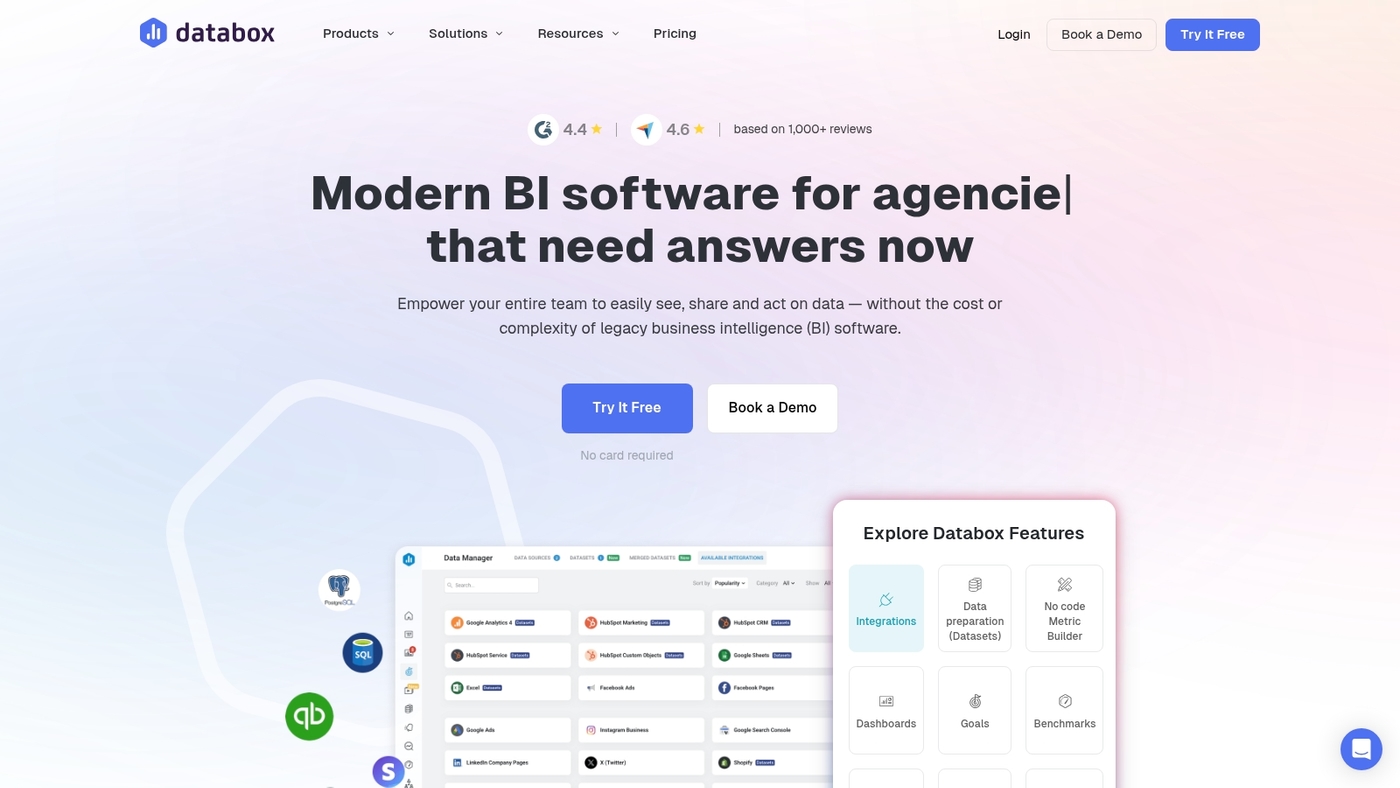
We recommend Databox for mobile performance monitoring. It delivers fast KPI visibility on phones and tablets.
The platform builds a real-time marketing dashboard that tracks SEO, PPC, social, and ecommerce metrics. It connects to over 70 integrations, including Google Analytics and Google Ads.
The builder uses drag-and-drop simplicity so you can create reports in minutes. The mobile UX speeds stakeholder updates and cuts manual reporting time.
Advanced data sources and two-way syncing come as paid add-ons. That adds cost for larger pipelines.
Databox fits teams that need a compact marketing analytics dashboard with solid Google integrations and mobile alerts.
Pros
- Mobile-native dashboards and push alerts for instant visibility
- Simple drag-and-drop builder for fast report creation
Cons
- Advanced connectors and syncing require extra fees
- Limited ETL capabilities for very large data sets
For who?
Marketing managers, agencies, and SMBs that want a real-time marketing KPI dashboard on mobile. Use it if you need quick client snapshots and simple campaign performance dashboards.
Pricing
Free tier available. Paid plans scale by data sources and query limits, with advanced connectors sold as add-ons.
Zoho Analytics
We recommend Zoho Analytics when you need affordable marketing dashboard software that scales with a small budget.
It starts at $25/month and offers 500+ connectors for Ads, social, CRM, and web analytics. The drag-and-drop interface speeds up dashboard creation.
Built-in AI flags anomalies and suggests trends for your marketing ROI dashboard. You can blend data from PPC, SEO, and ecommerce to get a unified view.
I’ve used it to build client-ready reports in under an hour.
The platform fits teams that want a real-time marketing dashboard without heavy engineering. Advanced data modeling works but needs some technical setup.
You get scheduled reporting, API access, and export options that keep stakeholders aligned.
Pros
- Low starting price at $25/month for self-service BI
- Over 500 connectors and AI-driven insights for quick analysis
Cons
- Complex joins and advanced modeling require technical know-how
- Performance can slow with very large datasets
For who?
Small teams, SMB marketers, and agencies on a budget that need a multi-channel marketing dashboard and scheduled reporting.
Pricing
Plans start at $25/month. Higher tiers add users, storage, and advanced features. Annual billing lowers the monthly rate.
DashThis
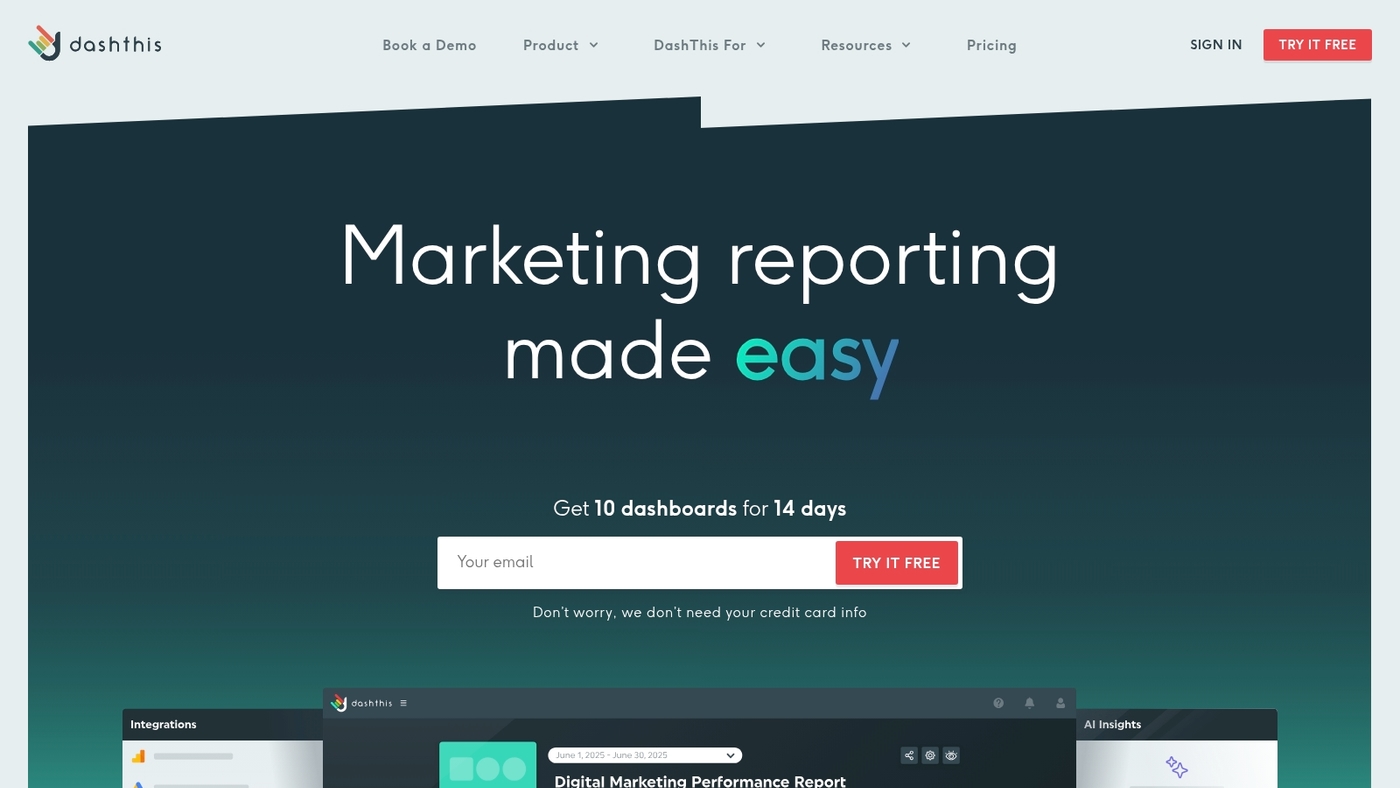
We recommend DashThis for small teams that need client-ready reports fast.
DashThis auto-populates templates from Google Analytics, Ads, email, and social channels. It pulls data into a clean marketing dashboard without manual exports.
The platform suits agencies that must deliver simple monthly reports. The drag-and-drop layouts save hours each month.
The tool integrates with common marketing analytics software and PPC dashboards.
Set scheduled deliveries and white-label PDFs for clients. Reports export to PNG and PDF formats.
Use it as marketing reporting software when you need clarity over raw spreadsheets.
Pros
- Fast setup with auto-populated templates
- Client-ready PDFs and white-label options
- Connects to Analytics, Ads, email, and social platforms
Cons
- Limited advanced data modeling or ETL features
- Scaling costs rise with many client accounts
For who?
Small marketing teams, boutique agencies, and consultants who need fast client reports and simple KPI dashboards.
Pricing
Monthly and annual plans exist. Custom agency pricing available for white-label features and high-volume accounts.
Cyfe
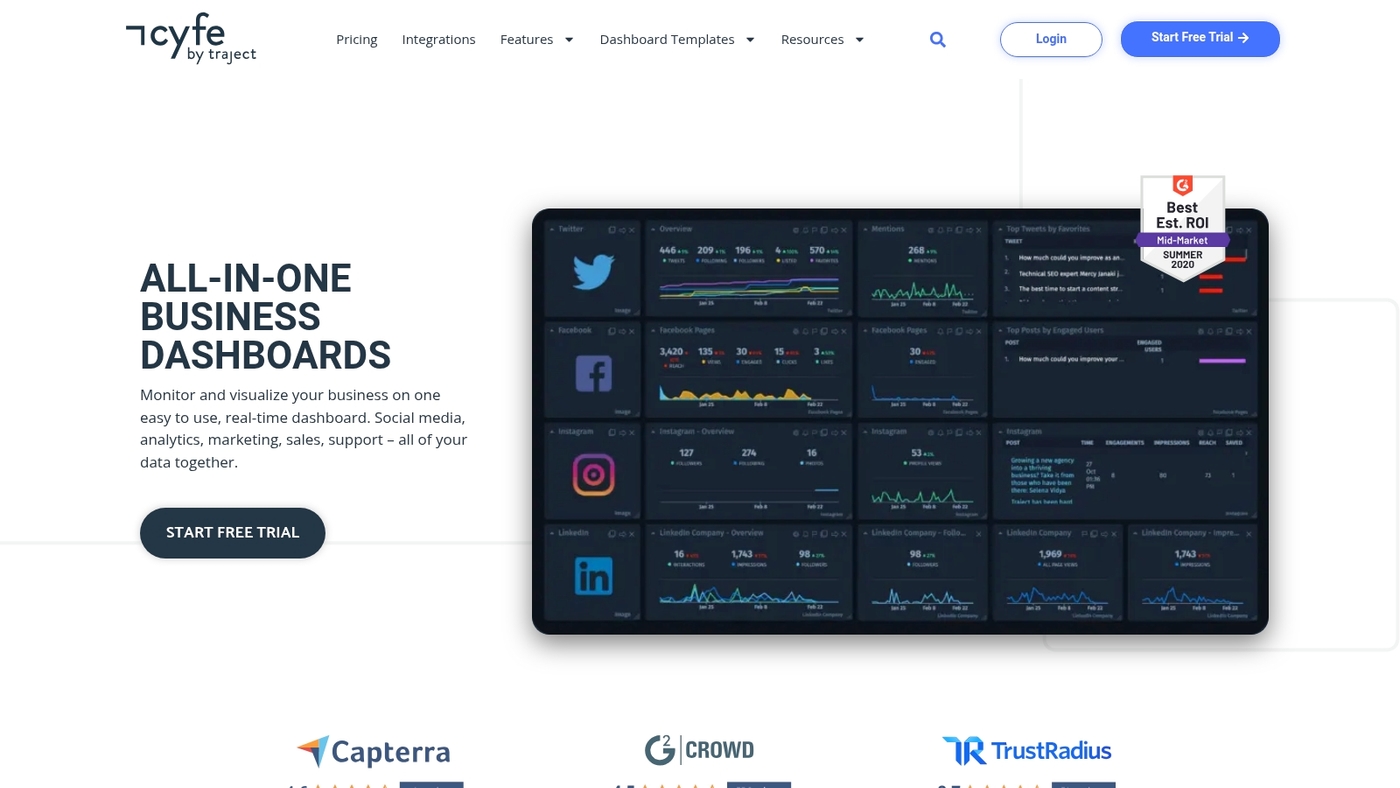
Cyfe is a widget-based all-in-one dashboard that pulls marketing, sales, and finance data into a single view.
It offers pre-built widgets for Google Analytics, Ads, Facebook, Twitter, Mailchimp, Shopify, and other common platforms. You assemble widgets into custom dashboards to monitor KPIs, campaign spend, conversions, and revenue in one place.
White-label options let agencies brand reports and client portals. Setup takes a few hours for common sources and needs no ETL skills.
Cyfe works well as a low-maintenance marketing dashboard software for SMBs that want multi-channel visibility without heavy engineering.
I’ve used similar widget dashboards and they cut weekly reporting work by more than half when set up correctly. We suggest testing white-label reports during your trial.
Pros
- Easy widget setup for common marketing and sales tools
- White-label dashboards for client-facing reporting
Cons
- Limited advanced data transformation features
- Customization can feel basic for enterprise BI needs
For who?
Small teams, marketing agencies, and startups that need a single-pane, multi-channel marketing performance dashboard.
Pricing
Offers a trial and paid plans that start under $20/month, with higher tiers for white-label and advanced features.
Supermetrics
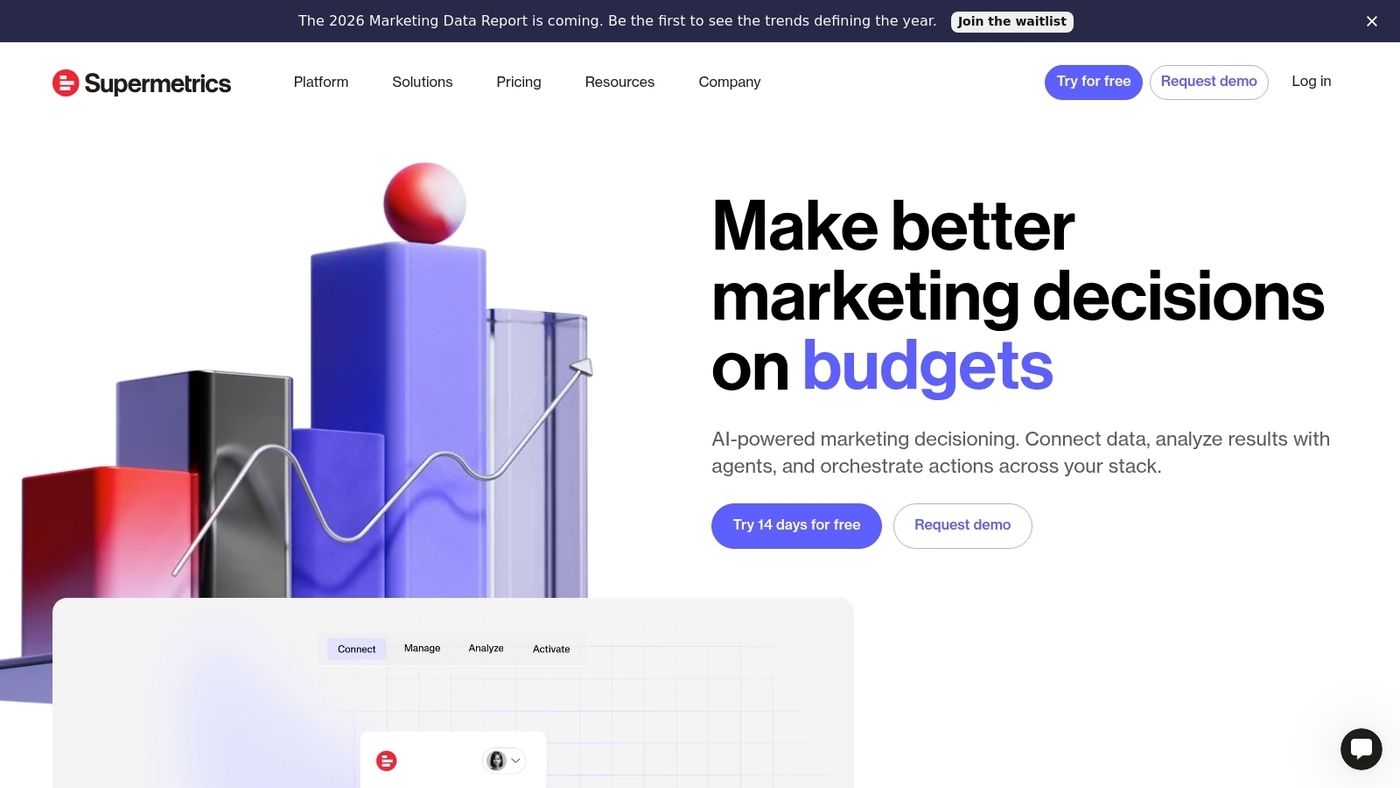
We cut reporting time with Supermetrics. Supermetrics is marketing dashboard software that automates data extraction and delivery.
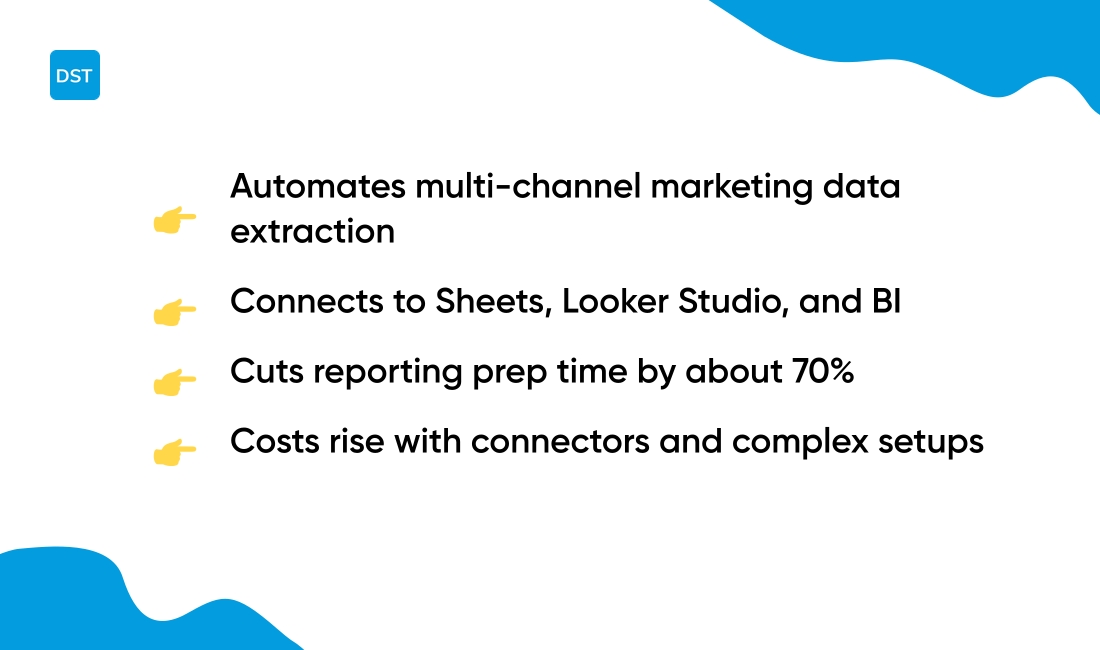
It pulls ad, SEO, PPC, and social metrics into Google Sheets, Looker Studio, and BI tools. The platform offers over 80 connectors and scheduled pulls.
Teams stop exporting CSVs and rebuild pipelines.
The connector depth saves agencies hours per client. We used it to automate monthly reports and cut prep time by about 70%.
Basic setup takes minutes. Advanced mappings need more work.
Supermetrics fits agencies and analysts who need reliable multi-channel data for client dashboards and internal reporting.
Pros
- Wide connector library for Google Sheets, Looker Studio, and BI tools
- Scheduled automated pulls that cut manual reporting time
Cons
- Costs rise with more connectors and destinations
- Complex data transformations require technical setup
For who?
Agencies, freelance marketers, and analytics teams that need multi-channel reporting and white-label exports. If you need scheduled client reports and Sheets-driven workflows, Supermetrics fits your stack.
Pricing
Pricing varies by product and usage. Plans start around $39/month for single-user connectors. Enterprise quotes are available for teams with high-volume data needs.
Looker Studio

We prefer Looker Studio for quick, free dashboards.
Looker Studio is a free Google-integrated dashboard solution with drag-and-drop report building. It connects natively to Google Analytics and Google Ads.
You can combine multiple data sources into a single marketing analytics dashboard.
The interface fits teams that need a simple digital marketing dashboard without heavy setup. Reports update in near real time for a true real-time marketing dashboard feel.
You can customize charts, blend data, and share interactive reports. Its zero cost lowers the barrier for small teams and startups.
I personally use it to prototype dashboards before scaling to paid BI tools.
If your stack is Google-first, setup takes minutes. If you need enterprise ETL or offline blending, expect limits.
Looker Studio works well as a marketing dashboard software starter. It serves as a free reporting layer for agencies.
Pros
- Free with native Google Analytics and Ads connectivity
- Drag-and-drop builder for fast report creation
Cons
- Limited connectors outside the Google ecosystem without third-party tools
- No built-in enterprise ETL or advanced data warehousing
For who?
Teams using Google Marketing Platform, small agencies, and startups that need a low-cost marketing performance dashboard.
Pricing
Free. Paid connectors or ETL tools may add cost for advanced integrations.
You’ll also like: 7 Best Intelligent Work Platforms for Your Team
How to choose the right marketing dashboard software
Pick a dashboard that matches your integrations and team size to surface ROI faster.
Many teams stitch spreadsheets and screenshots. That creates slow reports and missed signals.
We recommend choosing by integration first.
| Factor | What to Check | Why It Matters |
|---|---|---|
| Integrations | Connect Ads, Analytics, CRM, social | Automated syncs show live trends and reduce manual work |
| Team Size | Match tool complexity to team | Small teams need templates; agencies need white-label |
| Scalability | Verify pricing at 3x data volume | Avoid surprise costs as campaigns grow |
Running a two-week pilot reveals connector gaps fast. Run sample reports, check data freshness, and time how long a full export takes.
Evaluate reporting frequency, white-label needs, and budget against your growth plan. If you want workflow ideas and pairing tools, see our guide to best productivity tools for teams.
Try a short trial, validate core integrations, then pick the tool that saves reporting time and keeps data accurate. Start a free trial or run a 14-day pilot to confirm fit.
You’ll also like: Top 11 Best Milestone Tracking Software
How to build a marketing dashboard that tracks ROI
Many teams pull reports from scattered tools and lose sight of spend versus return. A focused dashboard solves that by showing revenue, cost, and conversion in one view.
We recommend a five-step setup that maps raw data to clear ROI metrics. Starting with crisp KPIs cuts reporting time by about 40% within weeks.
- Define KPIs: Choose revenue, CAC, LTV, conversion rate, ROAS, and channel CPA
- Connect data sources: Link Ads, Analytics, CRM, email, and ecommerce. Use native connectors or ETL. Use collaboration platforms for teams to assign owners and speed fixes
- Design visuals: Build a top-line ROI card, channel tiles, and trend charts. Prioritize mobile and single-glance charts for executives
- Automate updates: Schedule hourly or daily syncs. Add alerts for drops over 15% versus baseline
- Configure ROI math: Map cost buckets, pick an attribution model, compute net profit and ROAS per campaign
Have you mapped cost to every channel yet?
Start with one dashboard focused on acquisition and measure change over two weeks. A clear marketing ROI dashboard and a tight marketing KPI dashboard speed decisions and reduce wasted spend on underperforming channels.
Read also: 12 Best Roadmap Tools to Align Your Product Strategy



