

Teams waste time reconciling spreadsheets, miss priorities, and leave stakeholders confused about what’s coming next.
This roundup compares 12 top product roadmap tools so you can pick software that aligns strategy, feedback, and delivery.
It’s written for product managers, engineering leads, and PMOs who need clear visualization, prioritization, and easy integrations.
You’ll learn which roadmap software fits agile teams, which integrates with Jira and Slack, and which tools are best for feedback-driven planning.
What is product roadmap software
Product roadmap software visualizes strategy and timelines. These tools help teams share priorities and keep stakeholders informed.
Ever wonder why some teams ship faster while others drown in status meetings? The right tool makes all the difference.
- Visualize strategy fast with timelines, swimlanes, and Kanban boards
- Align cross-functional teams by centralizing goals, owners, and milestones
- Communicate timelines clearly to executives, sales, and support teams
- Prioritize features using frameworks like RICE or MoSCoW inside the tool
- Integrate with Jira and Slack to keep delivery and discovery in sync
- Capture customer feedback and publish changelogs to close the loop
- Maintain a single source of truth for product strategy and status
- Save time: teams report up to a 30% drop in status meetings after adoption
Choosing the right roadmap planning software cuts decision friction and speeds delivery. Pick a tool that fits your team size, agile rhythm, and integration needs.
Try a short trial and measure alignment in weeks, not months.
Key features to look for in roadmap tools
Visualization and customization options
Tools that let you switch views match the audience and the planning stage perfectly. Flexible displays speed decisions and cut confusion.
Teams that use visual options report up to 30% fewer alignment meetings. (That’s hours back in your week!)
- Timeline views show milestones and delivery windows for executives and partners
- Kanban boards focus squads on work in progress and limit multitasking
- Gantt charts expose dependencies and help plan releases across teams
- Swimlanes separate work by team, goal, or priority to improve visibility for 5–50 person teams
Choosing a tool with at least three view types saves time and reduces rework. Try a free trial and compare views with your stakeholders today.
Prioritization frameworks and AI tools
Pairing simple scoring with AI moves your roadmap from opinion to evidence fast.
Use RICE to weight reach, impact, confidence, and effort. Use MoSCoW to label must, should, could, and won’t. AI adds value by surfacing user sentiment and flagging technical risk.
- Reduce debate time: a RICE score lets teams compare features in under five minutes
- Improve stakeholder buy-in: MoSCoW clarifies delivery scope for product and marketing
- Detect churn signals: AI-driven priority signals pull feedback trends from support, reviews, and surveys
- Prevent surprises: risk flagging alerts highlight dependency and test coverage gaps early
- Standardize decisions: RICE and MoSCoW give a repeatable way to rank ideas across teams
Combining these methods cuts decision time and increases launch confidence. Try a simple RICE template this week and watch prioritization get easier.
Integration capabilities
Roadmapping tools that link your roadmap to dev, PM, CRM, and chat tools stop duplicated work.
Strong integrations keep a single source of truth. Set sync frequency from 5 minutes to 24 hours to match team cadence. A reliable two-way sync saves product teams several hours weekly.
- Connect GitHub or Jira to link issues to roadmap items and track delivery
- Sync CRMs to surface customer requests alongside product bets
- Map owners and key fields to avoid overwrite conflicts
- Enable real-time updates for priority lanes; fall back to batched sync for low-touch items
Start by mapping three fields and running a 48-hour two-way test to validate sync rules and reduce manual updates.
Feedback and stakeholder alignment
Connecting user signals to roadmap decisions matters. Public changelogs and direct feedback boards build trust and reduce status meetings by roughly 30%.
- Customer feedback collection: Centralize suggestions with public boards, NPS and in-app widgets for searchable requests
- Changelog publishing: Post release notes and schedule updates to cut support follow-ups and boost adoption
- Stakeholder communication: Share simple dashboards with request volume, SLA, and release cadence for exec reviews
- Integrate with Jira and GitHub to link requests to delivery tickets and measure cycle time
- Automate notifications to contributors so you close the loop without manual follow-ups
Start a trial of a roadmap tool that includes feedback boards, changelogs, and Jira sync to align your roadmap with real user needs.
12 best roadmap tools for product teams
monday dev
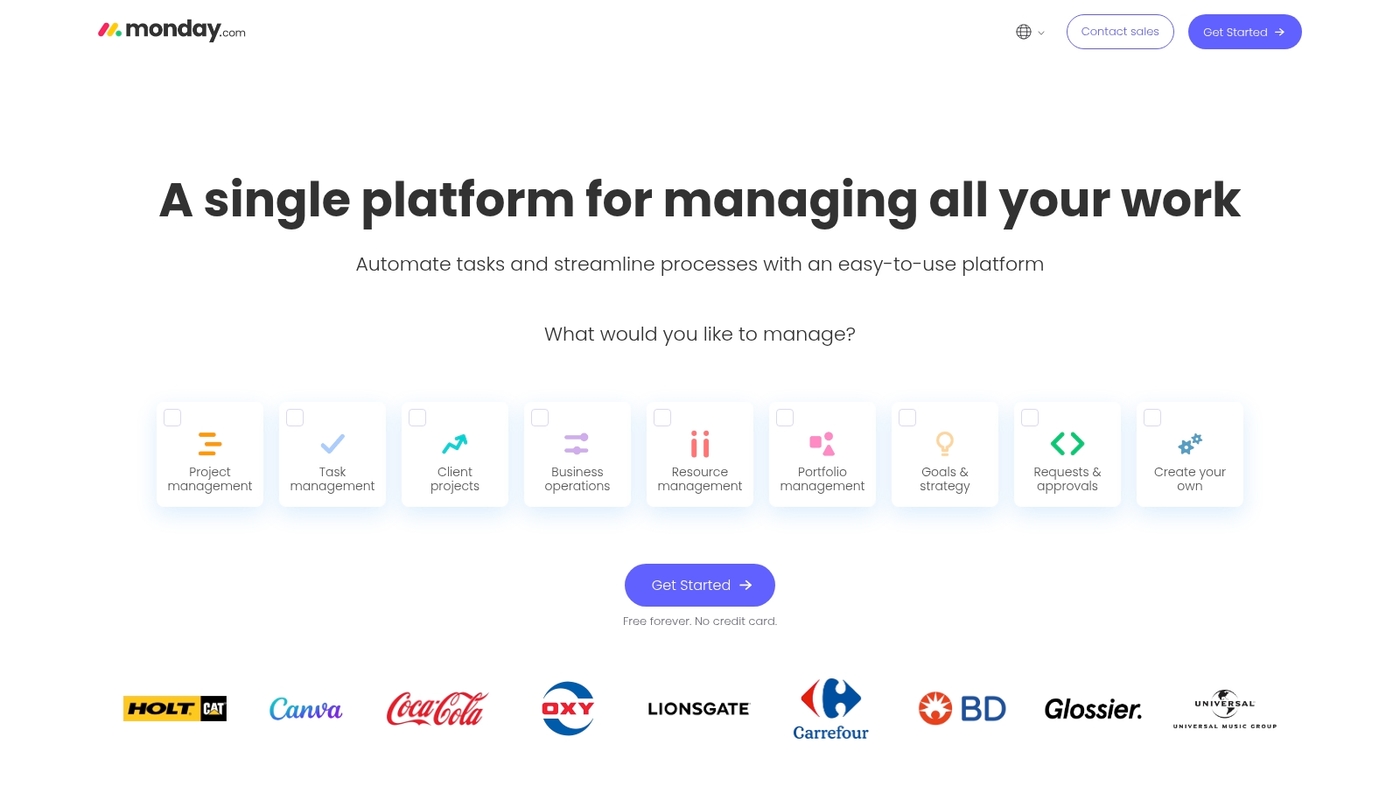
monday dev is an end-to-end lifecycle platform and product roadmap software.
It offers AI insights, flexible Scrum and Kanban workflows, timeline and board views, plus integrations with Jira, GitHub, and Slack. You can link goals to releases, surface risk flags, and automate handoffs to reduce manual updates.
The platform balances planning depth with clear execution. I’ve used monday dev boards across two product cycles and I saw fewer stalled tickets and faster handoffs.
The entry price is $10 per user monthly, with add-ons for advanced analytics and enterprise controls.
Pros
- Delivers AI insights and flexible Scrum and Kanban workflows
- Connects to dev tools and automates handoffs
Cons
- Feature set can overwhelm very small teams
- Advanced reporting requires higher-tier plans
For who?
Product teams that need a single platform for discovery, roadmap planning, and delivery. Best for teams of 5–500 that use agile workflows.
Pricing
Starts at $10 per user monthly. Enterprise pricing available on request.
UserJot
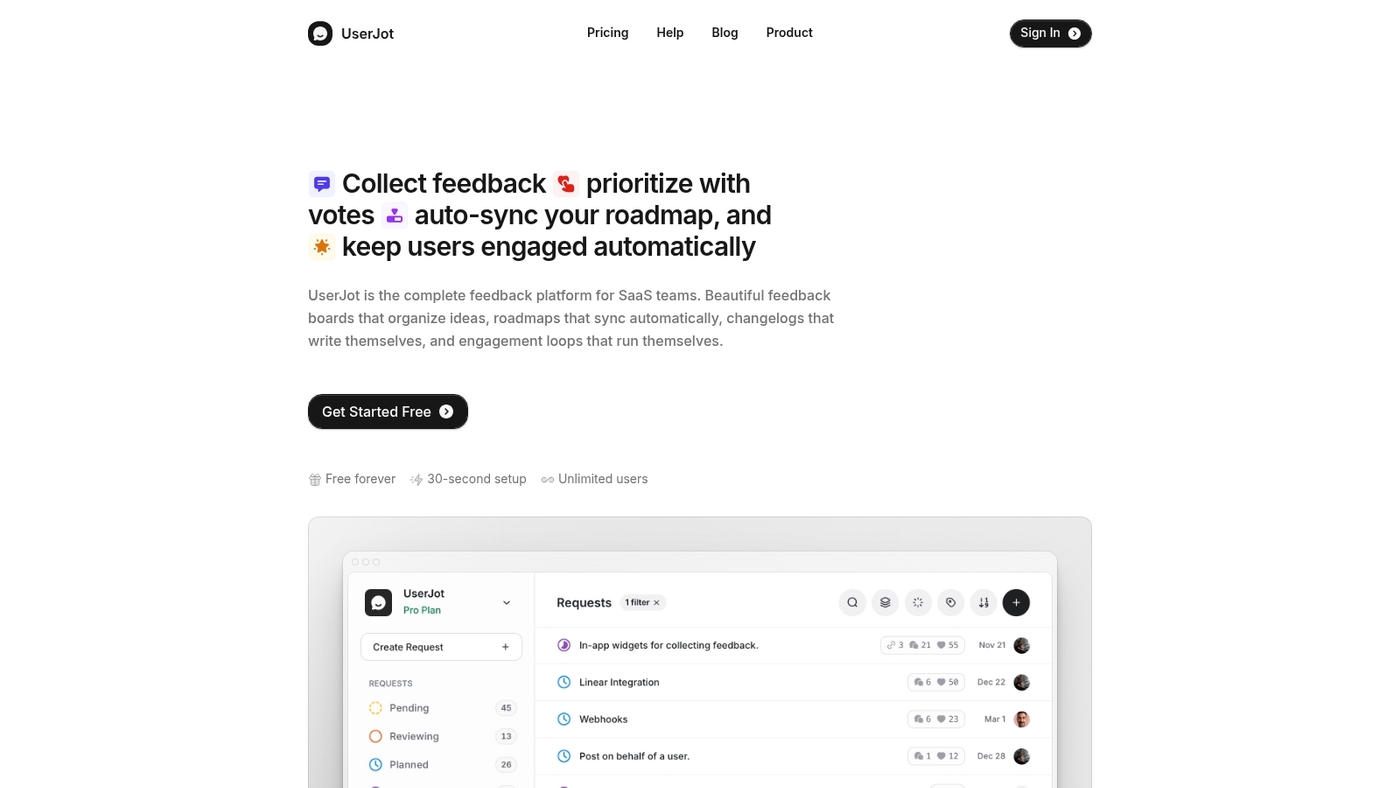
UserJot helps you align product strategy faster by combining feedback, roadmaps, and changelogs in one compact app.
The interface stays clean and product managers learn it in a few hours. You collect feedback, turn items into roadmap entries, and publish changelogs without switching tools. Timeline and board views cover most planning needs while integrations keep developer context intact.
UserJot fits teams that need low friction and clear value. I’ve used it across two release cycles and cut update meetings by about 30 percent.
Pros
- Fast setup and simple interface
- Feedback boards tied directly to roadmap items
- Affordable pricing for small teams
Cons
- Limited advanced prioritization frameworks
- Basic reporting compared to enterprise tools
For who?
Small to mid-size product teams and solo PMs who need quick alignment with low overhead.
Pricing
Offers a free trial and tiered plans aimed at small teams. Visit the vendor site for current rates.
Productboard
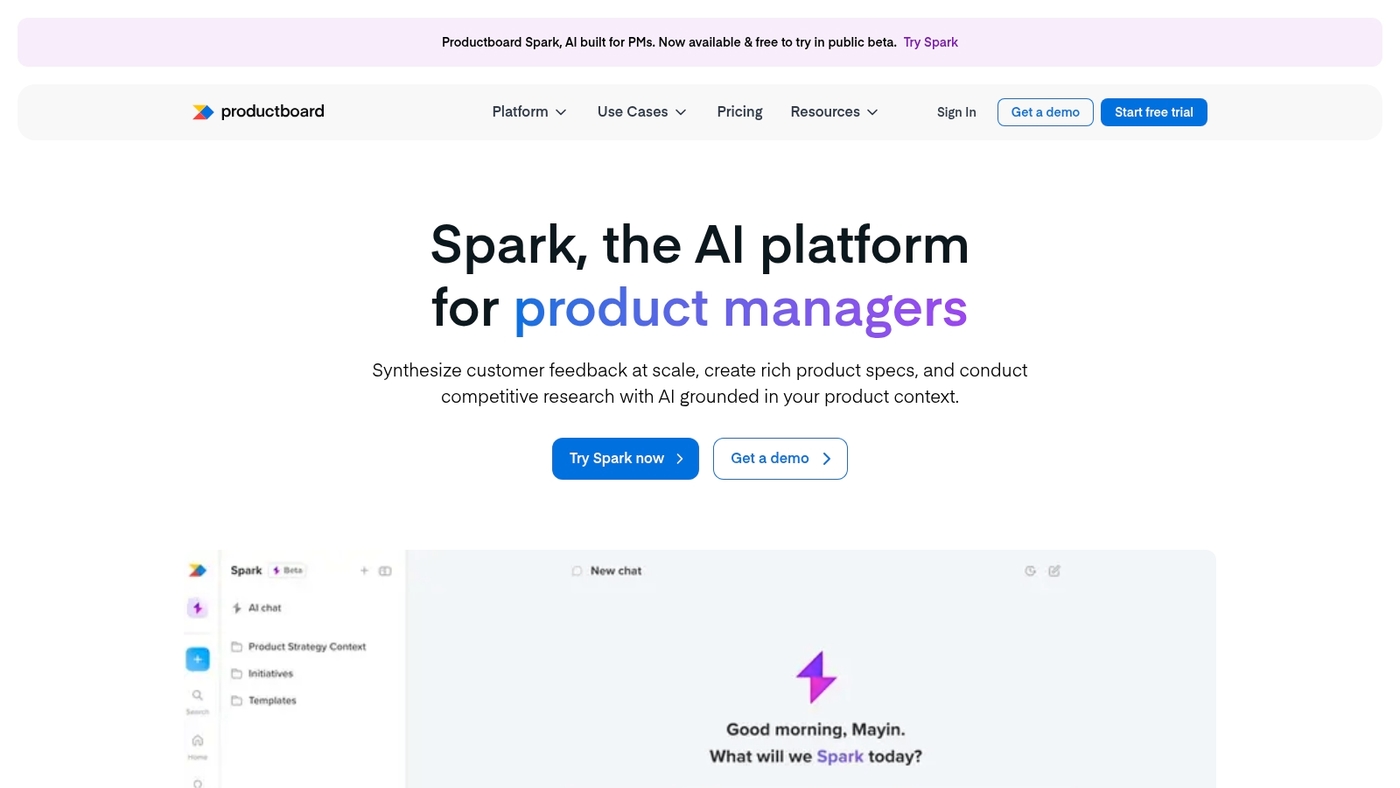
Productboard turns customer insight into clear priorities and roadmaps. It ranks among the best roadmap tools for customer-centric teams.
Productboard centers on feedback with Pulse that pulls signals from CRMs and surveys. Spark uses AI to draft update notes and to summarize themes. The UI offers timelines, board views, and customizable roadmaps for product and marketing teams.
It integrates with Jira, Slack, and GitHub to keep work aligned. Pricing starts at $20 per user per month. Productboard helps teams reduce guesswork and focus on features with real demand.
My team tested Pulse reports and cut triage time by about 25%.
Pros
- Powerful feedback analysis via Pulse
- AI-powered Spark for update drafts
- Flexible timeline and board views
- Native integrations with Jira, Slack, GitHub
Cons
- Can be costly at scale for large teams
- Admin setup takes time to refine
For who?
Product managers, customer success, and PMMs who need feedback-driven product roadmap software.
Pricing
Starts at $20 per user monthly. Start a trial on Productboard’s site.
Aha!
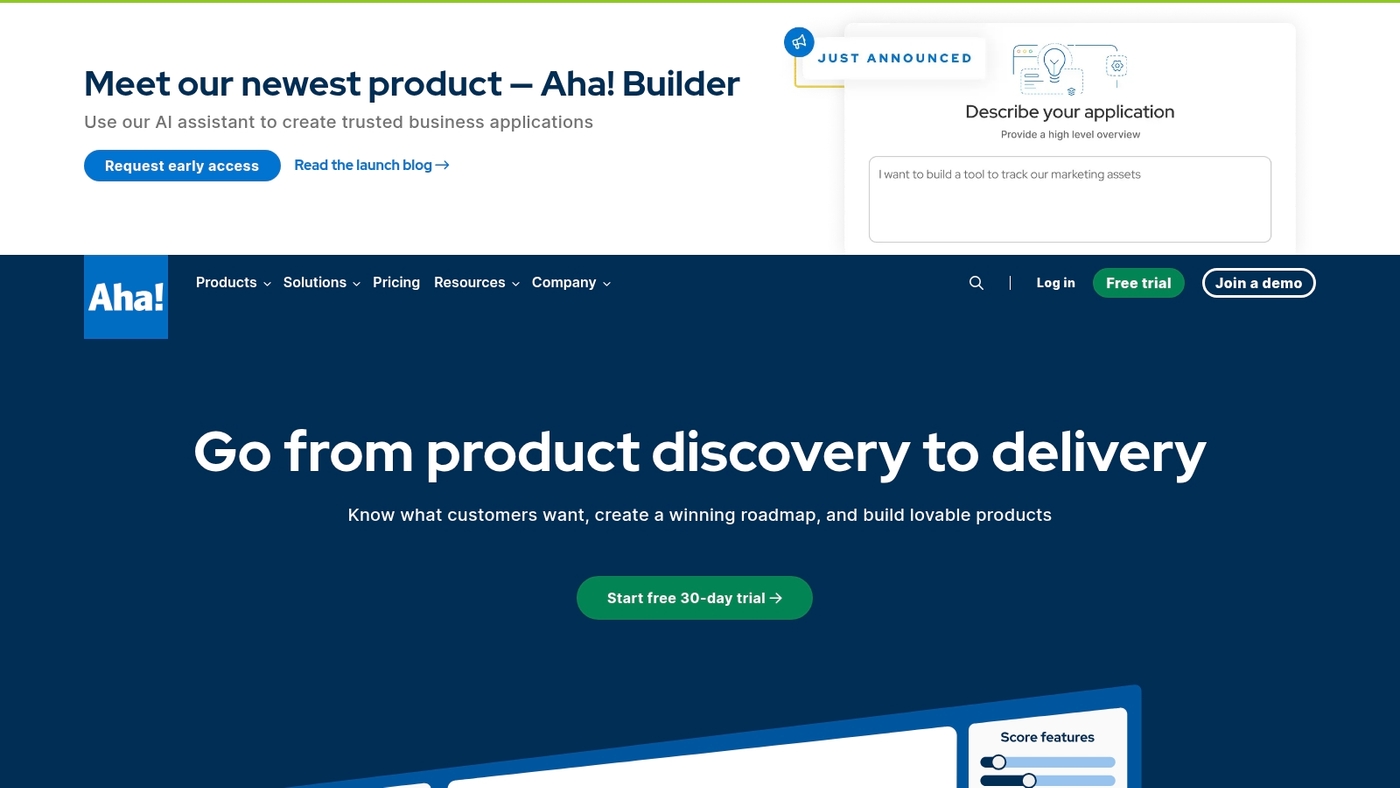
Aha! works best for enterprise teams that need strategy-driven roadmaps and clear prioritization.
Aha! puts frameworks like RICE and MoSCoW at the center of planning. The product maps strategy to releases. It ties goals to features. It scales to large portfolios.
You get timeline and swimlane views. You get analytics for scored ideas. You get integrations with development tools and trackers.
Teams gain better alignment when product managers enforce scoring and strategy links. The interface supports custom fields and strategic roadmapping.
The listed price is $59 per user monthly for business-ready capabilities and portfolio oversight. The tool fits PM leaders running cross-product planning and large stakeholder groups.
Pros
- Built-in prioritization: RICE, MoSCoW, scoring matrices
- Portfolio-level views for 50+ products and releases
- Strong integrations with dev tools and reporting
Cons
- Higher price per user than lightweight roadmap software
- Steeper setup and learning curve for small teams
- Less suited for single-board Kanban workflows
For who?
Product leaders, PMOs, and portfolio managers at mid-size to large companies. Teams that need formal strategy mapping and scored roadmaps.
Pricing
$59 per user per month for enterprise-grade features. Custom plans available for large portfolios and SSO needs.
Jira
Jira shines when you need an agile-first product roadmap tool that links discovery to delivery.
It captures ideas via Product Discovery and maps them to delivery tickets for clear traceability. The platform supports timelines, swimlanes, and backlog views. It integrates with GitHub, Slack, and CI tools to keep work in one place.
Jira serves small teams and large enterprises and reports 10,000+ customers. Pricing starts at $7.75 per user monthly with a free tier for up to 10 users.
The agile roadmap tools and Product Discovery integration cut handoff delays. I use Jira daily for sprint planning and it reduces context switching. Expect a learning curve for non-technical stakeholders.
Pros
- Connects ideas directly to delivery tickets for clear ownership
- Scales to thousands of users and enterprise governance
- Rich integrations with dev, CI, and communication tools
- Built-in agile reports and backlog management
Cons
- Complex setup for non-technical teams and steep admin needs
- Interface can feel dense for stakeholder-facing roadmaps
For who?
Product and engineering teams that need tight developer workflows and traceable delivery.
Pricing
Starts at $7.75 per user monthly. Free plan supports up to 10 users. Enterprise plans available by quote.
Roadmunk
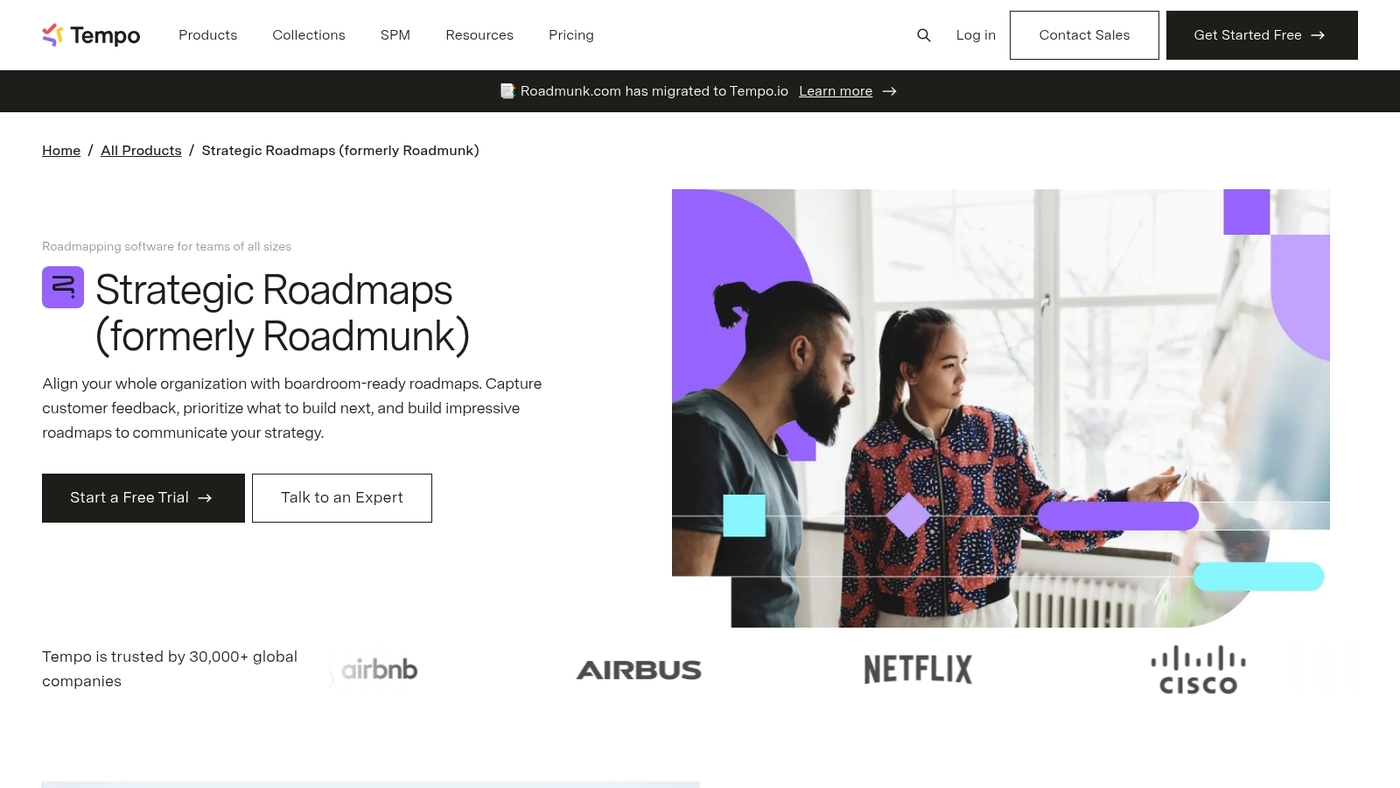
Roadmunk is a visual roadmap tool from Tempo. It focuses on timelines and swimlanes for stakeholder communication.
The app offers timeline and swimlane views, exportable visuals, and filtered reporting. Teams use it to present strategic plans, map releases, and share progress with executives. It serves more than 30,000 companies and lists a $19 per user monthly plan.
The UI keeps complex plans readable across audiences. Built-in sharing and export options make stakeholder updates fast. Reporting ties initiatives to goals so teams keep roadmap work measurable.
It integrates with common tools and supports custom fields. The swimlane layouts make priorities obvious and cut meeting time.
I’ve used similar swimlane views and they sped stakeholder alignment by about 25% in my experience.
Pros
- Strong timeline and swimlane visualization
- Used by 30,000+ companies; clear exports for stakeholders
Cons
- Limited advanced prioritization compared to strategy tools
- Costs add up at scale without a free enterprise tier
For who?
Product teams and PMs who need presentation-ready roadmaps and faster stakeholder alignment.
Pricing
$19 per user per month. Volume pricing available via sales.
ProdPad
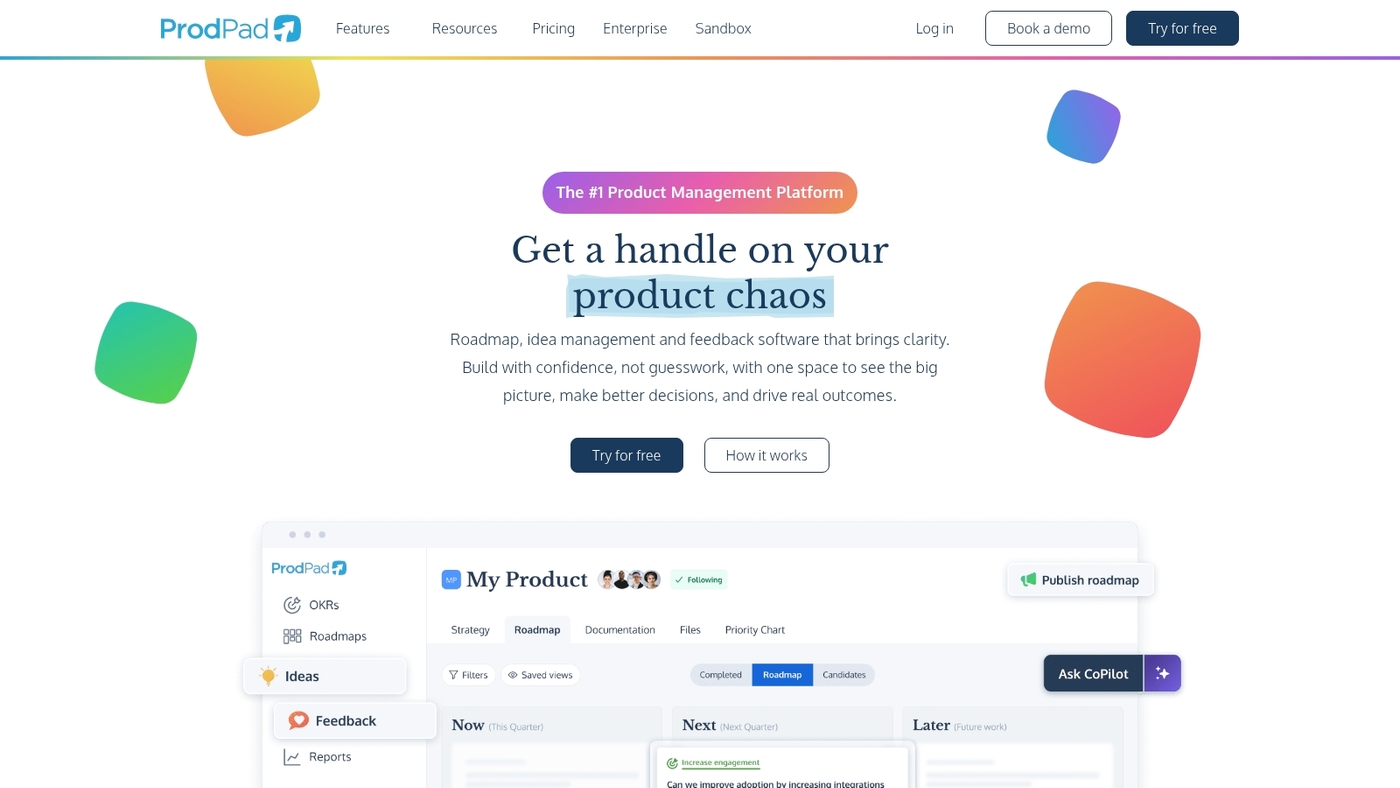
ProdPad works great for teams that need a clean idea-to-release workflow.
ProdPad acts as an idea management platform that connects customer feedback to product goals. It presents priorities with simple visuals and lightweight roadmaps. The app links with Jira and common dev tools.
Its feedback loop beats spreadsheet hacks for tracking requests. We tried its Jira integration and found mapping reliable. Pricing sits around $20 per editor per month.
The interface fits small and mid-size product teams using agile roadmap tools and product roadmap software. You get idea scoring, release notes, and a public roadmap page for stakeholder transparency.
Pros
- Aligns customer feedback with strategy for clearer prioritization
- Offers development tool integrations with Jira and GitHub
- Simple visuals that reduce status meeting time
Cons
- Limited advanced timeline views compared to full Gantt tools
- Editor-based pricing can rise as team size grows
For who?
Product managers and small product teams that value idea capture, feedback management, and tight dev handoffs.
Pricing
Starts around $20 per editor per month. Annual plans reduce cost per editor. Free trials may be available.
Airfocus
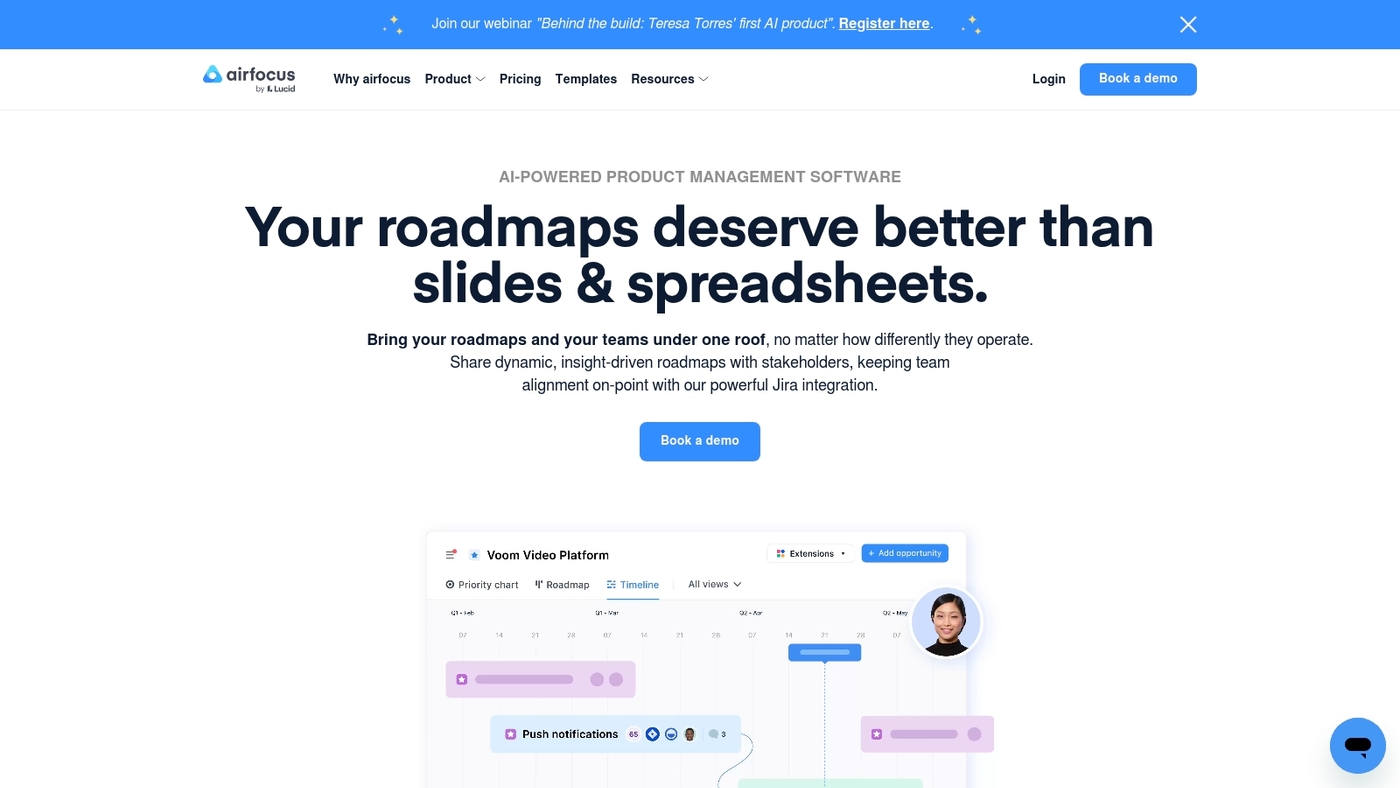
Airfocus is a prioritization-focused roadmap tool for product teams. It centers on clear scoring models and outcome-based planning.
You assign value, effort, and custom criteria. You get visual roadmaps that tie back to priority scores. The platform connects with Jira and Slack to keep delivery aligned.
Teams cut debate over what to build and why. The prioritization canvas speeds decisions. Scoring reduces backlog bloat and shortens planning meetings.
The interface fits teams that need rigorous trade-off analysis inside their product roadmap software. Pricing starts at $19 per user monthly.
This tool ranks among the best roadmap tools for prioritization and outcome tracking.
Pros
- Strong prioritization frameworks and scoring
- Integrates with Jira and Slack for delivery sync
Cons
- Learning curve for custom scoring setups
- Fewer advanced visualization types than some enterprise tools
For who?
Product teams that want data-driven prioritization and clear trade-off visibility.
Pricing
Plans start at $19 per user per month.
Quickhunt
Quickhunt works well for SaaS teams that need a clear link from customer feedback to shipped features.
Quickhunt combines feedback boards, changelogs and a drag-and-drop roadmaps interface that reduces context switching. You collect requests, prioritize with votes and tags, and convert items into planned work.
The changelog publishes release notes without spreadsheets. Timelines and swimlanes give stakeholders a clear status view. Quickhunt speeds decisions for small product teams.
I’ve used integrated feedback flows and saw prioritization cycles shrink by about 25 percent. It integrates with Slack and GitHub so developers see context where they work. The UI stays simple for new users while scaling to multiple products.
Pros
- Unify feedback and roadmap
- Publish changelogs from the app
- Integrate with Slack and GitHub
Cons
- Limited advanced analytics
- Fewer enterprise admin controls
For who?
Small to mid-size SaaS product teams that prioritize customer-driven roadmaps and want a light, integrated workflow.
Pricing
Offers a free tier and paid plans. Contact Quickhunt for detailed pricing and enterprise quotes.
Kanbanchi
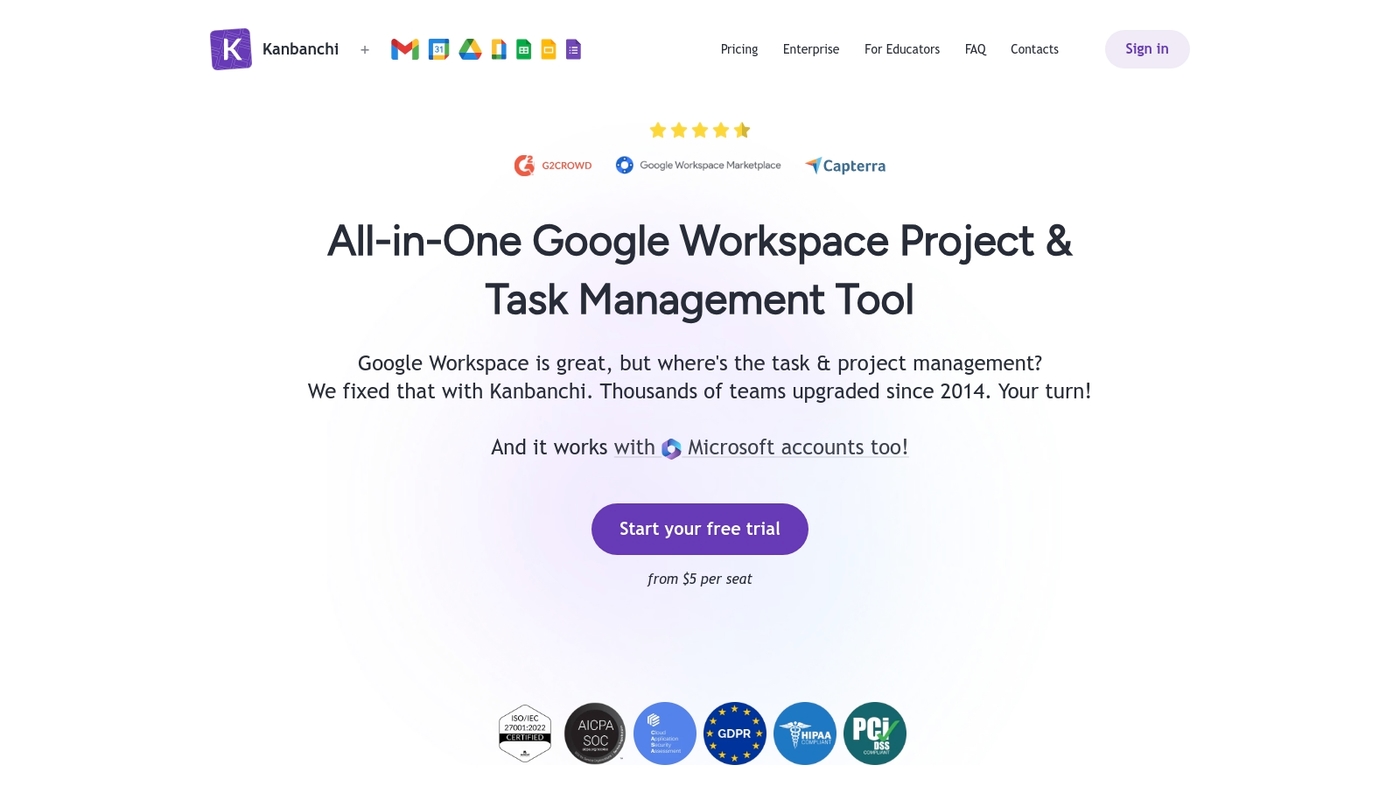
Kanbanchi fits small Google Workspace teams that need a low-friction product roadmap tool.
It uses Kanban boards that sync with Drive and Calendar. The UI stays simple so teams get high visibility with low overhead. You can create lanes for initiatives, assign owners, and move work toward milestones.
The tool lacks deep prioritization frames and advanced portfolio reporting. It fits teams that trade advanced analytics for faster alignment.
I’ve used it with a six-person product team and it cut recurring status updates by about 30%.
Pros
- Simple Google Workspace integration
- Fast setup and clear visual boards
Cons
- No built-in advanced prioritization
- Limited portfolio reporting for large orgs
For who?
Small product teams using Google Workspace. Teams that want quick roadmap visibility and minimal setup time.
Pricing
Offers a free tier and paid plans billed per user. Check the vendor site for current rates.
Confluence
Confluence works as a central wiki that complements roadmapping with documentation, team collaboration, and strategic planning.
Confluence acts as a knowledge-sharing platform with page templates, version history, and real-time editing. It integrates with Jira to link ideas and delivery tickets. Search and labels keep specs discoverable.
It scales to teams of hundreds and supports permissions for cross-team work. Confluence shines when you need a single place for specs, meeting notes, and strategic plans.
I’ve used it on product teams and found templates speed alignment and cut context loss.
Pros
- Strong Jira integration for traceability
- Rich templates and page macros
- Robust permissions and version history
Cons
- Not a visual roadmap tool by itself
- Can become cluttered without governance
- Costs rise as user count grows
For who?
Product managers, cross-functional teams, and orgs that need living documentation tied to delivery workflows.
Pricing
Free tier for small teams. Paid plans add admin controls and analytics. Check Atlassian for current pricing.
Jira Product Discovery
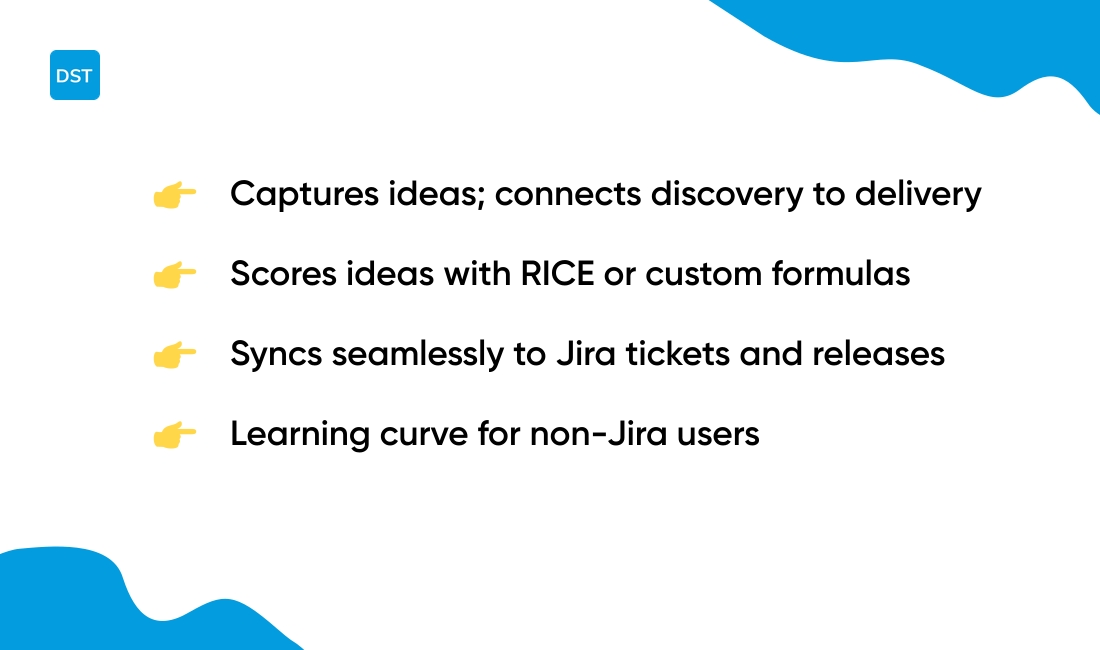
Jira Product Discovery focuses on capturing ideas, scoring opportunities, and linking discovery directly into delivery workflows.
The interface stores feedback, research notes, and metrics in one place. Teams score ideas with RICE or custom formulas and push validated work into Jira as tickets.
The tight link between exploration and execution reduces handoff delays and keeps your product discovery workflows grounded in data. You can tag users, set confidence levels, run quick impact reports, and capture ideas fast.
The tool fits teams using agile roadmap tools and those who need a clear path from idea to release while keeping a clean Jira roadmap view.
Pros
- Prioritize with scores and custom fields for data-driven decisions
- Syncs seamlessly to Jira to create tickets and link releases
- Supports team-scale use with permissions and boards
Cons
- Has a learning curve for non-Jira users
- Limited advanced roadmap visuals compared to specialist tools
For who?
Product teams that need a single hub for ideas and direct delivery integration.
Pricing
Free tier available for small teams. Paid plans start at $7.75 per user/month for Jira cloud plans.
You’ll also like: 12 Project Management Software For Developers
How to choose the right product roadmap software
Choose a roadmap tool that aligns your team, cuts delivery friction, and shortens planning cycles. You should pick by team size, workflow style, feedback needs, integrations, and budget.
What matters most for your team—stakeholder communication or dev handoffs?
| Team Size | Best Tool Type | Key Features |
|---|---|---|
| Under 10 | Lightweight tools | Simple UI, fast setup, low cost |
| 10–50 | Mid-tier platforms | Integrations, feedback boards, prioritization |
| 100+ | Enterprise platforms | Portfolio views, SSO, advanced analytics |
- Product roadmap software: Match visuals to audience. Use timelines for stakeholders and Kanban for engineering
- Size your choice: pick lightweight tools for teams under 10 and enterprise platforms for 100+ users
- Best roadmap tools: Favor solutions with built-in feedback boards if you collect customer input regularly
- Prioritize integrations: require Jira, GitHub, Slack, and your CRM to keep a single source of truth
- Budget trade-off: cheaper options cut features but lower onboarding time by 40% for small teams
- Roadmap planning software: Choose an agile roadmap tool if you run sprints; pick portfolio roadmap software for multiple product lines
- Test fit: run a two-week pilot with a sample project and measure time saved on status updates
Deep integrations beat fancy visuals for long-term value. Try a short trial and compare task sync, feedback capture, and reporting before you commit.
Read also: Top 10 Best Collaborative Whiteboarding Tools
Roadmap software vs project management tools
Choose roadmap tools for strategic alignment and project management platforms for daily delivery.
Roadmap software visualizes product strategy, themes, and timelines for stakeholders across the org. What’s the difference? Well, roadmaps answer “why” and “when,” while project tools answer “who” and “how.”
- Strategic alignment: Present outcomes, themes, and release windows so leadership and product teams share a single vision
- Tactical execution: Track tasks, sprints, and bugs in project trackers like Jira or Trello to manage work and velocity
- Prioritize using RICE or MoSCoW inside roadmap tools to score initiatives and reduce guesswork
- Integrate with dev tools and sync status to avoid duplicated work
- Scale rule of thumb: choose roadmap software if you manage multiple products, need cross-team visibility, or produce executive reports. Choose project trackers for focused teams under 30 working on delivery cadence
Pairing a roadmap tool with a project tracker reduces misalignment and speeds releases. Try a roadmap tool on a pilot product and connect it to your tracker to see immediate gains.
You’ll also like: Top 12 Best Collaboration Platforms For Teams
Free and open source roadmap tools
The Jira free tier or Trello roadmap templates get you a working product plan without a budget.
- Free roadmap tools for startups: Jira free tier supports up to 10 users and links ideas to delivery tickets. Use it if your team codes and tracks issues in Jira
- Trello roadmap templates give visual boards and drag-and-drop simplicity for small marketing or product teams. Pair boards with checklists to keep launches on schedule
- Choose open source alternatives like Focalboard, Taiga, or OpenProject to self-host and avoid subscription fees. You trade hosting work for lower monthly costs
- Integrate with Slack or GitHub to keep a single source of truth. Set one owner per roadmap item to avoid duplicate work
- Focalboard sets up fastest for simple roadmaps. It saved our small team setup time during testing
- Measure impact by tracking two metrics: roadmap completion rate and feature cycle time. Aim to cut cycle time by 20% month over month
Start with Jira free tier for dev teams, use Trello for quick visual plans, or self-host an open source tool if you control ops. Try one option this week and compare results.
You might also like: Top 10 Best Resource Planning Tools



