

That sinking feeling when a technical schedule slips by weeks usually starts with poor coordination.
Engineering project management software can stop small miscommunications from turning into costly delays.
Engineering teams juggle complex designs, multiple tools, tight budgets and handoffs between disciplines, and it’s easy to lose track of who’s responsible for what.
The right tool brings scheduling, resource planning, document control, and cost tracking into a single place so teams can align work and reduce rework.
In this roundup of the top 10 engineering project management software, you’ll discover strengths, key features, and which platforms suit different team sizes and disciplines.
You’ll be able to shortlist options that match your technical workflows, whether you need BIM and CAD integrations, Gantt capabilities, or robust budgeting and earned value support.
What is engineering project management software and how does it work
Engineering project management software organizes technical work so you deliver on time and on budget. It helps you plan, execute, and monitor complex projects with features built for engineers.
- Planning: create timelines with project scheduling software and use Gantt chart software for dependencies.
- Resource control: assign engineers, track utilization, and forecast capacity with engineering resource management tools.
- Technical integrations: link CAD, BIM, and version control to reduce rework and prevent file conflicts.
- Cost and progress: track budgets, expenses, and earned value metrics using project cost control and earned value management software.
- Task structure: build detailed work breakdowns and manage tasks with work breakdown structure and engineering task management features.
These platforms push updates to stakeholders, automate status reports, and surface risks in dashboards. You gain a single source of truth for documents, change logs, and test results.
Many teams cut manual status updates by 20–40% after automating workflows. (That’s hours back in your week!)
We prefer tools that integrate natively with engineering apps and offer clear resource views. Strong integrations and simple scheduling save the most time for cross-discipline teams.
Choose a tool that matches your discipline, scale, and reporting needs. Start with a short pilot to validate integrations and workflow fit.
Key features to look for in project management software for engineers
Project scheduling and Gantt chart capabilities
Advanced scheduling tools make timelines visible and manageable. Gantt chart software shows tasks, durations, and overlap so everyone knows what’s next.
The critical path method highlights tasks that drive finish dates. You can focus effort on high-impact work and avoid bottlenecks.
We prefer integrated Gantt views for engineering projects. Clear timelines cut rework and delays by showing dependencies at a glance.
Use CPM to calculate float and to rebalance workloads. This improves engineering resource management and task sequencing across your team.
Explore dedicated project scheduling tools for templates, dependencies, and reporting. They connect with time tracking software for engineers and give you real-time progress updates.
Proper scheduling reduces slippage by up to 20% and shortens delivery by weeks. Start using timeline-driven workflows to keep complex projects predictable.
Good engineering project management software bundles earned value and cost control features. Gantt modules link with CAD, BIM, and PM systems for traceable schedules.
Engineering resource management and capacity planning
Pick engineering project management software that maps skills, shows availability, and forecasts capacity. Good tools stop overloads and reduce idle time.
Look for dashboards that highlight resource utilization, capacity forecasts, and workload balance. These views prevent burnout and missed deadlines.
We test platforms for skill tagging, utilization tracking, and drag-and-drop leveling. We favor tools with native time tracking and integrations with Gantt chart software.
Visual capacity maps cut delays and clarify priorities. Seek features that let you tag skills, set allocation percentages, forecast demand, and run what-if scenarios.
See a practical list of resource planning tools for engineers to compare options side by side.
Action: Audit your team for skills and utilization, and trial a tool that fits your project workflow.
Work breakdown structure and task management
We pick tools that create clear hierarchies for engineering task management. They track deliverables with precision and keep everyone accountable.
Good WBS tools let you build a tree of deliverables. Use them for owners, estimates, and dependencies so nothing falls through the cracks.
- Define deliverables: break projects into phases and tasks.
- Assign owners: set accountability and due dates.
- Link dependencies: prevent schedule gaps with automated alerts.
- Track progress: sync with project scheduling software and Gantt views.
Integrate WBS with engineering resource management and time tracking tools. Automated reports reveal delays and cost variances early, so you can course-correct fast.
Strong work breakdown structure tools cut planning time 20–30% on complex projects. Model one project and measure time saved.
Link tasks to design files and change orders for traceability. This practice cuts rework and supports earned value management.
Project cost control and budget tracking
Project cost control and budget tracking centralize budget allocation and expense tracking. They include earned value management, burn-rate dashboards, and real-time cost monitoring for every task.
Modern engineering project management software bundles cost modules with schedules. Use baseline budgets and log actuals daily to spot overruns before they escalate.
Set automated alerts at 5% variance and run earned value weekly to measure cost performance index. Link financials to Gantt dates and engineering resource management for accurate forecasts.
Integrate time tracking software for engineers to capture labor costs and invoices. You should tie budgets to tasks and approvals for complete visibility.
Budget allocation features should let you split budgets by phase, task, and cost center. Measure CPI and SPI monthly and report variance to stakeholders.
We prefer tools that connect cost, schedule, and resources to reduce surprises. Automated cost alerts cut rework and missed approvals.
Engineering collaboration and workflow management
Centralize approvals and documents to cut rework and speed delivery. You should use communication threads, versioned files, and automated handoffs to keep teams in sync.
Automations cut manual updates by about 30% and shave two days off approval cycles. That’s a game-changer for tight schedules.
We standardize file names and enforce version control to stop duplicate work. A single source of truth saves hours per week for engineers.
Choose systems that combine engineering collaboration tools, document control, and workflow automation.
- Map handoffs: identify owners for each task.
- Automate approvals: reduce email rounds and status checks.
- Log changes: keep an audit trail tied to tasks and CAD files.
Link tasks to schedules and resource plans for a clear capacity view. That helps engineering resource management and project cost control.
Start by mapping three key workflows this week.
Top 10 engineering project management software to consider
monday.com
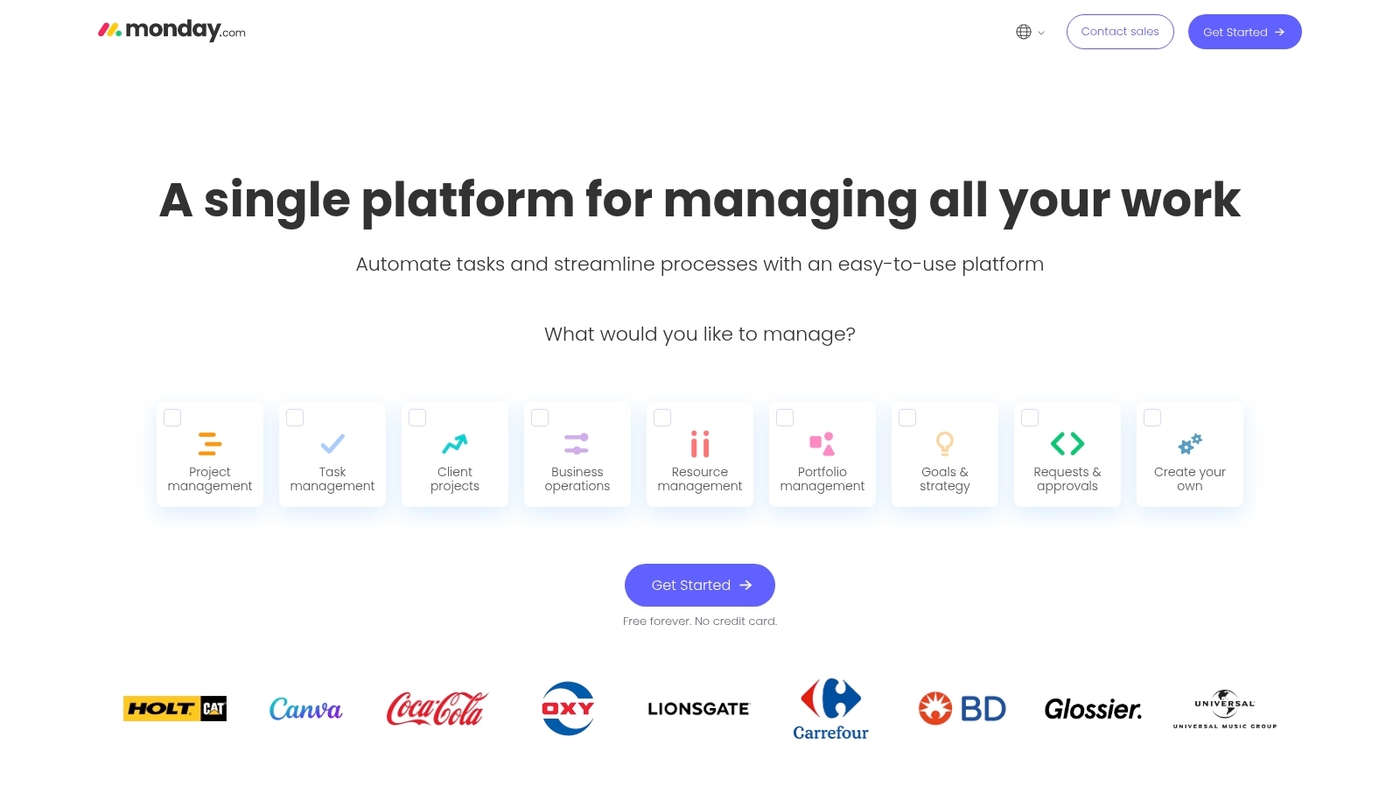
We test tools that help engineering teams move faster. monday.com offers a visual platform for complex engineering workflows with intuitive boards and flexible views.
It supports visual workflows and a wide set of integrations. You can build custom automations for status changes and approvals to eliminate repetitive updates.
The boards connect to Gantt views and time tracking. Teams gain cross-team transparency and better engineering resource management.
The platform fits project scheduling software needs and integrates with CAD and BIM systems. We use monday.com to prototype boards for new processes and test handoffs.
Pros
- Flexible board structure for engineering task management
- Built-in automations reduce manual updates
- Strong integrations with developer and design tools
Cons
- Advanced views require paid plans
- Large portfolios need careful setup to avoid clutter
For who?
Project teams that need visual planning, engineering collaboration tools, and lightweight portfolio tracking.
Pricing
Offers free tier. Paid plans start per user per month with tiered features and automations.
ClickUp
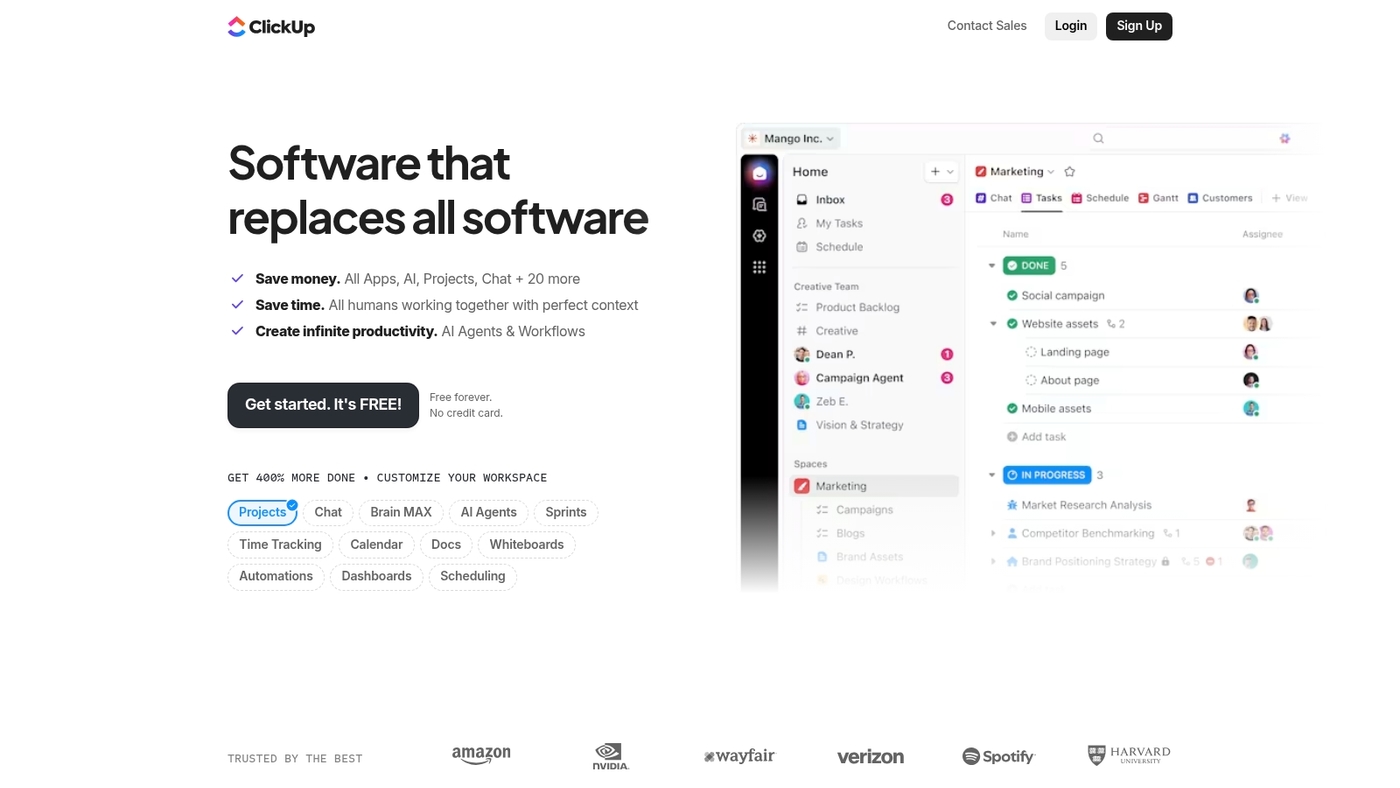
ClickUp brings all your work into one place with customizable views, automation, and time tracking. It’s built for teams that want flexibility without juggling multiple apps.
You get task management, docs, goals, and dashboards in a single platform. Custom fields let you track technical specs, test results, and approvals right inside tasks.
The platform supports Gantt charts, Kanban boards, and calendar views. Plus, it connects with GitHub, Slack, and cloud storage for seamless workflows.
Teams use ClickUp for engineering task management and resource planning. Automations handle status updates, assignments, and notifications so engineers can focus on building.
Pros
- All-in-one workspace reduces tool sprawl
- Generous free plan with unlimited tasks
- Highly customizable views and workflows
Cons
- Can feel overwhelming for new users
- Some advanced features require paid plans
For who?
Engineering teams that need a unified workspace for tasks, docs, and collaboration without switching between tools.
Pricing
Free plan available. Paid tiers start at competitive per-user pricing with added storage and features.
Birdview PSA
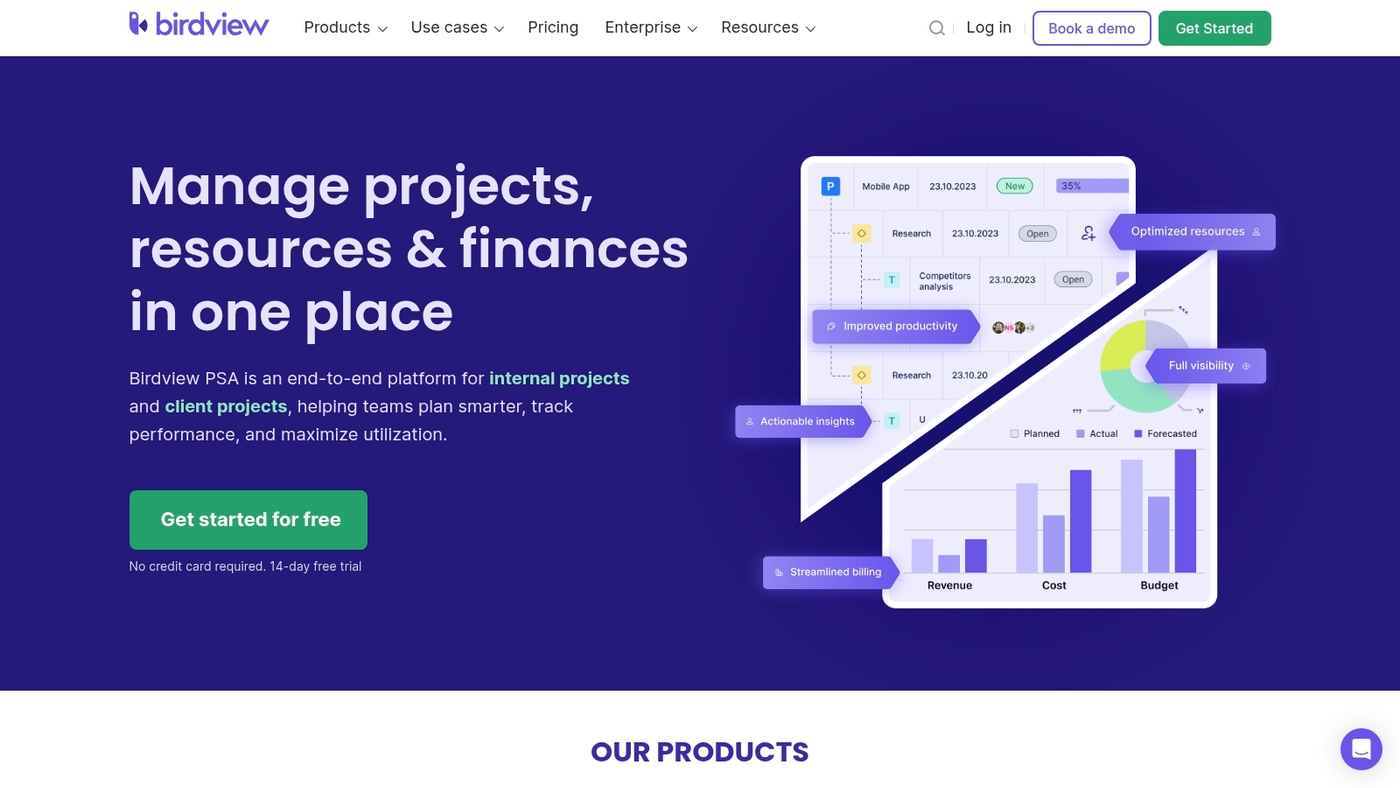
We recommend Birdview PSA for engineering teams that juggle many projects. It’s an all-in-one project, resource, and portfolio management platform.
It offers real-time collaboration tools and advanced scheduling tools. It supports Gantt charts, capacity planning, and time tracking in one view.
The scheduling engine speeds planning and reduces rework. We’ve used it to rebalance a 25-person team’s workload across eight concurrent projects.
The platform links project plans to resource forecasts and financial views. Read their comparative guide: Birdview PSA blog.
Pros
- Unified project, resource, and portfolio views
- Live Gantt with critical path visibility
- Engineering resource management with utilization reports
Cons
- Steep initial setup for complex portfolios
- Pricing can rise with many users
For who?
Mid-size engineering firms and service teams that need resource allocation across many concurrent projects and portfolios.
Pricing
Tiered pricing with seat-based plans. Contact sales for custom quotes and volume discounts. Trial and demo options available on the vendor site.
Procore
Procore is a leading engineering project management software built for construction teams. It connects field and office with document control, budget tracking, change management, and mobile coordination.
The platform serves over 4 million professionals and scales from single projects to large portfolios. Procore centralizes RFIs, submittals, and drawings into a single source.
It supports BIM integrations and engineering resource management across multiple sites. The platform enforces permissions and audit trails via a document control system.
Teams reduce rework with automated change management workflows. It fits teams that need robust field coordination and financial visibility.
See a focused list of tools for builders at project management software for construction.
We recommend evaluating Procore on a pilot project first to measure ROI. The investment pays off when you need tight field-office sync.
Pros
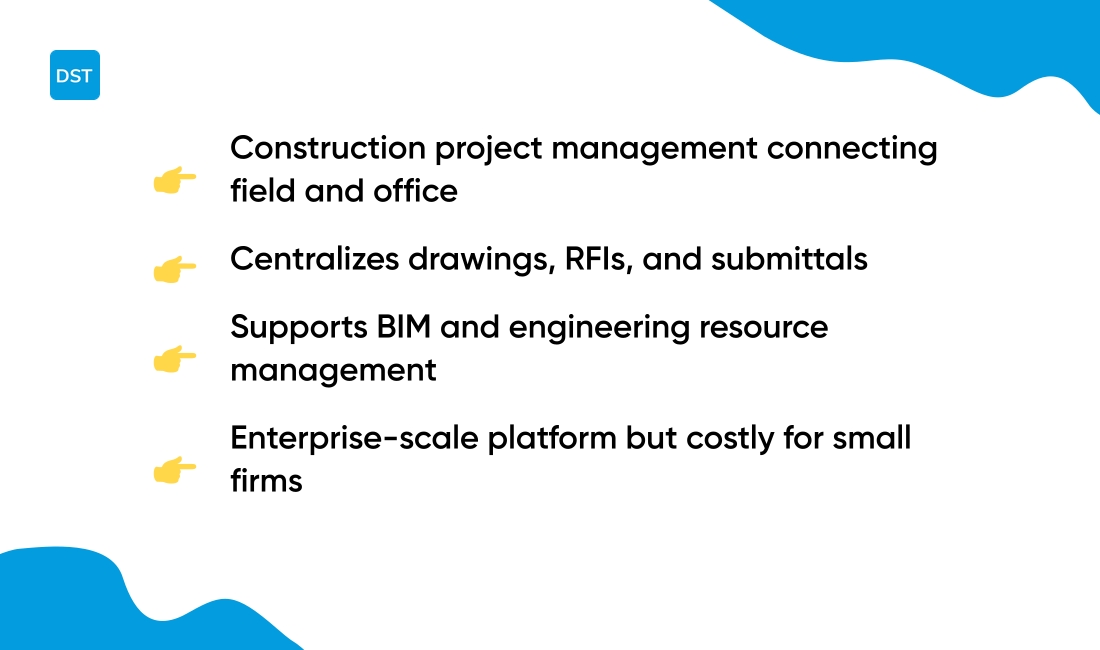
- Centralizes drawings, RFIs, and submittals
- Strong mobile app for site teams
- Scales to enterprise portfolios
Cons
- High cost for small firms
- Steep learning curve for admins
- Custom pricing can slow procurement
For who?
Construction and civil engineering firms managing medium to large projects and multiple sites.
Pricing
Custom pricing by project size and modules. Contact Procore for a quote and demo.
Oracle Primavera P6
Oracle Primavera P6 is an enterprise-grade engineering project management software for large capital programs. It supports critical path method, advanced scheduling, and multi-project analytics.
The platform offers resource leveling, baseline control, and robust earned value reporting. You can link schedules to cost systems and BIM tools for tighter delivery.
Planners manage thousands of activities and dependencies with detailed Gantt views. Primavera P6 suits firms running complex infrastructure portfolios.
The learning curve is steep but investment pays off for high-risk, high-value projects. Use it when you need formal schedule governance and portfolio-wide visibility.
We advise standardizing activity codes before importing schedules to speed setup. That saves days of rework later.
Pros
- Scales to thousands of activities for enterprise portfolios
- Strong multi-project control and resource management features
- Built-in earned value and cost tracking for disciplined reporting
Cons
- Steep setup and administration effort
- Interface feels dated compared to modern collaboration tools
For who?
Project controls teams, program managers, and owners of large engineering portfolios.
Pricing
Oracle offers subscription and perpetual licenses. Request a quote for enterprise pricing and support plans.
Jira Software
Jira Software is an agile project management leader for software engineering teams. It provides Scrum and Kanban boards and a visual backlog for sprint planning.
Teams map releases with custom workflows and issue types. It suits project management software for engineers focused on agile delivery.
You get a centralized issue tracking system for bugs, tasks, and epics. Roadmaps and OKR support help align priorities across sprints.
The platform connects with dev tools and CI/CD pipelines. The Marketplace offers hundreds of add-ons to extend features like burndown charts and velocity reports.
A free plan available covers up to 10 users. The workflow editor speeds handoffs and cuts meeting time significantly.
Use the templates linked in our developer guide to compare options: project management software for developers.
Pros
- Flexible boards and roadmaps
- Engineering task management support
- Extensive integrations via Marketplace
Cons
- Steep learning curve for new users
- Pricing rises for large user counts
- Advanced reporting often needs add-ons
For who?
We recommend Jira for product and engineering teams shipping software. Use it if you need agile boards, issue traceability, and dev tool integrations. Skip it if your projects focus on CAD or heavy BIM workflows.
Pricing
Pricing starts with a free tier for up to 10 users. Paid plans add advanced features and scale per user licensing.
Microsoft Project
We rely on structured schedules for complex engineering programs. Microsoft Project provides enterprise scheduling with detailed Gantt views, resource leveling, earned value analysis, and native Microsoft 365 links.
The tool handles thousands of tasks and hundreds of resources. Managers use it for baselines, cost tracking, and portfolio rollups.
It connects to Teams and SharePoint for document control. It shines on big, regulated projects that need precise timelines and financial tracking.
We use its advanced Gantt charts for dependency-heavy plans and its resource management views to balance engineer workloads. Expect a deliberate setup phase and clear reporting once the plan is mature.
Pros
- Enterprise-grade scheduling and baselines
- Earned value analysis and cost tracking
Cons
- Steep learning curve for new users
- License costs rise with scale
For who?
Project managers, program offices, and engineering PMOs that need detailed schedules and portfolio visibility.
Pricing
Subscription plans start near $10 per user per month for basic cloud access. Mid and enterprise plans add features and increase cost. Check Microsoft’s pricing page for current tiers.
Wrike
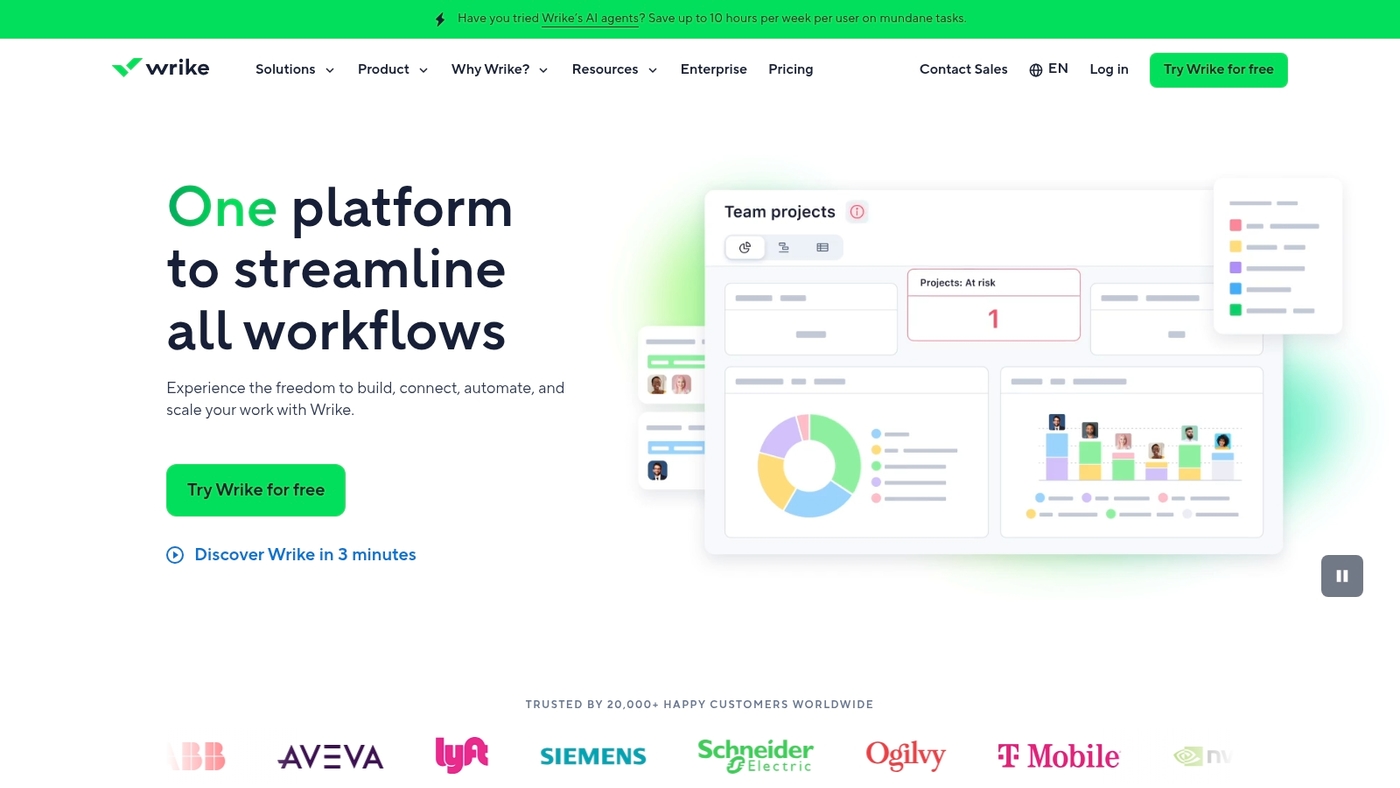
Wrike is a cross-functional platform tailored for engineering project management software. It offers custom dashboards, task automation, time tracking software, budget management, and OKR support.
Teams run agile boards and traditional Gantt timelines. The platform links with code repos and CAD tools via APIs for seamless handoffs.
You can set automations to route approvals and log hours per task. Dashboards highlight budget variance and resource load in real time.
The built-in Gantt serves as Gantt chart software for complex schedules. Wrike fits teams needing clear engineering task management and cross-department visibility.
We test tools like this and check workflow fit and setup time. Wrike’s flexibility makes it a solid pick for hybrid teams.
Pros
- Custom dashboards for real-time metrics
- Automations reduce manual updates
- Project cost control and detailed budget reports
Cons
- Steep learning curve for advanced features
- Full feature set requires paid tiers
For who?
Engineering teams that need both agile and traditional workflows, resource views, and budget tracking.
Pricing
Offers a free plan for small teams. Paid tiers unlock time tracking, automations, and enterprise controls. Contact sales for enterprise pricing.
Asana
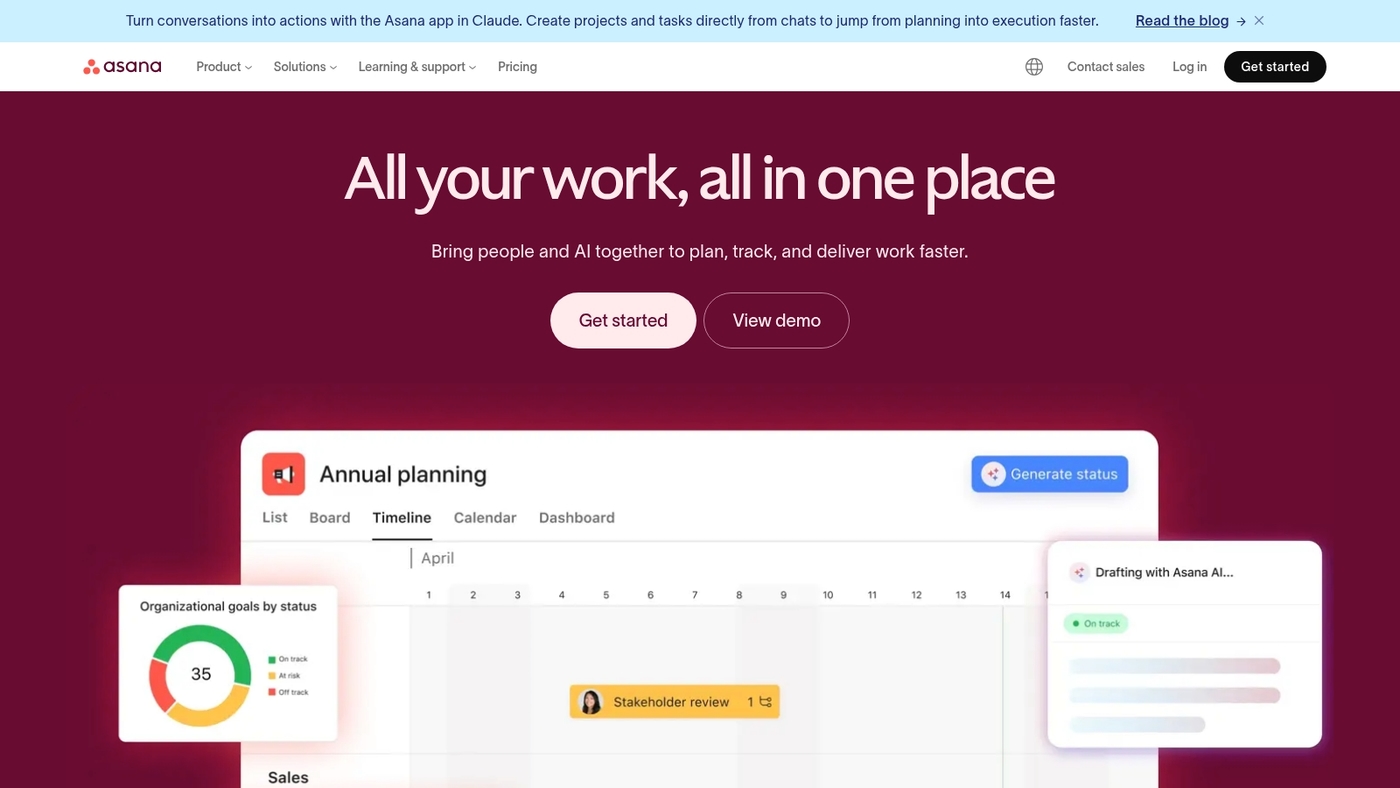
We recommend Asana for engineering teams that need flexible work management. It offers automated workflows and task dependencies for clear handoffs.
Teams can use list, board, timeline, and calendar views. Managers get portfolio views and workload management to balance assignments across sprints.
It serves as engineering project management software with custom fields, forms, and reporting. It links with GitHub, Slack, and cloud storage so your code and docs stay connected.
You can map a work breakdown structure and use Gantt chart style timelines for scheduling. Asana hits the sweet spot between clarity and scale for teams from five to 500 people.
We’ve used it for sprint planning and cross-discipline handoffs. Use its rules to cut repetitive updates and keep engineers focused on design and delivery.
Pros
- Flexible views: list, board, timeline, calendar
- Automations: reduce manual status updates
- Integrations: GitHub, Slack, Google Drive
Cons
- Limited native time tracking for detailed timesheets
- Advanced multi-project scheduling needs add-ons or manual setup
For who?
Engineering teams that need clear task management, dependency tracking, and portfolio visibility. Good fit for product engineering, mechanical teams, and small to mid-size firms.
Pricing
Free plan available. Paid plans start at about $10.99 per user/month billed annually. Enterprise pricing available on request.
SmartSuite
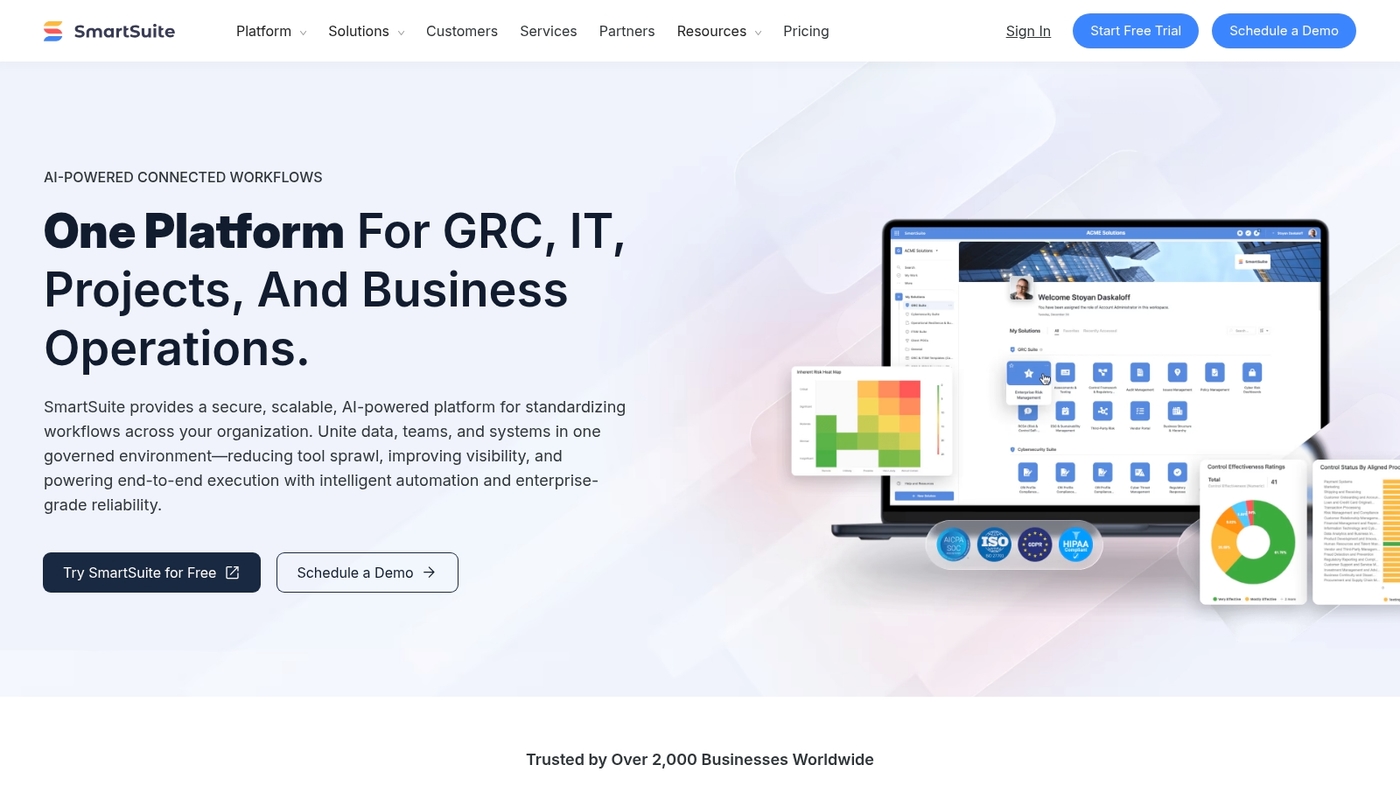
We test tools for engineering teams. SmartSuite is an automation-focused platform with 200+ templates and dynamic dashboards.
It gives teams multiple ways to view work: table, Kanban, timeline, and calendar. You get flexible workflow rules and low-code automations to reduce manual updates.
The free plan covers basic projects and quick pilots. Integrations link to cloud storage and common dev tools for seamless file sharing.
The template library speeds setup for engineering workflows. You can map a work breakdown structure, track tasks, and push status updates automatically.
Reporting shows progress and bottlenecks at a glance. That makes SmartSuite a solid pick among engineering project management software for teams that want customization without heavy admin.
Pros
- Automations: reduce manual updates
- Templates: 200+ engineering-ready options
- Flexible project views
Cons
- Limited earned value management features
- Advanced scheduling lacks some enterprise depth
For who?
Teams that need adaptable workflows, template-driven setup, and simple automations. Good for small to mid-size engineering groups.
Pricing
Generous free plan available. Paid tiers use per-user pricing and add advanced automations and permissions.
BQE Core
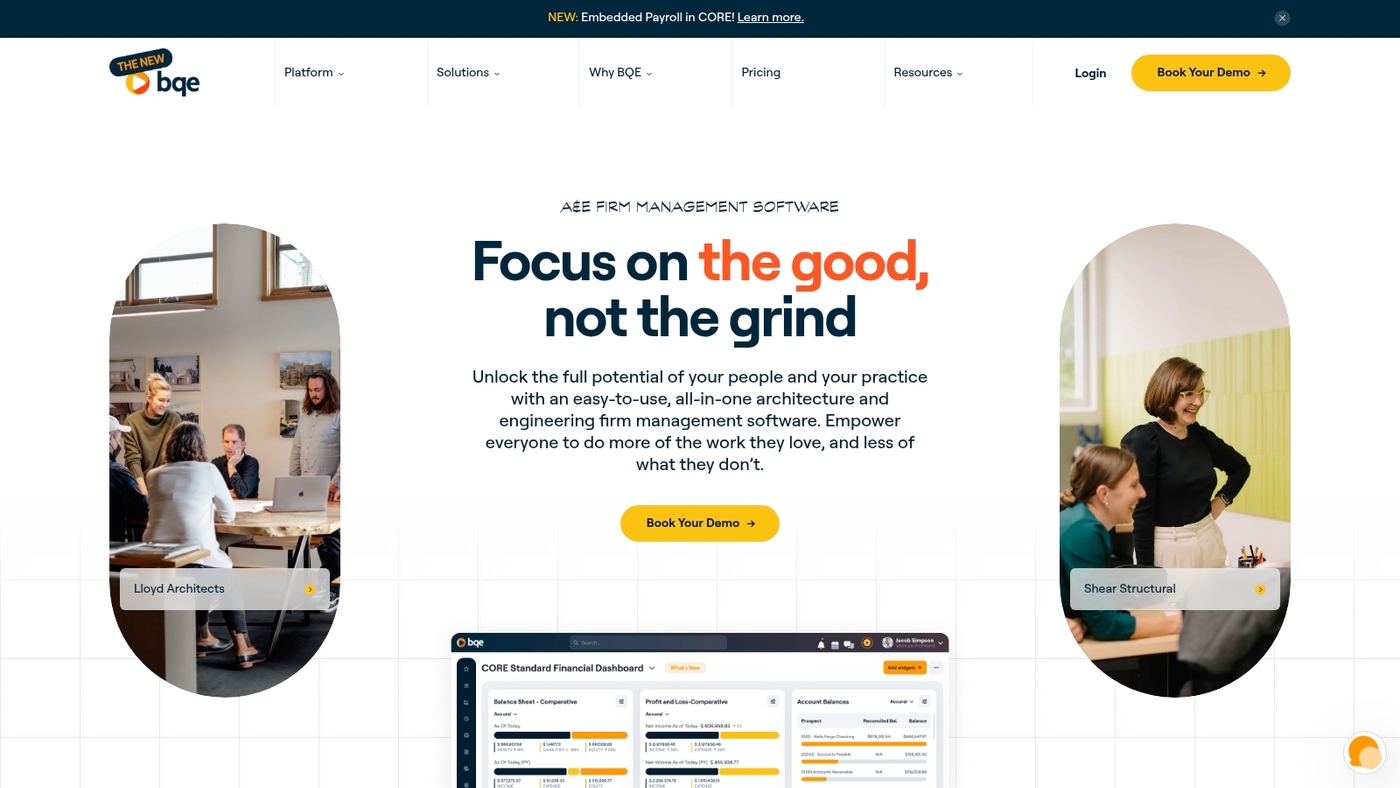
BQE Core is a financial-focused project management solution. It suits engineering firms with complex budgets and billing requirements.
It centers on project accounting workflows, billing, budgeting, and reporting. It includes time tracking, expense capture, and automated invoicing for fee-based projects.
It supports earned value management, budget tracking tools, and real-time cost control. It integrates with accounting systems and payroll platforms seamlessly.
It shows labor cost views for engineering resource management and utilization tracking. We use its billing reports when auditing profitability on complex projects.
It fits firms that need tight financial controls and clear audit trails. Customizable dashboards surface fees, budgets, and detailed financial reporting.
It functions as project cost control software for fee-based projects. We recommend BQE Core when project finances drive tool selection.
Pros
- Project accounting workflows
- Billing and invoicing automation
Cons
- Steep learning curve for administrators
- Limited non-financial project features
For who?
Mid-size and large engineering firms, design consultancies, and architecture practices that bill by project or phase.
Pricing
Contact BQE for custom quotes and plan details. Demos and trials are available on request. See the demo to check billing workflows.
How to choose the best engineering project management tool for your team size
Match tool complexity to team size and technical needs to avoid wasted license costs and slow adoption. We recommend picking the smallest tool that covers your core requirements and scales with growth.
Small teams thrive with simple boards and a few automations. You get fast adoption and lower overhead without feature bloat.
- Small teams (1–10): Boards, simple automations, basic project scheduling software, and time tracking. Low-cost plans work well.
- Medium teams (10–50): Role-based permissions, engineering resource management, Gantt chart support, and integrations with CI/CD or CAD tools.
- Large teams (50+): Portfolio views, earned value metrics, advanced work breakdown structure features, and single sign-on.
Use this short checklist to evaluate candidates:
- Audit needs: List disciplines, tools to integrate, and budget per user.
- Match features: Score each vendor on scheduling, resource planning, and cost control.
- Pilot with a real project: Run a 4-week trial and measure admin time saved and on-time delivery rate.
Measure success with two metrics: percent reduction in status meetings and percent of tasks completed on schedule. Automations often cut status work by ~30%.
Explore curated comparisons at project management software for engineers. Start a pilot this week and see the difference.
Read also: 11 Best Gantt Chart Software for Teams
Engineering project management vs project portfolio management software
Use single-project tools for delivery. Use portfolio software for cross-project visibility and governance.
We see engineering teams move to portfolio solutions after five concurrent projects or a $2M annual program budget. Here’s the breakdown:
| Feature | Single-Project PM | Portfolio PM |
|---|---|---|
| Scope | Tasks, schedules, issues | Prioritization, funding, risk |
| Resource View | Team-level | Cross-project capacity |
| Reporting | Project KPIs | Portfolio KPIs, earned value |
| Best For | 1–5 projects | 5+ projects, shared resources |
Project portfolio management manages prioritization, funding, and risk across projects. See project portfolio management software for options.
Single-project tools track tasks, schedules, and issues. They excel at Gantt chart software and task-level detail for focused delivery.
Portfolios give centralized views for engineering resource management, capacity planning, and conflict resolution. They standardize KPIs, approvals, and financials across projects.
Most engineering teams start with PM tools and outgrow them fast. If you juggle handoffs, shared engineers, or program budgets, portfolio visibility saves weeks of rework and prevents missed milestones.
Actionable rule: If you run more than five active projects, have shared specialists, or need consolidated budgets, evaluate portfolio tools.
Read also: Top 12 Best Agile Project Management Tools
Specialized engineering project management software by discipline
We recommend matching tools to the discipline need. Pick software that maps to workflows, file types, and handoffs specific to your field.
Civil teams need robust scheduling and site document control. Look for project scheduling software, Gantt chart exports, and GIS or survey imports.
Explore civil engineering options here: civil engineering project management software.
Construction teams need field-office sync and change tracking. Choose solutions with mobile punch lists, cost change logs, and built-in reporting for budget control. These features cut admin time and speed approvals on site.
Mechanical teams need tight CAD versioning and revision histories. Use tools that enforce check-in/check-out, link BOMs to tasks, and log engineering change orders. Strong CAD version control prevents costly rebuilds.
Design and delivery teams benefit from BIM integration. Pick platforms that sync models, link issues to model elements, and coordinate clash resolution. That reduces rework and keeps schedules steady.
Tailoring your stack to the discipline saves hours per week. Start by listing five must-have workflows, then pilot two tools against a real small project.
Next step: test file workflows, schedule sync, and change logs. Prioritize tools that support engineering resource management and earned value methods for measurable control.
You might also like: 12 Best Roadmap Tools to Align Your Product Strategy



