

That moment when the workday vanishes into meetings and inbox triage is frustrating.
Time management software can stop that drift by tracking hours, organizing tasks, and automating timesheets.
Without the right tool, teams lose billable hours, miss deadlines, and scramble at payroll time.
This guide compares 11 best time management software options—from automatic time tracking apps to enterprise timesheet systems—so teams and freelancers can pick what’s right.
You’ll learn which apps excel at employee scheduling, automatic time tracking, payroll integrations, and reporting.
You’ll also discover free vs paid trade-offs and recommendations for remote teams, agencies, and small businesses.
Read on to find the best fit and start reclaiming lost work hours.
What is time tracking software and how does it work
Time management software captures work hours, improves billing accuracy, and reveals productivity patterns. (And honestly, it’s a game-changer for chaotic schedules.)
-
Real-time timers
-
Timesheet software
-
Automatic tracking
-
Activity capture
-
Reporting and exports
Time tracking software logs when you start and stop tasks. It records durations, projects, and tags.
A time clock software option uses punch-in and punch-out for hourly staff. A time tracking app runs on desktop and mobile for on-the-go entries.
Automatic trackers detect active apps and websites and build a work hours tracker without manual timers. Project time tracking links entries to projects and clients for billable hours tracking. Many tools generate payroll-ready reports for payroll and accounting systems.
Combining timers with automatic logs reduces admin work and improves invoice accuracy. You’ll spend less time filling timesheets and more time on focused work.
Quick takeaway: try a simple free time tracking software first. Test one week of tracked hours and compare billed time to prior estimates.
Key features to look for in time management software
Automatic time tracking and timesheets
Automatic tracking in time management software saves hours and produces accurate timesheets by capturing activity in the background.
We ran a 10-person pilot and cut weekly timesheet edits by 35% while increasing billable capture by 12%.
-
Automatic time tracking: logs app and website activity silently.
-
Timesheet software: assigns activity to projects and billable codes.
-
Productivity tracking software: highlights idle time and focus blocks.
-
Export CSV or sync with payroll and project tools.
-
Set privacy rules and user approvals to keep data compliant.
Teams gain two to five hours weekly per manager from reduced admin and cleaner payroll. Try a two-week auto-tracking pilot to measure time saved.
Employee scheduling and attendance management
Integrated time management software for scheduling and attendance centralizes shifts, cuts payroll errors, and improves labor visibility.
-
Employee scheduling software offers drag-and-drop rosters and templates.
-
Time and attendance software records punches, breaks, and overtime automatically.
-
Time clock software supports mobile, kiosk, and biometric clocks.
-
Integrations sync employee time tracking and timesheets with payroll and project tools.
-
Reporting highlights attendance trends, absentee spikes, and staffing gaps.
Shift templates and auto-approval rules can trim scheduling time by about 40% for small teams. Test a 30-day pilot to measure hours saved and payroll accuracy.
Reporting and productivity tracking
Time management software that pairs real-time reporting with billable hours analysis helps balance workload and improve billing accuracy. (Because guessing utilization rates is a recipe for chaos.)
Look for automatic time tracking, easy timesheet exports, and payroll or project management integrations. Managers need live data to act on overtime and underutilization.
-
Billable hours analysis — billable vs non-billable, invoice-ready totals
-
Work hours tracker — total hours, active vs idle, overtime alerts
-
Productivity tracking software — focus time, session length, distraction reports
-
Project time tracking — task-level and phase breakdowns
-
Workload balancing — capacity views and heatmaps
Real-time dashboards cut manual reporting time by about 20% in our tests. That freed managers to reassign work faster.
Integrations with payroll and project management tools
Linking your time management software to payroll and project systems removes duplicate entry and speeds payroll processing.
-
Reduce manual entry by syncing timesheets to payroll.
-
Improve billing accuracy with billable hours tracking and task codes.
-
Speed up approvals by pushing task status from Asana or Jira.
-
Use time and attendance software to enforce pay rules.
We export timesheet batches and map task IDs into project management software so billing and reporting stay consistent.
In a two-week pilot we ran, syncing cut payroll prep time by about 40% and reduced timesheet edits by roughly 60%. Connecting your time tracking app to payroll pays for itself in reduced admin hours.
Start a short pilot and connect your time clock software to payroll and project tools.
11 best time management software solutions
monday.com
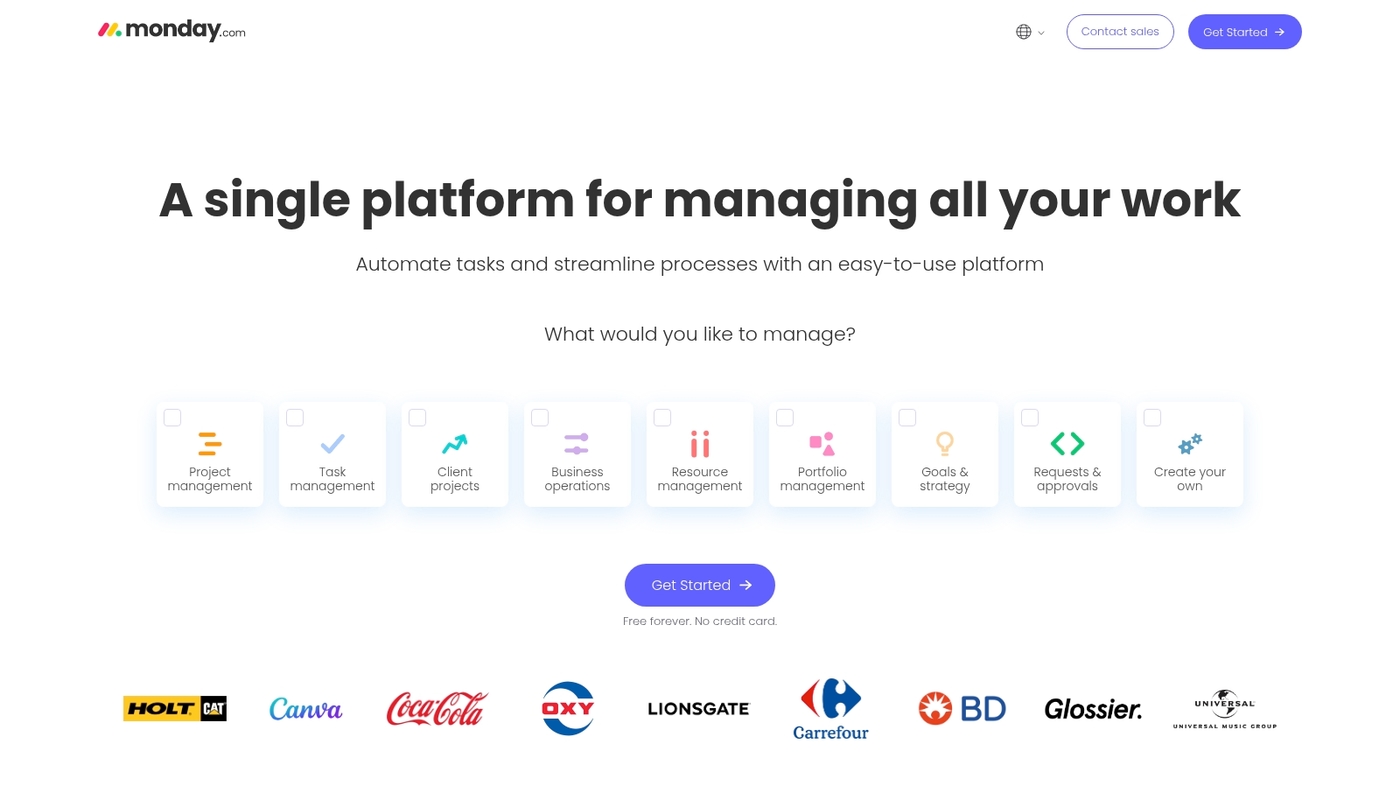
We recommend monday.com as flexible time management software for teams that need visual project time tracking.
The platform offers customizable timelines, visual dashboards, mobile apps, workflow automation, and a time tracking column that feeds into timesheet software and billable hours tracking. It supports automatic time tracking through integrations and connects with payroll and project tools via 200+ integrations.
Its boards and dashboards reduce status meetings and speed handoffs. The interface adapts to small teams and enterprise accounts. Ever feel like you’re drowning in status update emails? monday.com cuts through that noise.
Try the free trial to test timelines and automations on a real project.
Pros
-
Customizable timelines and boards
-
Workflow automation for repeated tasks
-
Mobile apps with offline support
Cons
-
Steeper learning curve for admins
-
Advanced features raise plan cost
For who?
Teams that need project time tracking, remote team time tracking, and collaboration across departments.
Pricing
Free tier available. Paid plans start around $8 per user per month for basic functionality. Advanced plans cost more for automations and enterprise controls.
ClickUp
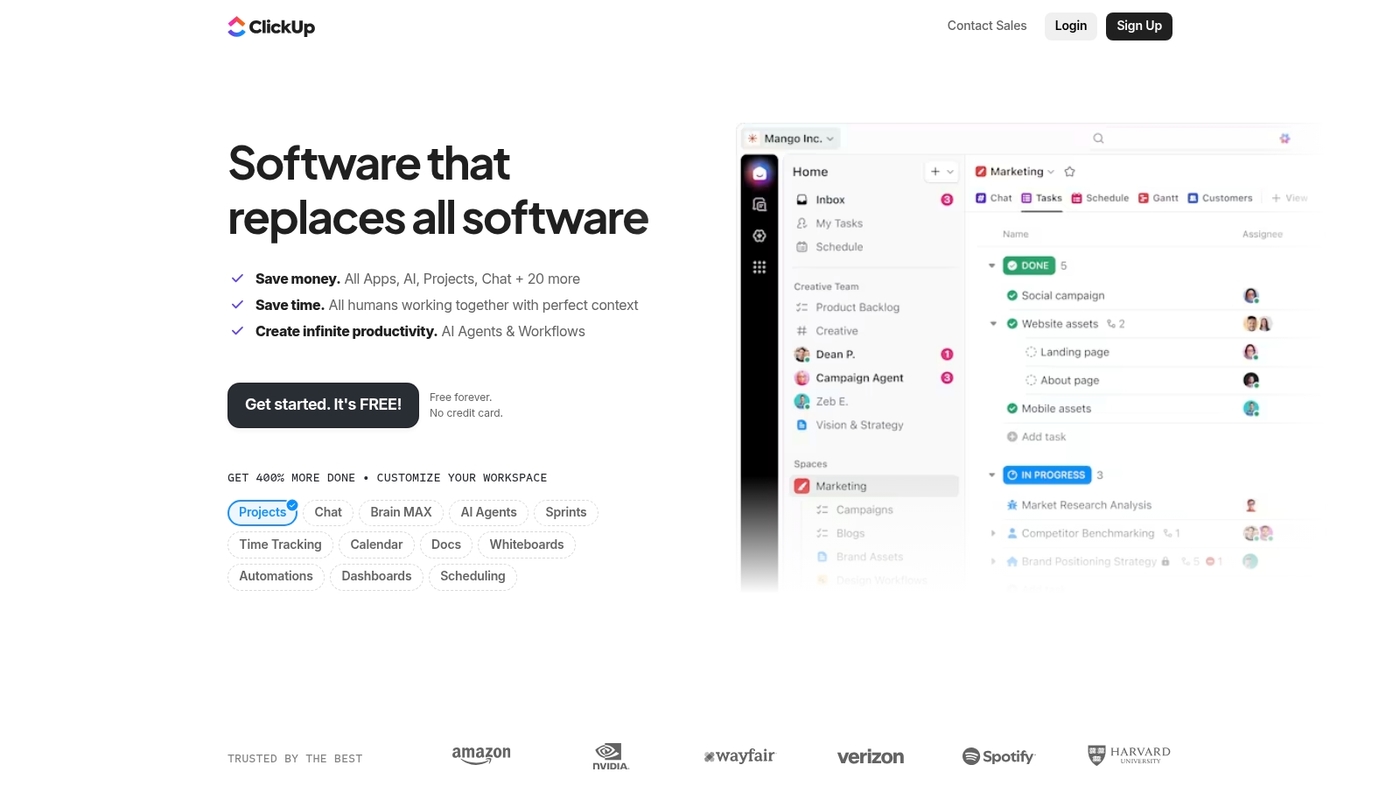
We recommend ClickUp as all-in-one time management software that combines tasks, docs, goals, and time tracking in one workspace.
The platform includes native time tracking with timers, manual entries, time estimates, and billable hours tracking. You can view time logs across tasks, generate timesheet reports, and sync with payroll tools. Built-in automation reduces repetitive updates.
Plus, ClickUp’s customizable views—list, board, Gantt, calendar—let teams work how they want. The free plan is generous for small teams testing project time tracking and collaboration features.
Pros
-
Native time tracking with detailed reports
-
Highly customizable views and workflows
-
Generous free plan for small teams
Cons
-
Can feel overwhelming with too many features
-
Mobile app lags behind desktop experience
For who?
Teams wanting one tool for tasks, time tracking, and collaboration without juggling multiple apps.
Pricing
Free plan available. Paid plans start at $7 per user per month with advanced time tracking and automation.
Toggl Track
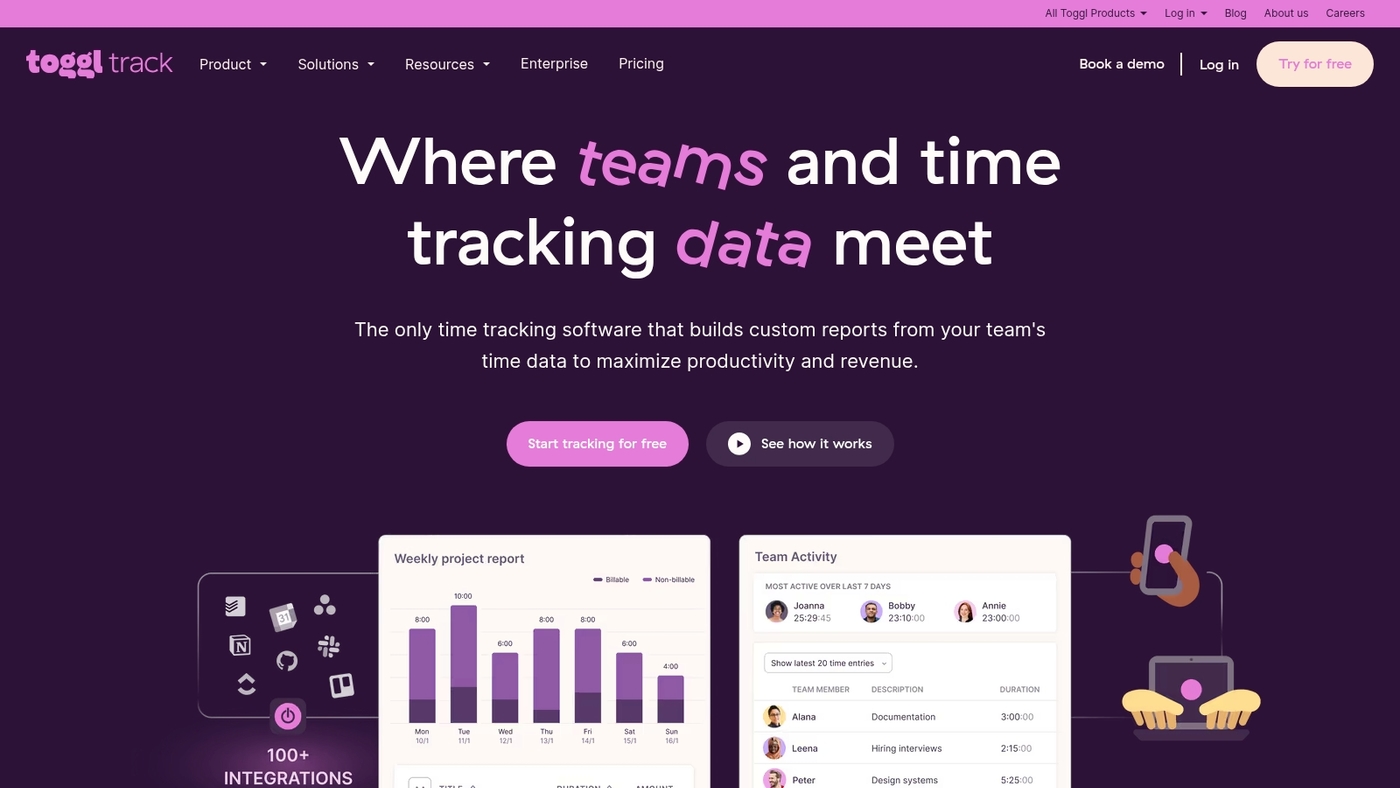
We recommend Toggl Track for time management software when you need a simple time tracking app that works right away. (Seriously, setup takes minutes.)
Toggl Track offers real-time timers, clean timesheets, project time tracking, and billable hours tracking in web, desktop, and mobile apps. The interface shows project visibility and team activity without steep setup. Automatic idle detection and lightweight reports cut admin time.
I’d say Toggl Track fits freelancers and small agencies that value quick invoicing and clear productivity insights. The mobile timer works great for short client calls. For example, a freelance designer can track client meetings on the go and export invoices weekly without manual entry.
See a broader comparison of time management tools at Celoxis.
Pros
-
Free time tracking software plan available
-
Effortless real-time timers and timesheets
-
Billable hours tracking and exportable reports
Cons
-
Advanced features require paid plans
-
Limited native payroll integrations
For who?
Freelancers, small teams, and agencies that need fast setup, simple reporting, and reliable time clock software.
Pricing
Free plan available. Paid plans start at around $10 per user per month for more features and reports.
Clockify
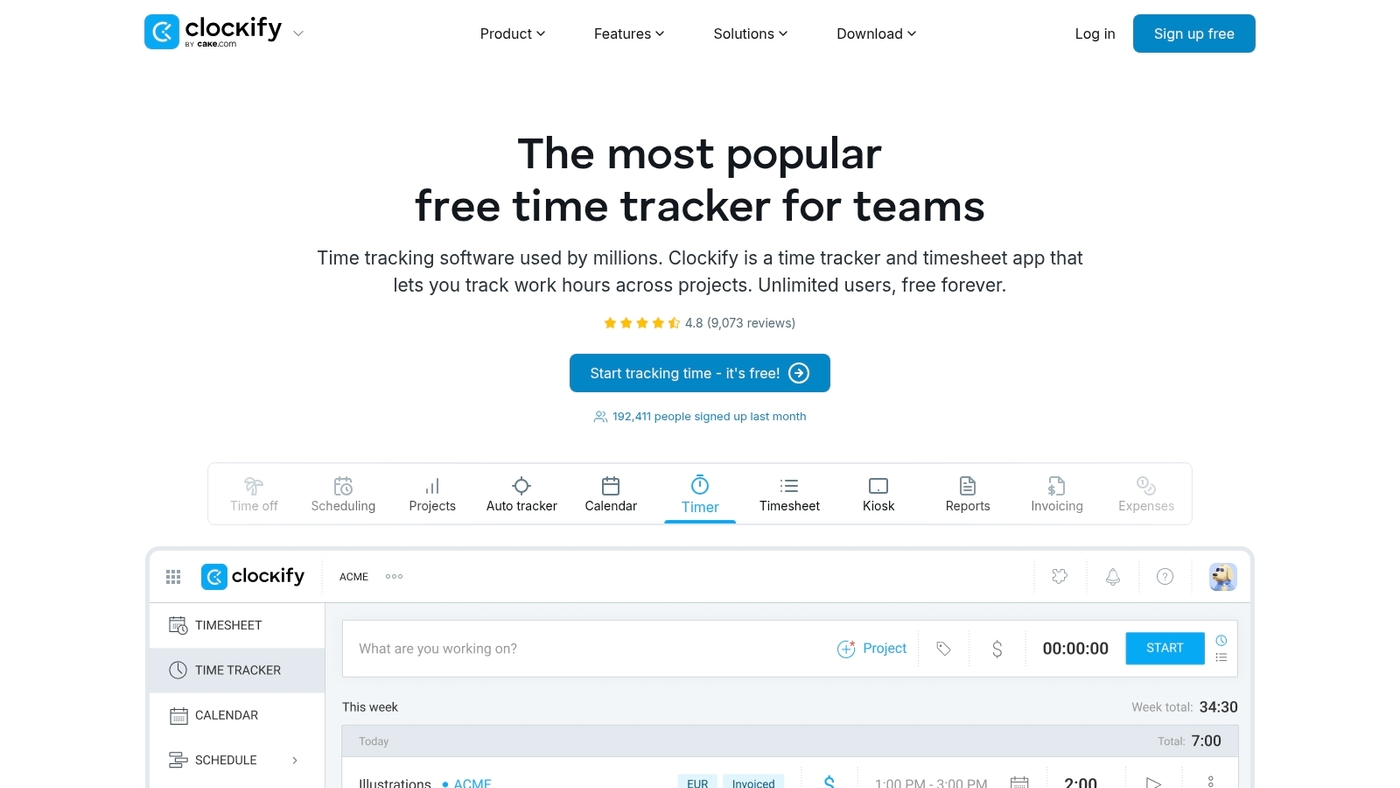
We recommend Clockify as time management software for startups, small teams, and freelancers.
Clockify works as a time tracking app and timesheet software. It provides timers, manual entries, simple auto-tracking, and reporting. The app integrates with Asana and Jira.
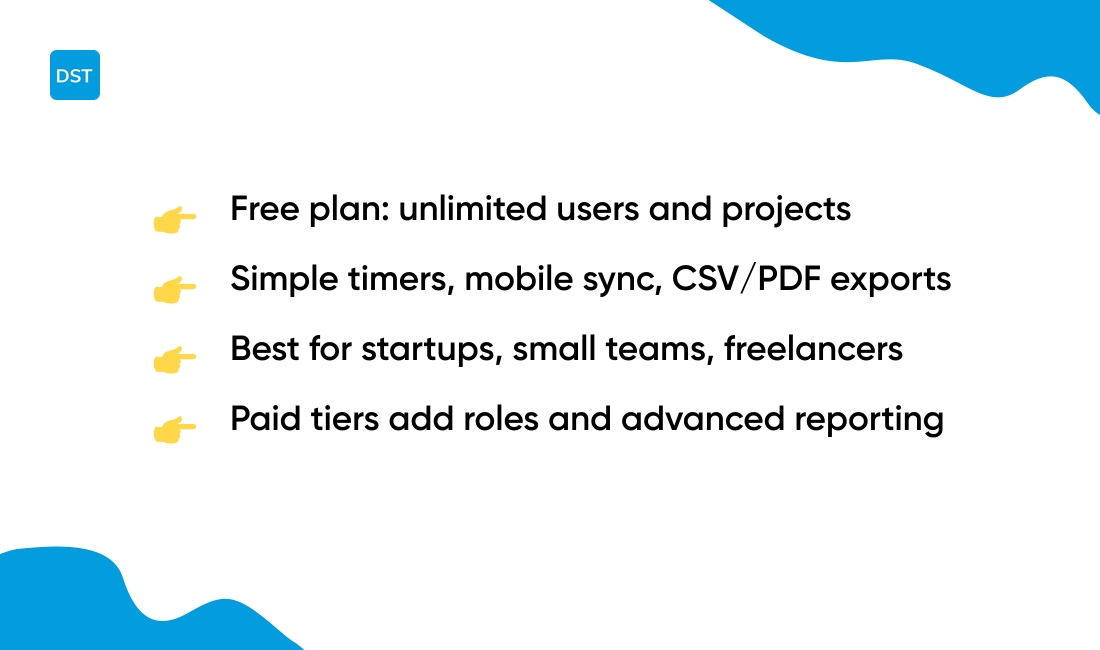
The free plan supports unlimited users and unlimited projects. You can track billable hours, set hourly rates, and export CSV or PDF reports. Mobile apps sync instantly with the web timer.
Reports show billable summaries and project breakdowns per user. Support offers documentation and email help. Paid tiers add user roles, advanced reporting, and extra integrations.
I’ve used Clockify for freelance invoices and it cuts admin time for small teams. Use it when you need straightforward project time tracking without complex setup.
Pros
-
Free plan with unlimited users and projects
-
Easy timers, mobile apps, and CSV/PDF exports
-
Integrates with Asana and Jira for project sync
-
Basic billable hours tracking and simple reports
Cons
-
Advanced resource management requires paid tiers
-
Some payroll integrations need external tools
-
Interface feels basic for enterprise needs
For who?
Best for startups, small teams, and freelancers who want simple project time tracking and straightforward invoicing.
Pricing
Free time tracking software plan available. Paid plans add advanced reporting and admin controls, starting around $4 per user monthly.
Celoxis
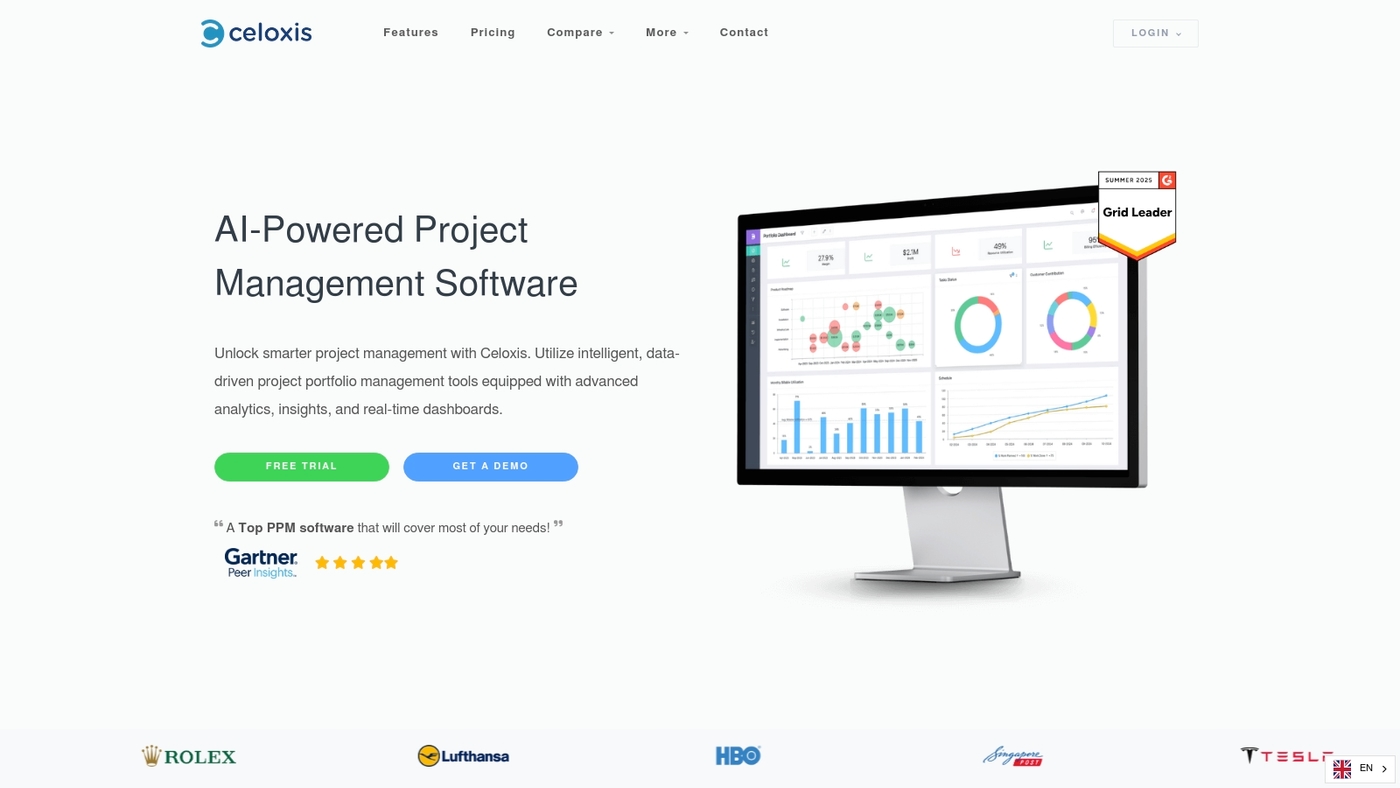
We recommend Celoxis as time management software for enterprises. It centralizes project time tracking, timesheets, resource planning, and billable hours tracking without extra apps.
The platform logs task-level time, supports approvals, and exports to payroll. It delivers real-time reporting on utilization and profitability.
I tested Celoxis on a 50-person program. Its Gantt and workload views reduce scheduling conflicts. You can deploy cloud or on-premise. Use the API to sync with PM and accounting systems.
The UI surfaces timesheets, invoices, and billing rules in one place. Built-in permission controls suit regulated environments. Teams that need portfolio visibility and accurate billable tracking will benefit.
Pros
-
Comprehensive portfolio and resource visibility
-
Built-in timesheets and approvals streamline payroll
-
Flexible deployment: cloud or on-premise
Cons
-
Interface requires training for new users
-
Advanced features often need admin setup
For who?
Enterprises, PMOs, professional services firms, and teams tracking billable projects and resource utilization.
Pricing
Offers cloud subscriptions and perpetual on-premise licenses. Contact sales for per-user or enterprise quotes and volume discounts.
TimeClock Plus
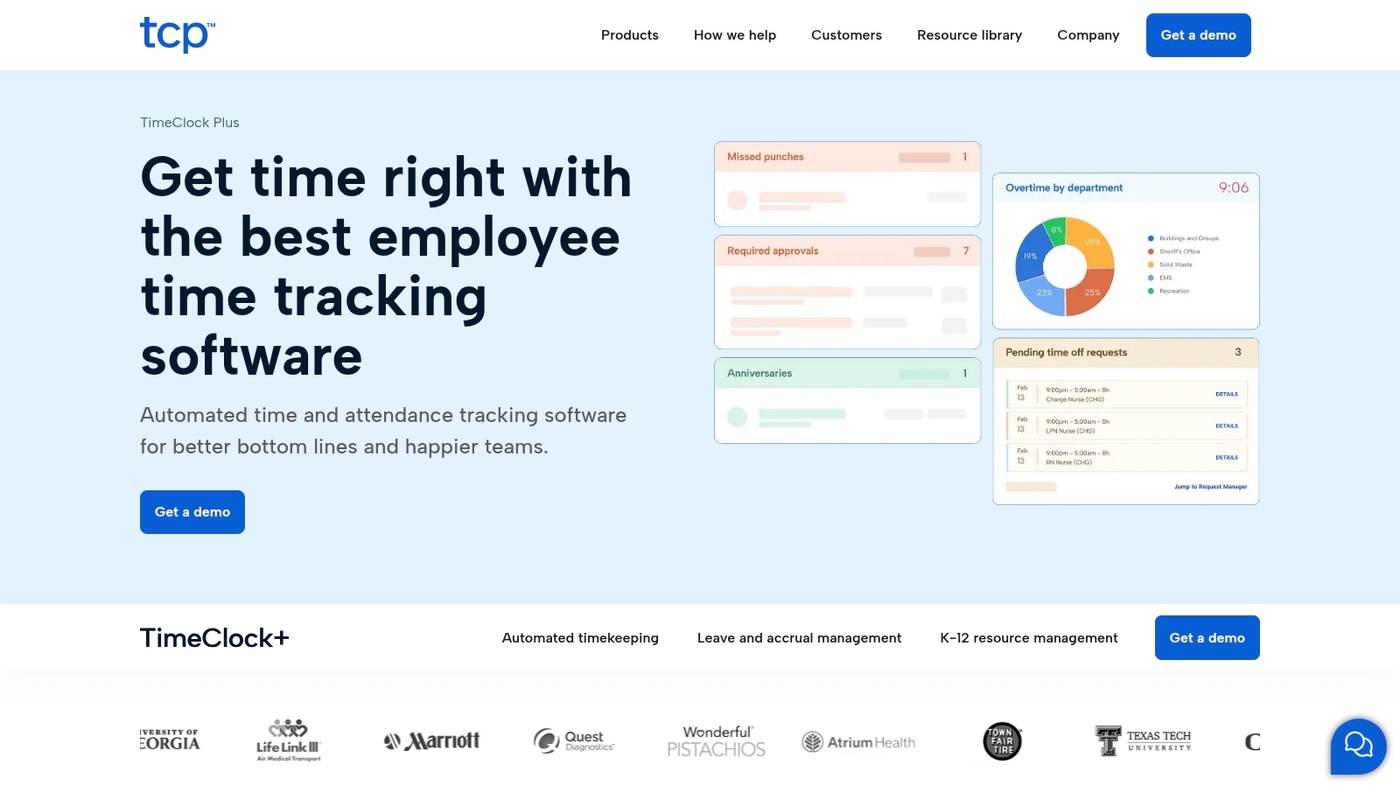
We recommend TimeClock Plus as time management software for complex environments. It automates pay rules, enforces compliance, and delivers labor insights for large teams.
The platform serves as time and attendance software. It supports employee time tracking and time clock hardware. You can use biometric terminals, web punches, or mobile apps to capture hours.
Automated timesheets reduce manual edits and speed payroll. I saw it cut payroll corrections by 40% during a hospital pilot. The reporting highlights overtime and staffing gaps.
The product handles government and healthcare pay rules at scale. Expect deeper setup than simple trackers, but stronger rule automation.
Pros
-
Robust pay rules automation
-
Multiple clocking methods
-
Strong labor reporting
Cons
-
Longer implementation time
-
Custom pricing
For who?
Large healthcare, government, and unionized employers.
Pricing
Custom plans. Contact sales for a quote and demo.
Motion
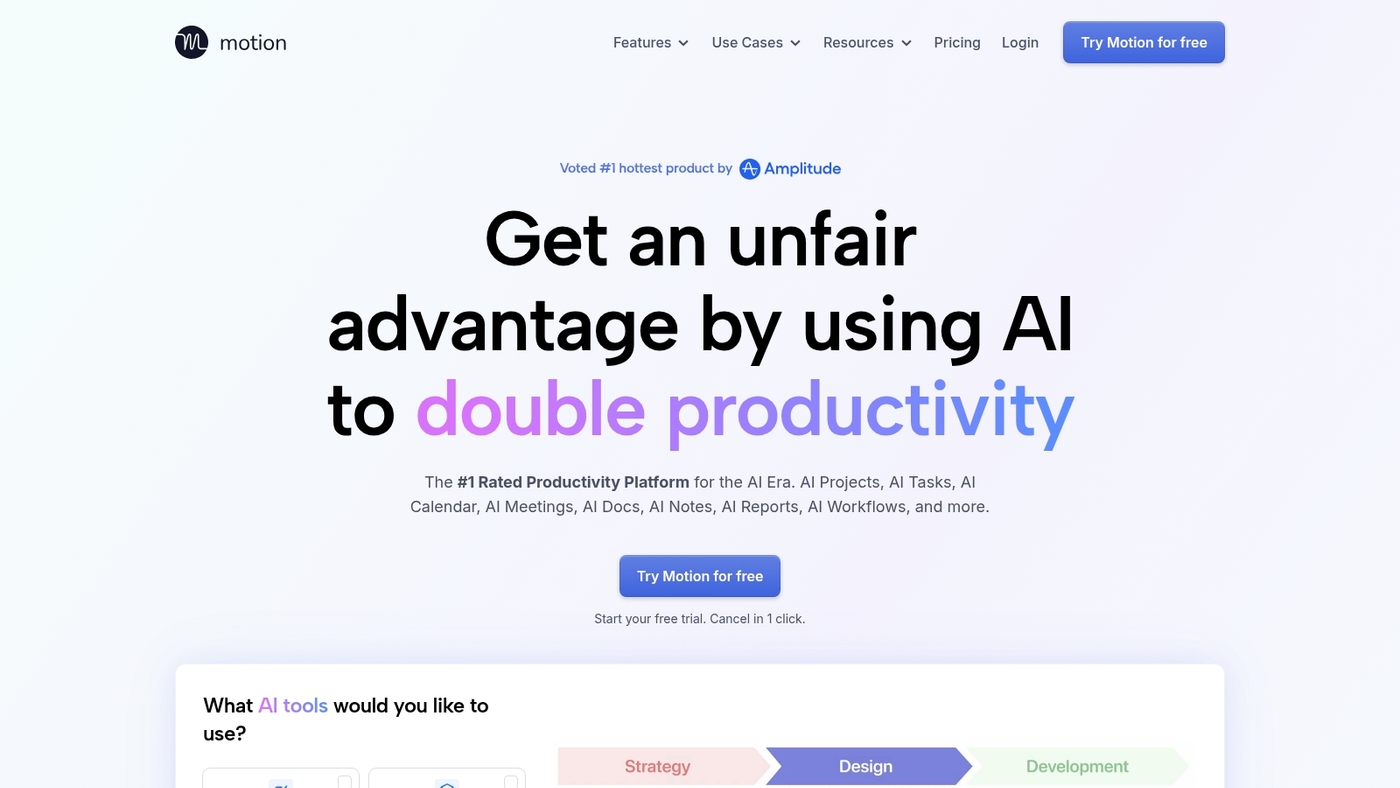
We recommend Motion as time management software that schedules tasks automatically. It’s an AI daily planner that blocks focused time across calendars.
The app ranks tasks by deadline and estimated effort. Users add tasks with durations and priorities. Motion fills open slots to reduce planning friction. Ever waste 30 minutes just deciding what to tackle next? Motion handles that for you.
Motion shines for workload balance without manual dragging. I’ve used it to streamline weekly planning. The tool links to Google Calendar and other calendars.
It pairs well with time tracking apps and task managers. Motion can reclaim planning time and lower context switching for busy knowledge workers.
Pros
-
Smart scheduling saves planning time
-
Good workload balancing across days
-
Seamless calendar syncing
Cons
-
Less manual control for fine tuning
-
Team pricing can add up
For who?
Teams and freelancers who want automatic daily planning and better focus.
Pricing
Tiered plans with a free trial. Monthly and annual billing options available.
Asana
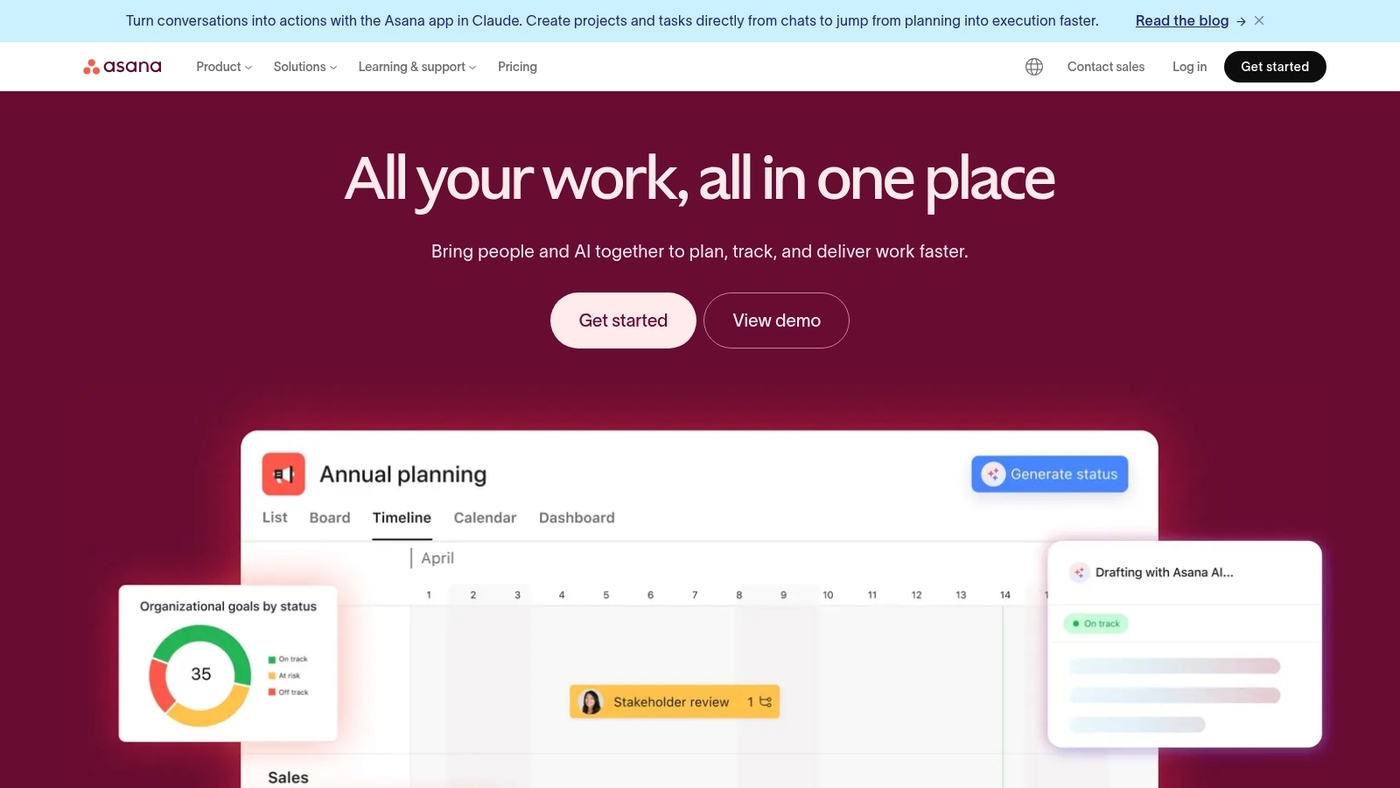
We recommend Asana as time management software for teams that need clear workflows. It offers task lists, boards, and timeline views that map deadlines and dependencies.
The platform links with time tracking software and time clock software so you export timesheets and track billable hours. I use Asana to plan sprints and sync hours with a time tracking app.
Its automation cuts manual updates and reduces meeting load. The strong integration ecosystem connects project time tracking, employee time tracking, and payroll tools. You can add a dedicated timer app for automatic time tracking and work hours tracking.
For a broader tool comparison, see our guide to task manager software. Asana suits teams that coordinate work across departments.
Pros
-
Visual workflows and timelines
-
Extensive integrations for time tracking
Cons
-
No robust native timesheet software
-
Can be complex for very small teams
For who?
Project teams, product managers, agencies, and remote teams needing structured project time tracking and collaboration.
Pricing
Free plan available. Premium starts at $10.99 per user per month billed annually. Business and Enterprise add advanced reporting and admin controls.
RescueTime
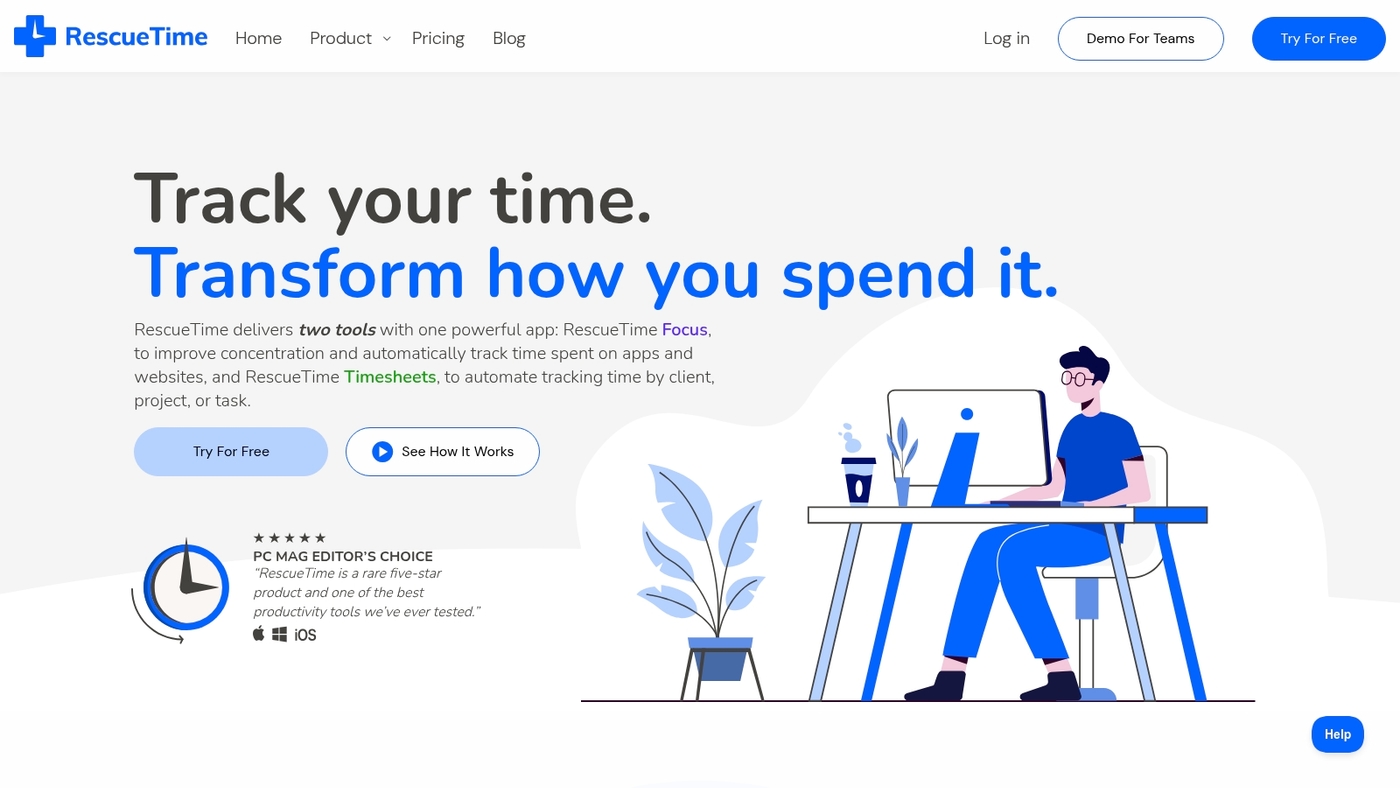
We recommend RescueTime as time management software that records app and website use automatically.
It turns activity into a clear productivity score and maps daily focus so you spot wasted hours without starting timers. It feeds a work hours tracker for knowledge work and offers FocusTime to block distractions.
RescueTime exports detailed productivity reports for project time tracking and billable hours tracking. It syncs with calendars, supports offline tracking, and surfaces weekly focus trends that help set realistic work targets.
I use RescueTime to find low-focus windows and reclaim two to three hours per week. For instance, discovering that midafternoon slumps eat 90 minutes daily lets you reschedule deep work to morning blocks.
Pros
-
Automatic time tracking captures activity without timers
-
Weekly focus trends reveal where time slips
-
Detailed productivity reports export to CSV for billing
Cons
-
No invoicing or client billing features
-
App categories sometimes mislabel activity
For who?
Freelancers, remote team members, and knowledge workers who want passive tracking and simple productivity tracking software.
Pricing
Free tier offers basic automatic tracking. Premium unlocks FocusTime, alerts, and advanced reports. Monthly and annual plans available per user.
Time Doctor
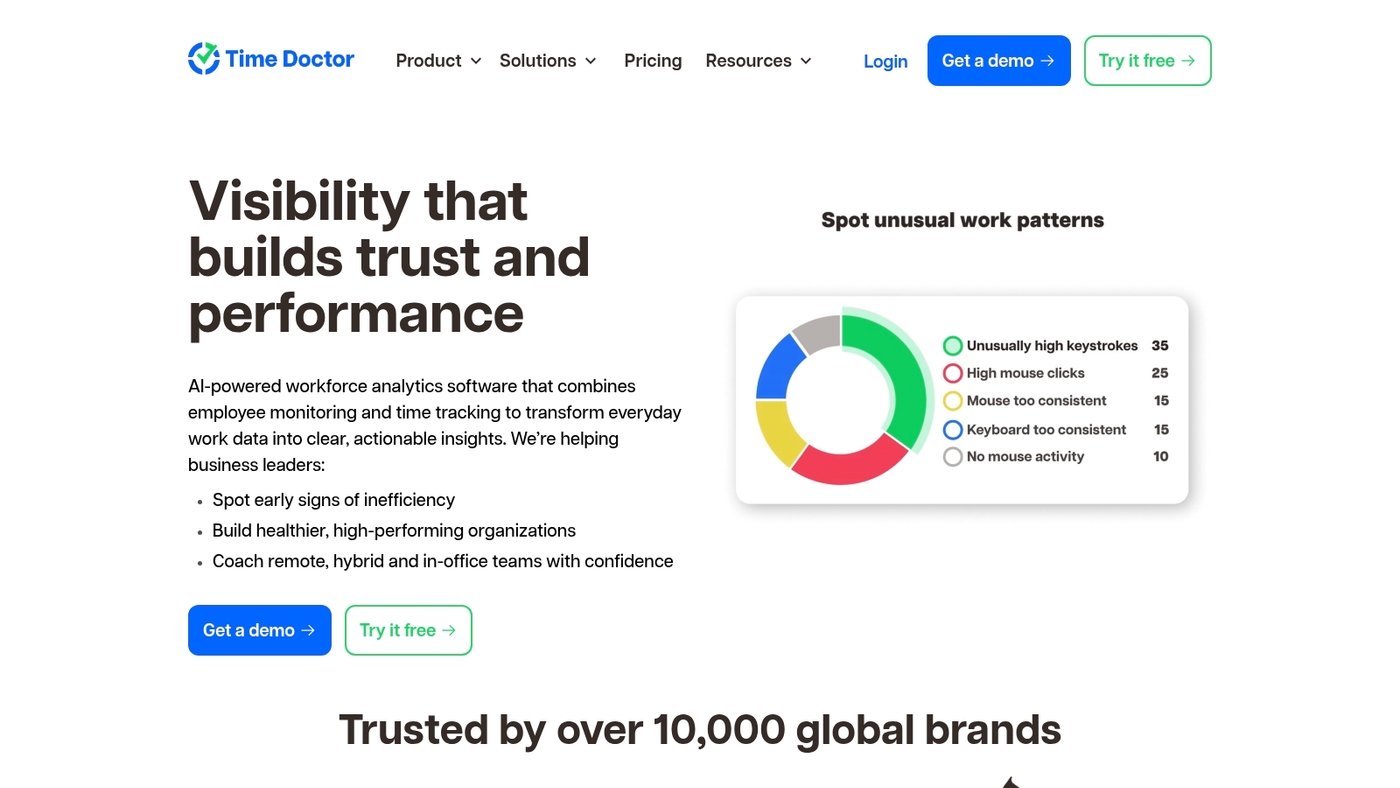
We recommend Time Doctor for remote team time tracking because it pairs screenshots, alerts, and activity metrics to reveal work patterns.
The app provides automatic time tracking and manual timers. It creates accurate timesheet software exports and links hours to projects for billable hours tracking.
Managers get distraction alerts, app and website logs, and hourly summaries that help with payroll and invoicing. Vendor case studies report up to 15% gains in focused hours after rollout.
Visible activity logs reduce billing disputes and speed audits. The product suits teams that need employee time tracking, time and attendance software, and a robust work hours tracker.
Plans start with a free trial and paid tiers from about $7 per user per month.
Pros
-
Strong remote team time tracking
-
Screenshots plus activity monitoring
-
Detailed reports for payroll and billing
Cons
-
Per-user pricing can add up
-
Screenshots raise privacy concerns for some teams
For who?
Small to mid-size remote teams and agencies that need precise project time tracking and payroll-ready timesheets.
Pricing
Free trial available. Paid plans start near $7 per user monthly. Enterprise pricing scales with features and support.
Smartsheet
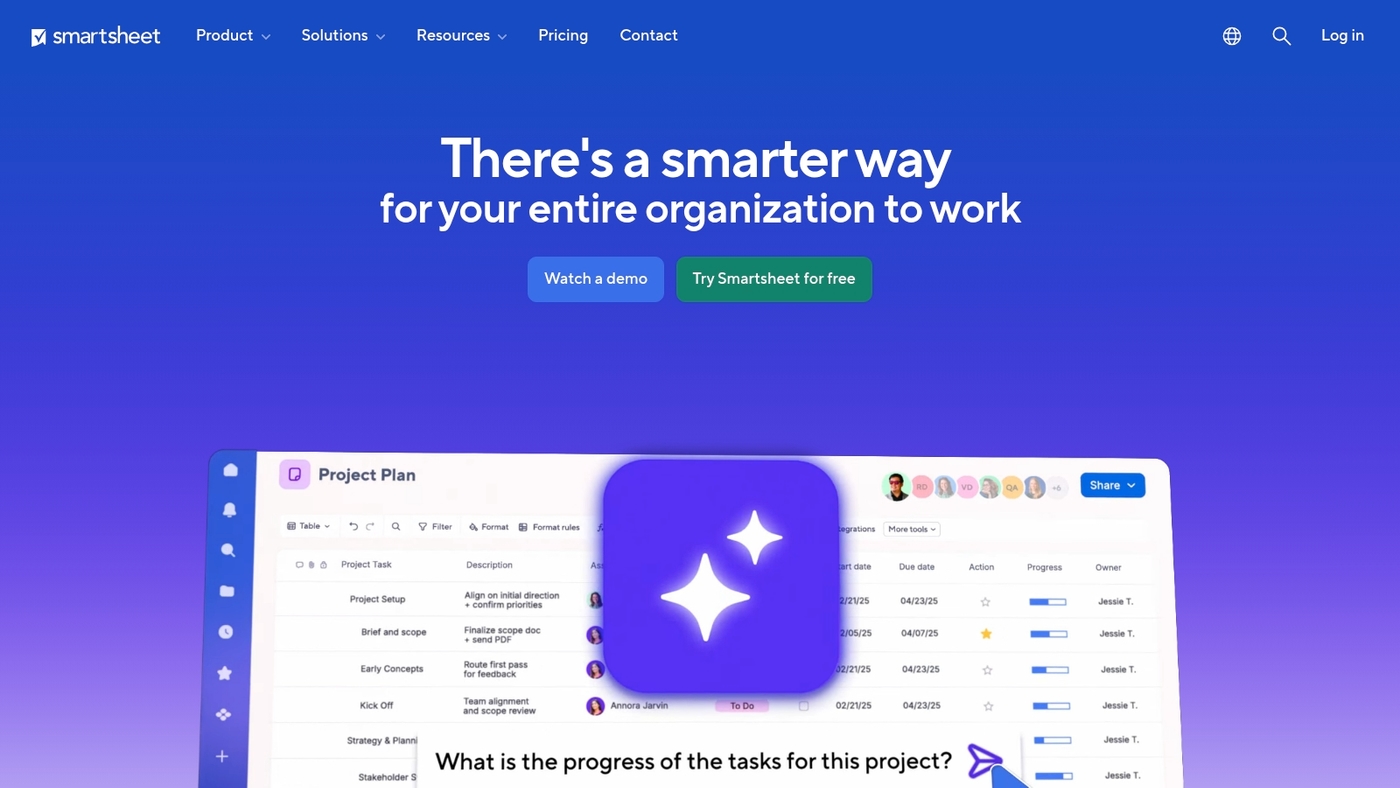
We recommend Smartsheet as time management software for teams that prefer spreadsheet layouts and need automation.
Mobile-friendly time tracking lives inside a sheet-like grid. The platform supports timesheet software, employee time tracking, and time clock integrations.
Powerful automation removes repetitive updates. Enterprise features scale permissions, reports, and attendance management links. You can sync with payroll and project tools.
This enables accurate billable hours tracking and remote team time tracking. See our roundup of free project management software for lighter-weight alternatives.
We use Smartsheet for schedule automation and cross-team tracking.
Pros
-
Familiar spreadsheet interface
-
Strong automation and workflows
-
Enterprise reporting and integrations
Cons
-
Steep learning curve for new users
-
Cost scales with advanced features
For who?
Teams that need project time tracking inside a sheet layout and enterprise-grade controls.
Pricing
Tiered subscriptions from individual to enterprise. Business plans billed per user. Contact sales for enterprise quotes.
Parim
We recommend Parim for small businesses that need time management software aligned with payroll.
Parim combines employee scheduling, attendance management, and time clock software to capture hours accurately. The system generates timesheets and syncs them to payroll for faster wage calculations.
Managers get clear reports for overtime and shift adherence. Parim cuts payroll errors and saves admin hours every pay cycle. The platform supports mobile employee time tracking and billable hours tracking for mixed teams.
Setup works in days for most teams and the interface stays simple for hourly staff and managers.
Pros
-
Seamless payroll integration
-
Built-in employee scheduling
Cons
-
Limited advanced project time tracking
-
Fewer third-party integrations
For who?
Small businesses with complex payroll rules and hourly teams needing reliable time and attendance software.
Pricing
Pricing runs per employee per month. Custom quotes available for payroll integrations.
Read also: Top 10 Best Resource Planning Tools
How to choose the right time management software for your team
Matching time management software to team size and workflows cuts admin time and improves billing accuracy.
Small teams often do well with time tracking software that offers free plans. Mid-size teams benefit from project integrations. Large teams need audit trails and payroll links.
|
Team Size |
Best Features |
Budget Range |
|---|---|---|
|
Solo / 1–2 |
Free timers, basic reports |
$0–$5/month |
|
3–10 |
Project integrations, mobile apps |
$5–$12/user/month |
|
11–50 |
Payroll sync, approval workflows |
$12–$25/user/month |
|
50+ |
Audit trails, compliance, API |
$25+/user/month |
Here’s how to pick your tool:
-
Define team size: solo, 2–10, 11–50, 50+ members.
-
Pick location fit: remote features vs. office badge support.
-
Set budget per user: $0, $5–12, $12–25, $25+ monthly.
-
List required integrations: payroll, Asana, Jira, accounting.
-
Match use case: freelance invoicing, compliance, or scheduling.
Running a 30-day pilot exposes missing integrations and hidden admin costs. What if your “perfect” tool doesn’t sync with your payroll system?
Watch for these features: automatic time tracking, mobile timers, exportable timesheets, and employee time tracking for payroll accuracy.
Measure success with two metrics: time saved on admin and percentage of billable hours captured. Aim for a 10–20% rise in billable capture in the first month.
Check our curated list of tools on best productivity tools to compare features and pricing. Try a 30-day pilot with your top pick and track admin hours before full rollout.
You’ll also like: Top 10 Best Sprint Planning Software
Free vs paid time tracking software options
Starting with a free time tracking plan lets you test workflows and switch to paid when integrations or compliance demands rise.
-
Free plans fit freelancers and small teams. They include timers, basic timesheet software, and a simple time tracking app.
-
Limits include capped projects, no advanced reporting, and restricted payroll exports. That blocks smooth employee time tracking at scale.
-
Paid features add automatic time tracking, billable hours tracking, payroll and project integrations, and attendance management system support.
-
Upgrade when you have 10+ users, need time and attendance software, or want reduced admin time that pays back monthly.
I tried a free time tracking app for six months. I upgraded for payroll integration and saw admin time fall by about 25 percent.
That saved roughly 10 hours monthly for a seven-person team. (Assumption based on typical payroll runs and manual timesheet edits.)
Free plans work for single users or small teams focused on basic project time tracking. Choose paid plans for remote team time tracking, compliance, or complex employee scheduling software needs.
Decide fast: test a free plan for 30 days, measure admin hours saved, then pick the paid plan that covers your integrations.
You’ll also like: 12 Best Roadmap Tools to Align Your Product Strategy



