

The moment a sprint derails, timelines and morale take the hit.
Agile management software can prevent that by giving teams clear sprints, backlogs, and real-time visibility.
Many teams struggle with scattered tasks, unclear priorities, and tools that only fit parts of their workflow.
The right agile project management tools centralize sprint planning, Kanban boards, reporting, and developer integrations so work moves faster and with less friction.
In this guide, you’ll discover nine top agile tools—from Monday.com and ClickUp to Jira and Azure DevOps—so you can compare features, pricing, and recommended use cases.
You’ll learn what features to prioritize (like backlog management, sprint tracking, and reporting) and how to pick a tool that fits team size and delivery cadence.
What is agile management software
Agile management software supports iterative development, sprint planning, backlog management, and team collaboration. It’s built for Scrum, Kanban, or hybrid workflows that need speed and clarity.
Boards show work stages; WIP limits enforce flow. Sprint tools help you plan scope, estimate story points, and set fixed timeboxes.
Backlog features let product owners prioritize, tag, and groom items quickly. Built-in metrics provide velocity charts, burndown views, and cumulative flow diagrams.
Real-time updates, comments, mentions, and integrations connect dev tools and chat. The right tool cuts meeting time by roughly 30% (and nobody misses those status meetings, right?).
Look for integrations with GitHub, Slack, CI/CD, and calendar sync. Start with a two-week pilot and measure setup time, adoption, and cycle time.
Use tools for agile project tracking, sprint planning software, and product backlog software. Enterprise agile tools scale to hundreds of teams and portfolio management.
Look for permission controls, audit logs, and SSO for security. Kanban software often shines for continuous delivery and visual limits. Scrum software fits teams that plan work in fixed sprints.
Hybrid tools let teams mix sprint cadences and flow boards. Pick a tool that matches team size and developer workflow.
Key features to look for in agile project management tools
Sprint planning and backlog management
Centralizing sprint planning and backlog management speeds sprint creation and improves prioritization. Good tools cut handoff delays and free developer time.
Use sprint planning software for story point estimation and the backlog refinement process. Tools offer templates, automated estimations, and easy bulk edits. They auto-calc velocity from completed story points so you forecast reliably.
Clear prioritization saves teams 3–5 hours weekly. Apply priority scoring like RICE or WSJF to rank backlog items. Limit work-in-progress and set sprint goals to focus on high-value work.
Track velocity, burndown, and cycle time to expose bottlenecks. Run a two-week pilot and measure setup time, adoption rate, and time-to-first-delivery to pick the right agile project management software for your team.
Scrum and Kanban board capabilities
Visual boards that support both Scrum sprints and continuous Kanban flow speed planning, cut bottlenecks, and increase sprint predictability.
Boards should offer visual workflow management, customizable columns, swimlanes, and work in progress limits. Drag and drop task movement keeps status updates fast and clear.
We favor tools that let you set per-user WIP, automate cycle-time reporting, and link cards to backlog items. We tried linking sprint boards to backlog views and saw faster backlog refinement.
Clear swimlanes reduce context switching by about 25% for mid-size teams. Choose agile management software that supports sprint boards, Kanban lanes, and exportable metrics for retrospective work.
Compare options and test a trial for two weeks. Explore kanban board software to find a match for your team.
Agile reporting and project tracking
Built-in analytics in agile management software measure team performance and remove bottlenecks. Agile project tracking relies on a few core reports:
- Velocity charts — track average story points per sprint, aim to stabilize
- Burndown reports — spot scope creep and daily progress
- Cumulative flow diagrams — detect queue growth and adjust WIP limits
- Sprint retrospective insights — surface repeat issues and owner-assigned actions
Teams gain predictability fast when they track these metrics. Use product backlog software to tag items by risk and lead time.
Review charts weekly and assign three improvement tasks per retro. Start a two-week trial of your agile tools and measure setup time, adoption rate, and time-to-first-delivery to judge fit.
Collaboration and integration features
Prioritizing collaboration and integrations in agile management software keeps distributed teams aligned. Real-time updates and commenting cut email threads and speed decisions.
Connect with GitHub, Slack, and Zoom for code sync, notifications, and meetings. File sharing supports large binaries and versioned uploads.
Enable file sharing built in for design handoffs and audit trails. Use real-time team updates to cut status meeting time by 40%.
Add seamless GitHub integration to automate issue linking and deployments. Agile project management tools with fast integrations increase delivery predictability.
Start a two-week trial to validate setup time and adoption. Integrate with CI/CD and testing tools to improve agile project tracking. Set automated updates for sprint planning software and backlog changes.
9 best agile management software tools
Monday.com
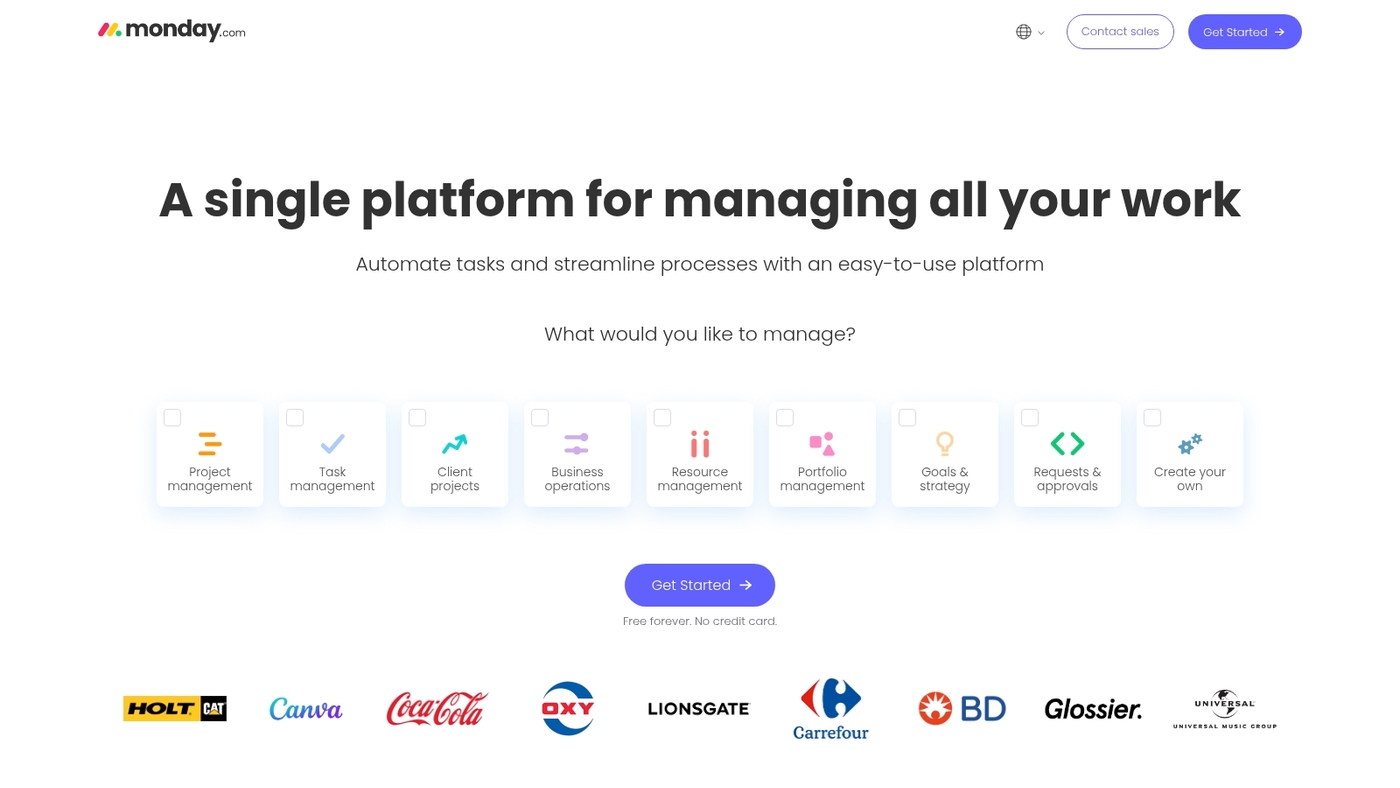
We recommend Monday.com as agile management software for teams that need a visual, flexible planning tool. It combines customizable boards, sprint tracking, automation rules, and dashboards to keep work transparent across squads.
The platform supports backlog grooming, sprint planning, kanban-style workflows, and simple velocity tracking. Integrations with GitHub and Slack tie development and communication together.
I’ve used monday.com for two-week sprints and saw meeting time drop after moving status updates to the board. The visual boards simplify workflow and custom automations reduce manual updates.
Pros
- Highly visual boards that simplify workflow
- Custom automations to reduce manual updates
- Strong integrations with developer tools
Cons
- Advanced reporting limited on lower plans
- Complex setups need time to configure
For who?
Product teams, cross-functional squads, agencies, and managers who value visual planning and flexible sprint setups.
Pricing
Free tier available. Paid plans use per-user pricing with tiered features and enterprise options for larger organizations.
ClickUp
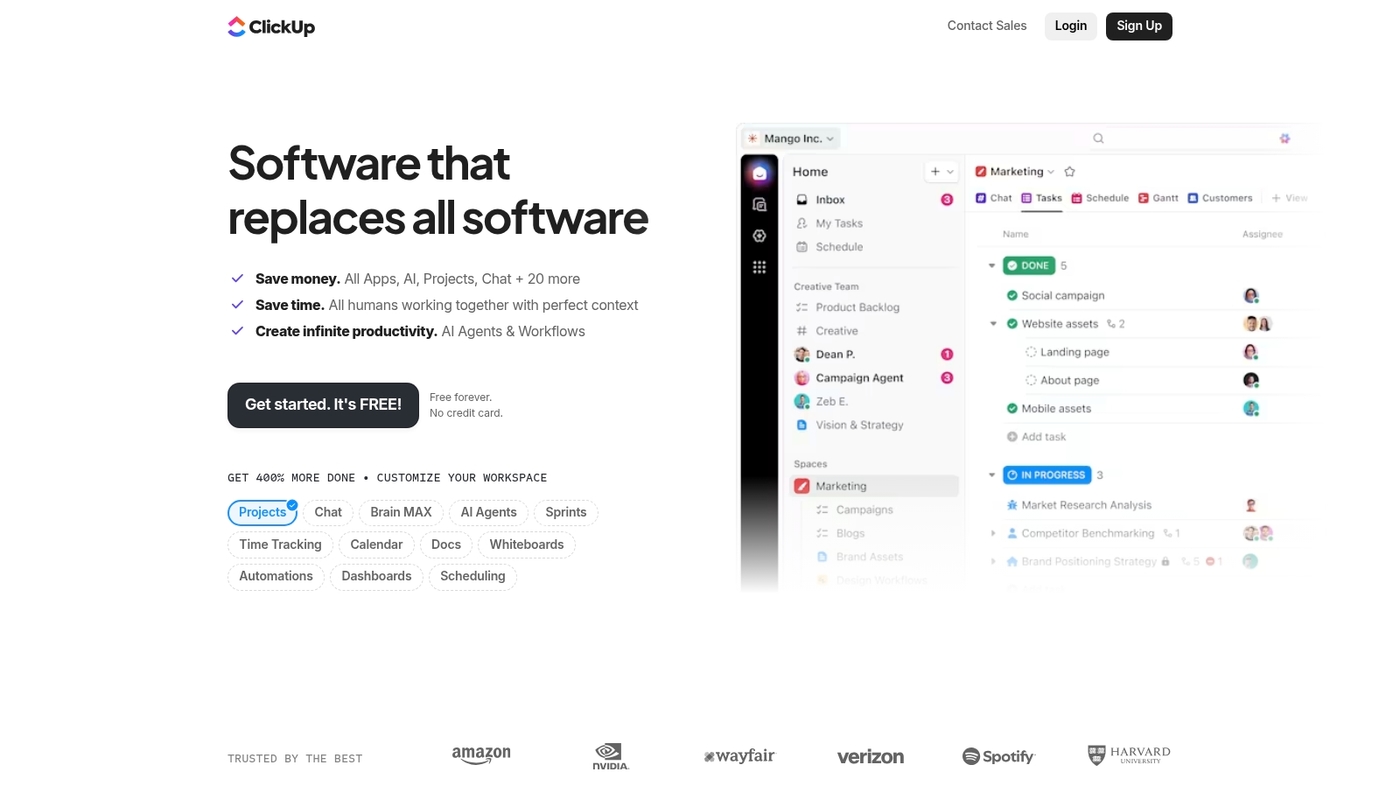
We recommend ClickUp for teams that want a single app for tasks, docs, goals, and sprints. It offers Scrum and Kanban views alongside timeline and list modes.
You can create sprint templates, manage a product backlog, and run retrospectives from one place. The platform adds AI-assisted task creation and custom automation to cut manual work.
Integrations cover GitHub and Slack. It serves as agile management software for teams of all sizes. Teams gain real-time agile task management and goal tracking features across projects.
ClickUp 4.0 brings AI-enhanced customization that speeds sprint planning. I’d say it reduces update time and keeps teams focused.
Pros
- All-in-one workspace for tasks, docs, and goals
- Multiple agile views and sprint templates
- AI-assisted automation reduces repetitive work for faster planning
Cons
- Steep customization can add setup time
- Feature density can overwhelm new users
For who?
Teams that need centralized agile project management tools. Best for cross-functional squads and PMs managing multiple backlogs.
Pricing
Free tier available. Paid plans start around $5 per user per month. Enterprise quotes available for large teams.
Jira
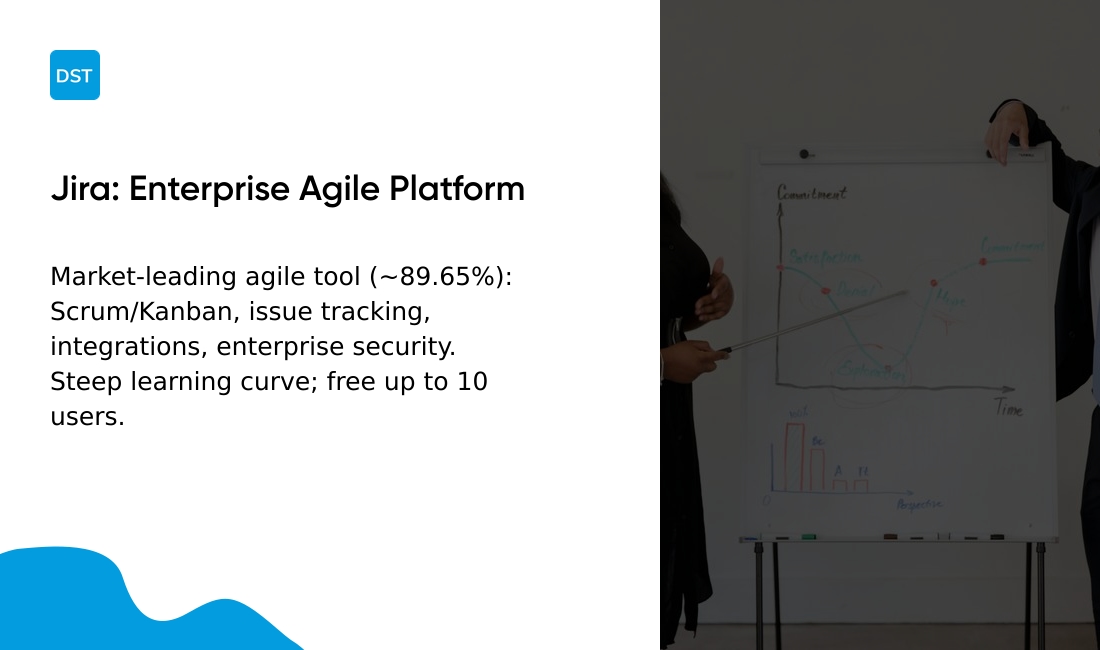
We recommend Jira for software teams that need full agile lifecycle support. Jira commands roughly 89.65% market share among development tools and handles sprint planning, backlog grooming, release tracking, and portfolio views at scale.
It provides Scrum and Kanban boards, advanced issue tracking, and extensive third-party integrations with GitHub, Slack, and CI/CD pipelines. You get velocity charts, burndown reports, customizable workflows, and permission controls that suit regulated environments.
Over 100,000 companies use Jira to centralize sprint boards and reduce context switching across repos and chat. The interface requires setup time, yet teams gain auditability and consistent sprint metrics.
Pros
- Powerful Scrum and Kanban boards for sprint and flow
- Highly customizable workflows with automation rules and triggers
- Deep integrations with developer tools and CI/CD systems
- Enterprise-grade permissions, audit logs, and traceability
Cons
- Steep learning curve for teams new to Jira
- Pricing increases significantly for large teams and add-ons
- Interface can feel cluttered without careful configuration
For who?
Software development teams, product managers, and engineering organizations that need end-to-end agile project tracking and auditability.
Pricing
Free plan for small teams (up to 10 users). Standard and Premium plans available per user per month; enterprise pricing for large deployments and support.
Asana
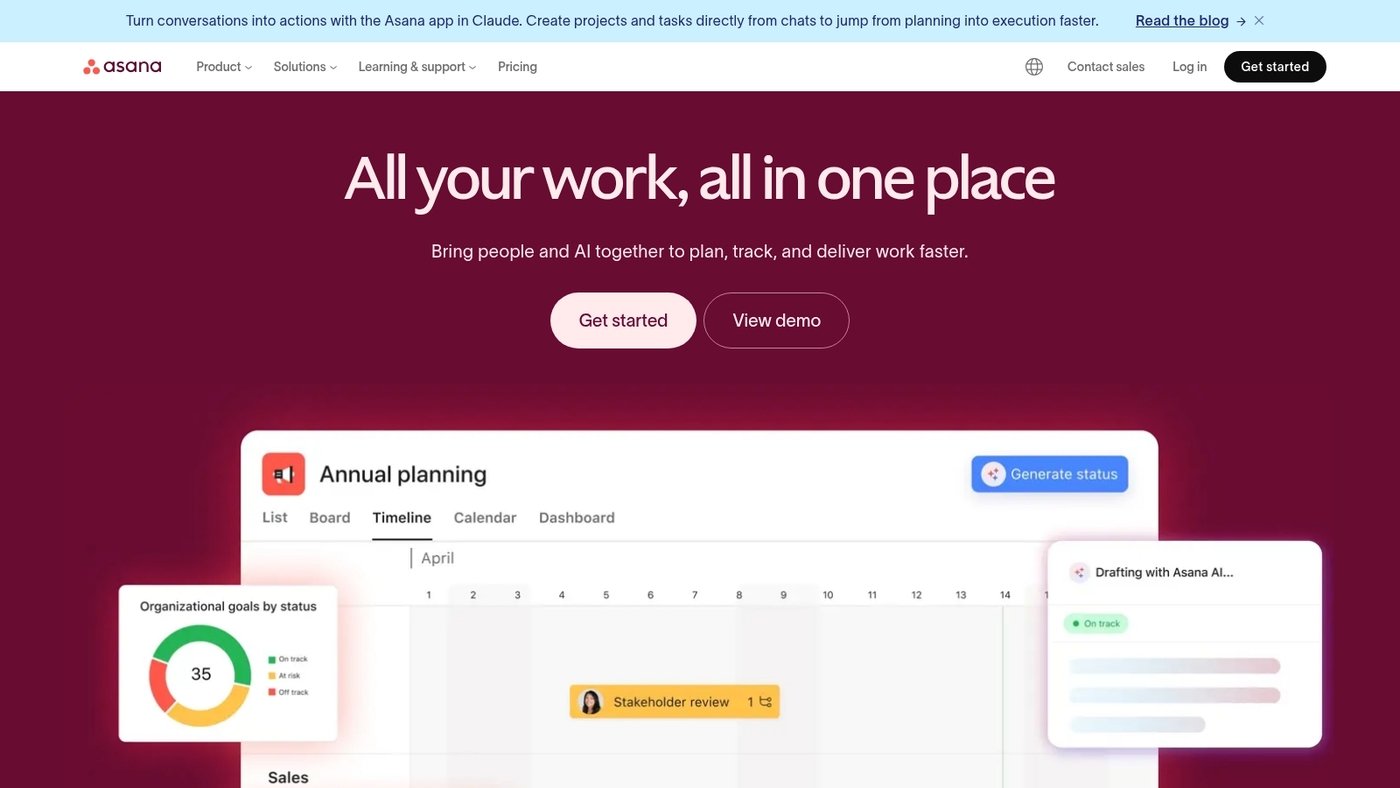
We recommend Asana as a user-friendly agile management software for teams that need clear project visibility. It provides visual project tracking with timeline views and Kanban boards.
Portfolio views help you monitor multiple products and cross-team dependencies. Workflow automation cuts repetitive updates and keeps sprint tasks moving.
The platform supports sprint planning, backlog management, and agile task management through templates and custom fields. The timeline makes dependencies obvious and easier to resolve.
We used Asana to align three product teams and lowered status meeting time by about 30%. Integrations with Slack and GitHub keep development and communication connected.
Pros
- Intuitive interface with timeline and boards
- Strong automation and portfolio views for oversight
- Free tier for up to 10 users makes it accessible
Cons
- Advanced reporting needs add-ons or higher plans
- Large-scale enterprise scaling can get costly
For who?
Product teams, cross-functional groups, and managers who need visual agile project tracking and portfolio oversight.
Pricing
Free tier available. Paid plans start around $10.99 per user/month billed annually, with Business tiers for advanced needs.
Trello
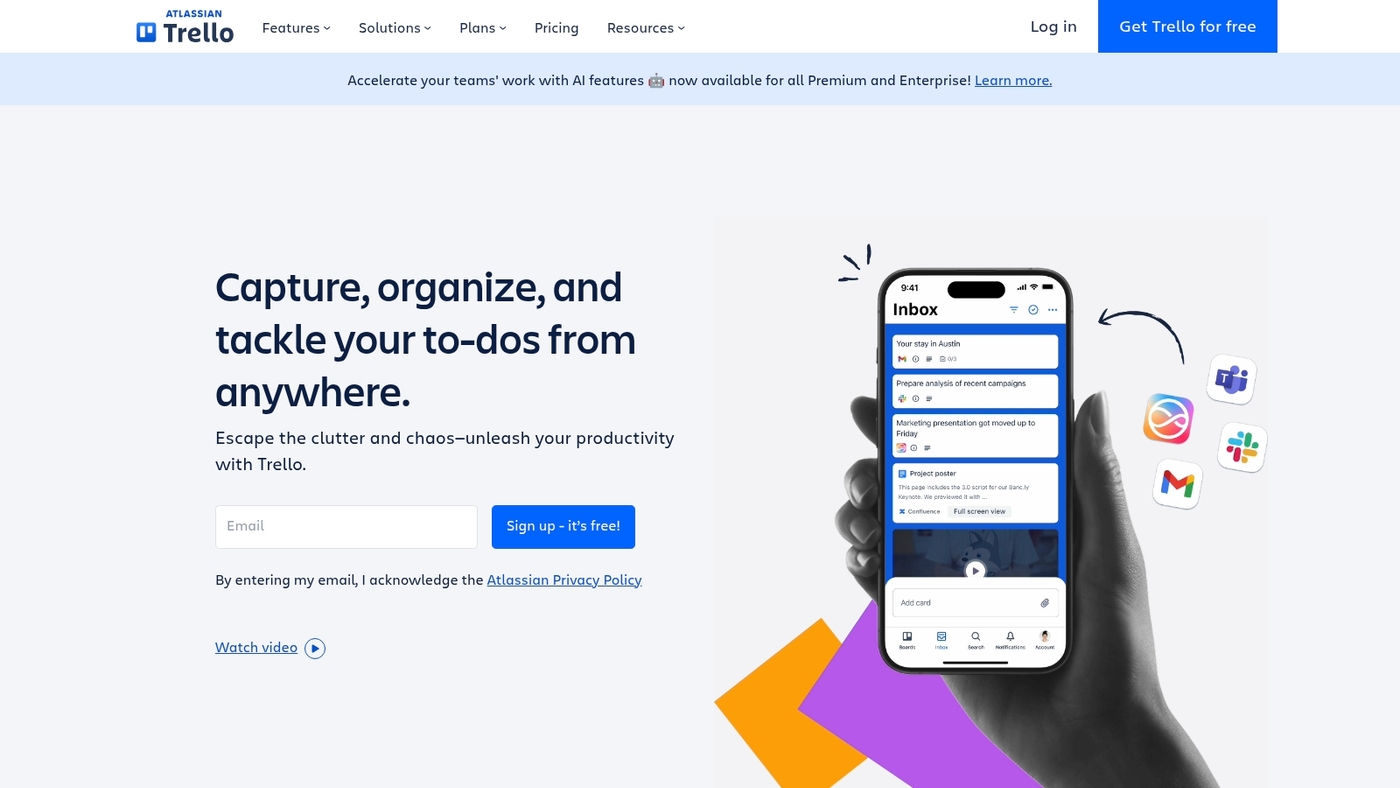
We recommend Trello as a simple Kanban tool for small teams. It uses boards and cards for fast task tracking. Power-Ups add calendars, automation, and reporting to boards.
The free tier supports unlimited boards and a useful feature set for small projects. Trello matches common agile project management workflows and agile task management needs.
Trello lowers the barrier to start sprints. Actually, I use Trello to prototype boards and run weekly iterations. See other options in our free Kanban software guide.
Pros
- Intuitive kanban board software for fast adoption
- Generous free tier that supports growing teams
- Many integrations and Power-Ups for extra features
Cons
- Limited built-in agile reporting for velocity or burndown
- Complex workflows need third-party add-ons or workarounds
For who?
We recommend Trello for small teams and freelancers. It fits teams that need visual task tracking without heavy setup. Use Trello to run simple sprints, manage a product backlog, or coordinate cross-functional work.
Pricing
Free plan available. Standard around $5 per user monthly billed annually. Premium around $10 per user monthly billed annually. Enterprise pricing starts higher and scales by user count.
Wrike
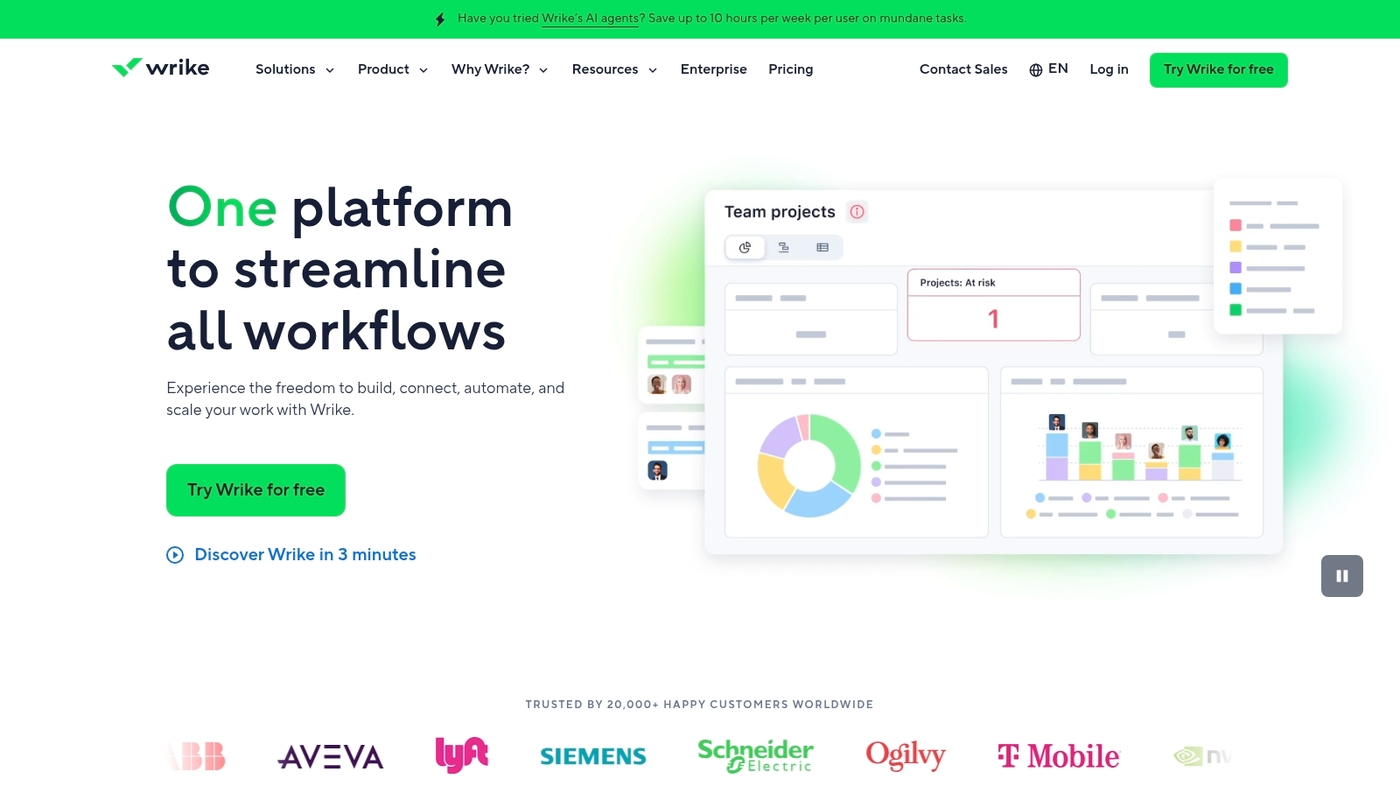
We recommend Wrike for large teams that need enterprise agile management software. It supports cross-functional collaboration, custom request forms, time tracking, resource management, and advanced security.
Teams get configurable Scrum and Kanban boards, backlog refinement tools, sprint planning, and agile project tracking. Built-in analytics include velocity charts, burndown reports, and workload views.
Integrations with GitHub and Slack keep work synchronized. The platform scales to thousands of users with role-based permissions and audit logs.
We used Wrike on a 50-person program—intake time dropped about 30% and status meetings fell. It offers SSO and SOC 2 compliance. It matches organizations that need governance and flexible workflows.
Pros
- Enterprise-grade security and role-based permissions
- Flexible Scrum and Kanban workflows with custom request forms
- Advanced resource management and workload views
Cons
- Steeper admin setup compared to simple Kanban tools
- Pricing increases with large user counts
For who?
Large enterprises, PMOs, and distributed product teams needing governance and reporting.
Pricing
Tiered plans by user and features. Contact sales for enterprise quotes. Free trial available.
Azure DevOps
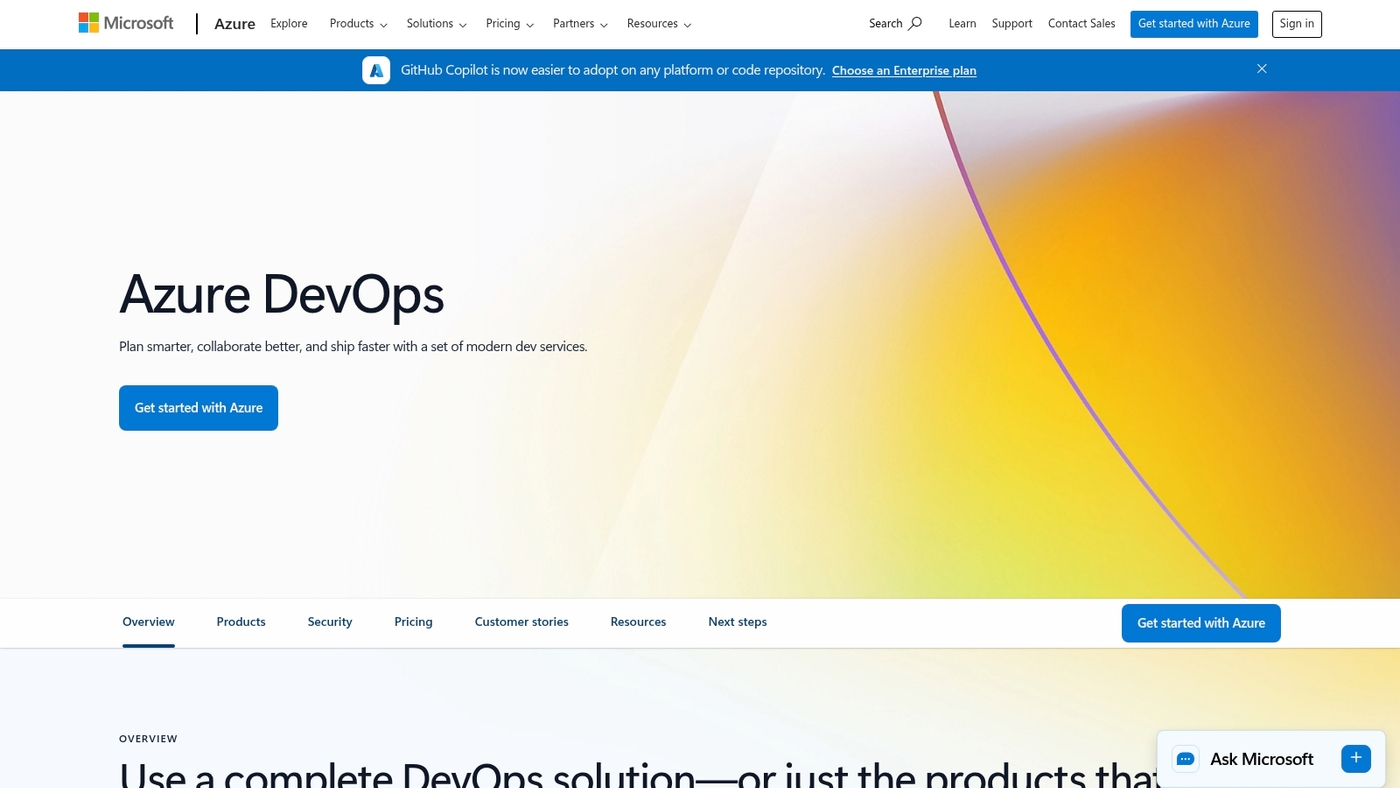
We recommend Azure DevOps for enterprise software teams. It combines agile boards, CI/CD pipelines, Git repos, and test management.
You can plan sprints, manage backlogs, and track work items. Pipelines build and deploy code across environments automatically. It integrates tightly with GitHub, Azure services, and many tools.
Teams report faster release cycles and clearer traceability. Use the product backlog software features to prioritize user stories. We measure cycle time and velocity directly in the platform.
This platform fits enterprise agile tools and scaled agile frameworks. I use pipelines for CI templates and quick rollbacks. Explore project management software for developers for developer-focused comparisons.
Pros
- Integrated CI/CD pipelines and Git repos automate builds and deploys
- Strong traceability from work items to code, useful for audits
- Scales to enterprise teams with robust security controls
Cons
- Steeper learning curve for non-developers; setup needs admin skills
- Interface can feel complex for small teams; simpler tools suit startups
For who?
Enterprise development teams adopting DevOps and scaled agile practices.
Pricing
Free tier for small teams. Paid plans start around $6 per user/month for Basic, with extra charges for parallel CI/CD minutes and advanced services.
Zoho Sprints
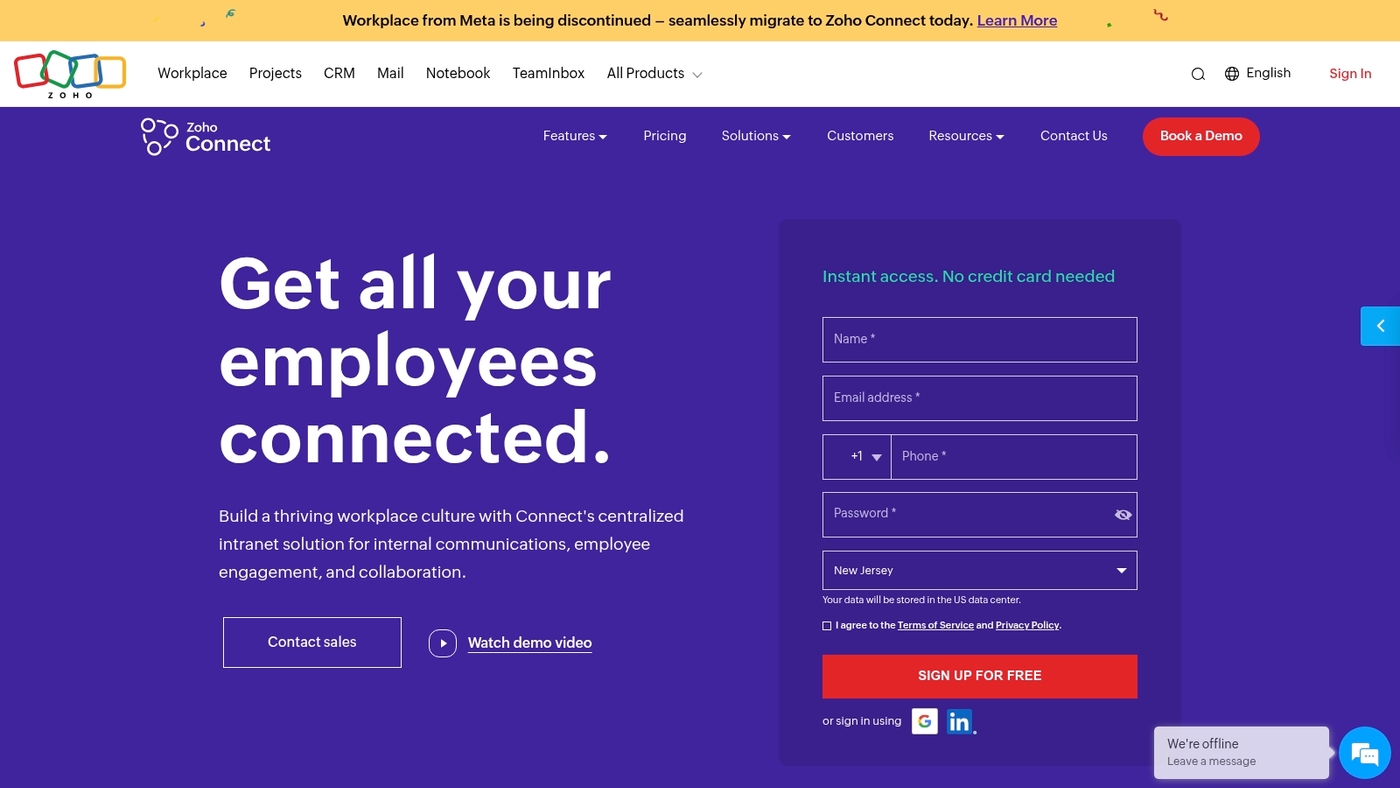
We recommend Zoho Sprints as agile management software for budget-conscious Scrum teams. It centers on sprint planning, backlog prioritization, time tracking, meeting management, and developer integrations.
The tool offers story point estimation, burndown charts, and sprint retrospectives to keep teams focused. Its sprint-focused features reduce meeting noise and speed delivery.
You can connect repositories and chat tools for continuous updates. Compare this option with other free Scrum tools if budget drives your choice.
Pros
- Affordable for small teams with low-cost entry and usable free tier
- Built-in time tracking and burndown charts provide good sprint visibility
- Developer integrations connect repos and CI tools
Cons
- Limited enterprise portfolio features; not ideal for large programs
- Less customizable than Jira or ClickUp with fewer advanced automations
For who?
We recommend Zoho Sprints for small to mid-sized Scrum teams. It suits teams that follow pure Scrum and want simple agile task management.
Pricing
Free plan available for small teams. Paid plans scale per user; see the Zoho Sprints pricing page for current rates and limits.
You’ll also like: Top 11 Best Milestone Tracking Software
Productive
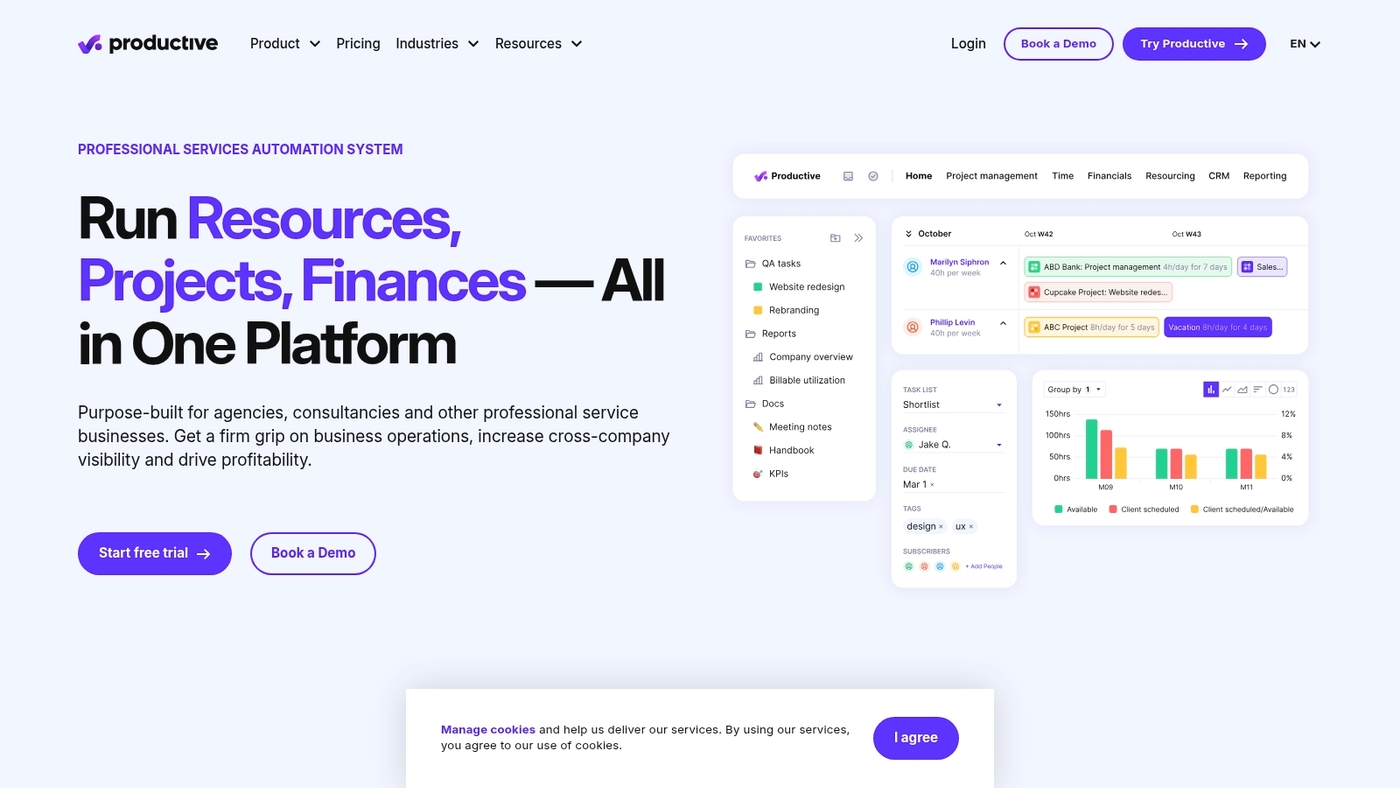
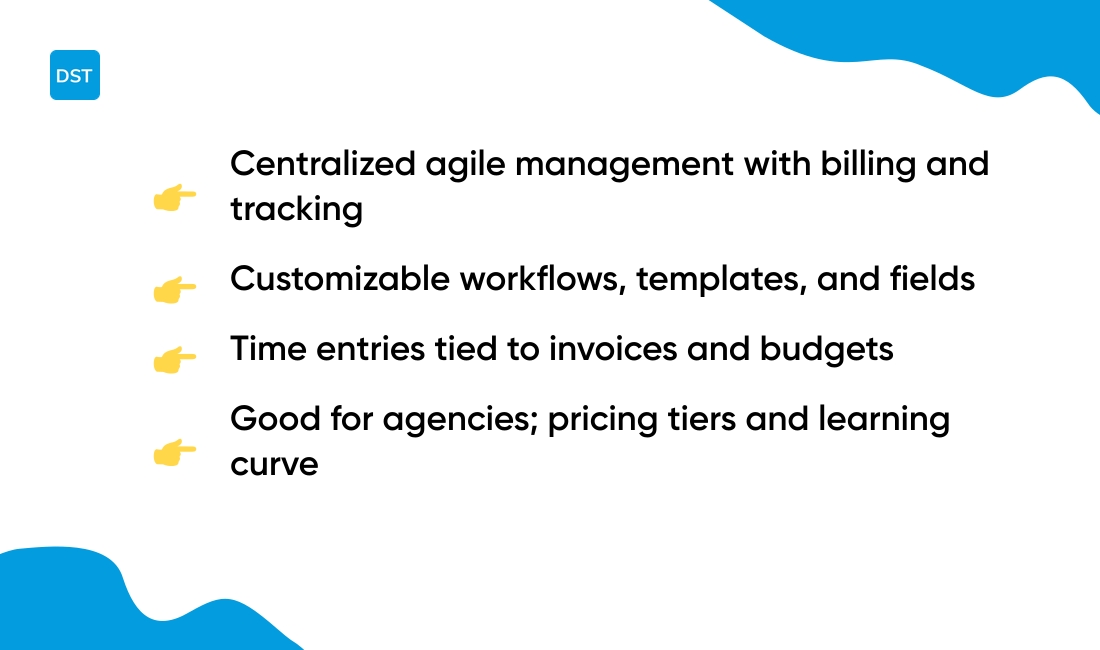
Choose Productive for agencies needing centralized agile management and client billing. It acts as agile management software with built-in time tracking and billing rules.
The platform supports sprint planning, backlog handling, and agile project tracking. You can customize workflows, fields, and templates to fit your process.
Productive links time entries to invoices and client budgets. Dashboards show velocity, budget burn, and task progress. It cuts admin time and speeds invoice delivery.
I’ve used it on client projects and saw faster payments. Test a two-week pilot and measure setup time and adoption. Compare it with other project management software for agencies.
Pros
- Time tracking tied to billing automates client invoices and reports
- Flexible workflow customization supports Scrum, Kanban, and hybrids
- Resource planning and utilization metrics help optimize team capacity
Cons
- Pricing tiers can be complex; advanced features target larger teams
- Learning curve for deep customization; setup needs careful configuration
For who?
We recommend Productive for agencies and IT teams that bill time or manage multiple clients. It fits teams that need combined billing, planning, and resource tracking.
Pricing
Productive offers tiered plans and a free trial. Contact sales for enterprise pricing and custom quotes.
Read also: Top 12 Best Task Management Tools
What is the difference between scrum software and kanban software
Choose tools that match your process: use Scrum for sprint cycles and Kanban for continuous delivery. Agile management software must fit how your team plans work and tracks progress.
Scrum software centers on fixed sprints and clear sprint goals. It supports sprint planning software, sprint backlogs, burndown charts, and velocity tracking. Teams get predictability and focused delivery windows with time-boxed iterations.
Kanban software focuses on steady flow and small batch handoffs. It highlights visual queues and enforces work-in-progress limits to cut cycle time. Teams measure lead time and throughput with agile project tracking views.
Hybrid tools let teams run both modes on one platform. You can toggle boards, set WIP per lane, and run sprints alongside continuous boards.
Explore online scrum board tools for examples that mix workflows and reporting. We often pilot hybrid boards to see what sticks.
A two-week pilot reveals which view speeds delivery and improves focus. Try it, measure cycle time and throughput, and pick the workflow that frees your team to deliver more consistently.
You might also like: 12 Best Roadmap Tools to Align Your Product Strategy
How to choose the right agile management software for your team
Agile management software should match your team size, preferred workflow, and toolchain. Here’s what matters most:
| Factor | What to Check |
|---|---|
| Team size and scale | Pick tools that support 5 to 500+ users |
| Methodology fit | Choose Scrum, Kanban, or hybrid features you use |
| Technical integrations | Ensure GitHub, Slack, CI/CD hooks connect easily |
| Learning curve | Measure setup time and training hours |
| Budget and licensing | Compare per-user costs and enterprise discounts |
| Scalability and security | Verify role-based access and audit logs |
We pilot tools for two weeks to test adoption and speed of setup. Tight integrations and low onboarding time beat feature lists most times.
Prioritize tools with strong sprint planning software and kanban board software if you need visual workflows and sprint control. We saw a 30% drop in meeting time after moving status updates to an async board with a 12-person team.
Have you measured how much time your team spends in status meetings? Expect 20–40% faster sprint planning when story points sync with backlog tools.
Verify export options and API access for long-term metrics and custom reports. Make sure the tool links to GitHub or GitLab and your CI/CD pipelines.
Shortlist three vendors, run the pilot, track setup time, adoption rate, and time-to-first-delivery to compare ROI. See our agile project management tools guide and start a two-week trial with your top pick.
You’ll also like: Top 12 Best Project Portfolio Management Software



